Fast AI Video Generator For Creators
Ship ten variants before lunch. Drop text or reference frames into our AI Video Generator. Reroll the rough cuts until something actually converts.
Who Needs This AI Video Generator
Stop waiting on slow renders. This AI video maker helps scrappy creators and growth hackers batch variants fast. Kill the weak ones instantly.
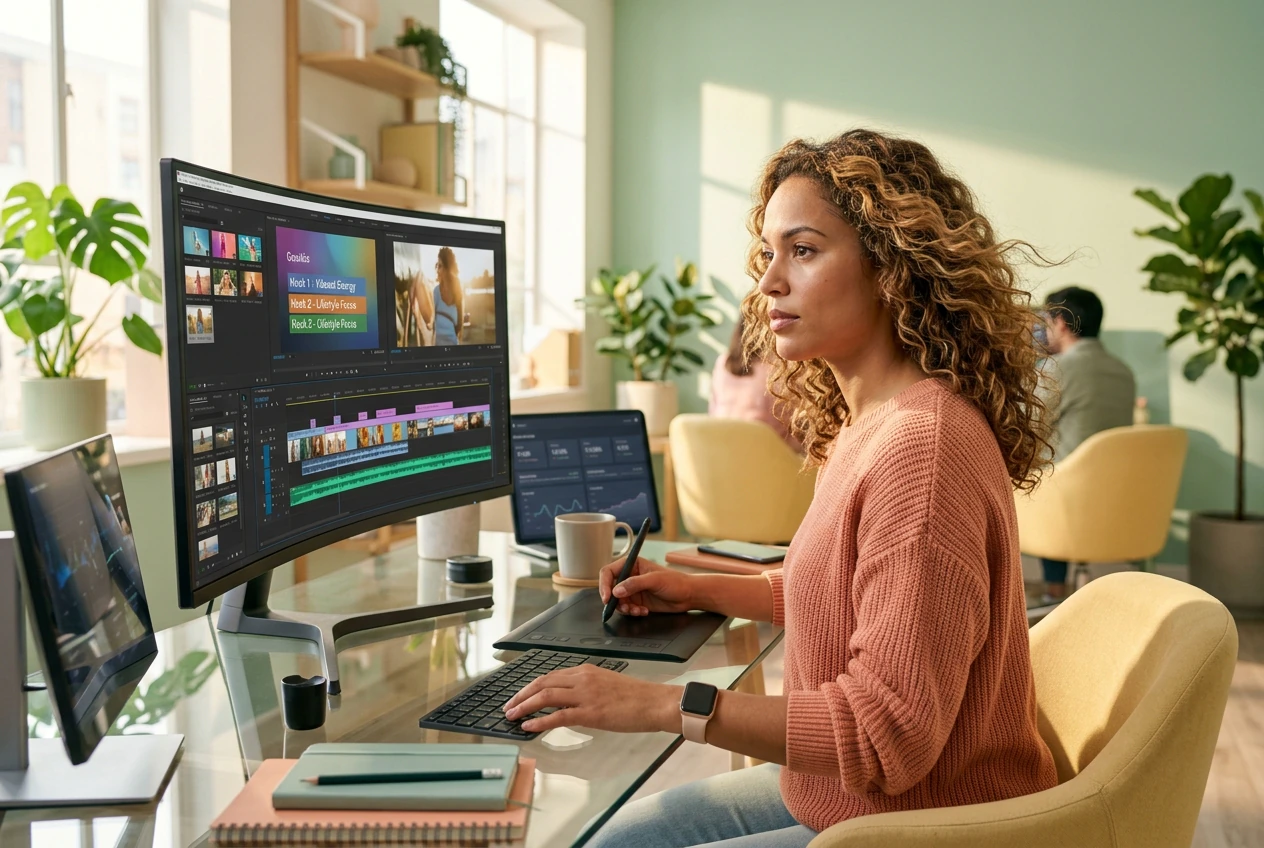
Growth Hackers
You need twenty ad variants tested by Friday. Use this free AI video generator to batch hooks from text prompts. Keep the clips that stop the scroll and trash the rest before your budget bleeds out.

Motion Freelancers
Clients want viral styles with zero reference material. Generate a rough cut fast using our text to video ai tools. Send three options before you even open After Effects and let them pick the winner.

Trend Chasers
Trends die in three days, so learning complex styles takes too long. This AI animation generator gets you a working version in twenty minutes flat. Post the clip and move to the next hook immediately.
How Our AI Video Generator Works
Skip the timeline setup completely. Pick your model, drop your text or frames, and generate AI video creation assets fast. Reroll if needed.
Step 1
Drop Your Input
Type a prompt or upload start and end frames so the image to video ai reads your visual style instantly. Keep prompts simple if you want predictable motion on the first try.
Step 2
Pick The Specs
Choose your model tier and set the output resolution before generating your clip. Veo handles cinematic 4K output while Kling nails complex human movement, so pick what fits your timeline.
Step 3
Ship Or Reroll
Review the generated batch and cut what looks weird immediately. Export the best variant directly or tweak the prompt to try another take fast, because perfectionism is the enemy of shipping.
AI Video Generator Speed Levers
We built this AI video app for volume. Generate multiple options, control the motion, and get usable B-roll without touching a keyframe.
Cinematic 4K Output Fast
Generate high quality clips using the Veo model at twenty four frames per second. It delivers realistic lighting and textures from basic text prompts. You get usable B-roll in minutes instead of rendering all afternoon.
Lock Complex Human Motion
The Kling model handles walking, dancing, and hand details better than older AI video generation models. It will not be flawless every time. It gets close enough to ship your rough cut and iterate later.
Batch Multiple Variants
Run several versions of the same prompt simultaneously to see what sticks. This photo to video ai workflow gives you options fast. Pick the variant with the best motion path and trash the weird ones.
AI Video Generator Honest Answers
Can I use this AI video generator for free online right now?
Sure, you can test the AI video generator free online with basic limits. Free tiers process slower during peak hours and restrict resolution. It works perfectly for testing quick social hooks before committing to a paid batch run.
Does the image to video AI online free tool support custom aspect ratios?
Absolutely, you can set vertical or widescreen formats before hitting generate. Extreme ratios sometimes crop your reference frames weirdly if they do not match. Most creators stick to standard vertical formats for fast daily social posts.
What makes this the best AI video generator for youtube content creators?
It prioritizes iteration speed over endless tweaking. You might get artifacts on complex prompts, so keep your text simple. It helps you build B-roll sequences fast when you need to publish daily without burning out.
Can I upload an existing video clip to edit or change the style?
No, this tool strictly uses text prompts or static reference frames as inputs. Video to video generation is not supported here. Upload your start and end frames instead to guide the motion path for your new clip.
How long does it take to create AI videos from a text prompt?
Most standard clips render in under two minutes depending on server load. Cinematic 4K outputs take slightly longer to process fully. You get a working rough cut fast enough to decide if you should reroll it.
Run The AI Video Generator Now
Stop overthinking the timeline. Batch your variants, cut what fails, and ship the winners. See what this AI video generator can actually do.