Free Air Bending Video Effect Generator
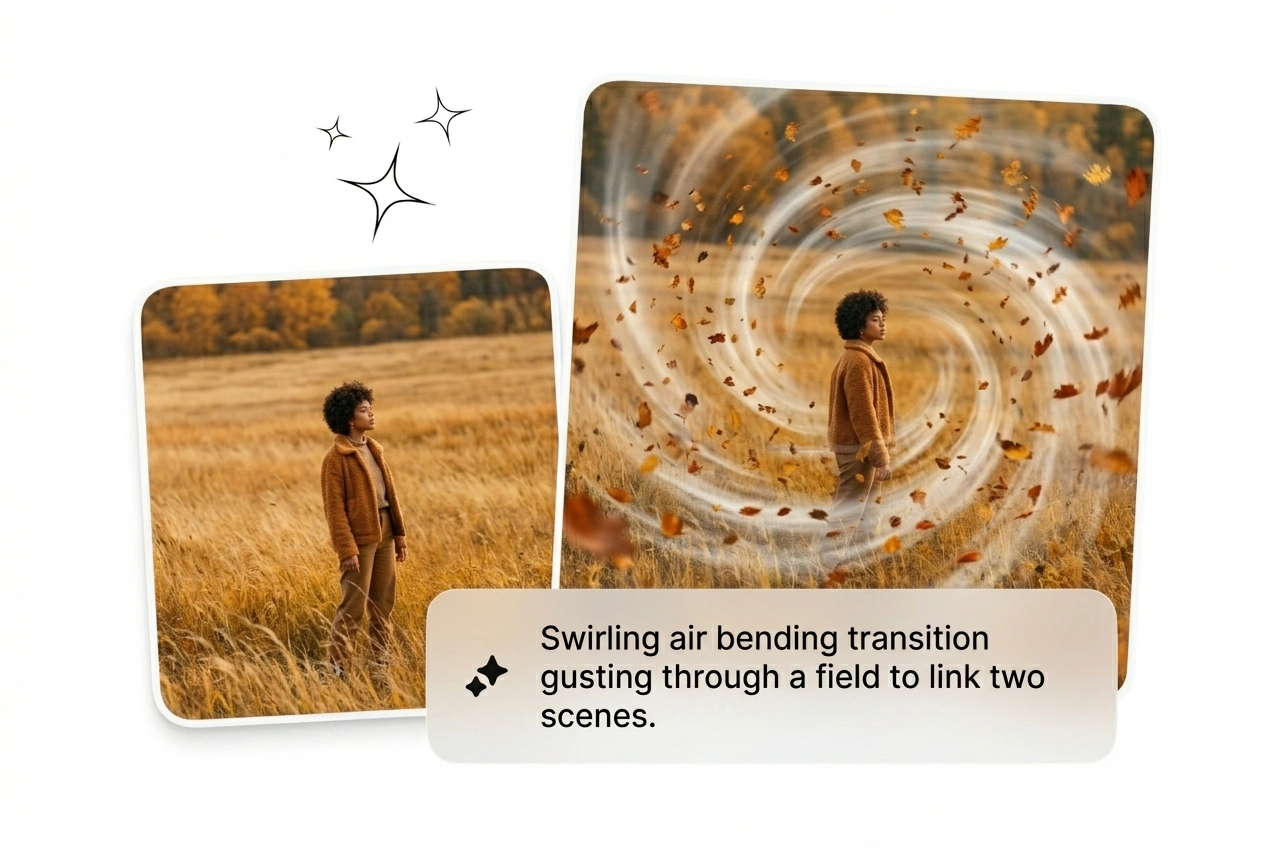
Air Bending Effect locks in a clean directional rush, giving your cut lift, control, and a finish that feels ready from frame one. Feed in a prompt or source image, generate variants in batch, and fine tune flow, intensity, and visual pull before render and export.

Generate The Air Bending Effect Fast
Turn static frames into a hurricane displacement sequence. Type a prompt, pick your motion parameters, and ship the Air Bending Effect before lunch.
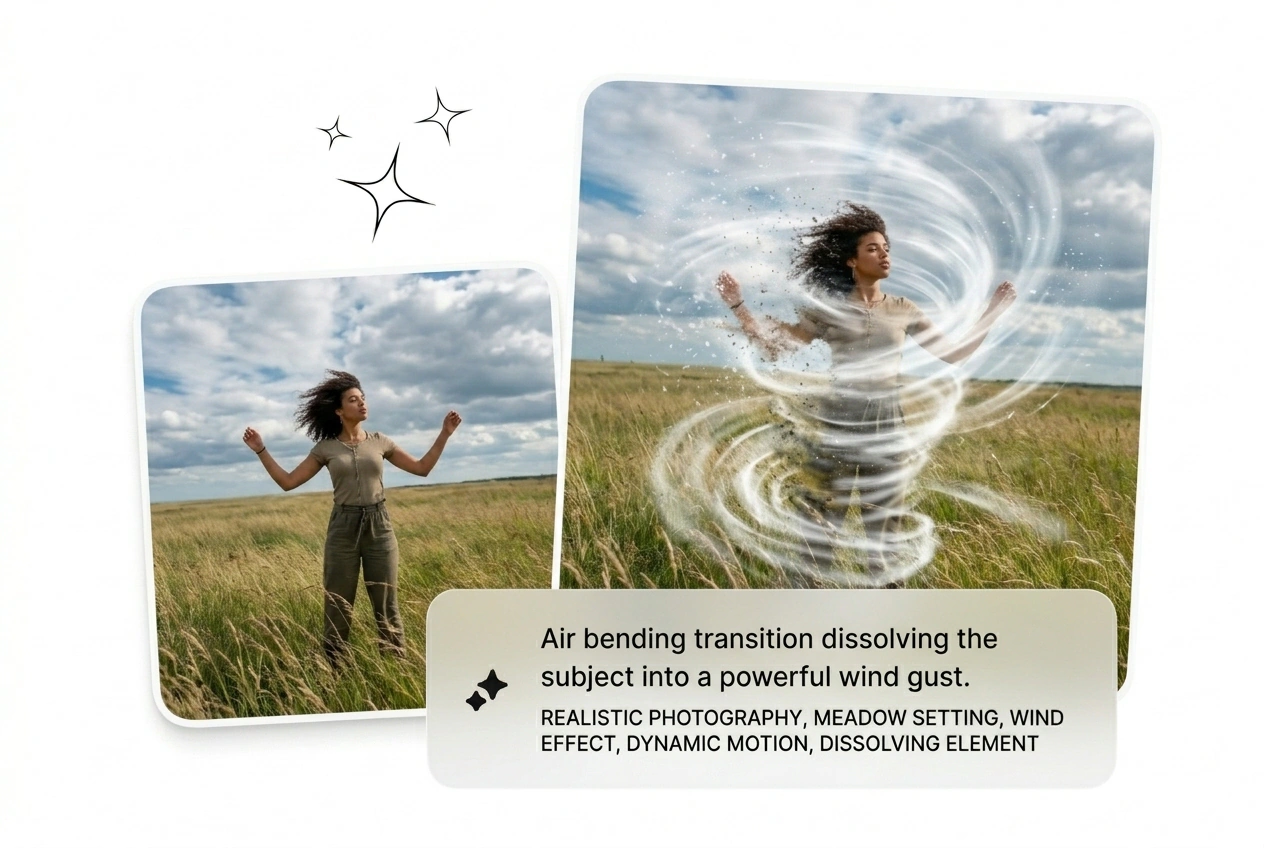
Trend cycles die fast. Stop keyframing particles and let a Wind Bending AI generator handle the heavy lifting for your next viral batch.

Ad fatigue kills campaigns quickly. Batch the Air Bending Transition across twenty different hooks to see what actually converts. Keep the winners, reroll the losers, and scale your best AI Air Bending Effect variants immediately.

Clients demand that viral Air Bend Trend with zero reference and a flat rate. Upload their start frame, generate the Air Bending video, and send three rough cuts. Done before you even open After Effects.

Hook formats change weekly. Grab a Free AI Air Bending Effect to match the current timeline meta without learning complex particle nodes. The output looks like a ten hour render but takes exactly two minutes.
Build Your Air Bending Effect
Skip the tutorial. Drop a frame, type your prompt, and let the AI video Transition generator build the Air Bending Effect sequence for you.
Step 1
Upload Start Frame
Drop your initial image into the timeline. High contrast subjects work best when you want clean separation for the Air Bending motion to pull them into the swirling wind stream.
Step 2
Prompt The Motion
Tell the engine exactly how the subject dissolves. Pick your duration, set the clarity, and decide if you want to Speed up Air Bending Transition dynamics or keep it slow.
Step 3
Generate And Ship
Hit the button and get your Air Bending Effect rough cut fast. Reroll the variant if the light beams look off, or export the winning sequence and move on immediately.
Air Bending Effect Iteration Levers
Tweak the Air Bending Effect without touching a single keyframe. Use these controls to batch variants, adjust the wind flow, and ship faster.
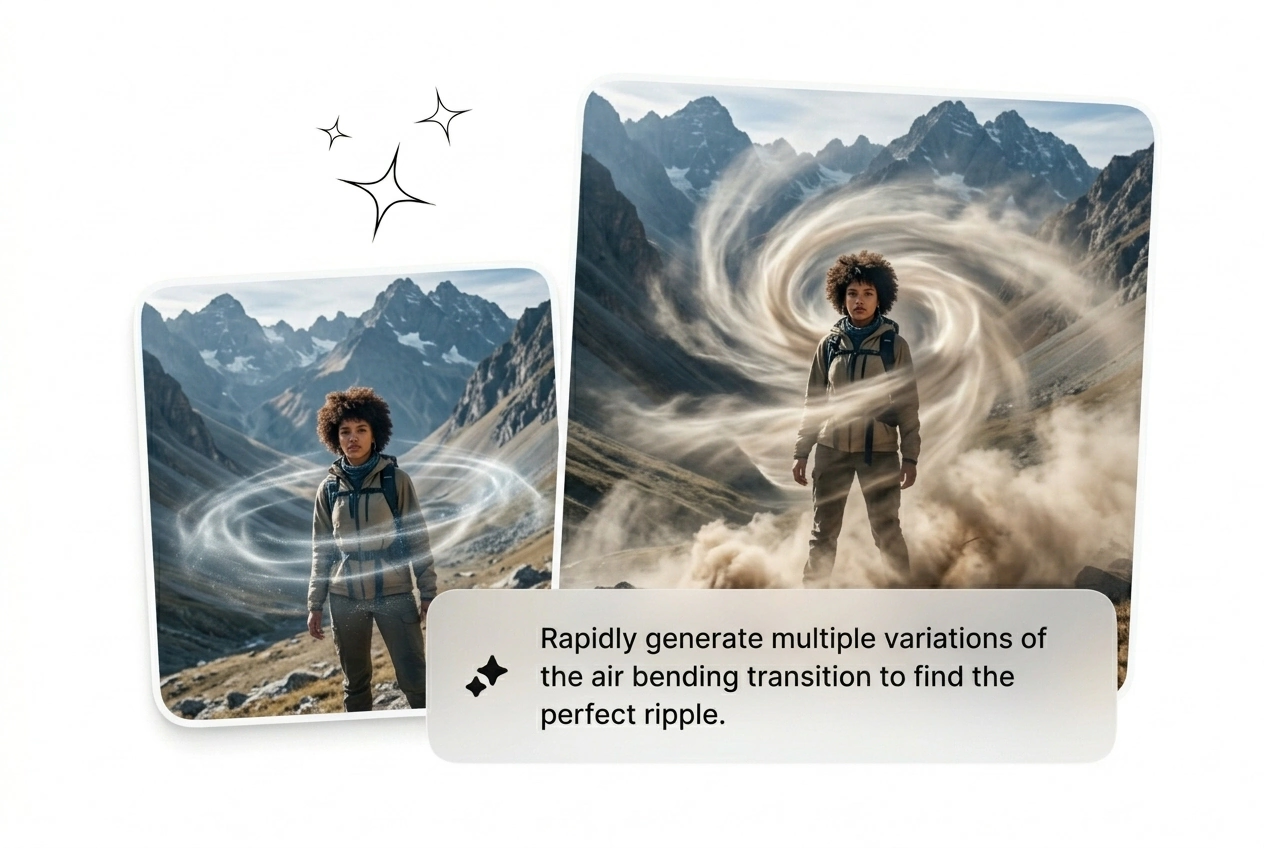
Control Wind Direction
Dictate exactly where the hurricane pulls your subject. Type a prompt to guide the Air Bending Effect across the frame. It might take two tries to nail the angle, but it easily beats manual masking.
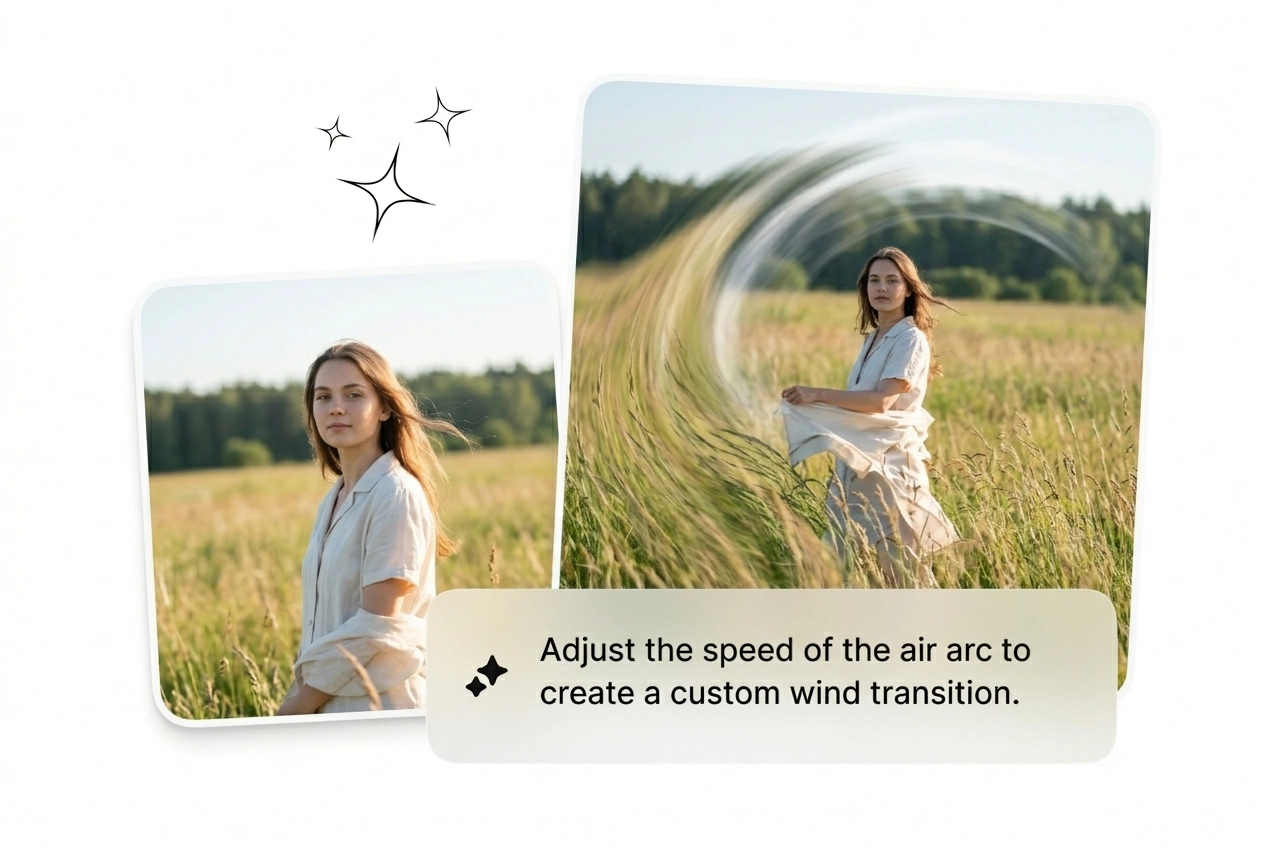
Adjust Motion Speed
Dial in the exact timing for your sequence. Choose to Slow Air Bending Transition curves for dramatic reveals, or snap them fast for aggressive hooks. Generate a few options and simply cut what feels wrong.
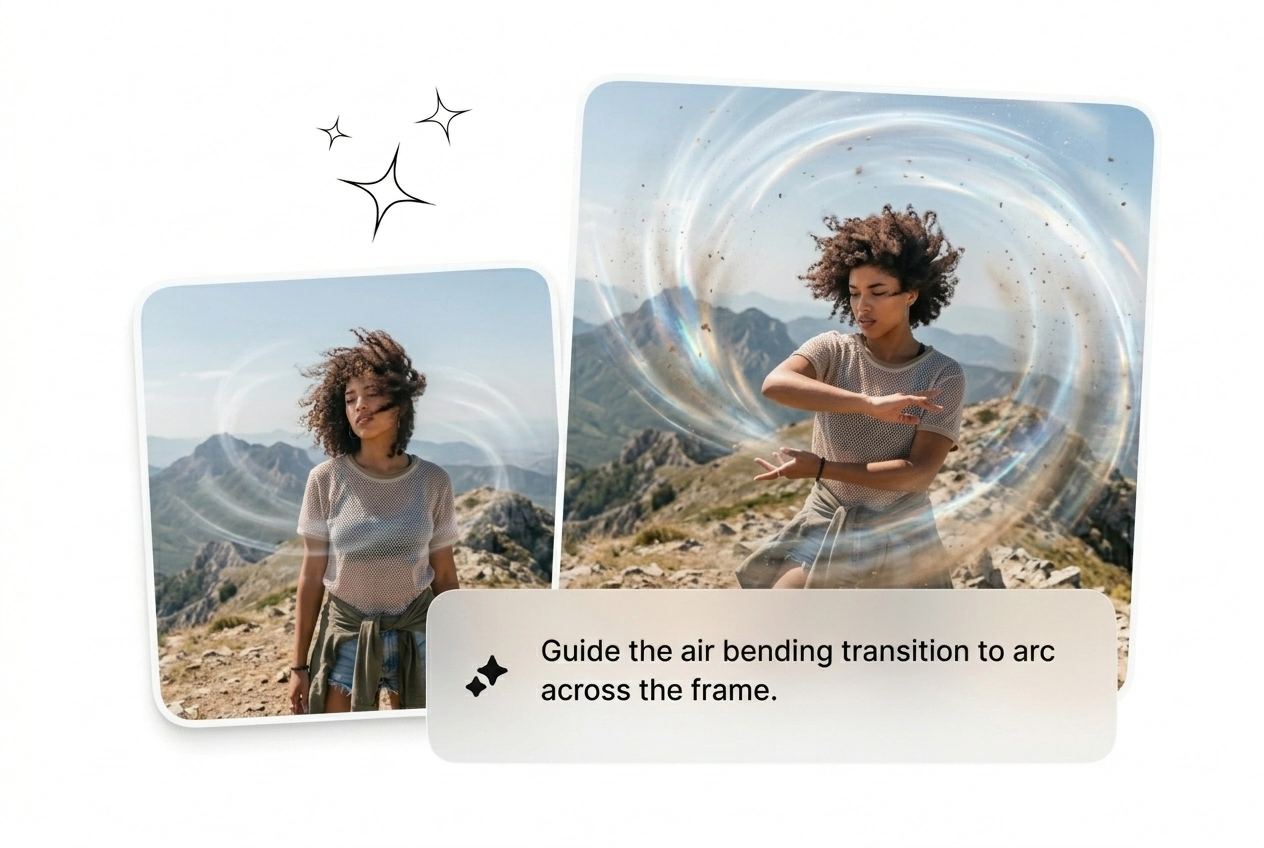
Batch Multiple Variants
Never settle for the first render. Run four versions of the Air Bending Trend simultaneously with different clarity settings. Pick the one that hits the hardest, drop it in your timeline, and kill the rest.
Air Bending Effect Questions
Can I generate the Air Bending Effect from a video clip instead of images?
No, the engine requires a static start frame and a text prompt. Video inputs are not supported for this specific displacement. This constraint actually keeps generation times low, letting you iterate on the visual style much faster.
How long does it take to render a high quality Wind Bending sequence?
Expect your first rough cut in under two minutes. Complex prompts or higher clarity settings might add a few seconds. Most creators batch three variants while writing their next brief, picking the best one to ship.
Is there a way to get a Free AirBending Effect for my social accounts?
Sure, you can test the basic motion models on our free tier. Just know that higher resolutions and faster batch processing require a paid plan. It works perfectly when you need to prototype a hook before committing.
Why does my Air bender subject look messy when reforming at the end?
Low contrast start frames confuse the displacement engine. Ensure your subject stands out clearly from the background before uploading. If the result still looks muddy, just reroll the variant or tweak your text prompt for better separation.
Can I use this AI Transition free for commercial client projects and ads?
Absolutely, all exports are cleared for commercial use. Just remember that the free tier includes a watermark on the final render. Upgrade to strip the branding and ship clean files directly to your demanding freelance clients.
Stop tweaking nodes. Drop your frame, prompt the wind, and see what ships. Reroll the weak variants and scale the winners today.