Free Firework Video Effect Generator
Firework Effect is built for fast decisions, sharp hooks, and visuals that land where you aimed them. Feed in a prompt or source image and get rapid variant output with enough control to tune intensity, compare options, and export on the same pass.

Generate Your Firework Effect Fast
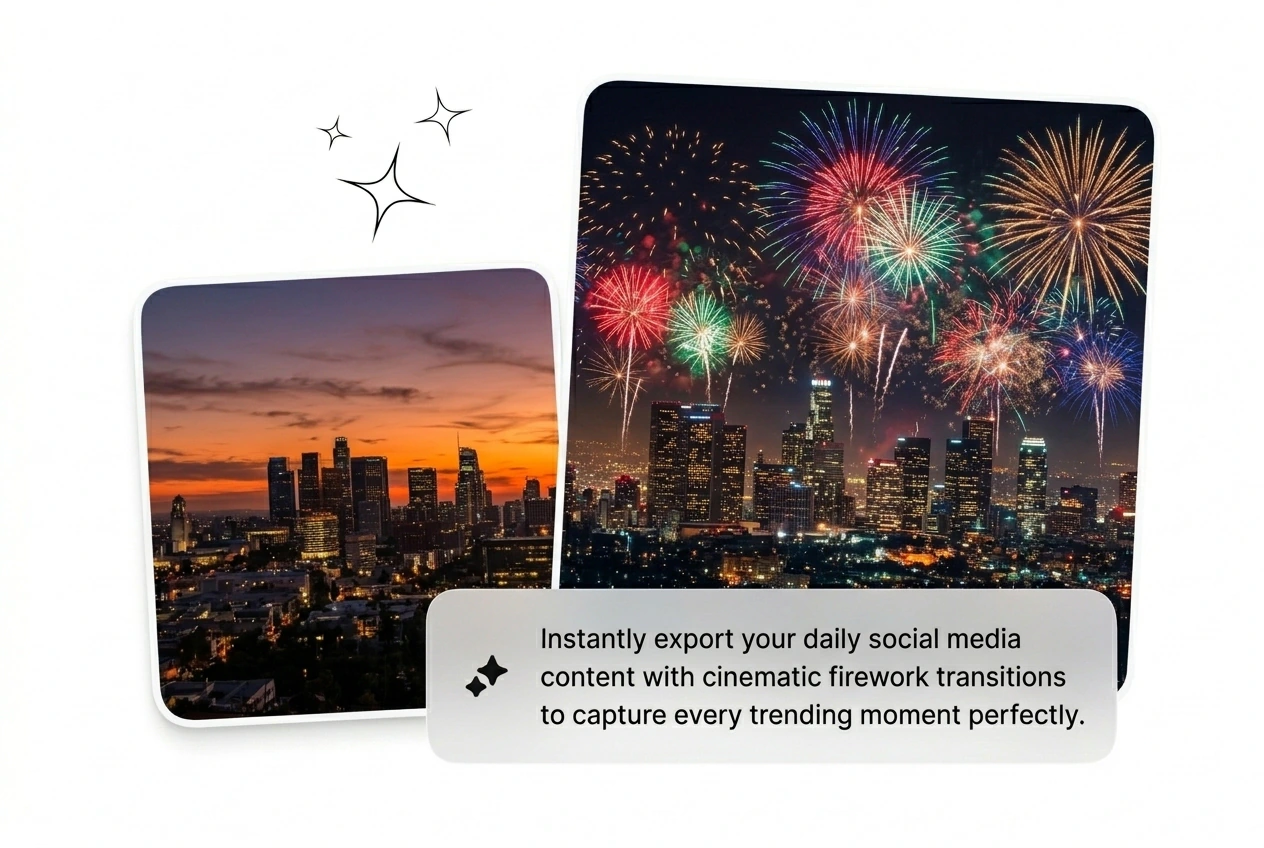
Batch a festive firework wipe in minutes. Drop your frames, type a prompt, and reroll the variant until it ships.
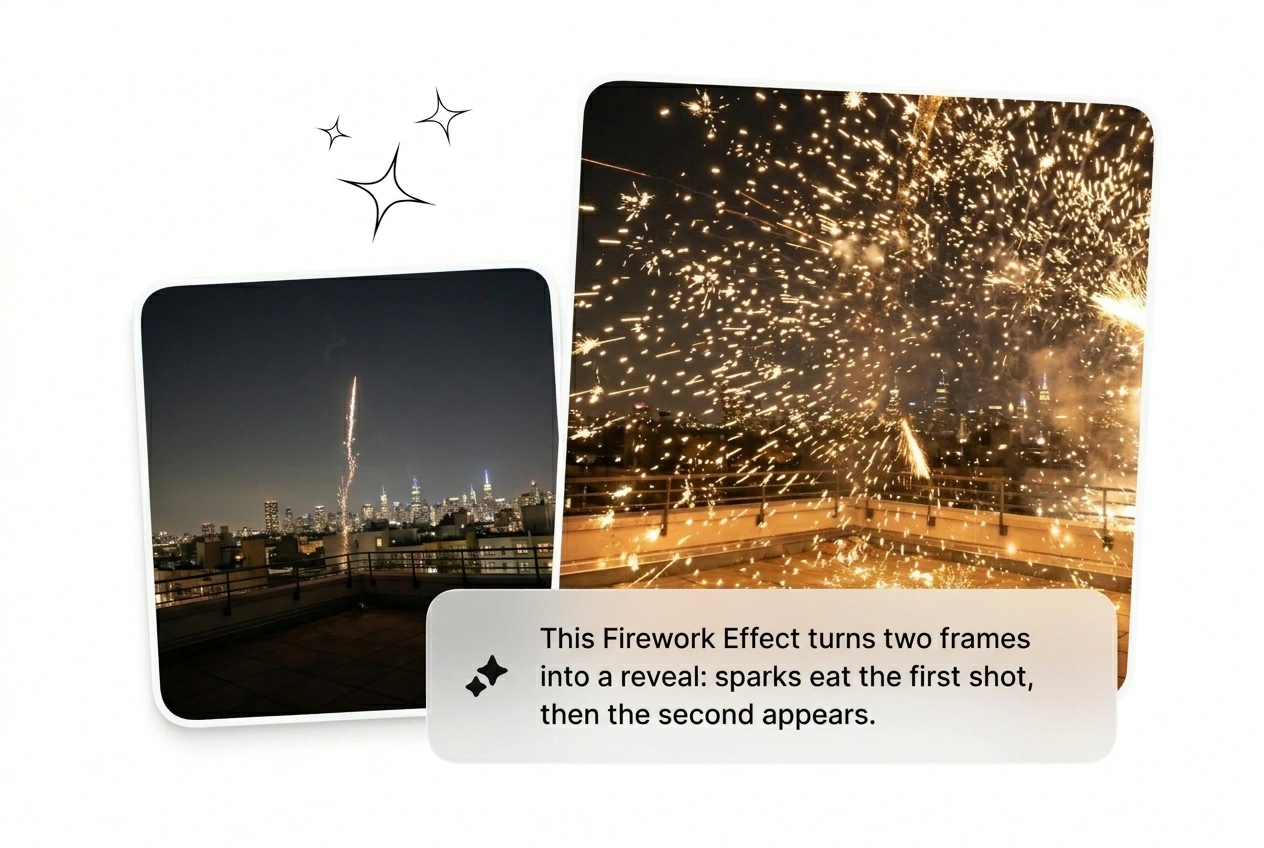
Who Needs This Firework Effect
Motion freelancers and growth hackers need Firework Effect volume. Stop keyframing every spark and let an AI video Transition generator do the heavy lifting.

Paid Social Hackers
You need twenty ad variants tested by Friday. Generate a burst particle transition to hook viewers fast. Keep the top performers, cut the losers, and scale the winning creative before ad fatigue ruins your weekend.

Solo Motion Freelancers
Clients demand a New Year fireworks video AI edit with zero reference material. Rough cut the sequence fast and send three options. Get approval before you even open After Effects to tweak the final timeline.

Daily Content Creators
Trend windows close in exactly three days. Grab a free firework video effect style and apply it to your daily vlog. Post the clip, beat the algorithm, and move on to the next viral hook.
Build A Firework Effect Fast
Skip the complex tutorials. Upload your frames, pick a style, and ship the Fireworks transition before your coffee gets cold.
Step 1
Drop Your Frames
Upload your starting and ending images to set the base scene. The AI transition reads the visual weight of both frames to match the lighting and color grade perfectly every time.
Step 2
Prompt The Burst
Type your exact prompt to define the sparkle bloom transition style. Choose your model parameters and let the engine render the raw particle physics while you prep the next clip.
Step 3
Reroll And Ship
Review the generated batch and pick the best night sky spark transition. Export the winning Firework Effect immediately or reroll the prompt to get a completely different visual vibe for your timeline.
Firework Effect Iteration Levers
Control the Firework Effect chaos without getting bogged down in menus. Tweak the parameters, batch the variants, and find the perfect cut.
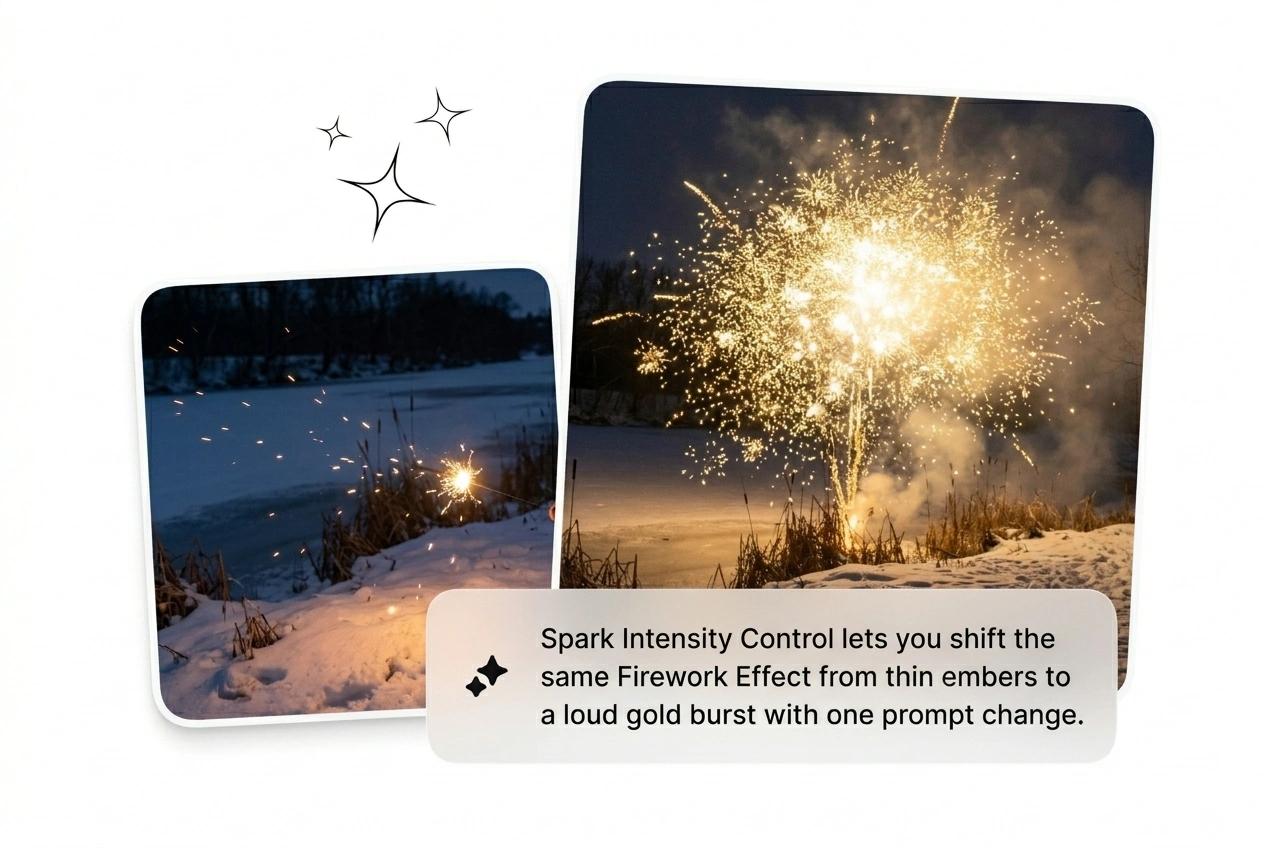
Control Spark Direction
Force the embers to explode exactly where you want them on screen. Use this when your subject sits off center and needs a clean reveal. Get a usable Firework reveal transition without masking frames by hand.
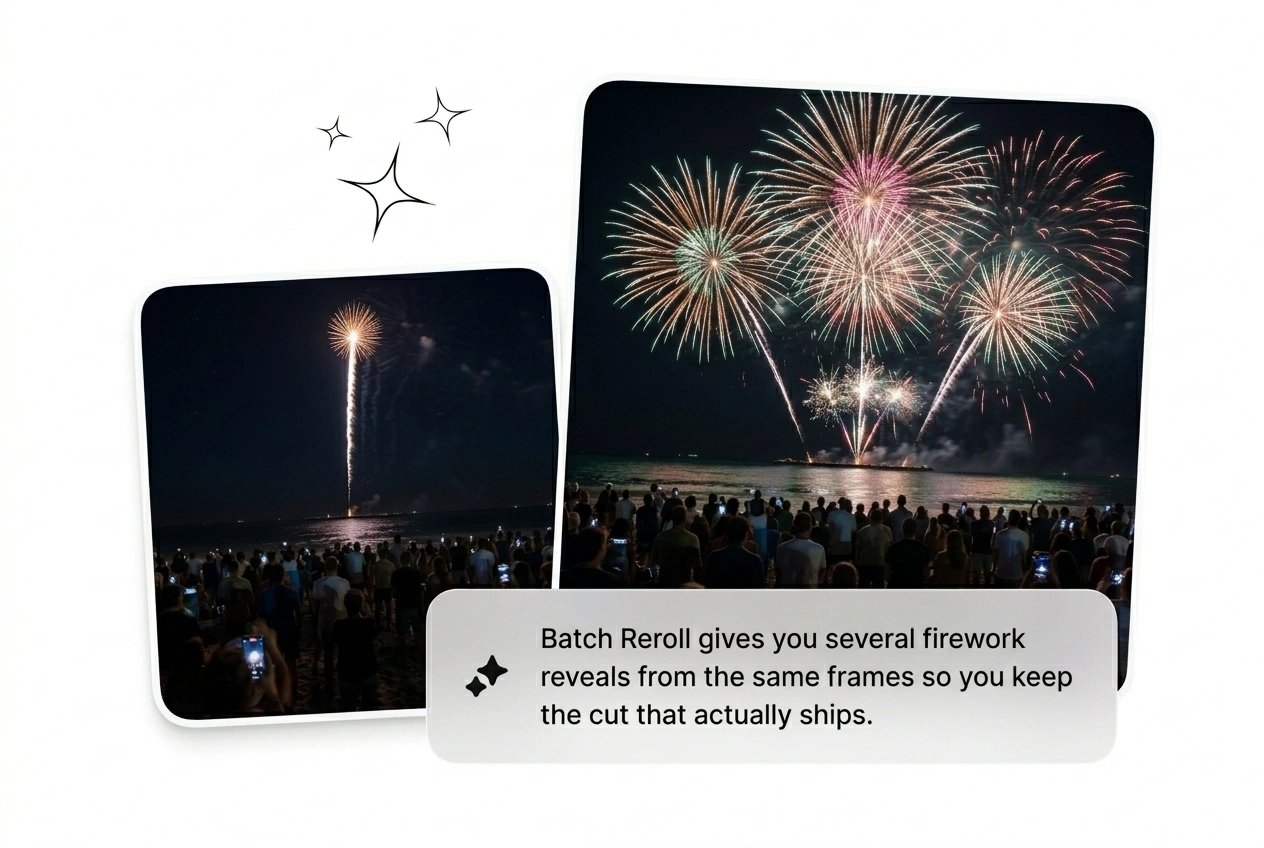
Batch Multiple Variants
Generate eight different explosion styles from a single text prompt. Perfect for finding an AI Transition free of weird visual artifacts. Pick the cleanest render, drop it in your timeline, and delete the rest immediately.
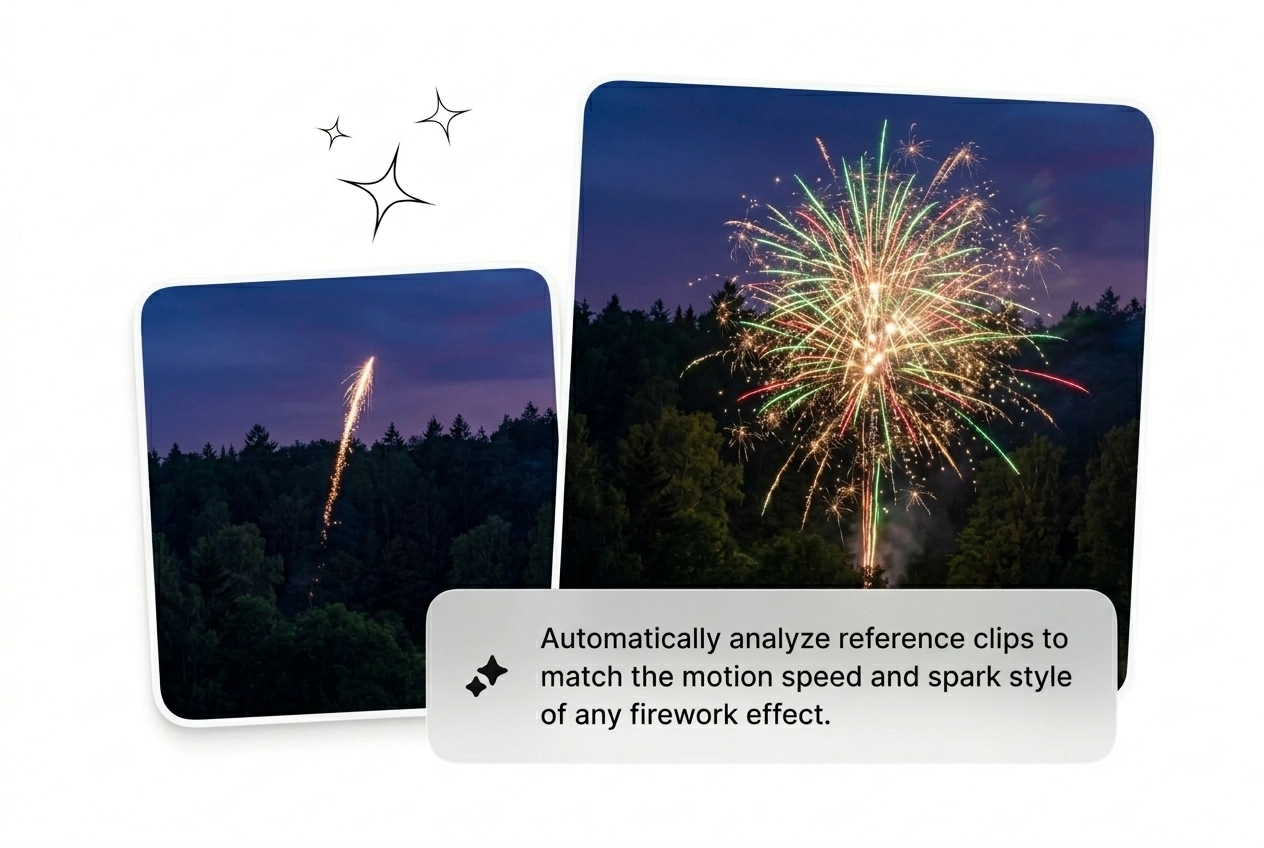
Adjust Light Fog
Dial up the residual smoke to hide rough cuts between scenes. This saves time when the source images have completely different color palettes. The resulting celebration firework effect blends the two distinct shots together naturally.
Firework Effect Honest Answers
Can I use my own images to start the Firework Effect video generation process?
Absolutely, you just upload your starting and ending frames to anchor the scene. The engine struggles with low contrast inputs, so keep your lighting sharp. This guarantees the burst particle transition matches your specific visual style.
How long does it take to render a New Year fireworks video AI clip?
Most standard batches finish rendering in under two minutes. Complex prompts might take slightly longer, but it still beats manual keyframing. Fast output means you can reroll the variant multiple times before your deadline hits.
Is there a way to get an AI Transition free of weird visual glitches?
Sure, the trick is to generate a large batch and kill the weak ones. AI video generation is inherently messy, so expect a few weird frames. Just pick the cleanest night sky spark transition and ship it.
Does the festive firework wipe work well for fast paced social media ad content?
Yes, it is built specifically for high speed iteration on social platforms. Just remember that heavy text overlays might get distorted by the sparks. It gives growth hackers a massive volume of hooks to test daily.
Can I download a free firework video effect to test the tool out first?
Of course, you can run a few test generations to see how the engine handles your prompts. Free tiers have watermarks, so keep that in mind. It lets freelancers verify the sparkle bloom transition quality before committing.
Ship Your Firework Effect Today
Stop tweaking timelines and start shipping Firework Effect variants. Generate your first batch right now, cut the weak ones, and see what converts.