Free Flame Transition Video Effect Generator
Flame Transition puts a controlled blast of fire into the edit, bold enough for the hook and tight enough for polished delivery. Build from a prompt or still, get rapid variant output, then batch the selects for render, export, or another creative pass before final lock.

Generate A Flame Transition Fast
Stop keyframing particles. Upload your frames, type a prompt, and ship a cinematic Flame Transition in minutes. Reroll the variant until it lands perfectly.
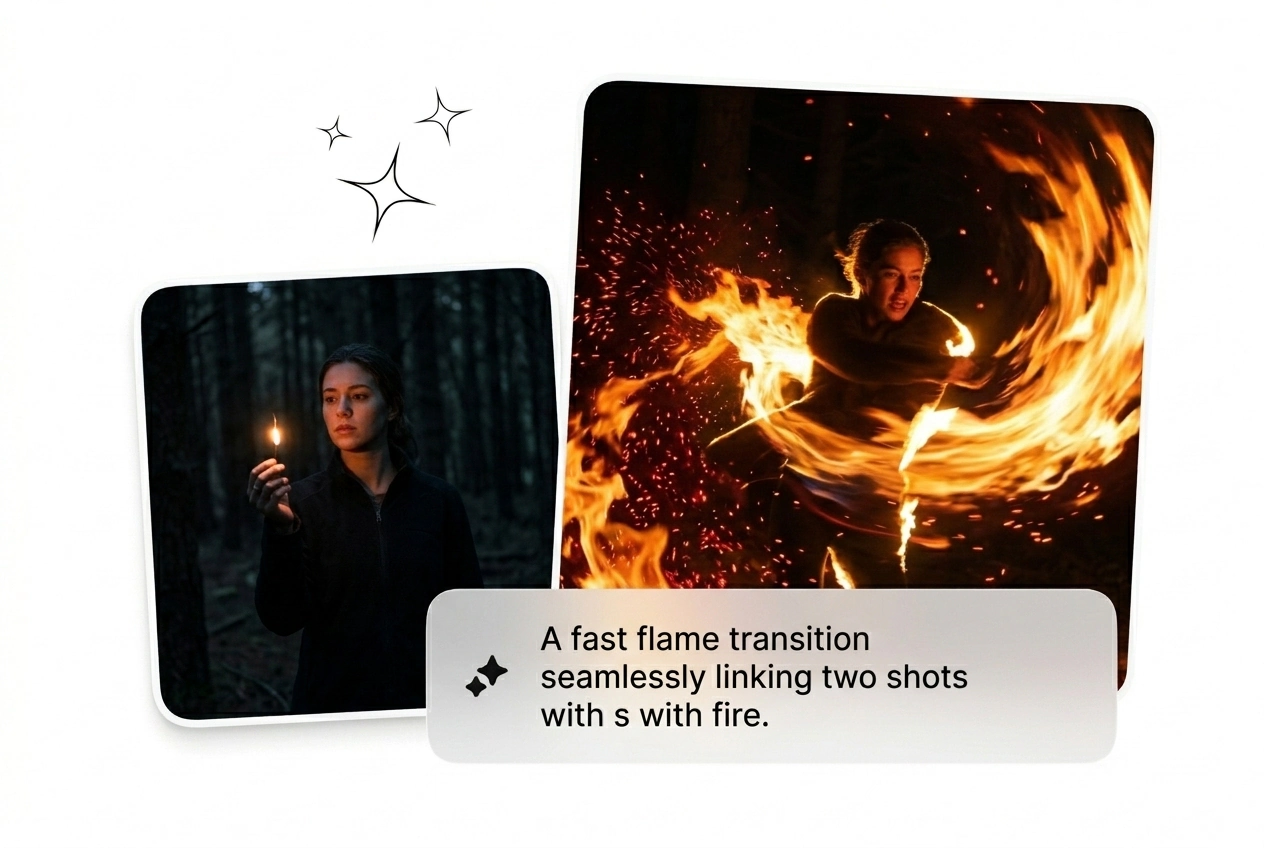
Who Needs This Flame Transition Effect
Editors and growth hackers need visual hooks yesterday. Batch your variants, kill the weak ones, and scale the winning Flame Transition Video immediately.

Paid Social Hackers
Ad fatigue kills campaigns fast. Generate twenty Flame Transition Motion variants before lunch and test them all. Keep the fire transition effect that converts, cut the rest, and scale your winning creative without opening After Effects.
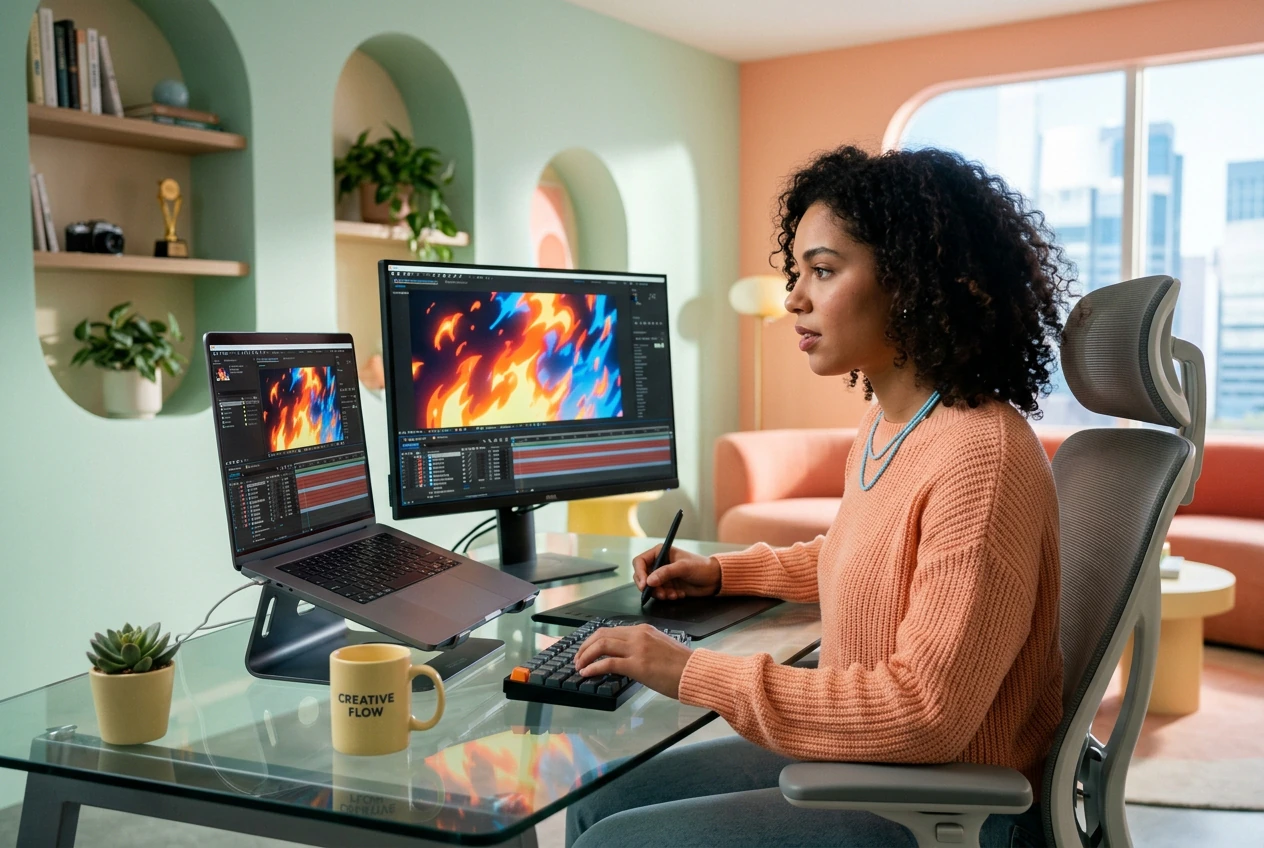
Solo Motion Freelancers
Clients demand cinematic fire effects with zero reference and tight deadlines. Rough cut a Flame Transition video effect free from tedious keyframing. Send three options, let them pick, and ship the final timeline before they change their minds.

Daily Content Creators
Trends move faster than you can learn new software. Drop your frames and get a working anime fire transition in minutes. Post the hook, grab the attention, and move onto the next viral format without missing a beat.
Build Your Flame Transition Fast
Skip the complex tutorials. Upload your start and end frames, dial in the prompt, and let the AI video Transition generator do the heavy lifting.
Step 1
Drop Your Frames
Upload your starting image and ending frame to set the visual anchor points. High contrast inputs give the transition fire effect better edges to track and ignite during the generation process.
Step 2
Prompt The Burn
Type exactly what you want the fire animation to look like. Specify the color, intensity, and direction of the flames to guide the engine before you hit the generate button.
Step 3
Generate And Ship
Render the sequence and review the rough cut immediately. Pick the best generated variant, export the file, and drop it straight into your timeline to finish the project on schedule.
Control Your Flame Transition Output
Tweak the parameters to match your exact visual style. Reroll the variants until the fire effect video hits the right energy for your timeline.
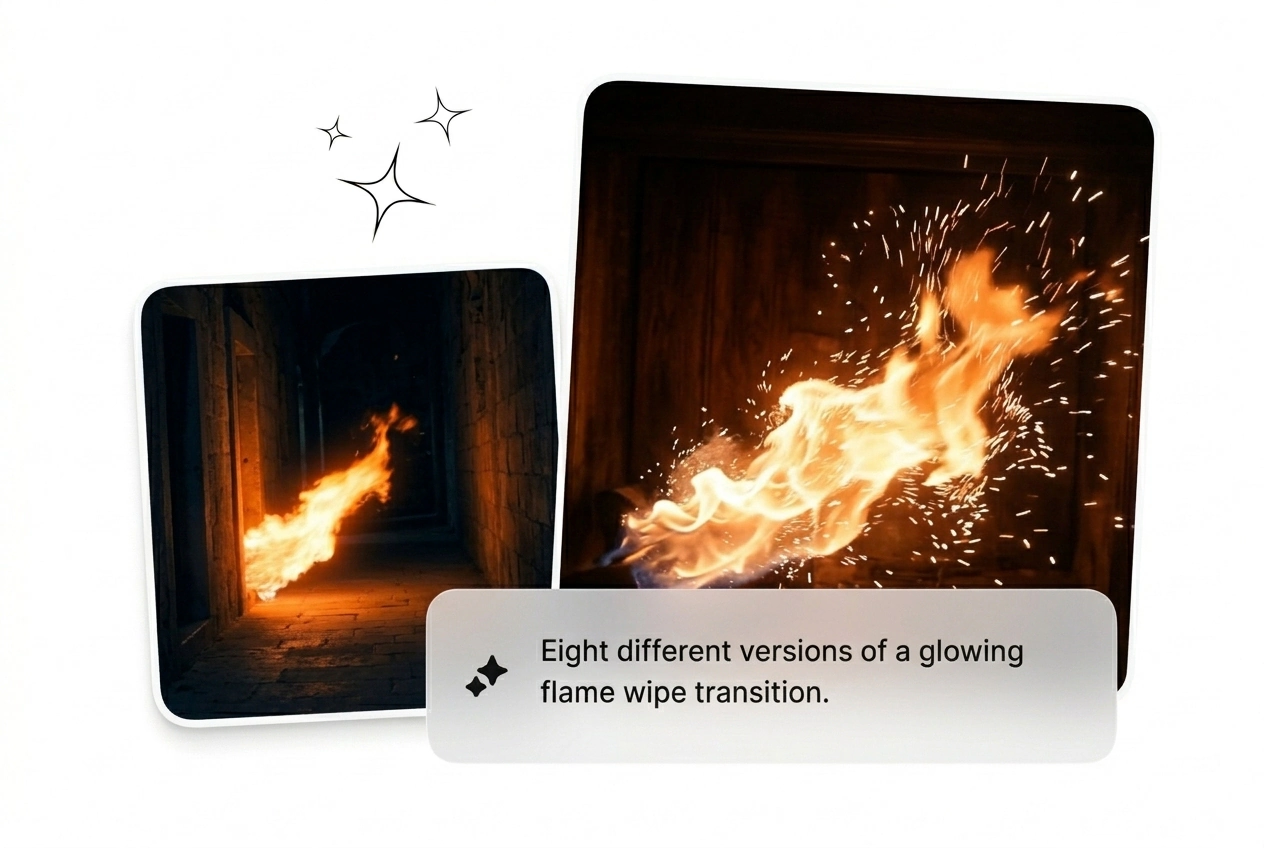
Batch Multiple Variants Fast
Generate eight different versions of a flame wipe transition in one click. Test different burn speeds and spark directions without waiting hours for renders. Pick the one that works, drop it in your cut, and move on.
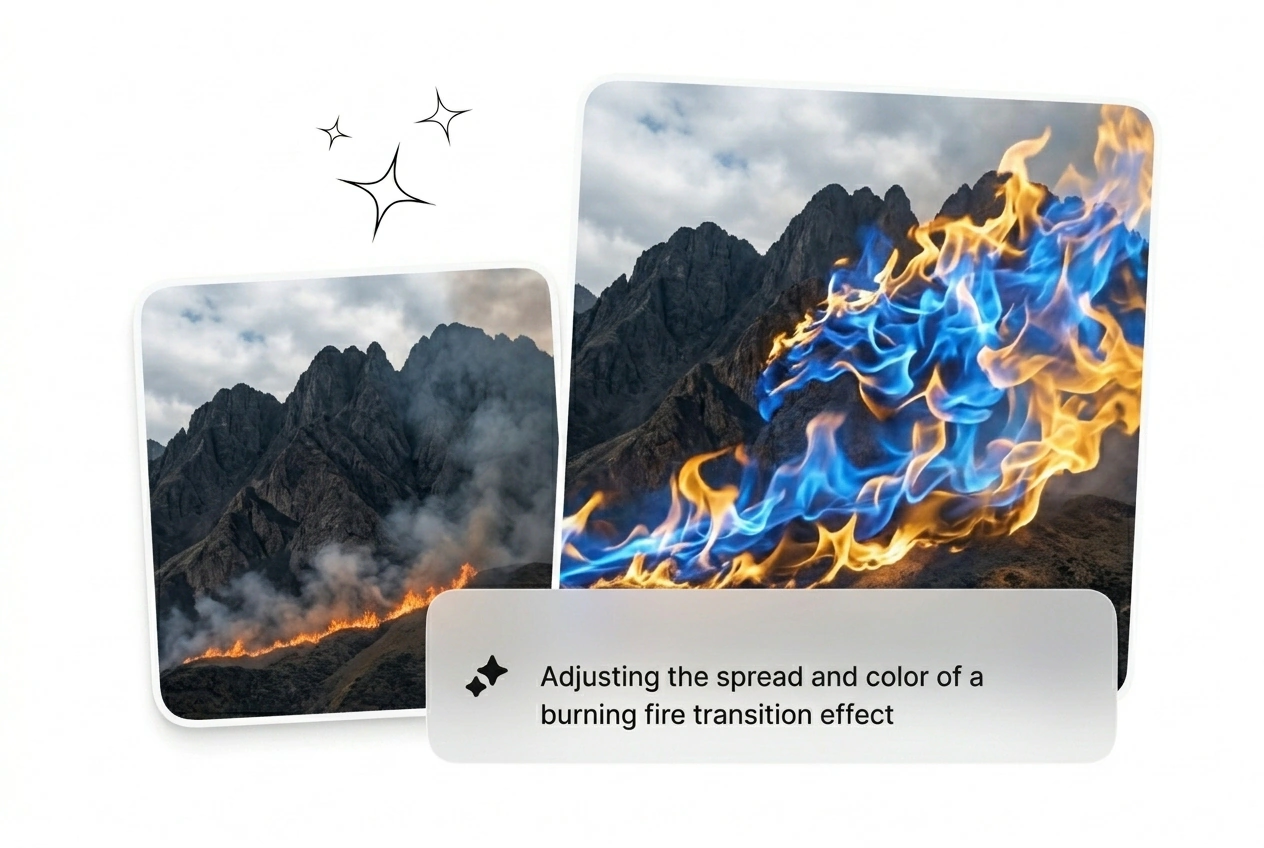
Dial In The Burn
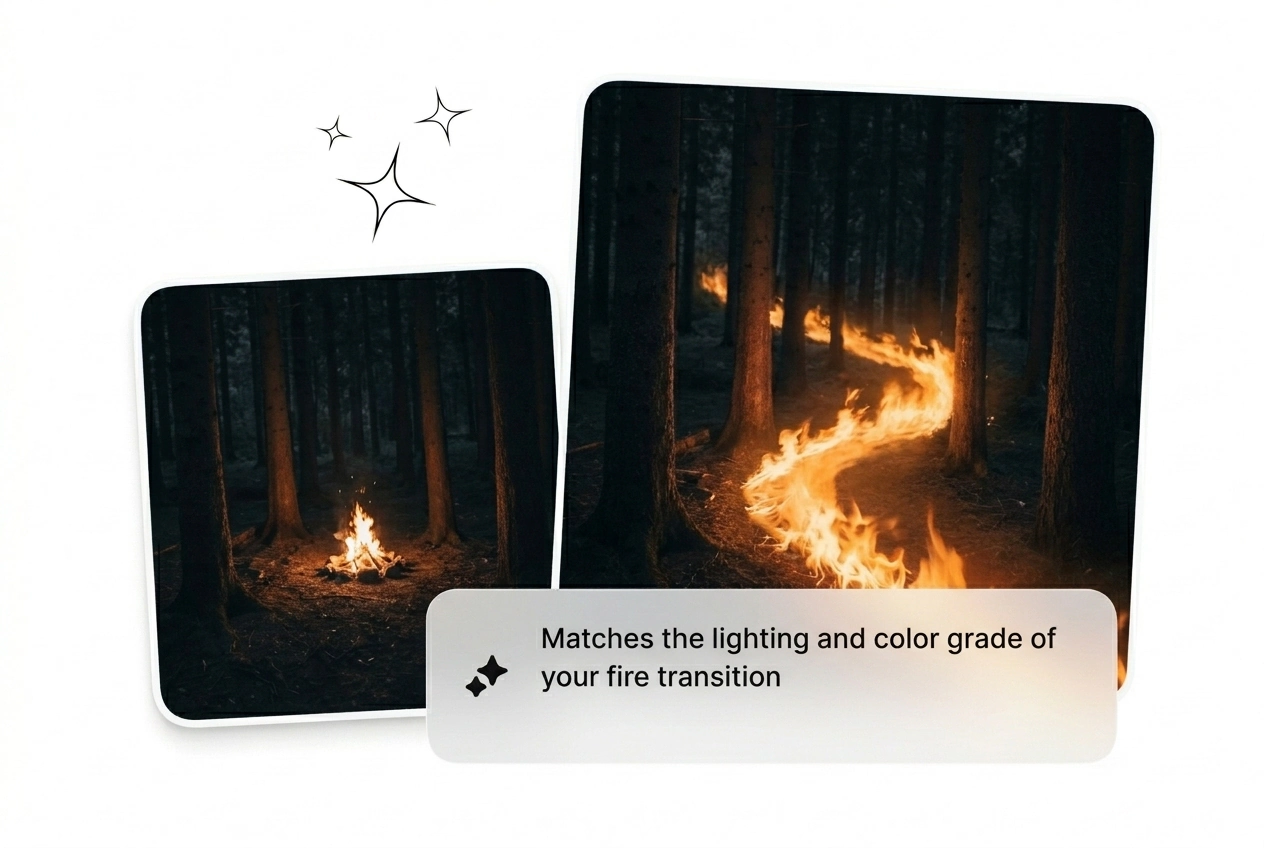
Control exactly how the fire transition consumes the frame. Adjust the prompt to make the flames aggressive or subtle depending on your scene. Get a usable AI transition free from the usual messy particle physics setup.
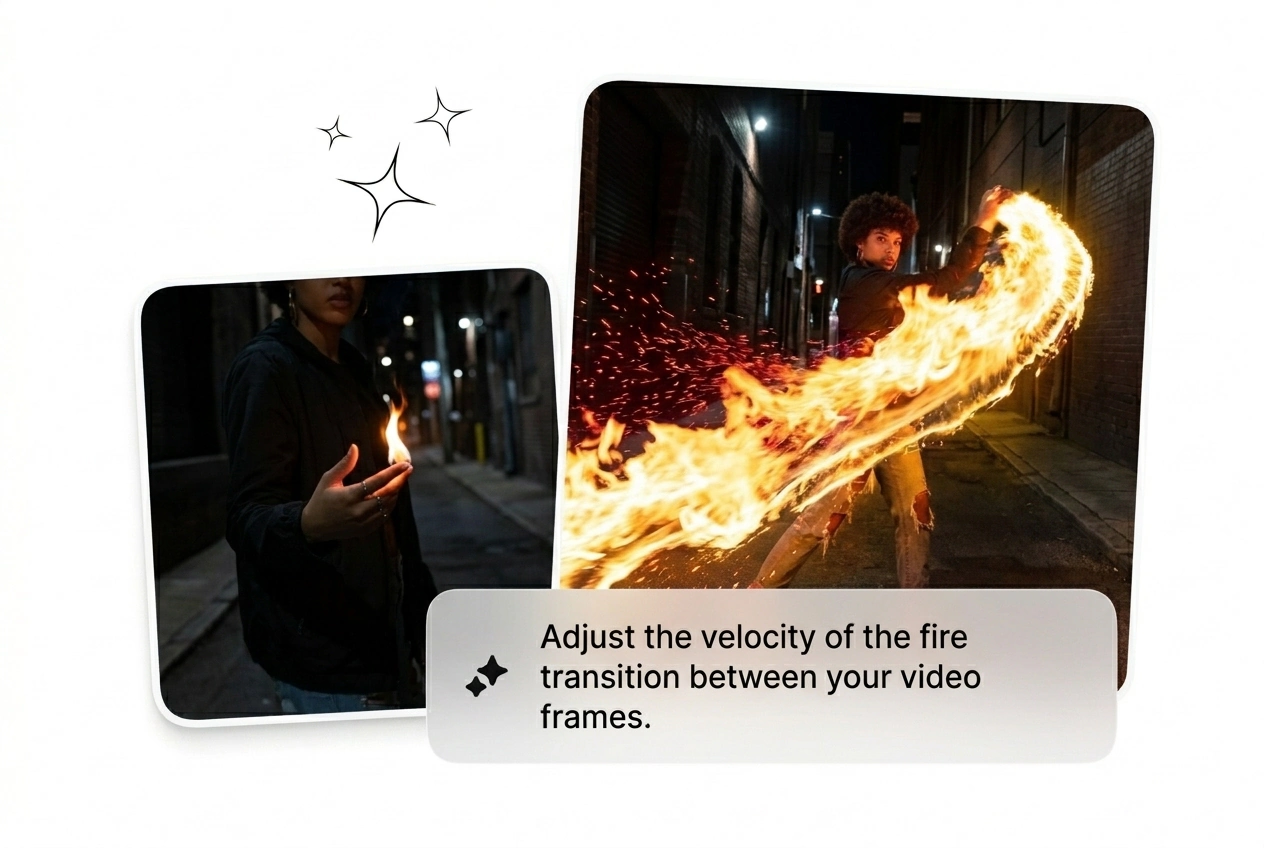
Lock The Subject Down
Keep your main character visible while the fire effect on video engulfs the background. The engine isolates the core subject based on your input frames. It might need a quick mask later, but it ships fast.
Flame Transition Questions Answered
Can I use my own images for the fire effect?
Absolutely, you just upload your start and end frames directly. The engine uses those images to calculate the fire burn transition free from weird morphing artifacts. This works best when your input frames have matching compositions.
How long does it take to generate Fire transitions here?
Expect your first batch of Fire transitions in under two minutes. Complex prompts might take slightly longer to render out completely. It beats spending three hours tweaking particle emitters in After Effects for a single rough cut.
Do I need to upload a video to get started?
No, we only process still images and text prompts to build the sequence. Upload your key frames and let the AI transition handle the motion between them. This keeps the generation fast and the output highly predictable.
Can I control the exact direction of the Flames transition?
Sure, just specify the movement vector clearly in your text prompt. If the Flames transition moves the wrong way, tweak the wording and reroll the batch. It takes seconds to iterate until you get the perfect wipe.
Is the generated Flame Transition ready for commercial client work?
Yes, you can drop the final rendered clip straight into your commercial edits. Just ensure you have the rights to your uploaded base frames. Freelancers use this daily to ship client projects faster without sacrificing visual quality.
Ship Your Flame Transition Now
Stop wasting hours on particle physics. Drop your frames, type a prompt, and generate a cinematic Flame Transition before your coffee gets cold.