Free Gorilla Transition Video Effect Generator
Gorilla Transition Effect locks in impact fast, giving every scene change a heavy visual push that stays usable in real timelines. Drop in a prompt or image and get quick variants with enough control to shape pacing, test the hook, and export without losing momentum.

Ship The Gorilla Transition Effect Fast
Drop a start frame and prompt the action. Generate a wild Gorilla Transition Effect in minutes. Pick the best variant and ship it.
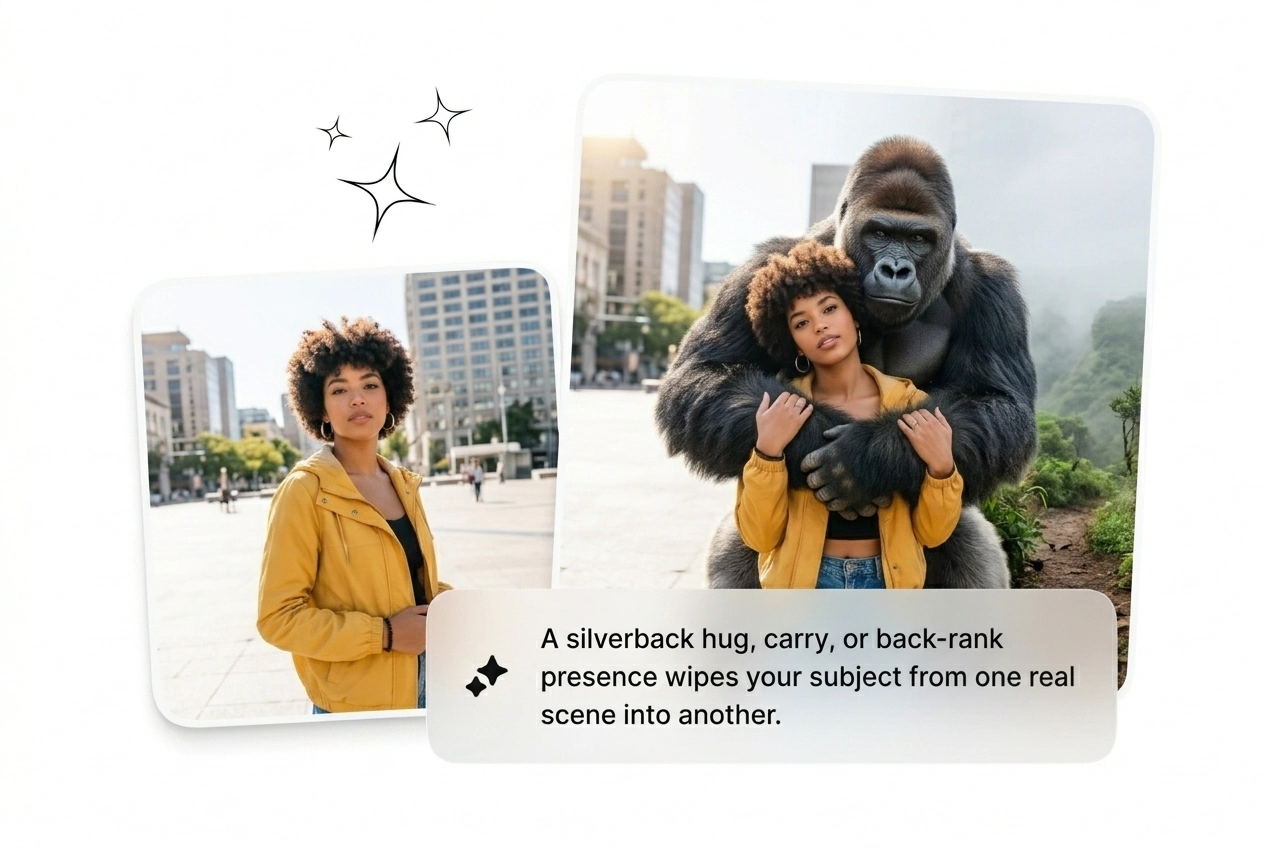
Trend cycles die fast. Stop keyframing complex animal interactions from scratch and batch a Gorilla Transition Video instead to beat the deadline.

Ad fatigue kills campaigns quickly. Generate an AI gorilla transfer effect to hook viewers instantly. Batch ten variants, test the wild motion against your control, and scale the winning clip. Cut the losers before lunch.
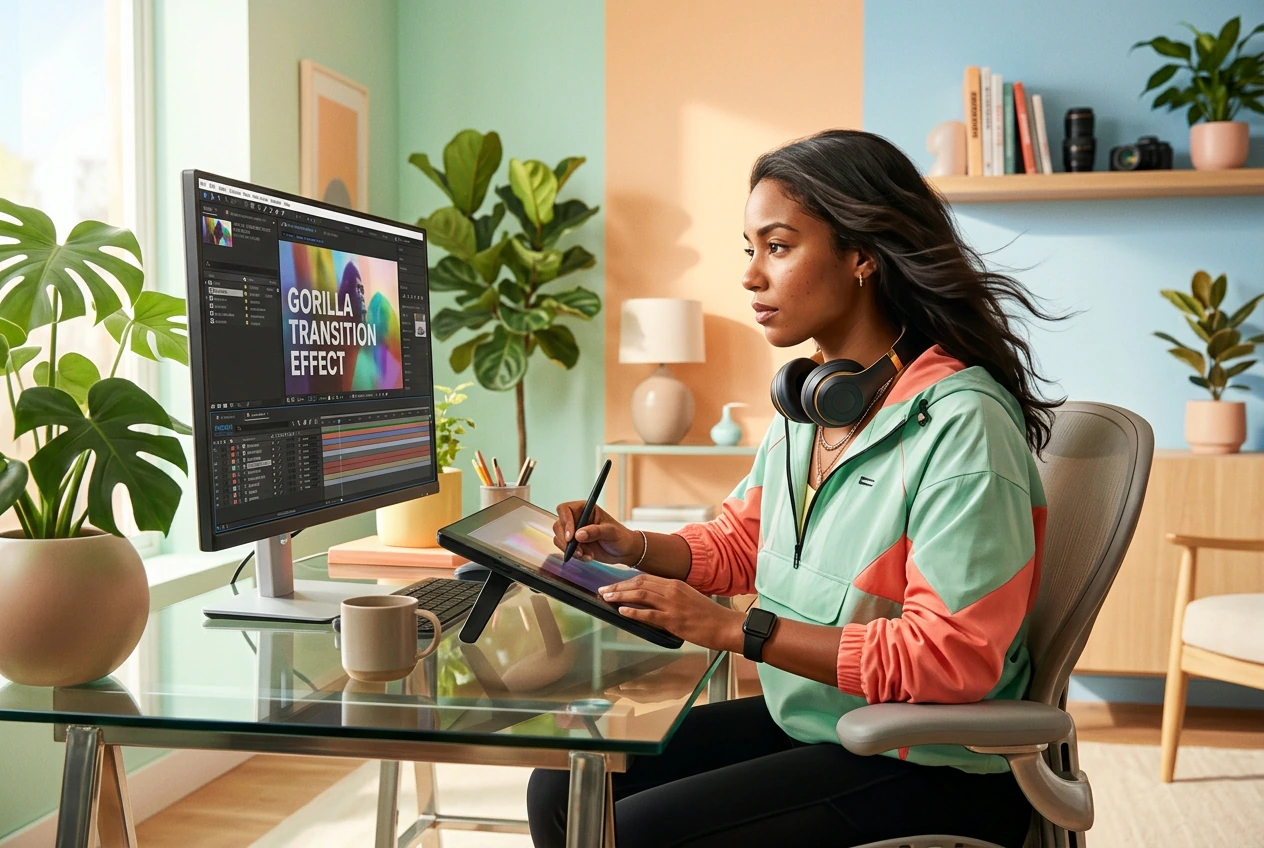
Clients demand viral edits with zero reference material. Drop their start frame and generate a Gorilla Transition Motion sequence fast. Send three rough cuts, let them pick the best smash, and finish the project early.
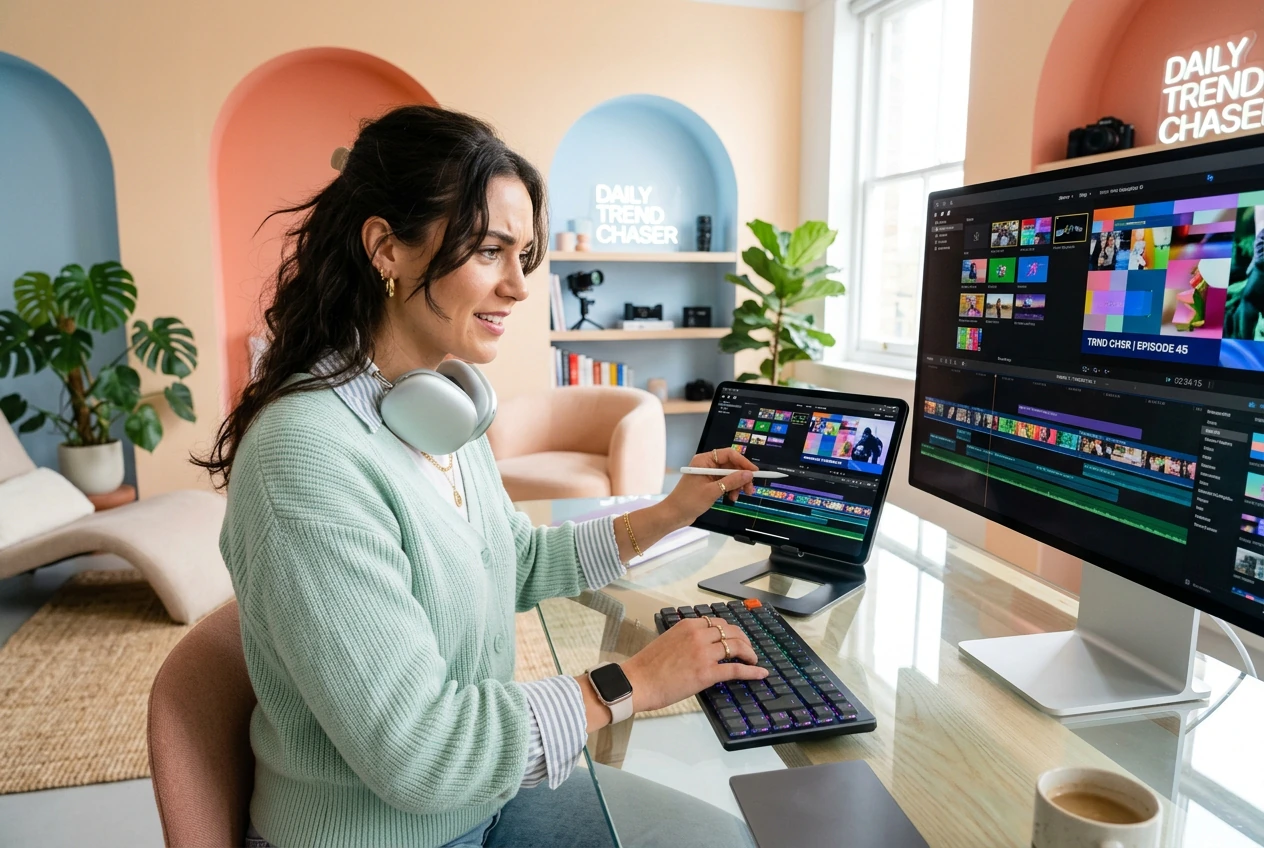
Trends move faster than manual editing allows. Grab a Free Gorilla Transition Video draft by prompting your end frame. It looks like hours of work but takes twenty minutes. Post the clip and move on.
Build Your Gorilla Transition Effect
Skip the timeline hassle. Upload your frames, type a prompt, and let the AI video Transition generator build the cut.
Step 1
Drop The Frames
Upload a start frame and an optional end frame. The AI reads the visual weight and prepares the scene for the Gorilla Transfer AI to take over the rough cut.
Step 2
Prompt The Action
Type your text prompt to define the wild rhythm. Choose your model settings to Speed up Gorilla Transition Effect generation or tweak the motion style for a much heavier impact.
Step 3
Generate And Ship
Hit generate and watch the ape smash the scene. Reroll the variant if the timing feels off. Pick the Best Gorilla Transition Video from your batch and export it fast.
Gorilla Transition Effect Control Levers
Dial in the chaos. Use these settings to force the AI transition to match your exact pacing and visual style without manual keyframing.
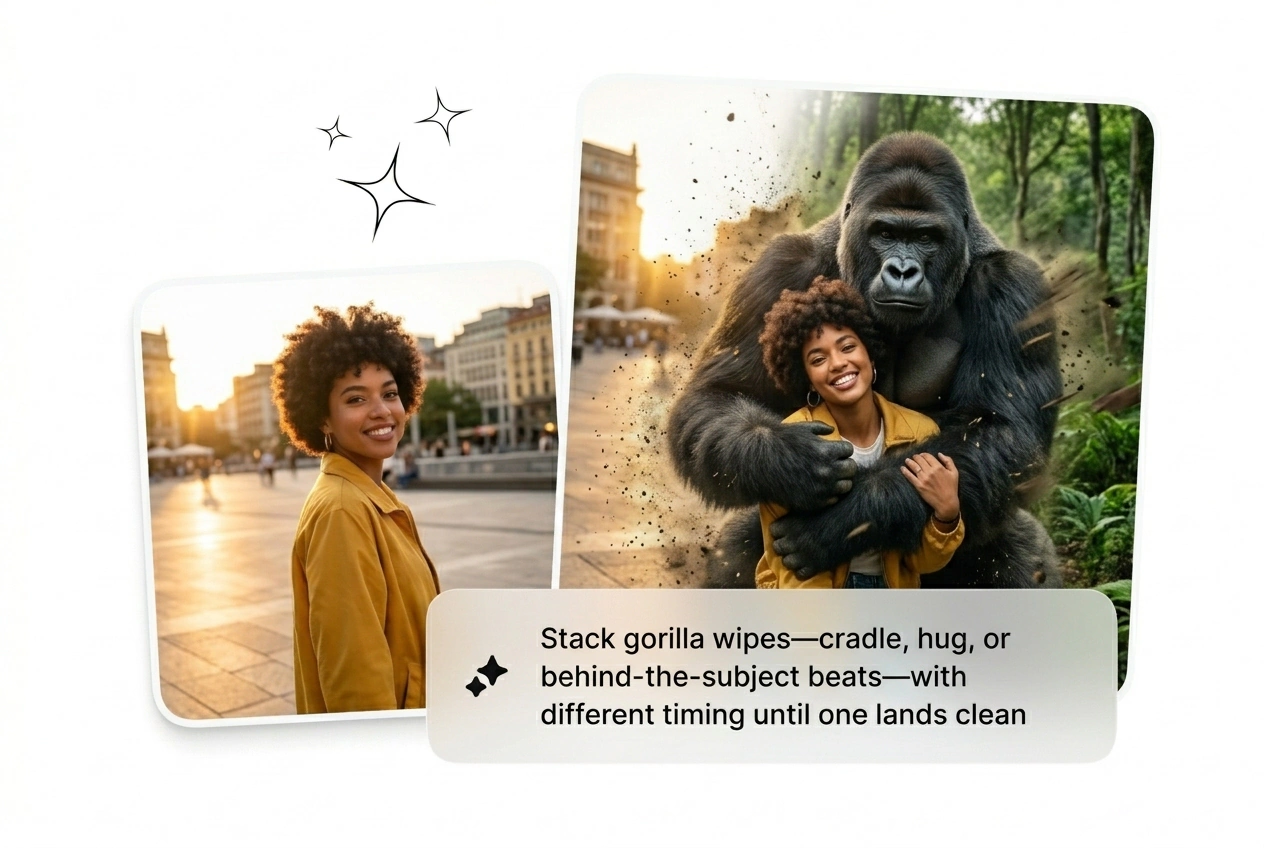
Control The Smash Speed
Adjust the motion curve to Slow Gorilla Transition Effect pacing for dramatic reveals. Fast cuts work better for high energy social hooks. Generate a few variants at different speeds, pick the winner, and kill the rest.
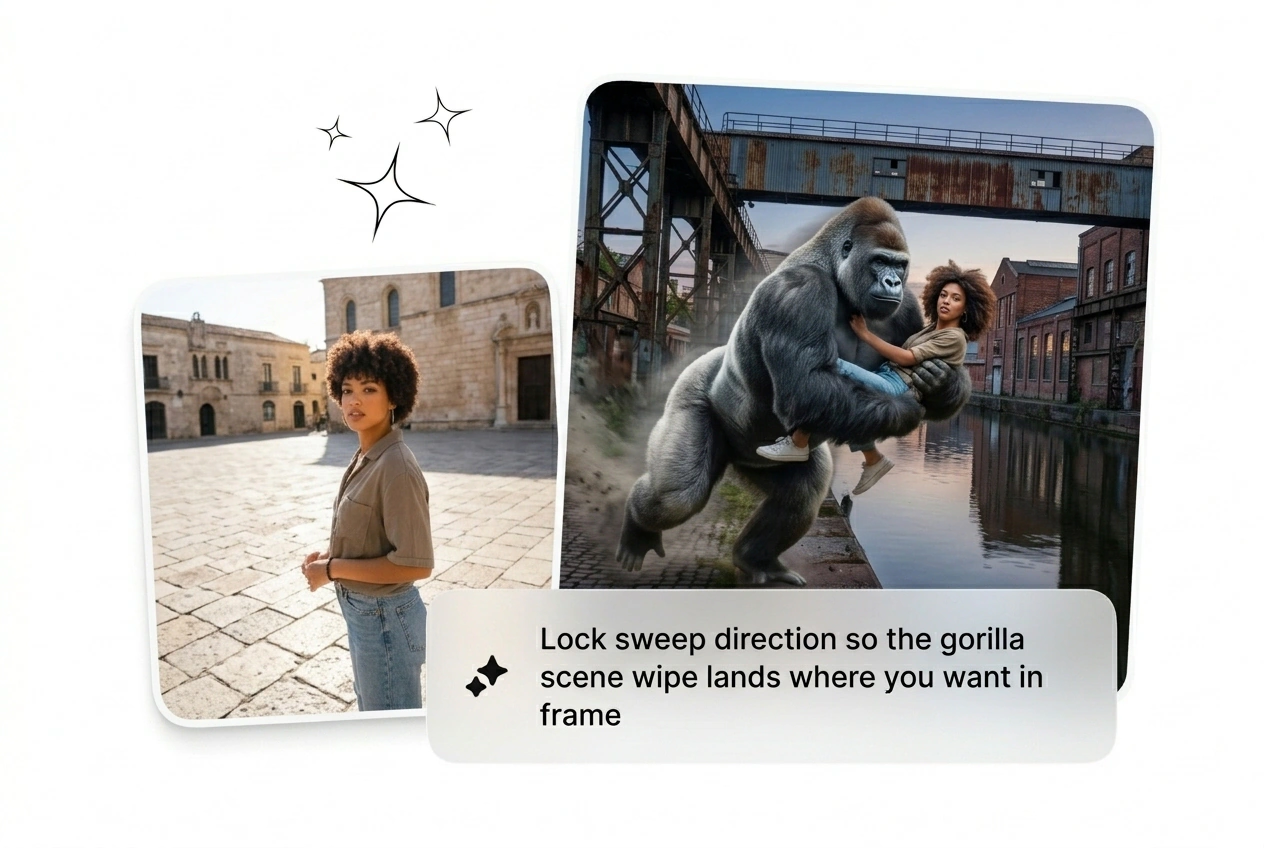
Spin The Camera Fast
Add rotational blur by prompting a spinning gorilla transition. The AI calculates the motion blur between your uploaded frames automatically. It gets messy sometimes, so reroll until the subject locks perfectly into the next scene.
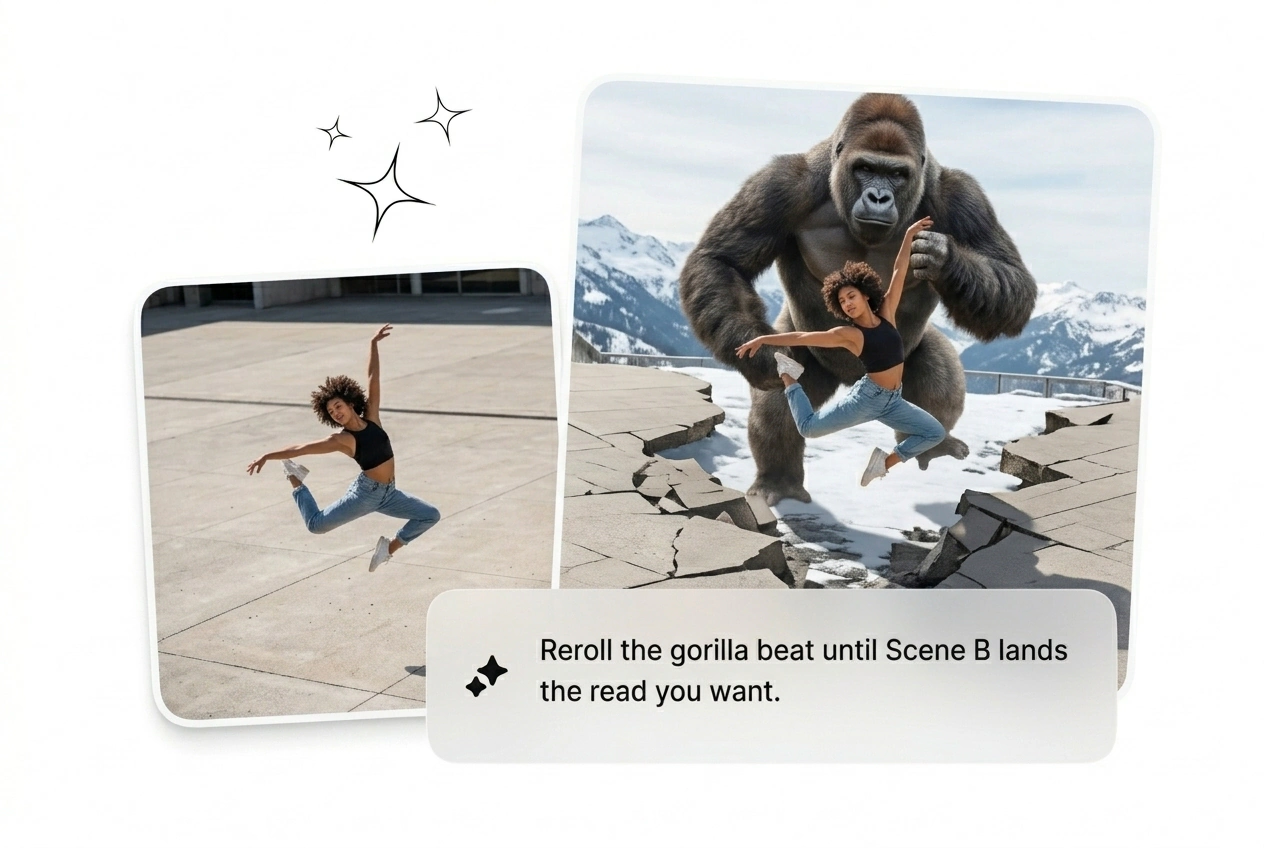
Batch Multiple Variants
Never rely on a single generation. Run an AI Transition free trial batch to get eight different ape interactions at once. Review the rough cuts, find the one that hits hardest, and delete the weak ones.
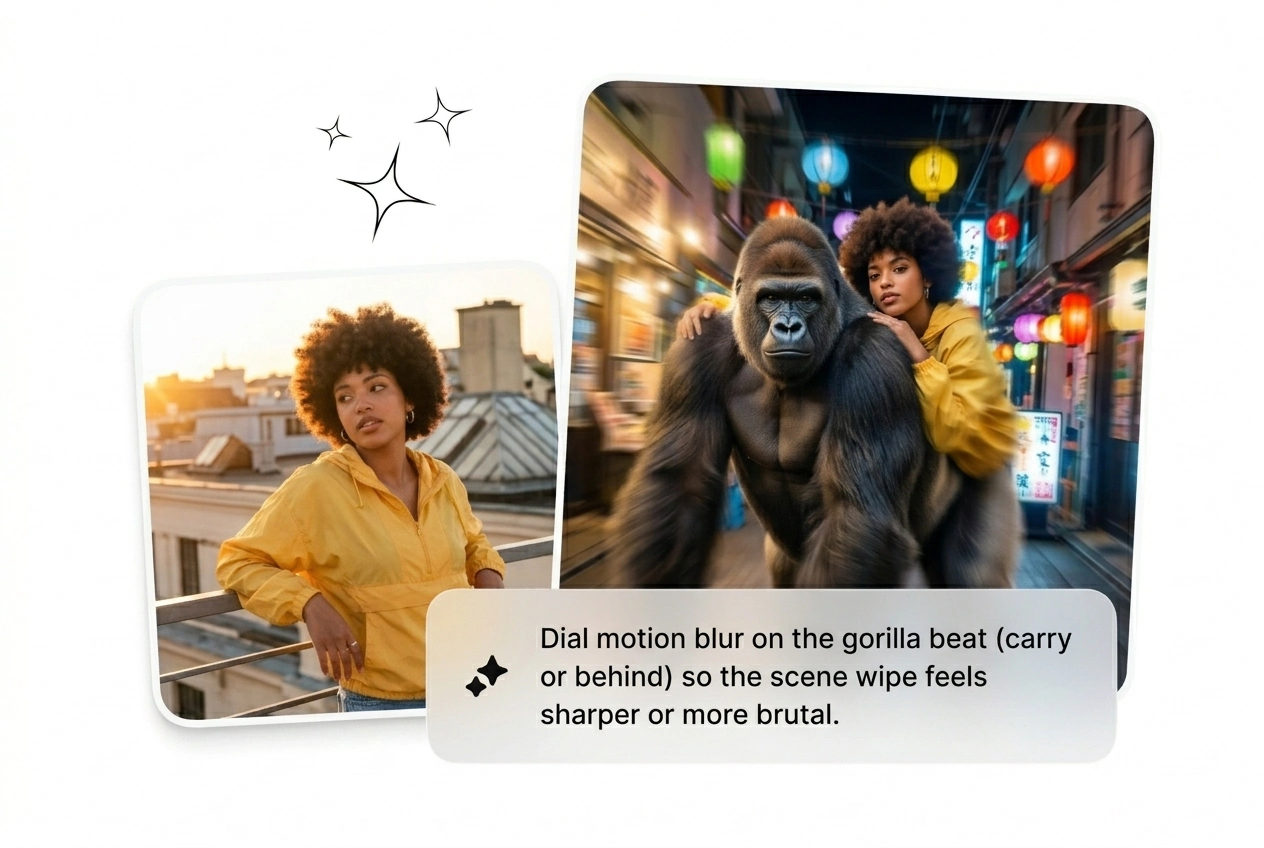
Gorilla Transition Effect Questions
Can I use my own video clips to generate this wild ape transition?
No, Fluxx only accepts static images as input. Upload your start and end frames, then type a prompt. The engine generates the Gorilla Transition Effect video from those stills, giving you a fast rough cut to ship.
How long does it take to render a single batch of these transitions?
Expect your first variant in under two minutes. Complex prompts might add a few seconds, but it beats manual keyframing. This speed lets growth hackers test multiple hooks before lunch and kill the ones that fail.
What happens if the AI transition messes up the subject in my frame?
Artifacts happen when the contrast is too low. Just tweak your text prompt and reroll the variant. Iteration is cheap here, so keep generating until the motion looks clean enough to drop into your final timeline.
Is there a way to get a Free Gorilla Transition Effect Download here?
Sure, new users get credits to test the tool. Generate your initial batch, pick the best cut, and export it locally. It helps freelancers verify the motion style fits their client brief before committing to a subscription.
Can I control the exact direction the ape enters from in the scene?
Absolutely, just specify the entry angle in your text prompt. It might take a couple of rerolls to nail the exact framing. Once it hits, you get a highly dynamic cut that grabs attention on social feeds.
Stop wasting hours on manual keyframes. Drop your frames, prompt the action, and see what ships. Reroll until it hits hard.