Free Hand Transition Video Effect Generator
Hand Transition gives your edit a controlled pass between shots, built for pace, clarity, and cuts that need to land right away. Feed in a prompt or still image, generate variants in batch, and fine tune motion, framing, and timing before render and export.

Hand Transition AI Video Transition
Drop two frames, write a prompt, get a cinematic hand transition video. Rough cut in under two minutes. Reroll if it misses.
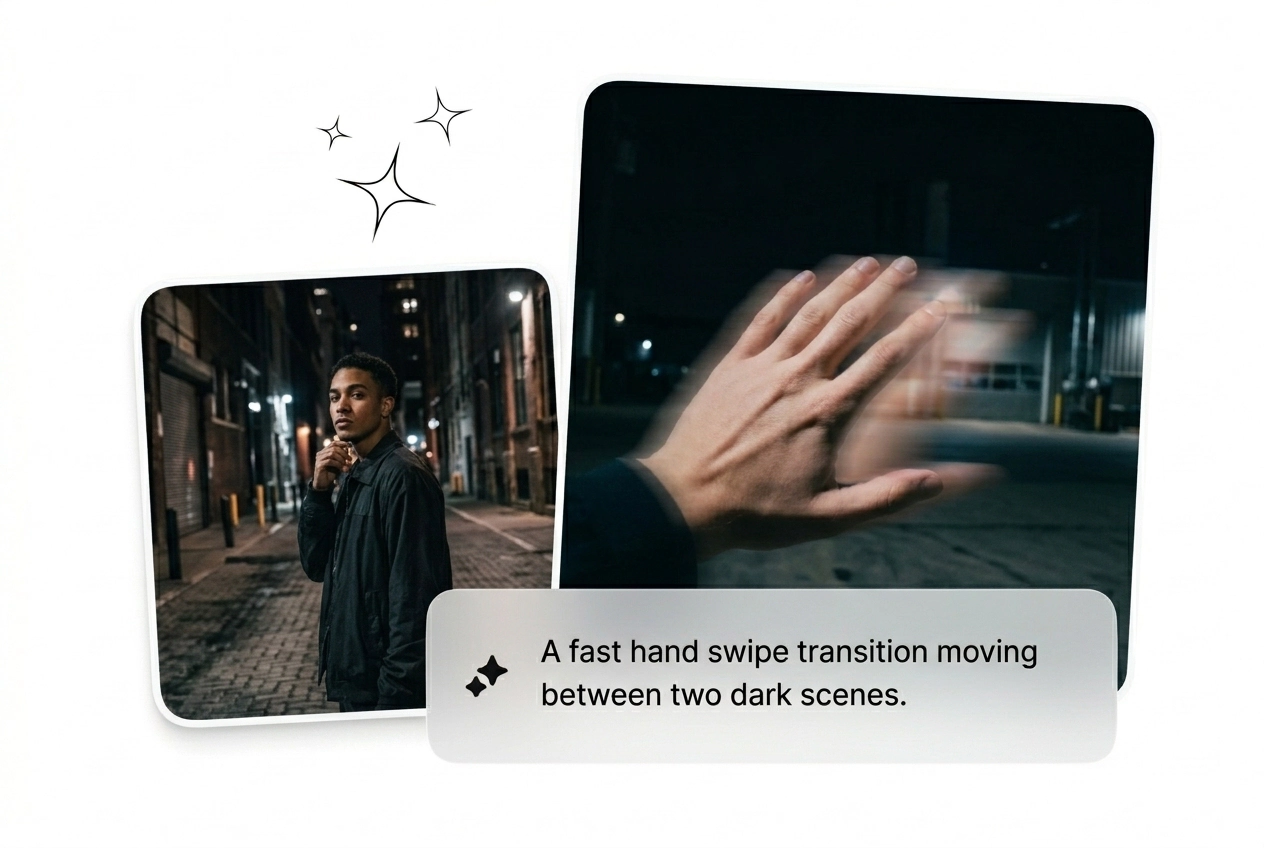
Who Runs Hand Transitions Here
Three types of creators burn time on transitions. All three can batch a hand transition variant before the brief is even approved.
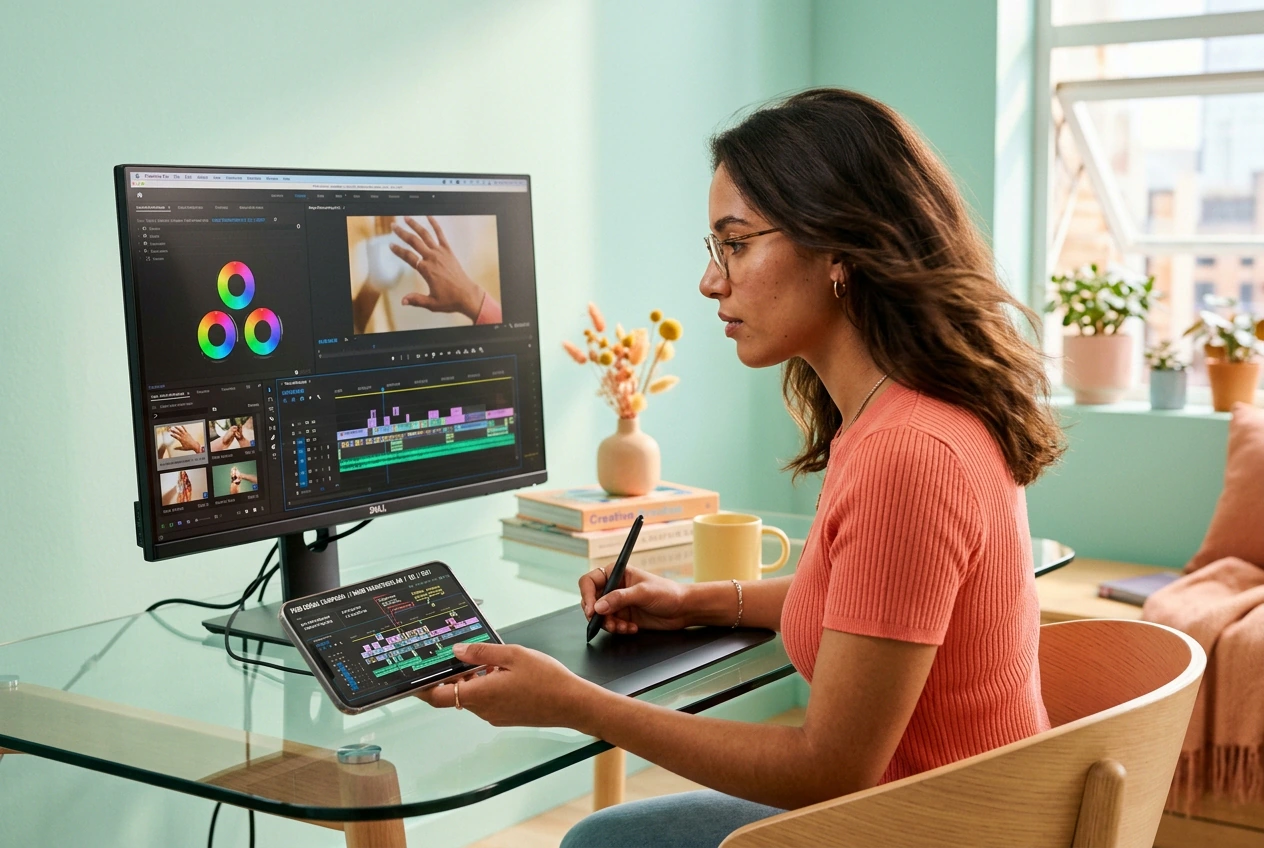
Ad Batch Testers
Running 20 creative variants this week and the hand swipe transition is the hook that keeps changing. Generate a batch, kill the losers fast, scale the one that holds attention past two seconds. No keyframing, no waiting.
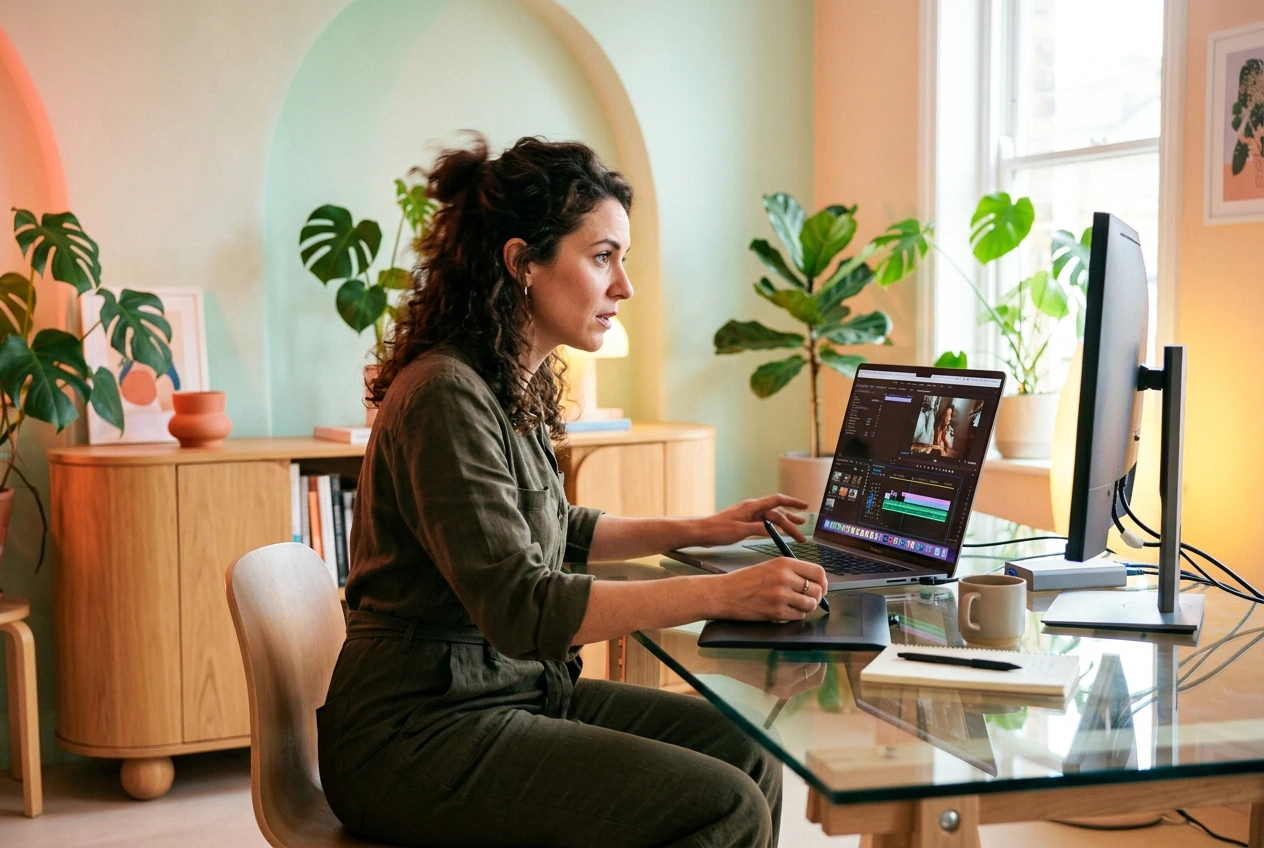
Short-Form Freelancers
Client says 'make it feel like a hand reveal transition, like that one reel.' No reference link, 48-hour flat rate. Drop a start and end frame, prompt the motion, send three options before they send a follow-up.

Daily Content Posters
Posting every day means trend cycles hit fast. The creative hand transitions style rotates every 72 hours on TikTok and Instagram. Get a working version out fast, post it, move on to the next batch.
How Hand Transition Generation Works
Three steps. No tutorial needed. Upload frames, write the motion prompt, generate the AI hand transition video and ship it.
Step 1
Upload Your Frames
Drop a start frame and an optional end frame. Clear contrast between the two images sharpens the hand motion transition path and gives the AI something real to work from.
Step 2
Prompt the Motion
Type what the hand does: palm wipe, finger swipe left, arm sweep reveal. Pick your model and output parameters. Specific prompts ship cleaner results.
Step 3
Generate and Reroll
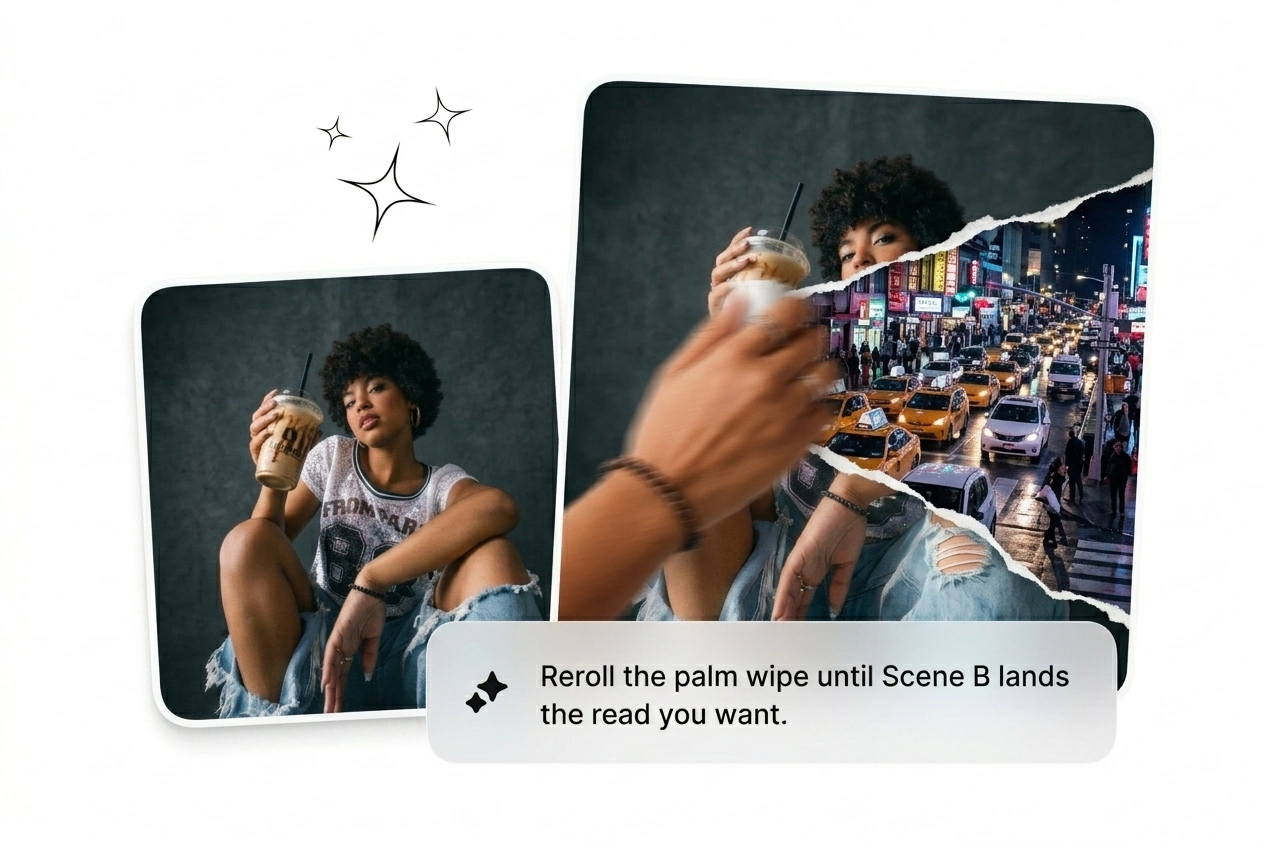
Hit generate. First variant lands in under two minutes. Not landing right? Reroll it or tweak the prompt. Keep the winner, cut the rest, export and post.
Hand Transition Features That Ship
Built for volume and iteration speed. Every feature here cuts time between rough cut and final export on your next hand transition video.
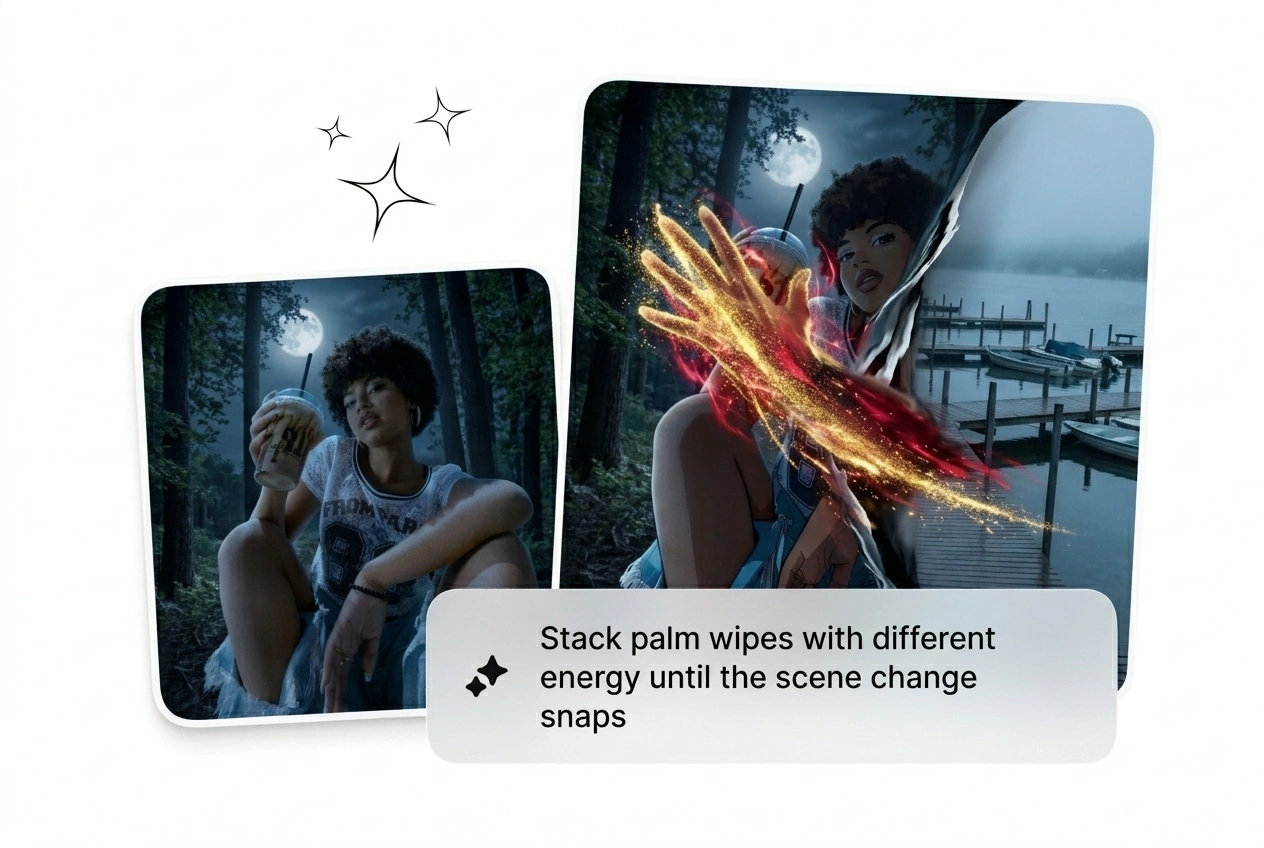
Batch Variant Generation
Generate multiple hand transition effect variants from the same two frames in one run, each with different motion paths and timing. Useful when a client needs options or when testing creative hand transitions for paid social. Pick the one that converts, export, done.
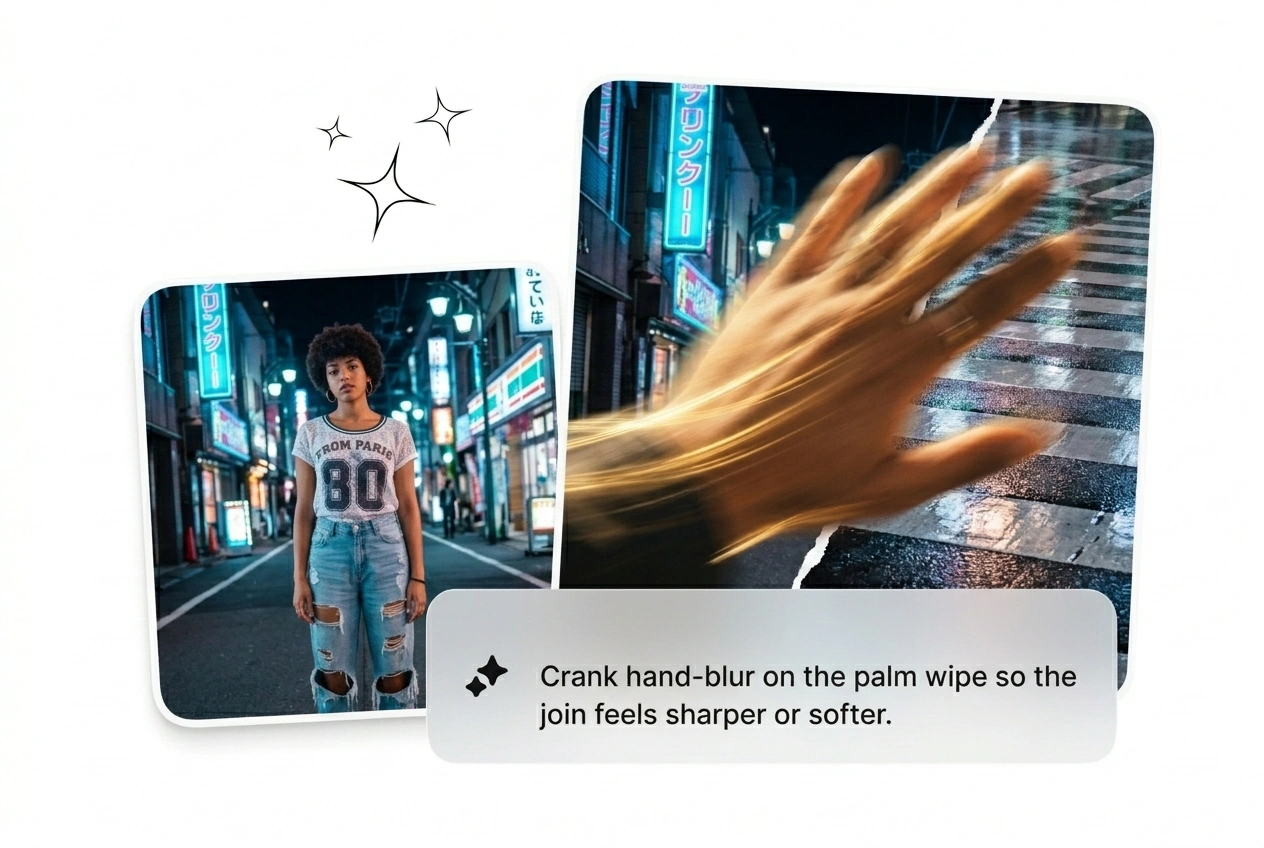
Palm and Finger Direction Control
Set the swipe direction: palm transition left, finger wipe transition upward, or full arm sweep. Matters for hand transition instagram reel formats where the swipe axis has to match the scroll direction. Cleaner motion, fewer rerolls.
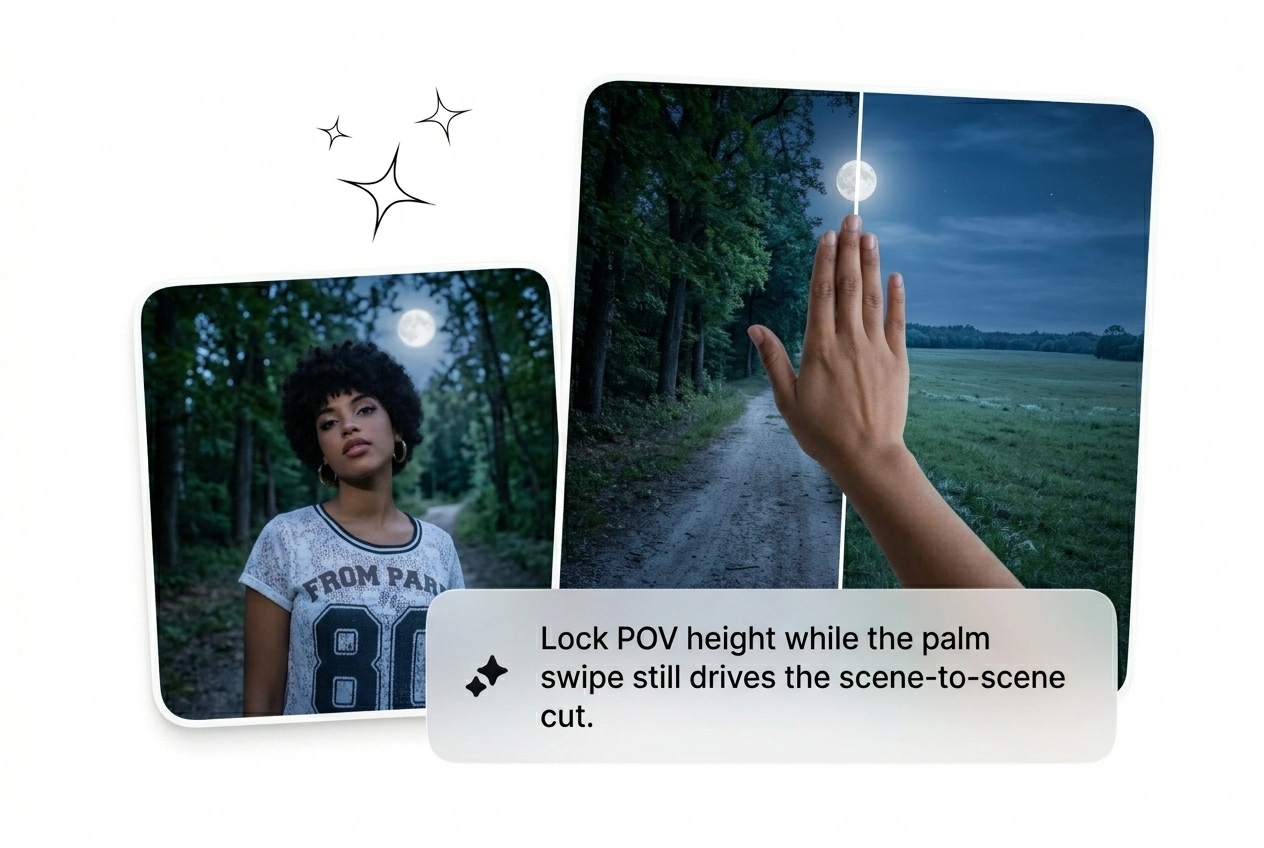
Model Tier Selector
Switch between faster draft models and higher-quality render tiers without leaving the editor. Draft is fast and rough; use it to test the AI hand transition motion. Promote the winner to the quality tier before export.
Hand Transition Questions, Answered
Does Fluxx AI generate video from an uploaded video file?
No. The AI transition generator takes text prompts and images as input, not video files. Upload a start frame and an optional end frame, write the motion prompt, and the model builds the hand motion transition video from there. This keeps the generation clean and controllable.
How do I get a clean palm swipe direction in my output?
Write the direction explicitly in your prompt: palm moving left to right, finger wipe upward, arm sweep from bottom edge. Vague prompts produce vague motion. The more specific the action, the tighter the palm transition AI reads the trajectory and the fewer rerolls you burn.
Can I use this tool to make a hand transition TikTok or Instagram reel?
Absolutely. Set aspect ratio to vertical before generating for hand transition TikTok or hand transition instagram reel formats. The output is optimized for short-form, so the swipe motion hits fast and reads clearly even on a phone screen. Export and post directly.
Is there a free hand transition effect tier available on this platform?
Sure, there is a free tier that lets you run generation with limited credits. It covers the AI transition free use case well enough for testing motion style and prompt direction. For volume batching and higher-resolution output, a paid plan gives you more runs per session.
What makes the AI video transition generator different from using a preset pack?
Preset packs are fixed. The AI video transition generator builds the hand swipe transition from your specific frames and prompt, so the motion fits your actual content. No cutting around a preset timing, no mismatched visual weight. Reroll until the motion path actually matches what you need.
Generate Your Hand Transition Now
Upload two frames, write the motion, generate the hand transition video. First variant in under two minutes. Reroll the rest. Ship the winner.