Free Truck transition Video Effect Generator
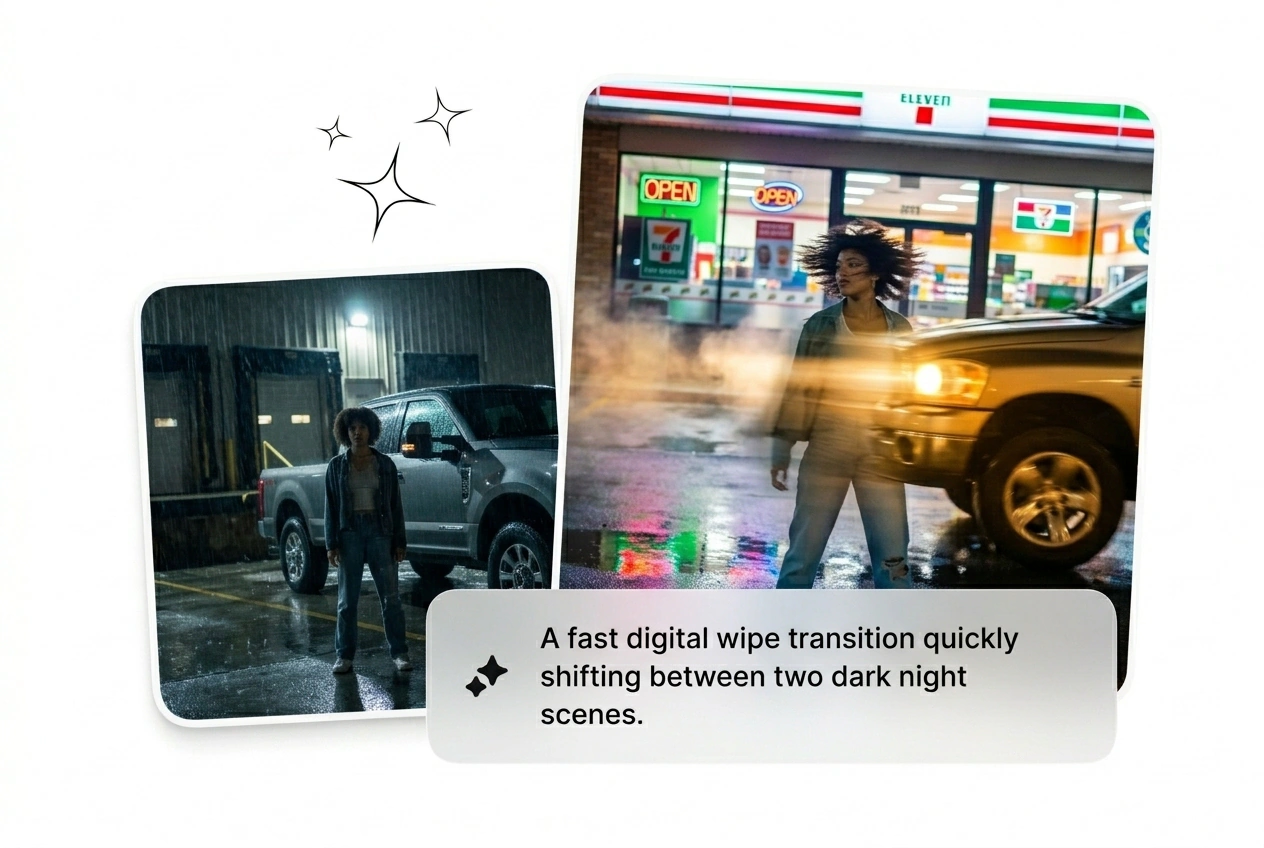
Truck Transition Effect gives your footage a hard moving pass that feels locked from frame one and ready for real edit speed. Feed in a prompt or source image, generate variants in batch, and fine tune motion, pacing, and screen impact before render and export.

Best AI Truck Transition Effect
Generate cinematic truck transition effect cuts from two frames and a prompt. No keyframes, no timeline pain. Rough cut in two minutes, iterate from there.
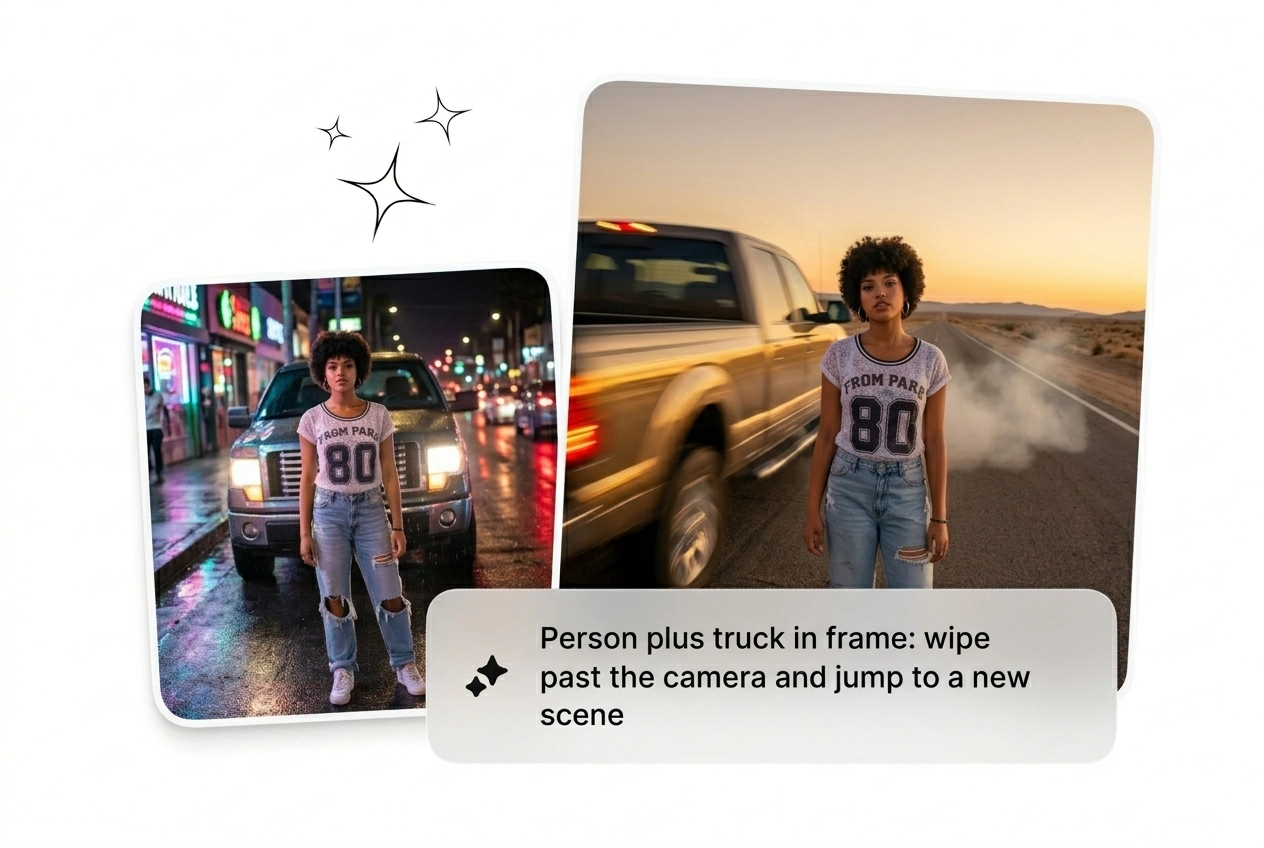
Who Runs Truck Transition Effects
Three kinds of creators burn hours on transitions. All three ship faster with an AI transition free from manual keyframe work and timeline drag.

Ad Batch Runners
Running 20 paid social variants this week and ad fatigue is already killing last week's set. The creative bottleneck is not ideas, it is visual output volume. Drop start and end frames, batch the truck transition effect video variants, kill the losers, scale the one that converts. Done before the next brief lands.

Deadline Freelancers
Client wants something cinematic, no reference, 48 hours, flat rate. Opening After Effects is already eating the budget. Generate a rough truck transition motion cut from two frames, send three options, let them pick. Ship before the client changes the brief again. That is the whole workflow.

Daily Content Posters
Trend windows close in 72 hours. The best truck transition video effect is mid-cycle before most creators have opened a new project. Get a working AI truck transition effect in 20 minutes from a prompt and two frames. Post it, move on, chase the next hook before the algorithm forgets you.
How the Truck Transition Effect Works
Three steps. No tutorial required. Pick frames, write the prompt, generate. First truck transition motion variant lands in under two minutes, ready to reroll or export.
Step 1
Upload Start Frame
Drop a start frame and an optional end frame as reference images. Clear subject edges and strong contrast give the AI transition generator enough motion data to work with. Blurry inputs produce blurry cuts.
Step 2
Write the Prompt
Describe truck direction, blur intensity, and speed feel in plain language. Something like fast left-to-right truck wipe with heavy motion blur works. More detail means fewer throwaway variants and less rerolling later.
Step 3
Generate and Reroll
Hit generate, get your first truck transition effect video cut. Not right? Adjust the prompt, reroll, get another variant. Keep the one that ships. This is not a render farm, it is an iteration loop.
Features Built for Truck Transition Speed
Every feature here cuts time between idea and shipped AI video transition. No fluff tools, no enterprise dashboard. Just levers for volume and iteration speed.
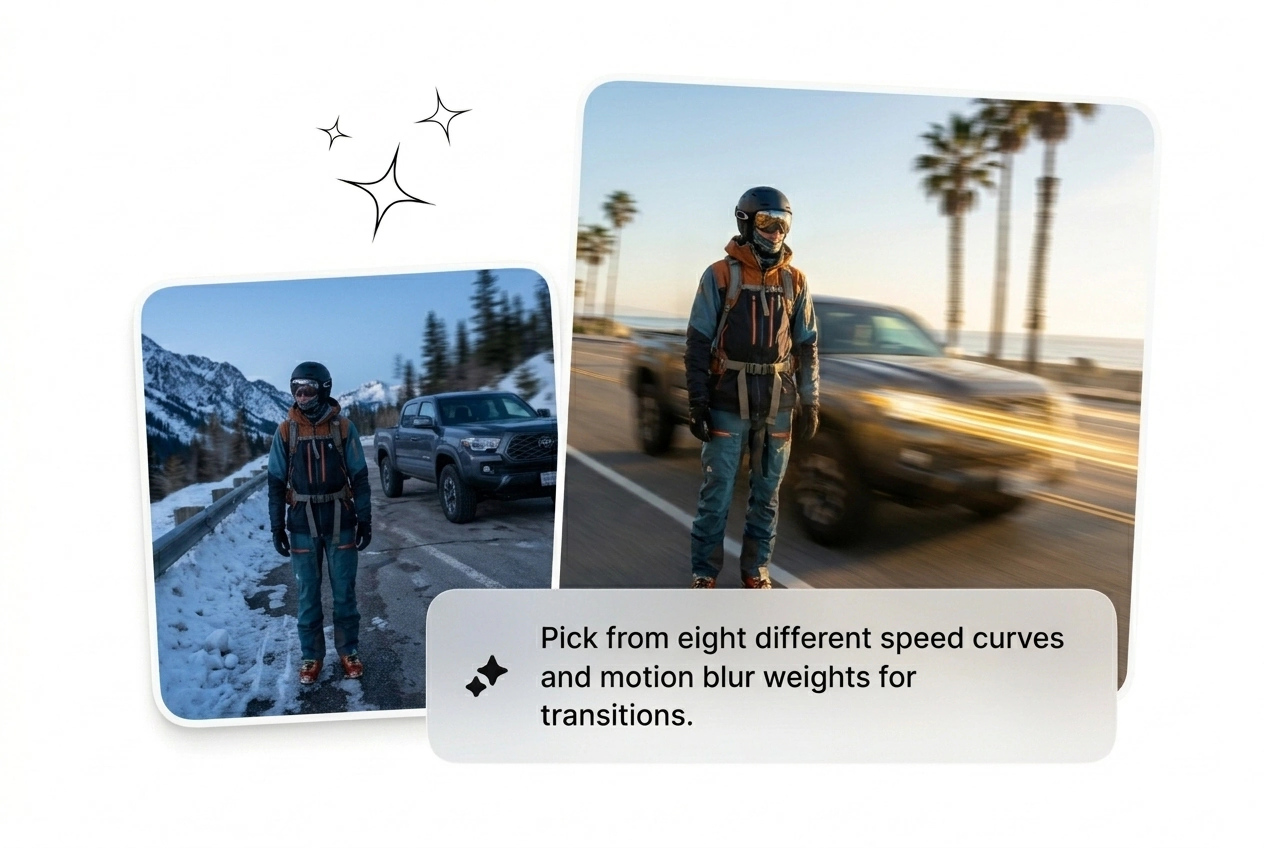
Batch Variant Generation
Generate eight truck transition effect variants from the same two frames in one shot, each with different speed curves and blur weights. Useful when a client or campaign needs options fast, with no time to manually keyframe each one. Pick the variant that lands, export it, kill the rest.
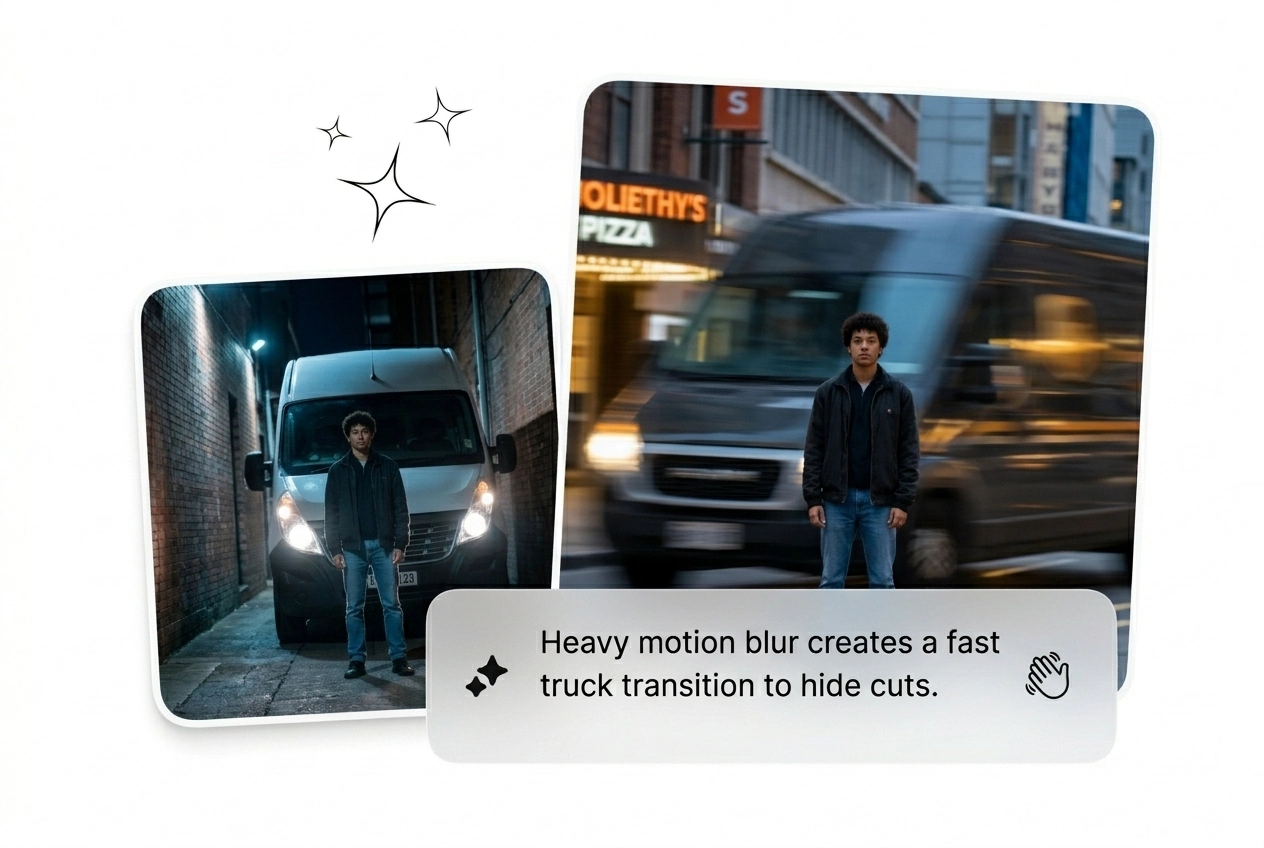
Motion Blur Intensity Dial
Dial motion blur up or down before generating, so the cinematic truck wipe reads heavy or subtle depending on the cut. Useful mid-project when a rough cut feels too aggressive for the edit but swapping to a new clip would cost an hour. Adjust, reroll, done in one cycle.
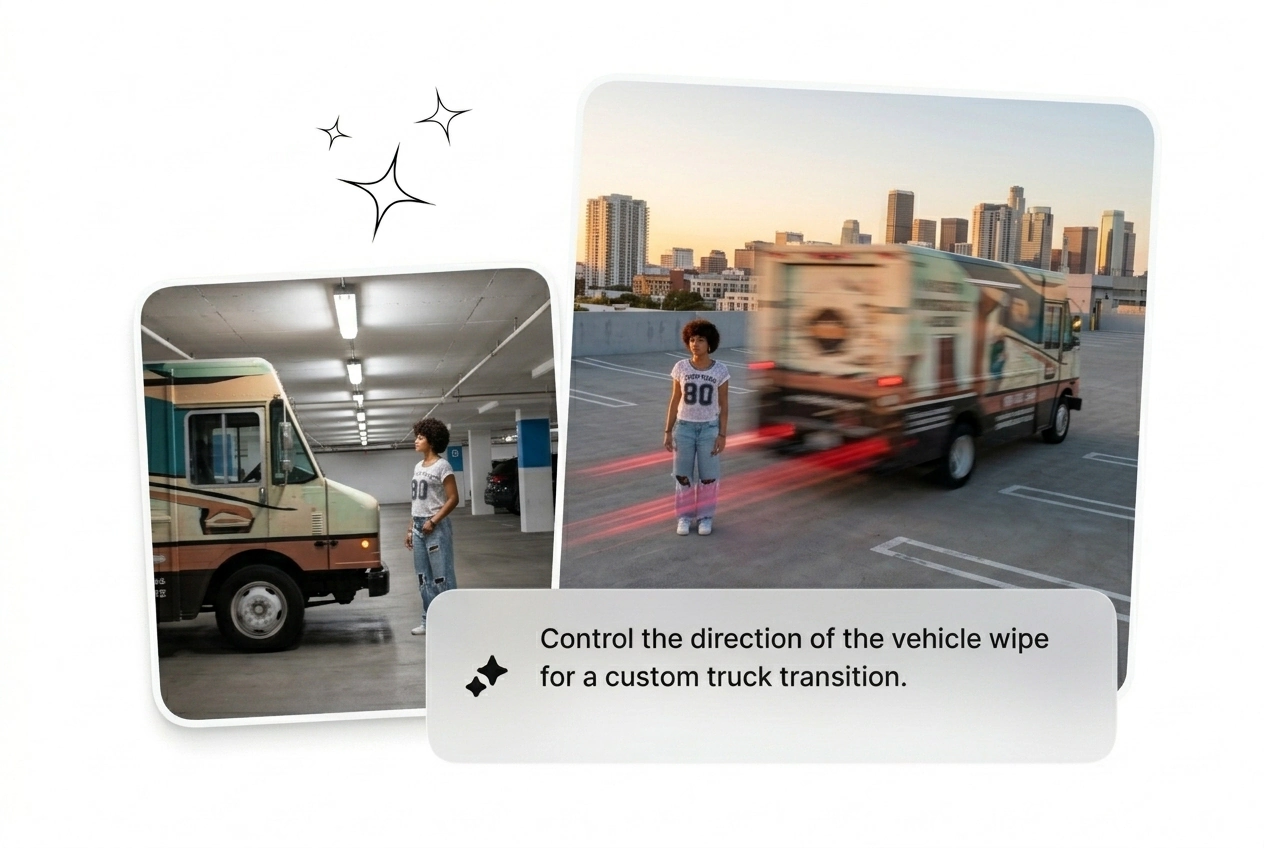
Direction and Speed Prompt
Type truck direction, entry angle, and speed feel directly into the prompt field rather than hunting through preset menus. Useful when the best truck transition effect needs a specific left entry fast exit feel that no dropdown covers. The AI transition reads the instruction and ships a close enough cut to iterate from.
One-Click Reroll
Reroll any variant without re-entering the full prompt or re-uploading frames, so iteration stays fast when the first result is close but not right. Useful when a free truck transition effect run produces five near-misses and one keeper. Hit reroll on the best one, nudge the output, export the winner.
Truck Transition Effect Questions Answered
Is there a free truck transition effect I can generate without subscribing?
Sure, the AI transition free tier lets you run a set number of generations per day without a paid plan. Output resolution is capped on free runs, which matters if you need broadcast-ready exports. Good enough to test the truck transition motion style before committing to a subscription.
What image inputs produce the sharpest truck transition video output?
High-contrast frames with a clear subject edge give the model the most motion data to work with. Flat lighting and blurry source images will produce softer, less defined cuts. Shooting or sourcing frames with strong directional light improves every AI truck motion transition result significantly.
Can the AI video transition generator match a specific speed ramp I have in mind?
Absolutely, describe the ramp in the prompt field using plain language like fast entry slow exit or instant cut with long blur tail. The model reads speed language reasonably well, though complex multi-stage ramps may need two or three rerolls to land close. Iterate fast and cut the misses.
How is this different from downloading a free truck transition video preset pack?
Preset packs are fixed clips you drop over a cut. The AI transition generator here builds motion from your actual start and end frames, so the subject and composition match your footage. No repositioning, no scale mismatch. Generates a best truck transition video effect fitted to your specific shot, not a generic overlay.
Does the tool support trucksition motion styles used in short-form vertical content?
No problem, vertical aspect ratios and short-form timing work fine in the prompt. Describe the trucksition motion direction and duration you need and the model adjusts output framing accordingly. Particularly useful for content creators running daily posts where the AI transition free option covers most day-to-day generation volume.
Run Your Truck Transition Effect Now
Drop two frames, type the direction, generate. First cinematic truck wipe variant ships in under two minutes. Kill the weak ones. Scale the one that converts.