Free Visor X Video Effect Generator
Visor X Effect locks in a sharp sci fi edge fast, with clean control that keeps every frame intentional and ready to cut. Drop in a prompt or still image and get multiple variants back quickly, ready for batch review, render, and export without losing the hook.

Best Online AI Visor X Effect
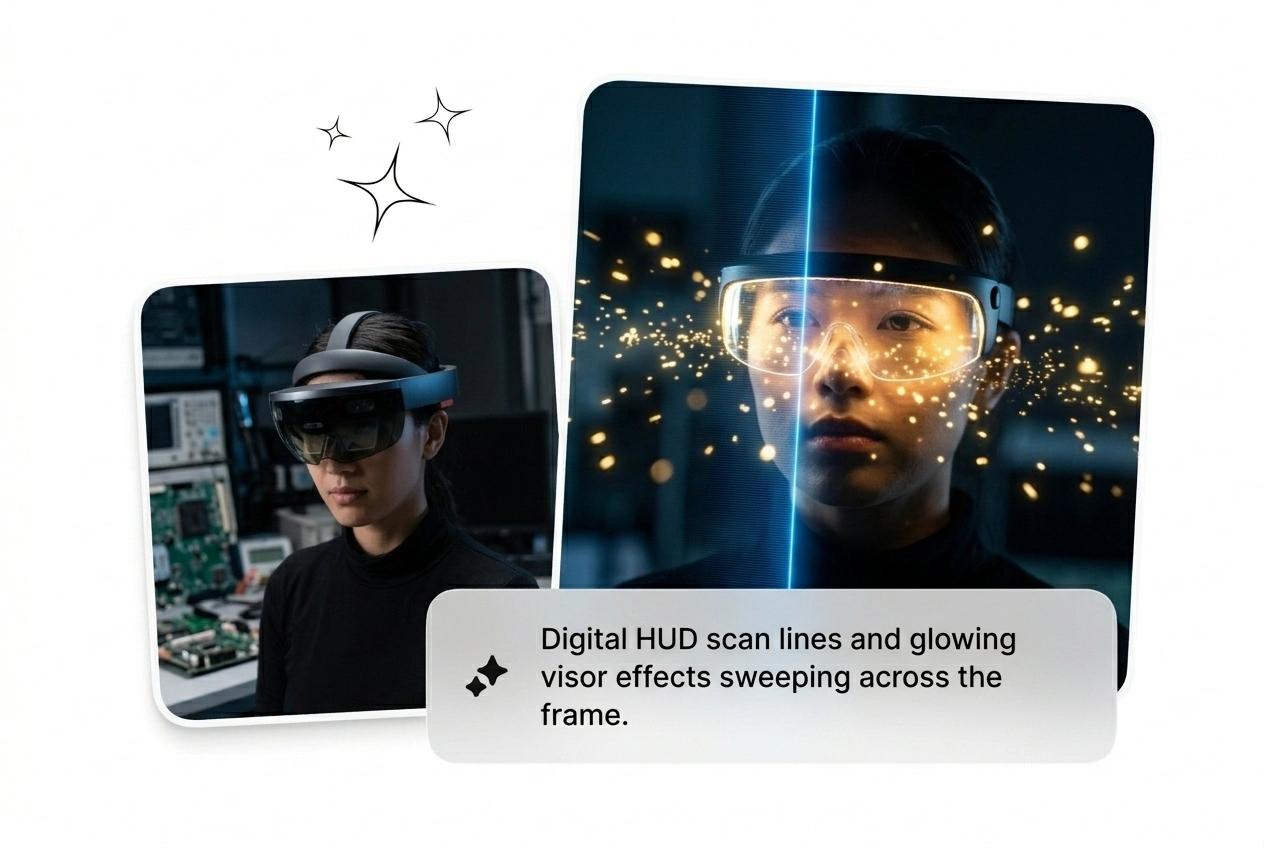
Cold light bars, lens flares, HUD sweeps. The Visor X Effect is one prompt away. Generate a cyber visor reveal without touching a keyframe.
Who Runs Visor X Effect
Running ten ad variants before noon. Chasing a trend window before it closes. This is the Visor X Effect for people who ship, not deliberate.

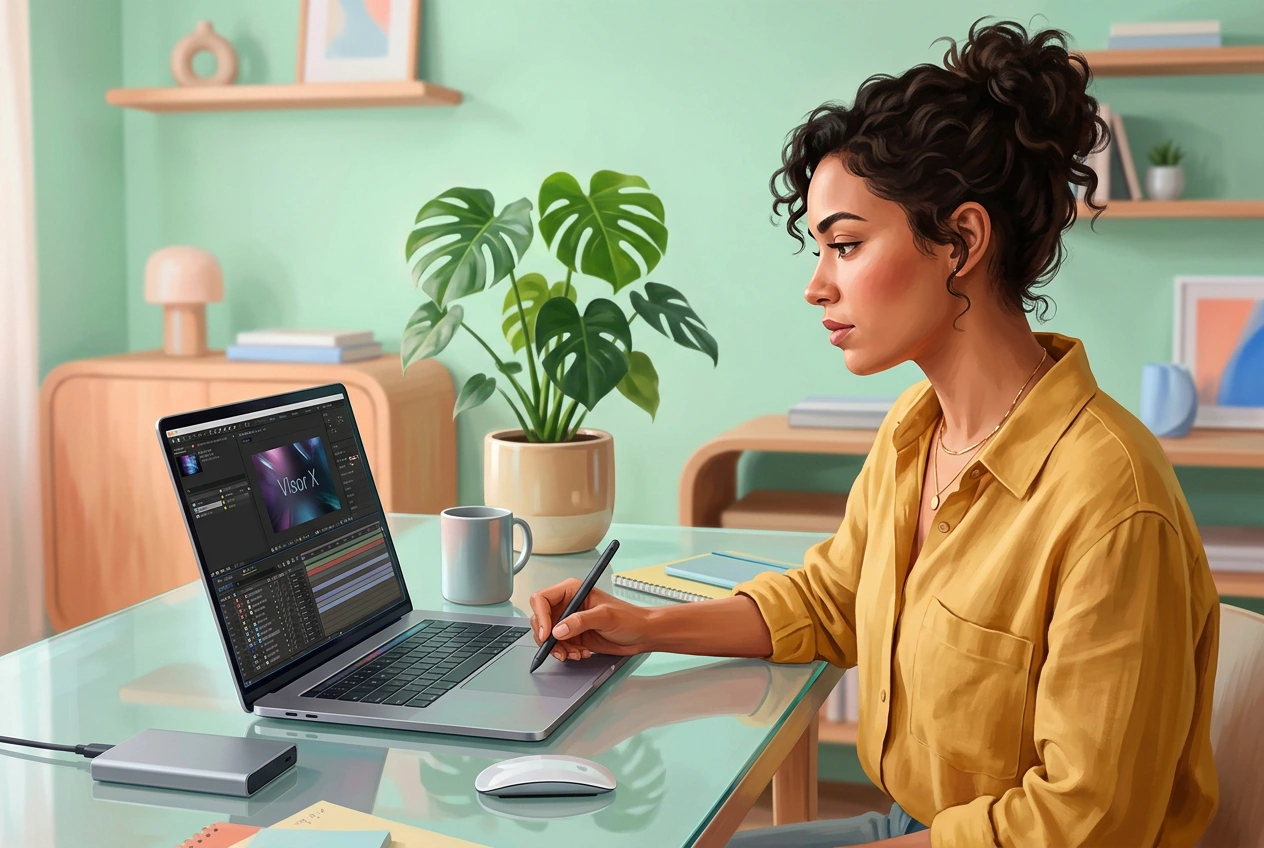
Performance Marketers
Three sci-fi visor transition variants are due before the morning standup. The brief says 'cyber, cinematic, HUD energy' with no reference frame. Batch the Visor X Effect across different prompts, cut the two that don't pop, and scale the one that converts.
Motion Freelancers
Client wants a futuristic helmet effect intro. No reference, 48-hour window, fixed rate. Generate a rough cut with the neon visor transition, send three options, let them pick. Done before After Effects would have finished loading the first keyframe.
Short-Form Creators
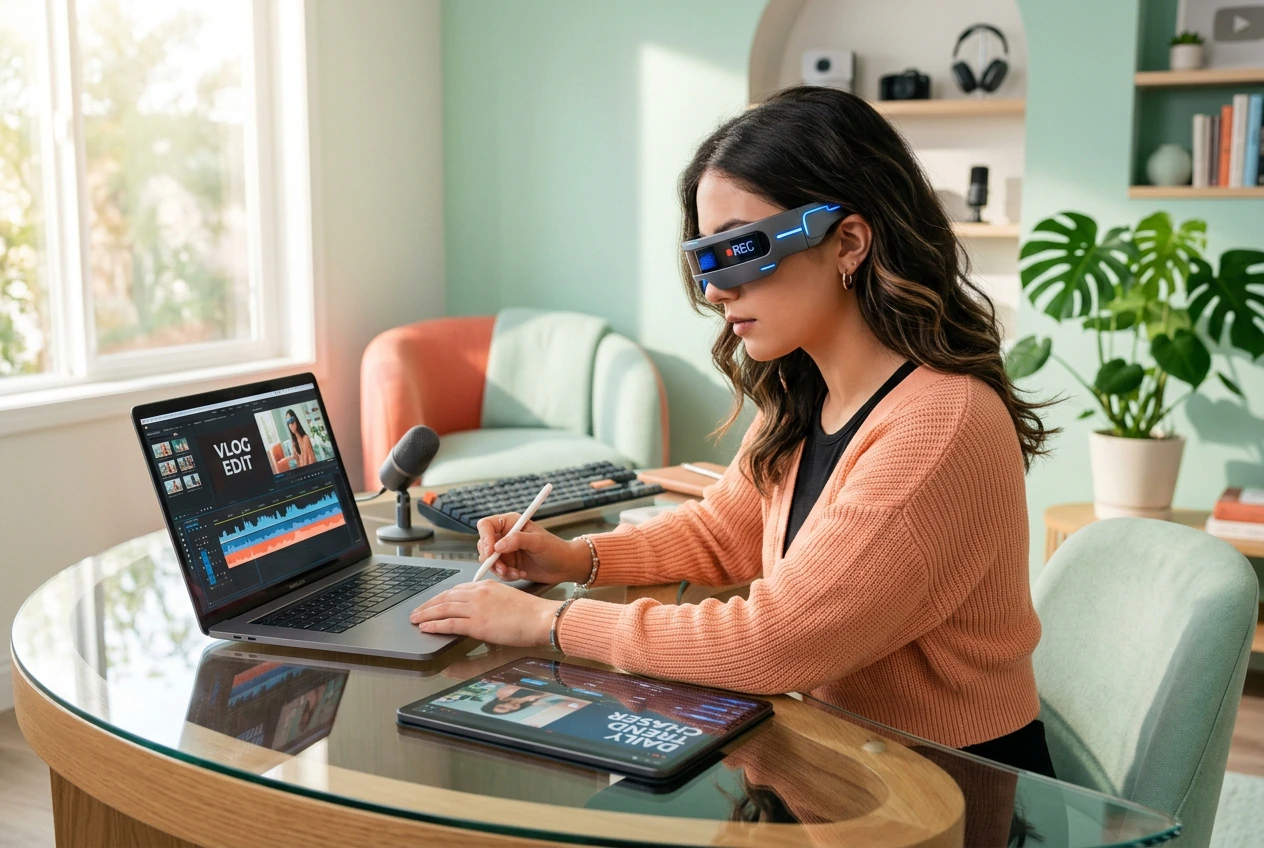
The cyber visor reveal is trending right now. That window closes in 72 hours. Drop start and end frames, type the prompt, get a working AI transition in 20 minutes. Post it, move on, chase the next trend.
Run Visor X Effect in Three Steps
No timeline scrubbing. No keyframe math. Upload frames, write the prompt, generate the visor glow video effect. That's the whole loop.
Step 1
Upload Your Frames
Drop a start frame and an optional end frame. High-contrast images with clear subject edges give the HUD light sweep transition the most to work with. Soft or flat lighting will produce softer results.
Step 2
Set the Prompt
Type what you want: cold blue light bars, lens reflections, scanning HUD elements, sci-fi visor transition feel. Specific prompt language gets specific output. Vague prompts get generic results.
Step 3
Generate and Reroll
Hit generate and get the Visor X Effect video back fast. Not the right speed or glow intensity? Reroll the variant with a tighter prompt. Ship what lands.
Visor X Effect Features That Ship
Every control here exists to cut iteration time on the Visor X Effect. Batch, reroll, adjust, and export. No feature exists just to look good on a slide.
Batch Variant Output
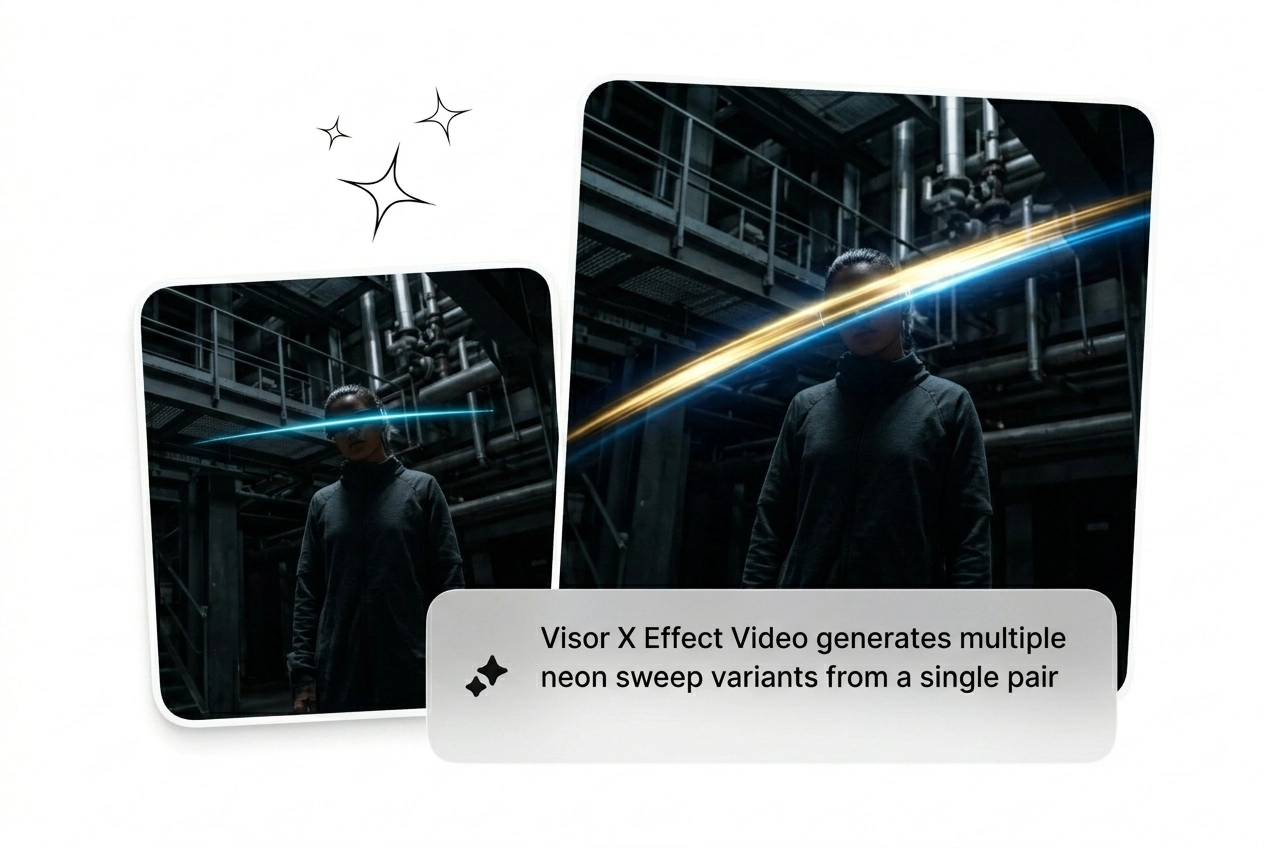
Generate multiple Visor X Effect variants from the same frame pair in one run. Different glow intensity, different HUD sweep timing, same source inputs. Pick the version that reads best at 0.5x scroll speed, kill the rest, export in one click.
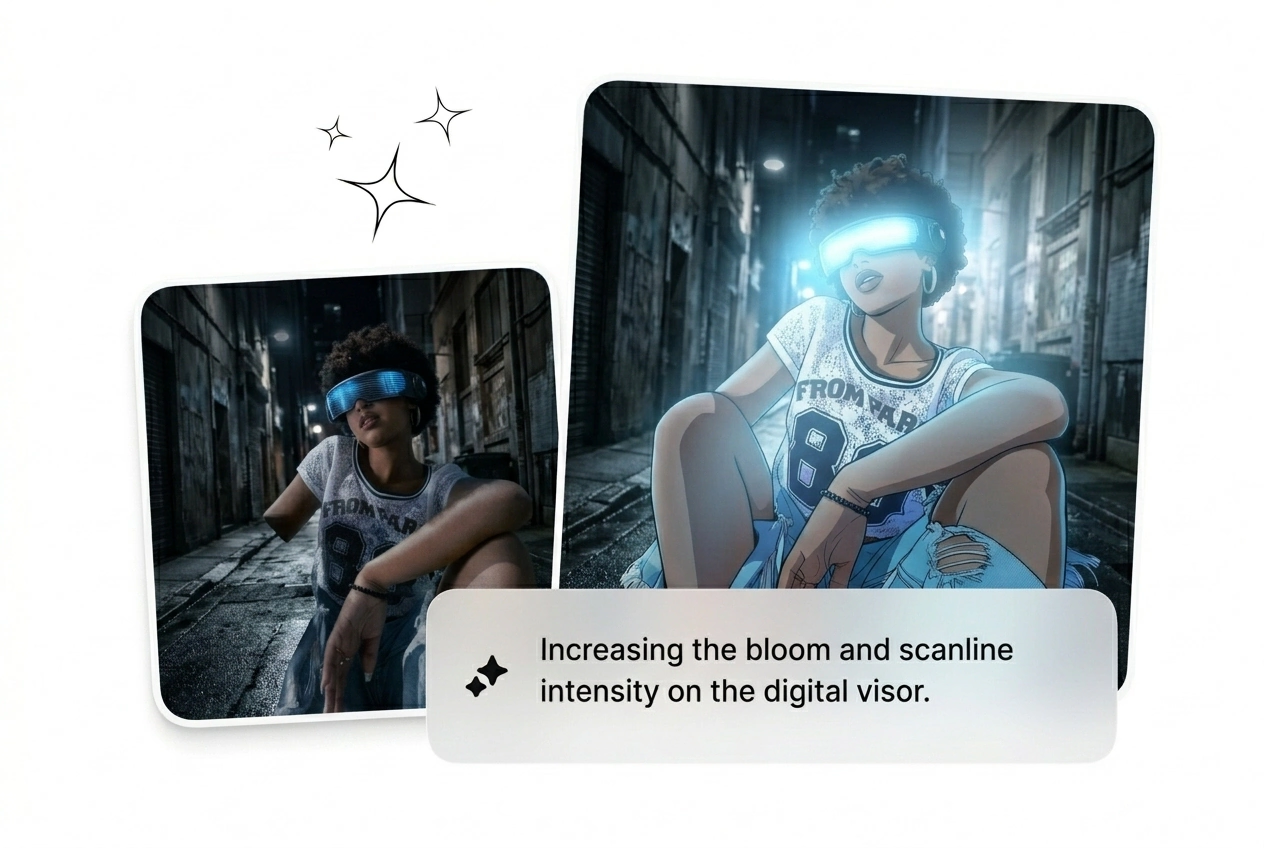
Cold Light Bar Controls
Dial the cyan and blue light bar density up or down before generating. Useful when the neon visor transition needs to match an existing color grade or brand palette. Keeps the cyber visor reveal on-brand without a separate grade pass.
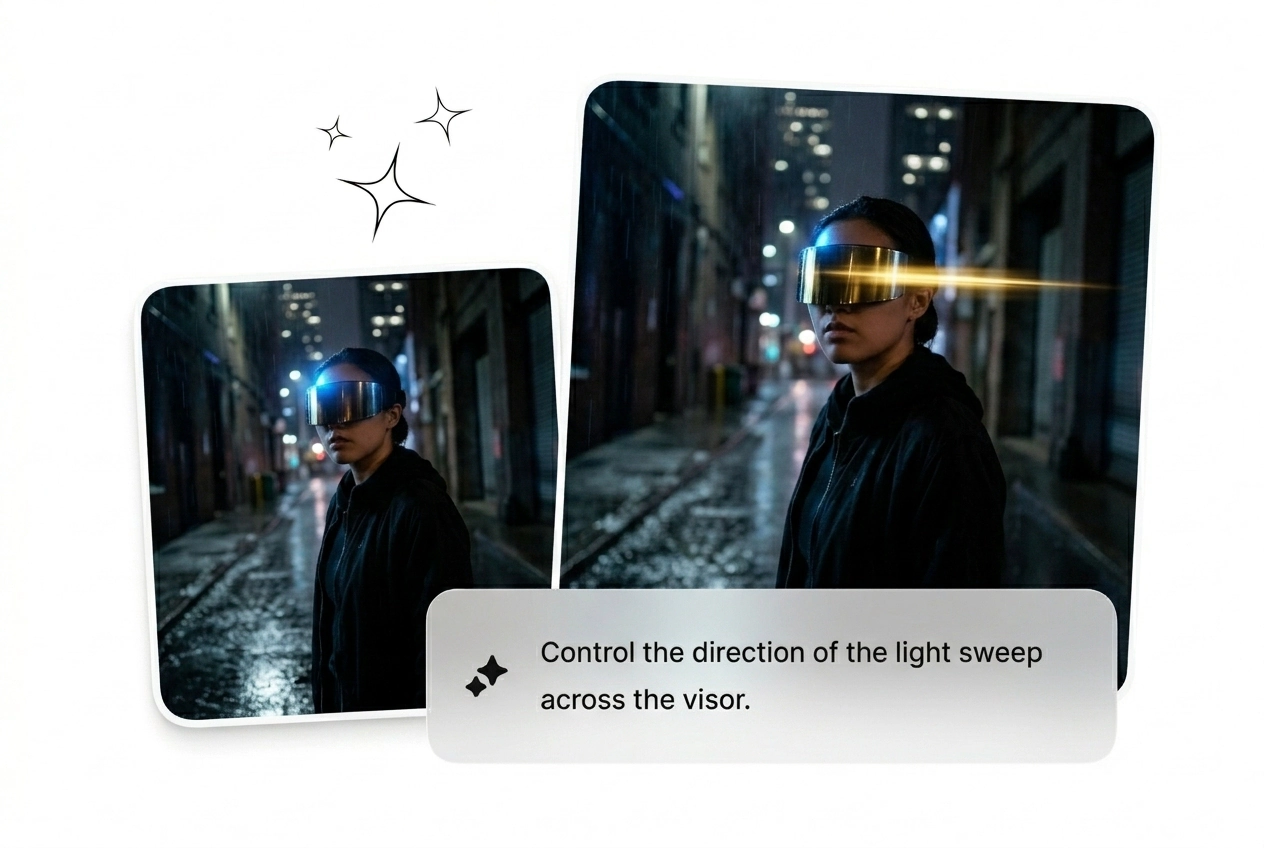
HUD Sweep Timing
Control how fast the HUD light sweep transition scans across the frame. Tight windows need a snappy sweep; cinematic cuts need room to breathe. Set it before you generate and skip the reroll cycle caused by wrong pacing.
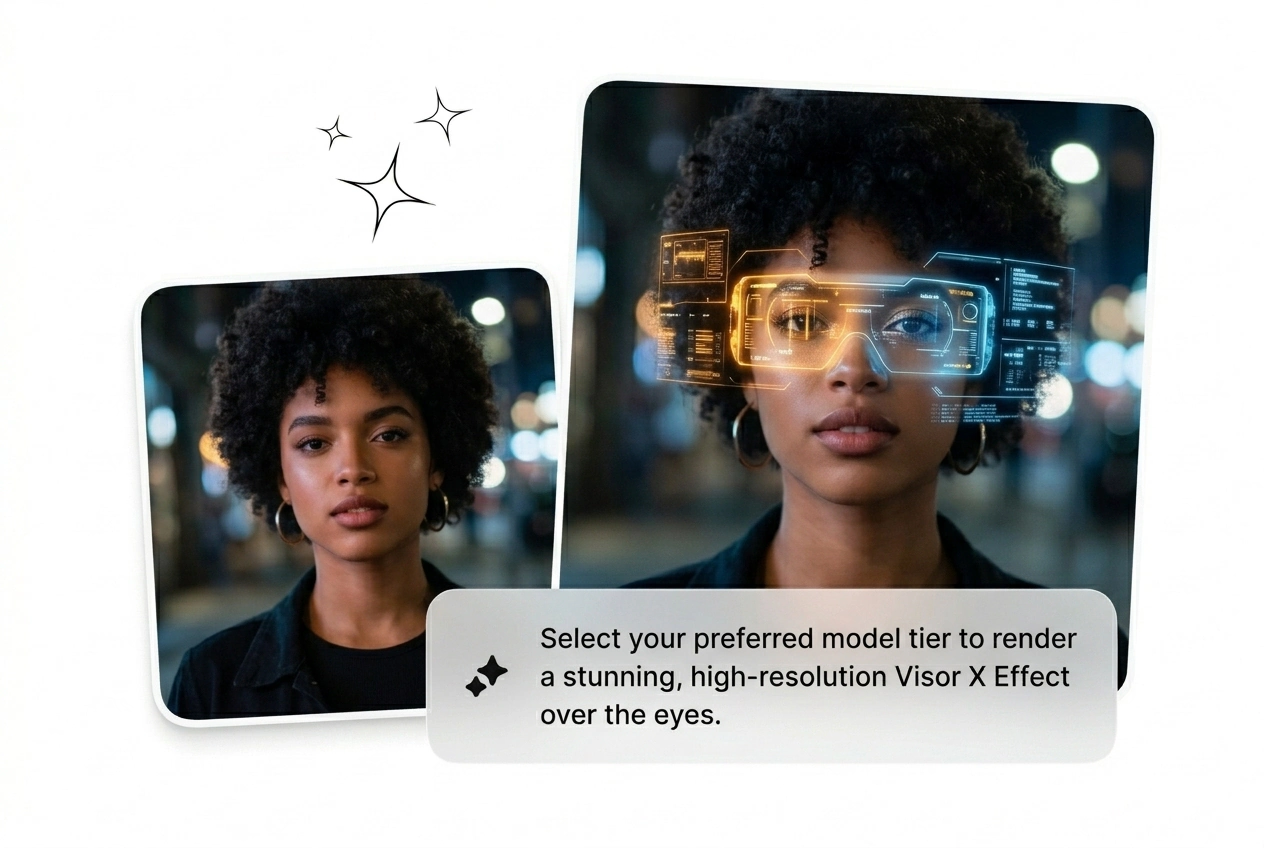
Visor X Effect FAQ
Can I generate the Visor X Effect without any design experience?
Absolutely, no design background needed. Upload a start frame, type a prompt describing the sci-fi visor transition style you want, and generate. The AI handles light placement and HUD elements. Clear, high-contrast frames get the strongest results for first-time users.
Is the Free Visor X Effect generator available without creating an account?
Sure, a free tier is available to try the AI transition without committing. There is a generation limit before you hit a paywall. For volume work like batching the futuristic helmet effect across multiple projects, upgrading gives you more runs per session.
What kind of input images work best for this AI video transition generator?
High-contrast images with a clear subject against a defined background work best for the X visor motion AI engine. Flat, low-light, or noisy images reduce edge definition. Sharp frames where the subject reads cleanly at a glance give the HUD sweep the most to lock onto.
How many variants can I generate from a single pair of input frames?
Batch output lets you generate several variants from one frame pair in a single run. Each variant can differ in glow weight, sweep speed, and light bar density. Keep what converts for the neon visor transition sequence and reroll the rest without re-uploading your source frames.
Does the output work directly for social media or does it need more editing?
Most outputs are ready to post as-is for short-form content. Longer cuts or branded sequences may need a quick color match in your editor. The AI transition free tier exports at standard resolution, which fits most social platforms without extra processing or format conversion.
Run the Visor X Effect Now
Upload two frames and a prompt. The cyber visor reveal ships in minutes. Reroll what doesn't land. Cut what does. Go.