Free Werewolf Transformation Video Effect Generator
Werewolf Transformation Effect hits with a full creature shift fast, locked to the cut and controlled enough for real edit decisions. Start from a prompt or still image and get multiple variants back quickly, ready for batch review, render, and export with the strongest hook leading the sequence.

Fast Werewolf Transformation Effect Generator
Drop a start frame and prompt the Werewolf Transformation Effect. Generate the variant. Reroll until the bone structure hits right. Ship the rough cut.
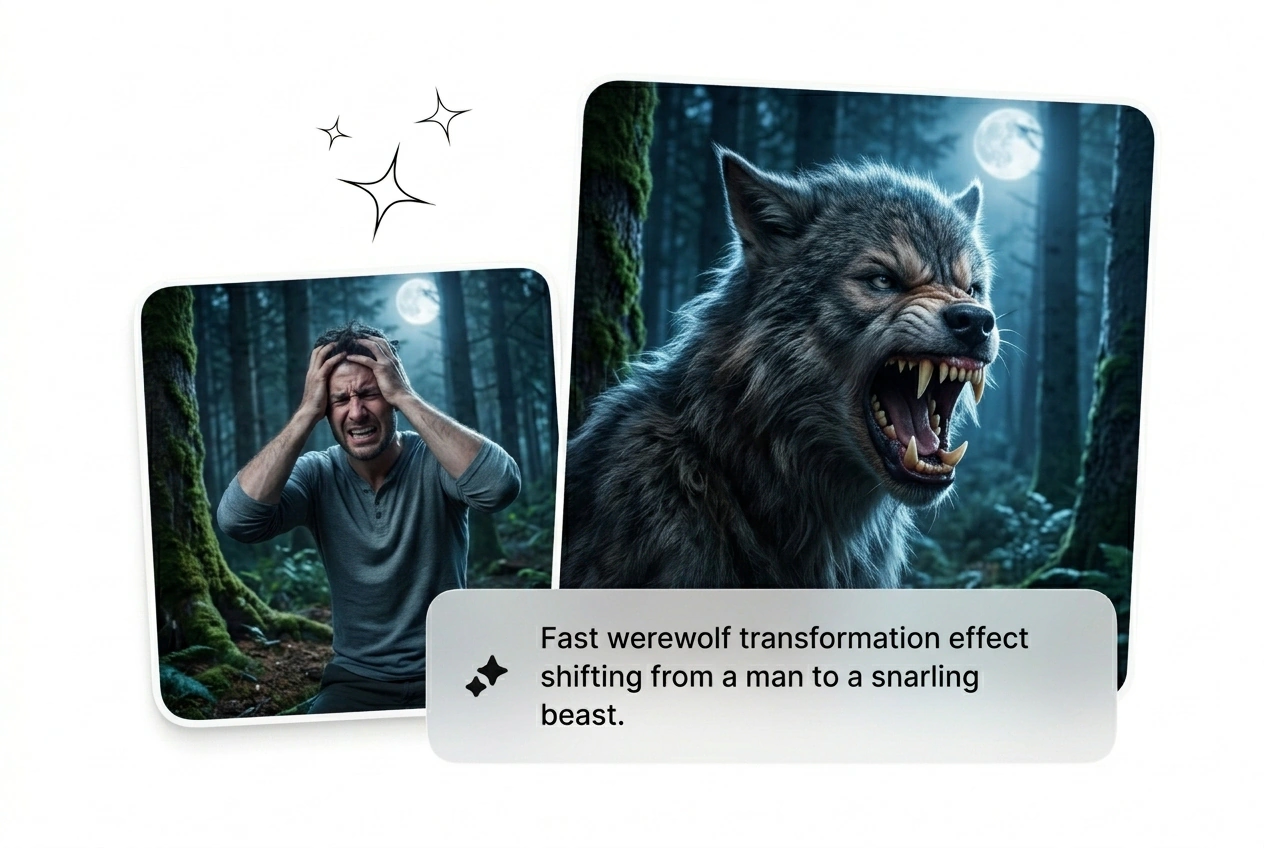
Who Ships The Werewolf Transformation Effect
Horror directors and game marketers need variants fast. Batch the sequence, kill the weak renders, and scale the ones that actually convert.

Indie Horror Directors
You need a visceral wolf morph transition but lack the budget for practical makeup. Upload your actor frame and prompt the moonlight vibe. Reroll the AI werewolf transformation effect until the jaw snaps perfectly for the final cut.
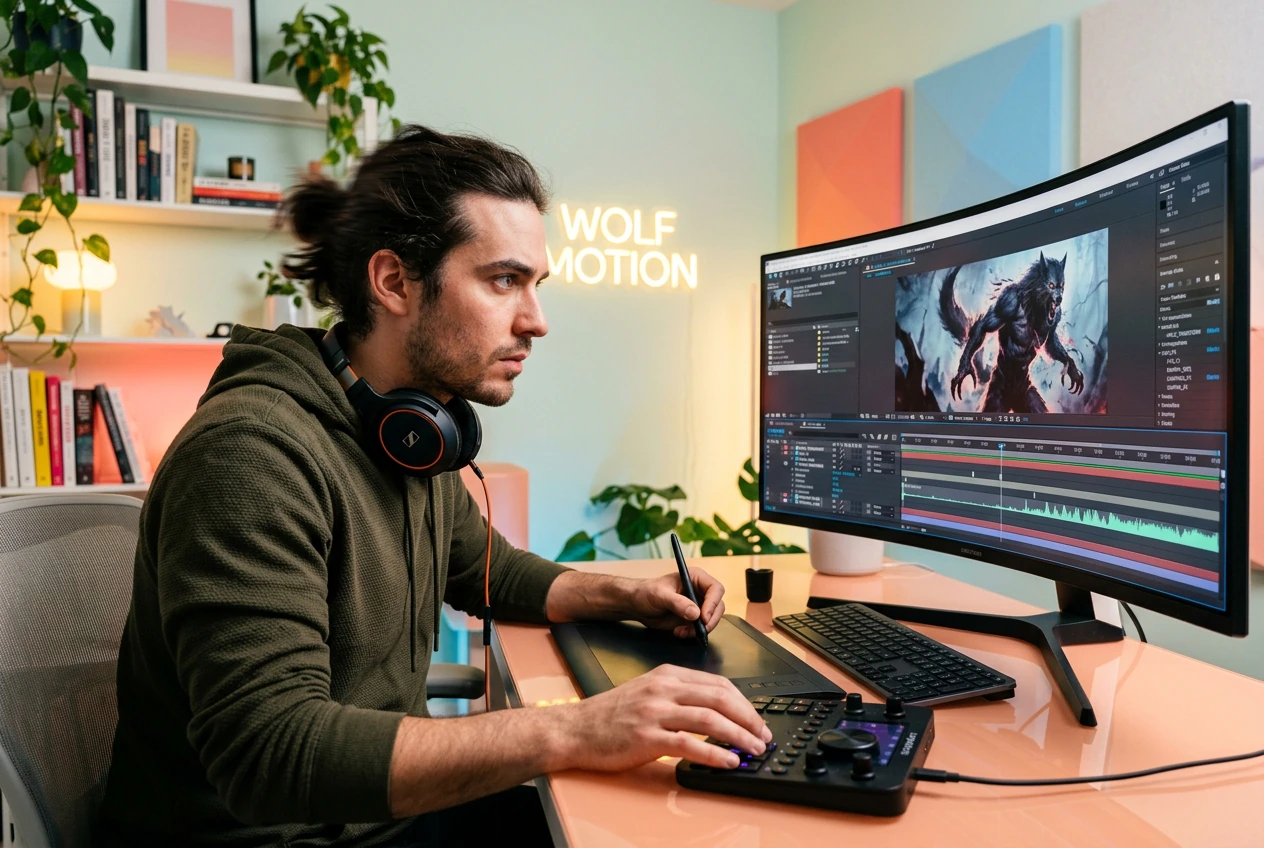
Game Promo Hackers
Paid social demands constant creative testing to beat ad fatigue. Generate a batch of lycanthrope transition AI clips from character stills. Keep the high-converting variants, cut the losers, and ship the next campaign out fast.

Fantasy Content Creators
Trend cycles move fast. Grab a Free Werewolf Effect Video generator to turn your cosplay photos into dynamic motion. Dial in the fur details, export the best variant, and post the hook before the trend dies.
Build Your Werewolf Transformation Effect Fast
Skip the complex rigging. Upload a frame, prompt the Werewolf Transformation Effect, and let the engine batch the variants. Pick the best render.
Step 1
Drop Start Frame
Upload a clear portrait image to anchor the sequence. Good lighting on the subject gives the engine better data to map the initial facial structure before the heavy mutation begins.
Step 2
Prompt The Vibe
Type out the exact fur texture and bone proportions you want. Add specific keywords for a full moon werewolf video atmosphere to guide the final lighting pass and color grading.
Step 3
Generate And Cut
Hit the button and watch the AI video Transition generator spit out options. Review the batch, kill the weird ones, and export the variant that hits the hardest right now.
Control The Werewolf Transformation Effect
Stop tweaking keyframes and start shipping the Werewolf Transformation Effect. Dial in the mutation speed, adjust the fur density, and reroll the sequence.
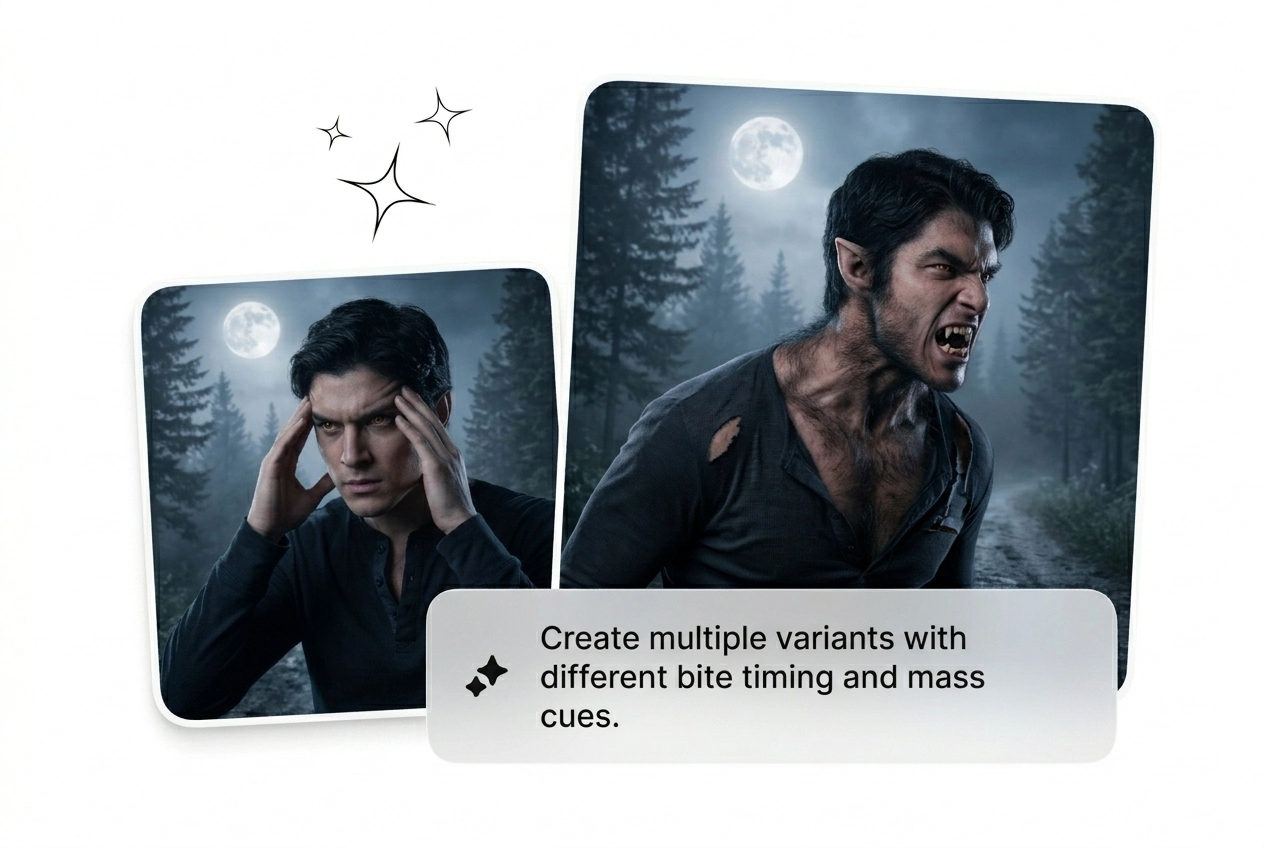
Control Mutation Speed
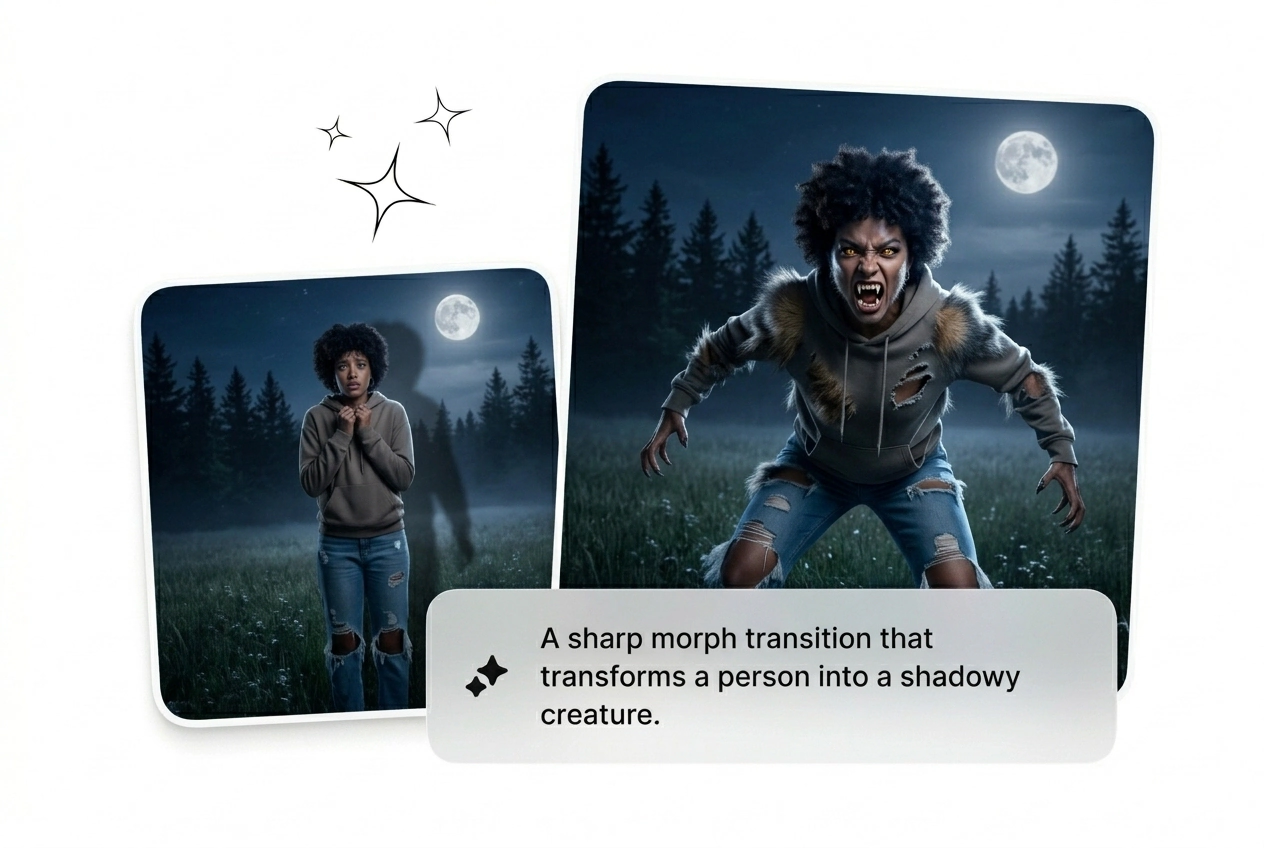
Sometimes you need a slow burn, other times a snap. Speed up Werewolf Transition sequences for jump scares or Slow Werewolf Transition pacing for dramatic tension. Pick the timing that fits your rough cut perfectly.
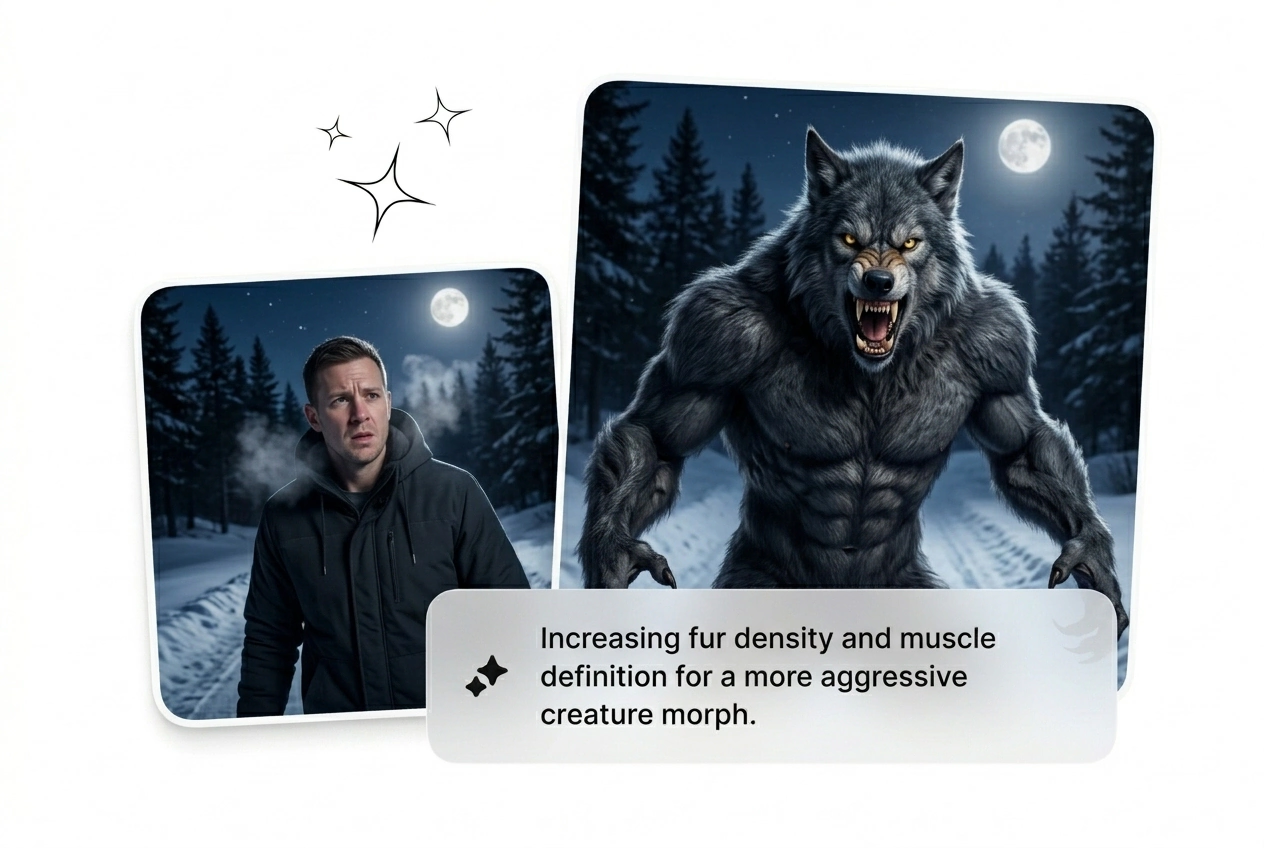
Direct The Fur
Prompt the exact hair length and color mapping from your start frame. The Werewolf Transformation AI reads your text to dictate how the coat grows. Reroll the batch if the texture looks too clean or soft.
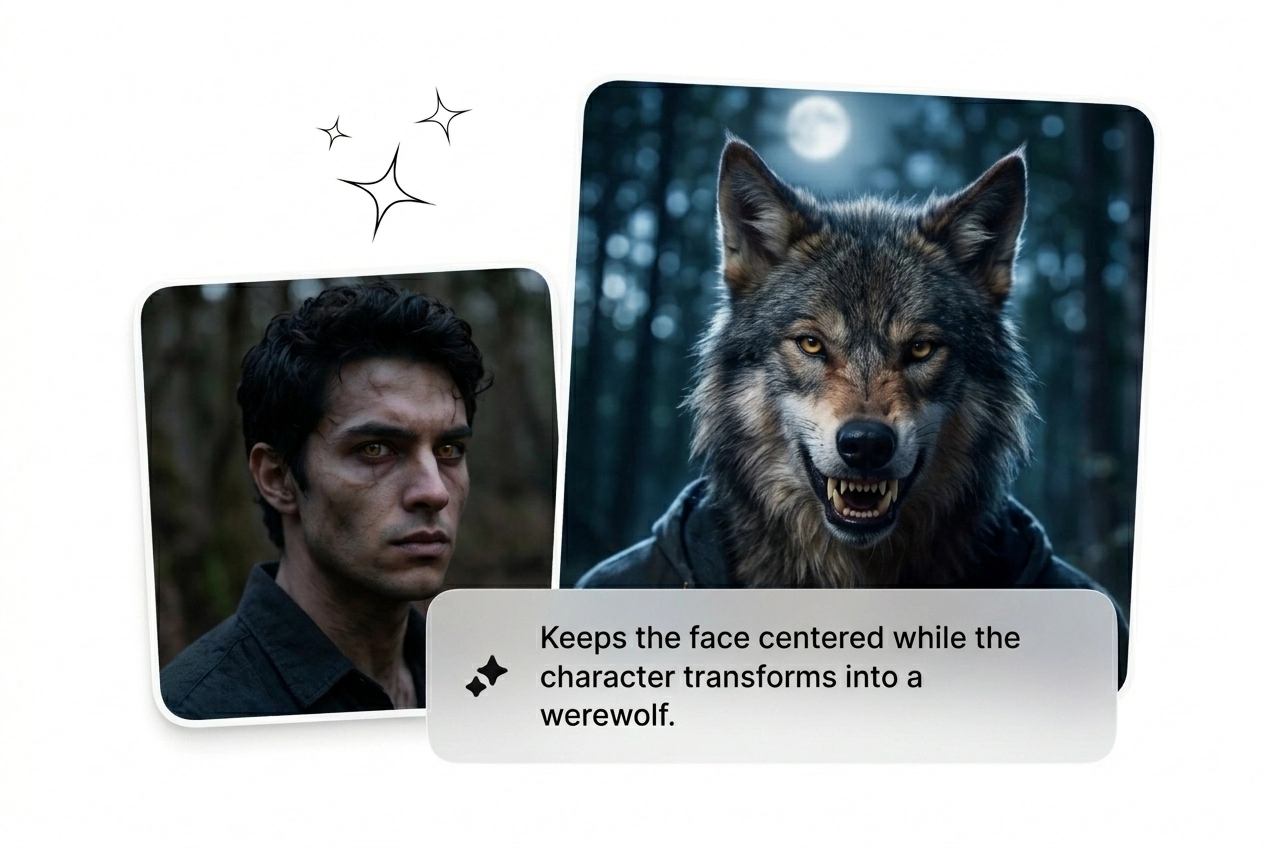
Lock Bone Proportions
Keep the anatomy grounded while the face morphs. The engine tracks the initial image structure to ensure the Best Werewolf Effect maintains realistic volume. Cut the variants where the jawline breaks the intended character model.
Werewolf Transformation Effect Questions
Can I use a video clip as the starting input for this tool?
No, the engine only accepts static images or text prompts as inputs. Upload a high-quality start frame to generate the Werewolf Effect Video. This keeps the render times low and lets you iterate on the visual style much faster.
How long does it take to generate a full moon werewolf video sequence?
Expect your first rough cut in under two minutes depending on server load. Complex prompts with heavy fur details might take slightly longer. Fast generation means you can reroll the AI Transition free of long rendering bottlenecks.
Do I have full commercial rights to the exported Werewolf Effect Motion clips?
Yes, you own the output as long as you own the rights to the input image. Use the generated Werewolf Effect Motion in paid ads or indie films. Just make sure your source material clears standard copyright checks first.
Why does the bone structure look distorted in my recent AI transition batch?
Distortions happen when your starting portrait lacks clear lighting or contrast. The engine needs defined shadows to map the skull properly. Fix your input image lighting, adjust the prompt weight, and reroll the variant for a cleaner result.
Is there a way to reverse the Werewolf Transition back to human form?
Sure, just swap your start and end frames in the prompt sequence. The engine will calculate the Werewolf Transformation Effect in reverse. This works perfectly for narrative loops or social media hooks where the monster turns back into a person.
Ship The Werewolf Transformation Effect
Stop overthinking the keyframes. Drop your image, prompt the Werewolf Transformation Effect, and generate the batch. Keep what works and kill the rest.