Free Air Element Video Effect Generator
Air Element Effect brings lift, motion, and clean control to the frame, fast enough to keep the cut moving. Start from a prompt or still image and get multiple variants back quickly, ready for batch review, render, and export with your best hook already lined up

Generate The Air Element Effect Fast
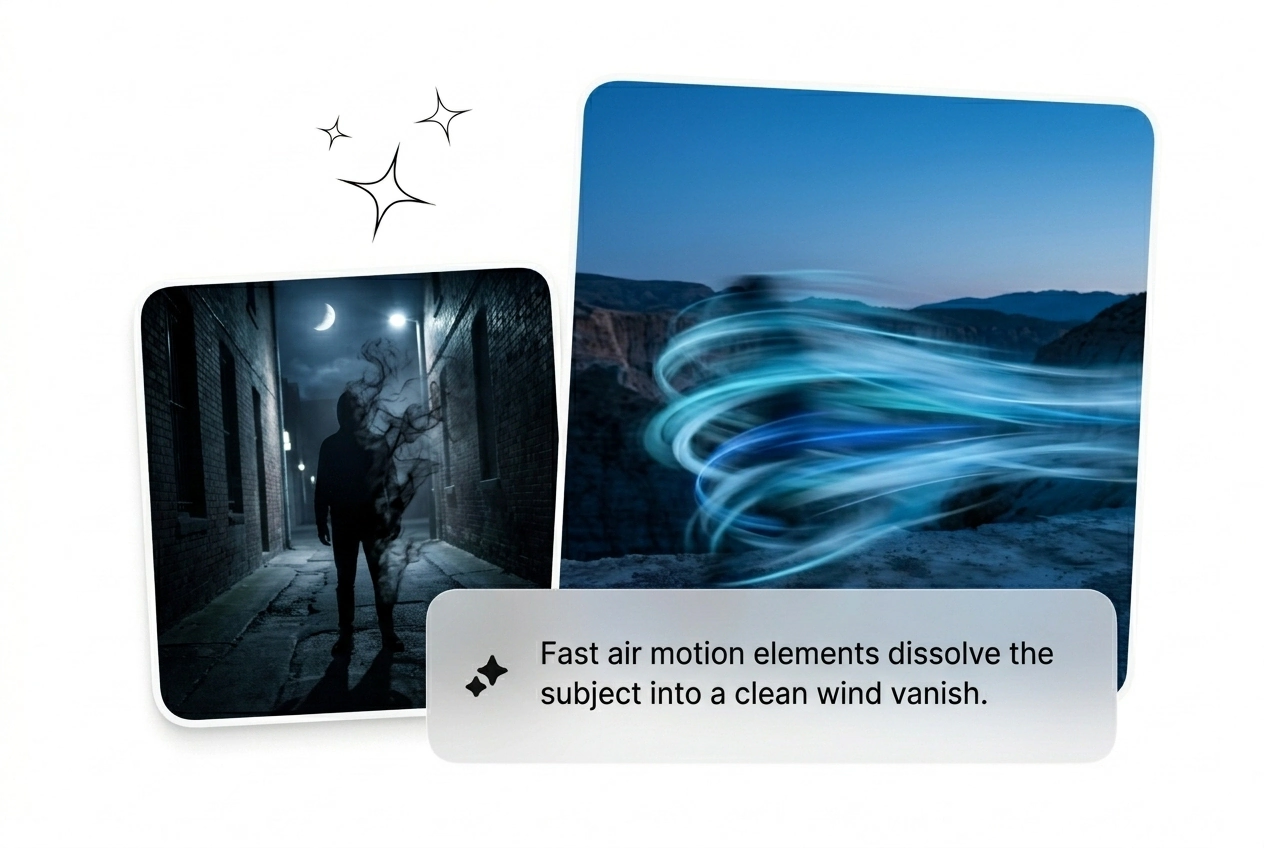
Upload a start frame and type a prompt. Watch the Air Element Effect dissolve the subject into rotating particles. Reroll until the variant hits perfectly.
Who Needs This Air Element Effect
Deadlines hit hard when clients want complex particle fades. Batch multiple Air Element Effect variants fast, kill the weak renders, and ship the winner.

Paid Social Hackers
Ad fatigue kills campaigns faster than bad targeting. Generate an air element video effect to test new hooks daily. Keep the variants that convert, trash the rest, and scale your winning creative before the trend dies.
Solo Motion Freelancers
Clients demand an Air Element motion graphic with zero reference and a flat rate. Stop keyframing every particle by hand. Rough cut the sequence, generate three options, and let them pick the best AI air element video.

Daily Trend Chasers
Your trend window closes in two days. You need a fast AI Air Transition to keep viewers hooked. Drop a frame, render the mist fade, and post the clip while the audio is still actually going viral.
Ship The Air Element Effect Fast
Skip the complex node trees. Drop your start frame, pick the parameters, and generate AI Air Effects fast. Iterate until the visual hits perfectly.
Step 1
Drop Start Frame
Upload a clear image to anchor the sequence. High contrast works best for a clean Air particle dissolve effect. The AI reads the subject and preps the pixels for the breakdown.
Step 2
Prompt The Motion
Type exactly how the subject should fade. Tell the engine to Speed up Air Element Effect or keep it slow. Choose your model tier, set the aspect ratio, and hit generate.
Step 3
Reroll And Ship
Review the batch of renders. If the mist looks wrong, tweak the prompt and reroll the variant. Grab the best AI transition, drop it into your timeline, and export immediately.
Control Your Air Element Effect Output
Stop fighting with manual keyframes. Use these levers to batch variants, adjust particle speed, and get an Air Element Effect that actually converts.
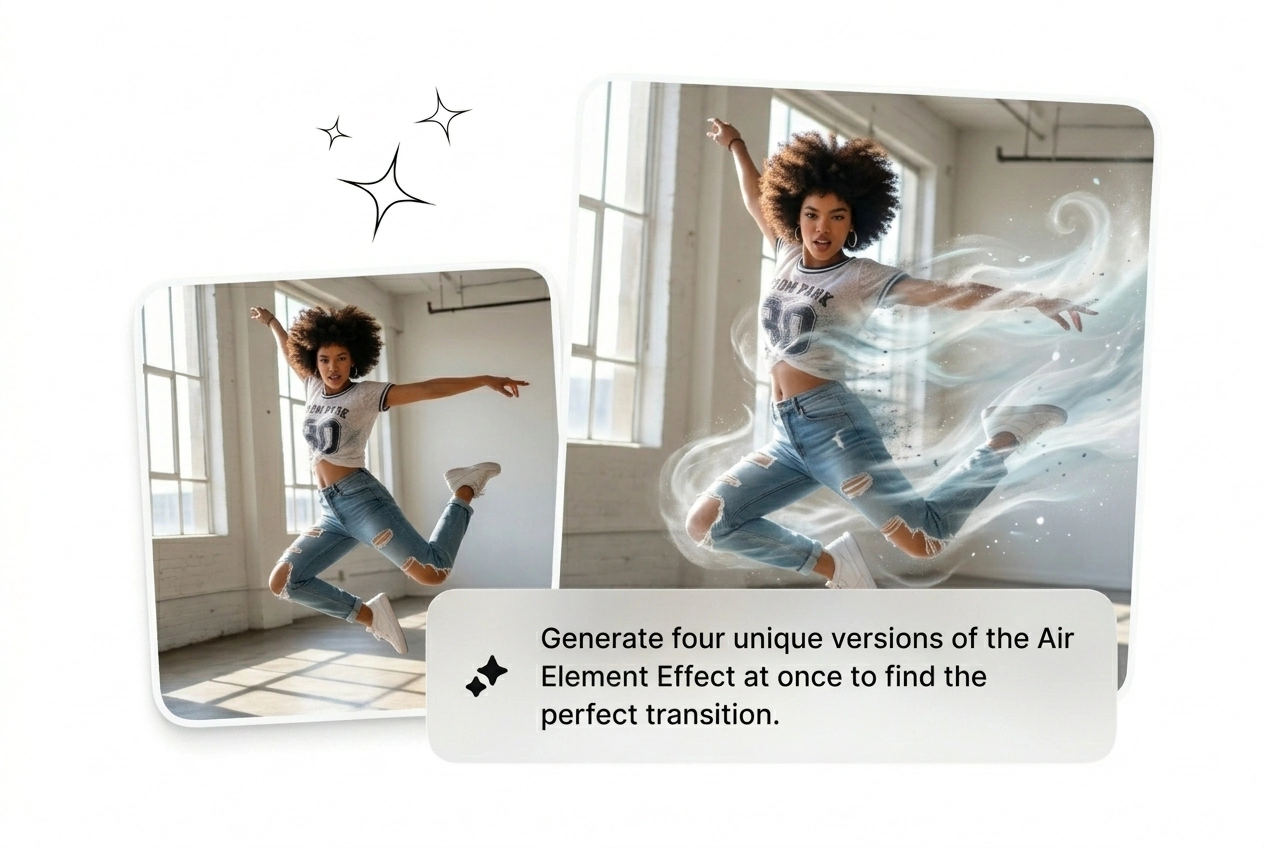
Batch Multiple Variants Fast
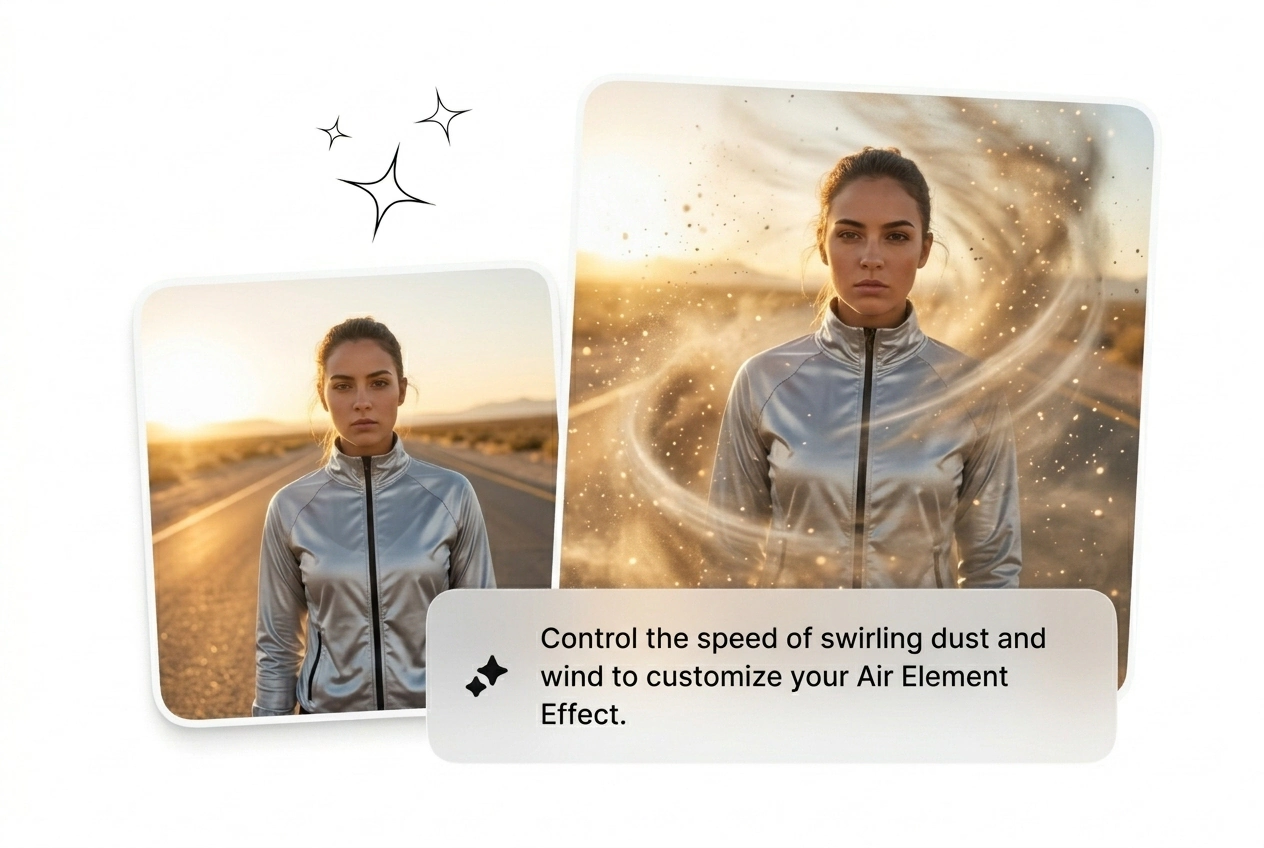
Generate four different versions from one source frame simultaneously. Try different mist densities and particle sizes without waiting for single renders. Pick the best Air element transition, kill the weak ones, and move on immediately.
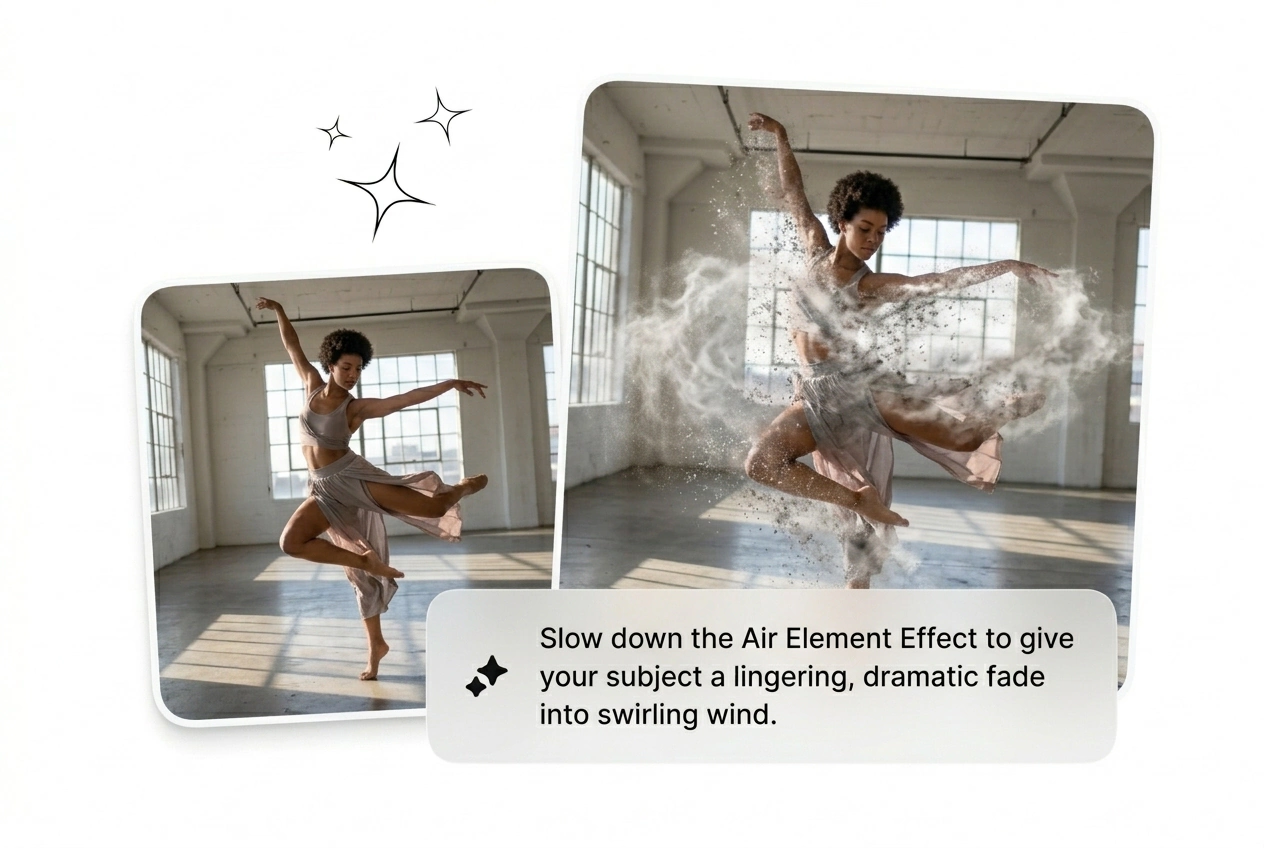
Adjust The Dissolve Speed
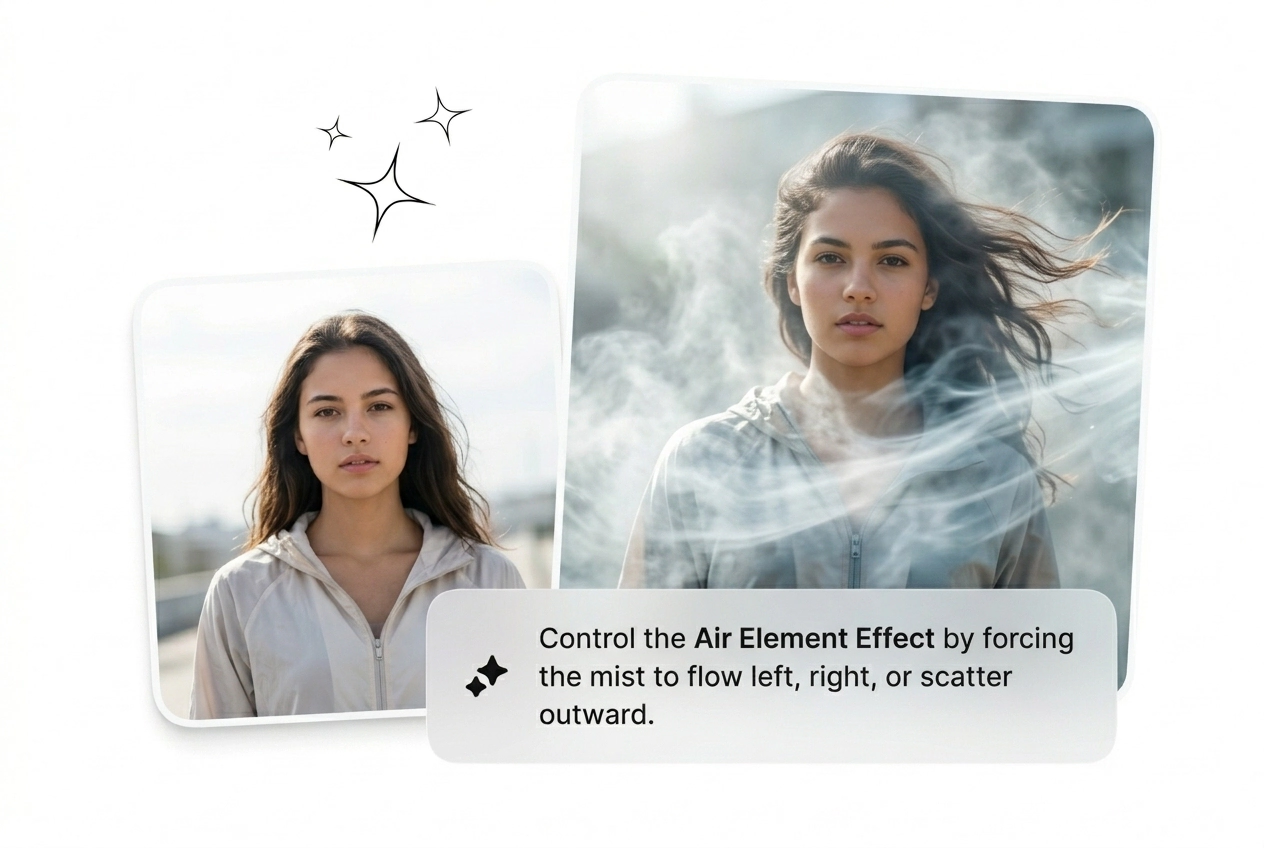
Sometimes the visual needs more time to breathe. Prompt the engine to Slow Air Element Effect sequences for dramatic reveals. It gives you precise pacing control without needing to stretch clips in your editing timeline.
End Frame Target Lock
Upload a specific end frame to force the mist to resolve into a new subject. This turns a basic dissolve into a custom AI video Transition generator. Perfect for bridging two unrelated B-roll shots quickly.
Air Element Effect Common Questions
Can I use this tool to create an AI Transition free?
Yes, new users get credits to test the generator and export a Free AI air element effect. Free tiers include a watermark and lower resolution. It works perfectly for rough cuts before you commit to a paid render.
Does the Air Element Effect work on any uploaded image?
Sure, but high contrast subjects with clean backgrounds yield the best results. Busy backgrounds confuse the particle generation and make the mist look muddy. Keep your start frame simple to ensure the dissolve looks incredibly sharp.
How long does it take to render one visual variant?
Most sequences finish generating in under two minutes depending on server load. Complex prompts or higher resolution settings might add a few extra seconds. You get a working Air Element Effect fast enough to iterate before lunch.
Can I upload a video clip to apply the dissolve?
No, this specific tool requires a static start frame or end frame. We do not support direct video-to-video uploads for this workflow. Grab a screenshot from your footage, upload that image, and generate the motion sequence instead.
What happens if the generated particle motion looks completely wrong?
Just reroll the variant. AI generation is unpredictable, so your first batch might miss the mark. Tweak your text prompt, adjust the motion parameters, and generate another batch until you get an Air Element Effect that ships.
Generate Your Air Element Effect Now
Stop wasting hours on manual node setups. Drop a frame, prompt the mist, and see what ships. Reroll until it converts.