

Paid Social Hackers
Ad fatigue kills campaigns faster than bad targeting. Generate an air element video effect to test new hooks daily. Keep the variants that convert, trash the rest, and scale your winning creative before the trend dies.
Air Element Effect brings lift, motion, and clean control to the frame, fast enough to keep the cut moving. Start from a prompt or still image and get multiple variants back quickly, ready for batch review, render, and export with your best hook already lined up.
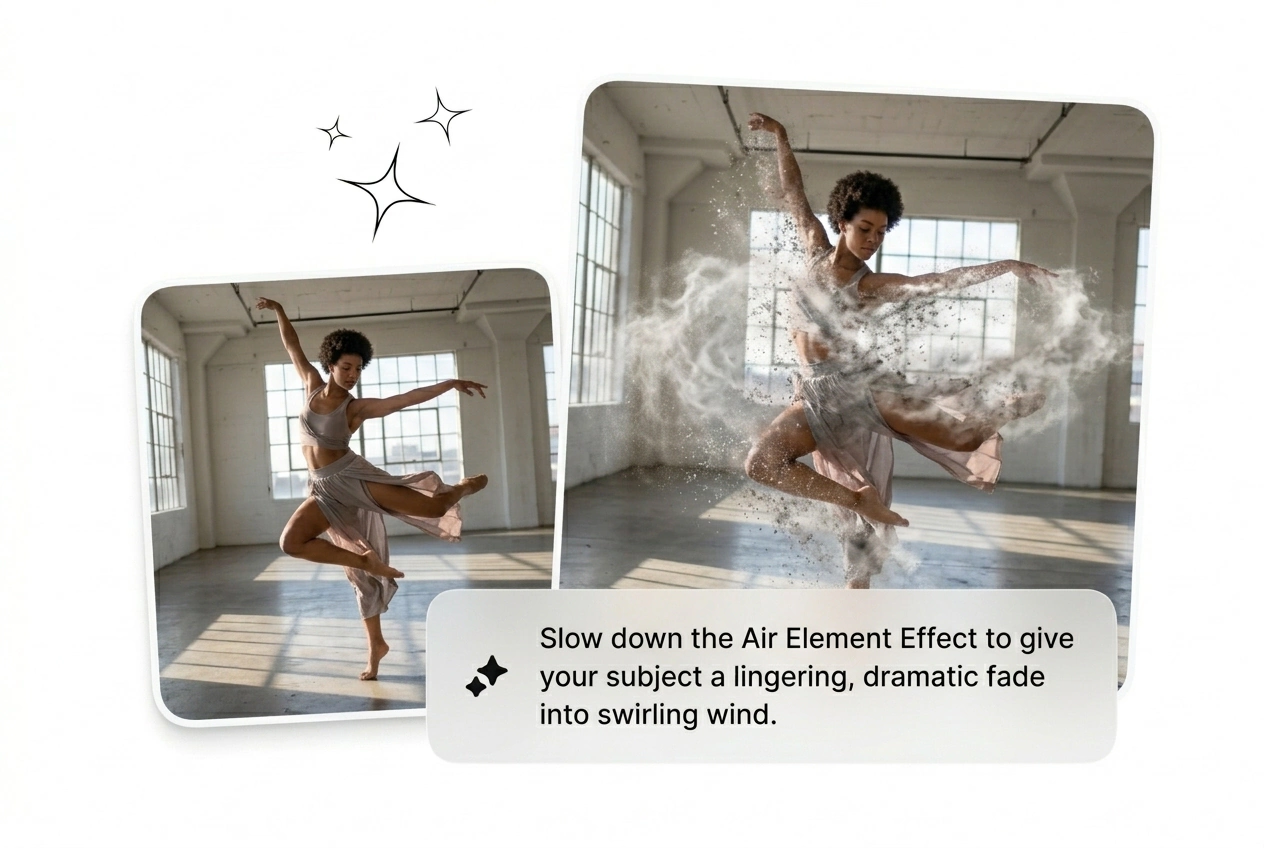
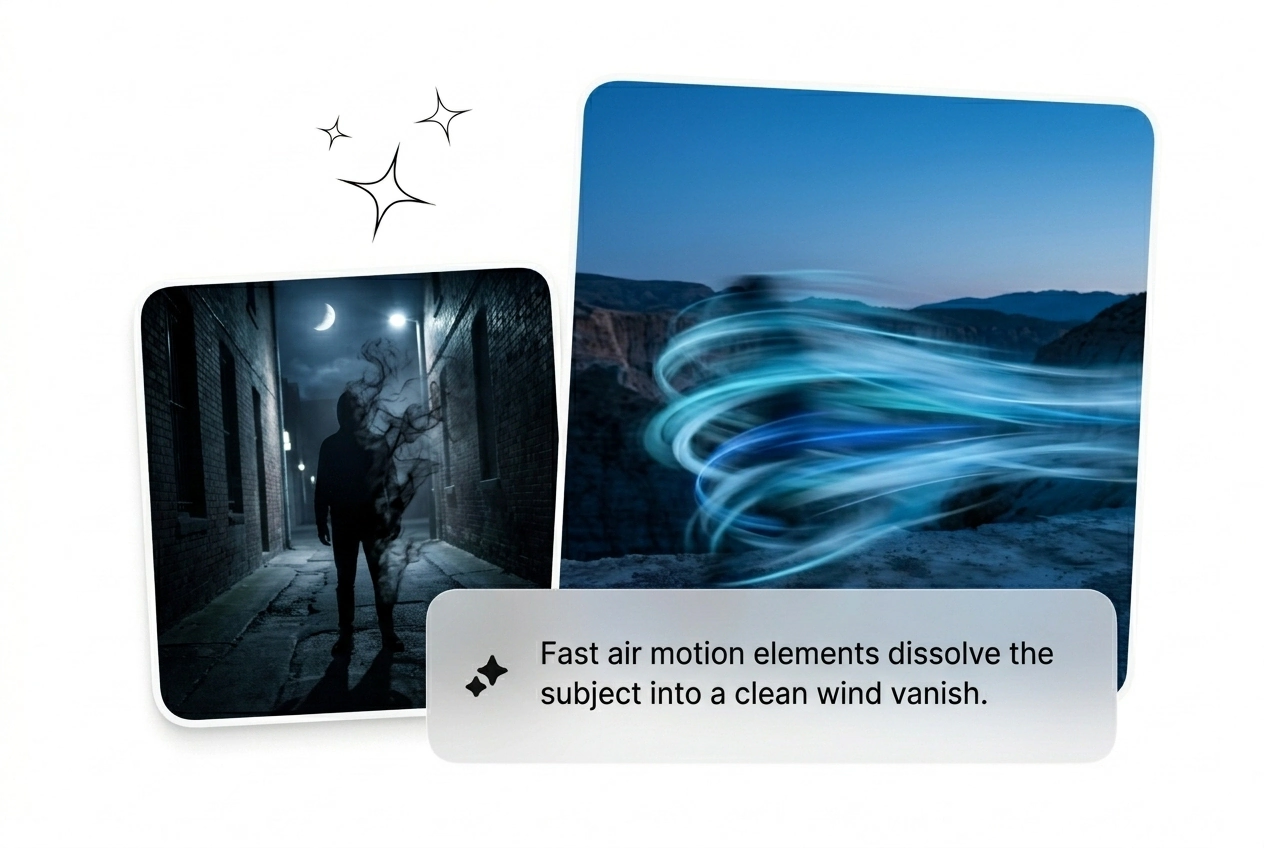
Upload a start frame and type a prompt. Watch the Air Element Effect dissolve the subject into rotating particles. Reroll until the variant hits perfectly.
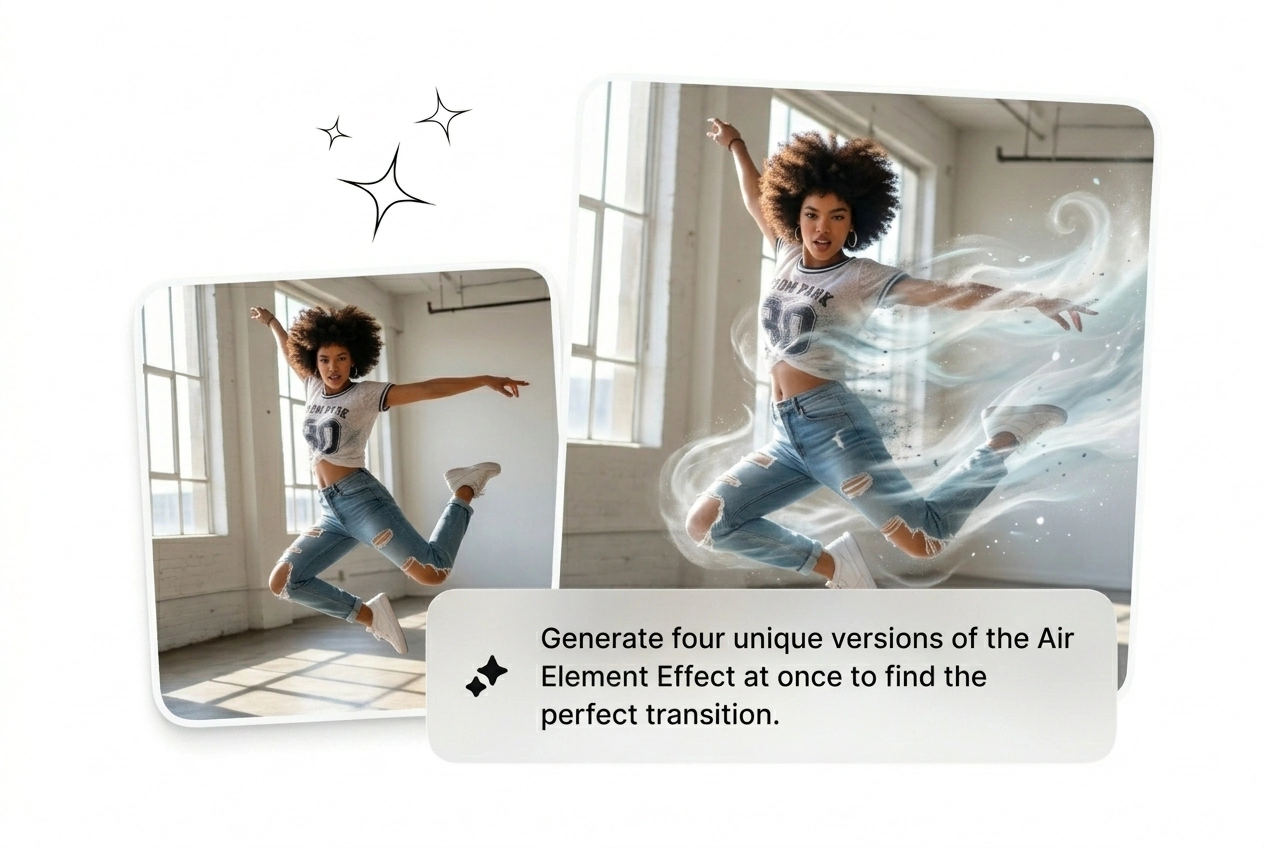
Deadlines hit hard when clients want complex particle fades. Batch multiple Air Element Effect variants fast, kill the weak renders, and ship the winner.
Ad fatigue kills campaigns faster than bad targeting. Generate an air element video effect to test new hooks daily. Keep the variants that convert, trash the rest, and scale your winning creative before the trend dies.

Clients demand an Air Element motion graphic with zero reference and a flat rate. Stop keyframing every particle by hand. Rough cut the sequence, generate three options, and let them pick the best AI air element video.

Your trend window closes in two days. You need a fast AI Air Transition to keep viewers hooked. Drop a frame, render the mist fade, and post the clip while the audio is still actually going viral.
Skip the complex node trees. Drop your start frame, pick the parameters, and generate AI Air Effects fast. Iterate until the visual hits perfectly.
Upload a clear image to anchor the sequence. High contrast works best for a clean Air particle dissolve effect. The AI reads the subject and preps the pixels for the breakdown.
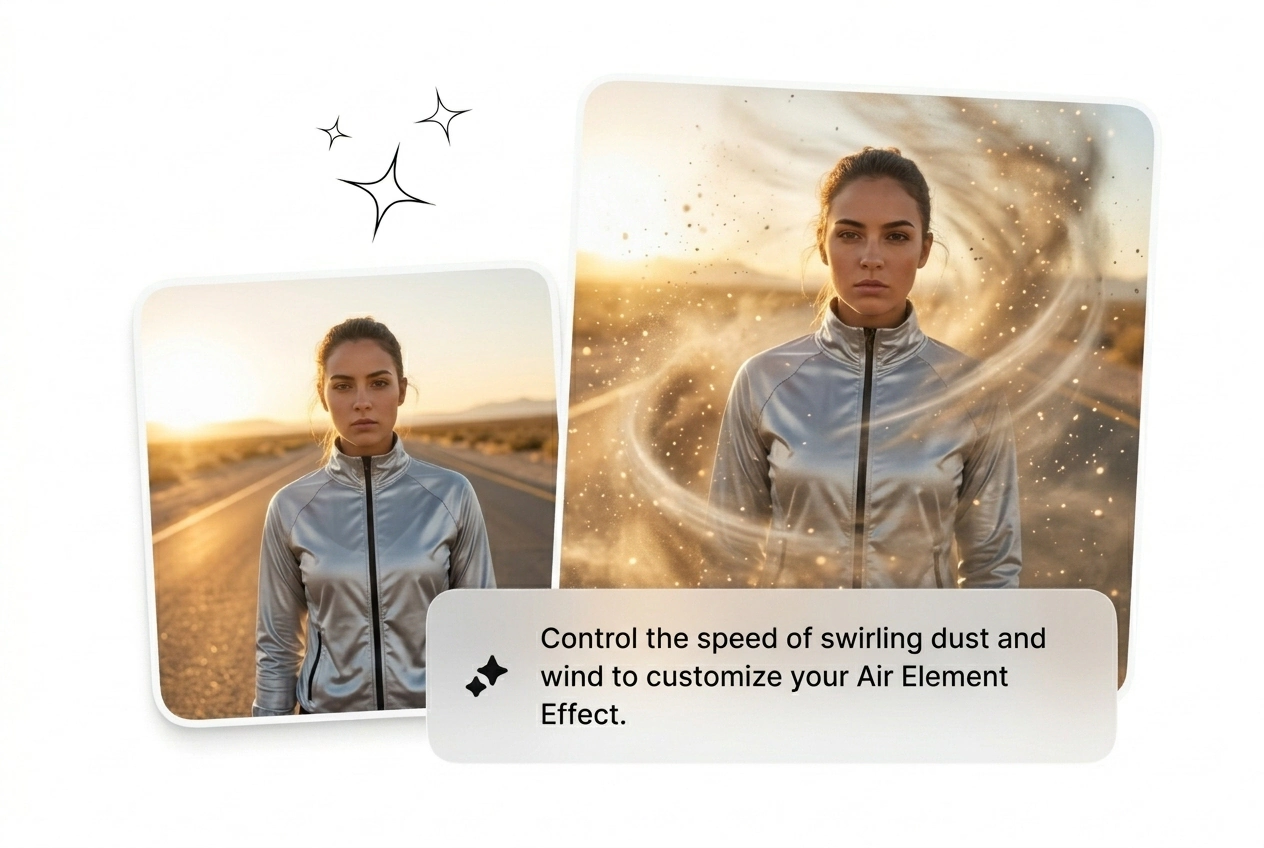
Type exactly how the subject should fade. Tell the engine to Speed up Air Element Effect or keep it slow. Choose your model tier, set the aspect ratio, and hit generate.
Review the batch of renders. If the mist looks wrong, tweak the prompt and reroll the variant. Grab the best AI transition, drop it into your timeline, and export immediately.
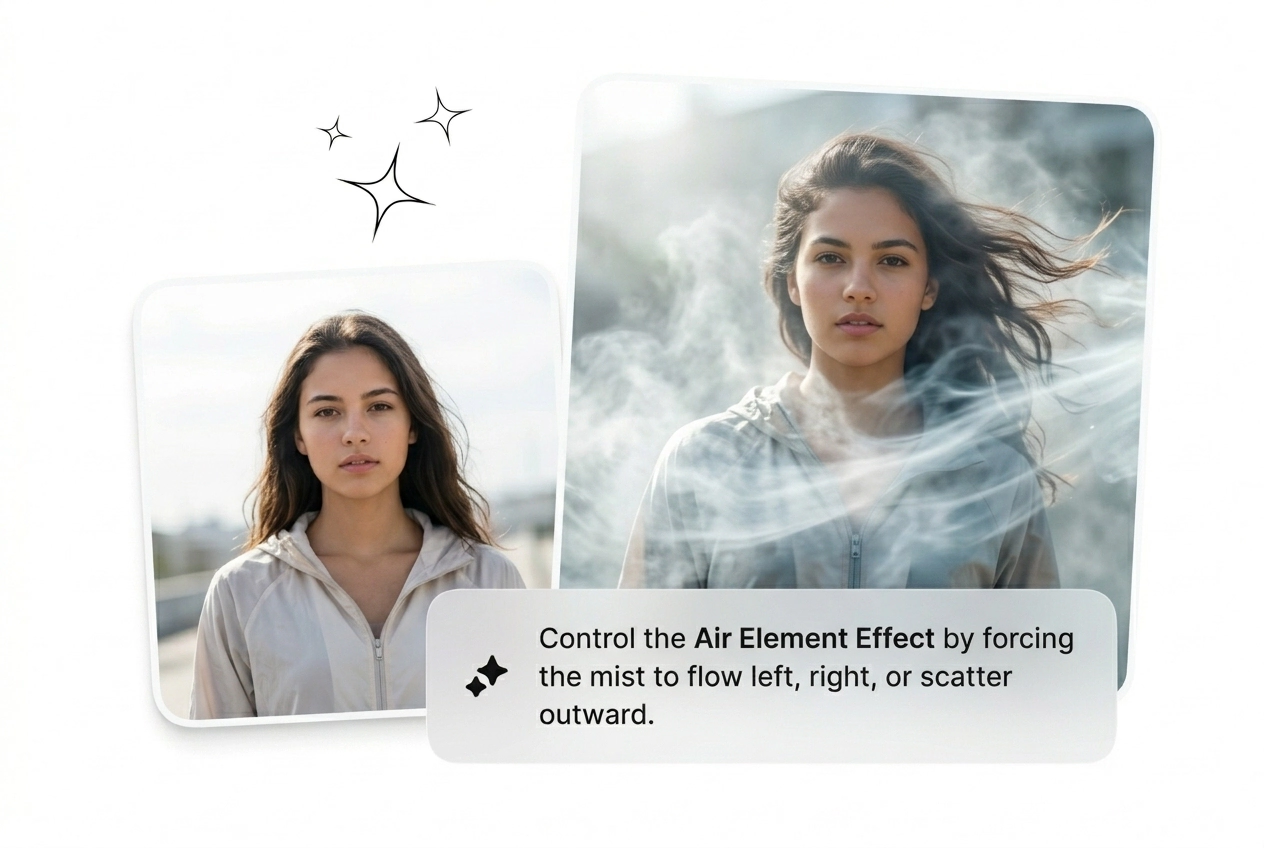
Stop fighting with manual keyframes. Use these levers to batch variants, adjust particle speed, and get an Air Element Effect that actually converts.
Yes, new users get credits to test the generator and export a Free AI air element effect. Free tiers include a watermark and lower resolution. It works perfectly for rough cuts before you commit to a paid render.
Stop wasting hours on manual node setups. Drop a frame, prompt the mist, and see what ships. Reroll until it converts.
Try Free