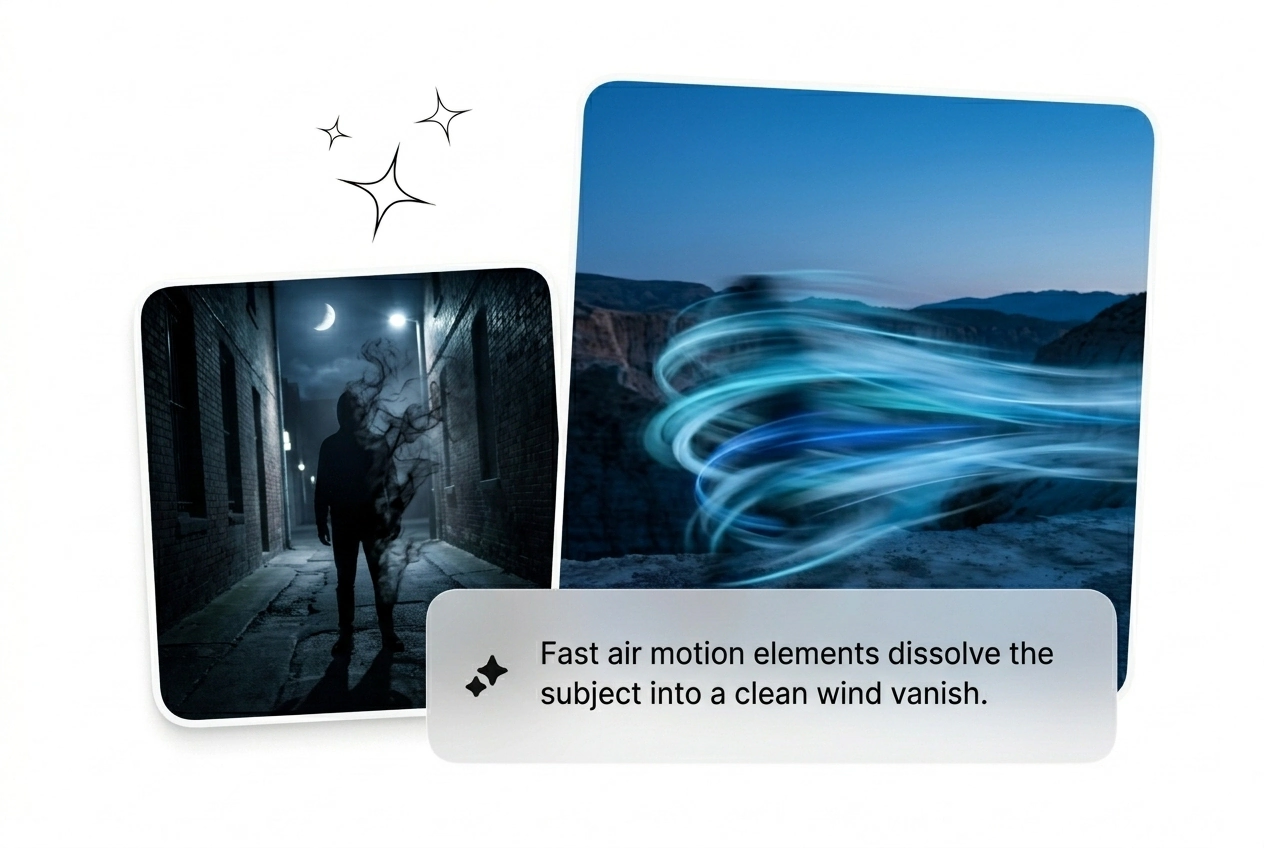

무료 공기 원소 비디오 효과 생성기

공기 원소 효과는 프레임에 부양감, 움직임, 정교한 컨트롤을 제공하며 편집 흐름을 유지할 수 있을 만큼 빠릅니다. 프롬프트나 정지 이미지로 시작하여 빠르게 여러 변형을 얻고, 일괄 검토, 렌더링 및 내보내기를 즉시 준비하세요.

공기 요소 효과 빠르게 생성하기

시작 프레임을 업로드하고 프롬프트를 입력하세요. 공기 요소 효과가 대상을 회전하는 입자로 분해하는 것을 지켜보세요. 변형이 완벽하게 일치할 때까지 다시 시도하세요.

Air Element Effect Fluxx AI hero showcase
Who Needs This Air Element Effect

Deadlines hit hard when clients want complex particle fades. Batch multiple Air Element Effect variants fast, kill the weak renders, and ship the winner.

Paid social hacker using Air Element Effect
Paid Social Hackers

Ad fatigue kills campaigns faster than bad targeting. Generate an air element video effect to test new hooks daily. Keep the variants that convert, trash the rest, and scale your winning creative before the trend dies.
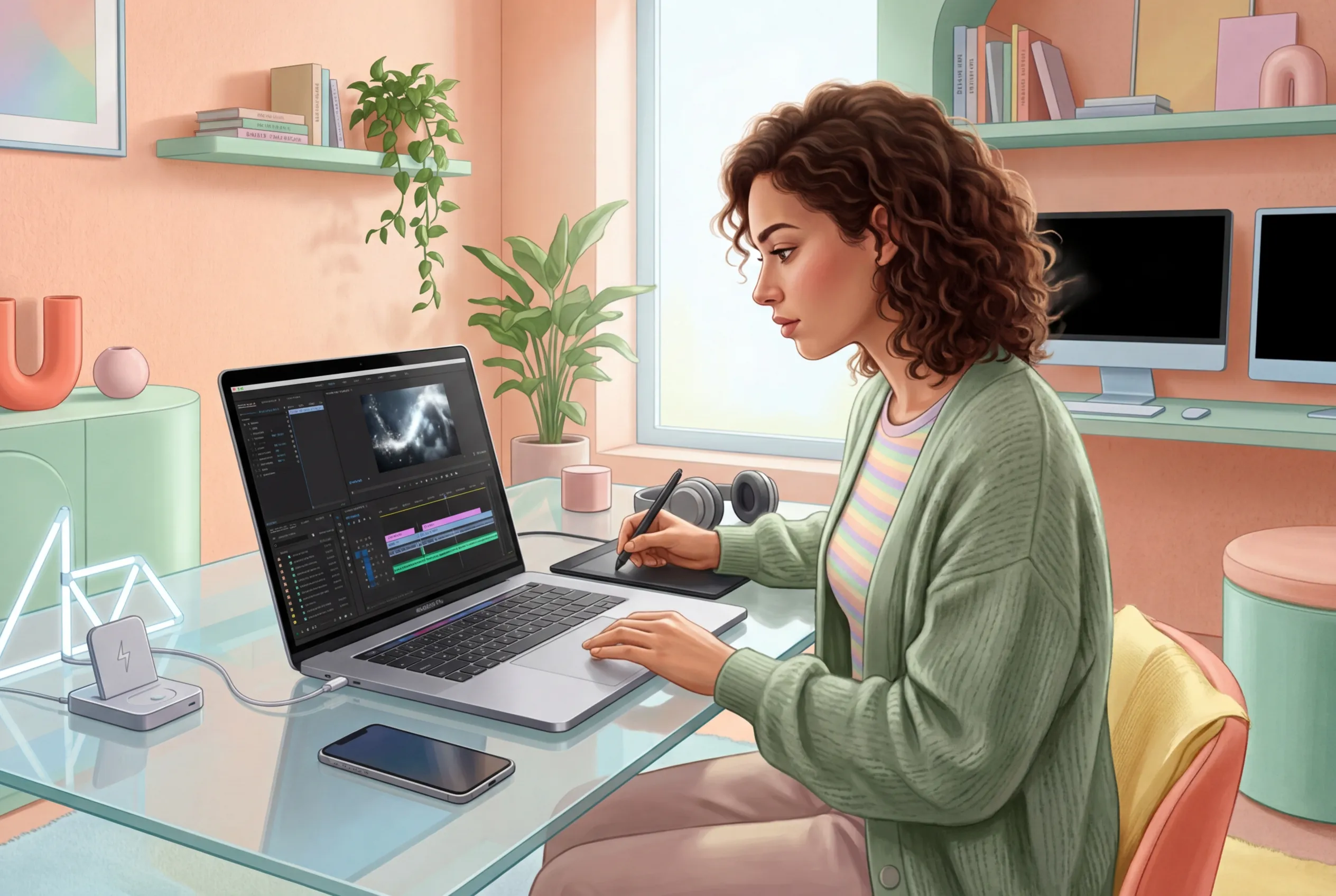
Freelancer rendering Air Element Effect motion graphics
Solo Motion Freelancers

Clients demand an Air Element motion graphic with zero reference and a flat rate. Stop keyframing every particle by hand. Rough cut the sequence, generate three options, and let them pick the best AI air element video.

Creator posting Air Element Effect viral clip
Daily Trend Chasers

Your trend window closes in two days. You need a fast AI Air Transition to keep viewers hooked. Drop a frame, render the mist fade, and post the clip while the audio is still actually going viral.

공기 요소 효과 빠르게 생성하기

복잡한 노드 트리를 건너뛰세요. 시작 프레임을 설정하고 매개변수를 선택하여 AI 공기 효과를 빠르게 생성하세요. 비주얼이 완벽하게 표현될 때까지 반복하세요.

단계 1

시작 프레임 설정하기

시퀀스를 고정할 명확한 이미지를 업로드하세요. 높은 대비의 이미지가 깨끗한 공기 입자 해체 효과에 가장 적합합니다. AI는 주제를 읽고 픽셀을 준비하여 분해합니다.

단계 2

모션 명령하기

주제가 어떻게 사라질지 정확하게 입력하세요. 공기 요소 효과를 빠르게 하거나 느리게 유지하라고 엔진에 지시하세요. 모델 등급을 선택하고 종횡비를 설정한 후 생성 버튼을 클릭하세요.

단계 3

재생성 및 출하

렌더링 배치를 검토하세요. 안개가 잘못된 경우 프롬프트를 조정하고 변형을 다시 생성하세요. 최고의 AI 전환을 선택하여 타임라인에 추가하고 즉시 내보내세요.

공기 요소 효과 출력 제어

수동 키프레임으로 싸우는 것을 멈추세요. 이 레버를 사용하여 여러 변형을 일괄 처리하고 입자 속도를 조정하여 실제로 변환되는 공기 요소 효과를 얻으세요.

Batch variants of Air Element Effect renders

여러 변형을 빠르게 일괄 처리

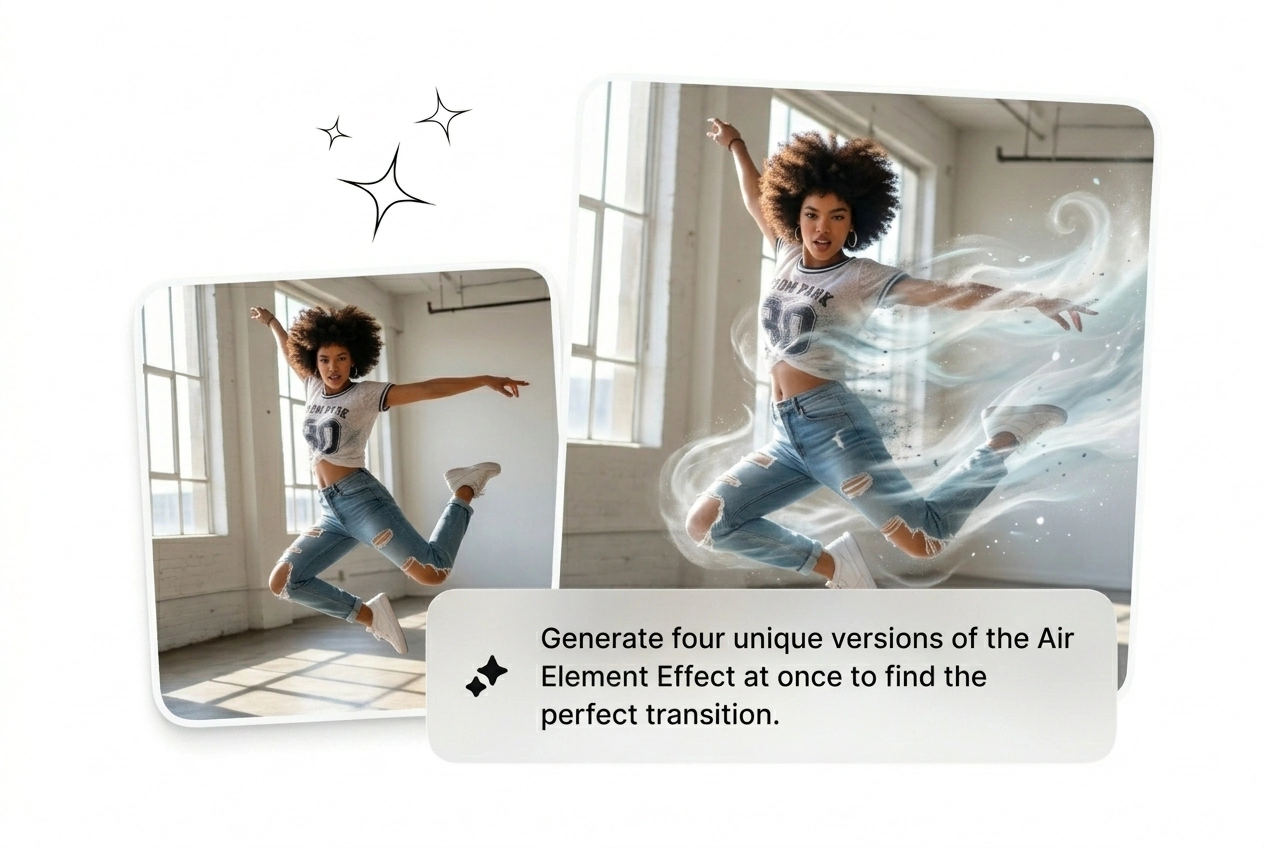
하나의 소스 프레임에서 동시에 네 가지 다른 버전을 생성하세요. 단일 렌더링을 기다리지 않고 다양한 안개 밀도와 입자 크기를 시도해 보세요. 최상의 공기 요소 전환을 선택하고 약한 것들은 제거한 다음 즉시 진행하세요.

Adjusting speed of Air Element Effect particles

확산 속도 조정

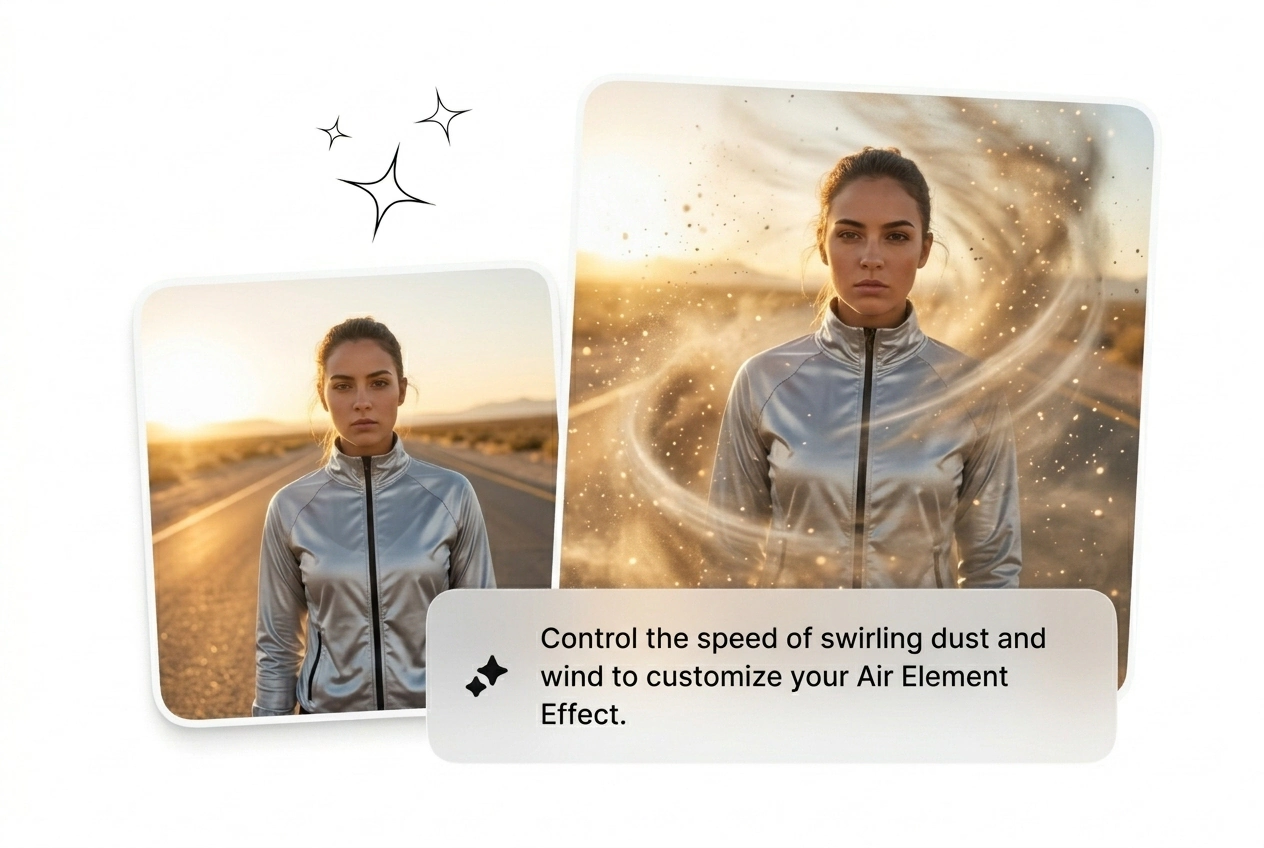
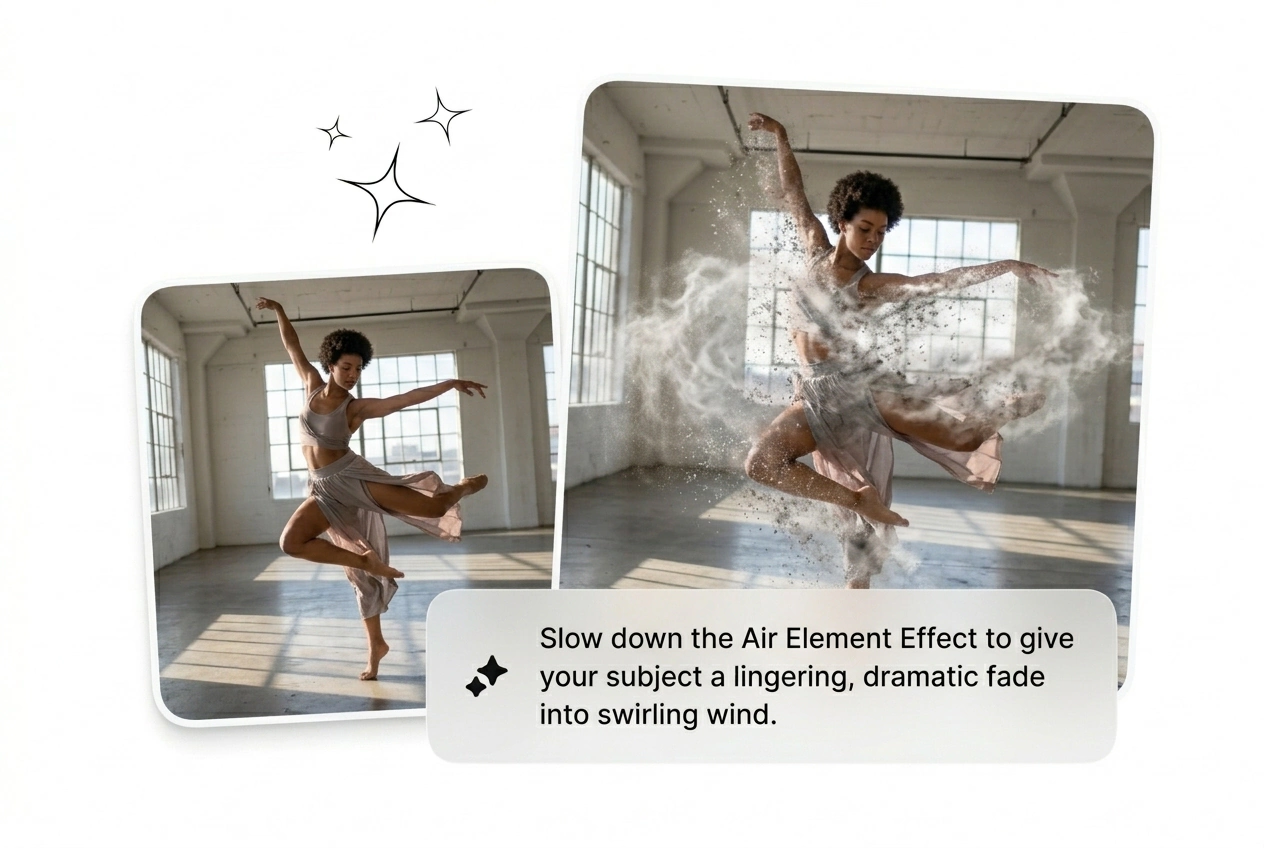
때때로 비주얼은 숨을 쉴 시간이 더 필요합니다. 엔진에 공기 요소 효과 시퀀스를 느리게 만들어 극적인 효과를 연출하도록 지시하세요. 이는 편집 타임라인에서 클립을 늘리지 않고도 정확한 템포 제어를 제공합니다.

End frame lock for Air Element Effect

최종 프레임 대상 고정

특정 최종 프레임을 업로드하여 안개가 새 주제로 전환되도록 강제합니다. 이를 통해 기본 확산을 사용자 지정 AI 비디오 전환 생성기로 변환할 수 있습니다. 두 개의 무관한 B-roll 샷을 신속하게 연결하는 데 완벽합니다.

Directing particle flow in Air Element Effect

입자 방향 빠르게 제어하기

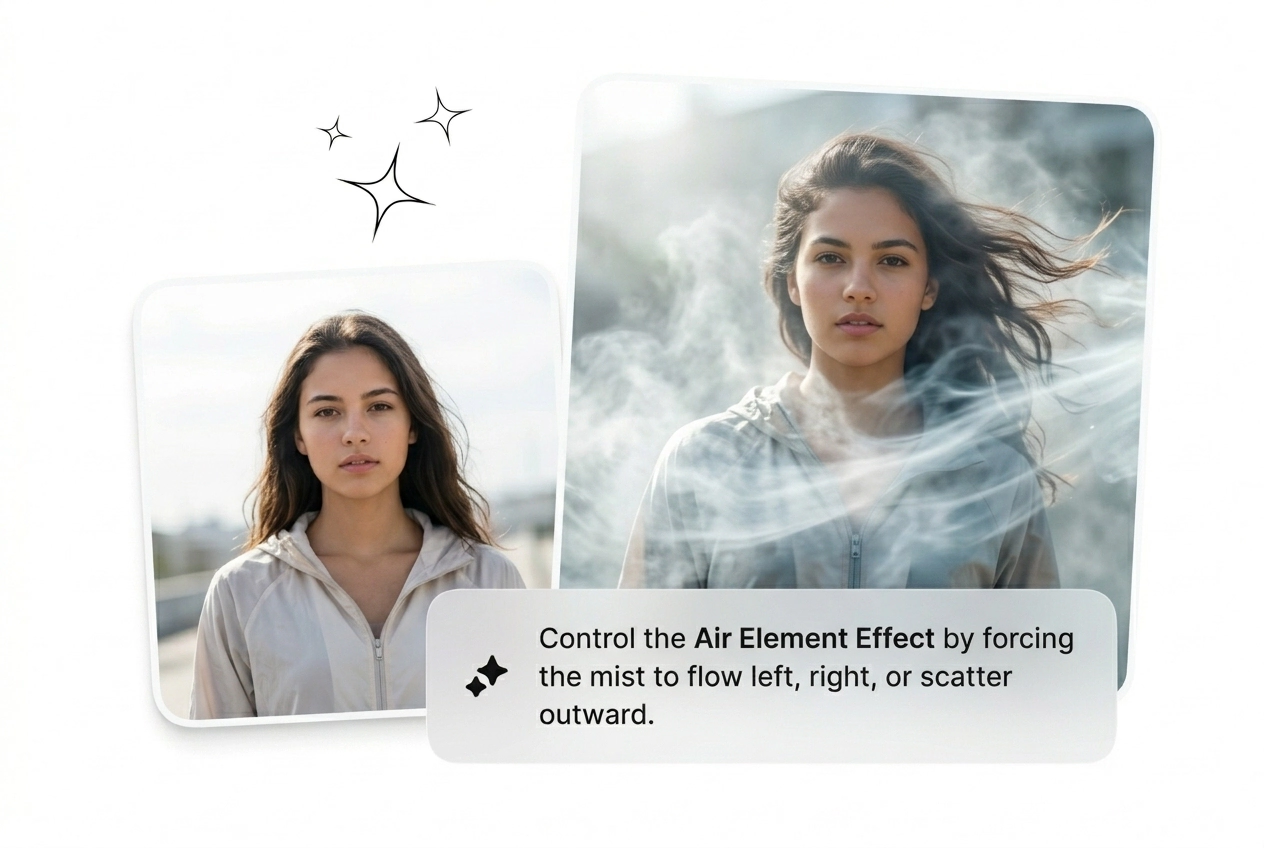
먼지가 어디로 불어야 하는지 정확히 알려주세요. 요소 공기 비디오 AI를 안내하여 입자를 왼쪽, 오른쪽 또는 위로 밀어내세요. 여러분의 장면 조명과 카메라 움직임에 맞는 러프 컷을 얻게 됩니다.

Air Element Effect Common Questions

Can I use this tool to create an AI Transition free?

Yes, new users get credits to test the generator and export a Free AI air element effect. Free tiers include a watermark and lower resolution. It works perfectly for rough cuts before you commit to a paid render.

Does the Air Element Effect work on any uploaded image?

Sure, but high contrast subjects with clean backgrounds yield the best results. Busy backgrounds confuse the particle generation and make the mist look muddy. Keep your start frame simple to ensure the dissolve looks incredibly sharp.

How long does it take to render one visual variant?

Most sequences finish generating in under two minutes depending on server load. Complex prompts or higher resolution settings might add a few extra seconds. You get a working Air Element Effect fast enough to iterate before lunch.

Can I upload a video clip to apply the dissolve?

No, this specific tool requires a static start frame or end frame. We do not support direct video-to-video uploads for this workflow. Grab a screenshot from your footage, upload that image, and generate the motion sequence instead.

What happens if the generated particle motion looks completely wrong?

Just reroll the variant. AI generation is unpredictable, so your first batch might miss the mark. Tweak your text prompt, adjust the motion parameters, and generate another batch until you get an Air Element Effect that ships.

지금 공기 요소 효과 생성하기

수동 노드 설정에 시간을 낭비하지 마세요. 프레임을 드롭하고, 안개를 자극한 다음, 무엇이 유통되는지 확인하세요. 변환될 때까지 다시 굴리세요.