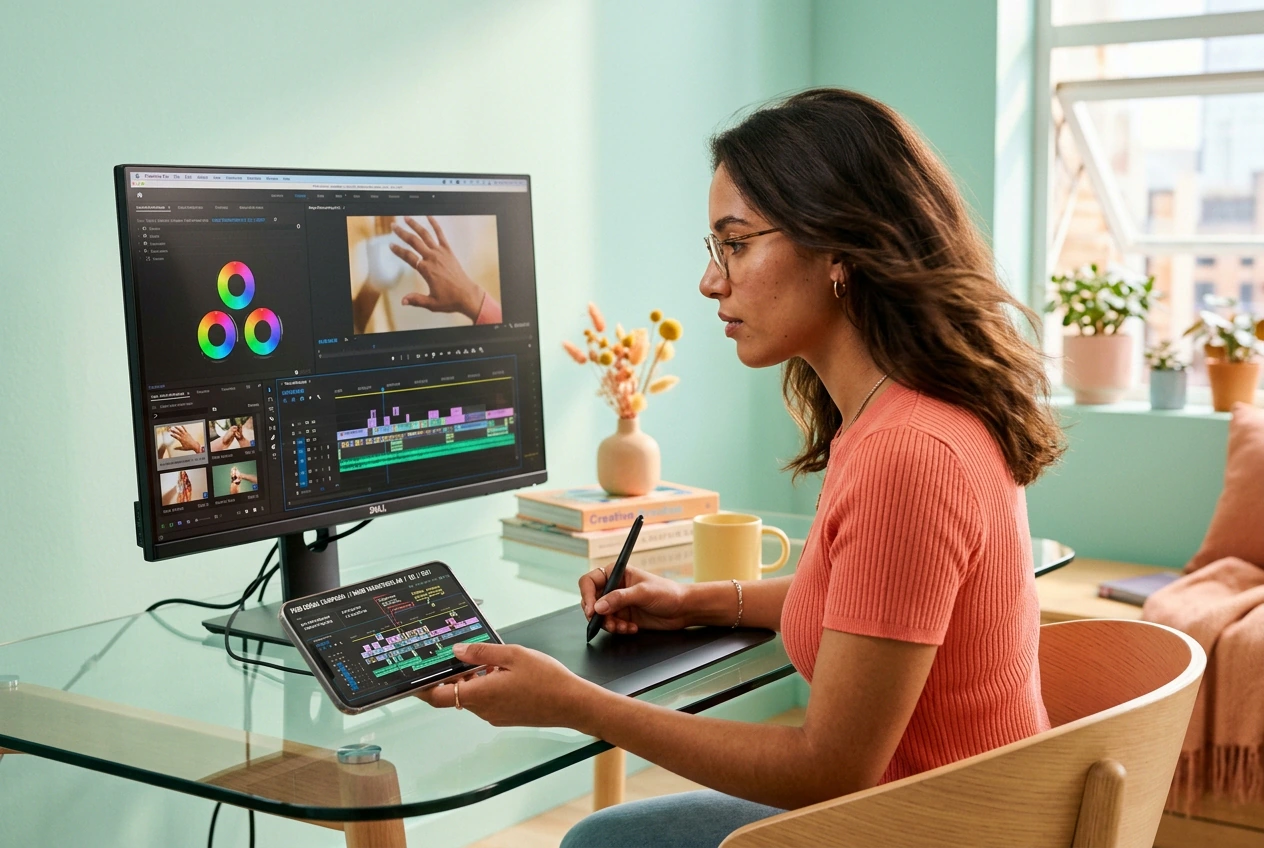
무료 핸드 트랜지션 비디오 효과 생성기
핸드 트랜지션은 속도감, 명확성, 즉각적인 컷 연결을 위해 샷 사이의 정교한 전환을 제공합니다. 프롬프트나 정지 이미지를 입력하여 일괄적으로 변형을 생성하고, 렌더링 및 내보내기 전에 모션, 프레이밍, 타이밍을 미세 조정할 수 있습니다.
핸드 전환 AI 비디오 전환
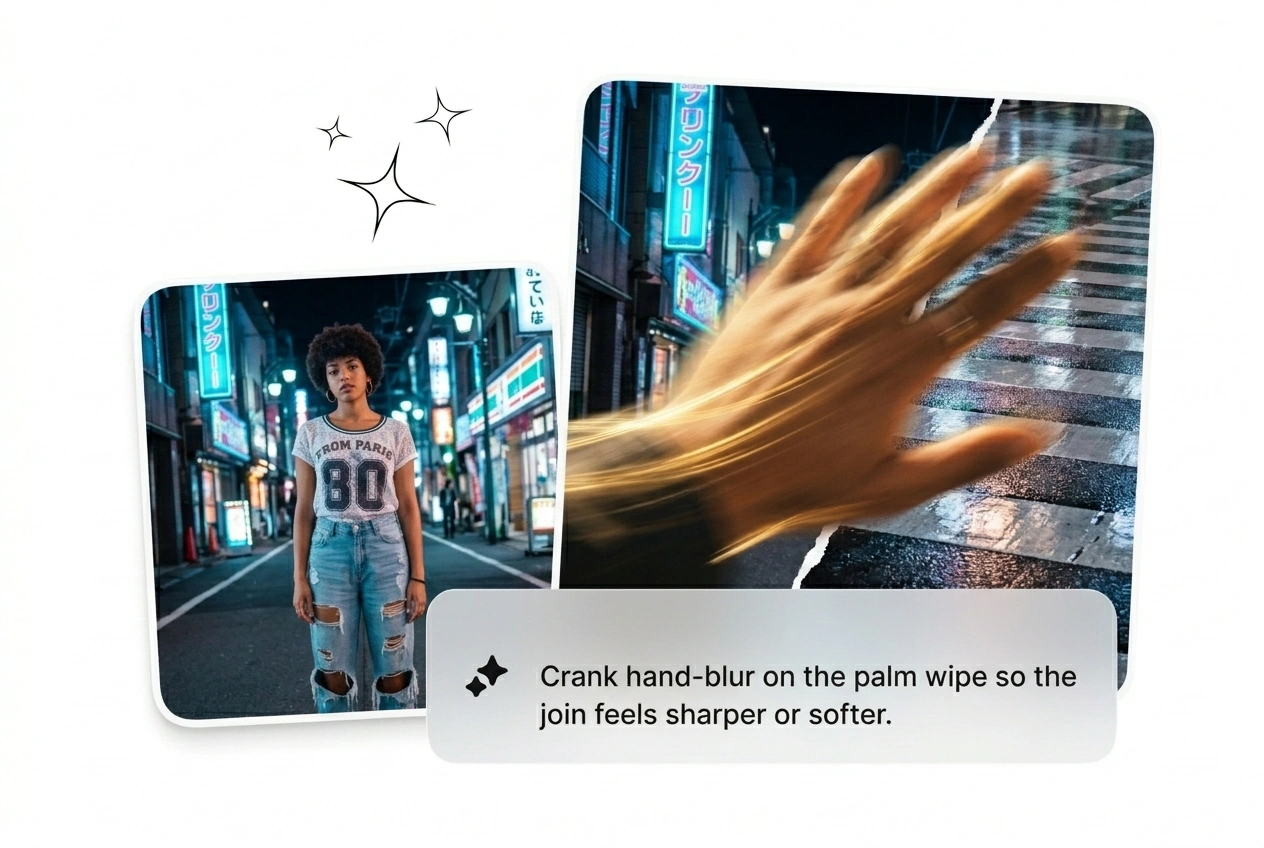
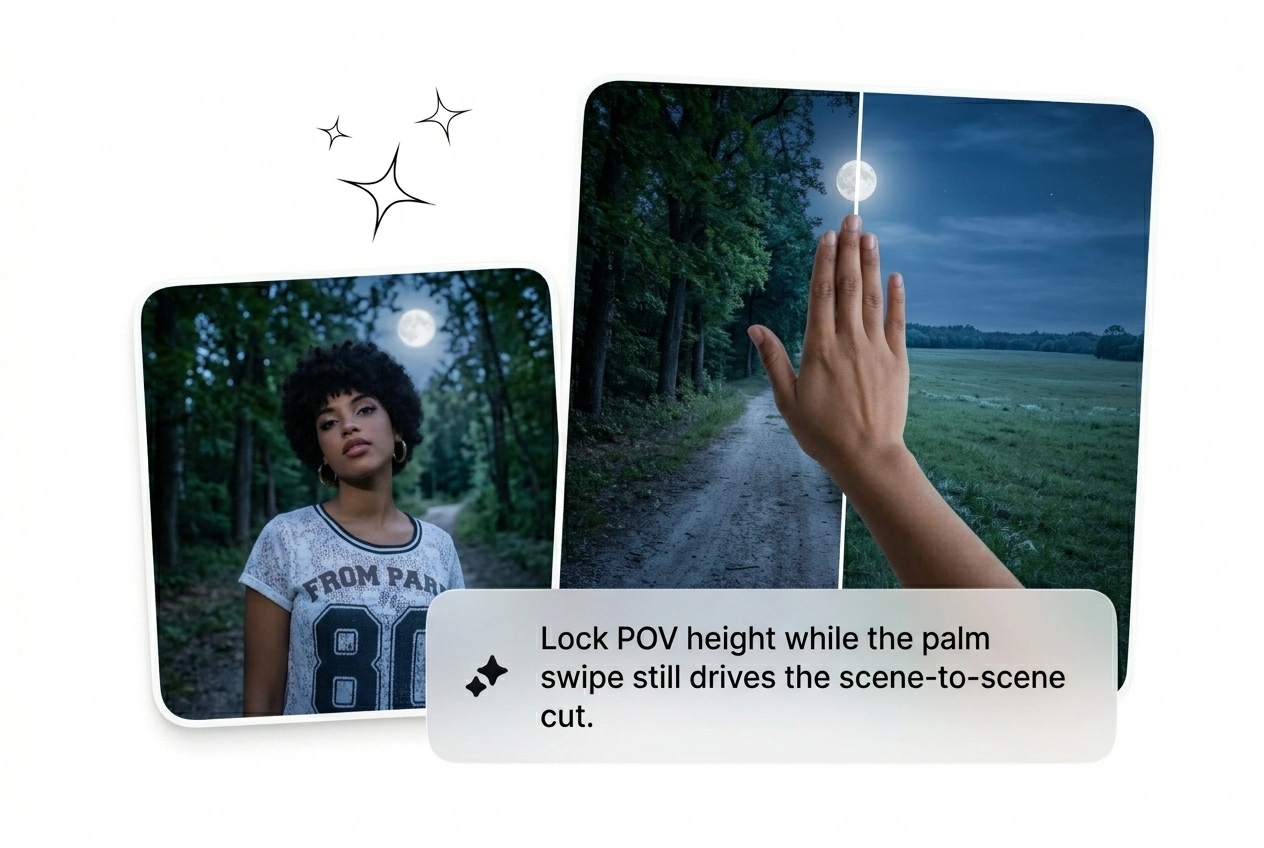
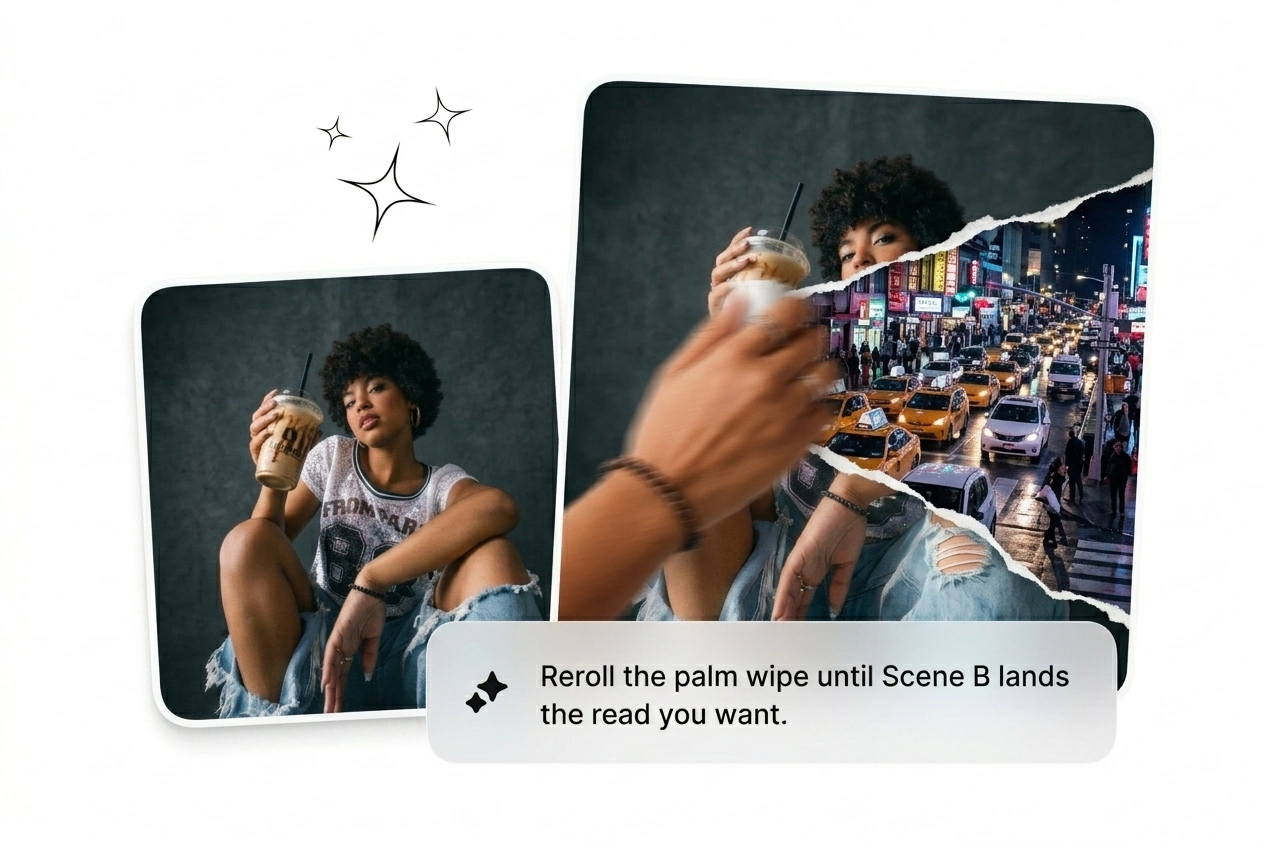
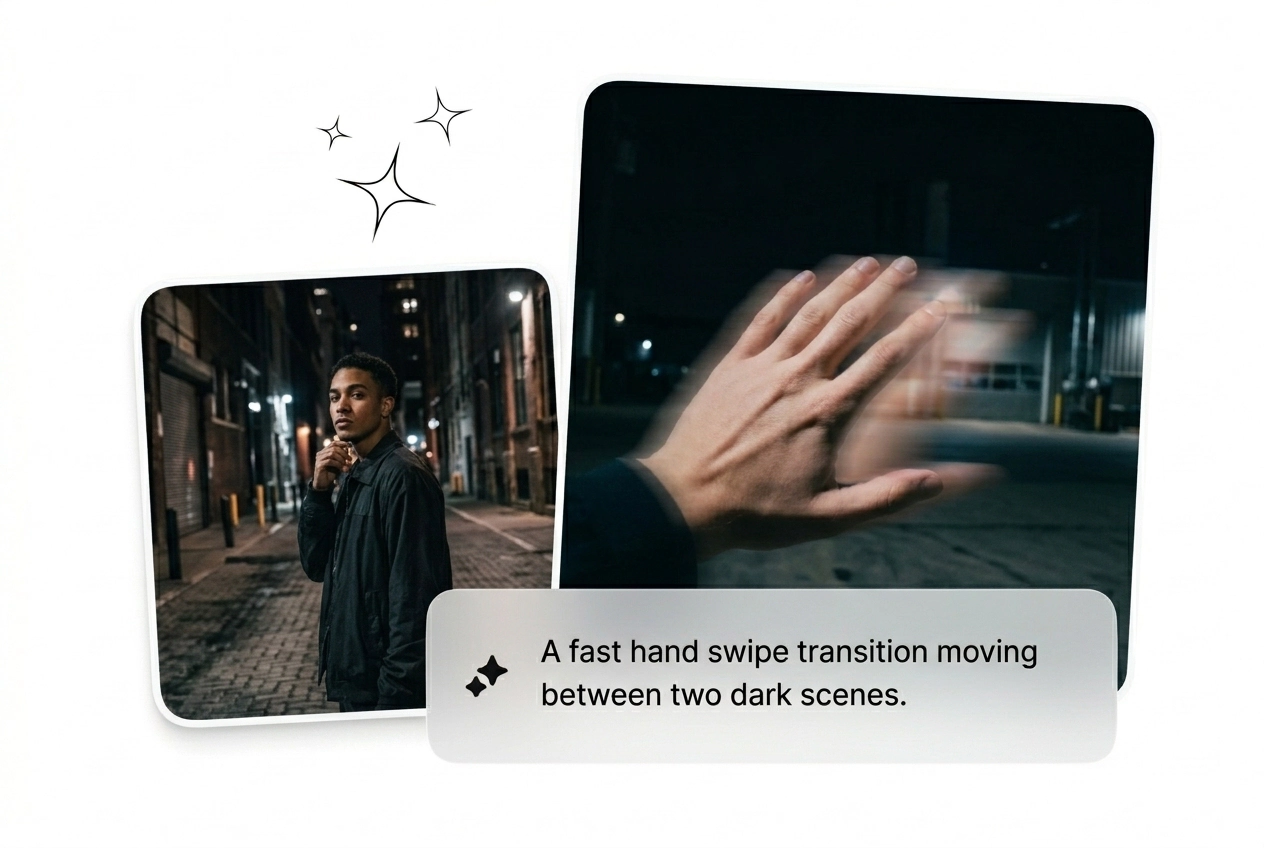
두 프레임을 제거하고, 프롬프트를 작성한 후, 시네마틱 핸드 전환 비디오를 생성합니다. 2분 이내의 거친 편집이 가능합니다. 적용이 누락되면 다시 시도하세요.

세 가지 유형의 제작자가 전환에 시간을 소모합니다. 세 유형 모두 브리프가 승인되기 전에도 핸드 전환 변형을 배치할 수 있습니다.

이번 주에 20개의 창의적 변형을 운영하며 핸드 스와이프 전환이 계속 변경되는 후킹 요소입니다. 하나의 배치를 생성하고, 성과가 저조한 것을 빠르게 제거한 후, 2초 이상 주목을 끌 수 있는 것을 확장합니다. 키프레임 없이, 기다리지 마세요.
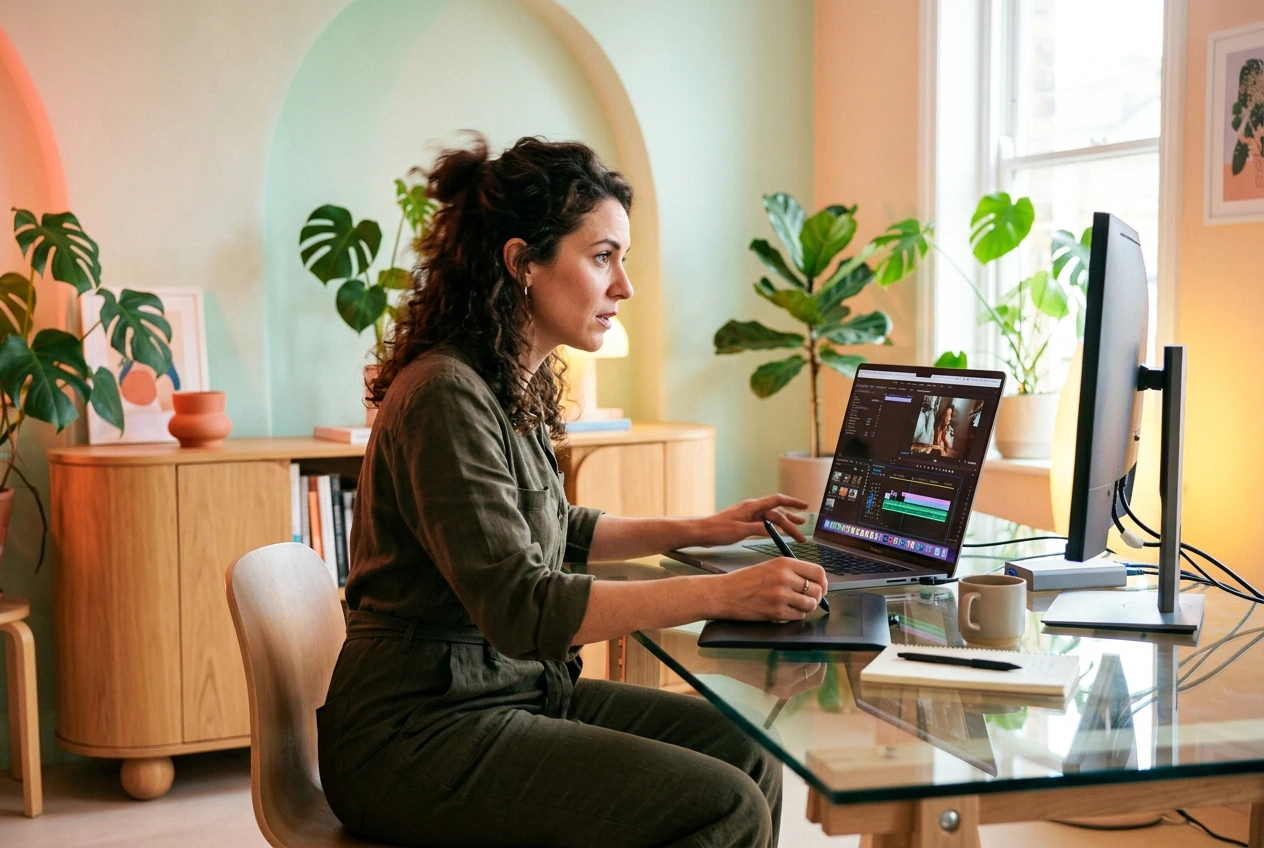
클라이언트가 '핸드 리빌 전환처럼 느껴지게 만들어줘, 그 한 리엘처럼.' 참조 링크 없음, 48시간 고정 요금. 시작 및 종료 프레임을 설정하고, 모션을 유도한 후, 후속 질문을 받기 전 세 가지 옵션을 제공합니다.

매일 게시하는 것은 빠른 트렌드 주기를 의미합니다. TikTok 및 Instagram에서 창의적인 핸드 전환 스타일은 72시간마다 순환합니다. 작동 가능한 버전을 빠르게 만들어 게시한 후 다음 배치로 넘어갑니다.
손 전환 생성 작동 방식
세 단계. 튜토리얼 필요 없음. 프레임을 업로드하고, 모션 프롬트를 작성한 후, AI 손 전환 비디오를 생성하고 게시하세요.
1단계
프레임 업로드
시작 프레임과 선택적으로 종료 프레임을 드롭하세요. 두 이미지 간의 뚜렷한 대비는 손 동작 전환 경로를 선명하게 하고 AI에게 실제 작업을 위한 기준을 제공합니다.
2단계
모션 프롬프트 작성
손이 수행하는 동작을 입력하세요: 손바닥 닦기, 손가락 왼쪽 스와이프, 팔 휩쓸기 공개. 모델과 출력 매개변수를 선택하세요. 구체적인 프롬프트는 더 깔끔한 결과를 제공합니다.
3단계
생성 및 반복
생성 버튼을 눌러주세요. 첫 번째 변형이 2분 이내에 도착합니다. 원하는 결과가 아닐 경우, 반복하거나 프롬프트를 조정하세요. 우승한 결과를 유지하고 나머지는 제거한 후, 내보내기 및 게시하세요.
Hand Transition Features That Ship
Built for volume and iteration speed. Every feature here cuts time between rough cut and final export on your next hand transition video.

Batch Variant Generation
Generate multiple hand transition effect variants from the same two frames in one run, each with different motion paths and timing. Useful when a client needs options or when testing creative hand transitions for paid social. Pick the one that converts, export, done.
Palm and Finger Direction Control
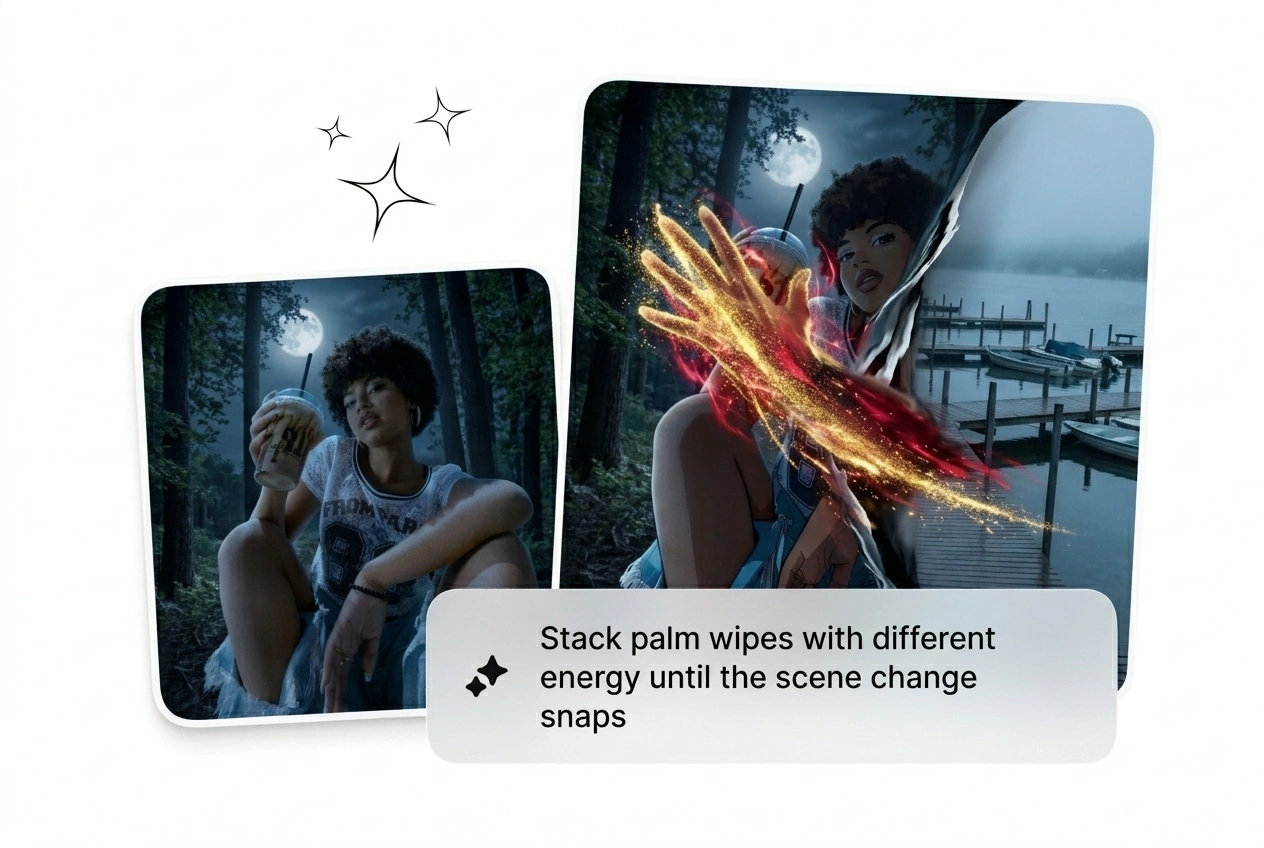
Set the swipe direction: palm transition left, finger wipe transition upward, or full arm sweep. Matters for hand transition instagram reel formats where the swipe axis has to match the scroll direction. Cleaner motion, fewer rerolls.

Model Tier Selector
Switch between faster draft models and higher-quality render tiers without leaving the editor. Draft is fast and rough; use it to test the AI hand transition motion. Promote the winner to the quality tier before export.
Hand Transition Questions, Answered
Does Fluxx AI generate video from an uploaded video file?
No. The AI transition generator takes text prompts and images as input, not video files. Upload a start frame and an optional end frame, write the motion prompt, and the model builds the hand motion transition video from there. This keeps the generation clean and controllable.
How do I get a clean palm swipe direction in my output?
Write the direction explicitly in your prompt: palm moving left to right, finger wipe upward, arm sweep from bottom edge. Vague prompts produce vague motion. The more specific the action, the tighter the palm transition AI reads the trajectory and the fewer rerolls you burn.
Can I use this tool to make a hand transition TikTok or Instagram reel?
Absolutely. Set aspect ratio to vertical before generating for hand transition TikTok or hand transition instagram reel formats. The output is optimized for short-form, so the swipe motion hits fast and reads clearly even on a phone screen. Export and post directly.
Is there a free hand transition effect tier available on this platform?
Sure, there is a free tier that lets you run generation with limited credits. It covers the AI transition free use case well enough for testing motion style and prompt direction. For volume batching and higher-resolution output, a paid plan gives you more runs per session.
What makes the AI video transition generator different from using a preset pack?
Preset packs are fixed. The AI video transition generator builds the hand swipe transition from your specific frames and prompt, so the motion fits your actual content. No cutting around a preset timing, no mismatched visual weight. Reroll until the motion path actually matches what you need.
두 개의 프레임을 업로드하고, 동작을 작성하며, 손 전환 비디오를 생성하세요. 첫 번째 변형은 2분 이내에 완료됩니다. 나머지는 다시 시도하세요. 승자를 선택하세요.