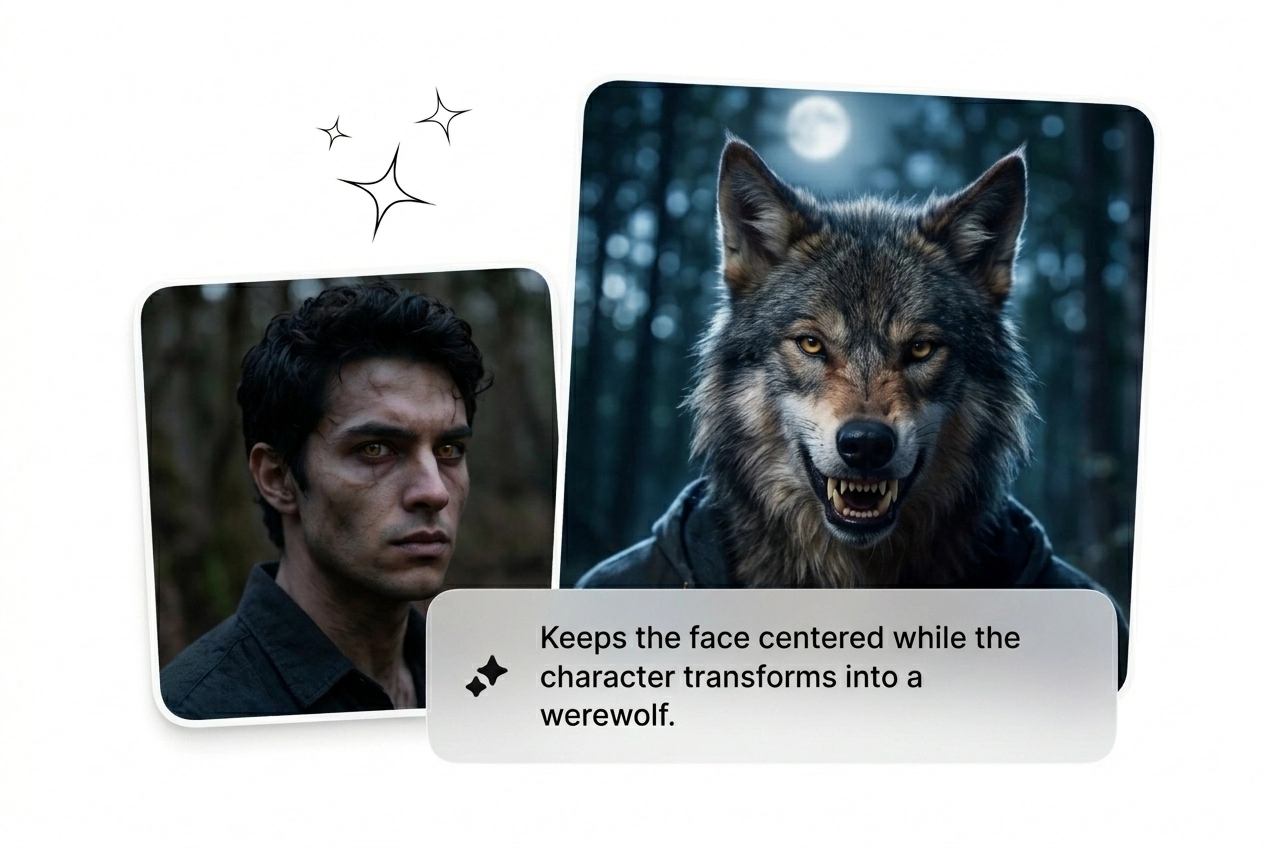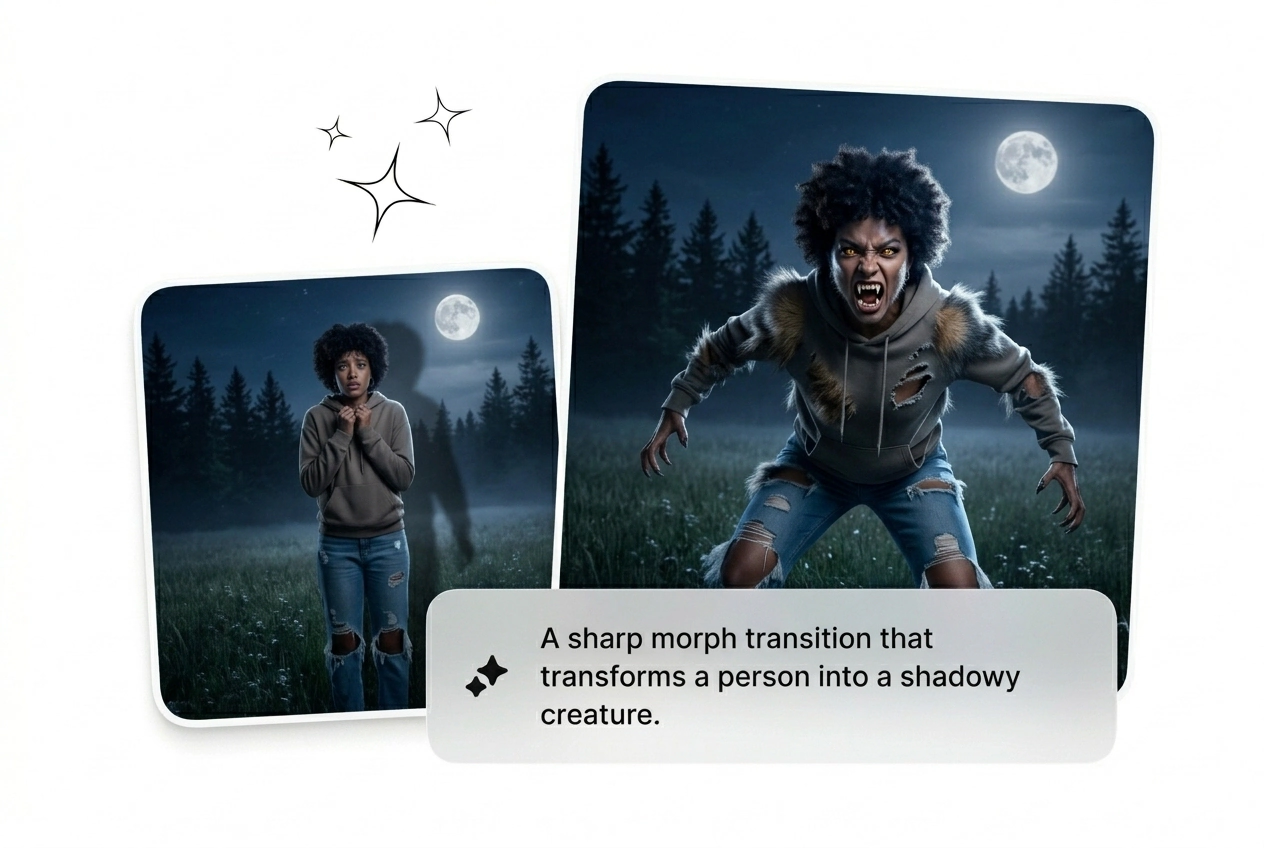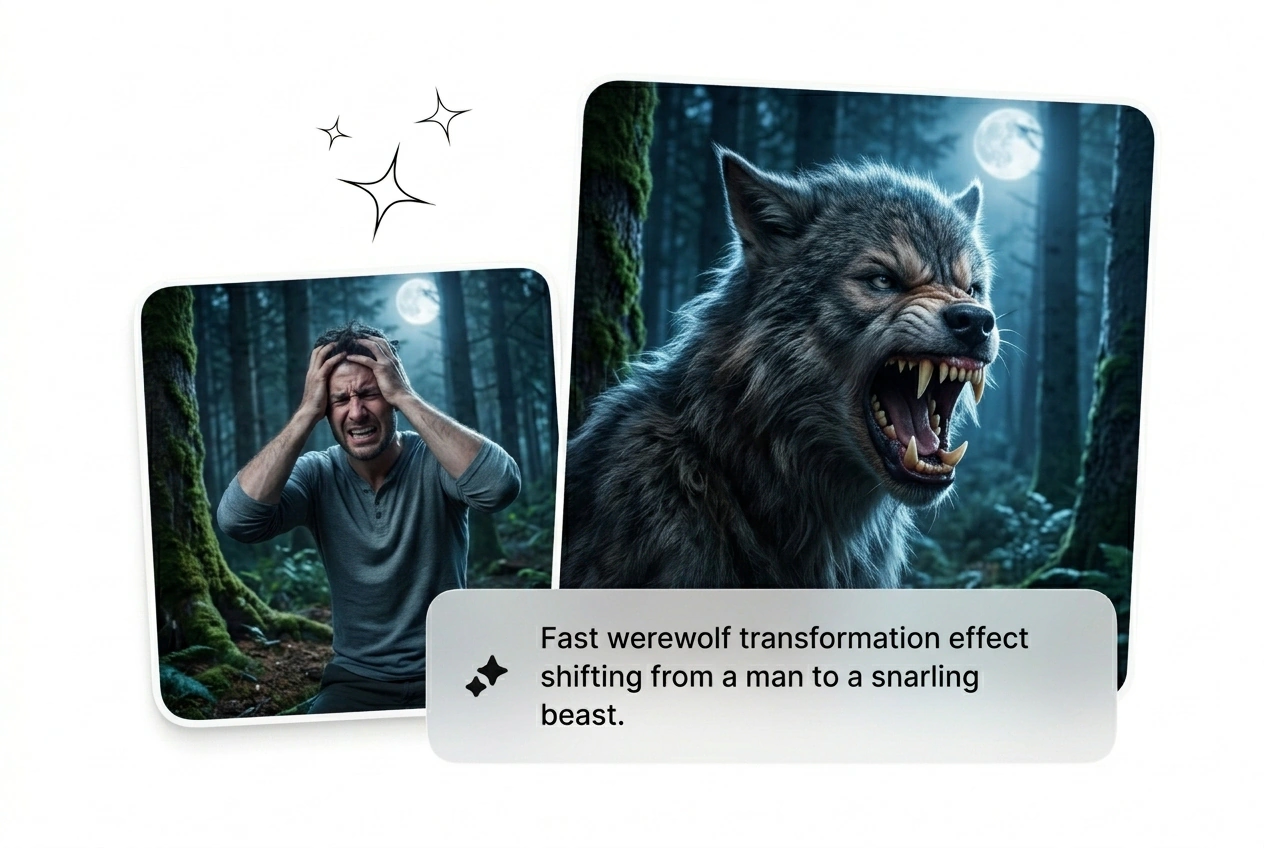

免費狼人變身影片特效生成器

狼人變身特效能快速呈現完整的生物轉變,精確鎖定剪輯片段,並提供足夠的控制權以進行實際編輯決策。只需從指令或靜態圖像開始,即可快速生成多種版本,隨時進行預覽、渲染與匯出。

快速狼人變身效果生成器

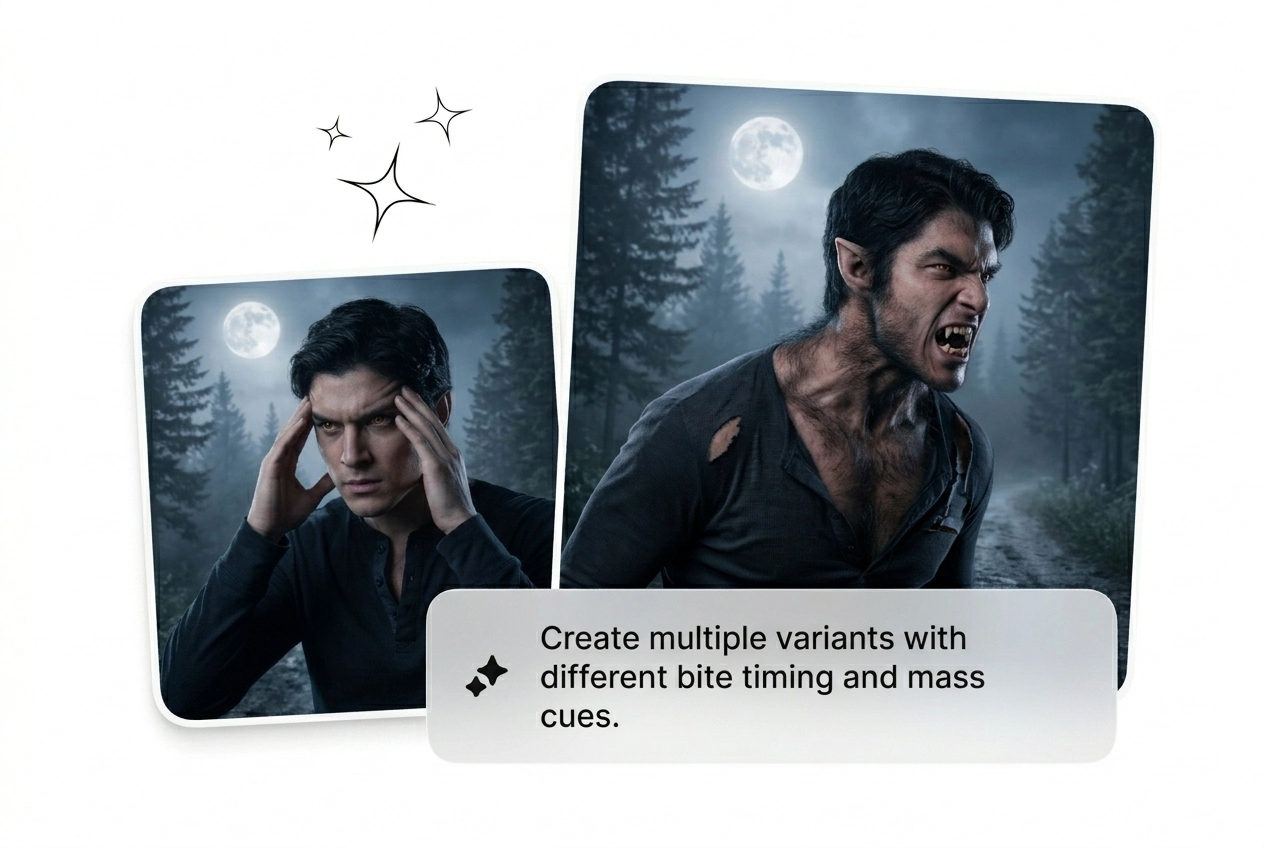
放下起始幀並啟動狼人變身效果。生成變體。重試直到骨架結構合適。發送粗剪。

Werewolf Transformation Effect Fluxx AI hero showcase
誰輸送狼人轉變效果

恐怖電影導演和遊戲行銷人員需要快速獲得不同版本。批量處理序列,淘汰效果不佳的渲染,並擴大那些確實轉換成功的版本。

Director using Werewolf Transformation Effect for film
獨立恐怖電影導演

您需要一個生動的狼型變形過渡,但預算不足以進行實景化妝。上傳您的演員畫面並請求月光氛圍。重複滾動 AI 狼人變形效果,直到頜部完美配合最終畫面。
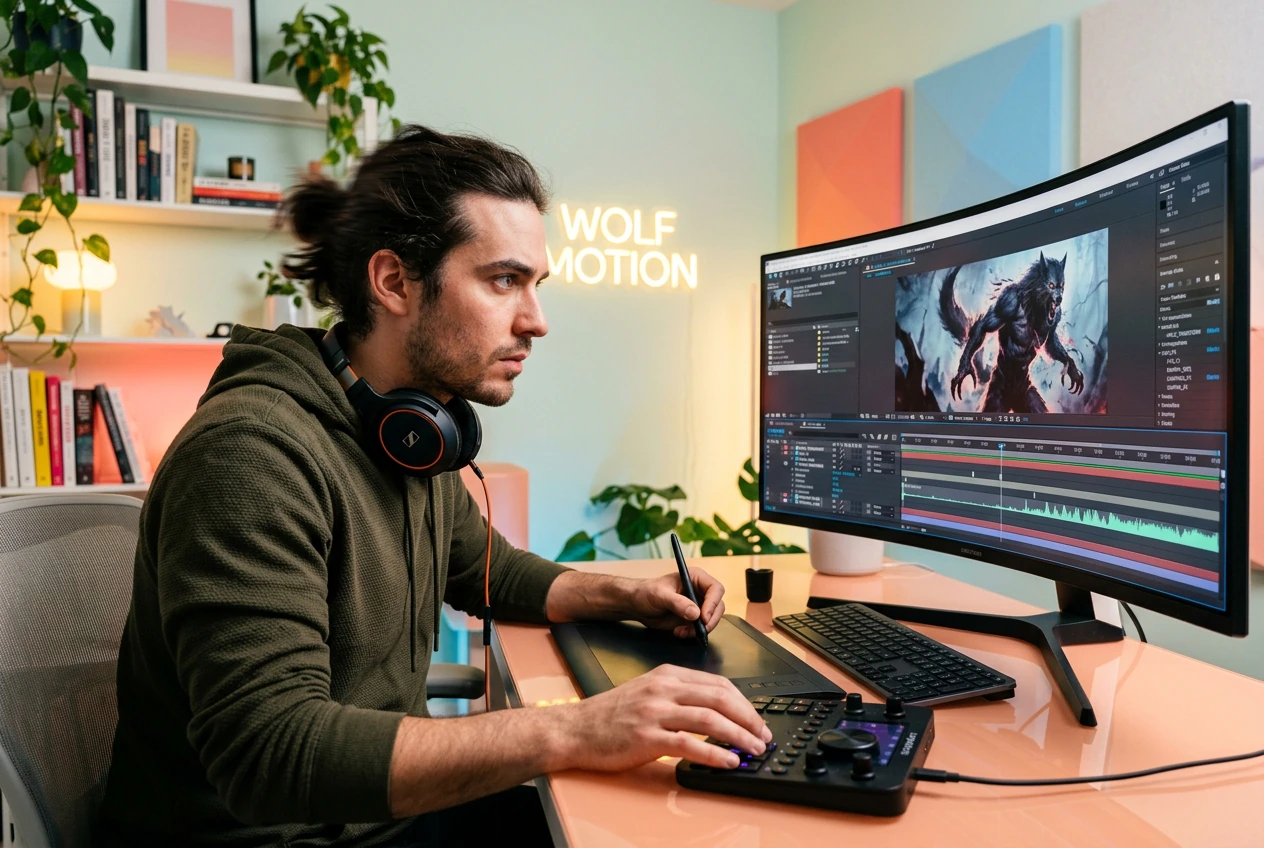
Marketer testing Werewolf Transformation Effect ad variants
遊戲推廣黑客

付費社交廣告要求持續的創意測試來克服廣告疲勞。從角色靜態畫面生成一批狼人的過渡 AI 片段。保留高轉換率的變體,淘汰不成功的版本,迅速推出下一個活動。

Creator exporting Werewolf Transformation Effect for social
奇幻內容創作者

潮流周期變化迅速。抓住免費狼人效果視頻生成器,將您的角色扮演照片轉化為動態運動。調整毛發細節,導出最佳版本,並在潮流消逝之前發布吸引眼球的內容。

快速創建你的狼人變身效果

跳過複雜的綁定過程。上傳一幀,提示狼人變身效果,讓引擎批量處理變體。選擇最佳渲染效果。

步驟 1

上傳起始幀

上傳一張清晰的人像圖片以固定序列。良好的光線能夠提供引擎更好的數據,幫助映射初始面部結構,然後進行重大的變化。

步驟 2

提示氛圍

輸入你希望的毛皮質感和骨骼比例。添加具體關鍵詞以引導滿月狼人視頻的氛圍,幫助完成最終的燈光處理和顏色調整。

步驟 3

生成並剪輯

點擊按鈕,觀看AI視頻轉場生成器產生選擇。檢查批次,刪除怪異的選項,匯出最能引起共鳴的變體。

Control The Werewolf Transformation Effect

Stop tweaking keyframes and start shipping the Werewolf Transformation Effect. Dial in the mutation speed, adjust the fur density, and reroll the sequence.

Speed up Werewolf Transformation Effect timing controls

Control Mutation Speed

Sometimes you need a slow burn, other times a snap. Speed up Werewolf Transition sequences for jump scares or Slow Werewolf Transition pacing for dramatic tension. Pick the timing that fits your rough cut perfectly.

Werewolf Transformation Effect fur texture prompt settings

Direct The Fur

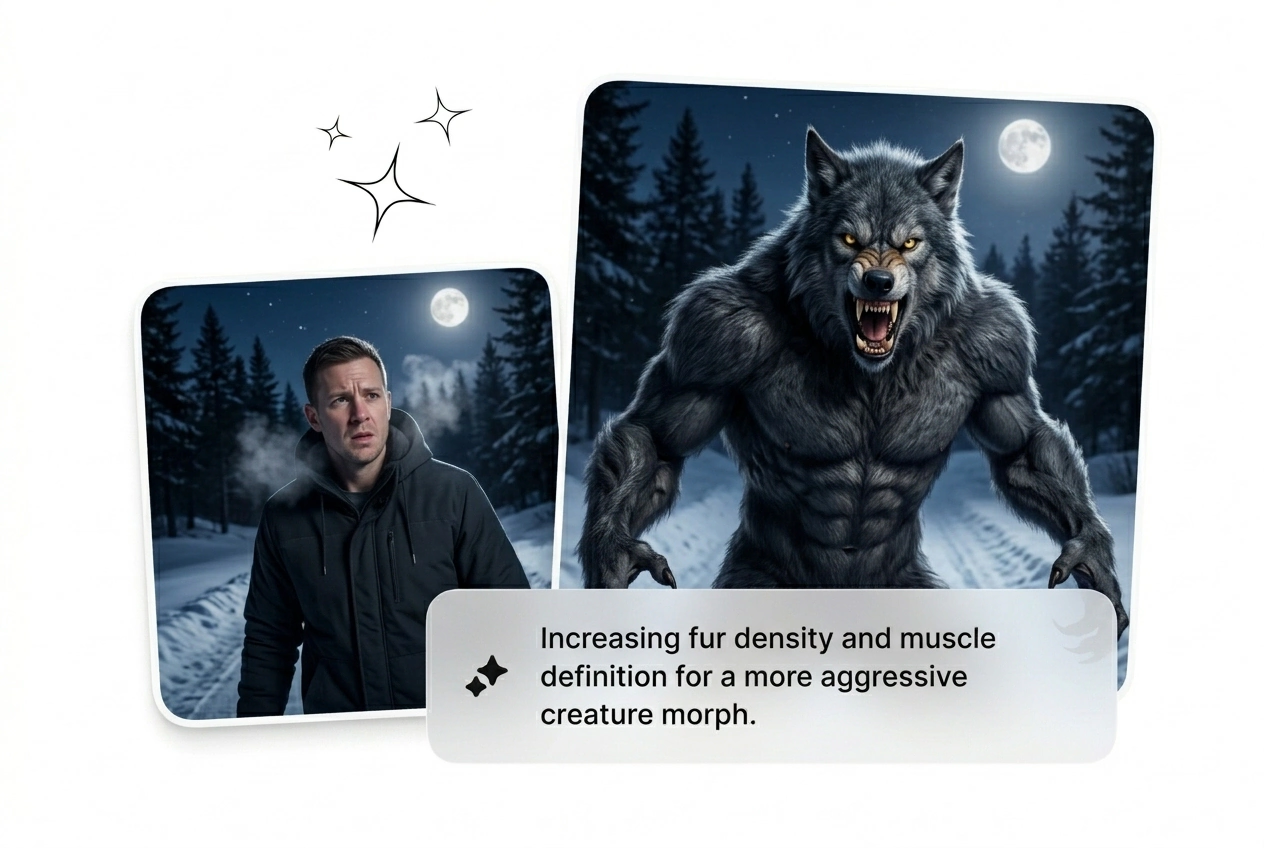
Prompt the exact hair length and color mapping from your start frame. The Werewolf Transformation AI reads your text to dictate how the coat grows. Reroll the batch if the texture looks too clean or soft.

Werewolf Transformation Effect bone structure lock feature

Lock Bone Proportions

Keep the anatomy grounded while the face morphs. The engine tracks the initial image structure to ensure the Best Werewolf Effect maintains realistic volume. Cut the variants where the jawline breaks the intended character model.

Batch exporting Werewolf Transformation Effect video variants

Batch The Renders

Never rely on a single take. Generate multiple AI transition options from one prompt and image pair. Review the timeline, grab the Free Werewolf Effect Download, and drop it straight into your current project file.

Werewolf Transformation Effect Questions

Can I use a video clip as the starting input for this tool?

No, the engine only accepts static images or text prompts as inputs. Upload a high-quality start frame to generate the Werewolf Effect Video. This keeps the render times low and lets you iterate on the visual style much faster.
How long does it take to generate a full moon werewolf video sequence?

Expect your first rough cut in under two minutes depending on server load. Complex prompts with heavy fur details might take slightly longer. Fast generation means you can reroll the AI Transition free of long rendering bottlenecks.

Do I have full commercial rights to the exported Werewolf Effect Motion clips?

Yes, you own the output as long as you own the rights to the input image. Use the generated Werewolf Effect Motion in paid ads or indie films. Just make sure your source material clears standard copyright checks first.

Why does the bone structure look distorted in my recent AI transition batch?

Distortions happen when your starting portrait lacks clear lighting or contrast. The engine needs defined shadows to map the skull properly. Fix your input image lighting, adjust the prompt weight, and reroll the variant for a cleaner result.

Is there a way to reverse the Werewolf Transition back to human form?

Sure, just swap your start and end frames in the prompt sequence. The engine will calculate the Werewolf Transformation Effect in reverse. This works perfectly for narrative loops or social media hooks where the monster turns back into a person.

船隻的狼人變身效果

別再為關鍵幀而煩惱了。上傳您的圖像,啟動狼人變身效果,然後生成批次。保留有效的部分,刪除不必要的部分。