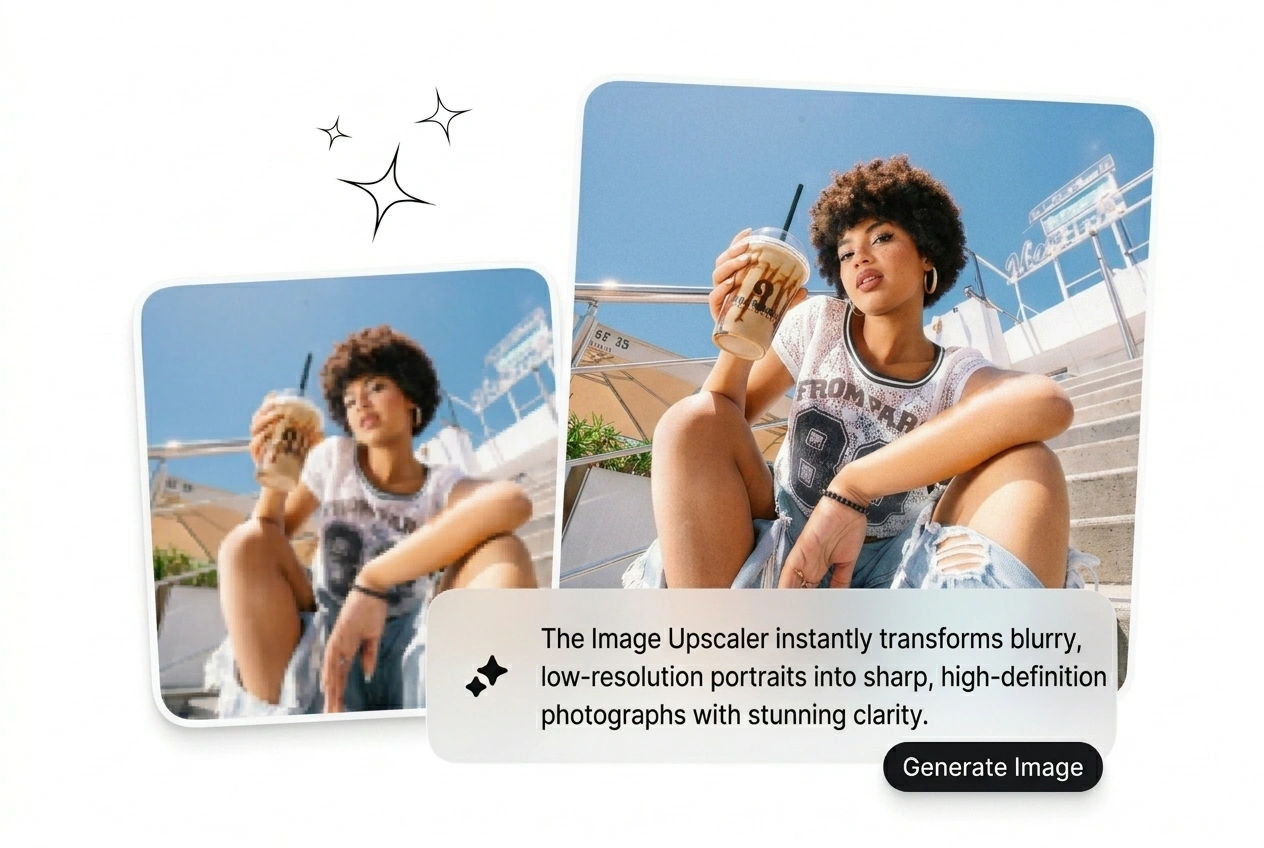

Best Image Upscaler

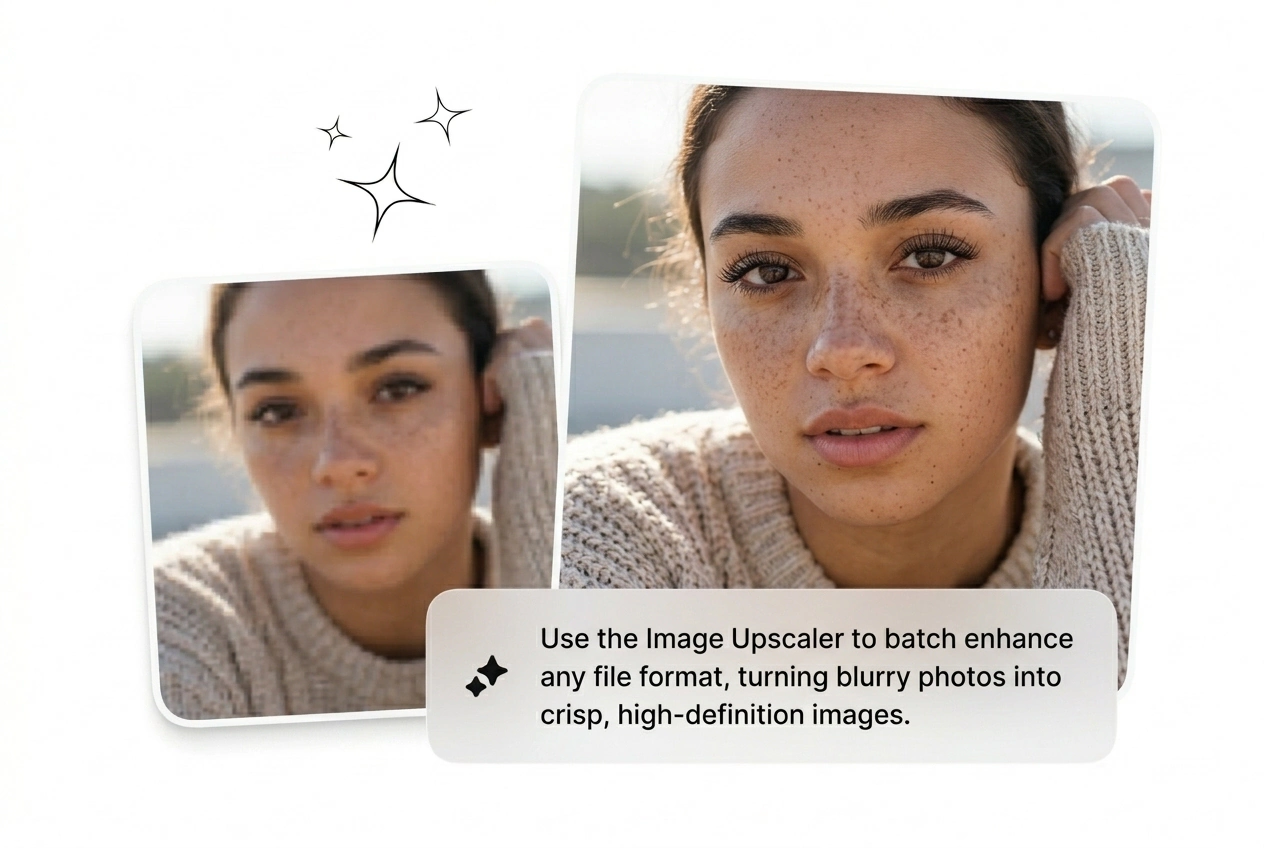
Upload any low-res file and the Image Upscaler sharpens it to 2x or 4x in seconds. Batch processing works best with clean, well-lit source images.

Banner preview

Best AI Image Upscaler Online

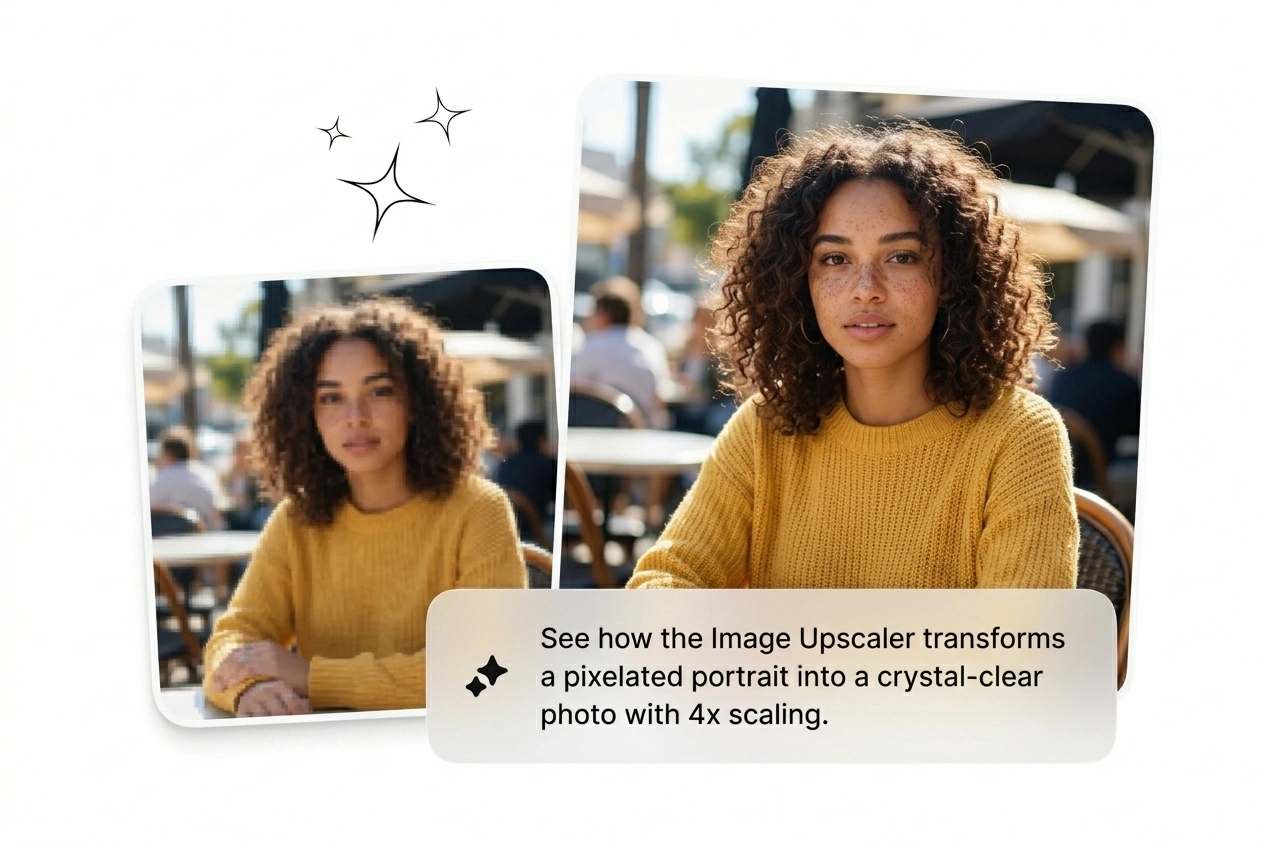
Low-res in, sharp out. The Image Upscaler hits 4x without the pixel soup. Batch it, export clean, no watermark.

Who Needs an Image Upscaler

Running ads, printing posters, or archiving old shots. Anyone shipping visuals at scale needs a faster way to upscale image quality.

Performance marketer using Image Upscaler for ad creatives

Ad Buyers

Running 20 creative variants this week and half the assets came in at 72dpi. The Image Upscaler batches every JPG to print-ready resolution before the campaign goes live. No back-and-forth with the client. No deadline miss. Scale the winners, kill the rest.

Print seller upscaling product image with Image Upscaler

Print Sellers

Got an order for a 24x36 poster and the source file is 800 pixels wide. Use the photo enlarger to upscale picture files to high resolution without losing edge detail. Ships before the printer closes. No excuses, no refunds.

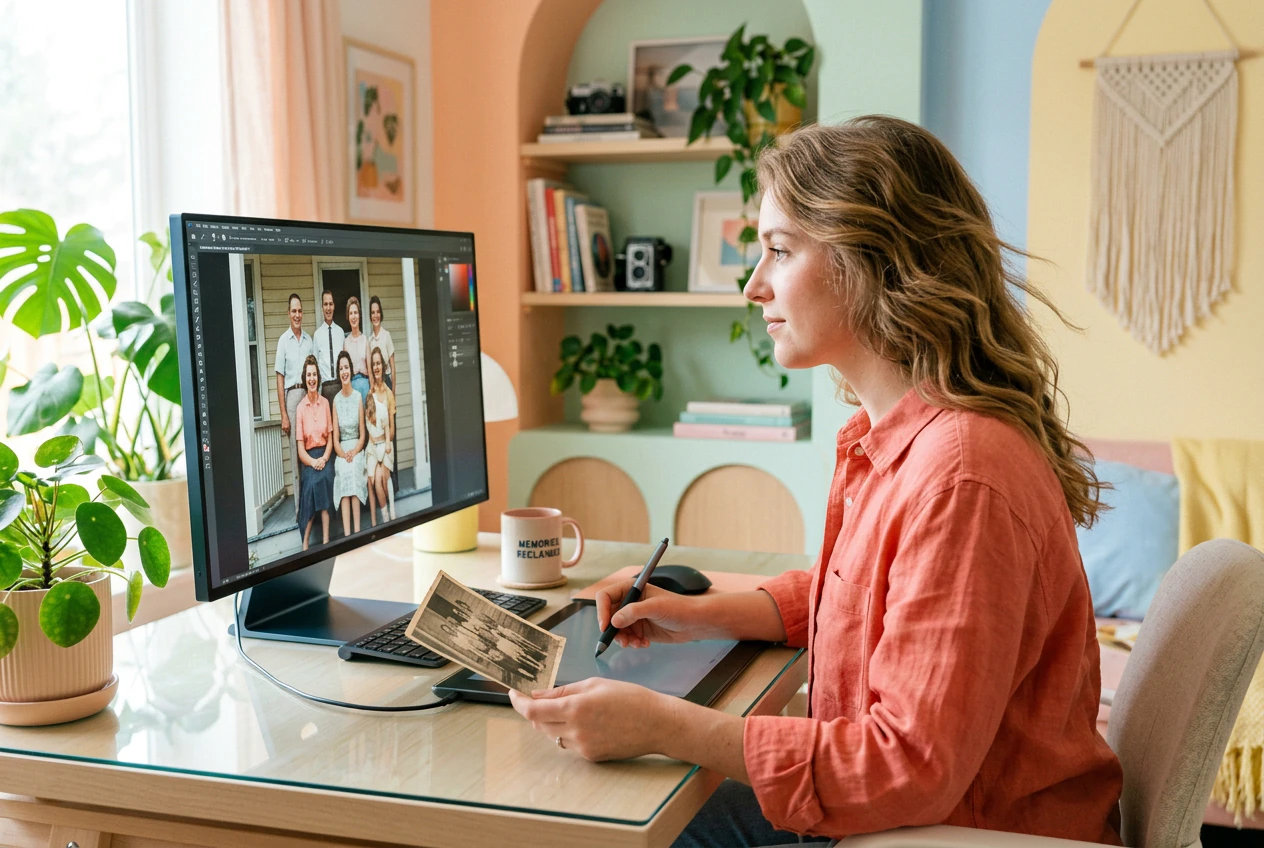
Archivist restoring old photo using Image Upscaler tool

Archive Restorers

Old family photos, scanned at low DPI, living in a folder nobody opens. Run them through the ai photo enhancer, enlarge photo by 4x, recover texture that was never visible at original size. Done in a batch, not an afternoon.

How the Image Upscaler Works

Three moves. Upload, pick your scale, export clean. The Image Upscaler handles the rest. No install, no account maze, no watermark.

Step 1

Upload Your File

Drop in a JPG, PNG, or WebP file. The online image upscaler reads the source resolution and flags how much headroom exists for clean enlargement. Blurry sources still improve, sharp sources get sharper.

Step 2

Pick Your Scale

Choose 2x or 4x. For print or 4K image upscaler output, go 4x on anything under 1080p. The AI reads edge data and texture before it commits to the render, so detail recovery is targeted, not guessed.

Step 3

Export. No Watermark.

Download the upscaled file at full resolution, no watermark attached. Batch exports queue automatically so you can upscale image online across a whole folder without babysitting each one through the pipeline.

Image Upscaler Features Worth Using

Each feature targets a real production bottleneck. Faster batch runs, cleaner edges, bigger exports. The Image Upscaler ships what your workflow actually needs.

Batch Upscale Any Format

Queue JPG, PNG, and WebP files together and run them as one batch. The free image upscaler processes each file in sequence without manual restarts. Useful when a client dumps 40 low-res product shots the night before launch. Get the full set back at 4x before morning.

Batch queue running in Image Upscaler for multiple files

Recover Edges and Texture

The AI reads edge contrast and surface texture before it enlarges, so detail is recovered rather than invented. Enlarge image without losing quality on product photography, fabric shots, or architecture where soft edges kill the result. Ships crisp, not watercolor.

Image Upscaler showing texture recovery on enlarged photo

2x and 4x Scale Options

Pick 2x for web banners or social assets. Hit 4x to convert image to 4K resolution for large-format print or presentation decks. Both paths use the same AI photo upscaler engine, so output quality does not degrade on the larger jump. No extra settings required.

Image Upscaler 4x scale output on high resolution display

Clean Export, No Watermark

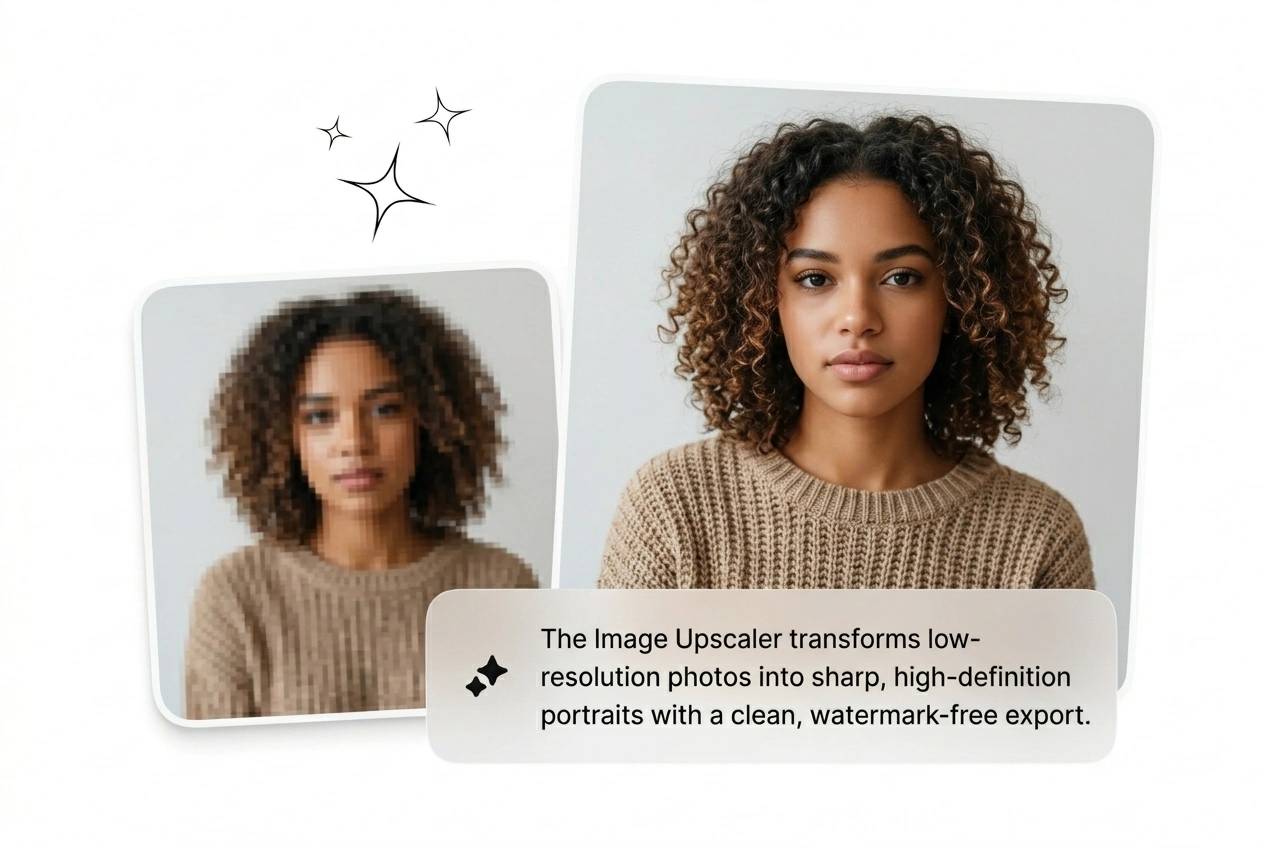
Every upscaled file exports without a watermark baked in. That matters for commercial use, client delivery, and social posts where a logo overlay kills the asset. The enhance image resolution pipeline is privacy-safe and the output is yours from the first download.

Watermark-free Image Upscaler export for commercial photo use

Image Upscaler Questions, Answered

No watermark on any export. The free image upscaler delivers clean files ready for client delivery or commercial use. If the source file is very small, output quality depends on how much original detail existed to recover, but the file itself stays unbranded.

Upscale Image. Ship It Clean.

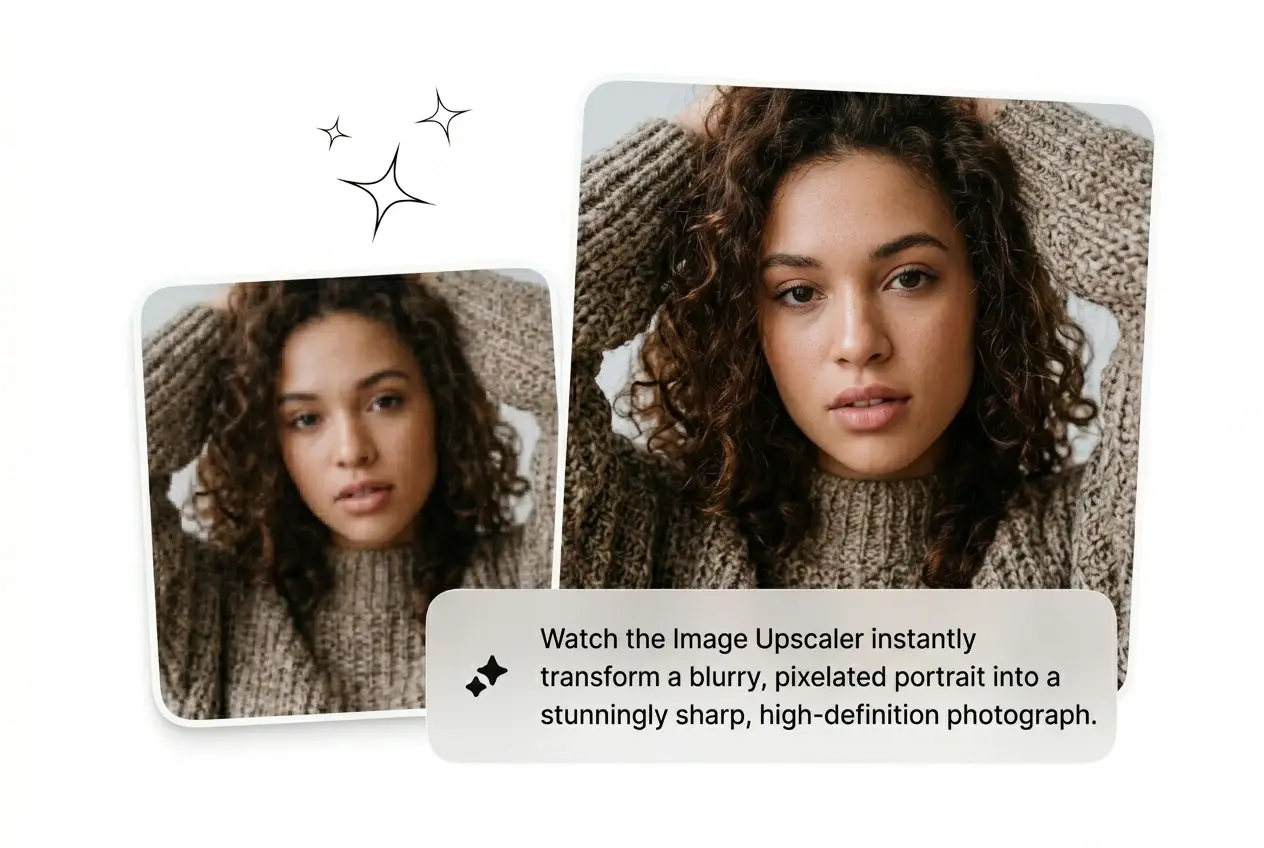
Low res files pile up fast. Run the Image Upscaler, batch the whole folder, export without a watermark. See what ships in two minutes.

Try Free