Free Water Bending Video Effect Generator

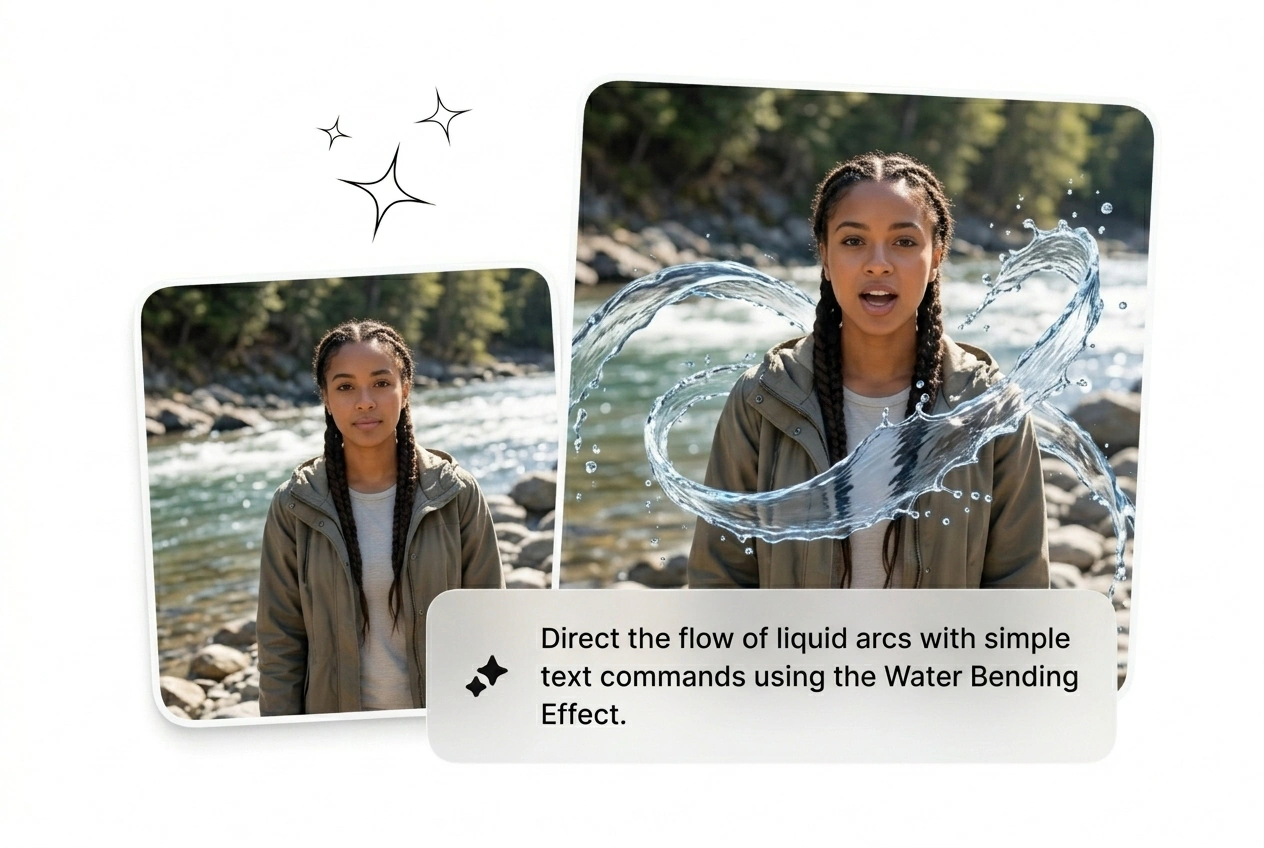
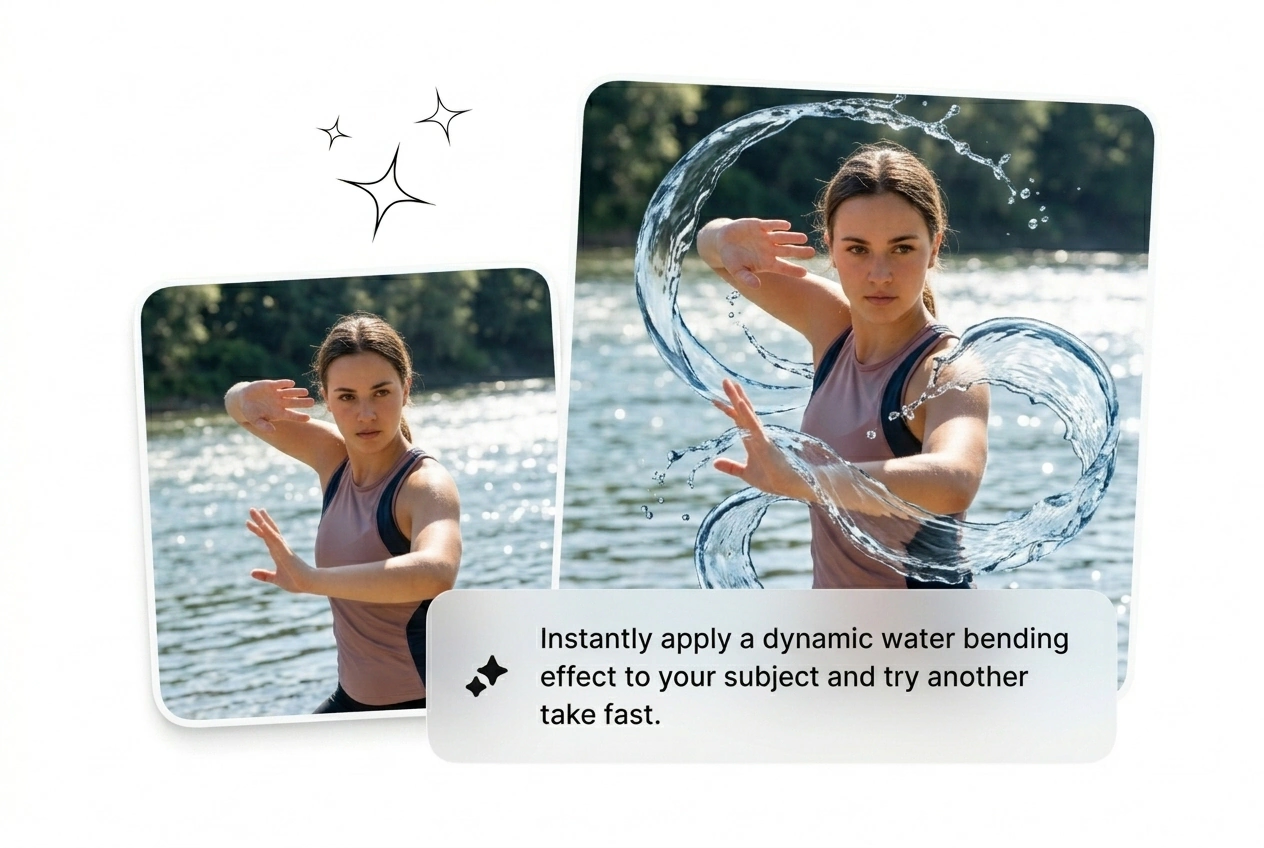
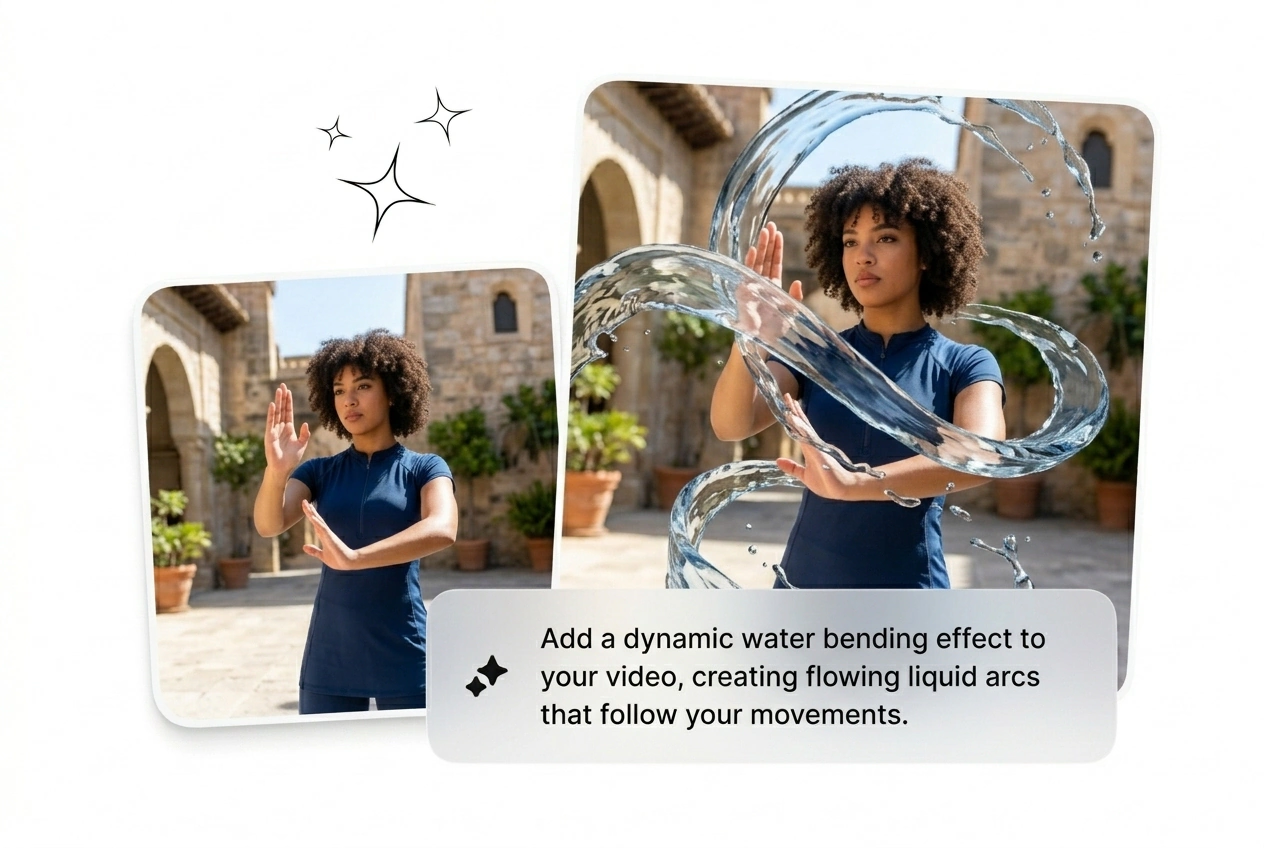
Water Bending Effect puts fluid distortion under tight control, giving your cut motion that feels precise, fast, and ready to land. Start with a prompt or still image and get multiple variants back quickly, ready for batch review, render, and export with the strongest hook intact.

Generate AI Water Bending Effect

Vortex, hydro arc, liquid surge into frame. Generate the Water Bending Effect from a prompt or two frames. First variant ready in under two minutes.

Who Runs Water Bending Effect

Three creator types burn the most time on water bending motion. All three need volume fast and have zero hours to keyframe fluid dynamics from scratch.

Ad creative tester using Water Bending Effect variants

Ad Creative Testers

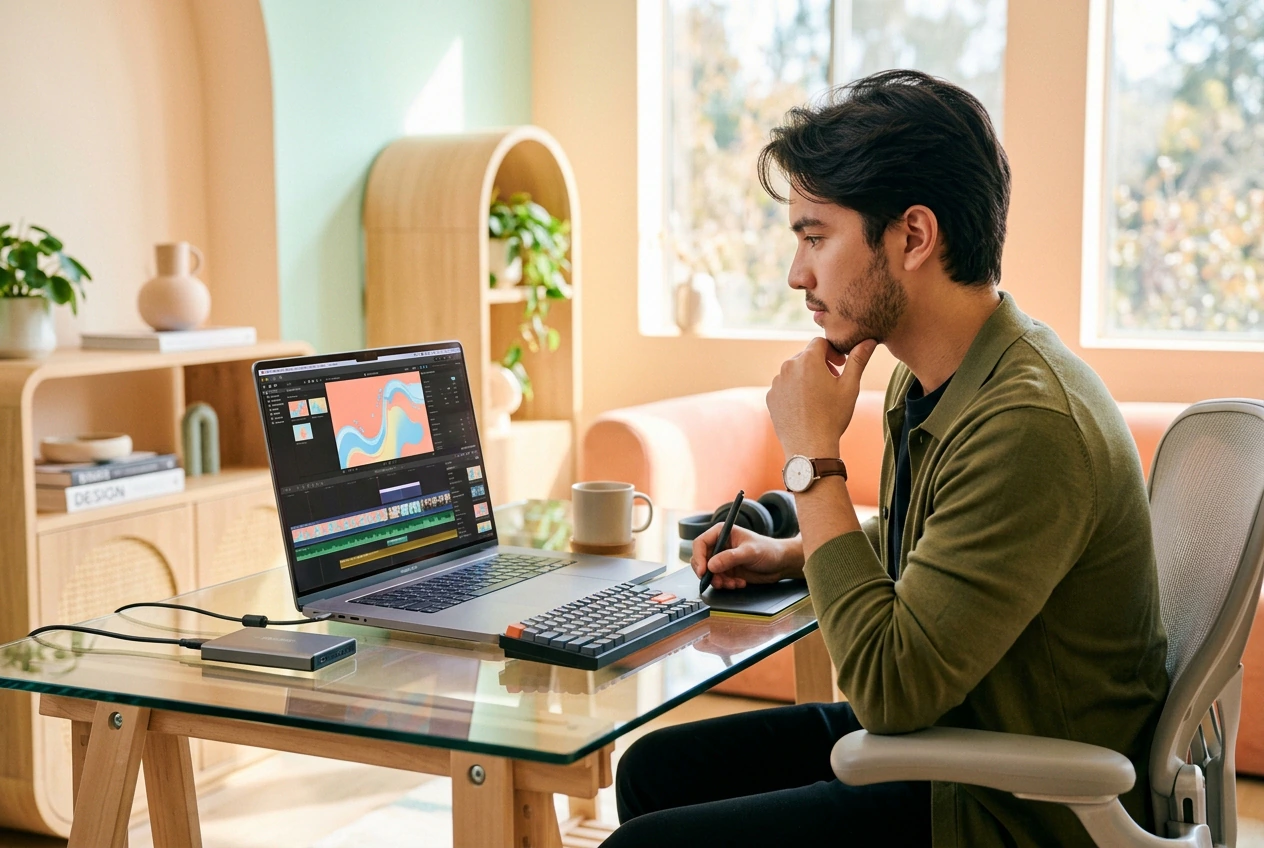
Running paid social means testing hooks before ad fatigue kills the campaign. The Water Bending Effect is trending in feed ads right now. Batch eight variants from one prompt, kill six losers, scale the two that convert. Done before the brief is even finished.

Freelancer generating Water Bending Effect motion shots

Motion Freelancers

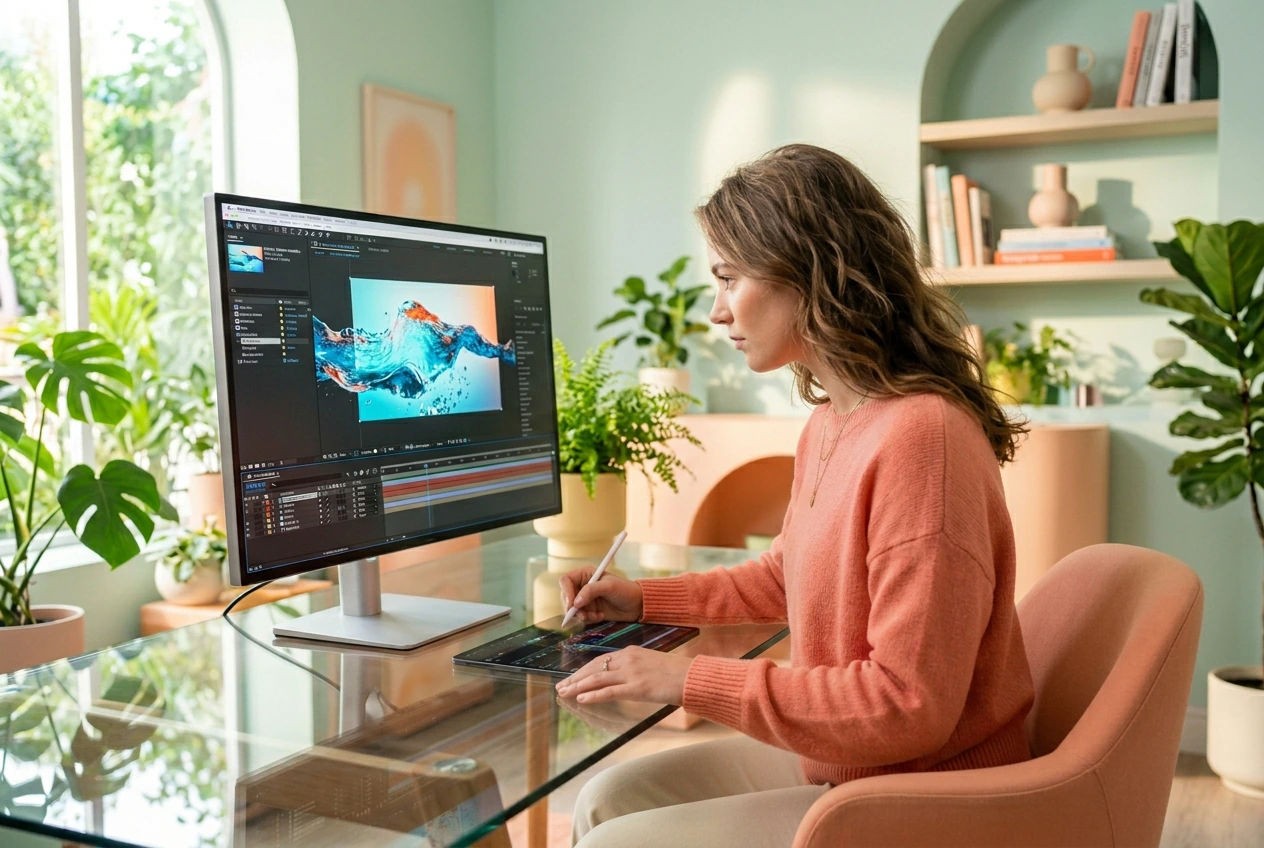
Client says make it more cinematic, no reference, 48-hour turnaround. Drop a start frame and end frame, run the waterbender effect, send three rough cuts. Let the client pick. Shipped before you would have opened a particle sim in After Effects.

Creator posting Water Bending Effect short-form content

Short-Form Creators

The water bend trend moves fast. Trend window is 72 hours max. Generate a working fluid bending transition in 20 minutes, post it, move on before the cycle peaks. Low floor, fast output, looks like you spent a full session on it.

How Water Bending Effect Works

Four steps. No timeline scrubbing, no particle rigs, no manual keyframes. Pick your inputs, set your motion parameters, generate the Water Bending Effect, export.

Step 1

Upload Your Frames

Drop in a start frame and an optional end frame as reference images. Clean, well-lit frames give the AI clearer motion anchors and tighter fluid bending transition output on the first pass.

Step 2

Write Your Prompt

Type what the water should do: vortex pull, hydro arc sweep, ripple bend transition into subject. Specific verbs beat vague adjectives. 'Water surges left and wraps around figure' beats 'cool water effect' every time.

Step 3

Set Model and Params

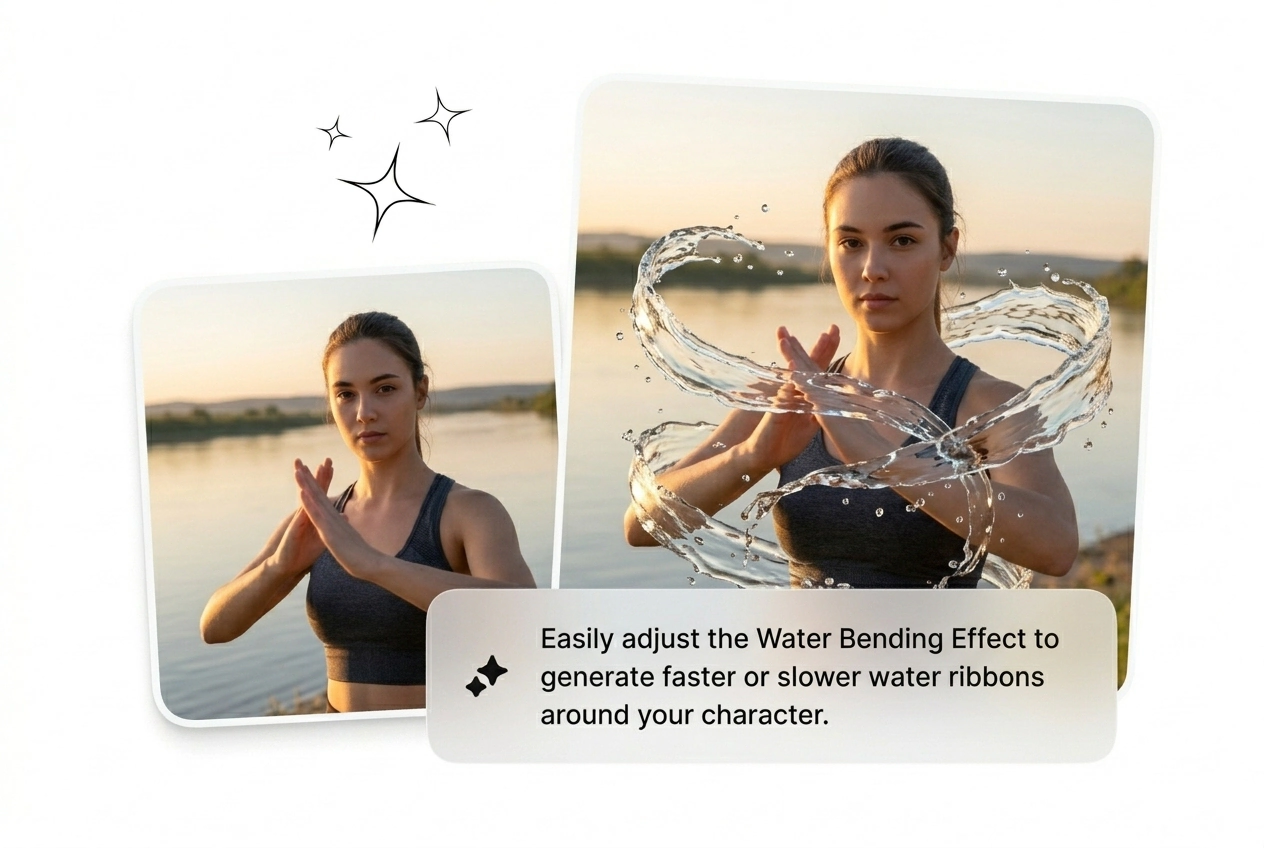
Choose the generation model and set video length, aspect ratio, and motion intensity. Speed up Water Bending Transition for a punch cut, or run a Slow Water Bending Transition for a cinematic pull. Pick before you generate, not after.

Features Built for Water Bending

Each lever exists to cut iteration time on the Water Bending Effect. Reroll the variant, adjust the curve, batch the sequence. No feature here is decorative.

Batch Variant Generation

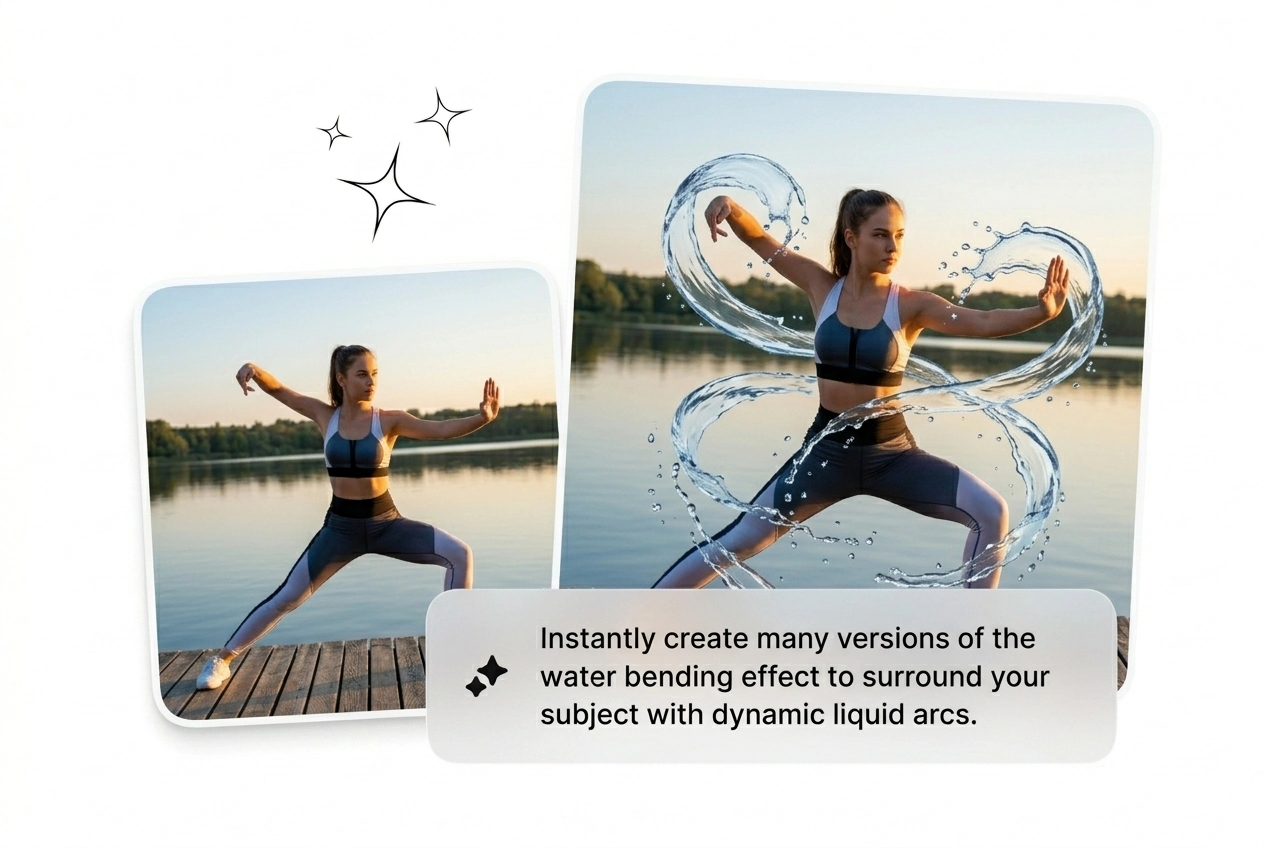
Generate multiple Water Bending Effect variants from the same prompt and frame pair in one shot. Useful when a client gives zero reference and expects options. Pick the variant that ships, kill the rest, move to the next brief.

Batch variant generation Water Bending Effect demo

Speed Curve Control

Dial the motion speed before rendering, not after. Speed up Water Bending Transition for a hard cut or slow it down for a long cinematic pull. Useful when the edit tempo is locked and the visual weight needs to match the audio beat.

Speed curve control Water Bending Effect setting

Reroll Single Variants

One result looks wrong, reroll just that variant without regenerating the full batch. This is the best AI Water Bending Effect workflow for rapid client iteration. Keeps the strong outputs intact and replaces only the weak one fast.

Reroll variant Water Bending Effect result comparison

Prompt-Plus-Frame Input

Combine a text prompt with start and end frames for tighter hydro motion video AI output. Free AI Water Bending Effect runs on prompt-only, but adding reference frames cuts rerolls significantly. More control, fewer wasted generates, faster final export.

Prompt and frame input Water Bending Effect tool

Water Bending Effect FAQ

No, a text prompt alone runs the AI transition generator. Adding start and end frames tightens the output and reduces rerolls on complex fluid bending transition shots. Frame inputs are optional but worth using when accuracy matters.

Run Your Water Bending Effect Now

Perfectionism is the enemy of shipping. Drop a frame, type a prompt, generate the Water Bending Effect. See what ships. Reroll what doesn't. Keep moving.

Try Free