

Product Sellers
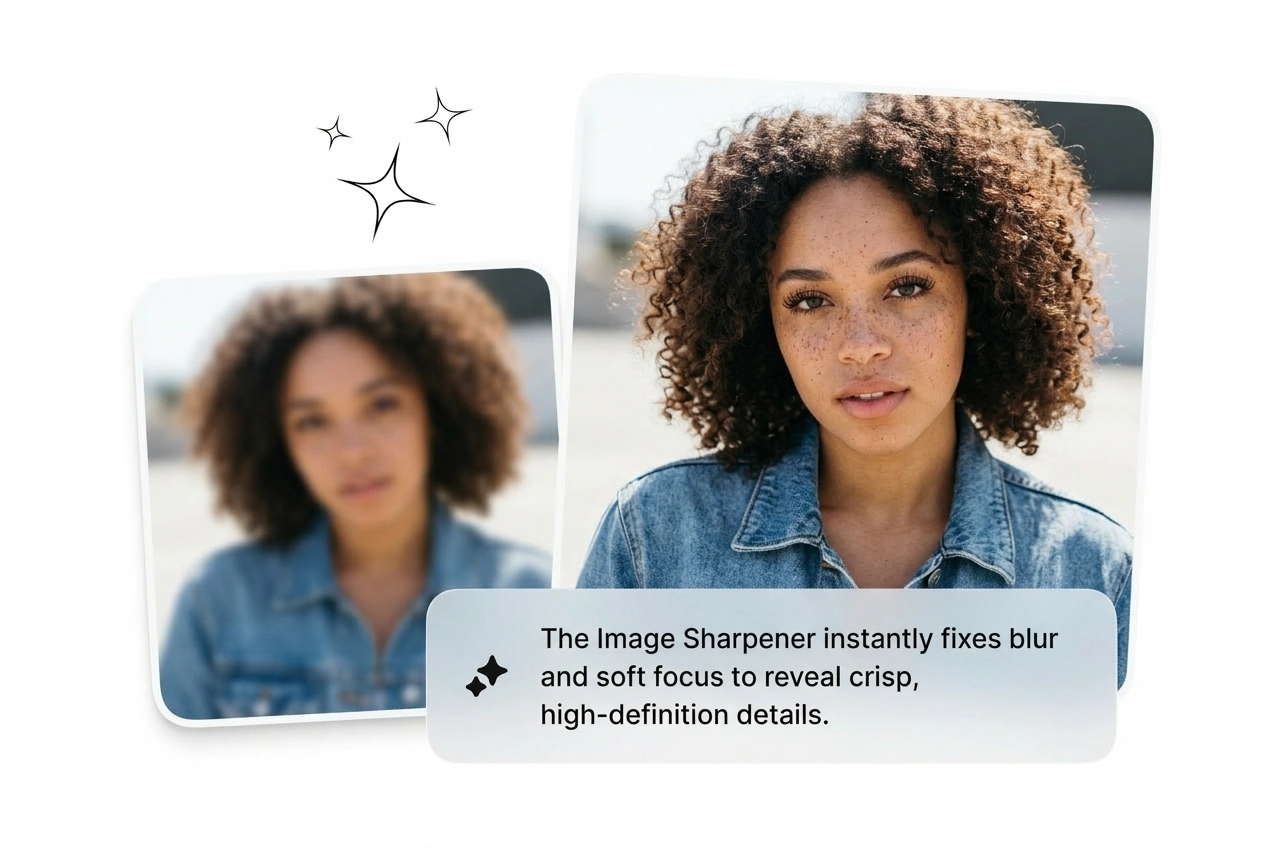
Shooting product photos on a phone between orders and half the batch comes out soft. The Image Sharpener recovers edge detail on packaging, labels, and texture shots without a reshoot. Sharper images, fewer returns, faster listings.
Upload a reference image and the Image Sharpener reads edges, texture, and detail to restore clarity fast. Best results come from photos with recognizable structure, not heavily compressed or pitch black shots.
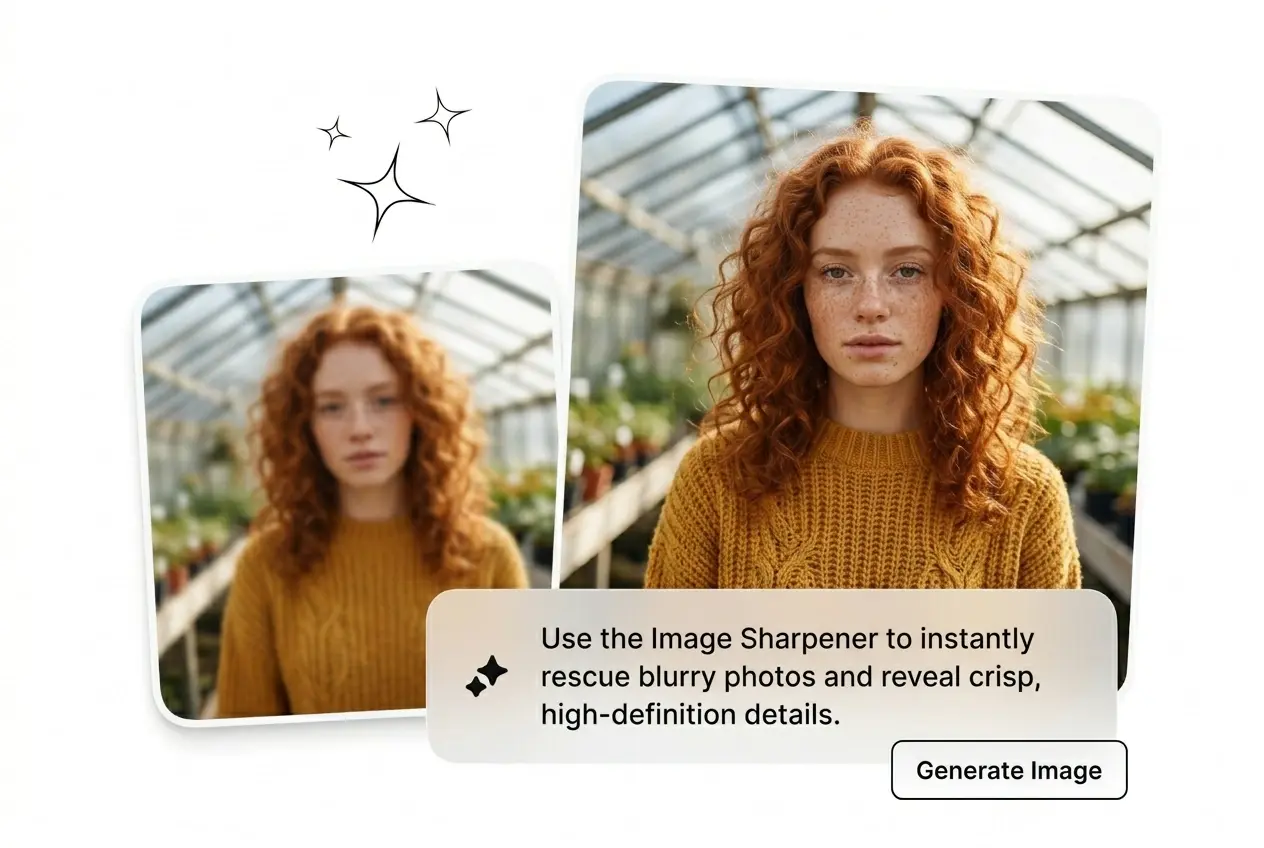
Blurry shot, tight deadline, no Photoshop license. Run the Image Sharpener, get clean edges back, ship the variant.
Three workflows that break without sharp visuals. One tool that fixes them before the next meeting starts.
Shooting product photos on a phone between orders and half the batch comes out soft. The Image Sharpener recovers edge detail on packaging, labels, and texture shots without a reshoot. Sharper images, fewer returns, faster listings.

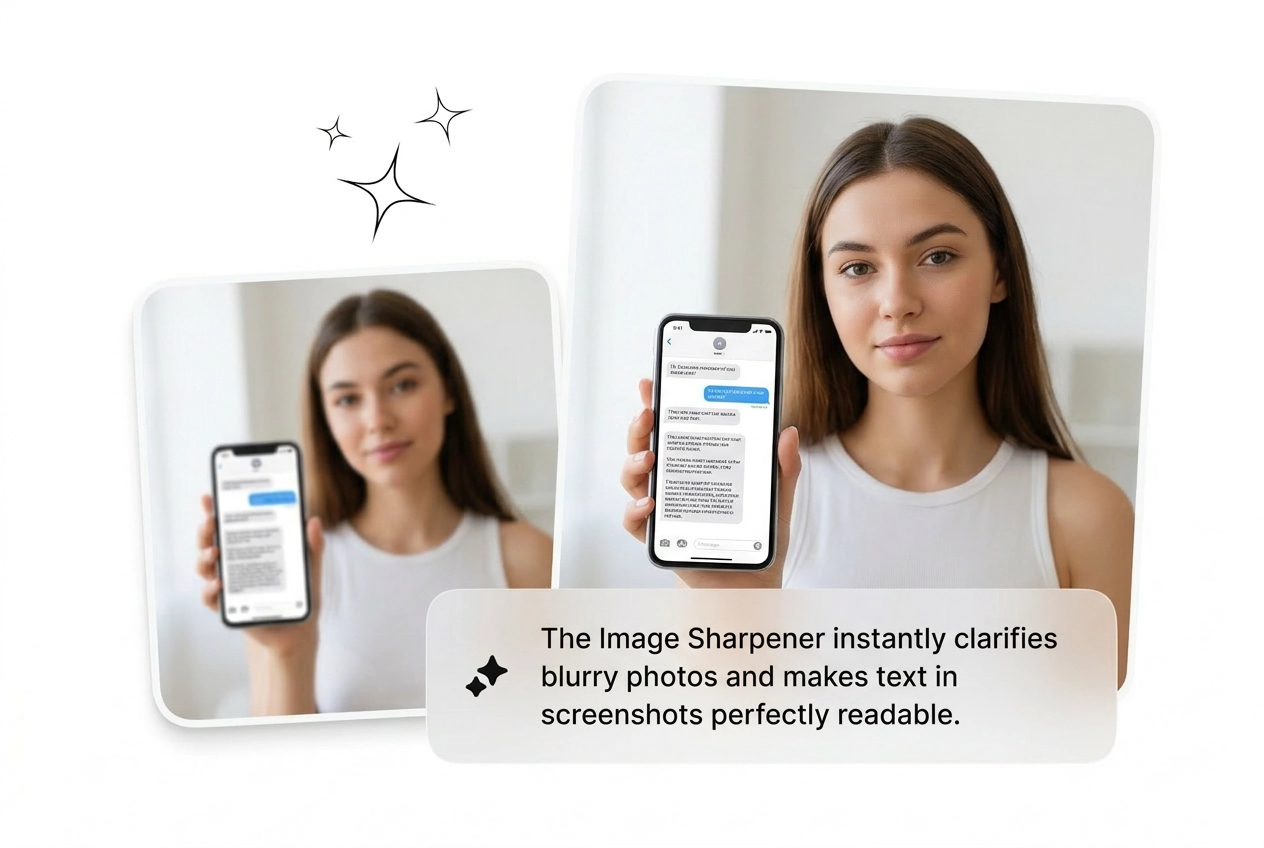
Screenshot from a webinar, slide exported at low resolution, diagram scanned from a textbook. Run it through the AI image sharpener and the text and fine lines become readable again. No editing skills required, no software to install.

Old family photos digitized at low quality come in soft and faded. The AI detects structure and clarify image detail that flat filters just blow out with halos. Get a clean result you can actually print.
Three steps. No tutorial needed. Upload, sharpen, export. Done before you would have opened a desktop app.
Drop in the blurry or soft photo as your source file. Works with JPGs, PNGs, and low-res exports. No video input, no special format required.
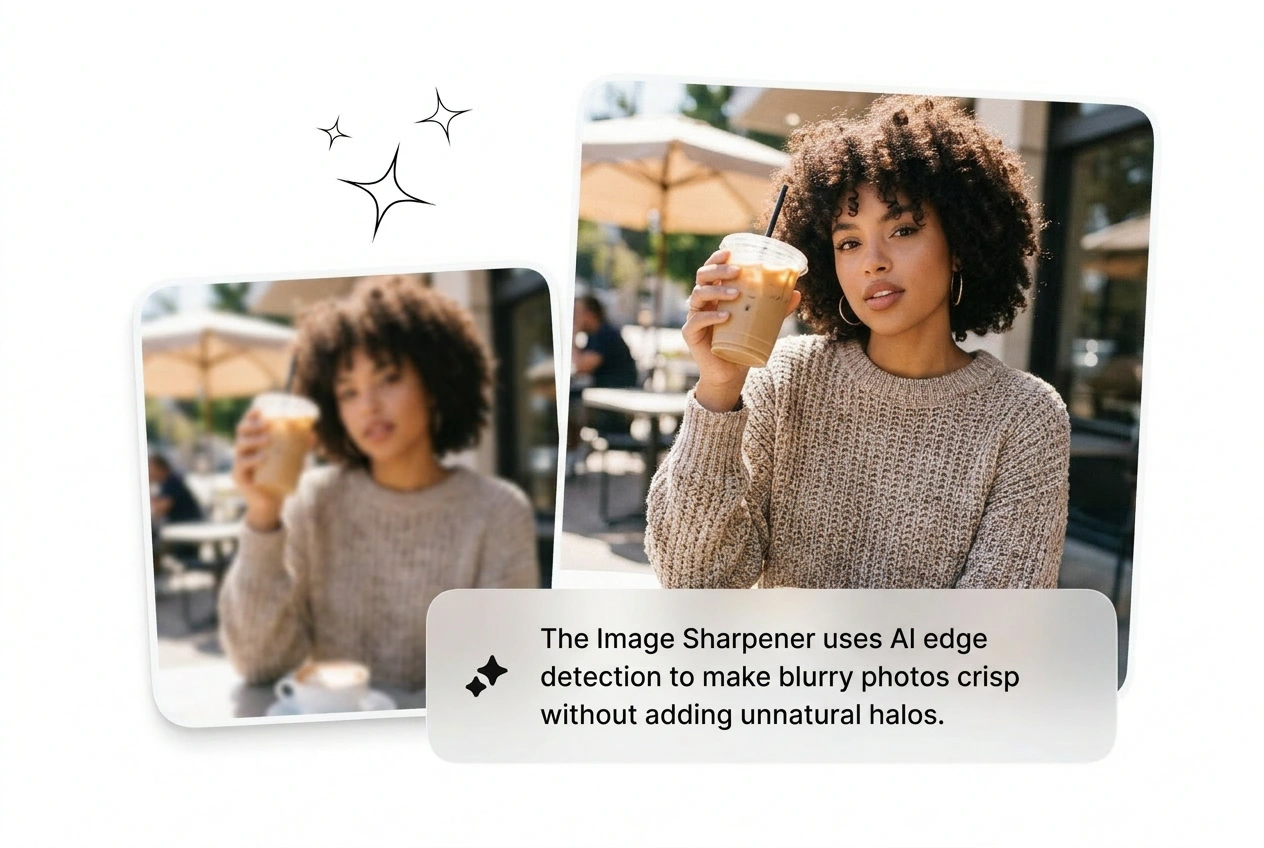
The model reads edges, texture, and content detail across the frame. It avoids over-sharpening halos and noise that basic filters create on high-contrast edges.
Download the sharpened result in full resolution. No watermark on free exports. Reroll if the first pass is too aggressive or not sharp enough.
Four distinct things the Image Sharpener does that a basic filter cannot. Each one covers a real scenario.
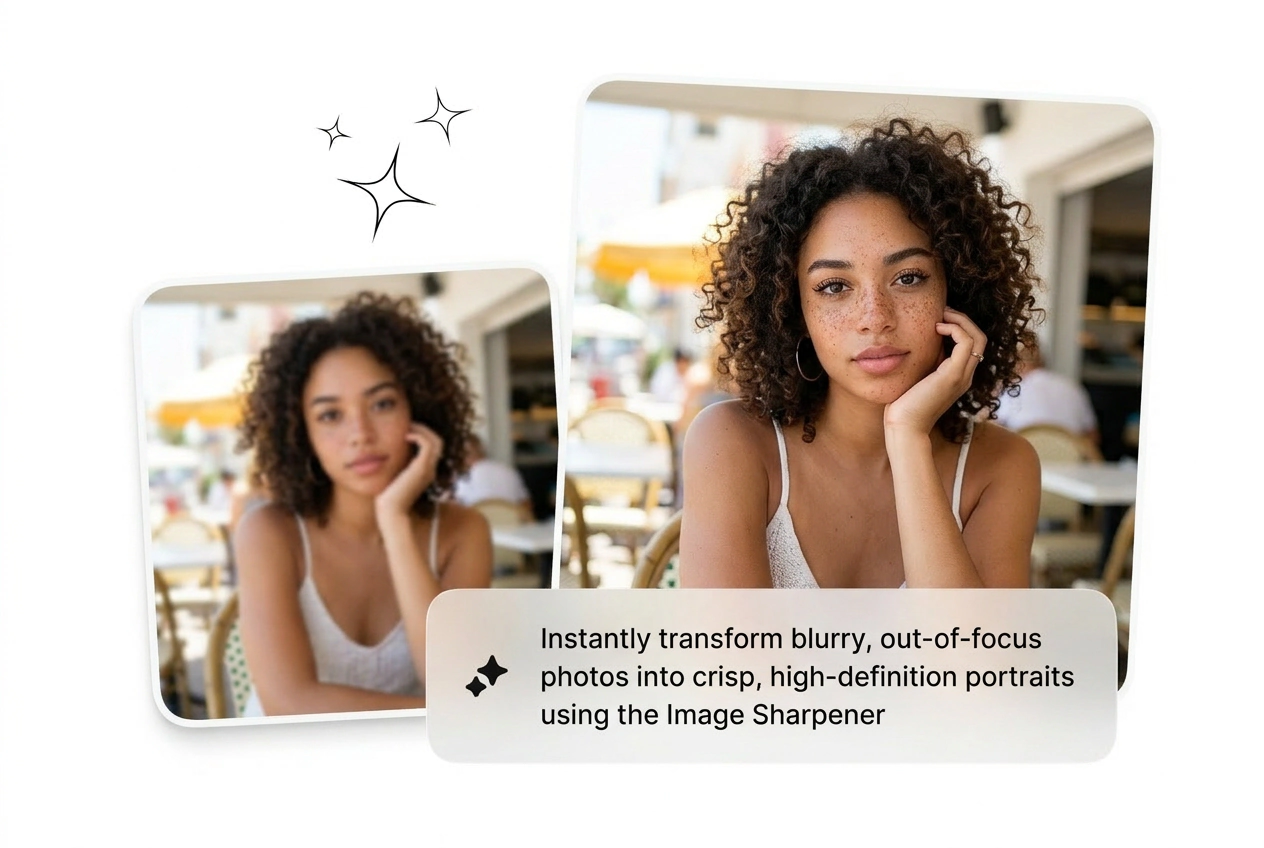
Regular sharpen blurry image filters crank contrast everywhere and leave white halos on hard edges. This AI reads texture regions separately from smooth areas, so the result stays natural. Works best on photos with clear subject structure and decent base exposure.
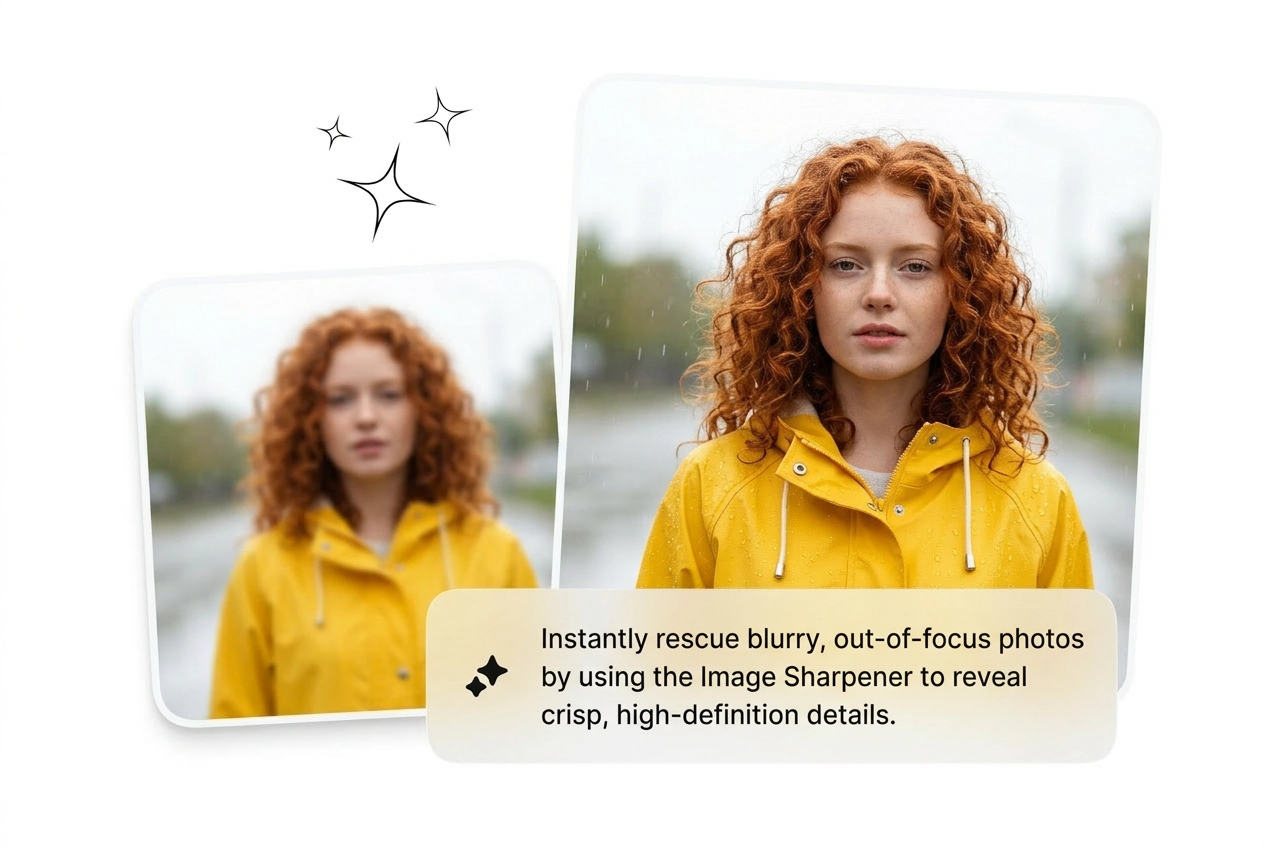
Moderate blur and soft focus, yes. Extreme defocus where the subject has no recoverable edge data is a harder case. The AI image sharpener works best when some structure is still present in the original file, even if it looks rough.
Upload the blurry shot. The Image Sharpener recovers the detail. Export clean, skip the reshoot, move to the next job.
Try Free