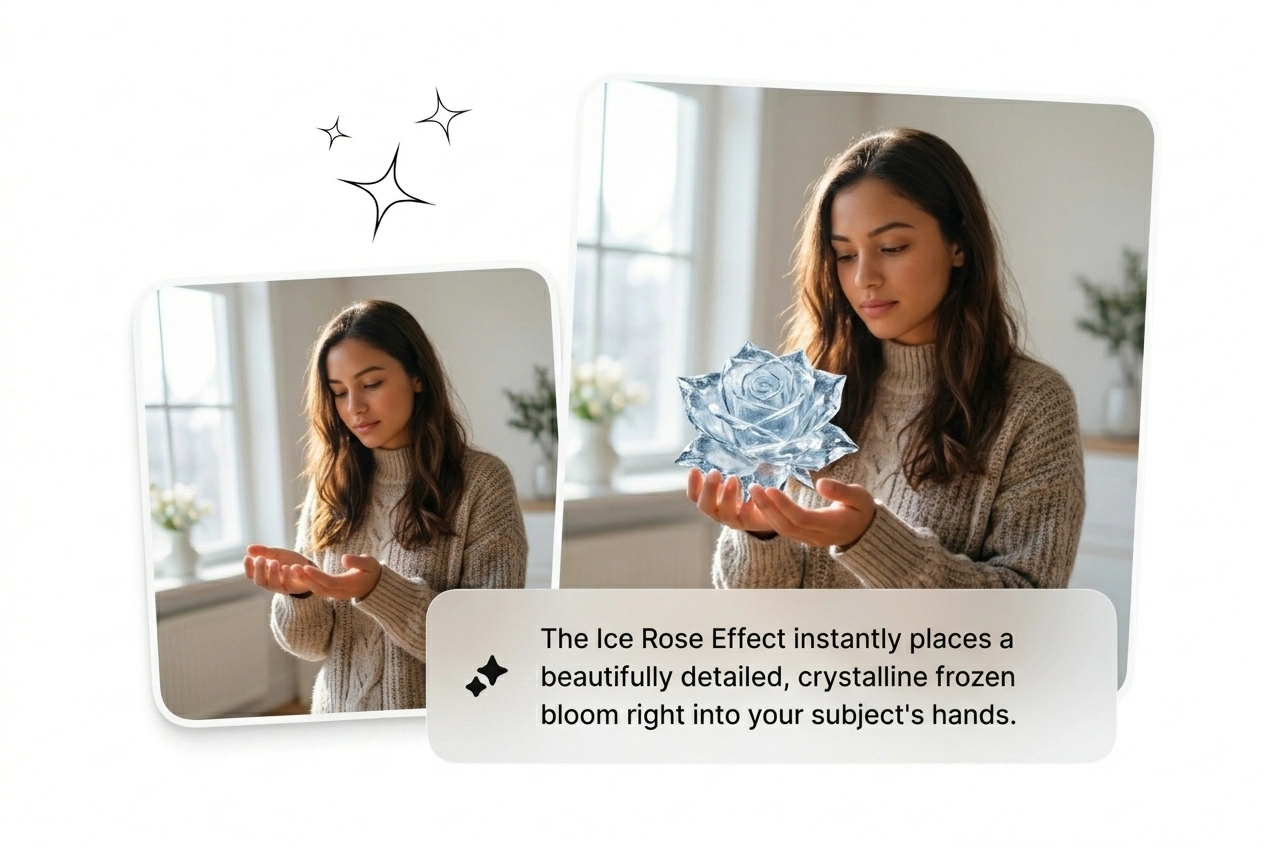


Growth Hackers
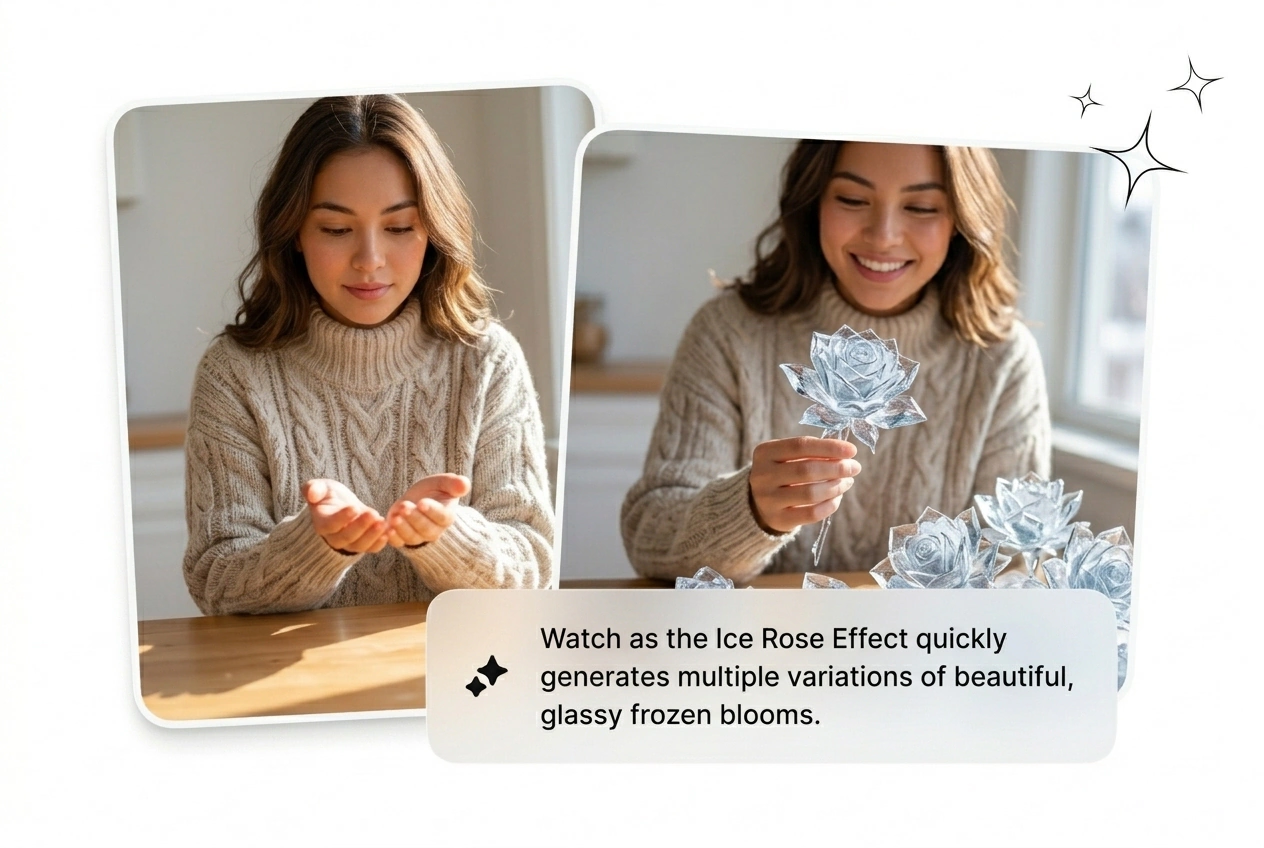
Testing hooks requires volume. Generate an Ice Rose Transition batch from one source image before your morning coffee. Kill the weak renders, scale the winners, and beat ad fatigue without opening heavy editing software today.
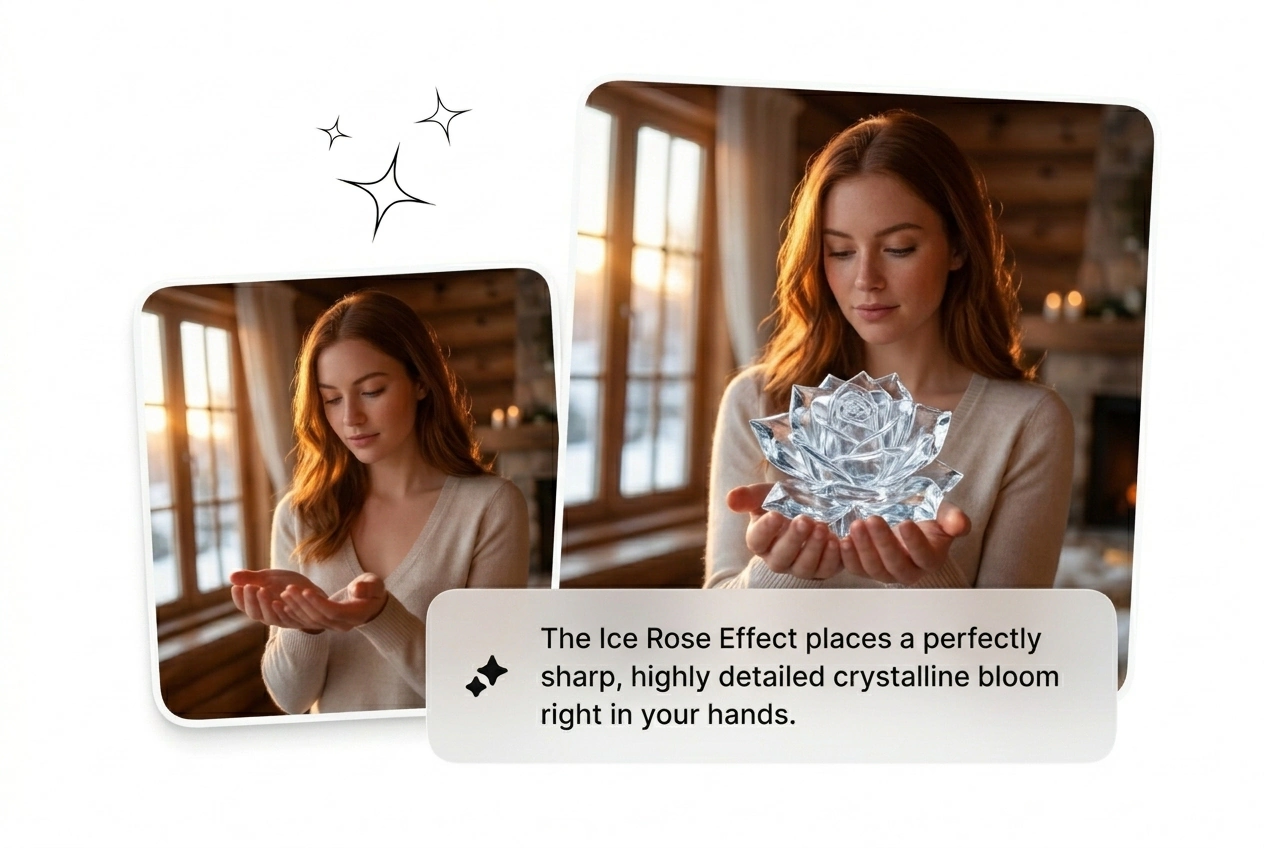
Ice Rose Effect is built for clean dramatic frames, giving you a polished look without losing pace in the timeline. Push one prompt or image through and get several variants back fast, ready to compare side by side, batch render, and export on schedule.
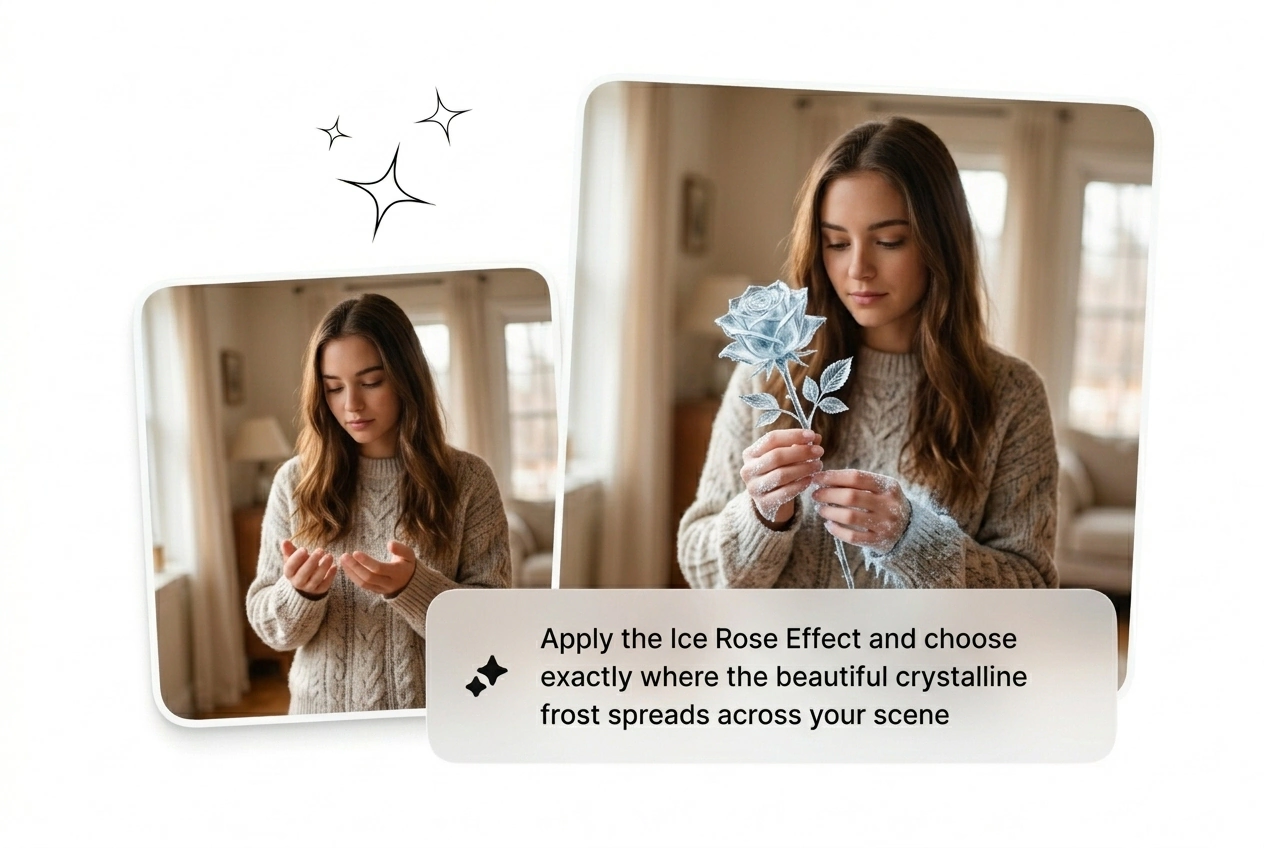
Drop a frame and generate the Ice Rose Effect in minutes. Freeze your subject with a cinematic crystal bloom. Reroll until it hits.
Trend cycles move fast and manual keyframing kills your output. Batch this Ice Rose Effect and find the variant that stops the scroll.
Testing hooks requires volume. Generate an Ice Rose Transition batch from one source image before your morning coffee. Kill the weak renders, scale the winners, and beat ad fatigue without opening heavy editing software today.
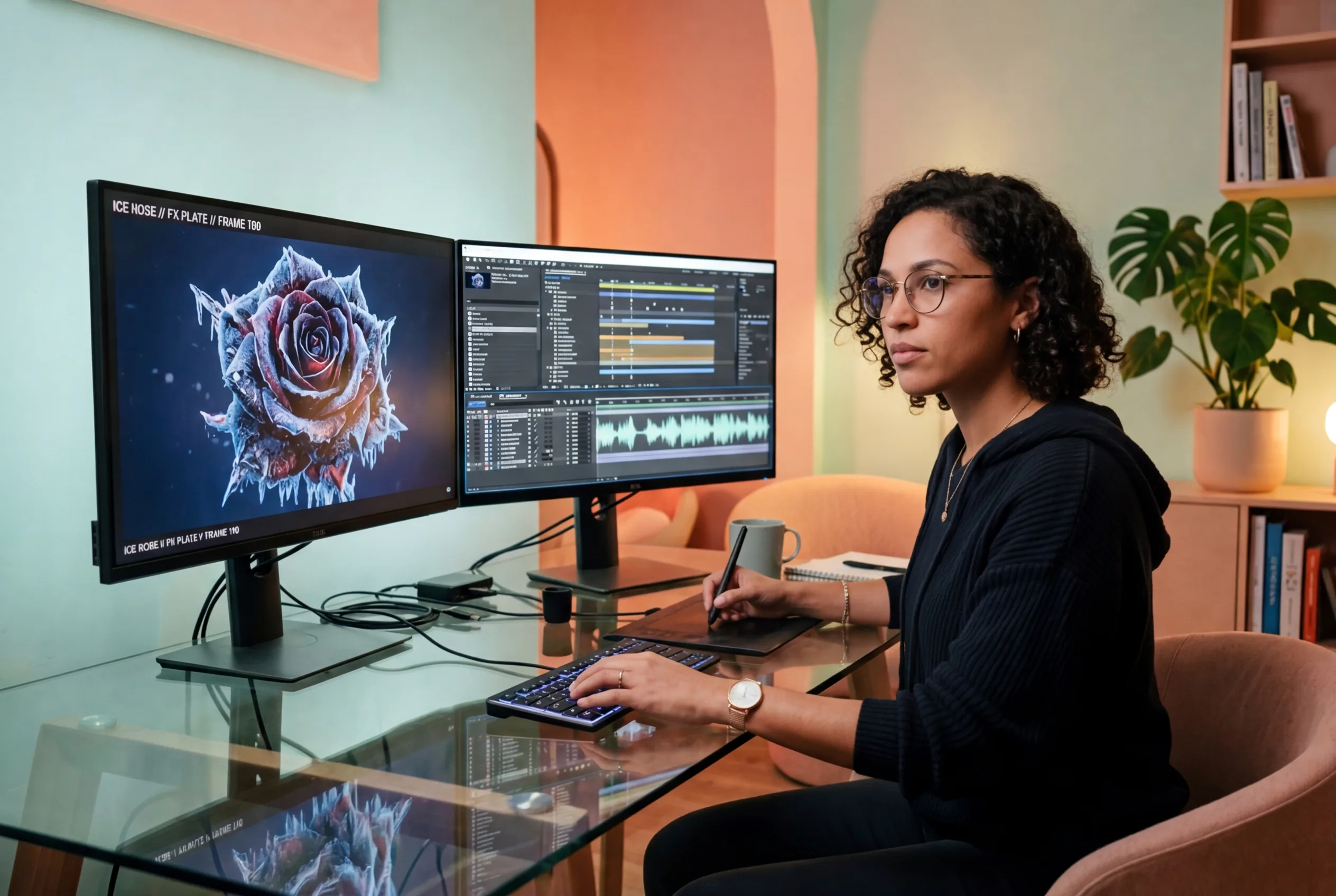
Clients demand that viral Frozen Rose Effect but provide zero references. Upload a base frame, prompt the ice crystallization, and ship three rough cuts fast. Let them pick the best AI Ice Rose Effect version.
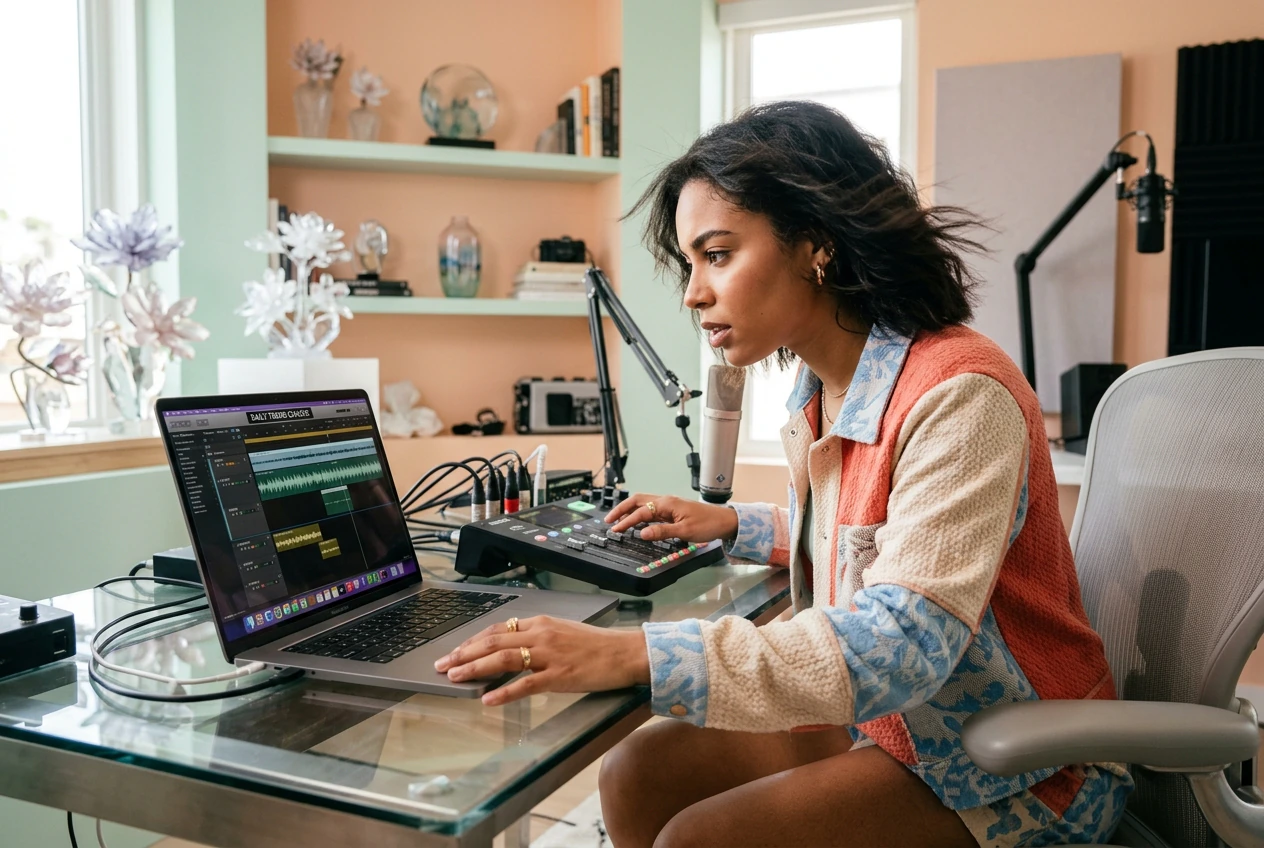
Chasing the Ice Rose Trend means posting before the hype dies. Skip the complex tutorials and use an Ice Rose AI generator. Get a cinematic frozen bloom hook in twenty minutes and move on fast.
Stop tweaking timelines. Upload your start frame, dial in the prompt, and let the engine build the Ice Rose Effect. Pick the winner.
Upload a clear start image to anchor the shot. High contrast works best for the Ice Rose Effect. The engine reads your visual weight and prepares the subject for the freeze.
Type your text prompt and set the parameters. Define how the Ice Rose video effect behaves. Keep it simple and let the model handle the complex ice crystallization physics automatically.
Hit generate and watch the variants roll in. Review the Free Ice Rose Effect outputs, cut what looks rough, and download the sharpest clip. Drop it in your timeline immediately.
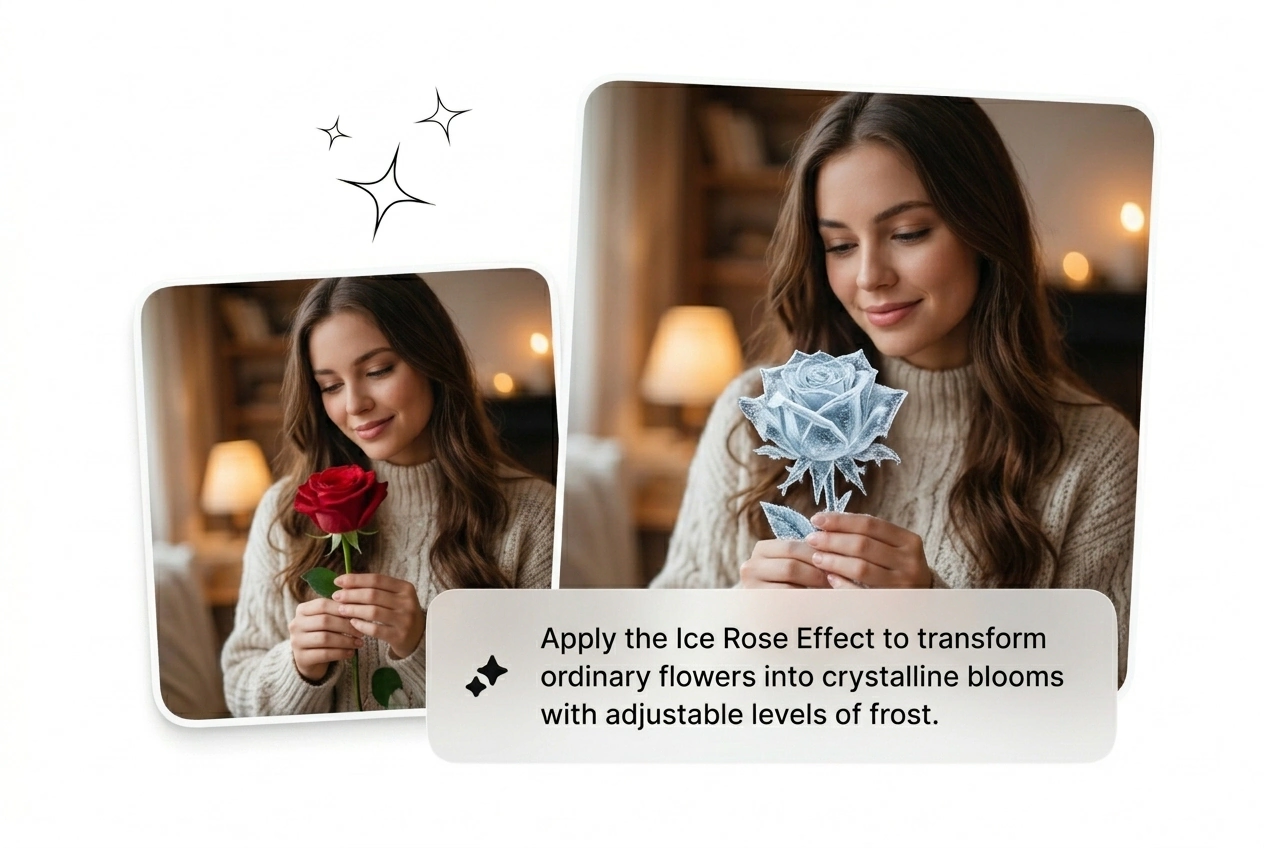
Dial in the details without getting bogged down. Adjust the Ice Rose Effect parameters, reroll the variants, and ship the best looking cut.
Absolutely, you can start with just text. The engine will build the entire scene from scratch based on your description. For more control over the final look, we highly recommend uploading a reference image first.
Stop overthinking the timeline. Batch the Ice Rose Effect, find the variant that hits hardest, and ship the video today. Run it.
Try Free