

Paid Social Buyers
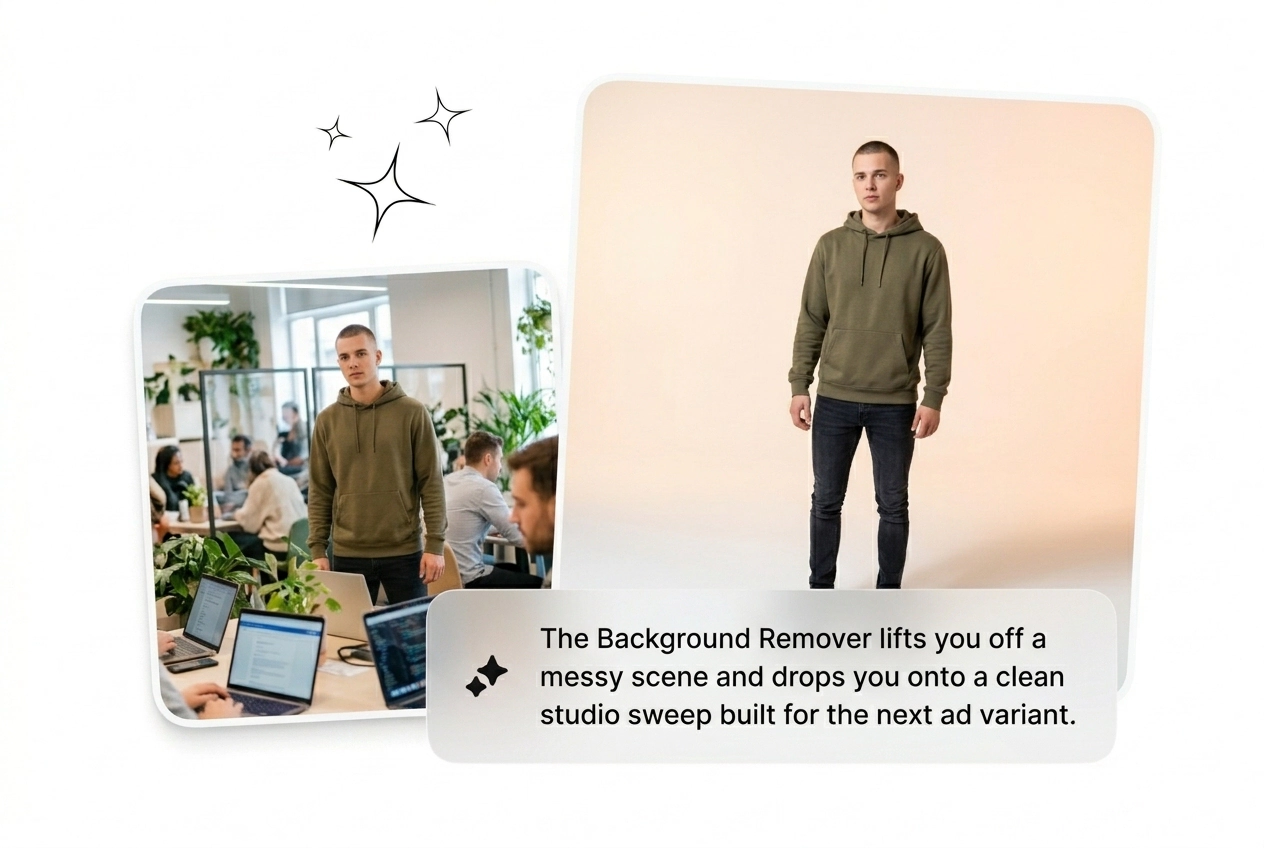
You need twenty ad variants tested by tomorrow. Stop wasting hours masking product shots manually. Use this free Background Remover to isolate subjects instantly. Batch the new layouts, launch the campaign, and kill the losers.
Upload any product shot to isolate the subject instantly with this background remover. Complex hair edges might need a quick manual mask cleanup.
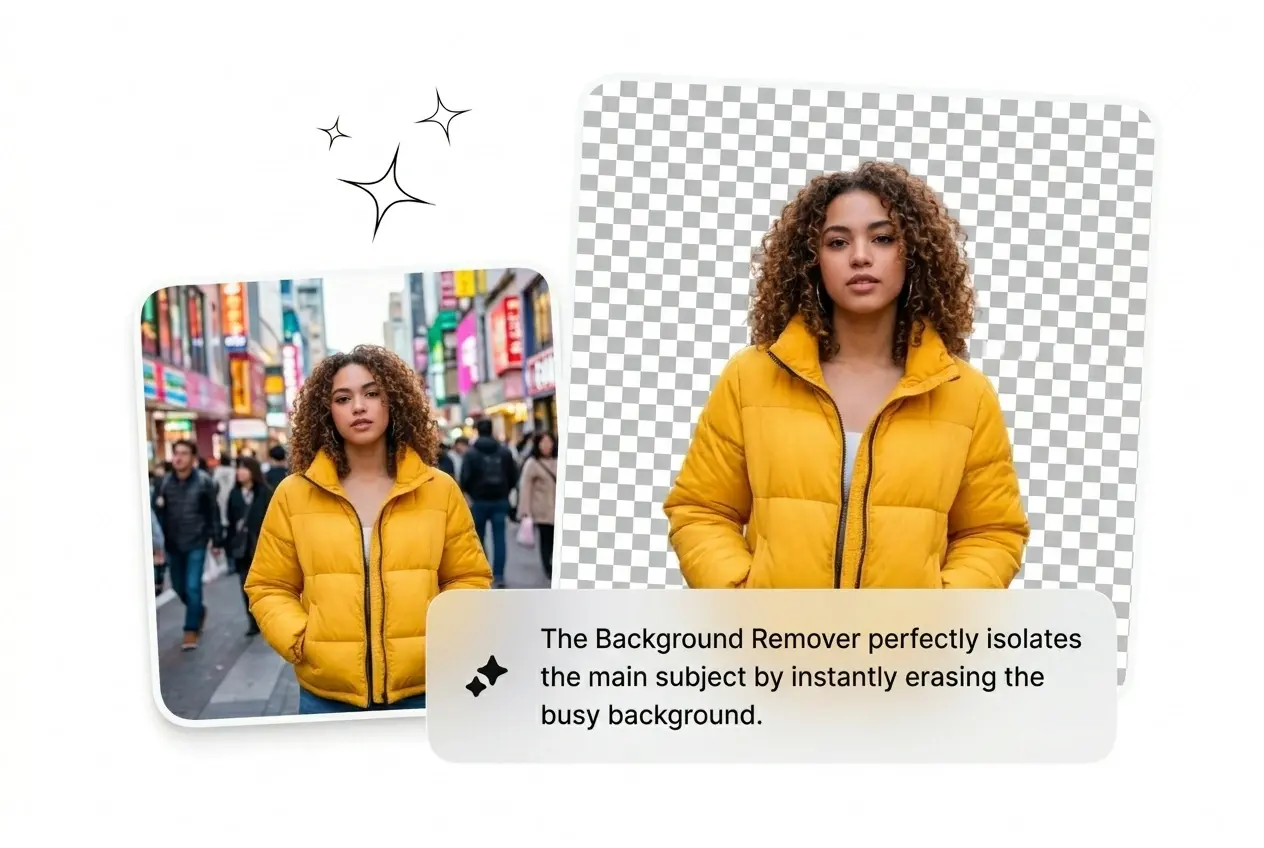
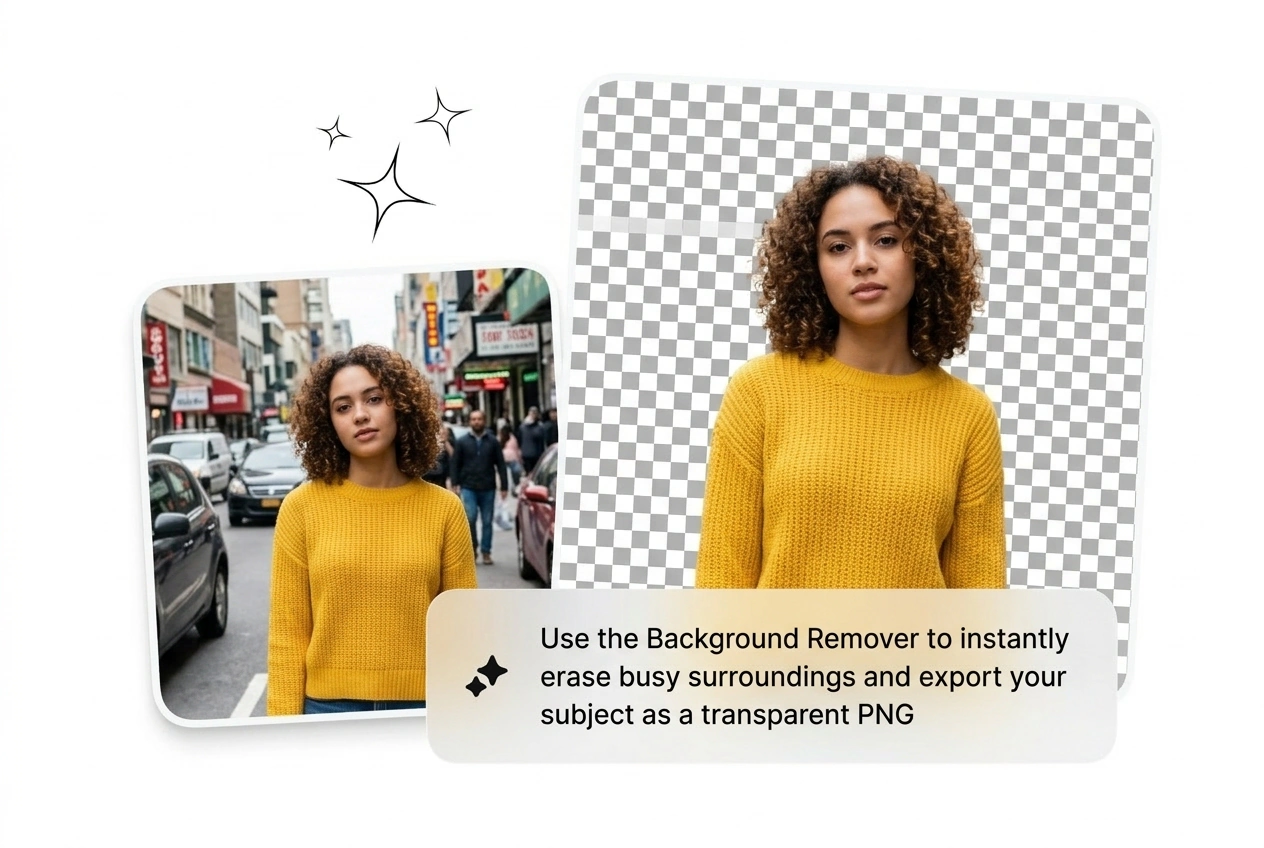
Drop the image. Cut the clutter. Generate a clean transparent PNG fast. Ship the variant and move to the next brief.
You run tests daily. Manual clipping paths kill your momentum. This Background Remover batches cutouts so you scale winners fast.
You need twenty ad variants tested by tomorrow. Stop wasting hours masking product shots manually. Use this free Background Remover to isolate subjects instantly. Batch the new layouts, launch the campaign, and kill the losers.

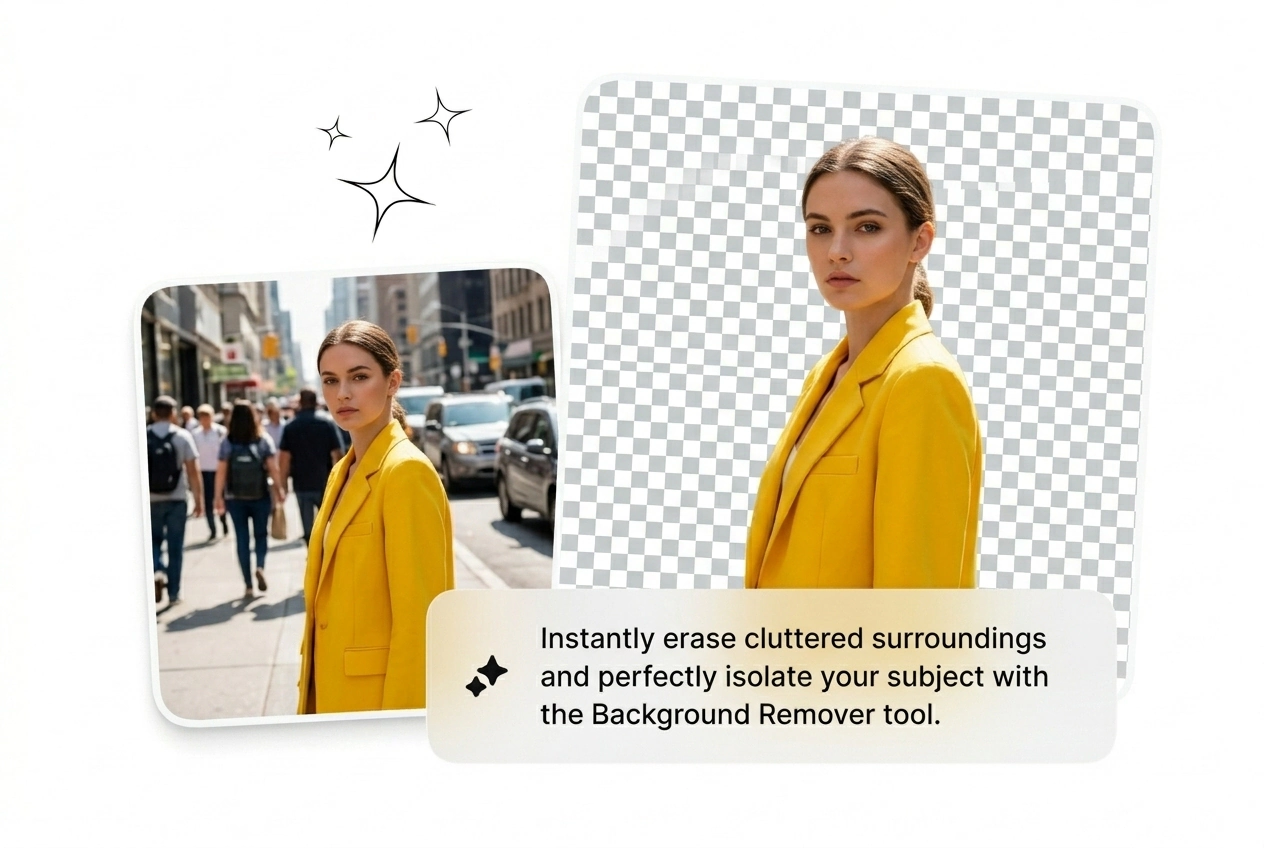
Client wants fifty new SKU images uploaded tonight. Drop the raw photos into the image Background Remover. It handles the messy edges and outputs clean transparent files. Reroll the bad ones and update the store.
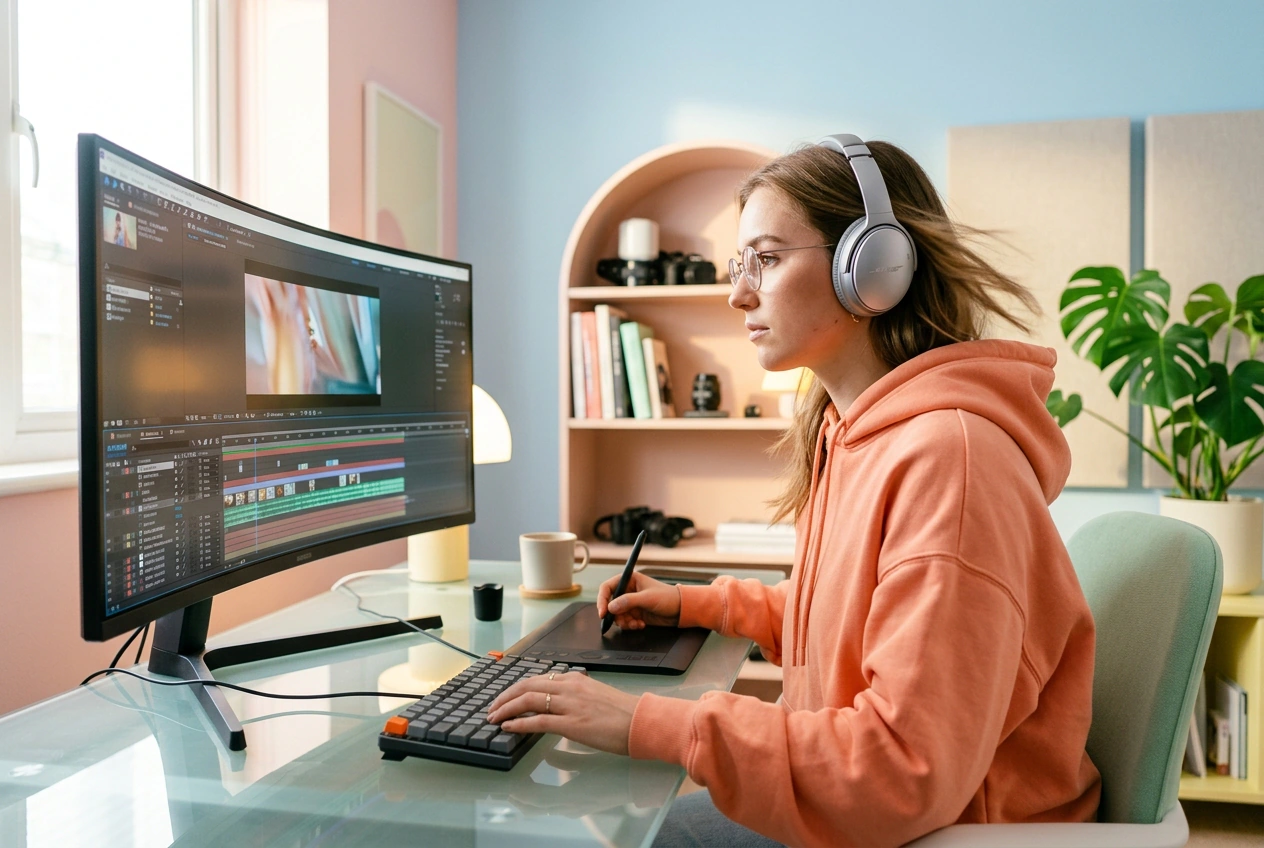
The timeline is packed and you need clean assets for a rough cut. Run the client reference through the AI Background Remover. Grab the isolated subject, drop it into your composition, and ship the draft.
Skip the pen tool. Upload your reference frame. Let the engine find the subject. Export the clean asset and keep working.
Drag your raw product photo or portrait into the workspace. The engine reads the visual weight immediately to find the main subject. You skip the tedious manual setup and start iterating right away.
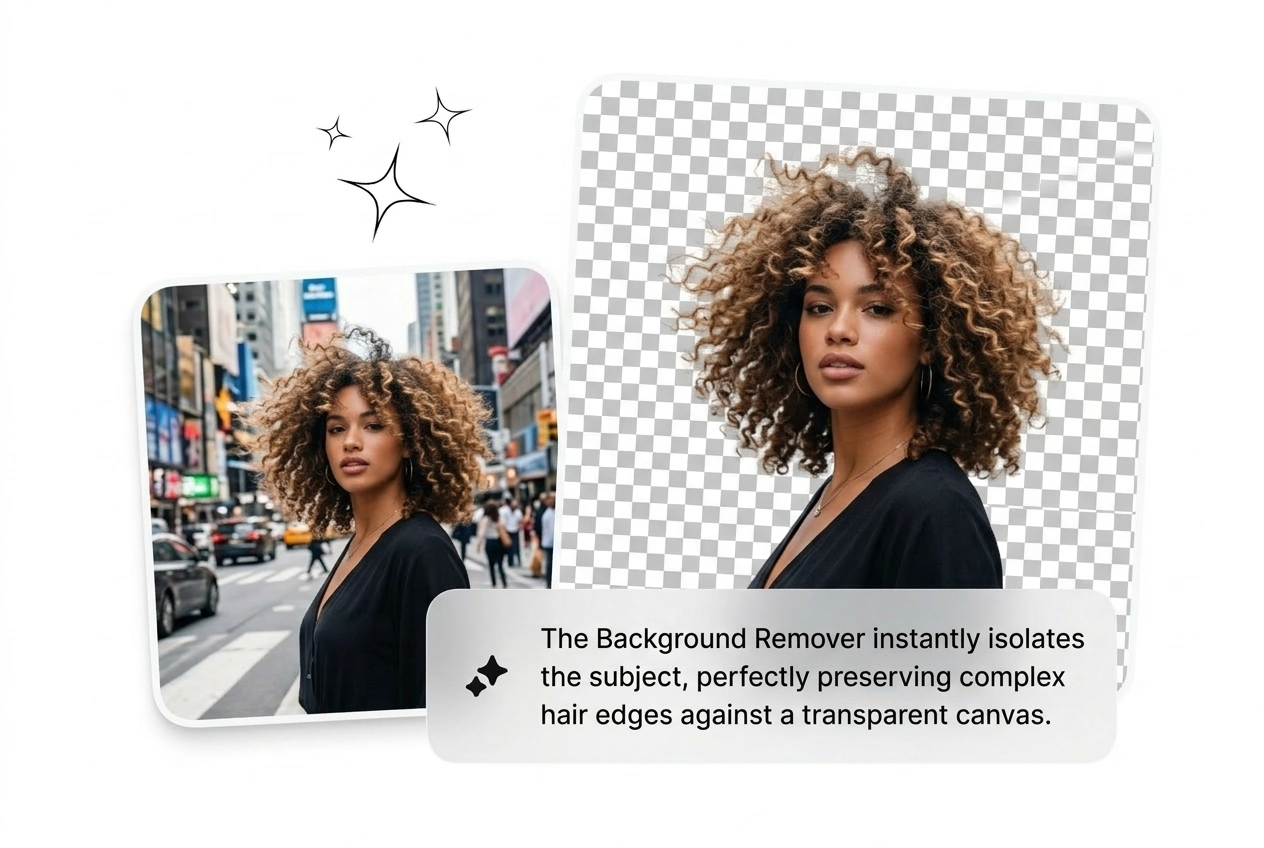
Hit the button to remove background from picture files instantly. The model handles complex edges like hair or fur. It isolates the core subject so you can build the next variant.
Grab the transparent PNG and drop it straight into your timeline. Reroll if the edge looks rough. Otherwise, save the asset, close the tab, and move on to the next task.
Stop tweaking anchor points. This Background Remover feature set isolates subjects fast. Build more variants, pick the best output, ship it.
Upload a high resolution file to get the sharpest edge detection. The engine preserves your original pixel density while cutting the backdrop. This keeps your final product shots crisp enough for large print or high end digital campaigns.
Stop wasting time on manual clipping paths. Drop your image, cut the clutter, and ship the next variant fast. See what converts today with Background Remover.
Try Free