Best Image Colorizer

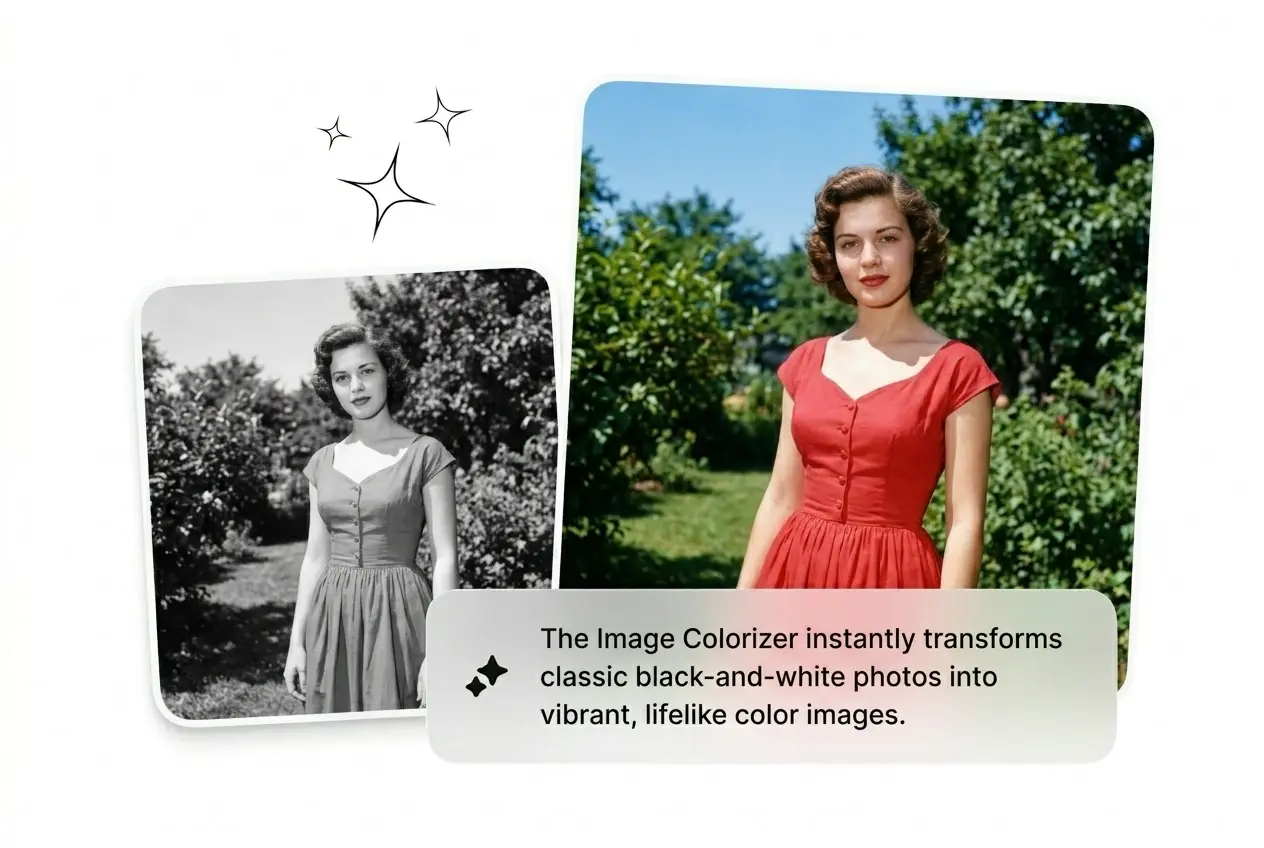
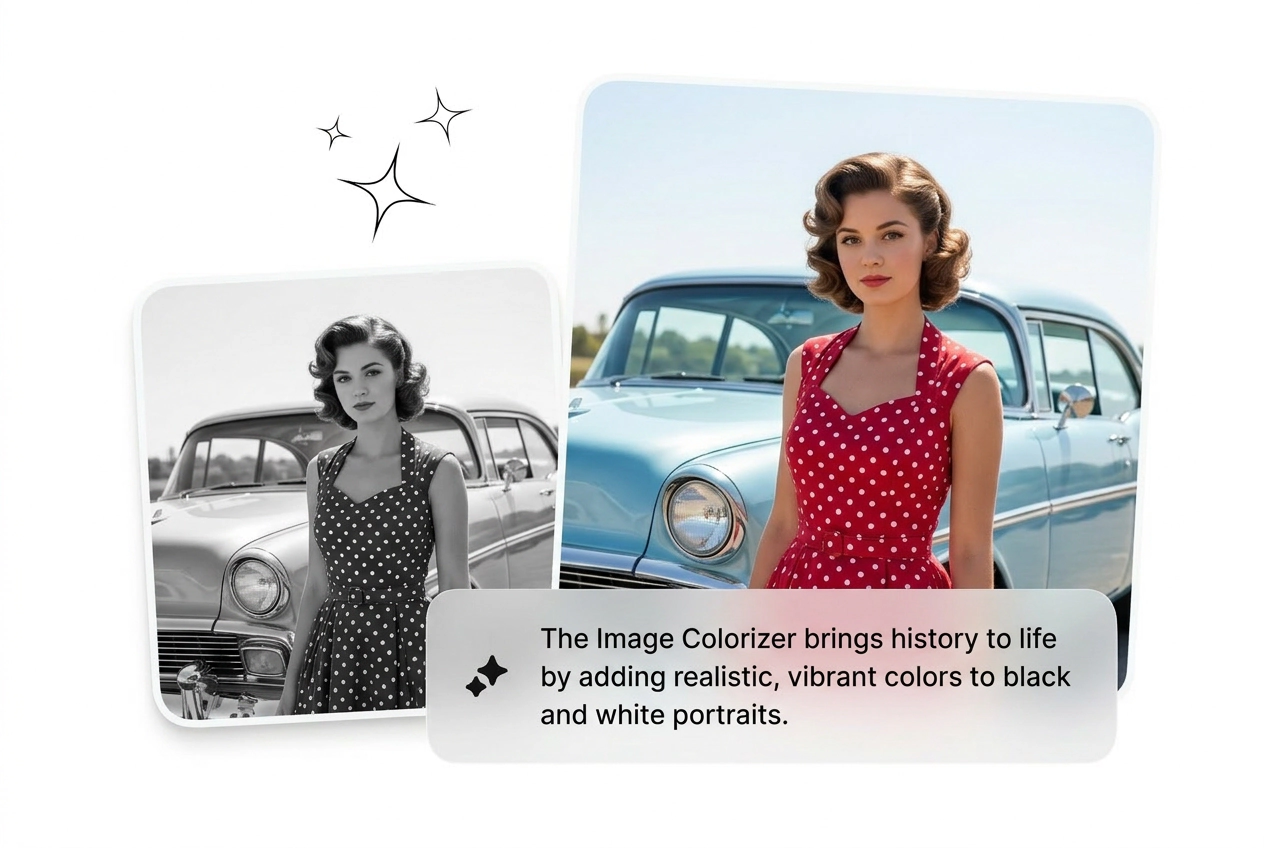
Upload a black and white photo and the Image Colorizer reads scene context to fill natural color across skin, sky, and fabric. Best results come from sharp, well-lit scans. Image Colorizer workflows stay fast.

Banner preview

Image Colorizer - Colorize Black and White Photos Fast

Drop in a faded scan. Get back natural skin tones, sky color, and fabric detail. Fast output, no manual painting, no guesswork. Use our Image Colorizer for the best results.

Who Needs an Image Colorizer

Running photo restoration, historical research, or daily content? The Image Colorizer cuts the manual work and ships color-accurate output fast.

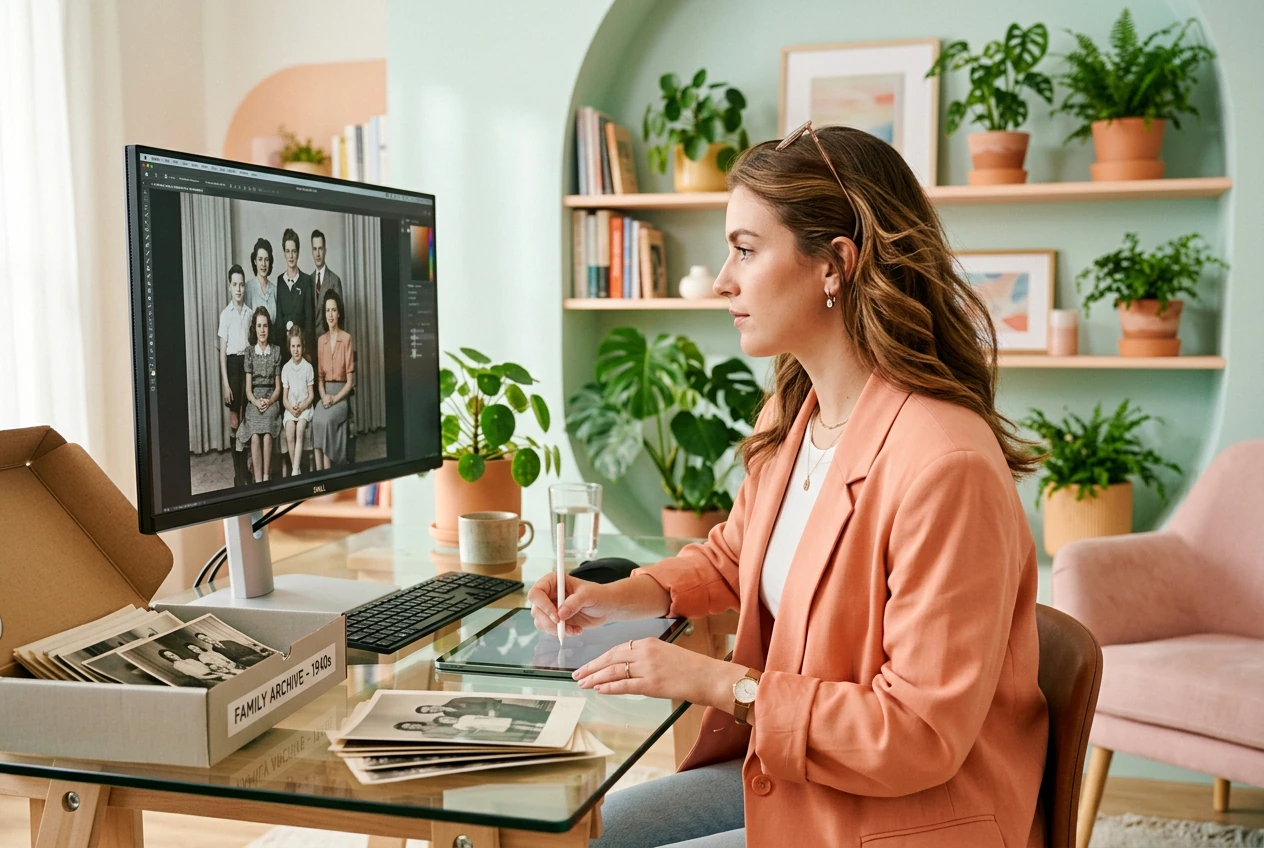
Archive restorer using Image Colorizer tool

Archive Restorers

Digitizing a box of family prints from the 1940s with no color reference and a tight deadline. The ai image colorizer reads scene structure and fills realistic tones across faces, clothing, and backgrounds. Three variants, pick the best, done.
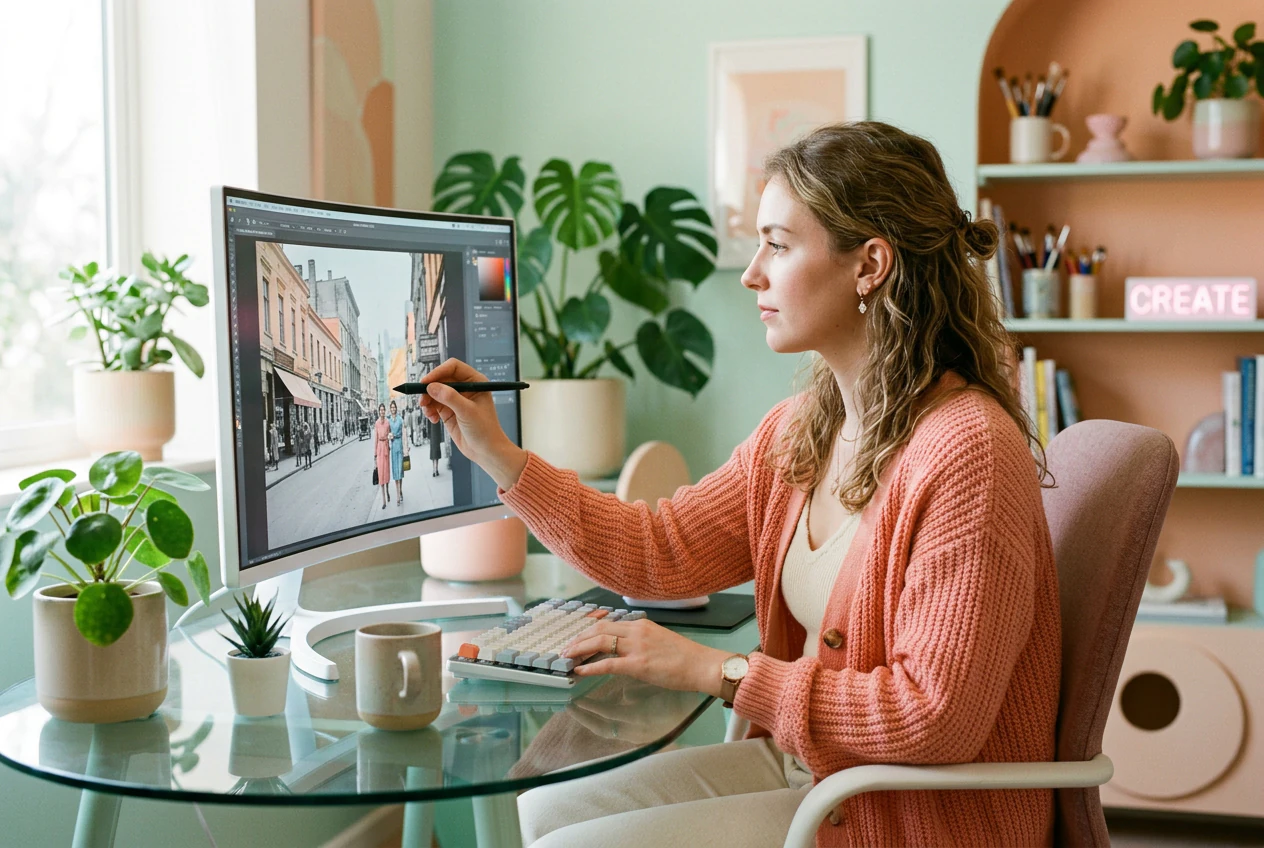
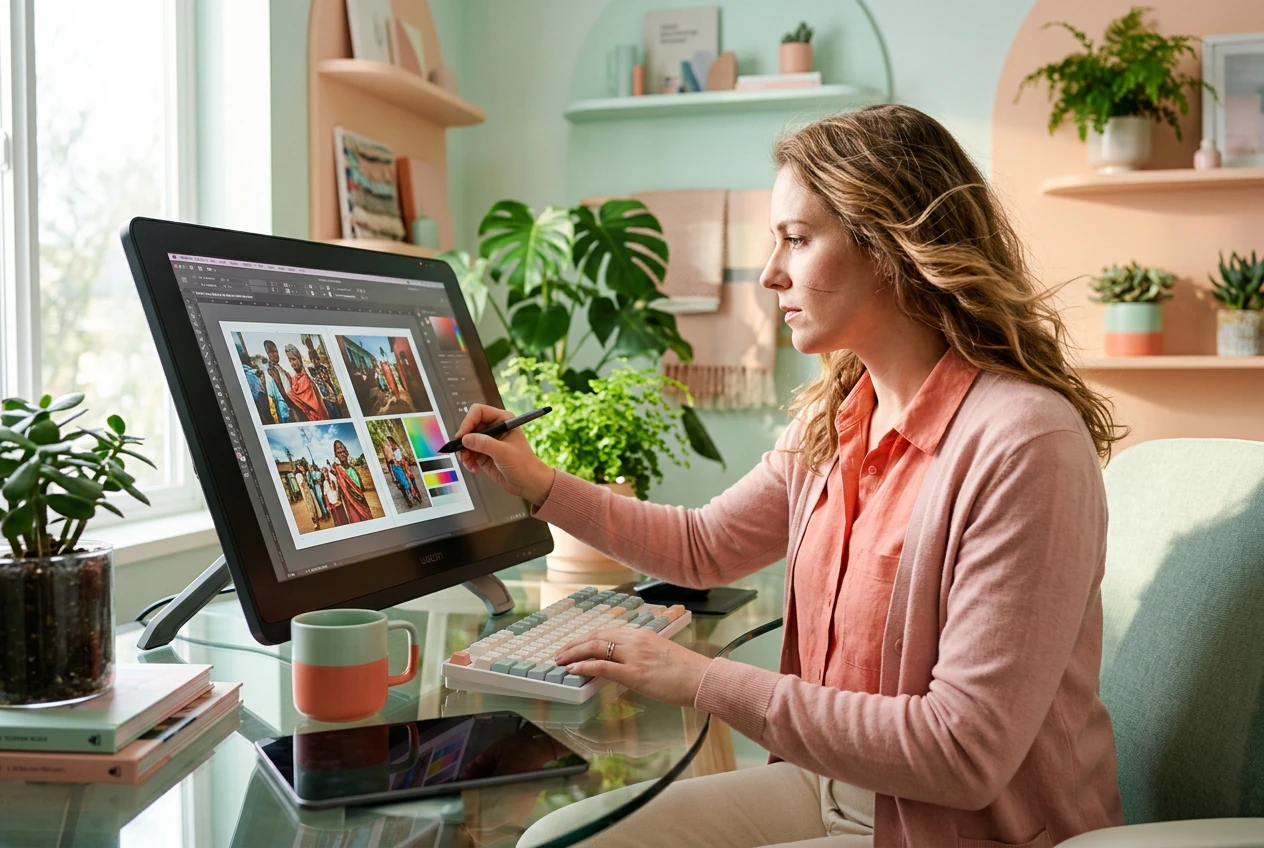
Content creator colorizing images with Image Colorizer

Content Creators

Posting historical or nostalgic content daily means colorized photos need to look natural, not painted. Batch a set of black and white images to color in one session, keep the ones that read well, reroll the flat ones. Ship before the trend cycle closes.

Editorial designer reviewing Image Colorizer output

Editorial Designers

Book layouts and documentary decks need colorized photos that hold up at print resolution. Run the colorization photo pass, check edge transitions on fabric and hair, export the static image for layout. No retouching queue, no waiting on a specialist.

How the Image Colorizer Works

Three steps. No painting, no masking, no manual color grading. Upload a reference image, generate, and export your colorized result.

Step 1

Upload Your Photo

Drop in your black and white or faded scan as a static image. Sharp, high-resolution uploads give the model more edge and texture data to work with, so quality in means quality out.

Step 2

Generate Color

The Image Colorizer reads scene structure, light direction, and context to assign natural color across skin, sky, vegetation, and materials. Reroll if a variant misses the tone you need.

Step 3

Export and Use

Output is a static image ready for social media, print, publishing, or further editing. No extra steps, no format conversion, no compression artifacts eating into your detail.

Image Colorizer Features That Ship

Each feature targets a real workflow problem: flat color, blown edges, slow turnaround, or detail loss. Fix the weak output fast and move on.

Context Aware Color Fill

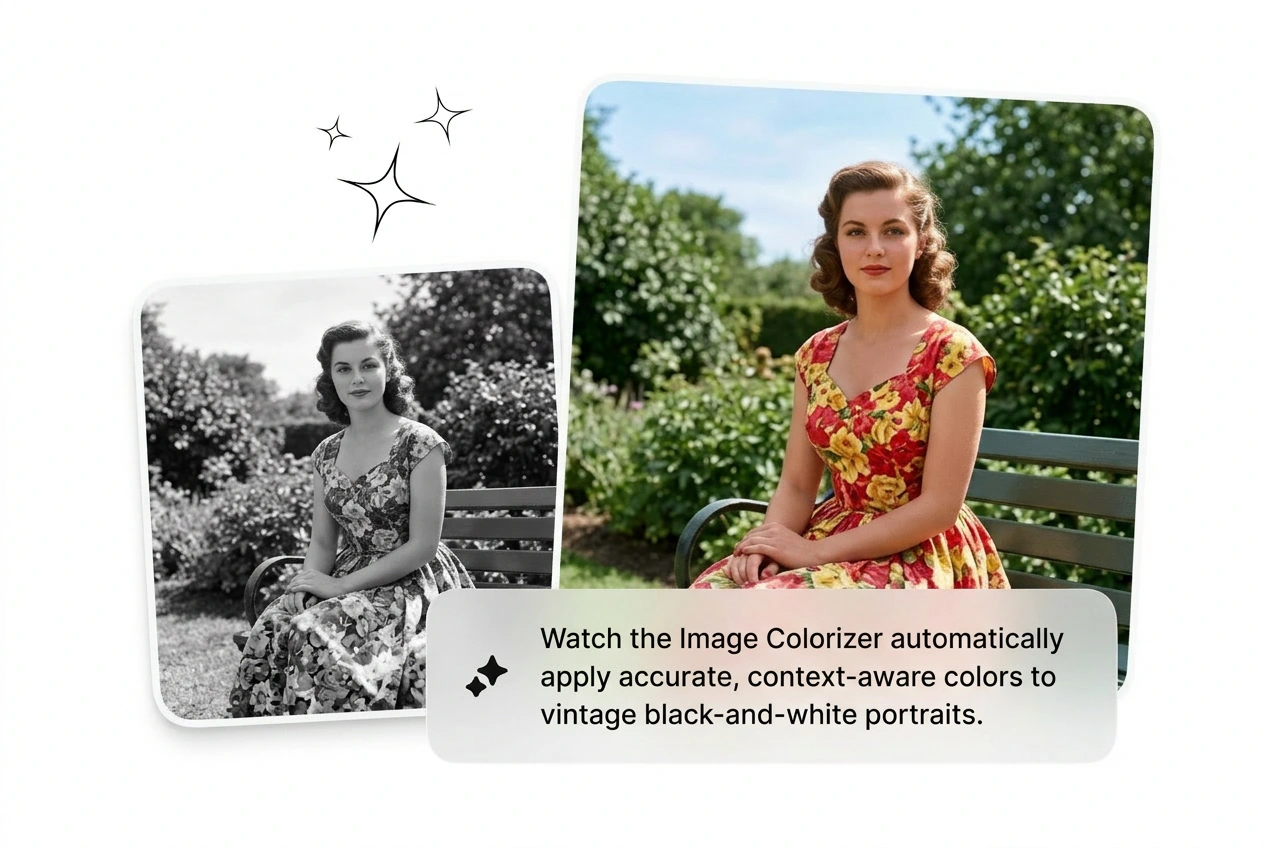
The Image Colorizer reads the full scene before assigning color, so skin tones, sky gradients, and fabric hues match the lighting logic of the original photo. Useful when you are colorizing a portrait with mixed indoor and outdoor light. Output reads natural, not painted-over.

Image Colorizer context-aware skin tone output

Clean Edge Transitions

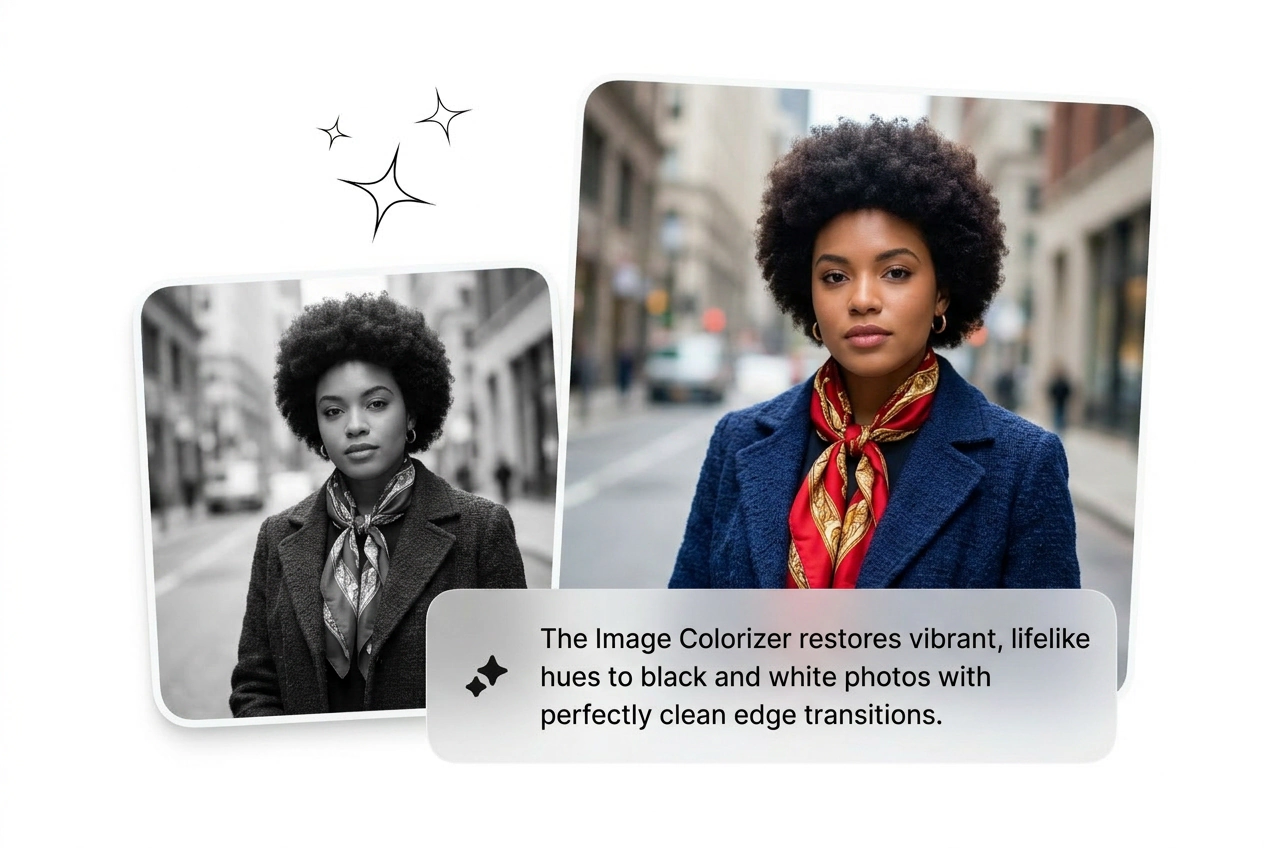
Hair strands, fabric weave, and small objects stay sharp at the color boundary. This free photo colorizer avoids the halo bleed that kills realism on detailed portraits. Run it on a high-res scan and the edge fidelity holds without manual masking.

Image Colorizer clean edge detail on portrait

Detail and Clarity Boost

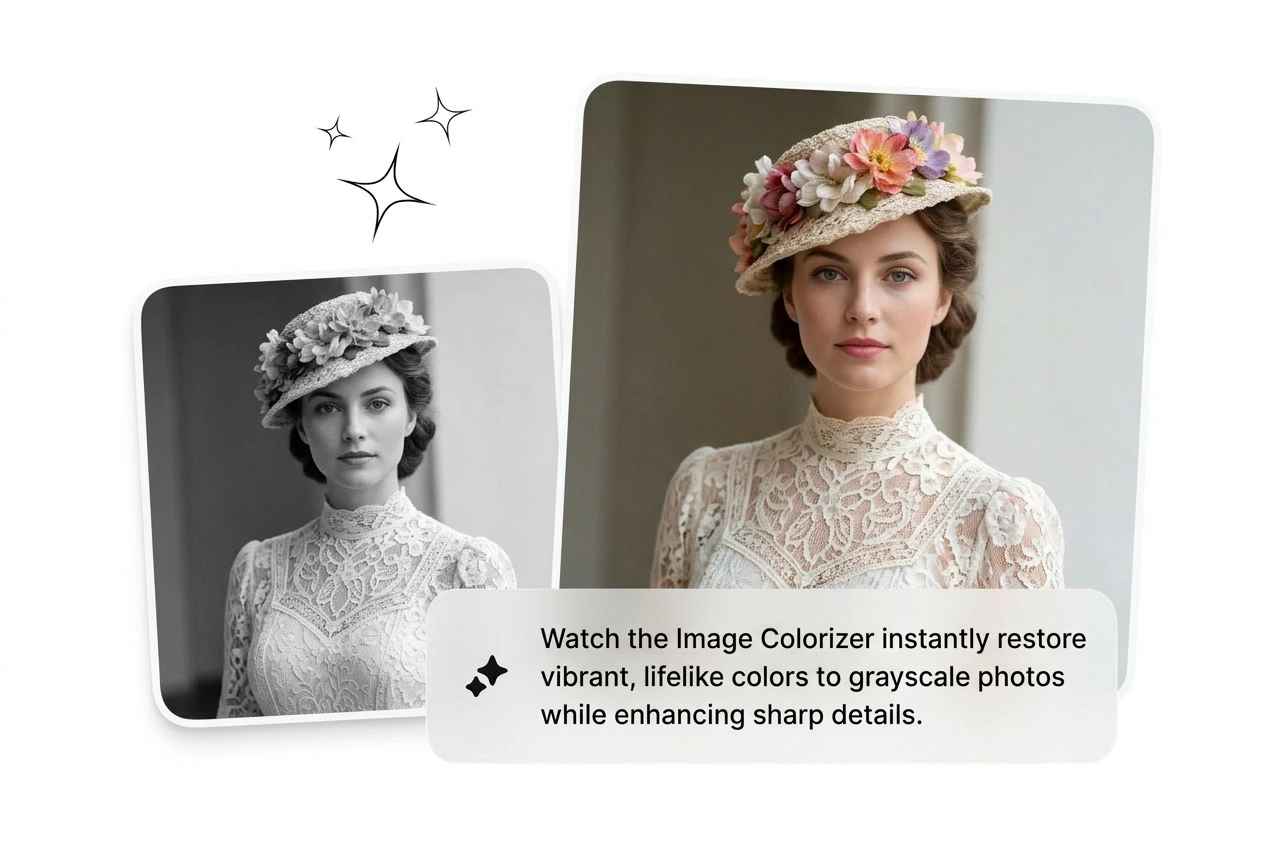
Colorization runs alongside a clarity pass that lifts texture and tonal contrast in the source image. Old, low-saturation scans get sharper and more complete-looking alongside accurate color. Ship a result that looks restored, not just tinted.

Image Colorizer clarity boost on faded scan

Static Export for Any Platform

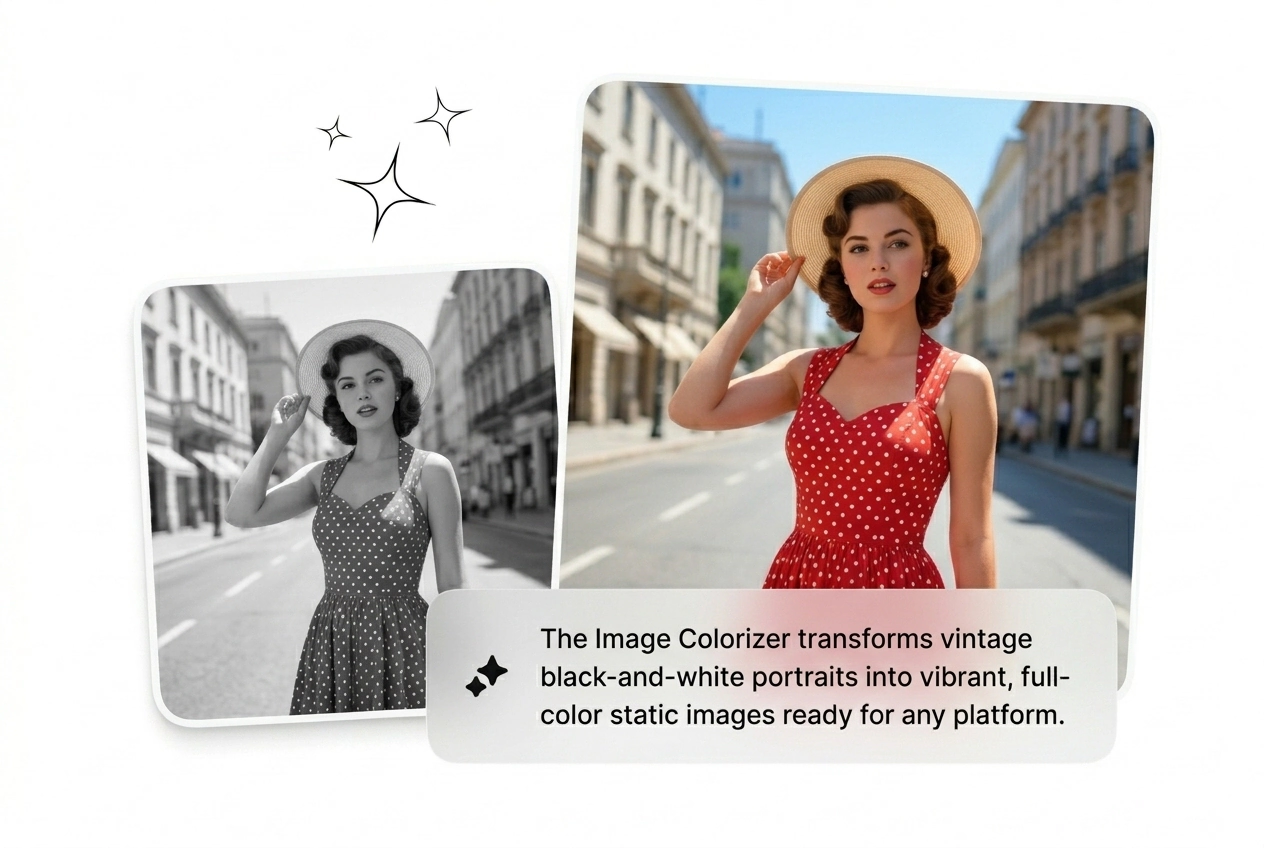
Output is always a static image, clean for e-commerce, social, editorial, and print workflows. Colourize online and export directly to your layout without format wrangling. No timeline, no render queue, no dependency on video software.

Image Colorizer static export for social and print

Image Colorizer Questions Answered

Accuracy is strong on portraits with clear facial structure and defined clothing texture. Low-resolution or heavily damaged scans may produce flatter results. For family photo restoration, sharp original scans give the Image Colorizer enough data to assign realistic skin and fabric tones. Image Colorizer handles this reliably.

Colorize Old Photos Right Now

Upload a black and white image and run the Image Colorizer. See what ships in under two minutes. Keep what works, reroll what does not. Image Colorizer output ships fast.

Try Free