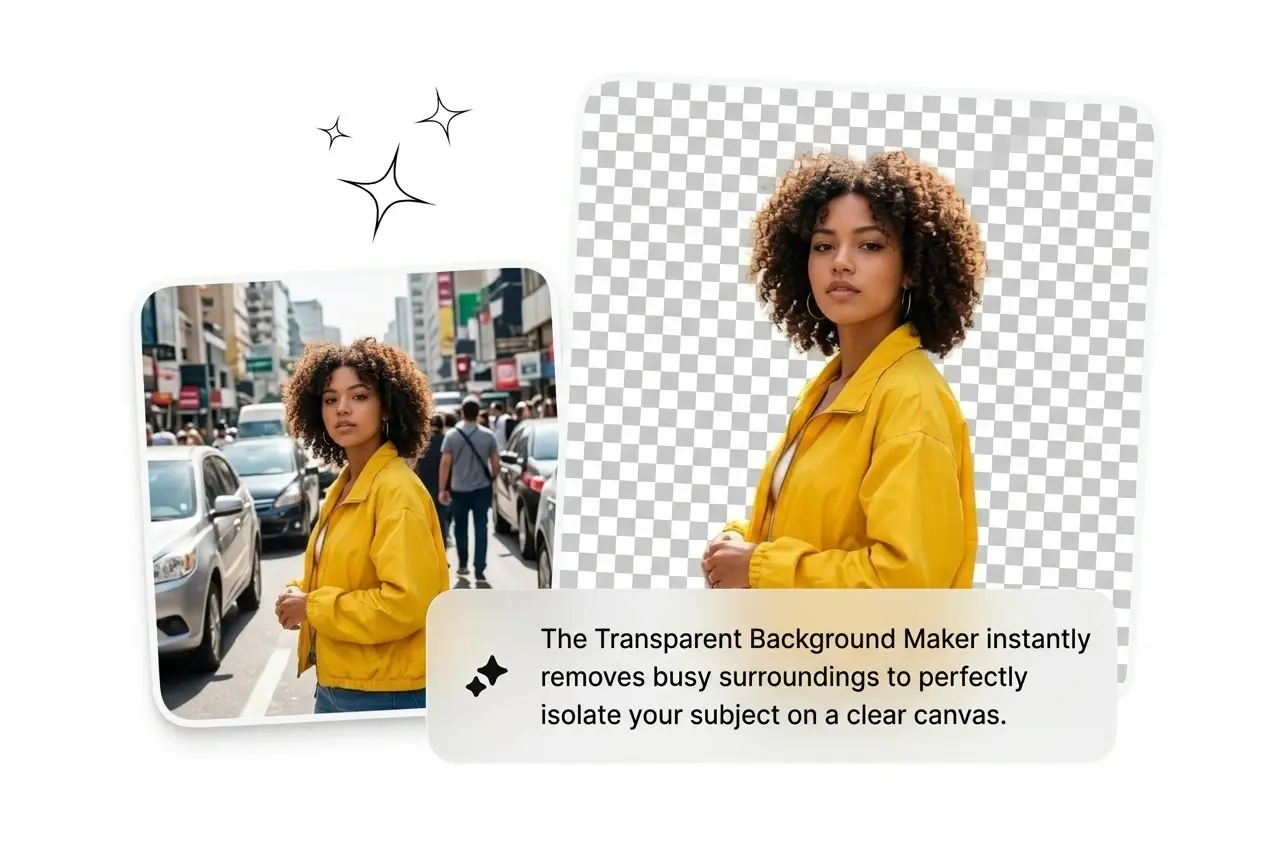
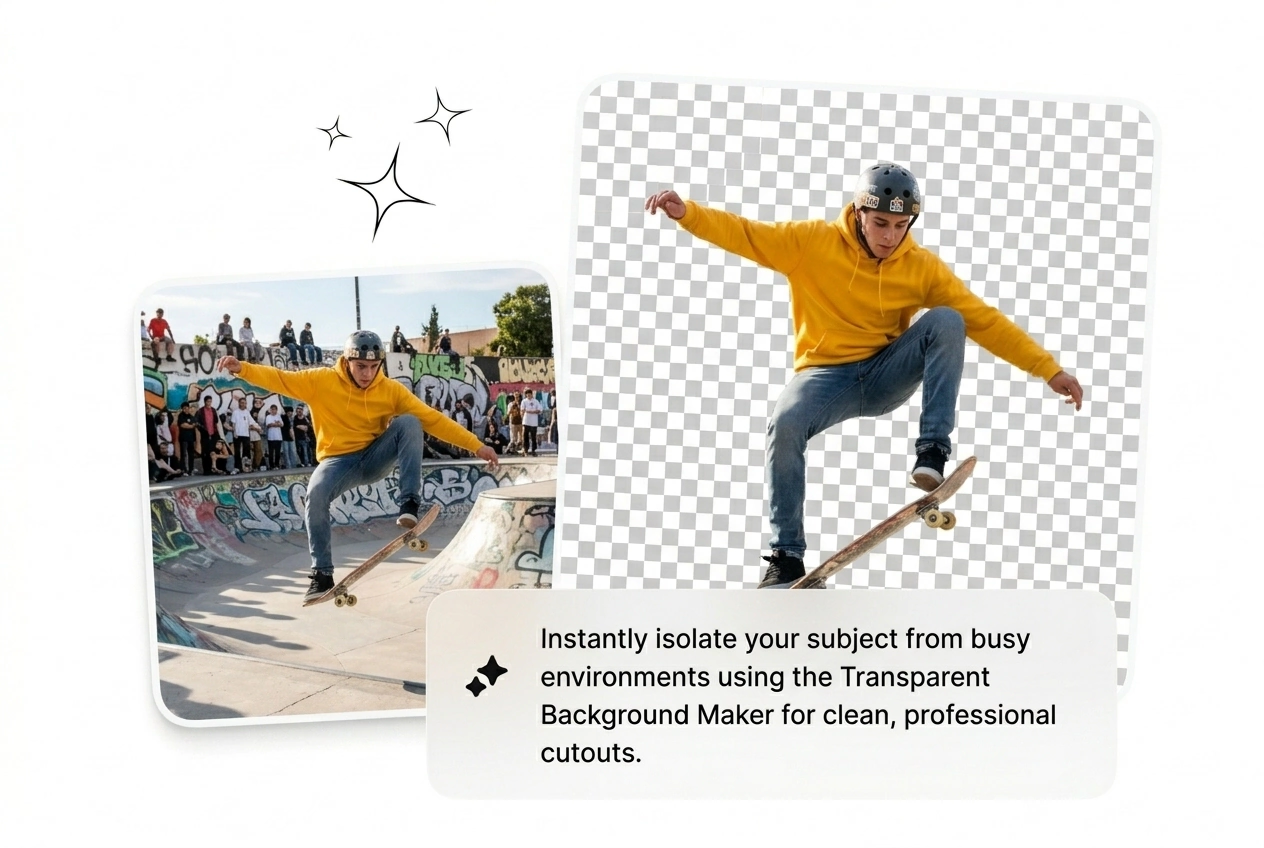
Best Transparent Background Maker

Transparent Background Maker ingests uploads and returns sharp cutouts with hair-friendly edges. Batch exists; muddy files may still need a quick tweak.

Banner preview

Transparent Background Maker

One upload lets the Transparent Background Maker strip the backdrop and hand back a sharp PNG. No pen-tool marathon, no masking babysitting, no drama.

Who Uses Transparent Background Maker

You ship listings, decks, or posts under dumb deadlines. Transparent Background Maker keeps cutouts fast so you quit wrestling Photoshop layers on every SKU.

Seller using Transparent Background Maker for products

E-commerce Sellers

Thirty SKU shots need white voids before midnight and hand masks are not on the table. Batch them through the Transparent Background Maker, grab crisp PNGs, and jump back to headline copy before the order window closes on you tonight.
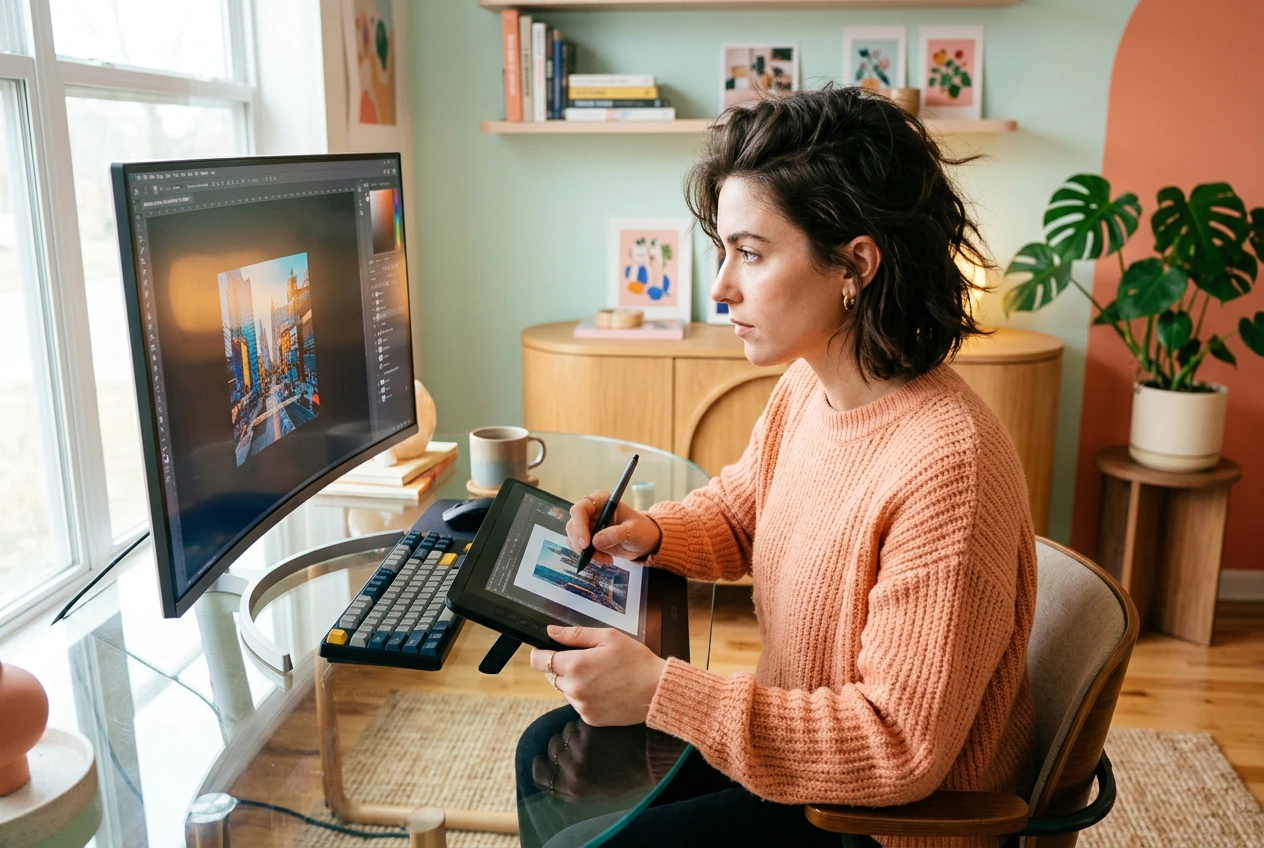
Designer using Transparent Background Maker for clients

Freelance Designers

Client wants their logo cut off a model plate with zero brief and a one-day clock. Make photo background transparent inside the Transparent Background Maker, fire three variants, let them pick, invoice before they pivot the request again without warning.

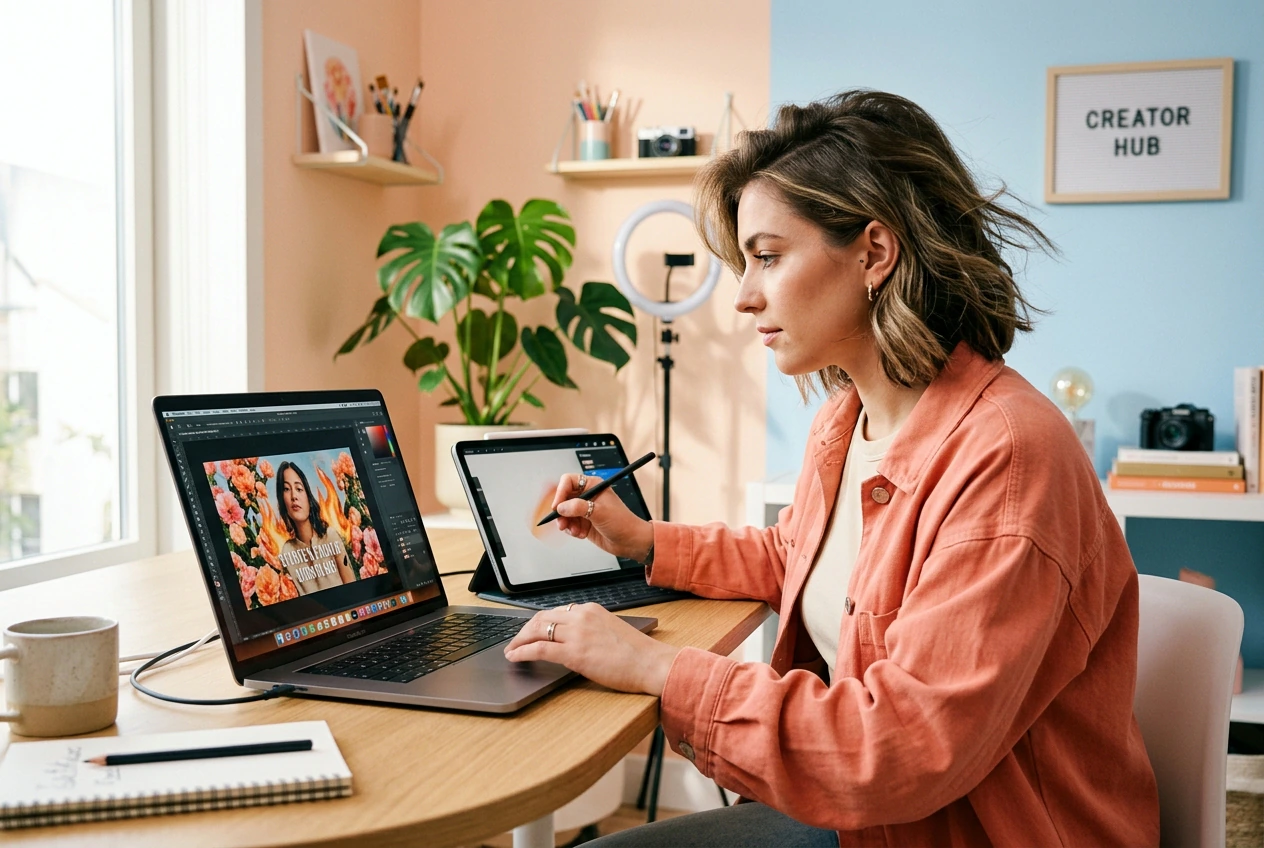
Creator using Transparent Background Maker for thumbnails

Content Creators

Daily posting needs fresh thumbnails without fifty-minute mask loops. Use a fire transparent background or flower transparent background behind the portrait: Transparent Background Maker cuts once, you swap scenes, export, and publish before the feed forgets you.

Transparent Background Maker Steps

No plugins. Transparent Background Maker runs in the browser and hands you a cutout before your coffee goes cold on the desk.

Step 1

Upload Your Image

Drop JPG, JPEG, WEBP, or PNG into the background editor. The Transparent Background Maker reads the subject instantly without any dials to twist first. Works desktop or mobile, zero installers.

Step 2

Auto Detect Edges

AI traces hair strands, jewelry gaps, and thin frames, then erases the backdrop with tight pixels. Cleaning background clutter around weird shapes happens automatically so you skip touch-up before the stakeholder review call.

Step 3

Export Clean PNG

Download a transparent background PNG or drop a new scene inside the photo background editor. Specs match what ad networks and carts expect, so the file lands in production without another reformatting rabbit hole tonight.

Transparent Background Maker Features

Every Transparent Background Maker feature deletes a manual chore between raw file and shippable asset, so you reroll faster when clients change their mind.

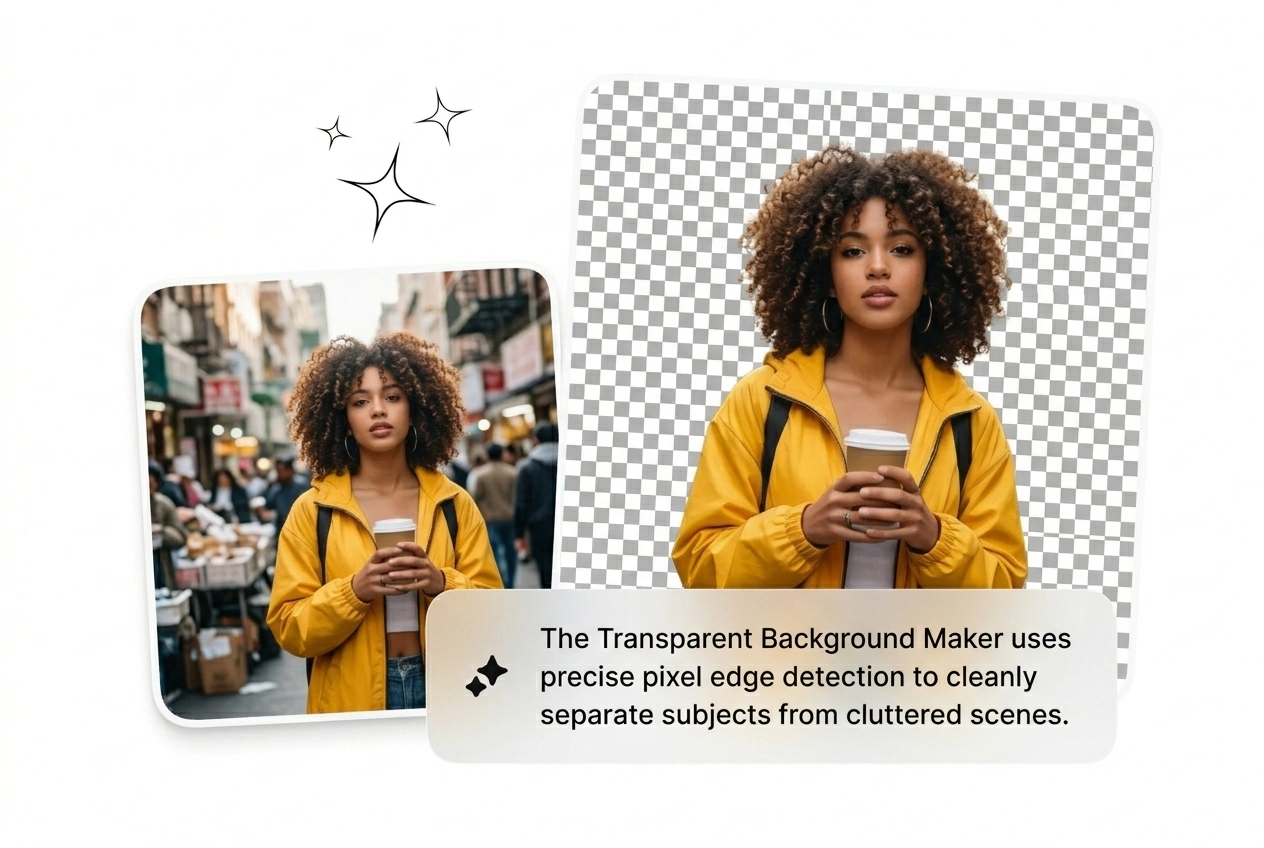
Pixel Edge Detection

AI Transparent Background Maker traces edges before cutting, grabbing hair, hollow jewelry, and skinny frames the average background eraser misses entirely. Rough cuts trash comps—this keeps the transparent background PNG believable on the first pass without babysitting paths.

Transparent Background Maker edge detection feature demo

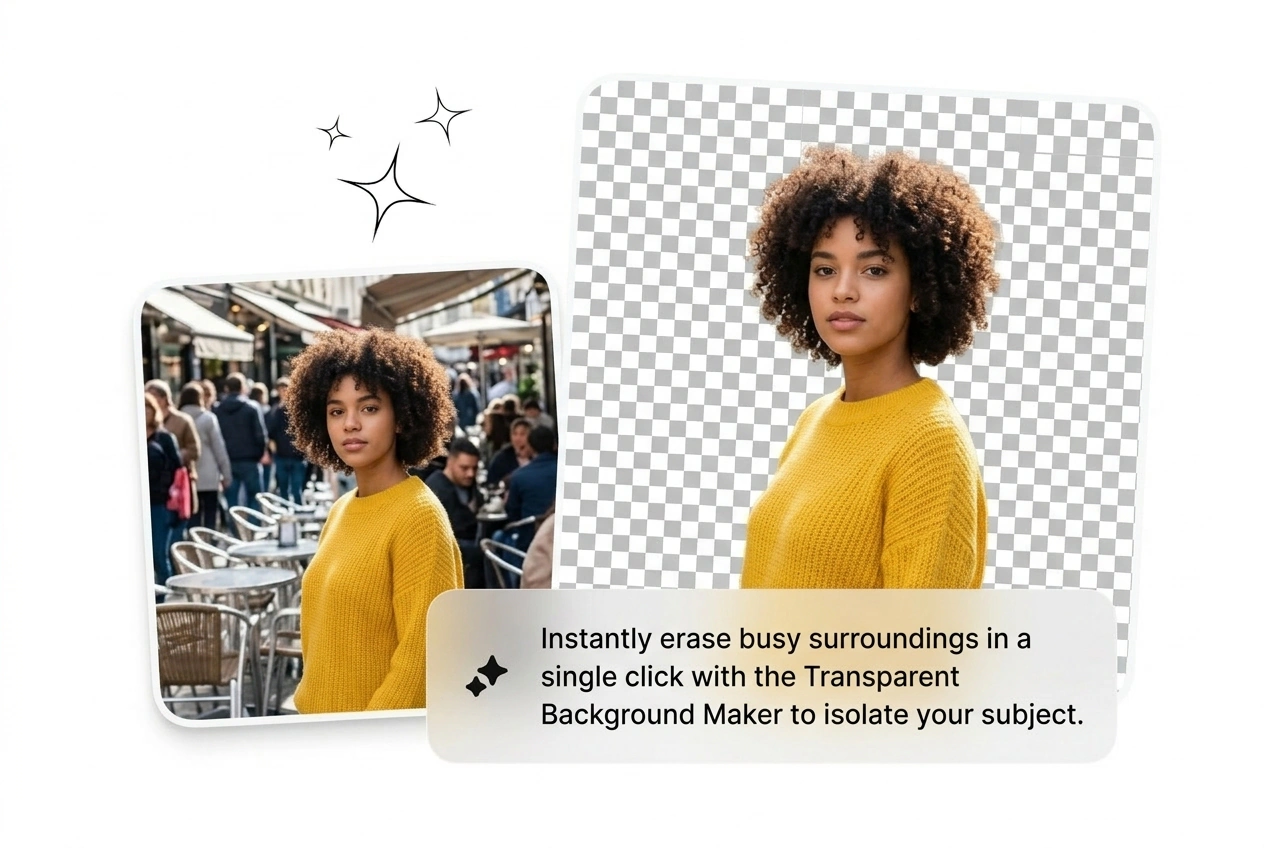
One Click Erase

Hit upload and erase background from photo pixels automatically without lasso tricks. The Transparent Background Maker free browser workflow eats stacks of product grabs when you have zero minutes to mask each shot before the buyer review.

Transparent Background Maker one-click erase feature demo

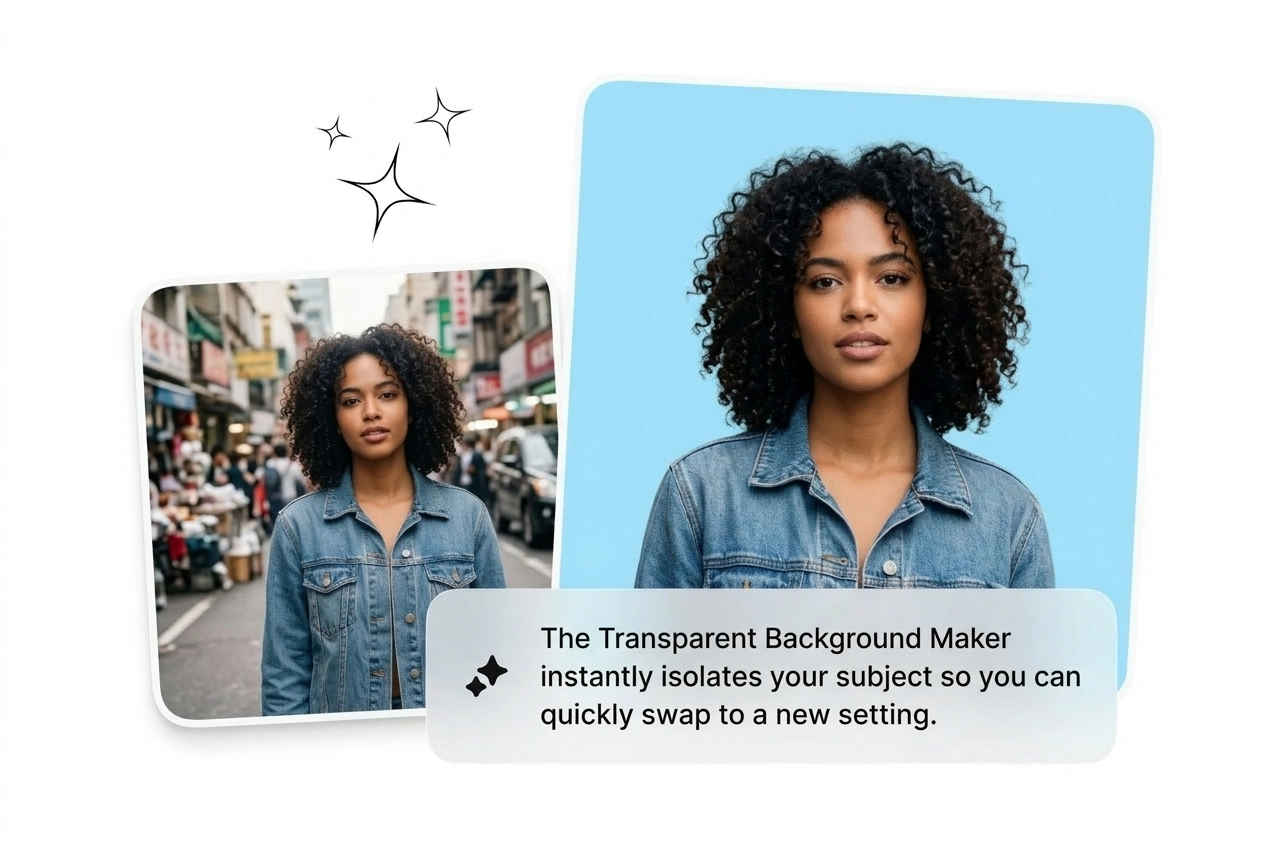
Quick Background Swap

After the cut, slam any color, gradient, or plate in to make transparent background visuals ready before you leave the editor. Pick the winner, export the transparent background PNG, and move on before the client sends another Slack revision.

Transparent Background Maker background swap feature demo

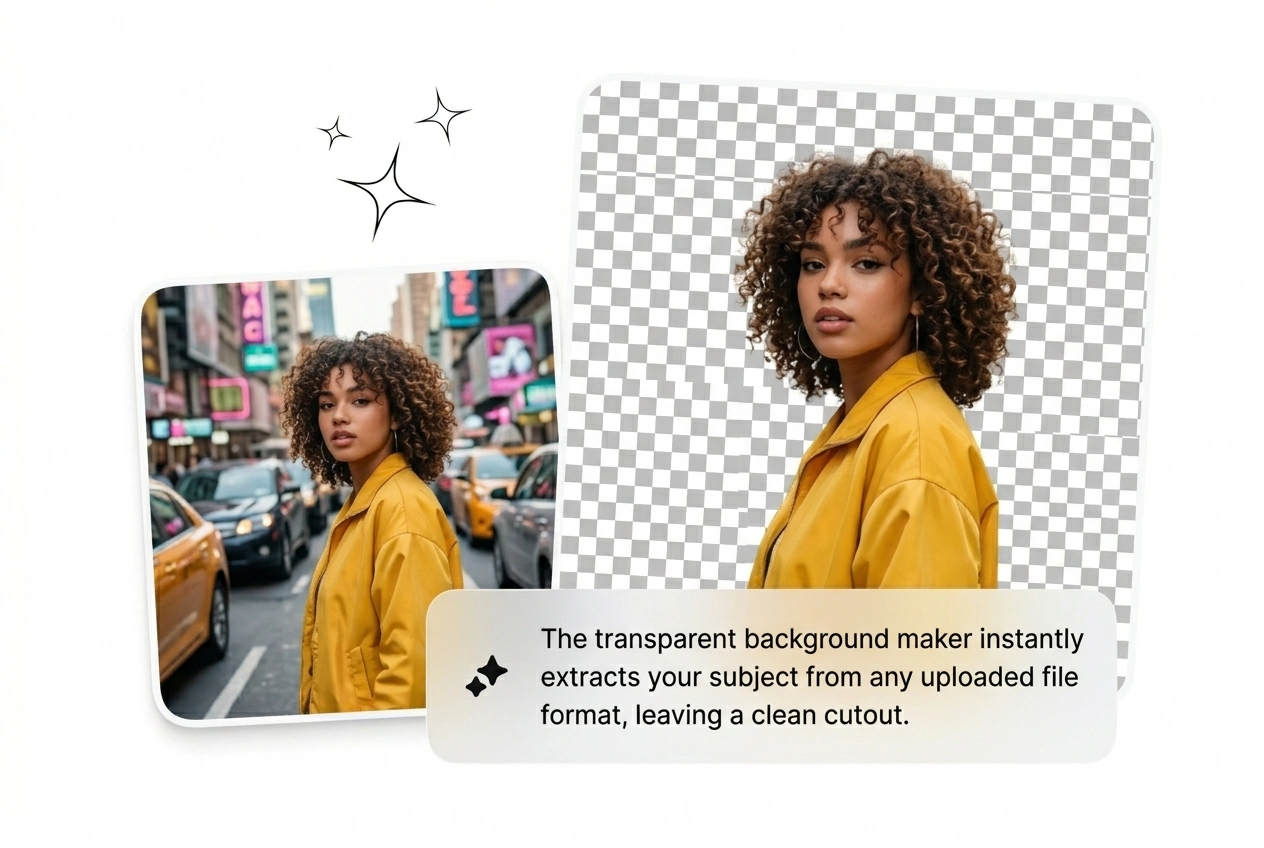
Multi Format Uploads

The transparent background generator eats JPG, JPEG, WEBP, and PNG so format drama never blocks you from making background transparent outputs fast. DSLR dump or phone grab, you still get a transparent background image sized for ads or decks.

Transparent Background Maker multi-format upload feature demo

Transparent Background Maker FAQ

Upload the file and Transparent Background Maker detects the subject without hand masks. Clear separation at the rim yields the cleanest cut. Teams use it to make photo background transparent for listings, decks, or posts without cracking Photoshop open first.

Make Background Transparent. Ship It.

Drop the image into Transparent Background Maker, grab the PNG, and bail. No masking theater—make background transparent free for tests, upgrade when clients pay.

Try Free