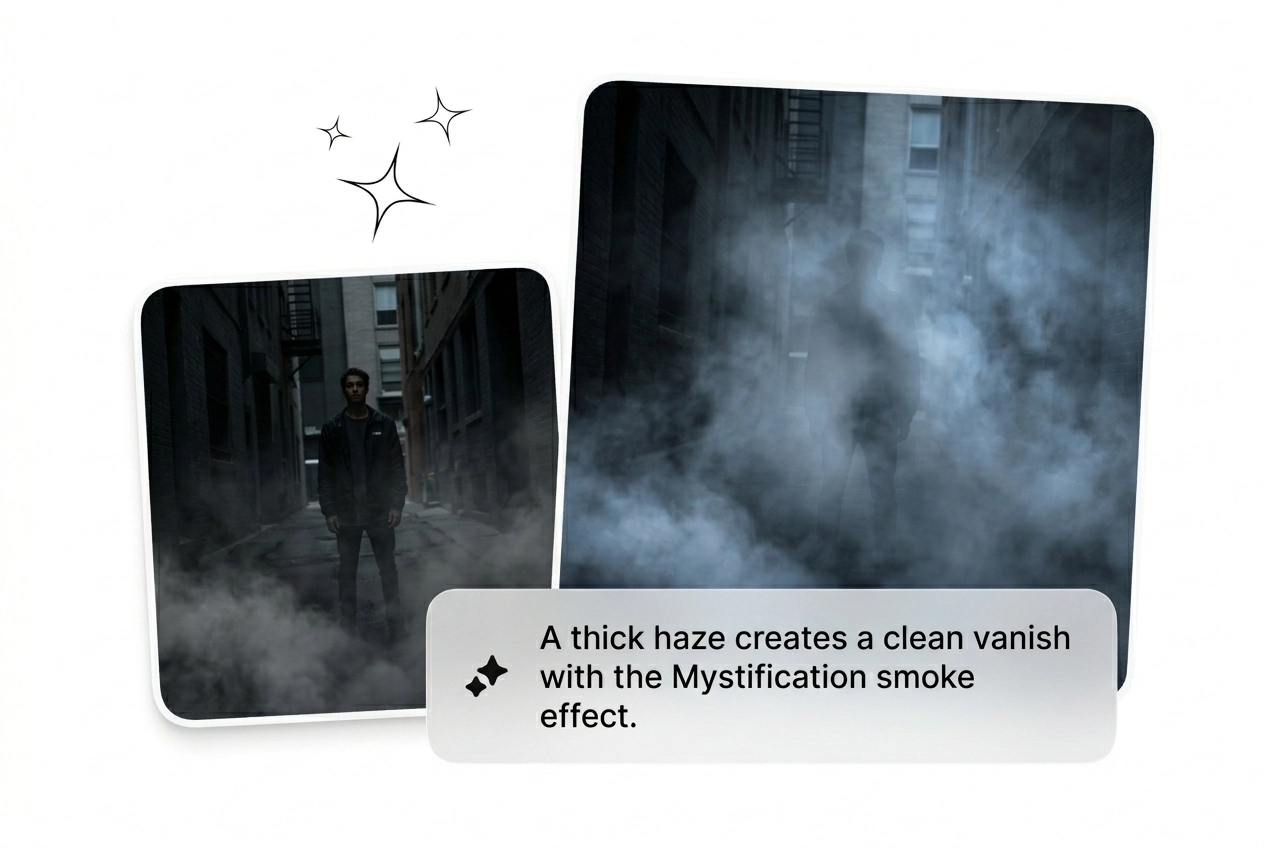
Free Mystification Video Effect Generator

Mystification Effect builds tension fast and keeps the frame under control, giving your cut a darker pull without losing the brief. Start from a prompt or image and get multiple variants back quickly, ready to review, render, and export with the strongest hook intact.

Ship The Mystification Effect Fast

Drop a start frame and prompt to generate a cinematic Mystification Effect video. Batch the variants, pick the best dissolve, and ship it.

Who Needs This Mystification Effect

Performance marketers and motion freelancers need volume. Generate a dreamy mystification transition fast, test the hook, and cut what fails to convert.

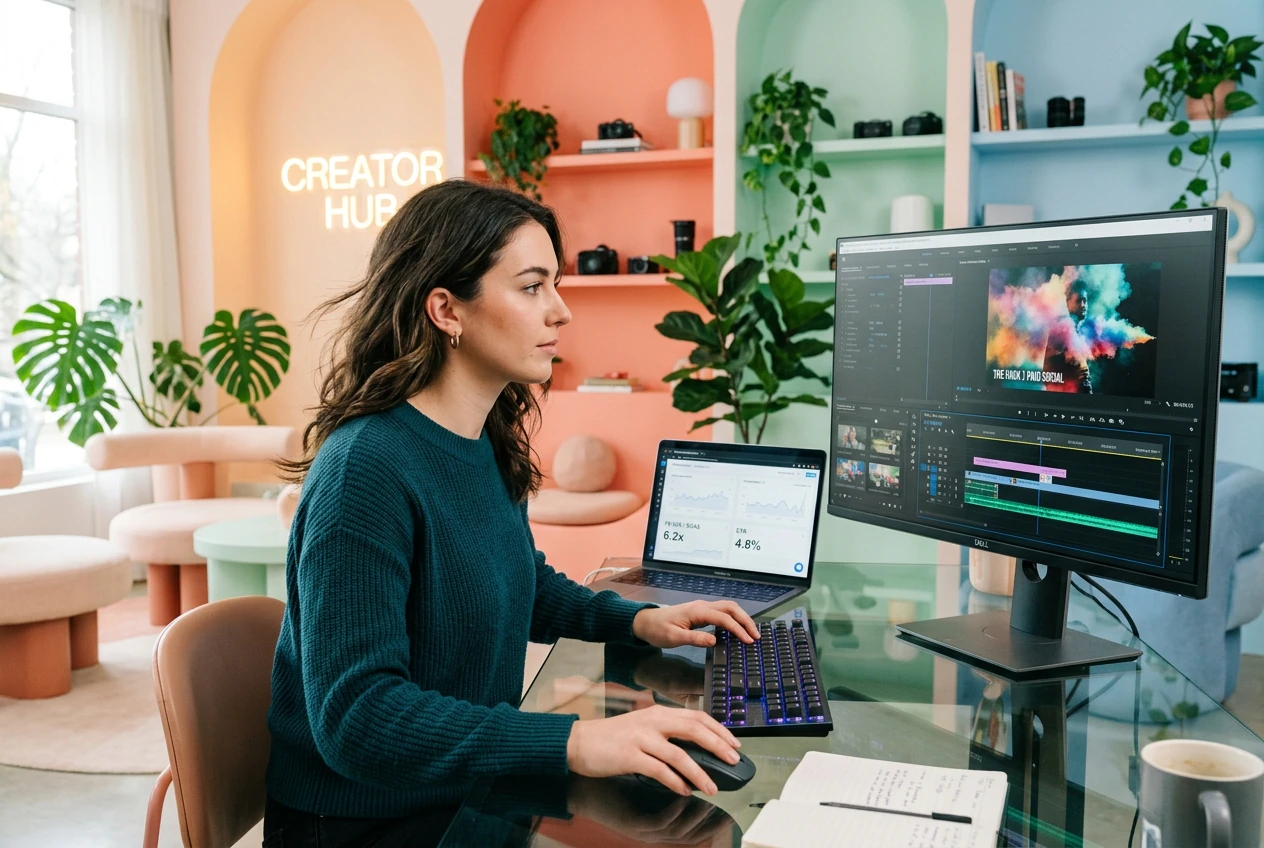
Marketer testing Mystification Effect video ad variants

Paid Social Hackers

Ad fatigue kills campaigns before Friday. Batch a new Mystification Effect video hook in minutes using just text prompts. Keep the variants that stop the scroll, kill the losers, and scale the winning ethereal mist transition immediately.
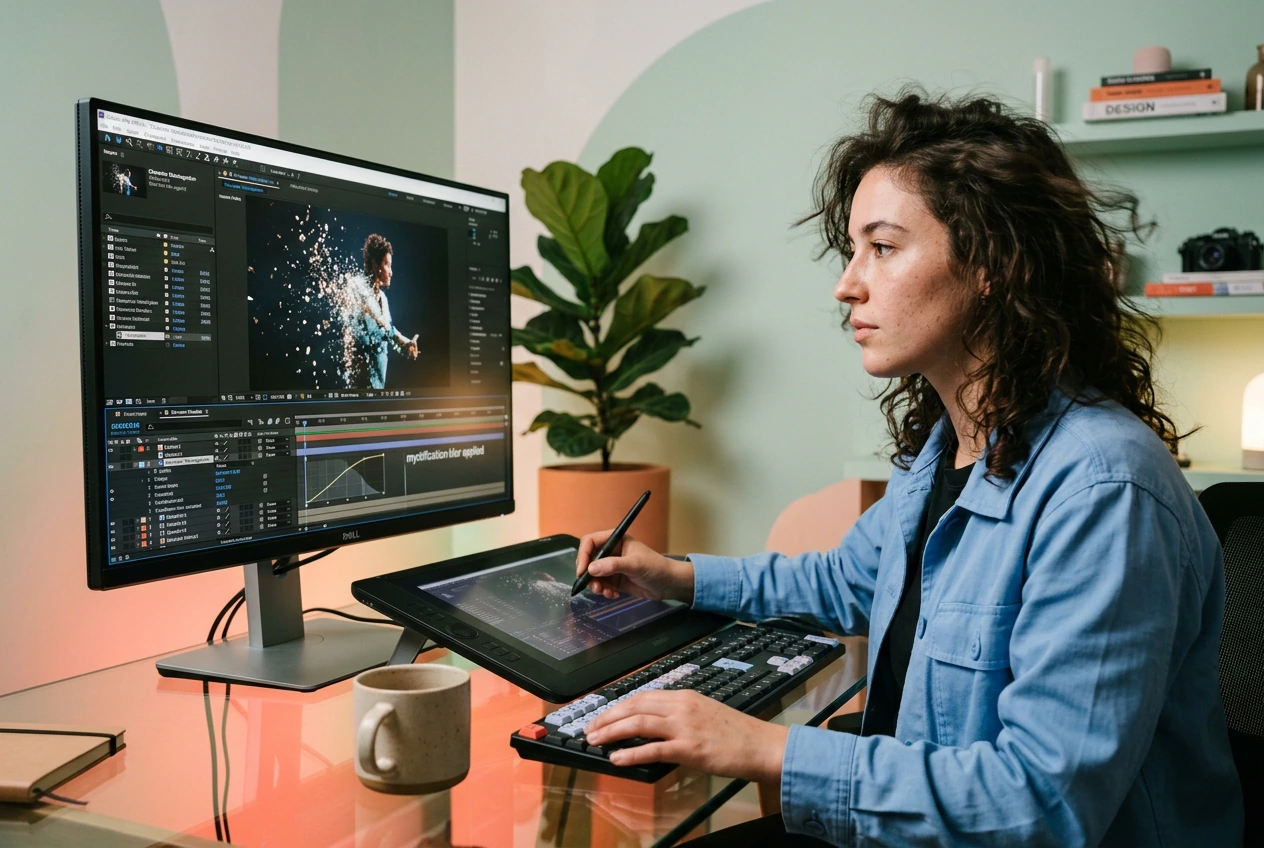
Freelancer rendering a Mystification Effect rough cut

Solo Motion Freelancers

Clients demand a complex illusion transition effect with zero reference and a tight deadline. Upload a start frame to generate a rough cut fast. Send three options, let them pick the best variant, and bill it.

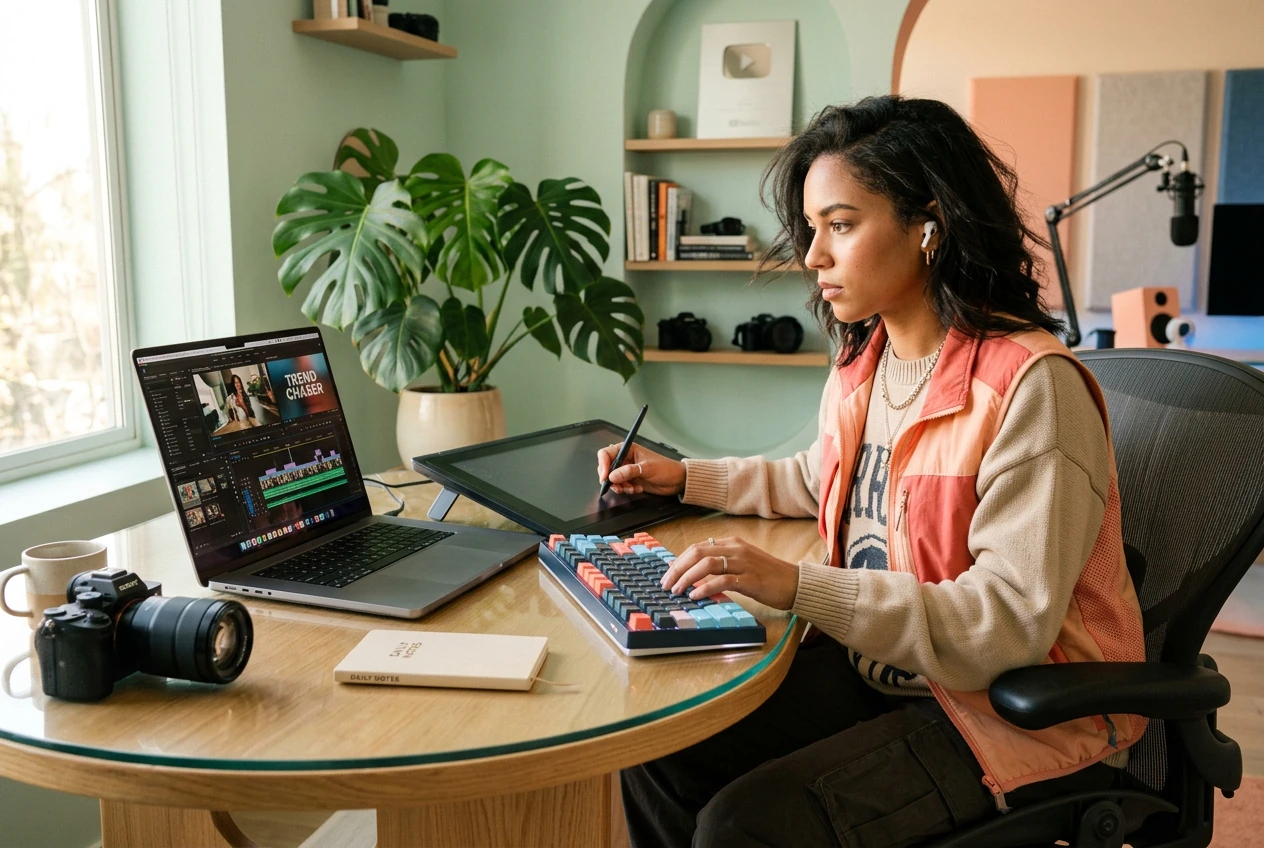
Creator exporting a Mystification Effect timeline fast

Daily Trend Chasers

Trends die in three days. Skip the heavy software and use an AI video Transition generator to build your next hook. Reroll the Mystification Effect until it hits right, export the timeline, and post the clip tonight.

Build A Mystification Effect Fast

Stop keyframing every particle. Drop your start frame, type a prompt, and let the AI transition engine batch a soft fog scene change.

Step 1

Drop Start Frame

Upload a clear start image to anchor the sequence. The engine uses this visual data to build a Free mystification effect that matches your exact lighting and color grade perfectly.

Step 2

Prompt The Motion

Type what you want to see happen next. Define the smoke mystify effect direction, particle density, and speed curve to guide the generation process before you hit the render button.

Step 3

Batch And Ship

Generate multiple options at once to save time. Pick the best Mystification transition AI variant, cut the weak ones, and drop the final clip straight into your main project timeline.

Control The Mystification Effect Output

Iterate faster with tools built for volume. Tweak the fog density, reroll the Mystification Effect, and get a usable rough cut immediately.

Adjust Fog Density Fast

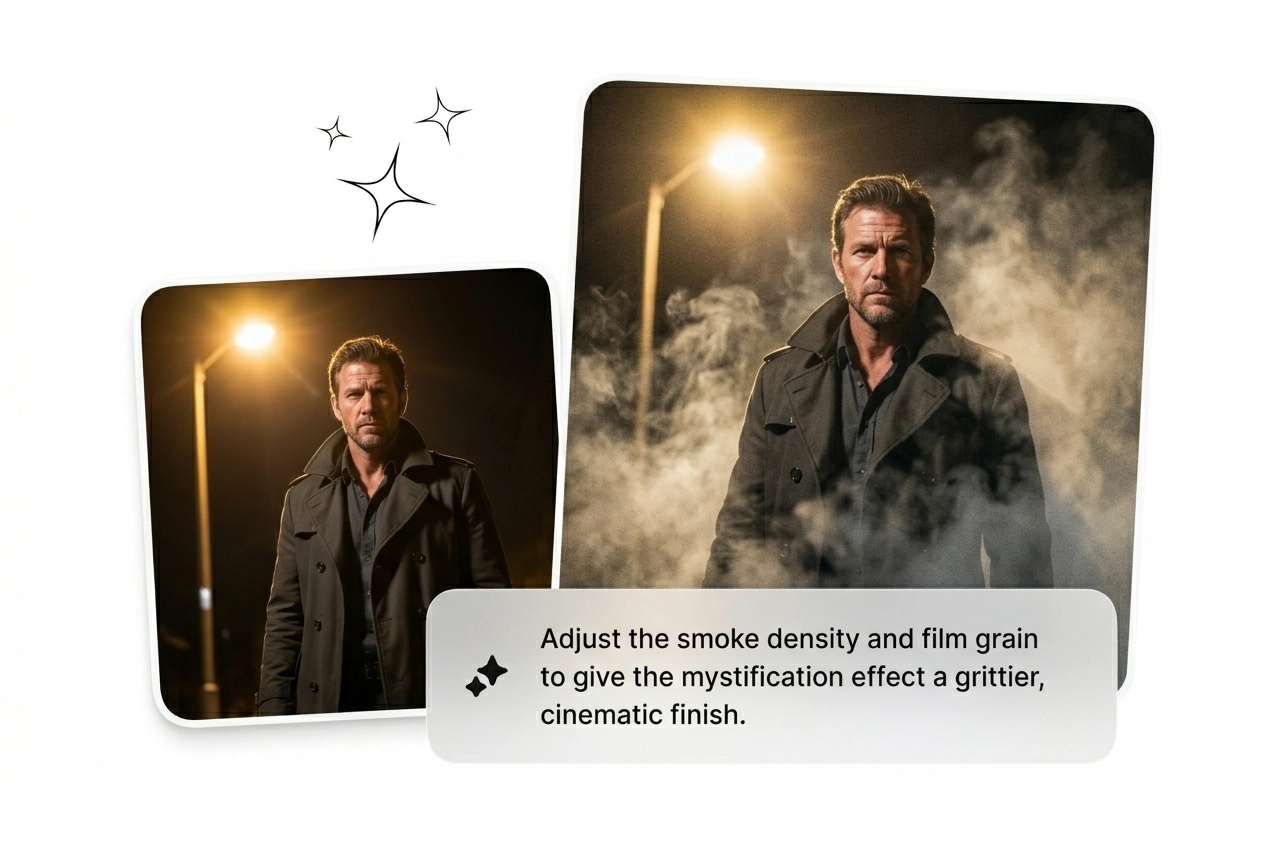
Dial in the exact amount of vapor wrapping your subject. Use this when the default fog render feels too heavy for the scene. Get a clean, balanced look in seconds without touching a single complex node graph.

Adjusting fog density in Mystification Effect settings

Batch Multiple Variants

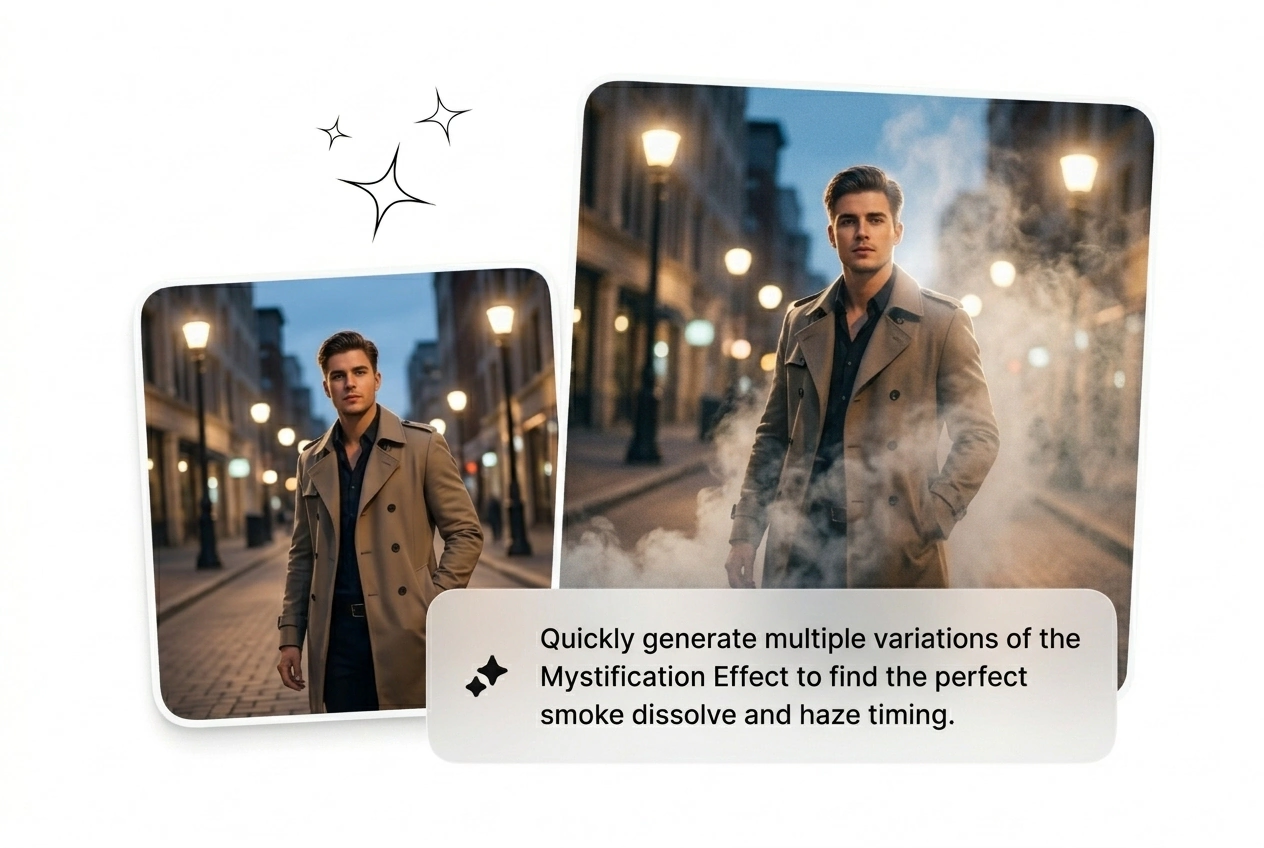
Run four different prompts from the same starting frame simultaneously. Perfect for testing a new Mystify video transition when you lack a clear creative direction. Kill the three ugly ones and ship the winner before lunch.

Batch rendering Mystification Effect variants in Fluxx

Lock Subject Focus

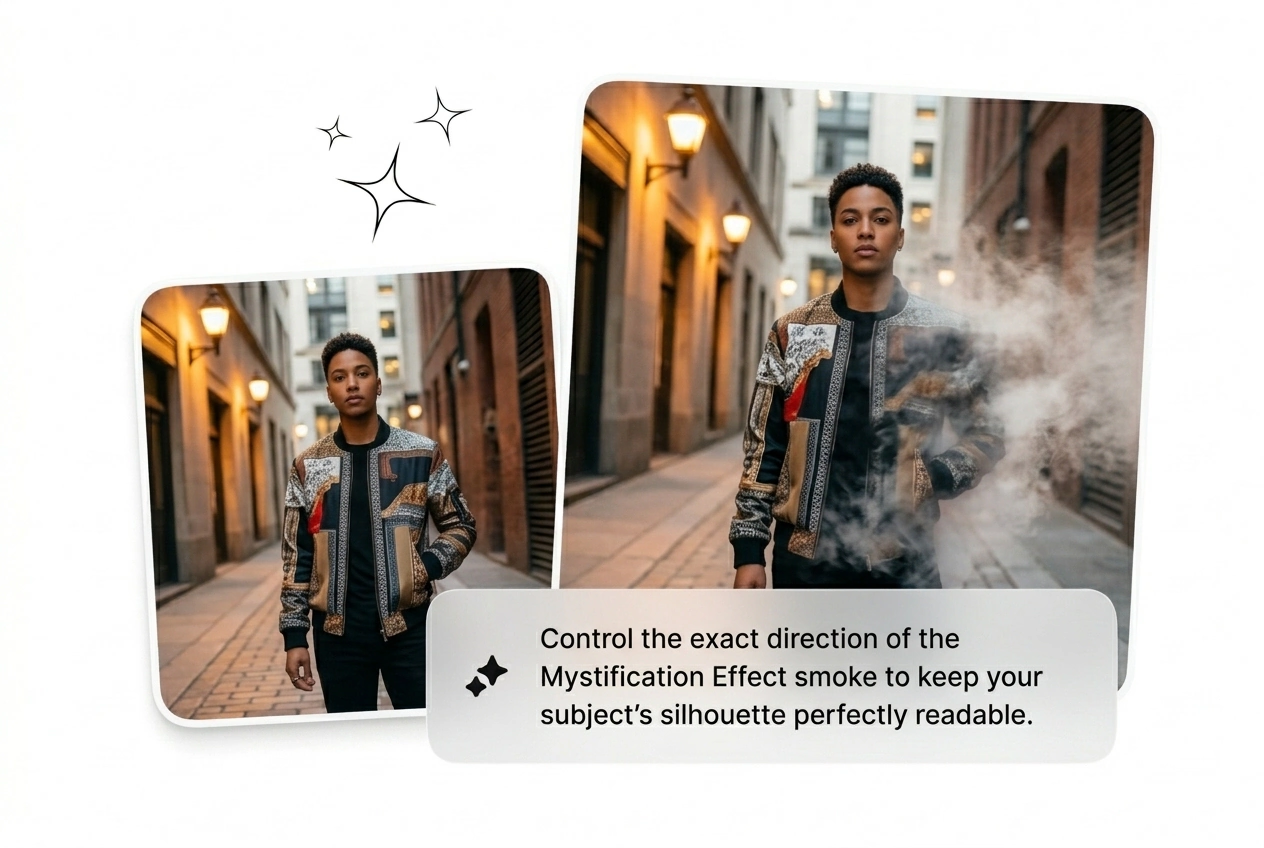
Keep your main character sharp while the background dissolves into chaos. This ensures your Mystery dissolve video AI output actually looks intentional. You get a professional depth of field result without spending hours masking layers manually.

Subject focus lock during Mystification Effect generation

Reroll The Motion Path

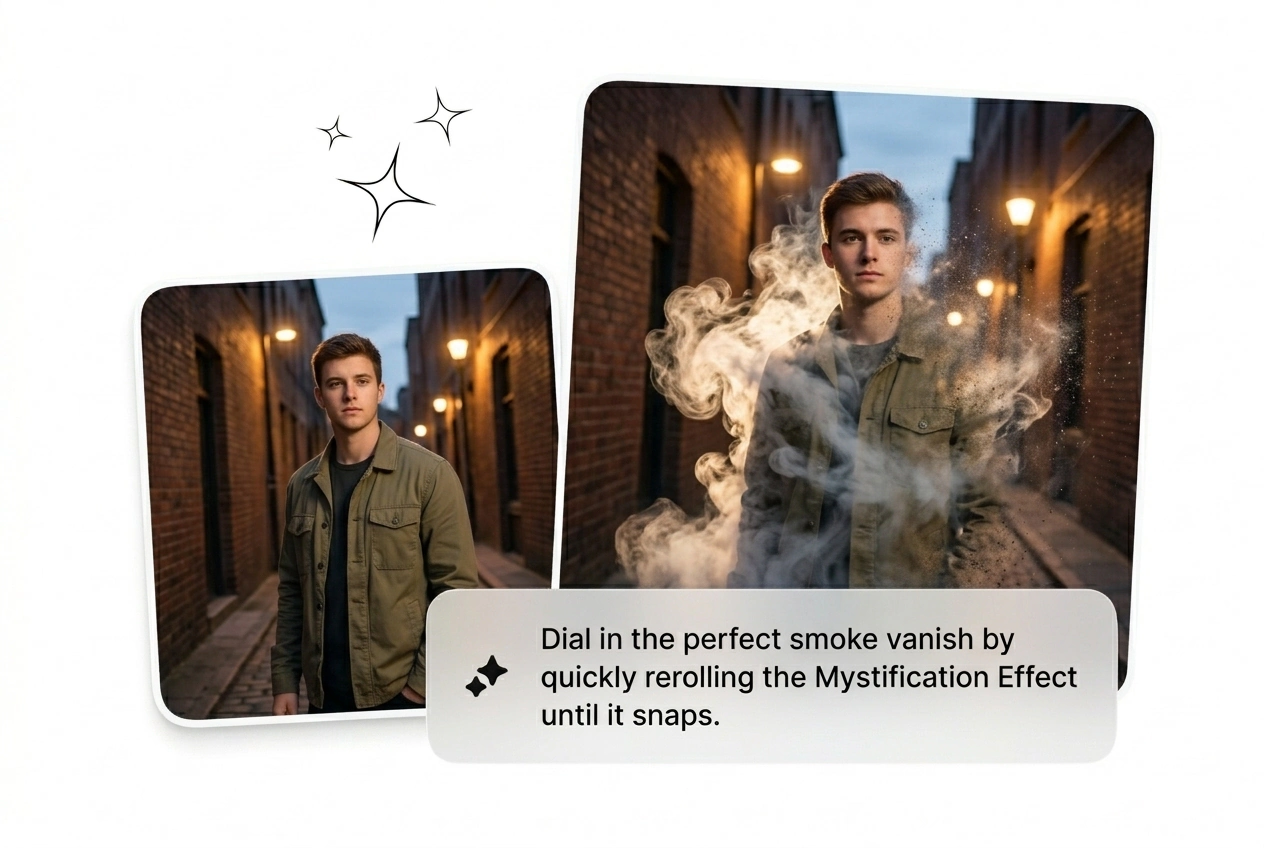
Change how the particles drift across the screen with one click. Use this when the initial Mystification Effect feels too static or predictable. Generate a fresh movement pattern instantly, grab the best take, and move on.

Rerolling motion paths for Mystification Effect variations

Mystification Effect Questions Answered

No, the engine requires a static start frame and a text prompt. Video inputs will fail to process correctly. This constraint keeps generation fast, letting you batch an AI Transition free of heavy rendering overhead.

Ship The Mystification Effect Now

Stop tweaking parameters and start shipping variants. Generate your first rough cut today, kill the weak ones, and post the winner.

Try Free