
Paid Social Hackers
Ad fatigue kills campaigns fast. You need a jump transition tiktok style hook to stop the scroll immediately. Batch ten variants, test the kinetic impact, kill the losers, and scale the winning creative before lunch.
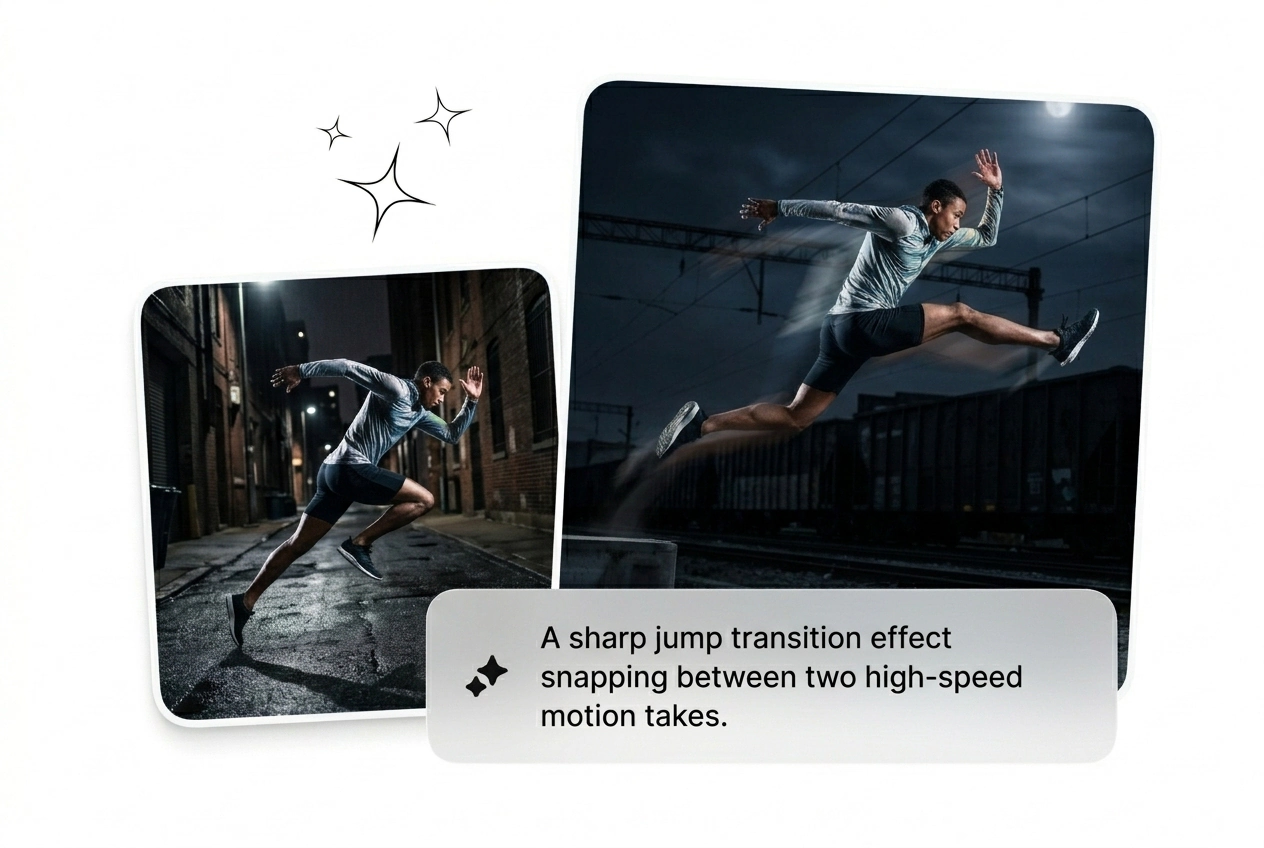
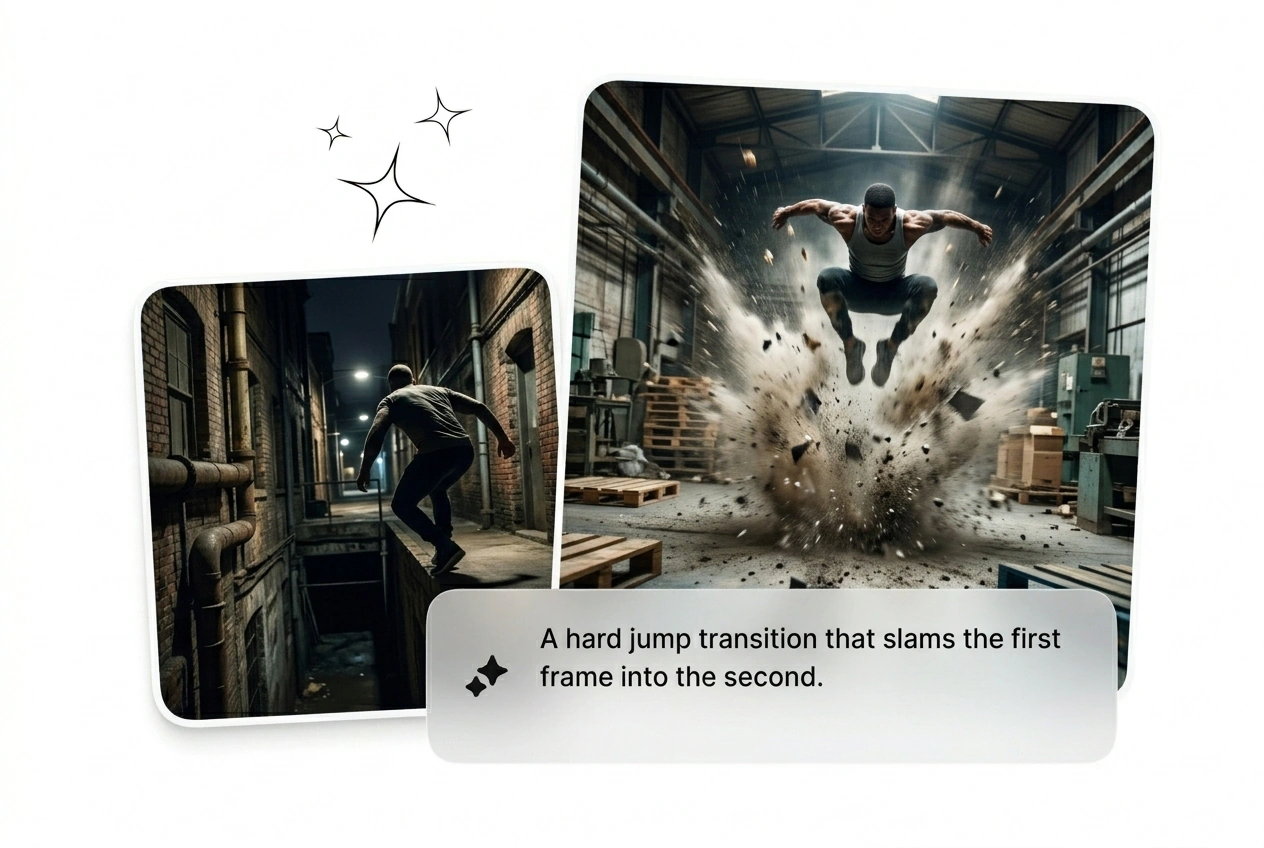
Jump Transition puts a hard snap into the edit, bold enough for the hook and tight enough for polished delivery. Build from a prompt or still, get rapid variant output, then batch the selects for render, export, or another creative pass before final lock.
Drop your start frame and prompt the impact. Batch the variants, pick the best AI jump transition, and ship the rough cut today.
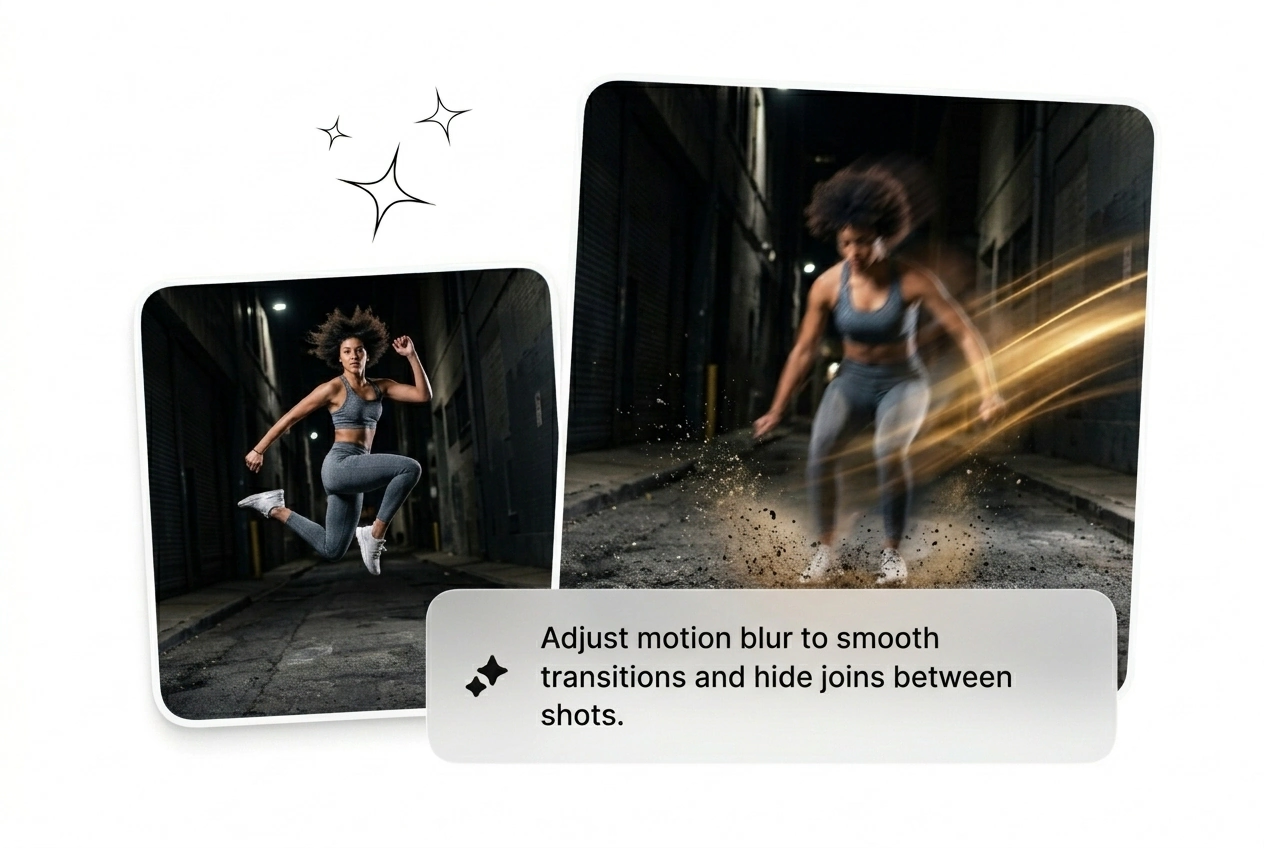
Stop wasting hours keyframing motion blur. Generate a jump transition effect fast, test multiple variants, and keep the one that actually holds attention.
Ad fatigue kills campaigns fast. You need a jump transition tiktok style hook to stop the scroll immediately. Batch ten variants, test the kinetic impact, kill the losers, and scale the winning creative before lunch.
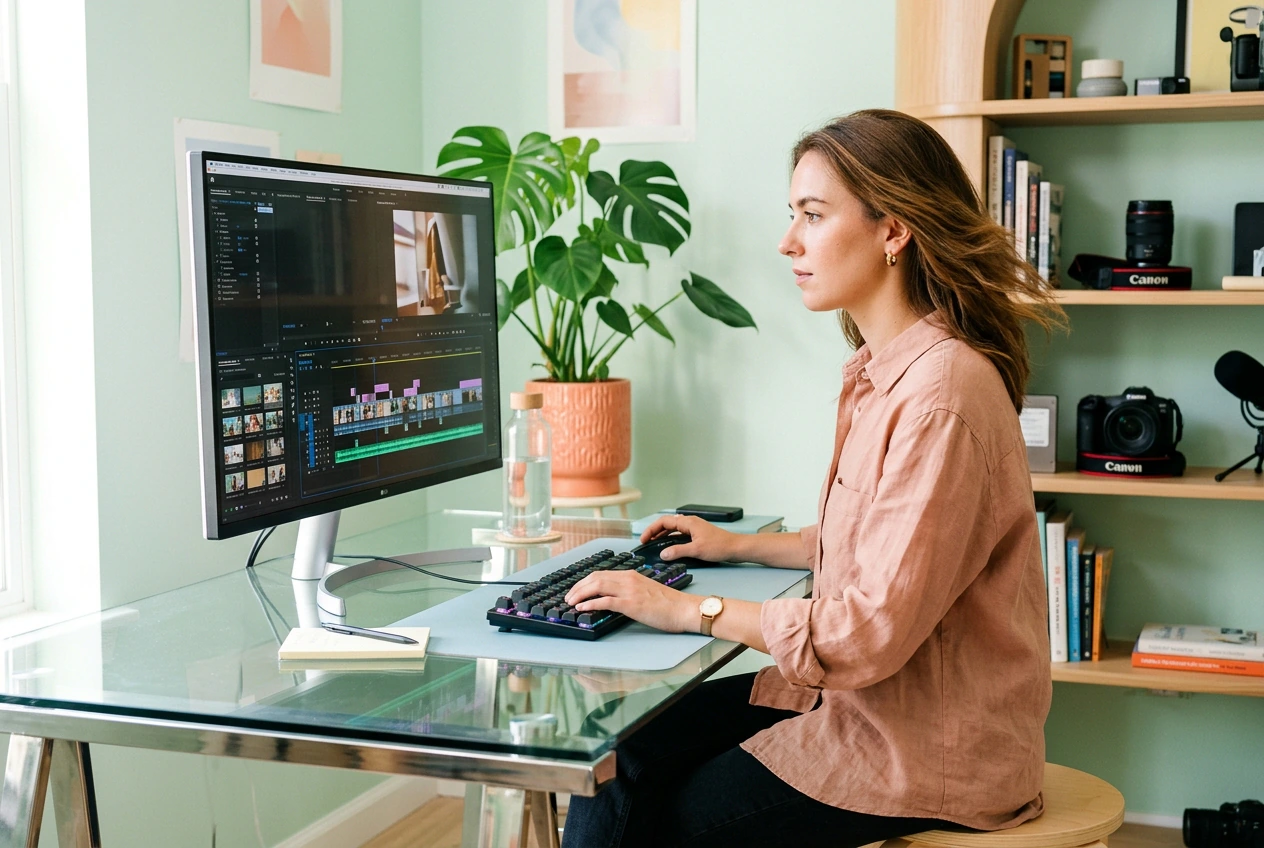
Clients demand high energy cuts with zero reference material. Upload a frame and generate a jump transition reel style cut in minutes. Send three rough options, get approval fast, and ship the final timeline tonight.
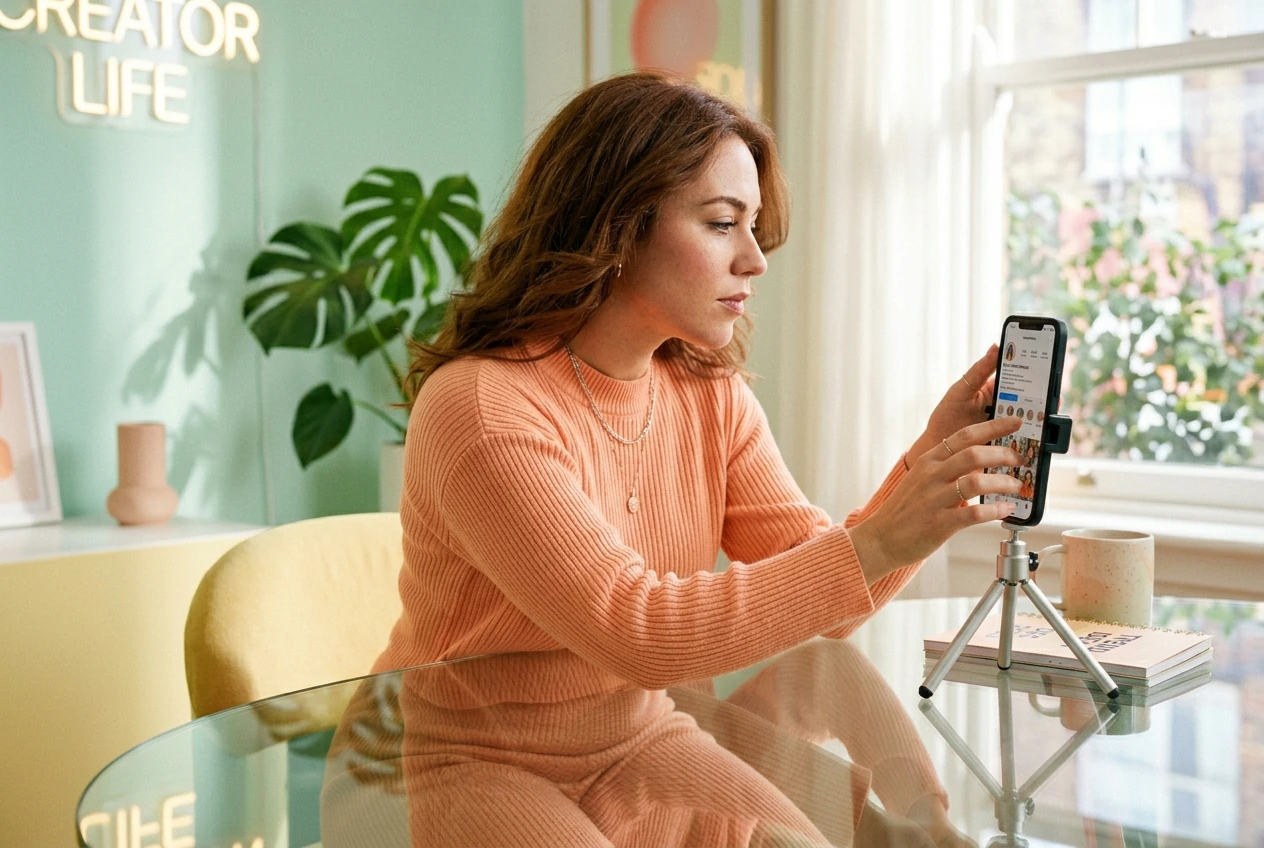
Trend cycles die in three days. Figuring out how to do jump transition on tiktok manually takes too long. Generate the motion from a single image, drop it into your timeline, and post the video.
Skip the complex timeline setup. Upload your base frames, type what you want, and let the AI video transition generator handle the heavy lifting.
Upload your start and end images to anchor the cut. The free ai transition video generator uses these visual references to build the kinetic motion path between your two distinct scenes.
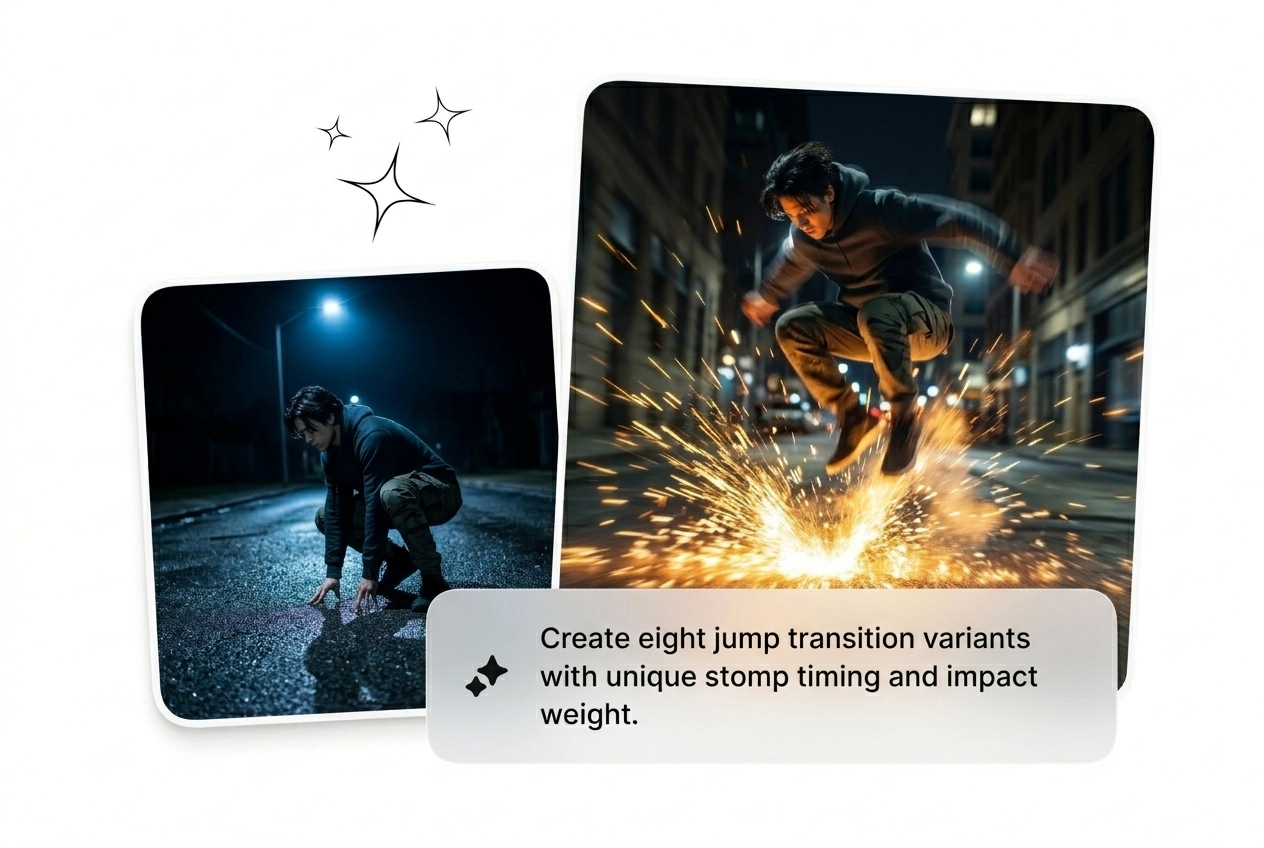
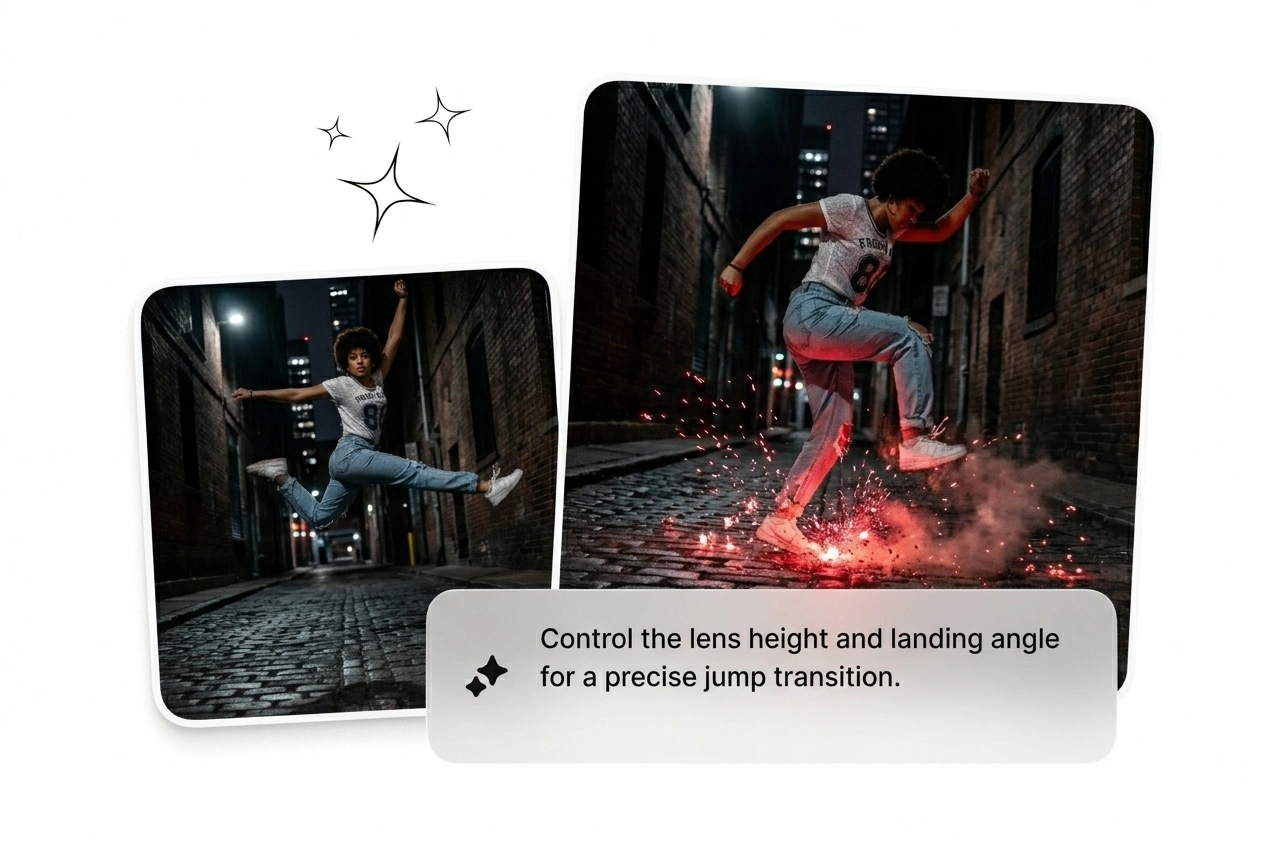
Type out the exact jump transition motion you need. Specify the upward burst, camera shake, or landing impact so the engine knows exactly how hard to push the visual energy.
Hit generate and watch the variants roll in. Pick the best AI transition free option, drop it straight into your rough cut, and export the timeline before your deadline hits.
Tweak the impact without touching a single keyframe. Adjust the motion weight, reroll the variants, and find the exact cut that fits your sequence.
Absolutely, you can use the generated clips for any paid client work. Just remember that complex prompts might require a few rerolls to get the perfect kinetic impact. Freelancers use this daily to speed up their rough cuts.
Stop tweaking keyframes and start testing real variants. Drop your frames, prompt the impact, and get a usable cut in under two minutes.
Try Free