
Performance Marketers
Ad fatigue kills campaigns fast. Generate twenty visual variants before lunch using our AI photo generator from text. Test different hooks, keep the ones that convert, and dump the rest. Speed beats perfection in paid social.
Create images from text in seconds. Instantly turn your ideas into visuals.
Drop a prompt. Batch the variants. Kill the weak ones. This AI Image Generator ships visual assets fast so teams can ship the same day.
Growth hackers and motion freelancers need volume. Stop waiting on slow renders. The right AI Image Generator batches hooks fast so winners surface immediately.
Ad fatigue kills campaigns fast. Generate twenty visual variants before lunch using our AI photo generator from text. Test different hooks, keep the ones that convert, and dump the rest. Speed beats perfection in paid social.
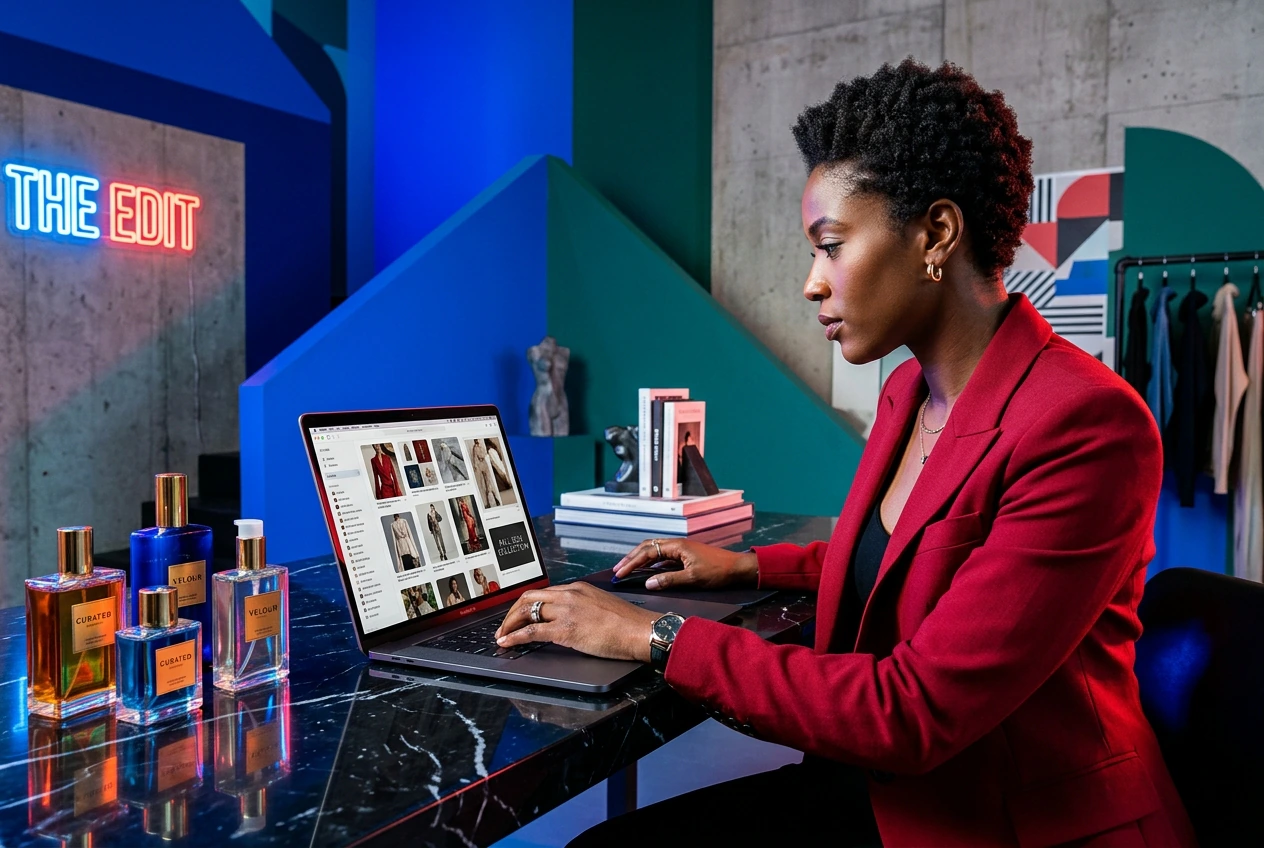
Clients want options yesterday. Use this Best AI Image generator to rough out style frames instantly. Reroll the prompt until it matches their vague brief. Get approval on the visual direction before you open After Effects.
Trends die in three days, and a free AI image generator online needs to keep pace. Drop a reference shot, tweak the style, and export the batch. Post the winning thumbnail and move to the next.
Skip complex setups. Pick a model, drop text or reference frames, then generate. The same AI Image Generator rerolls until the frame lands.
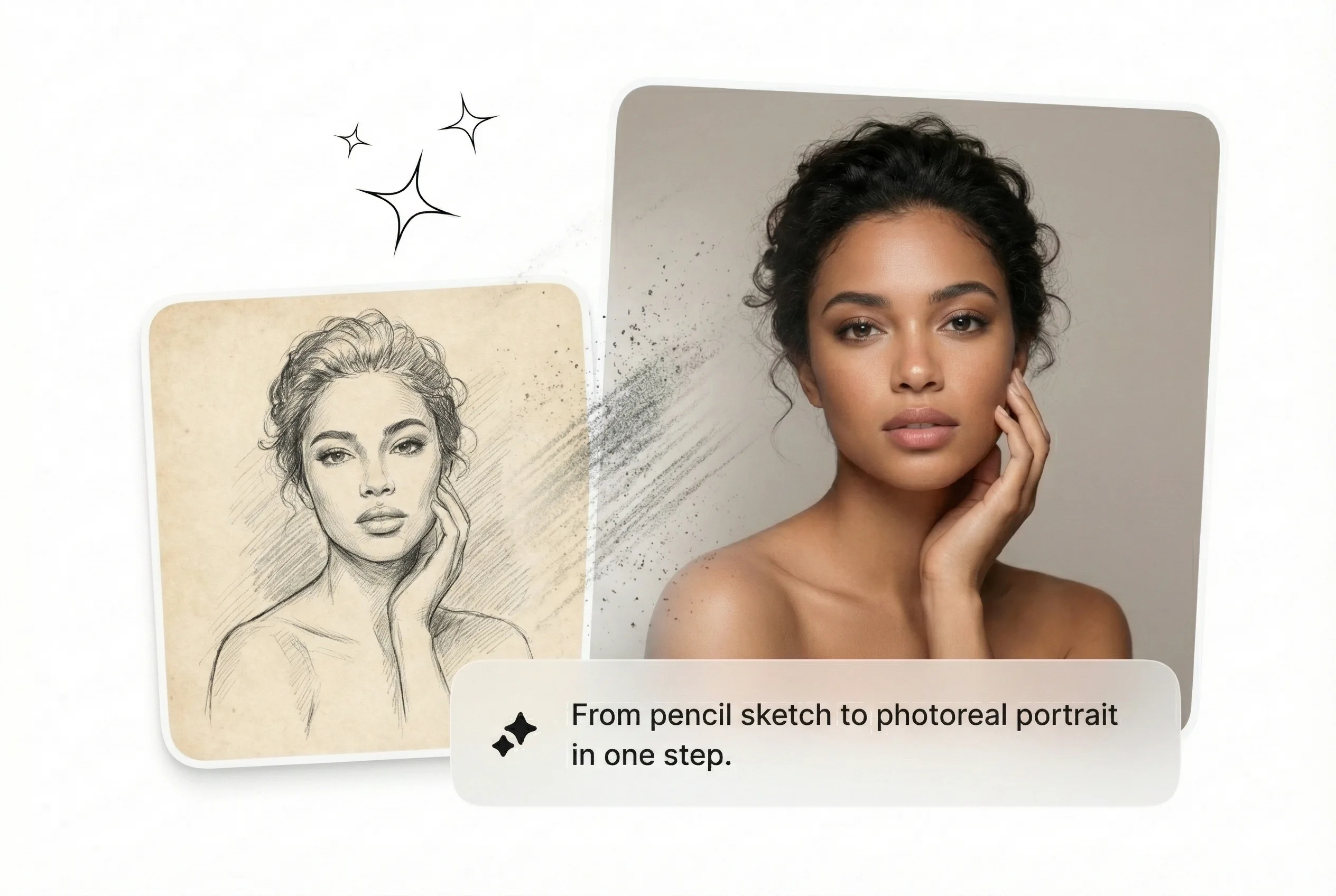
Type your concept or upload a reference frame. Keep the text clear and direct. The Text to Image AI reads your input and preps the render engine for a fast batch.
Pick your aspect ratio and hit generate. The AI photo generator free tier spits out multiple options fast. Review the grid, spot the best composition, and kill the obvious failures immediately.
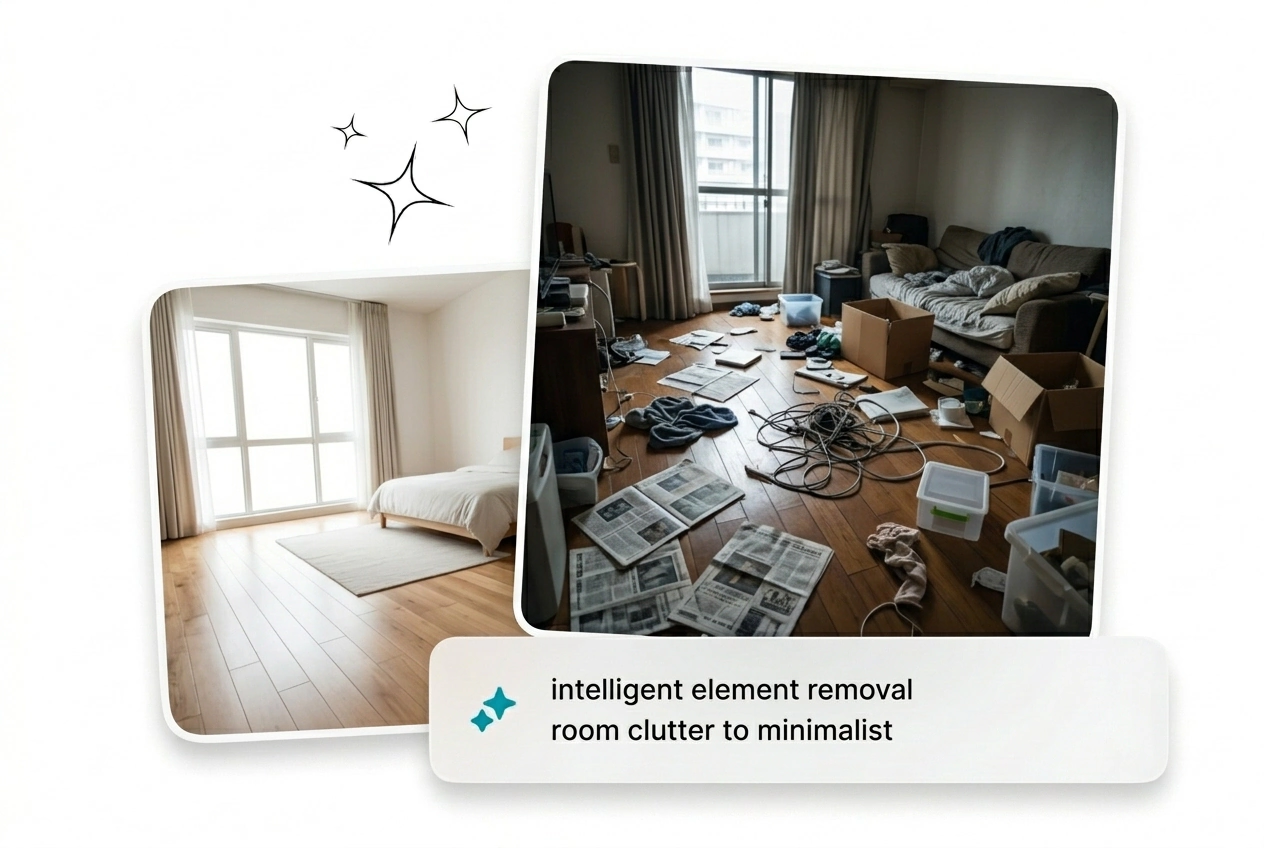
Need a tweak? Use AI inpainting to fix bad details without rerolling the whole frame. Lock the character consistency, export the final asset, and drop it straight into your timeline.
Stop tweaking sliders. This AI Image Generator helps teams produce AI generated images fast, fix mistakes locally, and keep character details locked across the batch.
Absolutely, drop a reference frame alongside your text prompt. The engine uses image to image processing to match your desired composition and lighting. It works best when your source file has clear contrast and obvious subjects.
Stop tweaking prompts for hours. Fire up the AI Image Generator, batch variants, kill the weak frames, and ship the winners today without drama.
Try Free