
Paid Social Hackers
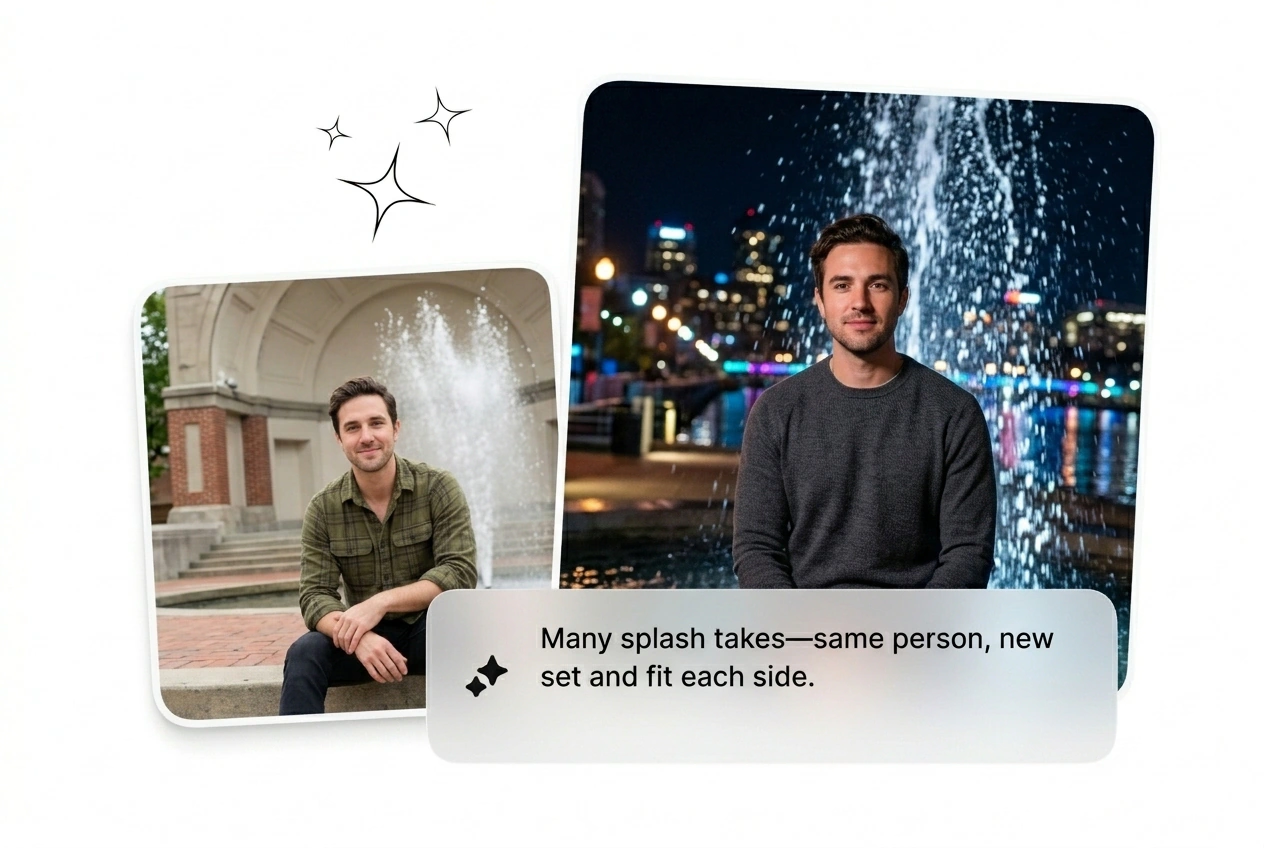
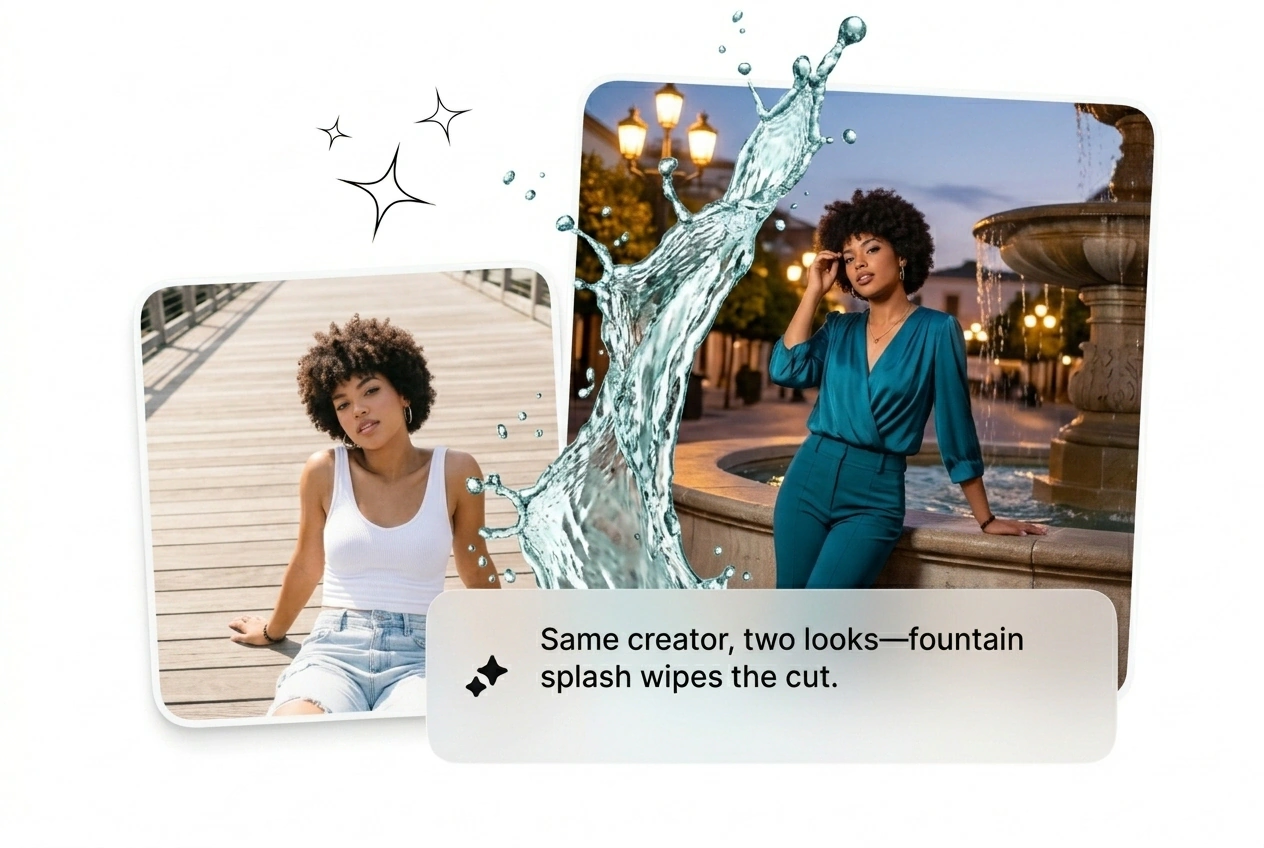
Ad fatigue kills campaigns fast. Generate a batch of water splash transition tiktok variants to test different visual hooks. Keep the one that converts, kill the weak ones, and scale your winning creative by lunch.
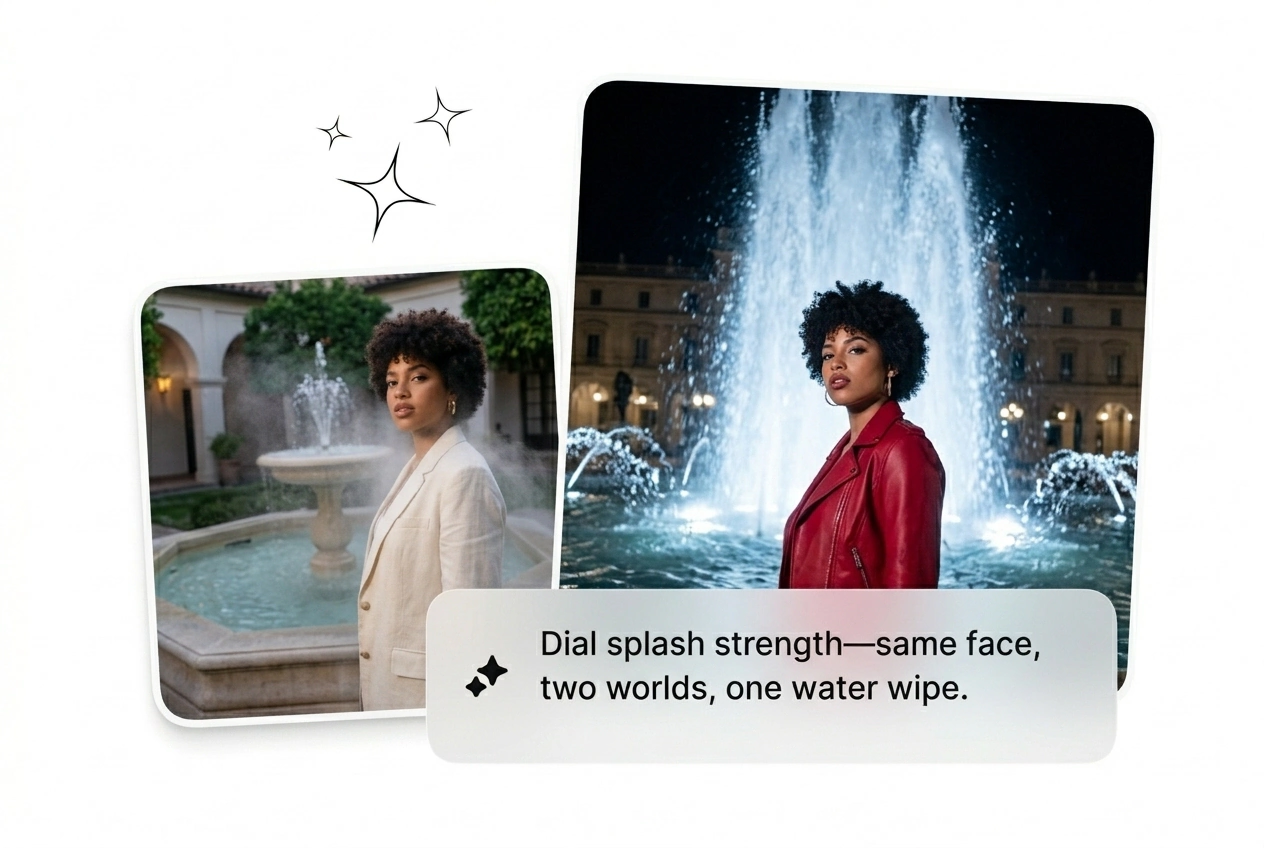
Splash Transition puts a controlled burst into the edit, bold enough for the hook and clean enough for polished delivery. Build from a prompt or still, get rapid variant output, then batch the selects for render, export, or another creative pass before final lock.
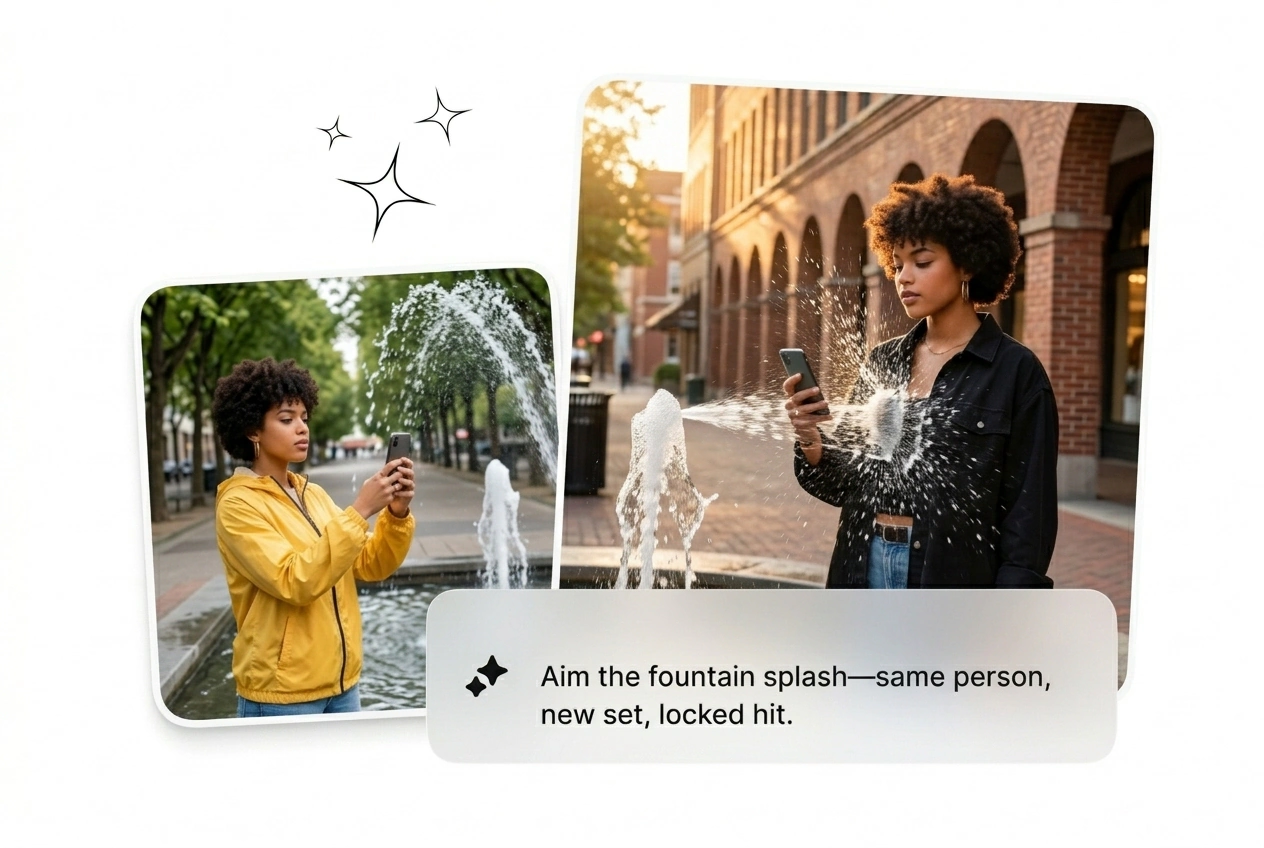
Drop your start frame and prompt a massive water wall. The AI transition hits hard, dissolves the scene, and ships in minutes.
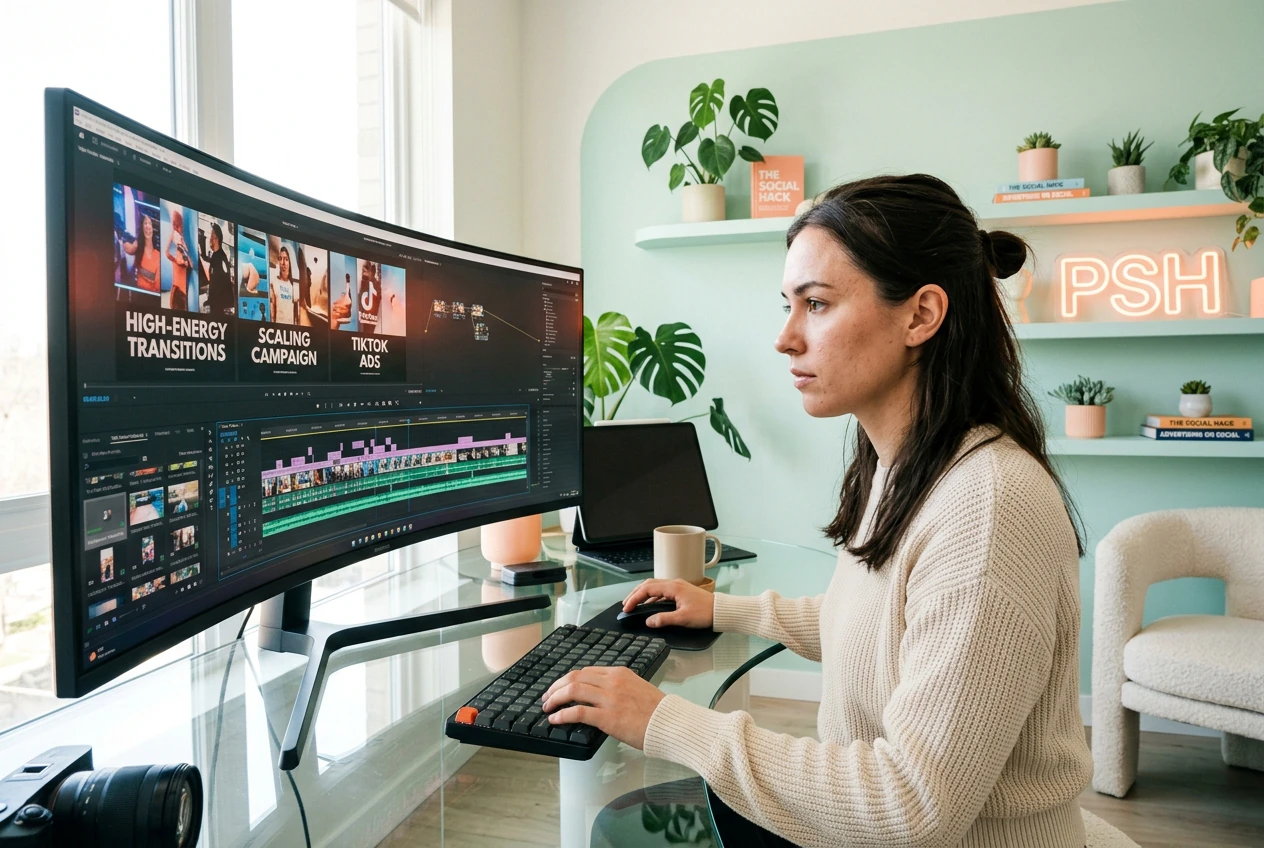
Growth hackers and motion freelancers need volume. Batch this water wall transition effect to test multiple hooks before your client even wakes up.
Ad fatigue kills campaigns fast. Generate a batch of water splash transition tiktok variants to test different visual hooks. Keep the one that converts, kill the weak ones, and scale your winning creative by lunch.

Clients demand a cinematic liquid splash transition AI cut with zero reference. Rough cut the sequence, drop the frames, and let the tool build the kinetic water physics. Send three options before you even open After Effects.

Trends die in three days. You need a fast Splash Transition Video to keep viewers hooked on the timeline. Skip the complex keyframing, render a rough cut instantly, and post the clip while the trend still matters.
Stop tweaking physics nodes. Upload your start frame, type a prompt, and let the AI video Transition generator handle the heavy water dynamics.
Upload a clear image to anchor the sequence. The tool reads the visual weight and prepares the canvas for a massive water impact without needing any complex video input files.
Type exactly how the water should behave. Tell the engine to generate a Slow Splash Transition or a violent crash, then pick your preferred model tier to lock the style.
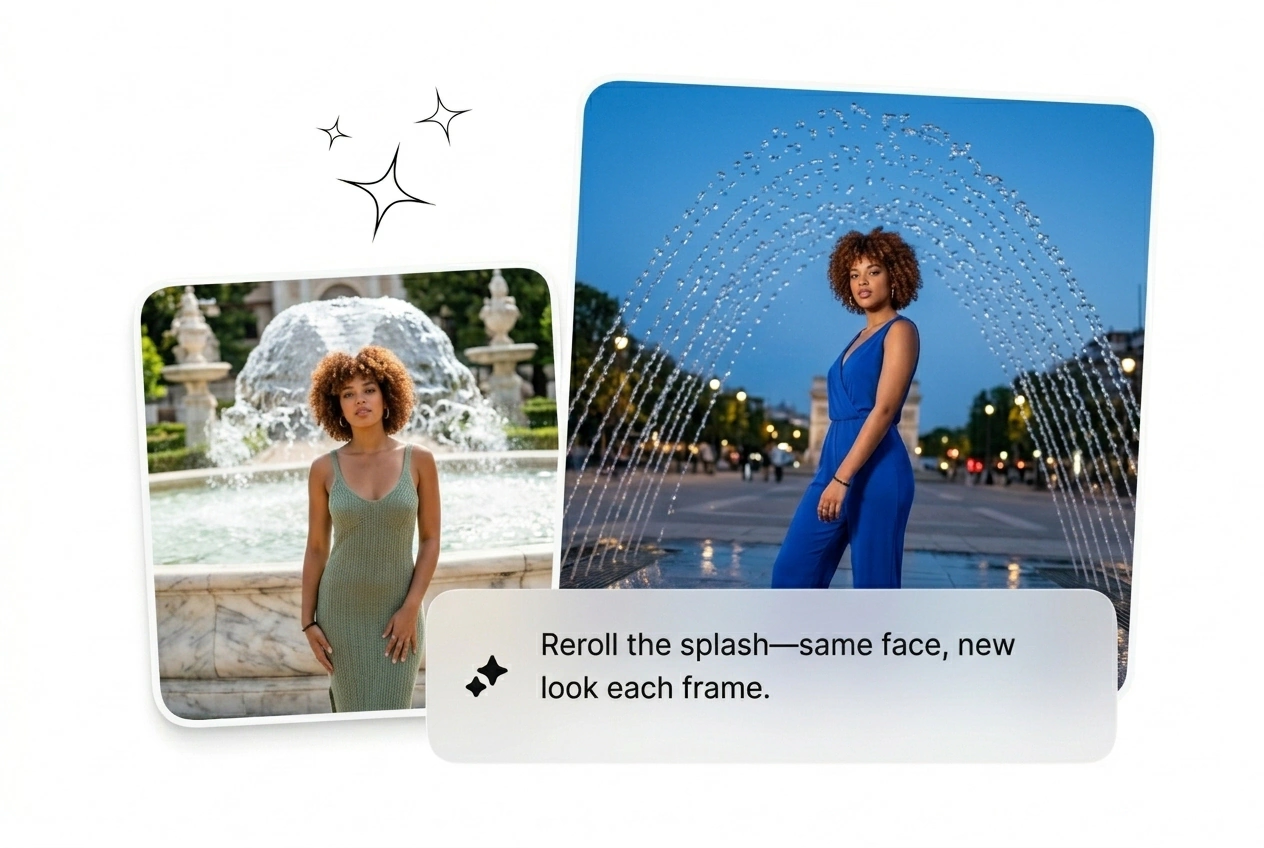
Hit generate and watch the engine build the fluid dynamics. Reroll the variant if the timing feels off, or export the rough cut immediately to meet your tight client deadline.
Fine-tune the kinetic energy without touching a single keyframe. Batch multiple variants, adjust the flow speed, and ship the best looking render fast.
No, the engine only accepts static images or text prompts as inputs. Drop a clear start frame to anchor the scene, and the tool generates the kinetic water motion. This keeps generation fast and prevents messy rendering artifacts.
Stop wasting hours on complex liquid simulations. Drop your frame, batch a few variants, and see what ships before your next meeting.
Try Free