

Growth Marketers
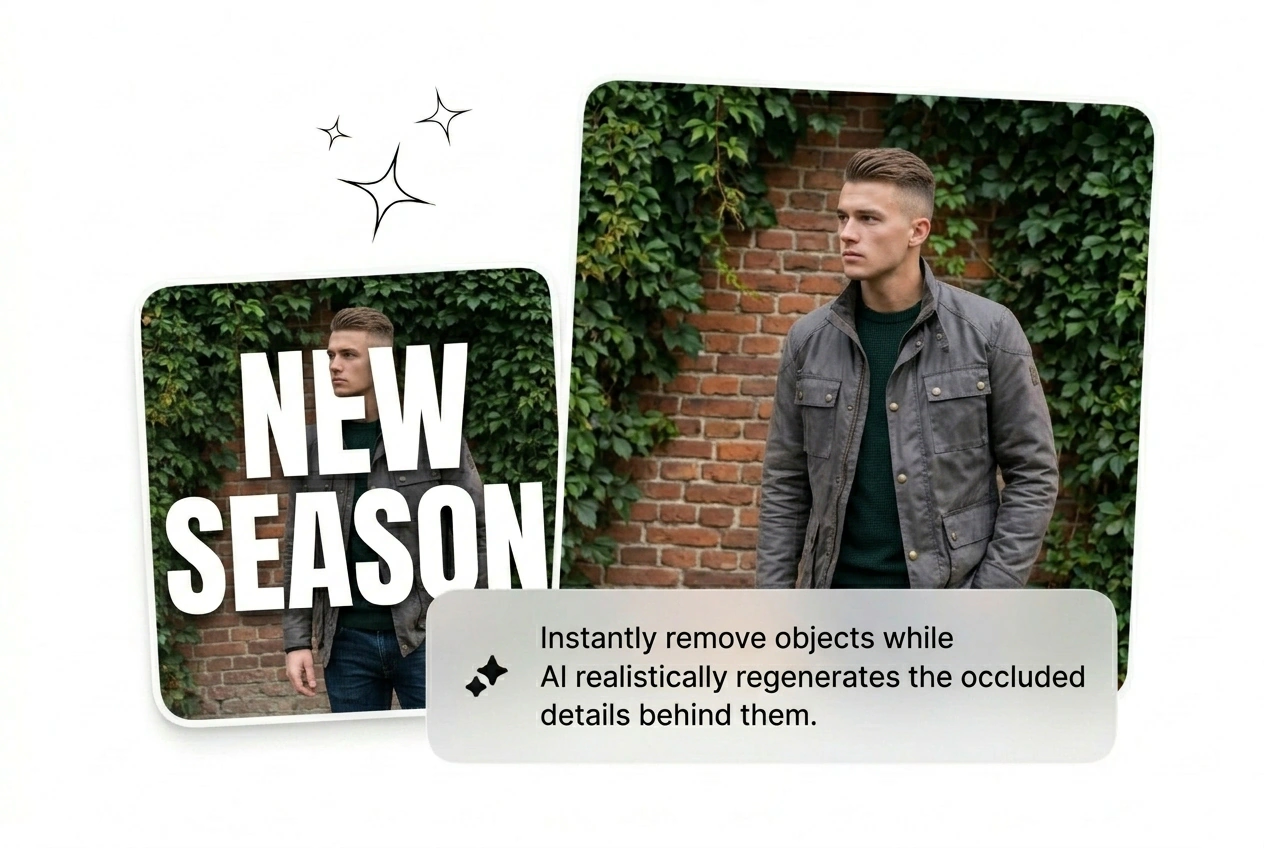
Half your pulls still show competitor watermarks baked into the frame. Remove text from image on each one, batch the clean variants, and feed the rotation without waiting on a designer to mask every SKU manually tonight.
Upload PNG, JPG, or WEBP to remove text from image while the model rebuilds the backdrop. Dense overlays or tiny uploads may still look softer.
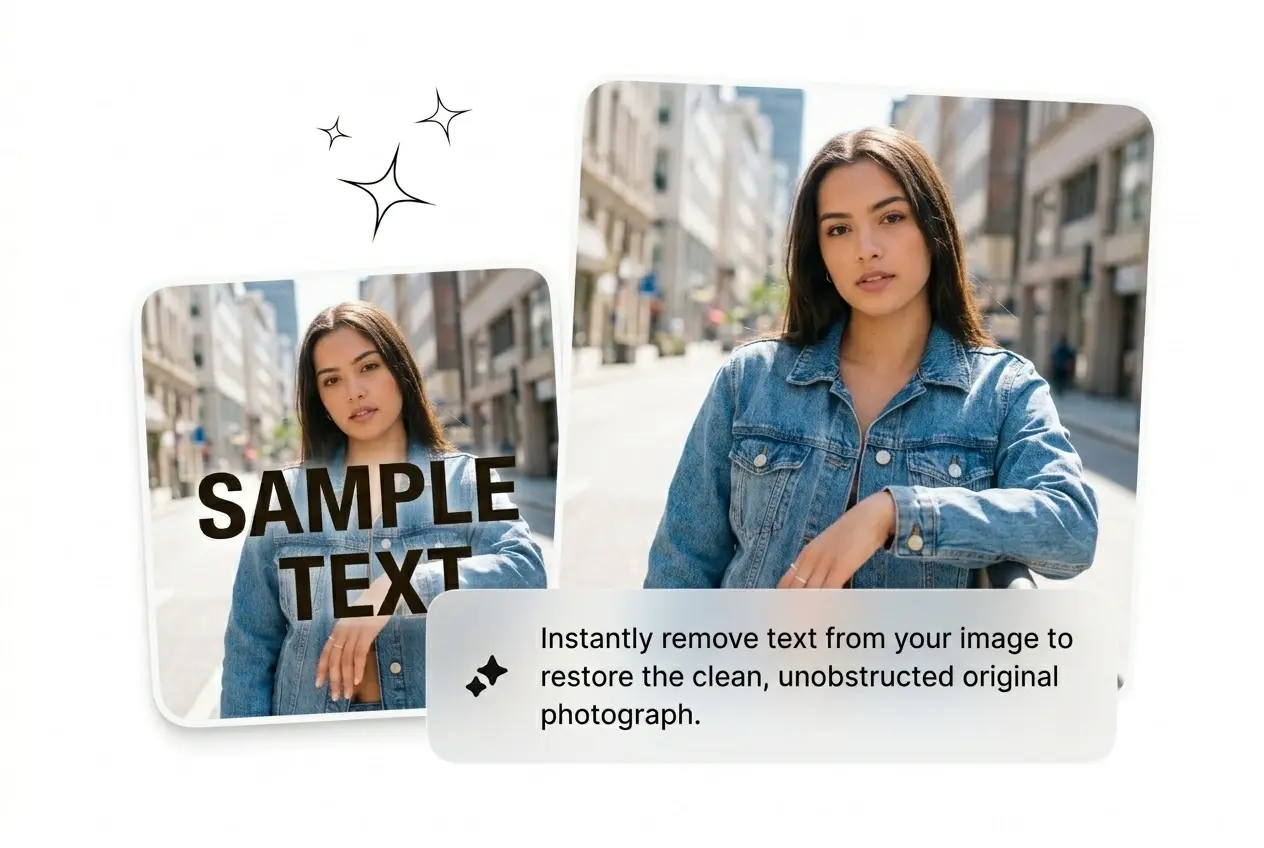
Upload, remove text from image, and let AI rebuild behind the type. No masking circus, no Photoshop queue, no wasted hour waiting on design.
Ads, listings, and recycled posts all die when type blocks the frame. Remove text from image before the deadline and keep every variant shipping.
Half your pulls still show competitor watermarks baked into the frame. Remove text from image on each one, batch the clean variants, and feed the rotation without waiting on a designer to mask every SKU manually tonight.

Supplier decks arrive with foreign labels and prices you cannot ship. Remove text from image before the SKU publishes so the storefront stays consistent and buyers know exactly what ships inside the box without guessing.

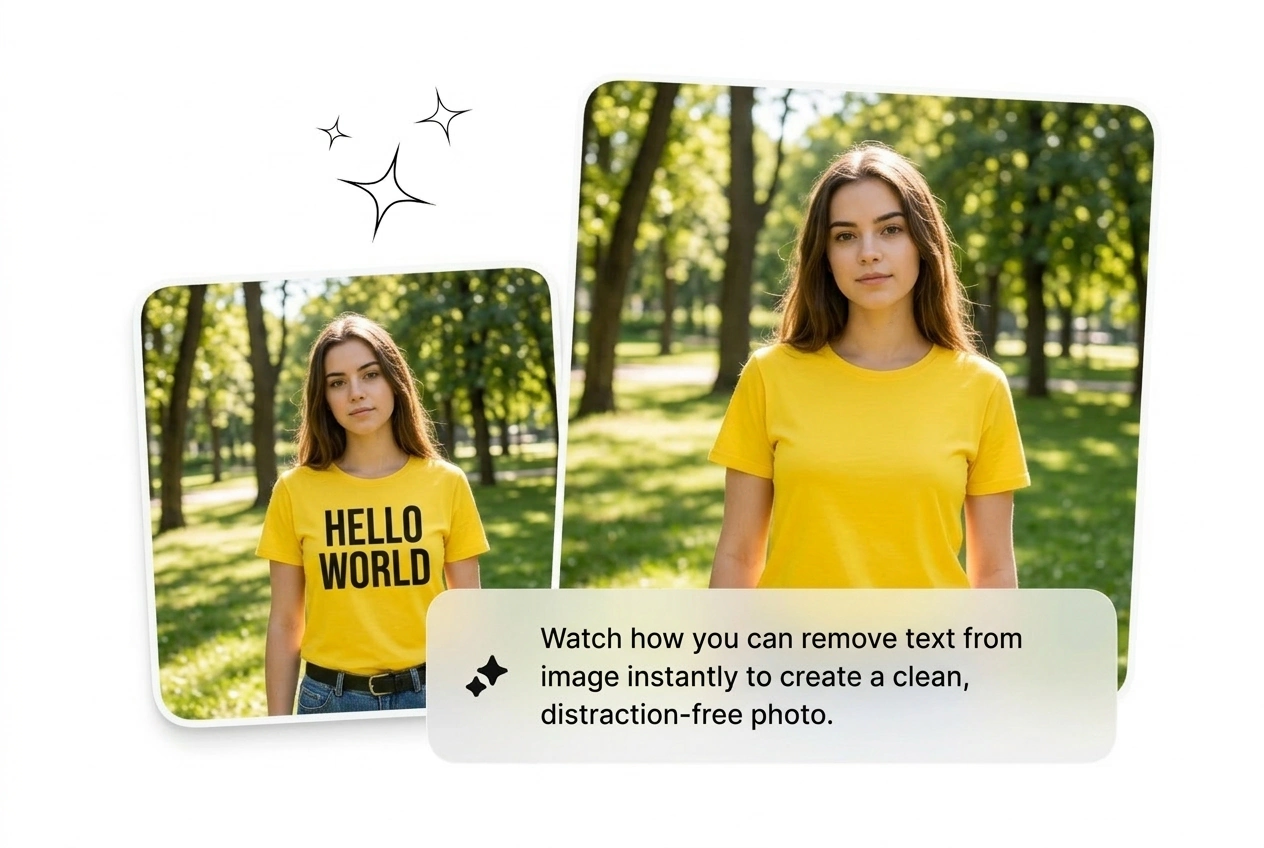
Old posts keep timestamps burned into the frame. Run remove text from image online, get a fresh canvas, and drop new copy before the trend window slams shut and tanks your engagement graph for the week.
Three moves only: upload, remove text from image, and grab the download. AI handles detection and rebuilds backgrounds without you babysitting anchor points.
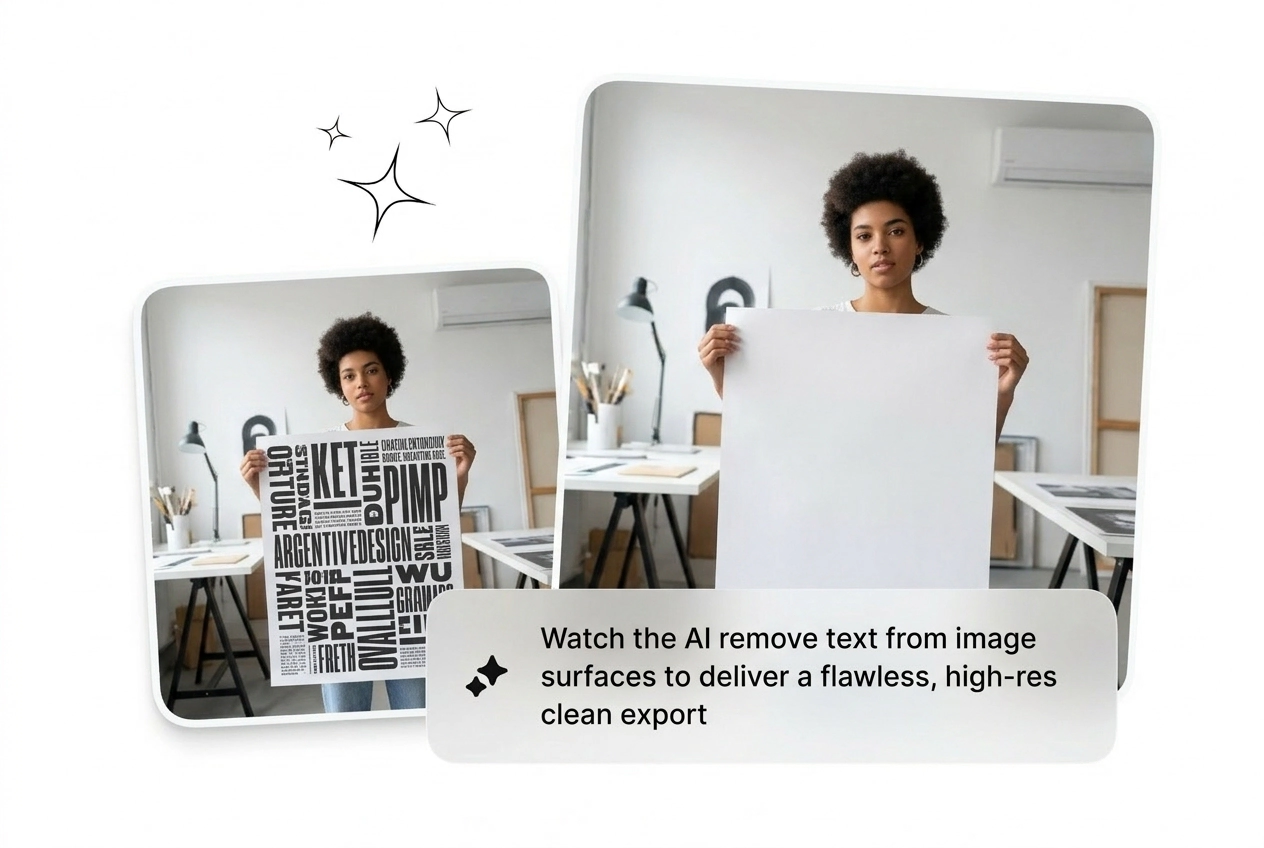
Drop in a PNG, JPG, or WEBP file. The AI immediately scans for printed text, handwriting, watermarks, and overlaid captions across the full image frame, including curved and low-contrast type that masks usually miss.
The model reads every text region, maps the boundary precisely, and queues it for removal. No manual selection needed. Works across cluttered backgrounds like brick, fabric, skin, and sky without losing the surrounding detail underneath.
Background fills in behind the erased text using surrounding texture and color data. The result lands as a high-resolution file ready for ads, listings, or social posts without extra editing steps in another tool.
Every remove text from image feature deletes another manual chore. Detect, erase, rebuild, export—then grab the next brief without reopening Photoshop.
Mostly, yes. The AI text remover targets text-based watermarks accurately. Graphic logos or icon-only marks without readable characters may only partially clear. Best results come from semi-transparent or solid-color text overlays on varied backgrounds.
Upload the file. AI strips the text, rebuilds the background, ships a clean export. No manual selection, no extra tools, no excuses.
Try Free