

Short Video Maker
Type a punchy caption, choose a social voice, and make a clear read for a reel or short. It keeps the clip moving without a recording setup.

Make text to speech feel human.
Fluxx lets you type lines, pick a voice, tweak the vibe, and get a ready voiceover without grabbing a mic.
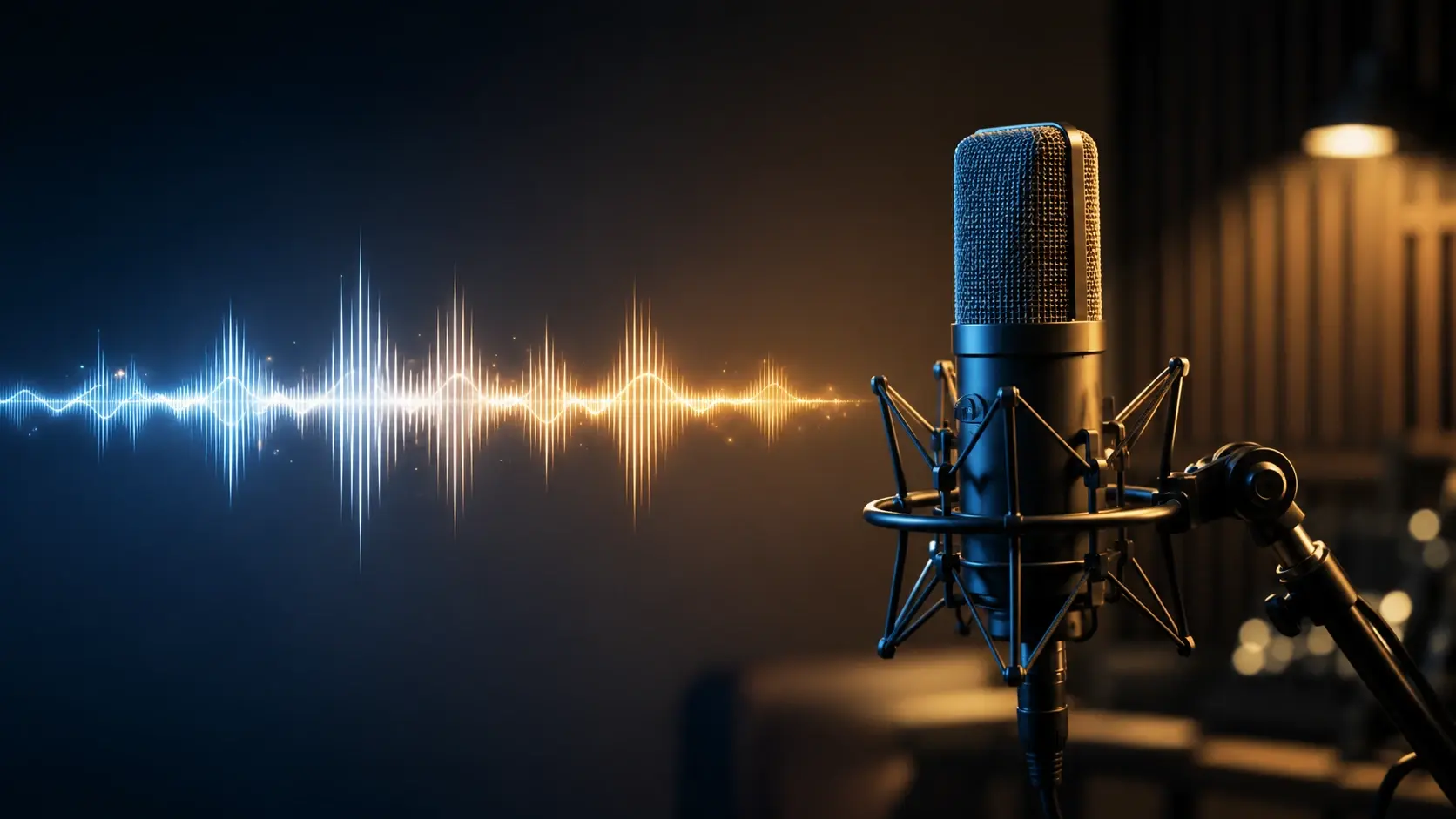
For casual creators who want a voice that sounds made, not mailed in. Bring a line, pick a style, and make audio for the idea in your head.
Type a punchy caption, choose a social voice, and make a clear read for a reel or short. It keeps the clip moving without a recording setup.
Paste a lesson intro, pick a calm voice, and make the first seconds feel tidy. It helps a quick how to sound less rushed.
Give an OC a line, try a dramatic tone, and hear the scene before you draw or post it. Tiny tweaks can change the whole mood.
Three tiny beats take you from blank script to finished audio. Keep it light, then tweak the parts that feel too flat.
Drop in one line, a scene caption, or a full voiceover. Punctuation helps shape the pauses.
Choose a friendly explainer, bold ad read, social style, tutorial voice, or another vibe that fits the clip.
Adjust tone, pacing, and emphasis until the voice lands right. Then use the audio where your idea needs it.
Drop in one line, a scene caption, or a full voiceover. Punctuation helps shape the pauses.
Choose a friendly explainer, bold ad read, social style, tutorial voice, or another vibe that fits the clip.
Adjust tone, pacing, and emphasis until the voice lands right. Then use the audio where your idea needs it.
Use it where a clean voice helps the picture, caption, or scene land faster. These are quick audio jobs with no mic stress.

A dry line, silly pause, or dramatic whisper can turn a meme into a tiny scene. Try a few voices until the joke clicks.
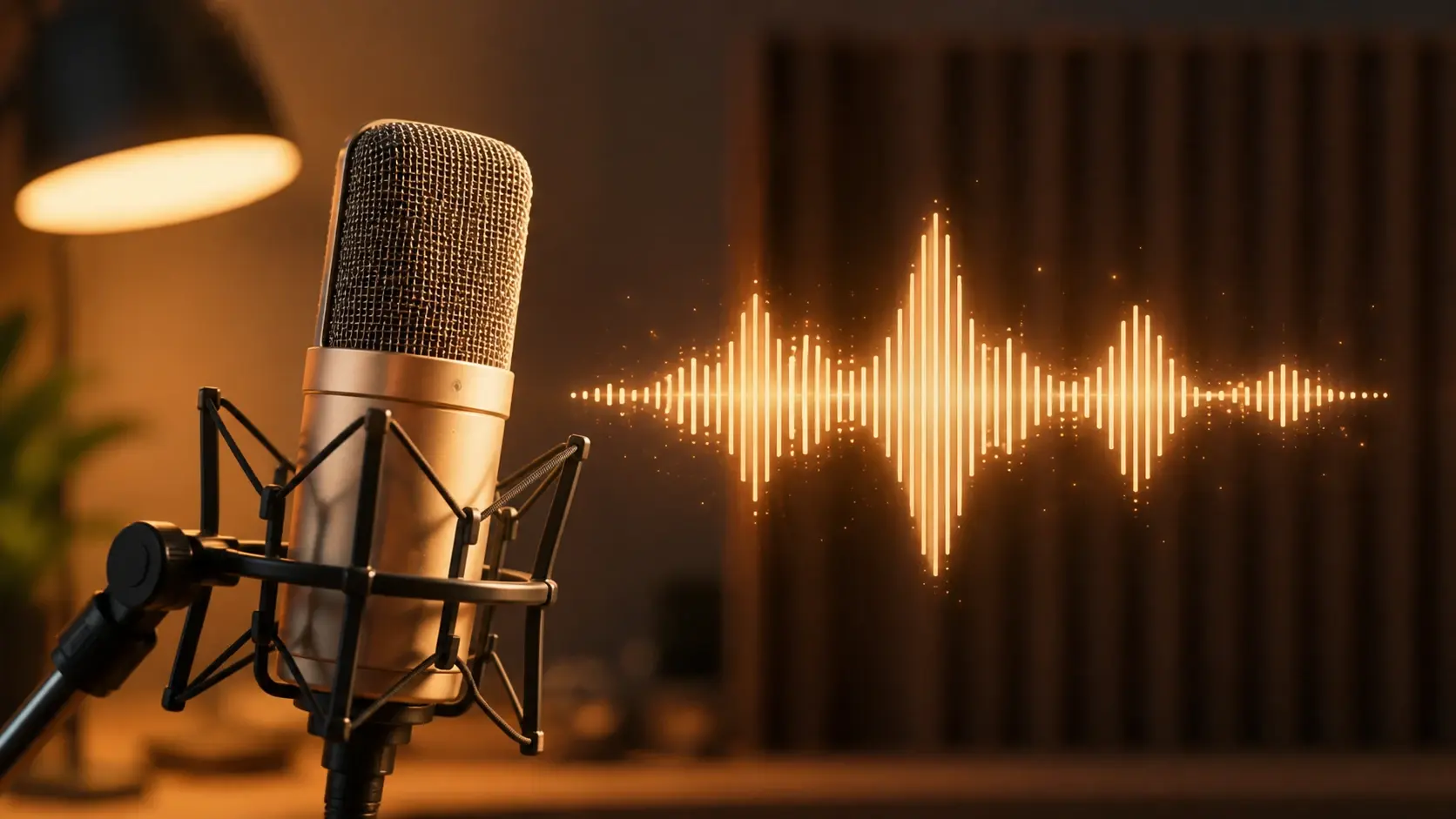
Give your pet video a curious inner voice and make the moment feel like a mini story. A soft or confused tone usually works best.
Start a how to clip with a clear sentence that tells people what they are about to learn. The voice can stay steady while the visuals move fast.
Turn one short product line into a bright ad read for a post or story. Pick a voice with energy, then trim the script until it pops.
Start with a small script and make it sound like a finished moment. These examples show how one sentence can carry a whole clip.


Q1
It follows punctuation, pauses, pacing, and emotion cues so text to speech feels closer to a real read than a flat robot line.
Q2
A script is enough. Fluxx handles the voice, so you can focus on the line, the mood, and the tiny tweak that makes it fun.
Q3
Sure. Type the caption or script, pick a social voice, and create a quick ai voiceover for reels, shorts, memes, or tutorial clips.
Q4
You can. The flow is made for quick phone ideas, from pet thoughts to dramatic sticker jokes, without setting up a microphone.
Q5
In practice, text to voice turns written lines into spoken audio, while a voice generator can focus more broadly on choosing or shaping the voice itself.
Q6
Absolutely. Add clues like excited, calm, sleepy, or dramatic, then tweak the voice until the read lands with the right rhythm.
Q7
For an OC, tts is great for testing catchphrases, scene reads, or a quick ai voice over. If you want more control, an ai voiceover generator or text to speech ai setting can help shape the take.
Next action
Type a line, pick a mood, and let Fluxx turn it into audio you can tweak before you post.
Make a PicturePrompt
Start from the tool intent.
Preview
Show the strongest output.
Publish
Send users to create.