
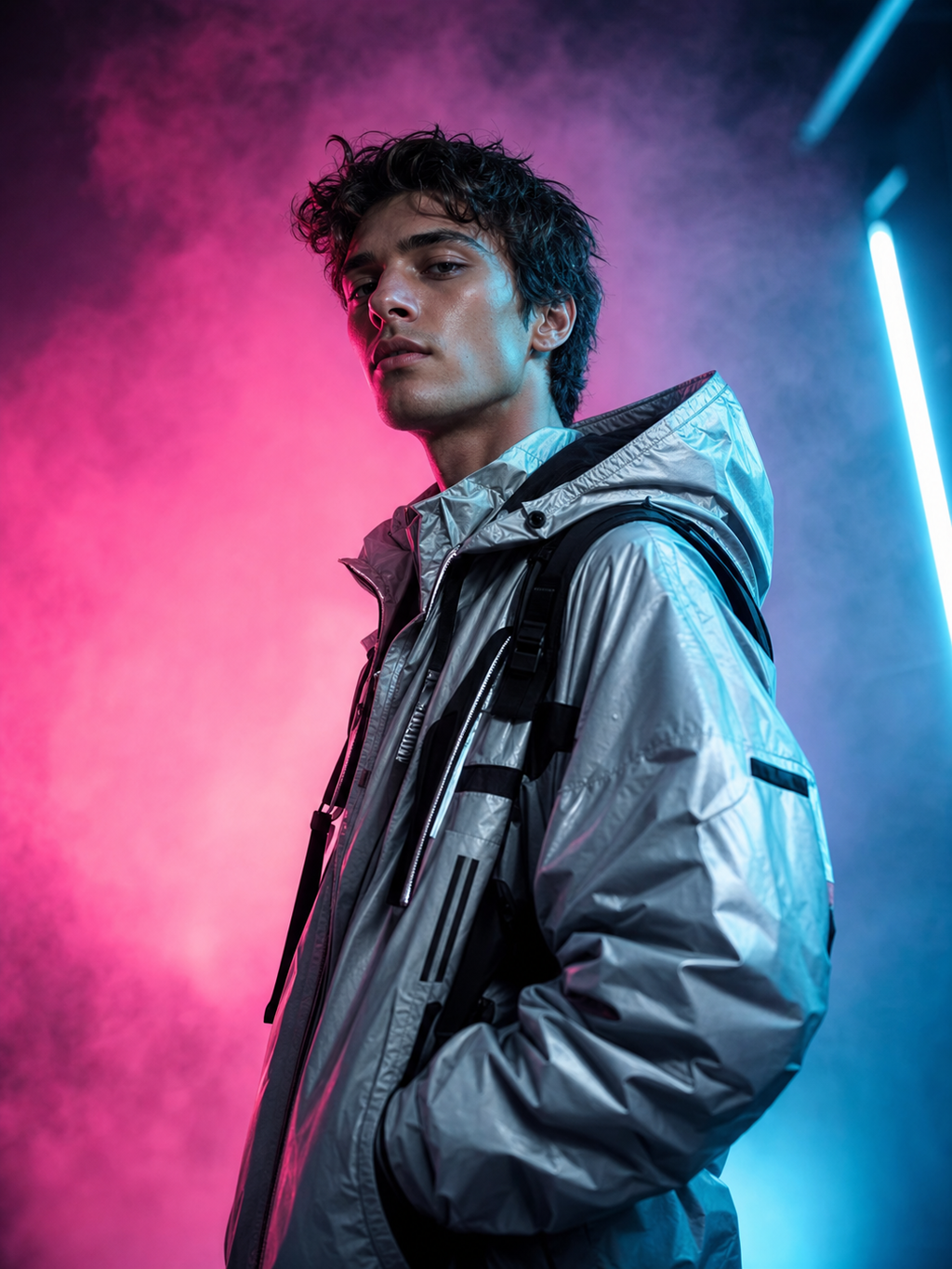
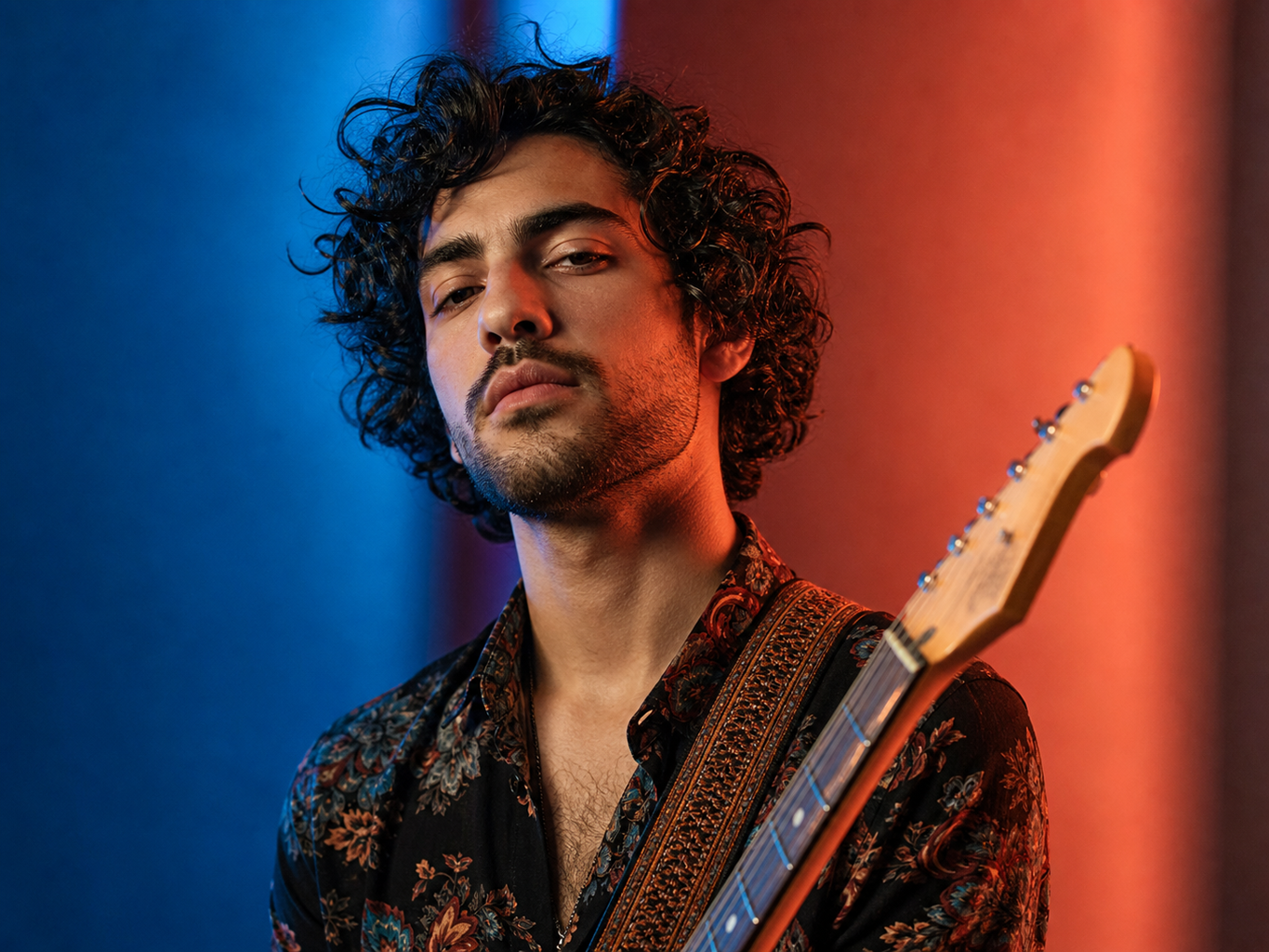

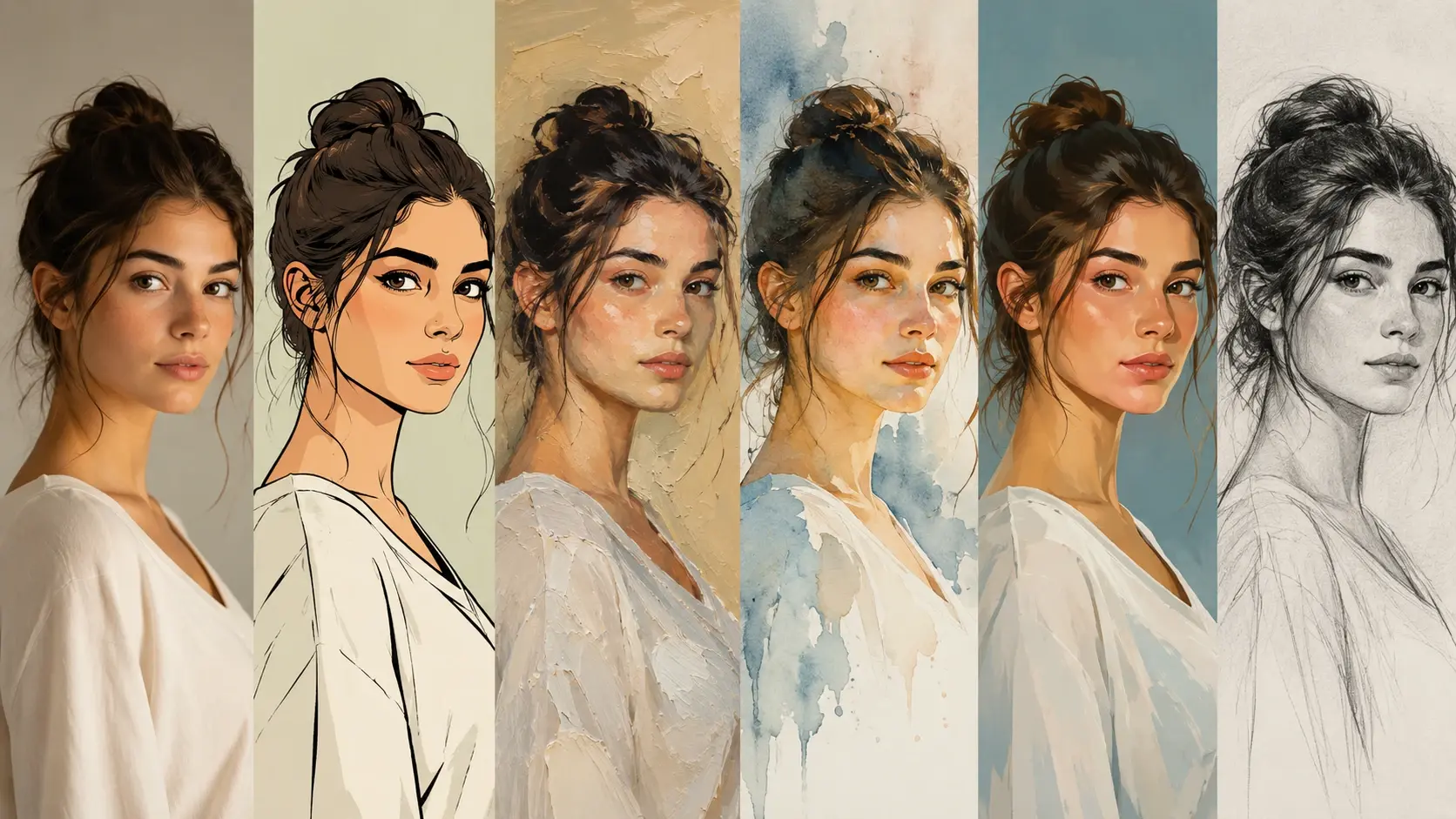
Style Mixer
Jump from anime to cartoon to painterly art without rebuilding the prompt. The text to image ai flow keeps the same idea while changing the look.

Start with text to image prompts or upload a reference for image to image ai play. Tweak the mood, color, size, and style until it feels cool enough to keep.
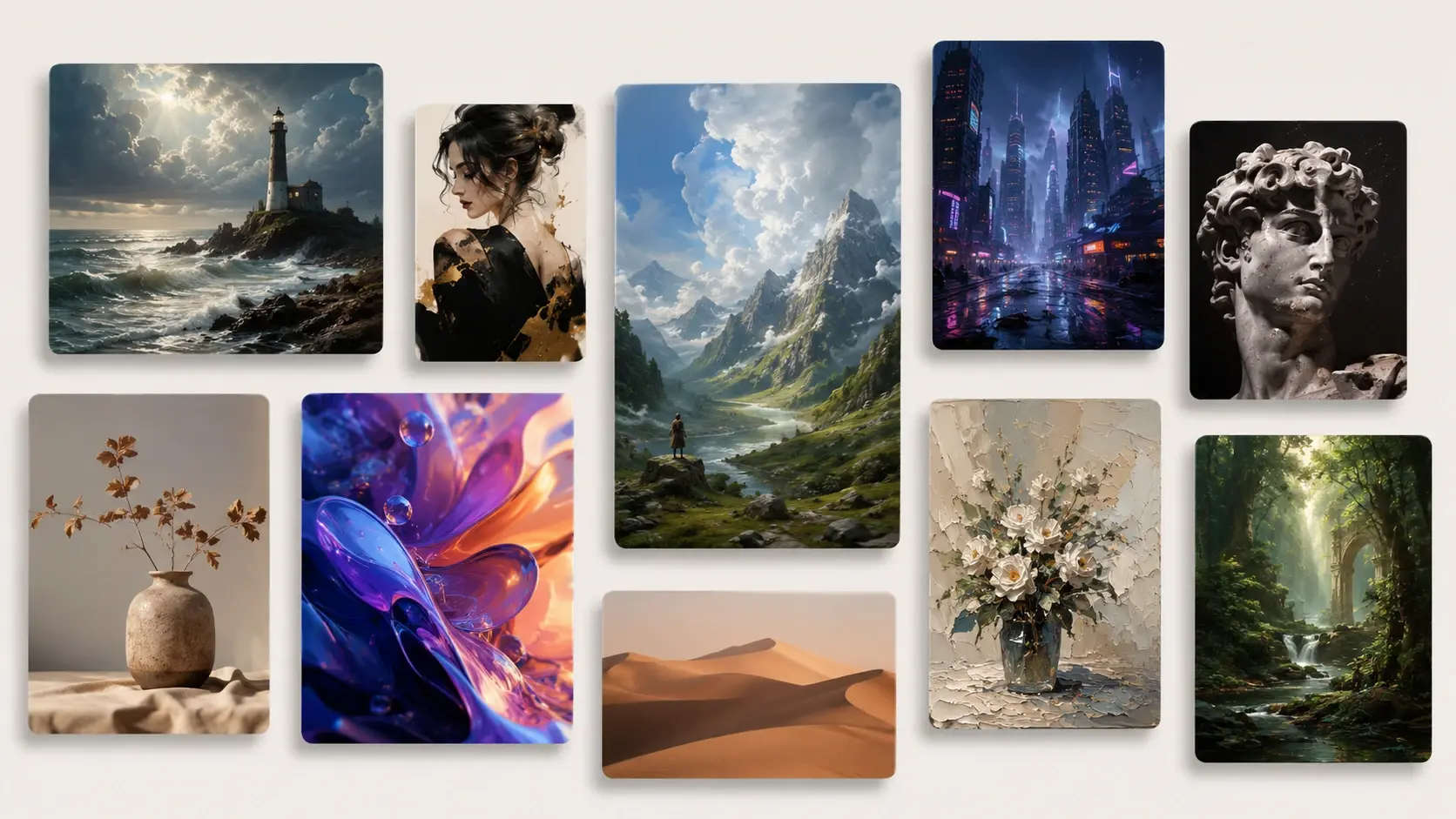
Fluxx keeps the flow light, quick, and friendly for one off art ideas.
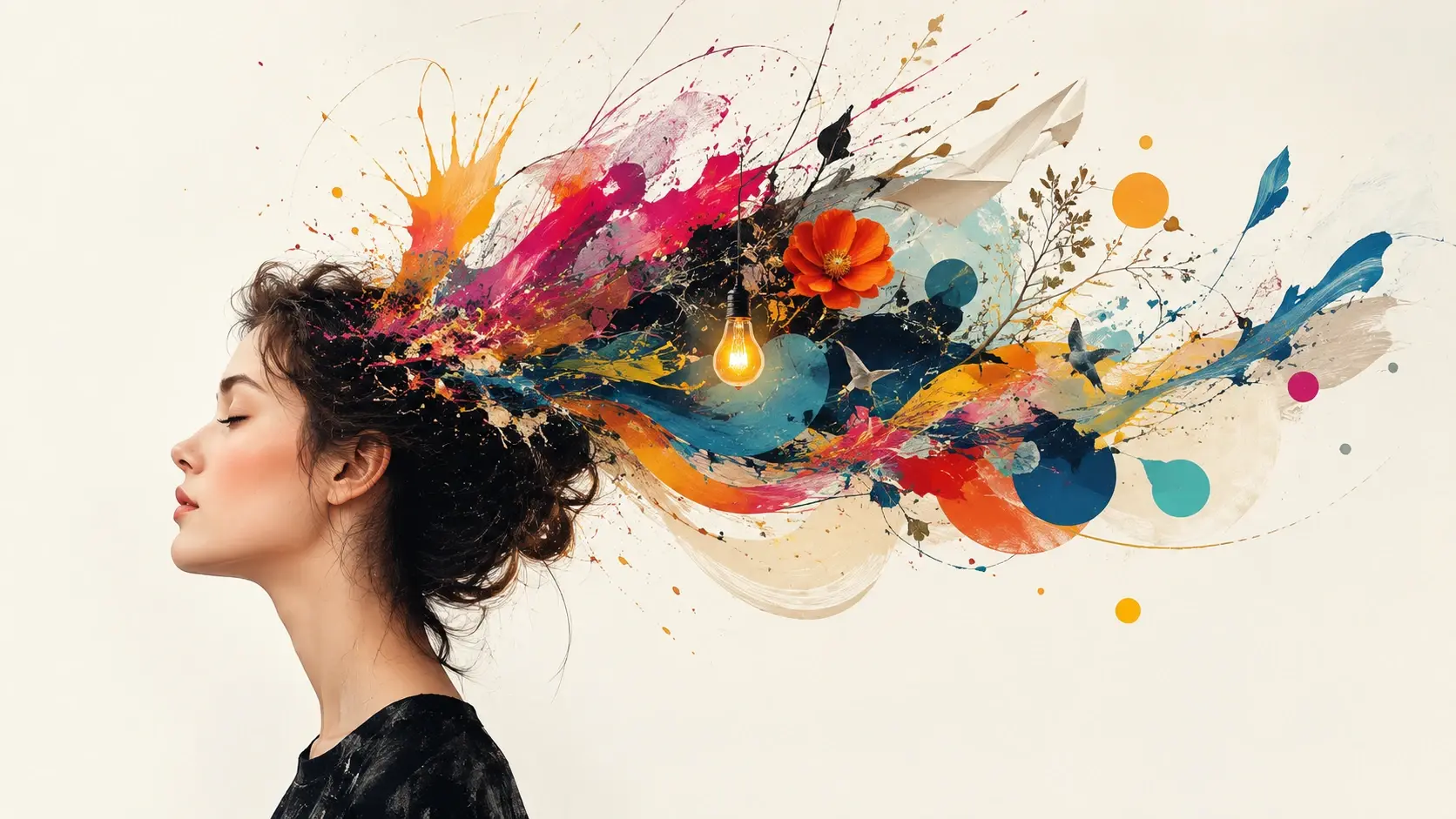
Write the creature, scene, joke, outfit, or mood you want. The ai picture generator takes the messy idea and gives it a visual direction.
Choose anime, sticker, cartoon, oil paint, 3D, or a softer illustration style. Add a reference picture when you want similar color or composition.
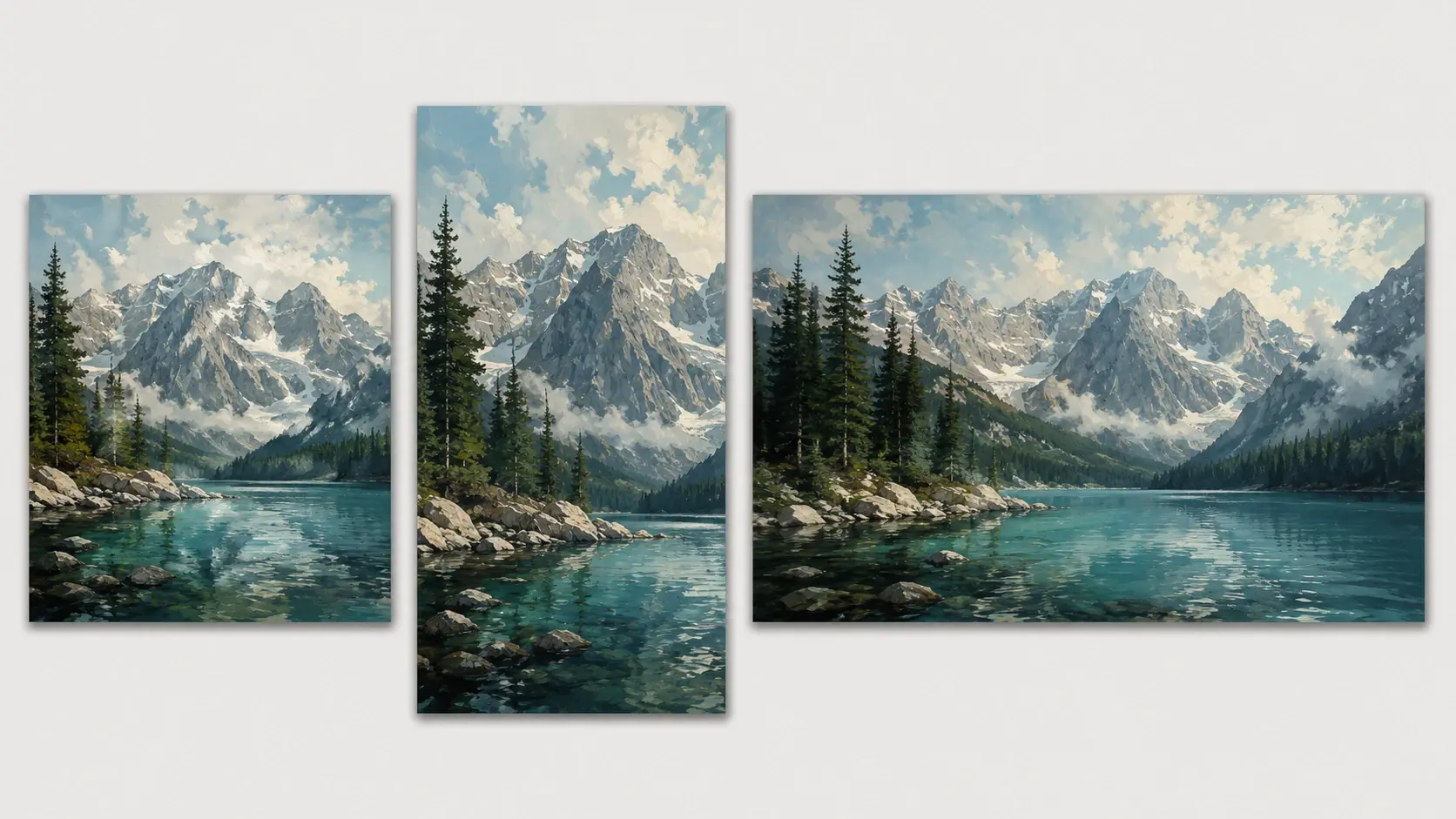
Adjust the shape for a phone wallpaper, square post, banner, or cover. Make another version when the first picture is close but not quite magic.
Use simple controls to make each picture feel more like your idea and less like a random result.
Jump from anime to cartoon to painterly art without rebuilding the prompt. The text to image ai flow keeps the same idea while changing the look.
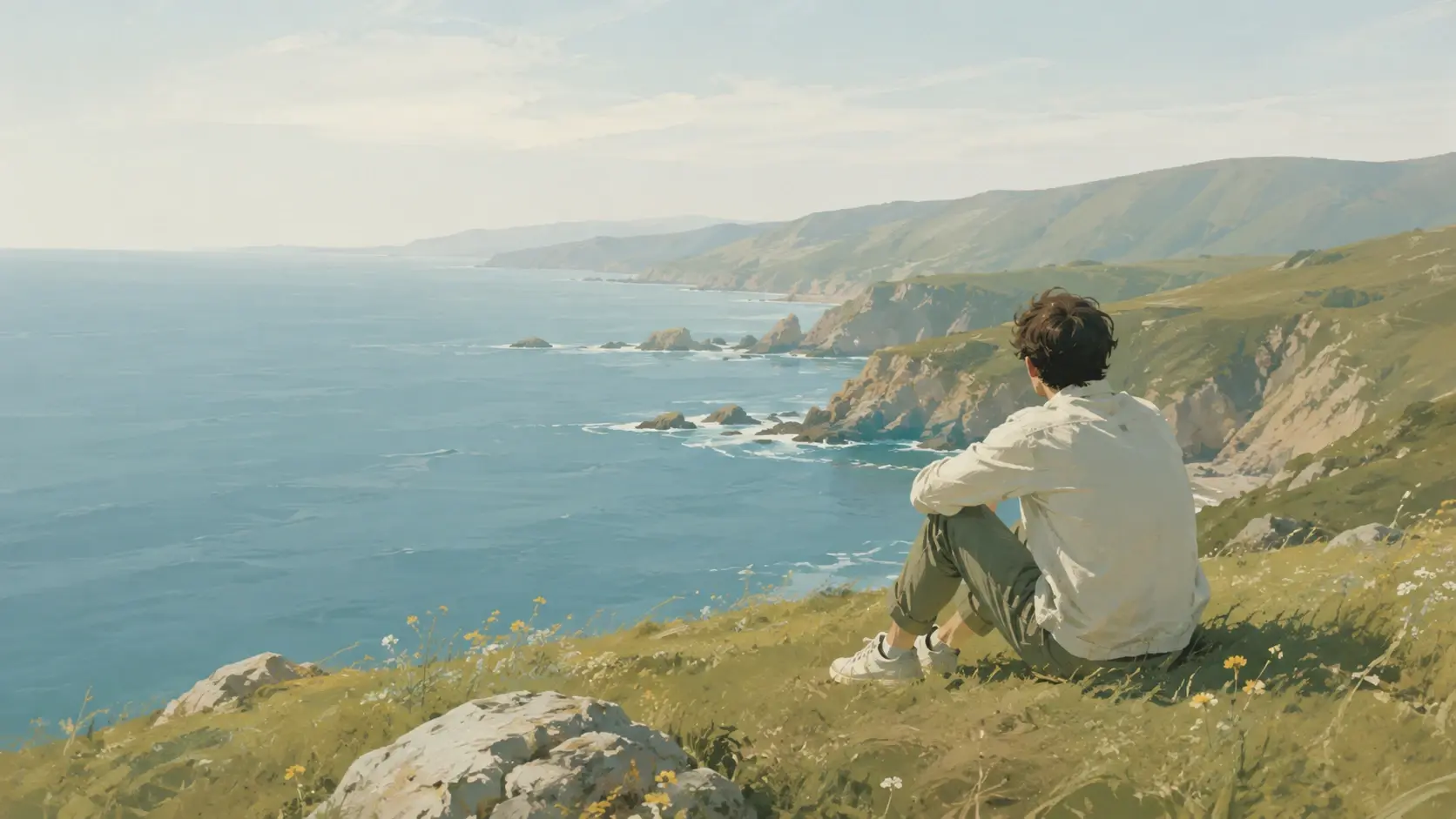
Upload a pet photo, doodle, or OC sketch and steer the result with image to image ai. It is handy when composition matters more than a blank prompt.
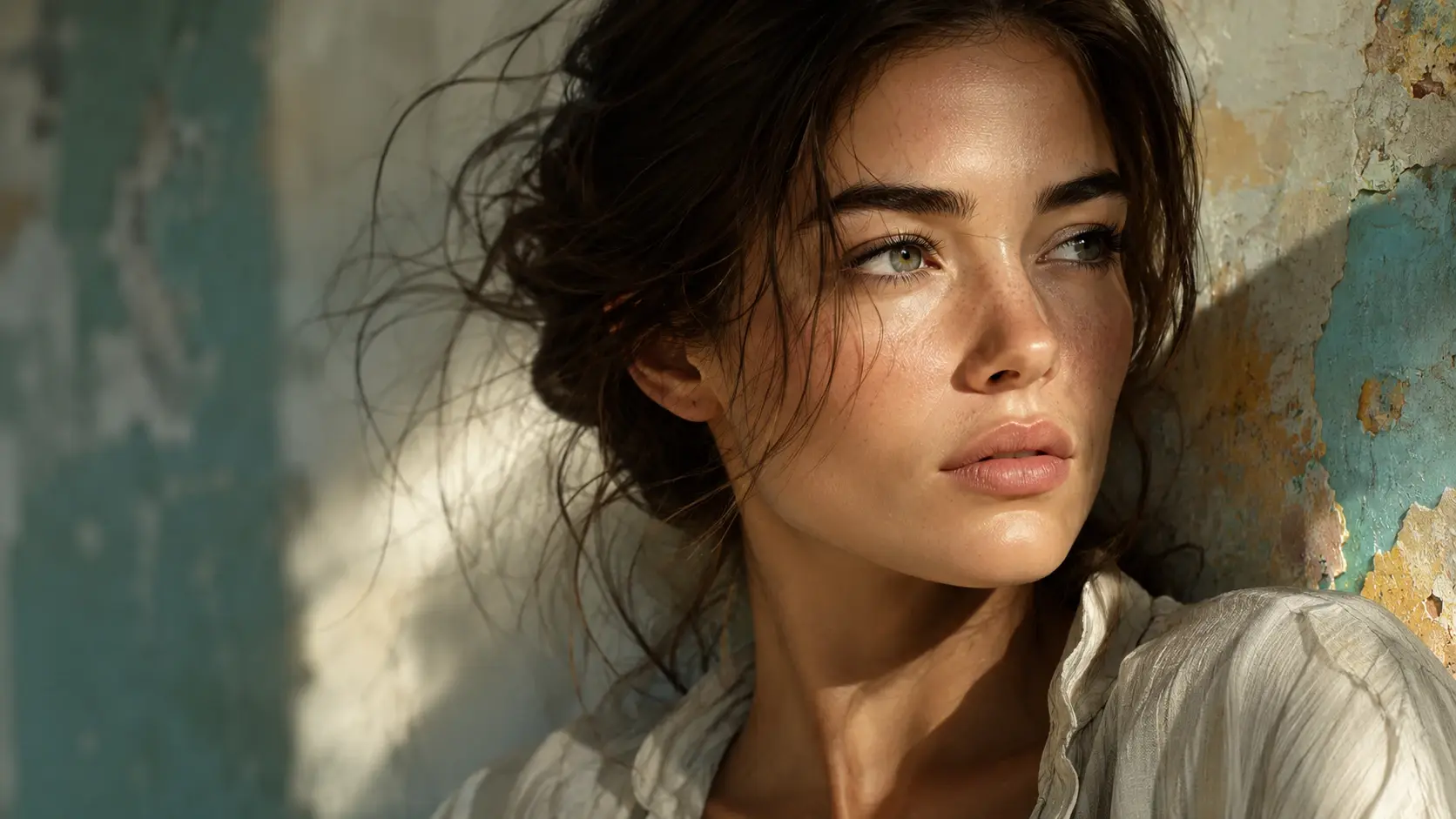
Make crisp sticker edges, shiny eyes, richer fabric, and cleaner backgrounds. Your ai generated images can look polished without a serious design session.
Pick square, portrait, or wide layouts for posts, covers, banners, and video thumbnails. The image generator controls help the art land in the right frame.
Casual creators use Fluxx for quick art they want to save, share, or turn into something cute.
I made a tiny dragon sticker sheet before my coffee got cold. It felt like an ai art generator that understood silly prompts.
Sticker Hobbyist
My group chat needed a ridiculous meme image, and Fluxx got the joke fast enough for the moment.
Meme Maker
I use it for classroom warmups when I need a friendly cartoon scene. The kids react right away.
Art Teacher
The wide wallpaper sizes are my favorite. I can test a fantasy scene, then tweak color until it fits my phone.
Fantasy Fan
I uploaded my dog photo and made a cute cartoon portrait. The ai image creator controls were simple enough to just play.
Pet Parent
For my newsletter header, I tried three cartoon ideas and picked the least serious one. That was exactly the mood I wanted.
Indie Writer
Q1
Not really. Fluxx keeps the ai image generator flow playful, so you can type, pick, and tweak without learning a big editing app first.
Q2
Absolutely. The ai image generator is great for cute animals, food mascots, sparkle text, reaction faces, and other sticker style ideas you want to try quickly.
Q3
You can upload a pet picture and use image to image ai to guide the pose, colors, and mood while changing the style into something cuter.
Q4
Sure. The ai image generator works well for phone shaped ideas like dreamy skies, anime rooms, cozy pets, and character wallpapers after you log in.
Q5
In practice, both work. Use text to image when the idea is all in your head, or text to image ai with clearer style words when you want a stronger direction.
Q6
Here is how: reuse the same reference and style notes. The ai image generator can make new poses and outfits while keeping the character idea familiar.
Q7
For memes, the ai image generator is handy because you can ask for a face, scene, or cartoon reaction first, then edit the caption in your favorite app.
Next action
Bring a prompt or reference, pick a fun style, and let the ai image generator make a quick piece of art worth saving.
Make a PicturePrompt
Start from the tool intent.
Preview
Show the strongest output.
Publish
Send users to create.