
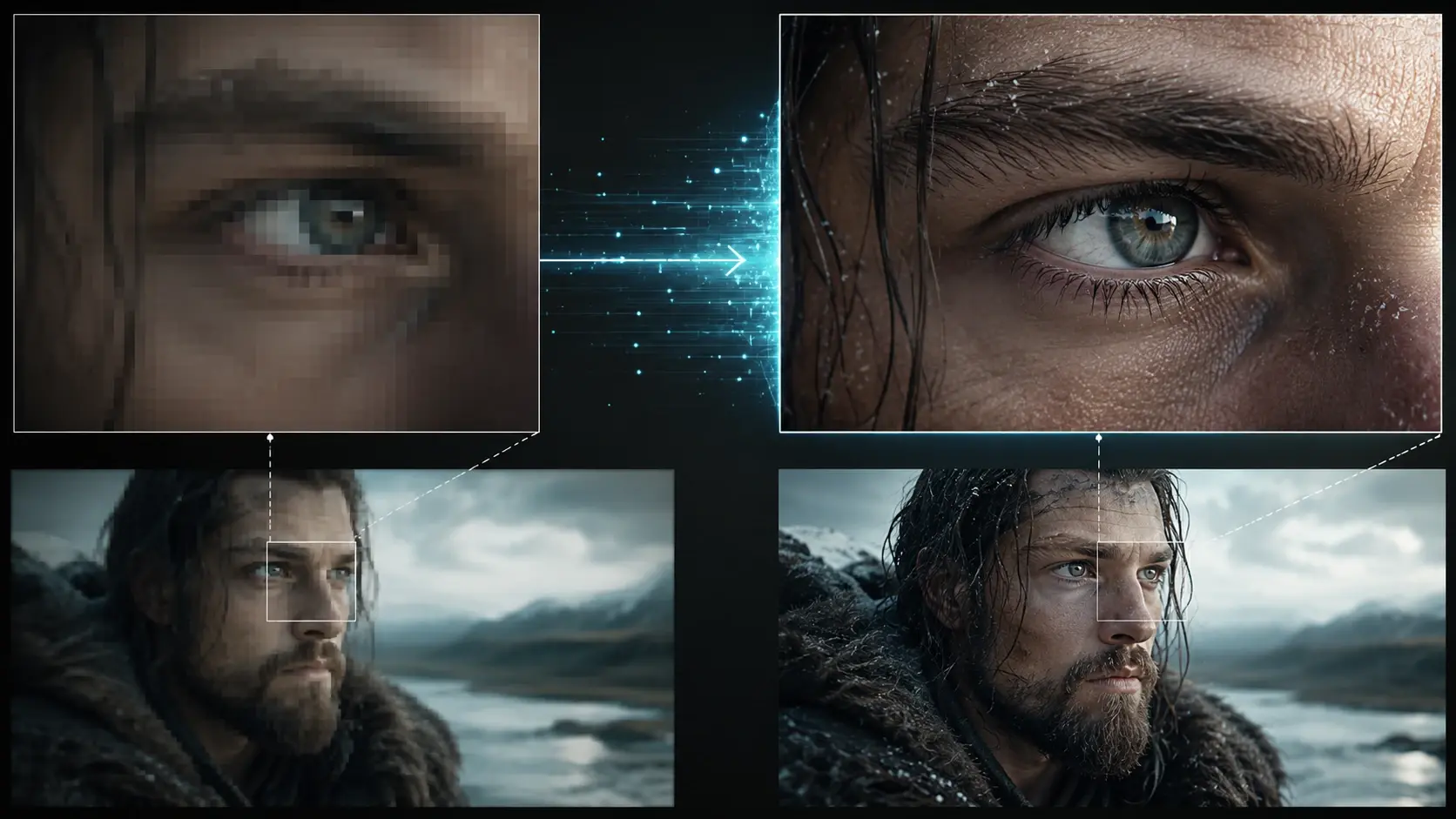
Super Resolution Detail
Use the video upscaler to rebuild tiny edges and texture when a clip starts out small. Push 240p footage toward a sharper 4K look with up to 400% enlargement.

Fluxx helps restore lost detail, calm noisy grain, sharpen edges, and brighten color in a quick upload flow. Bring in a soft phone clip, an old memory, or a compressed edit and give it a cool second life.

Keep it light. Add the clip, choose the kind of clean up you want, then let Fluxx do the tricky bits.

Upload a short video that looks soft, blocky, shaky, or dull. A phone clip, saved social video, or old home movie can all be a starting point.
Choose sharper detail, cleaner color, smoother motion, or a bigger size. You can tweak the look without learning editing knobs first.
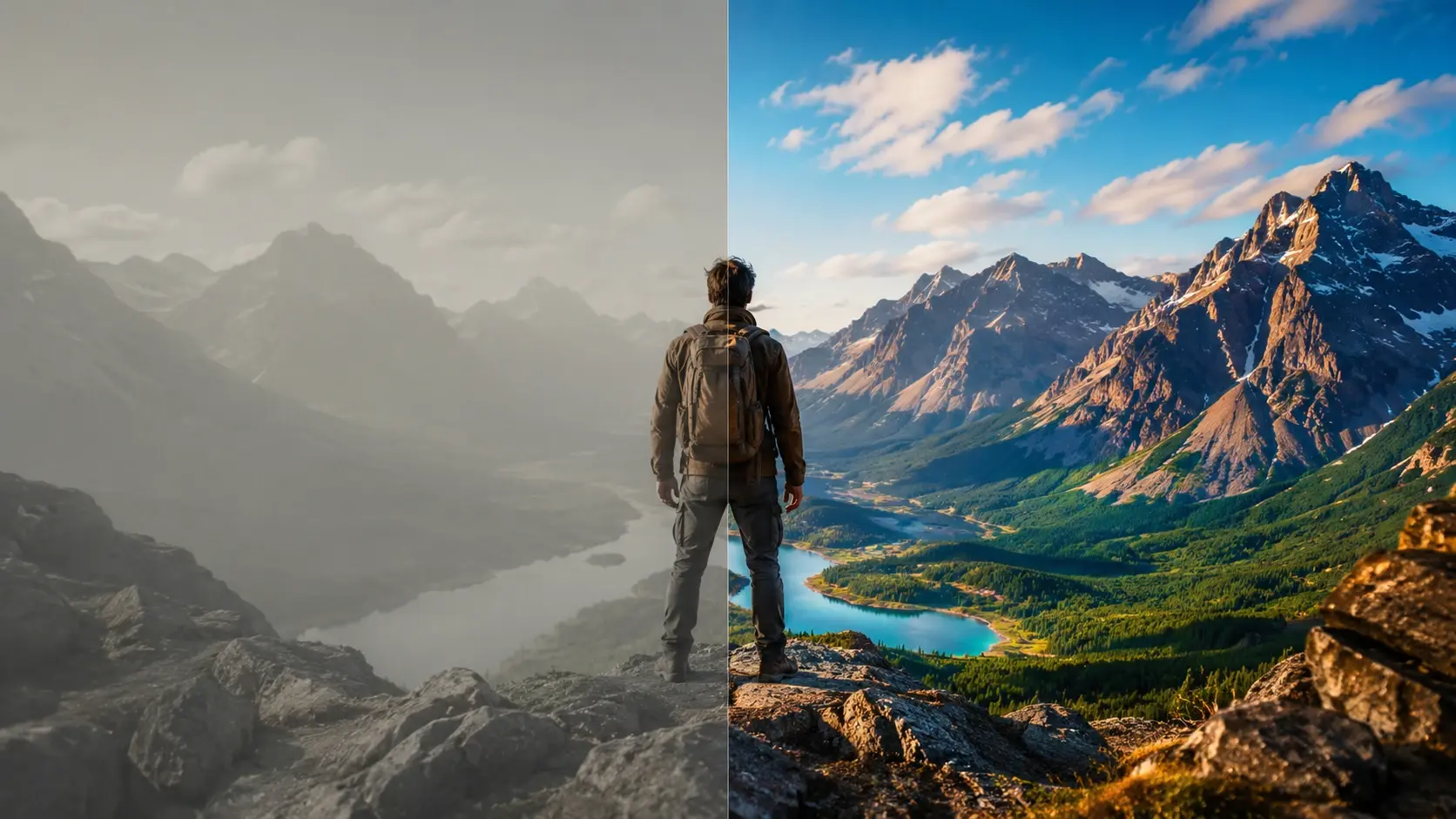
Preview the result, make a small adjustment if it needs more sparkle, then save the clearer video for your next post, lesson, meme, or archive.
These tools focus on the changes you can actually see: cleaner texture, stronger outlines, smoother motion, and color that feels less tired.
Use the video upscaler to rebuild tiny edges and texture when a clip starts out small. Push 240p footage toward a sharper 4K look with up to 400% enlargement.
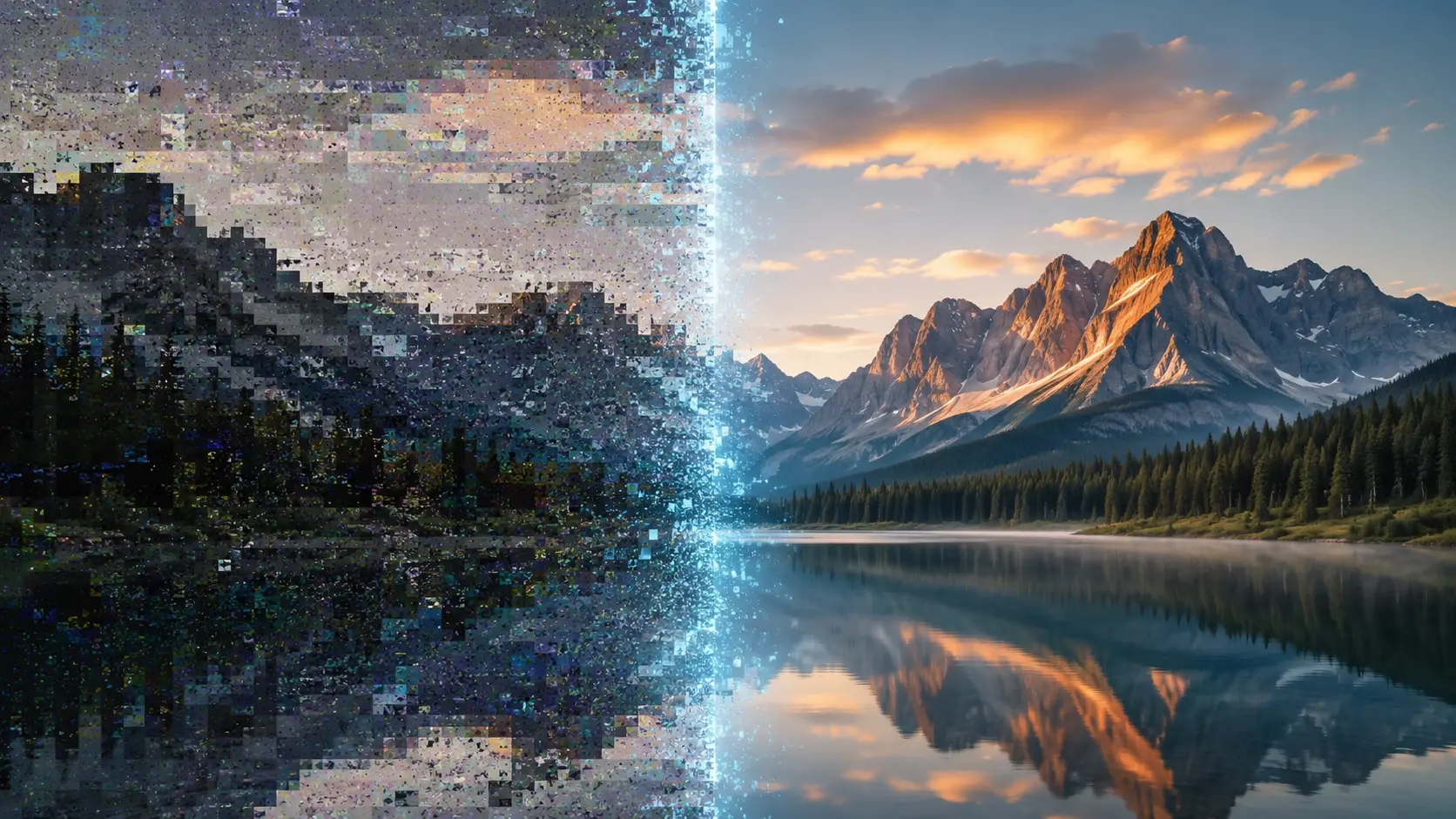
The ai video enhancer looks for blocky patches, mosquito noise, and gritty shadows from heavy compression. It smooths the mess while keeping faces and objects readable.
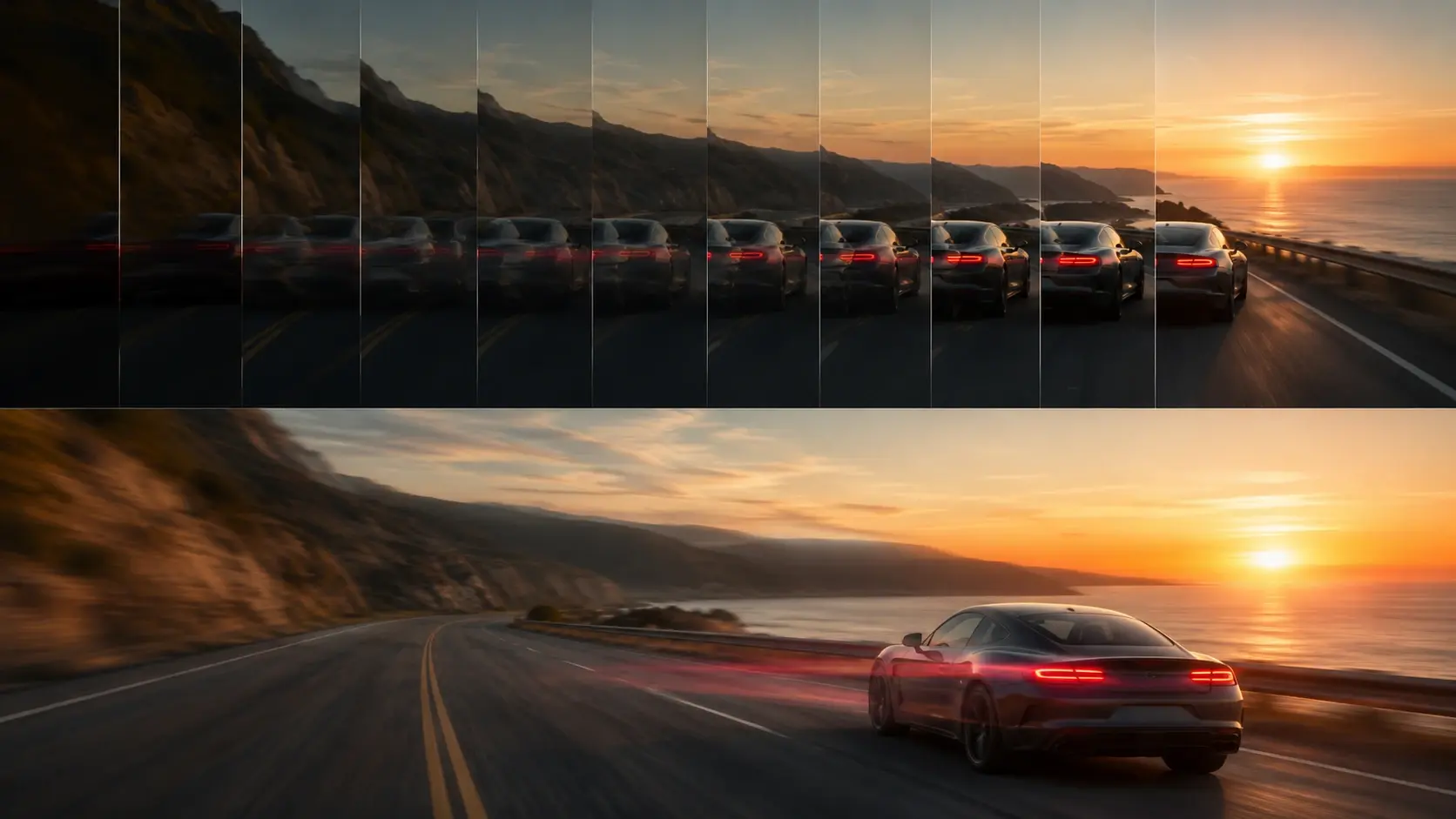
Raise choppy playback toward 60 FPS so pans, hand moves, and quick cuts feel easier to watch. It is handy for short videos that need a little extra flow.
Automatic correction gives dull scenes more life while the video quality improver strengthens outlines and texture. Think brighter jackets, clearer signs, and less washed out sky.
Not every clip needs a studio mood. Sometimes you just want the fun version of a video you already like.

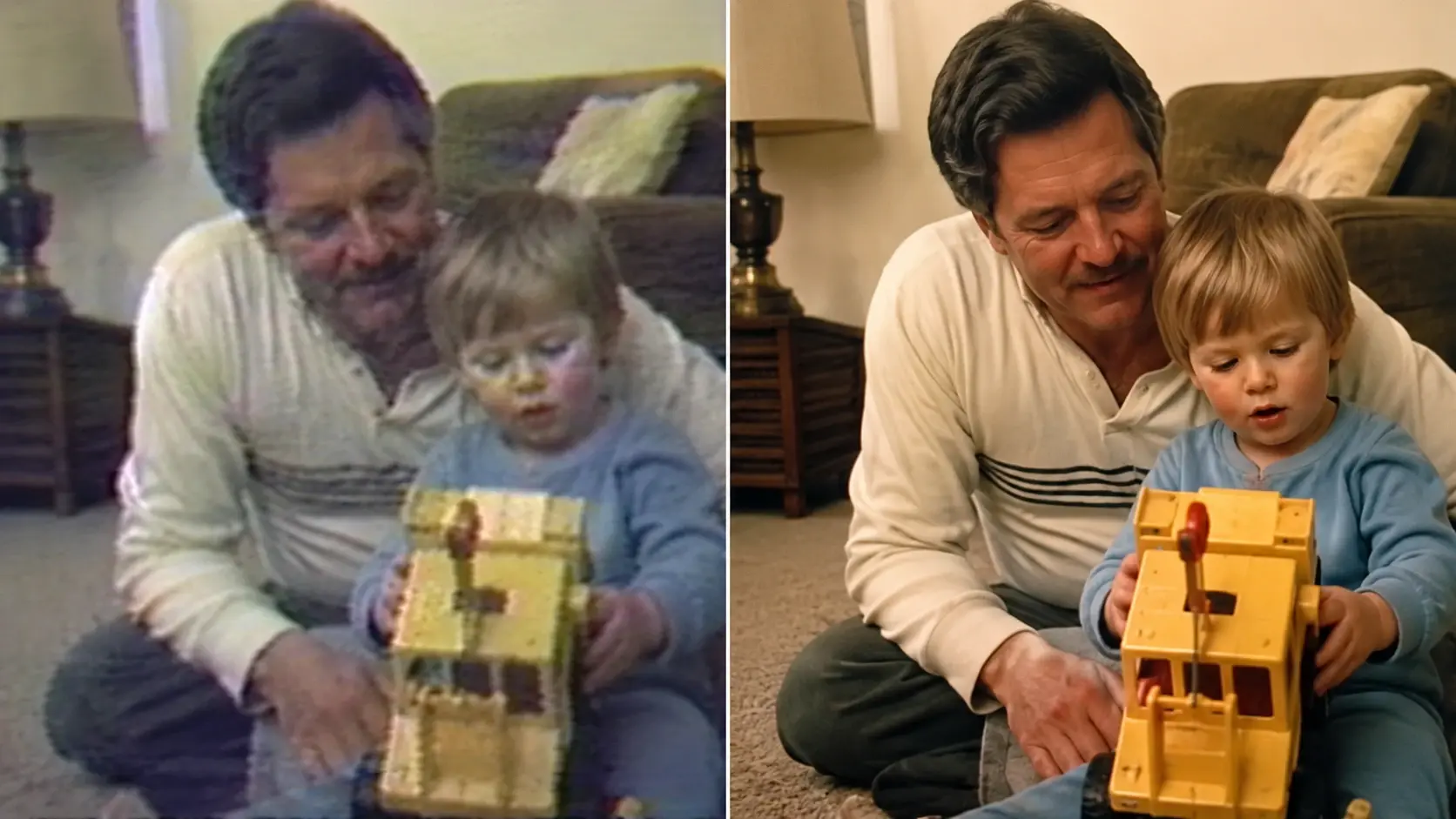


Old fixes can help, but they often push the whole clip the same way. Fluxx reads the scene and makes more targeted changes.
Point 1
A hard sharpen filter can make edges crunchy and noise louder. Fluxx aims for clearer detail without turning skin, skies, or shadows into scratchy texture.
Point 2
A simple resize only makes the same soft pixels bigger. An ai video upscaler rebuilds missing detail so signs, faces, and object edges have more shape.
Point 3
One button noise removal may blur the fun parts too. Fluxx balances denoise, color, artifact repair, and stability so the clip keeps its idea and mood.
Next action
Use Fluxx as a video quality enhancer when a clip is too soft, noisy, tiny, or dull to keep as is. Upload it, pick the polish, and make it fun to watch again.
Start CreatingPrompt
Start from the tool intent.
Preview
Show the strongest output.
Publish
Send users to create.