

Anime Fan
Your soft OC sketch can keep its style while edges get cleaner. Use the ai image enhancer when your favorite character art needs a sharper glow for sharing or printing.

Upload a JPG or PNG, preview the cleaner look, then sign in to download a high resolution image ready for anime edits, sticker sheets, cartoons, or wallpapers.
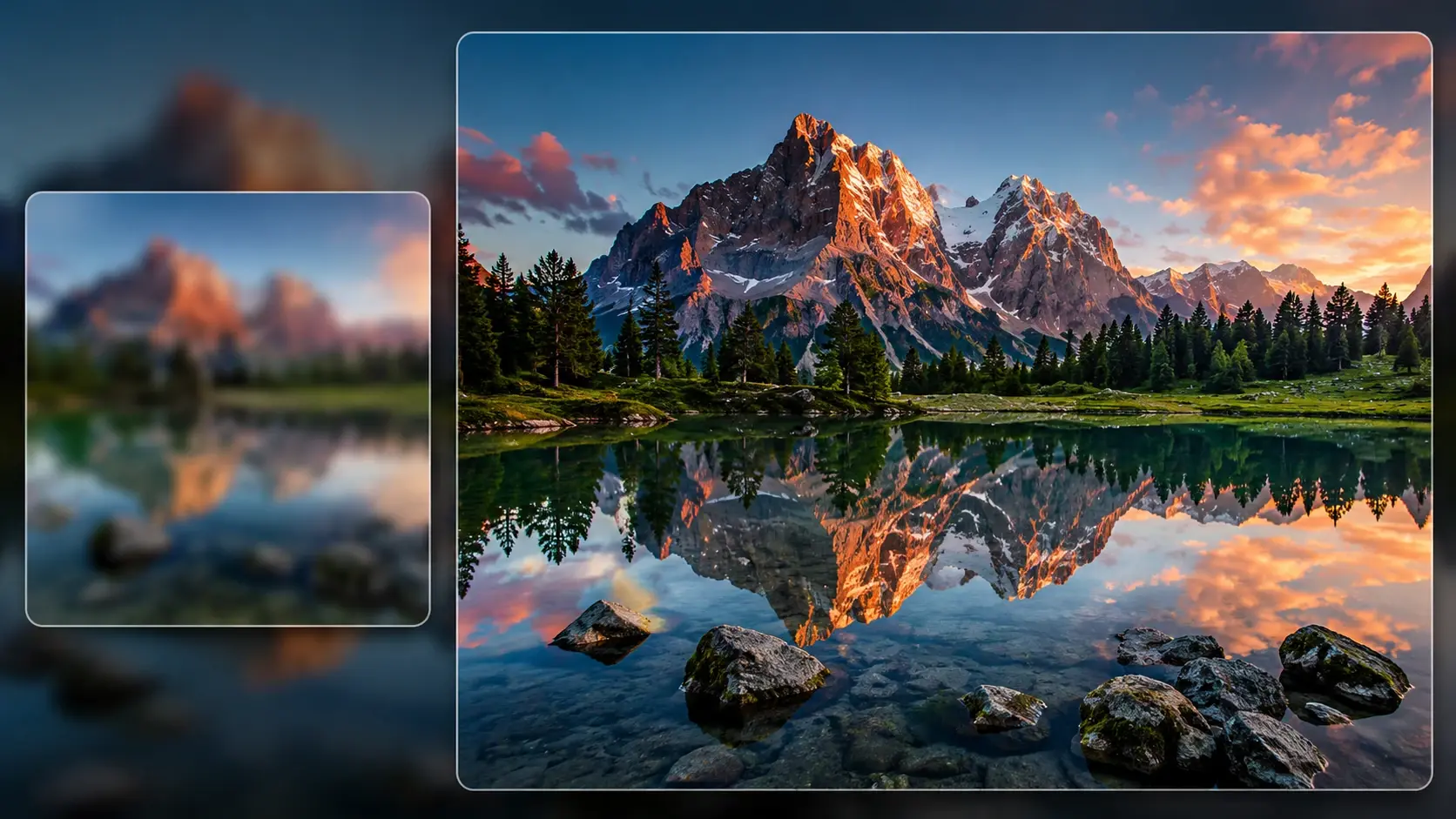
Best for casual makers who have a picture they already like, just not at its sharpest yet.
Your soft OC sketch can keep its style while edges get cleaner. Use the ai image enhancer when your favorite character art needs a sharper glow for sharing or printing.
Drop in a tiny doodle, upscale picture details, and make the line art feel less mushy. It is handy before cutting a sticker sheet or sending a design to a friend.
Make saved art look better on a tall phone screen. The browser tool helps increase image resolution without filling your device with another app.
No long setup. Pick an image, choose the boost, and keep the result when it looks right.
Choose a common web image from desktop or phone. Fluxx shows a preview so you can see the cleaner version before the final download.
Go for 2x when the picture needs a neat bump, or 4x when small art needs bigger detail. The flow stays simple.
Sign in to your account to download the high resolution result. Your processed image is tied to your workspace instead of a random one off tab.
Choose a common web image from desktop or phone. Fluxx shows a preview so you can see the cleaner version before the final download.
Go for 2x when the picture needs a neat bump, or 4x when small art needs bigger detail. The flow stays simple.
Sign in to your account to download the high resolution result. Your processed image is tied to your workspace instead of a random one off tab.
The tool does more than make pixels bigger. It fills in believable texture, sharpens edges, and cuts the fuzzy look that normal resizing leaves behind.
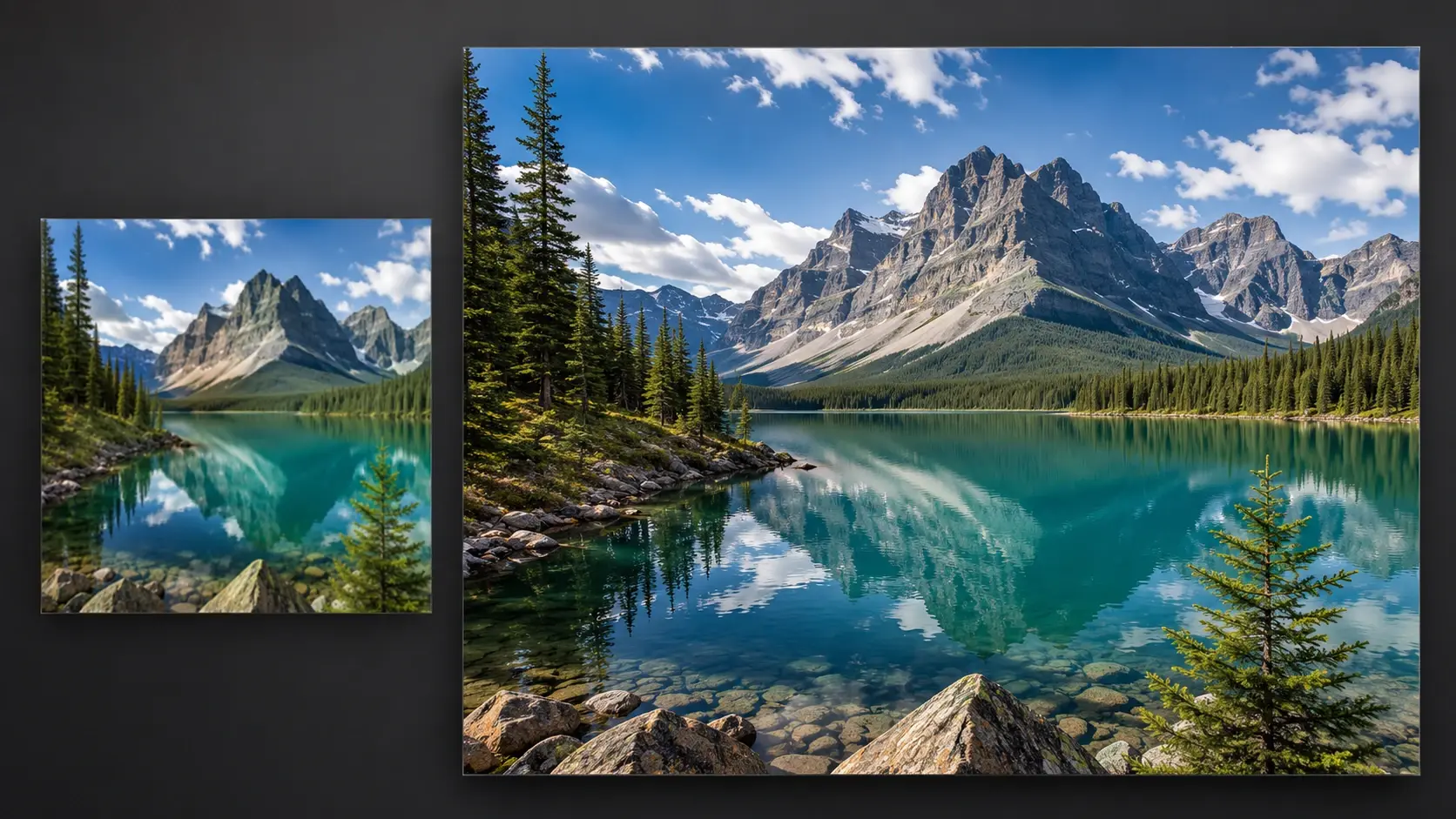
Use 2x for screenshots, doodles, and small social saves that only need a neat lift. The output feels sharper without changing the whole mood.
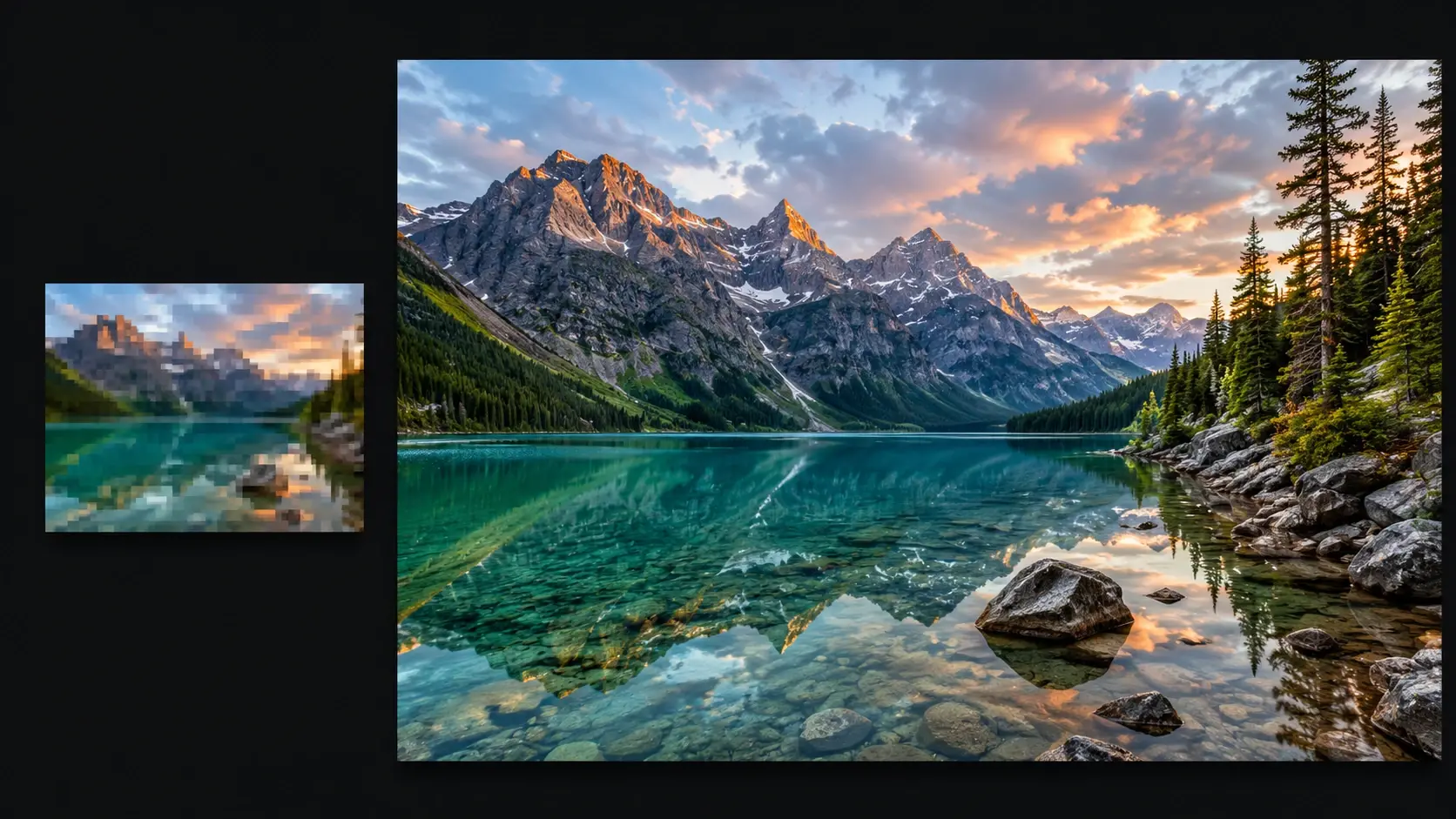
Use 4x when a tiny poster, anime panel, or cartoon crop needs room to breathe. The tool can push selected images toward 4K style clarity.
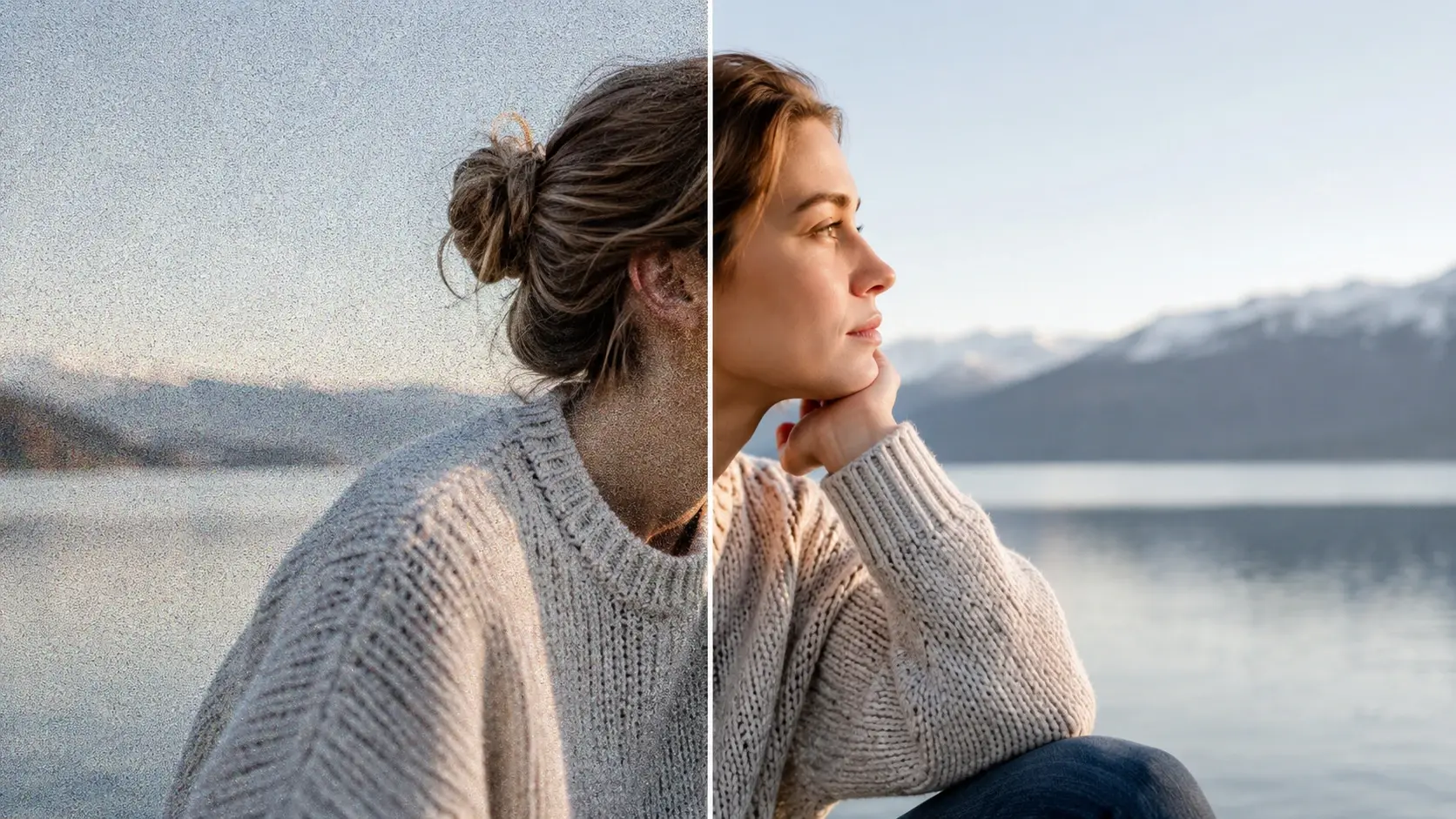
Compressed images often carry speckles and rough color patches. Fluxx smooths the mess while keeping important lines readable.
Upload to preview, then sign in when you are ready to keep the high resolution file. The account step helps keep your finished art in the right place.
Use it when a picture is almost there but not quite big enough. A quick upscale image pass can make the same art feel ready for more places.

A small doodle can look fuzzy once it becomes a sticker. Run it through an image quality enhancer before you print, cut, or share the sheet.

Saved art from a chat can look soft on a bright phone. Give it a quick boost so your wallpaper feels cleaner every time you unlock.

Old scans and blurry family snaps can lose faces and texture. A photo upscaler pass helps restore detail for a frame, a scrapbook, or a better memory.

A tiny charm or handmade item photo can look flat after compression. Enhance image quality before you post the listing so the edges and texture read clearly.
Next action
Open Fluxx, pick 2x or 4x, preview the magic, and sign in to keep the sharper image.
Try ItPrompt
Start from the tool intent.
Preview
Show the strongest output.
Publish
Send users to create.