
Anime Fan
Turn an OC sketch or cosplay moment into a short scene with a new background and bouncy style. Tweak the mood with a prompt and keep the clip for your feed or group chat.

This ai video editor keeps video editing light: trim a moment, swap a background, remove an odd object, or mix generated clips into one playful finish.

Fluxx is for casual makers who want a quick video, not a studio setup. Bring a tiny idea, then make it move.
Turn an OC sketch or cosplay moment into a short scene with a new background and bouncy style. Tweak the mood with a prompt and keep the clip for your feed or group chat.
Make a loop that feels like a sticker come to life. Crop the best bit, remove clutter, and pick a cute style before saving the clip.
Clean up phone footage without acting like a film editor. Ask for a vertical crop, faster pacing, or a fresh backdrop and get something fun to share.
Three small moves get you from rough idea to finished clip. Fluxx keeps the controls clear so you can play instead of puzzle over menus.
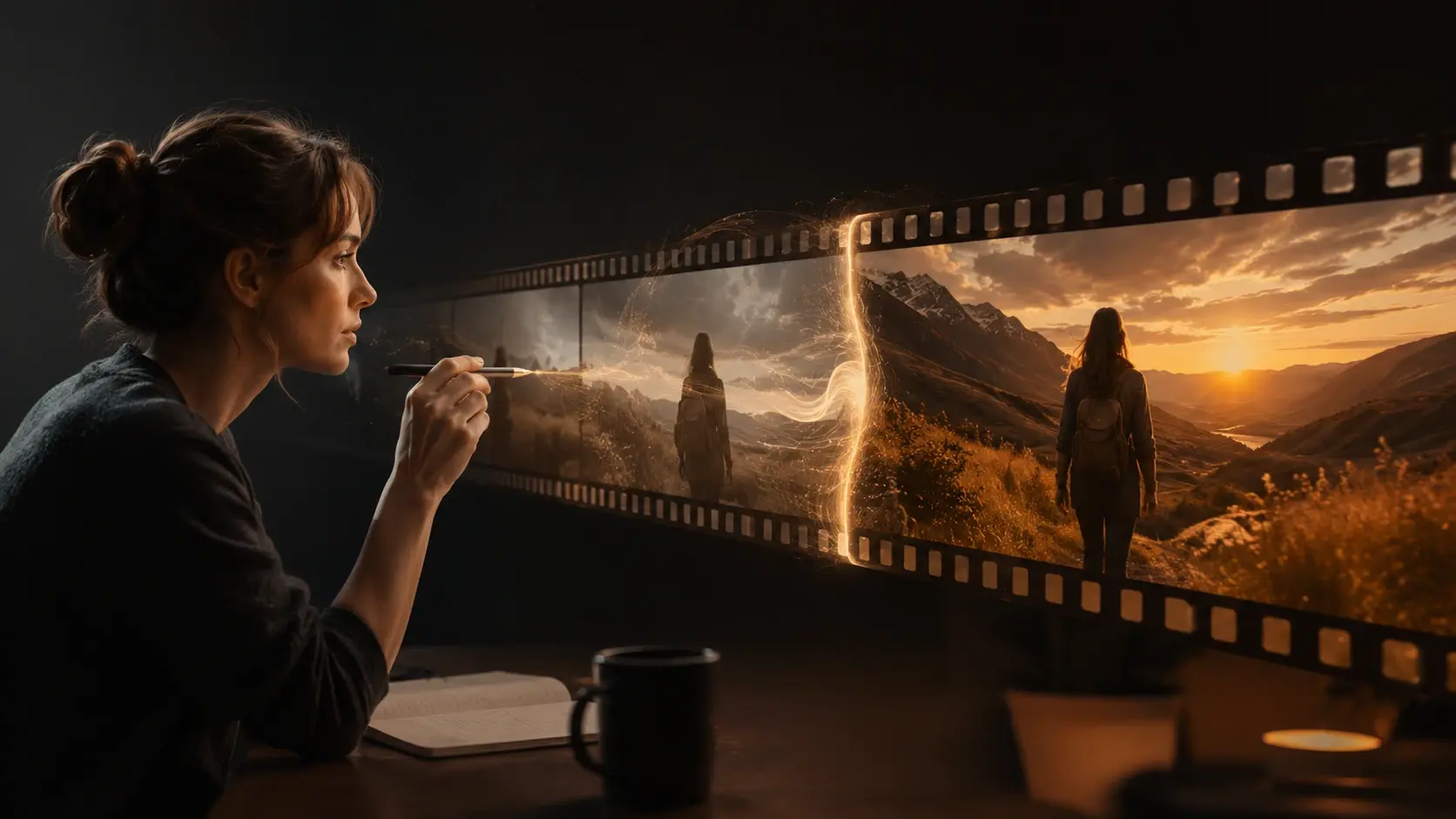
Write what you want in plain words, like remove the lamp, make it cartoon, or turn this into a rainy city scene.
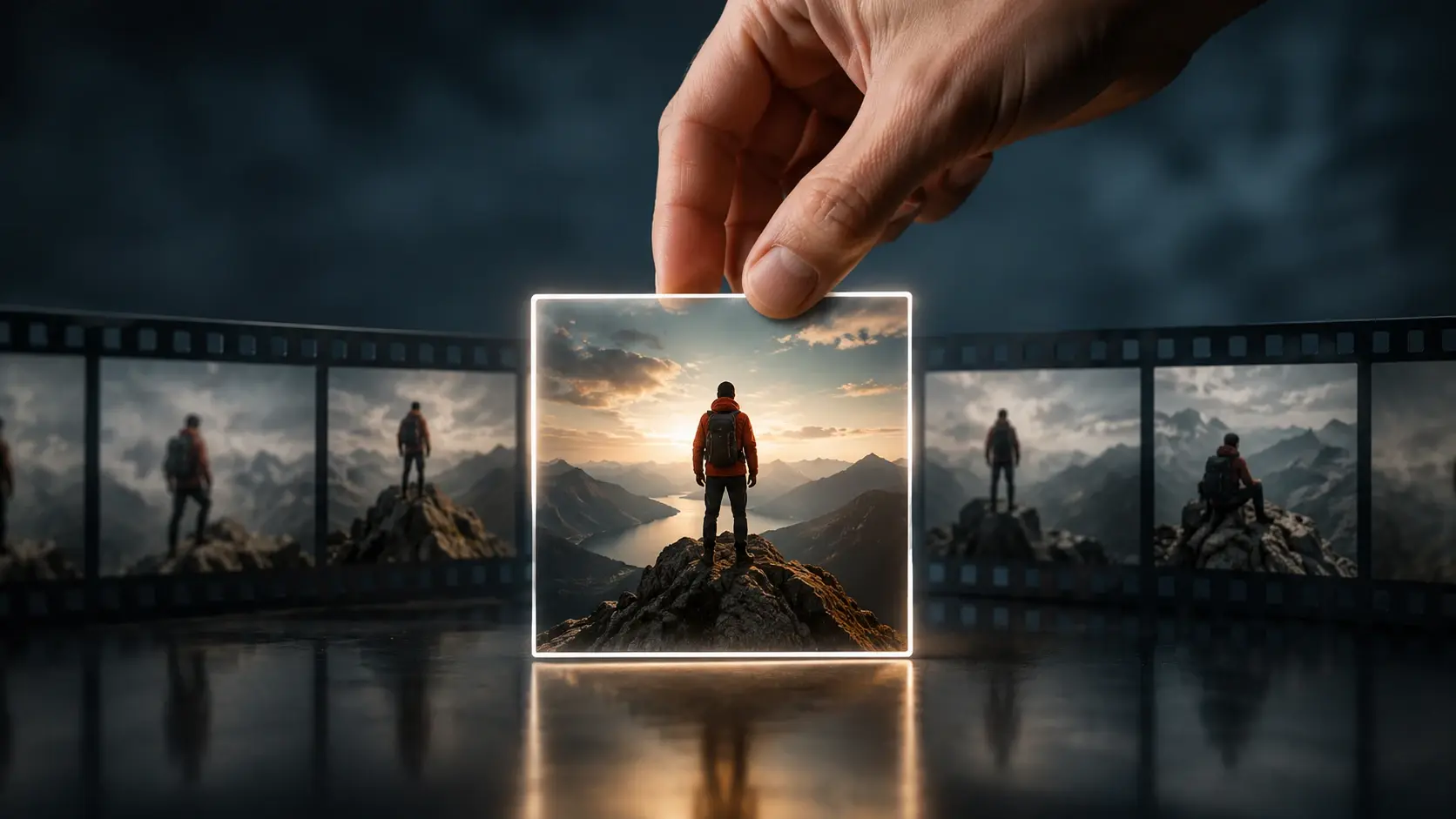
Choose the clip, cut, or generated scene you want to keep. Drag pieces into a simple order and preview the flow.
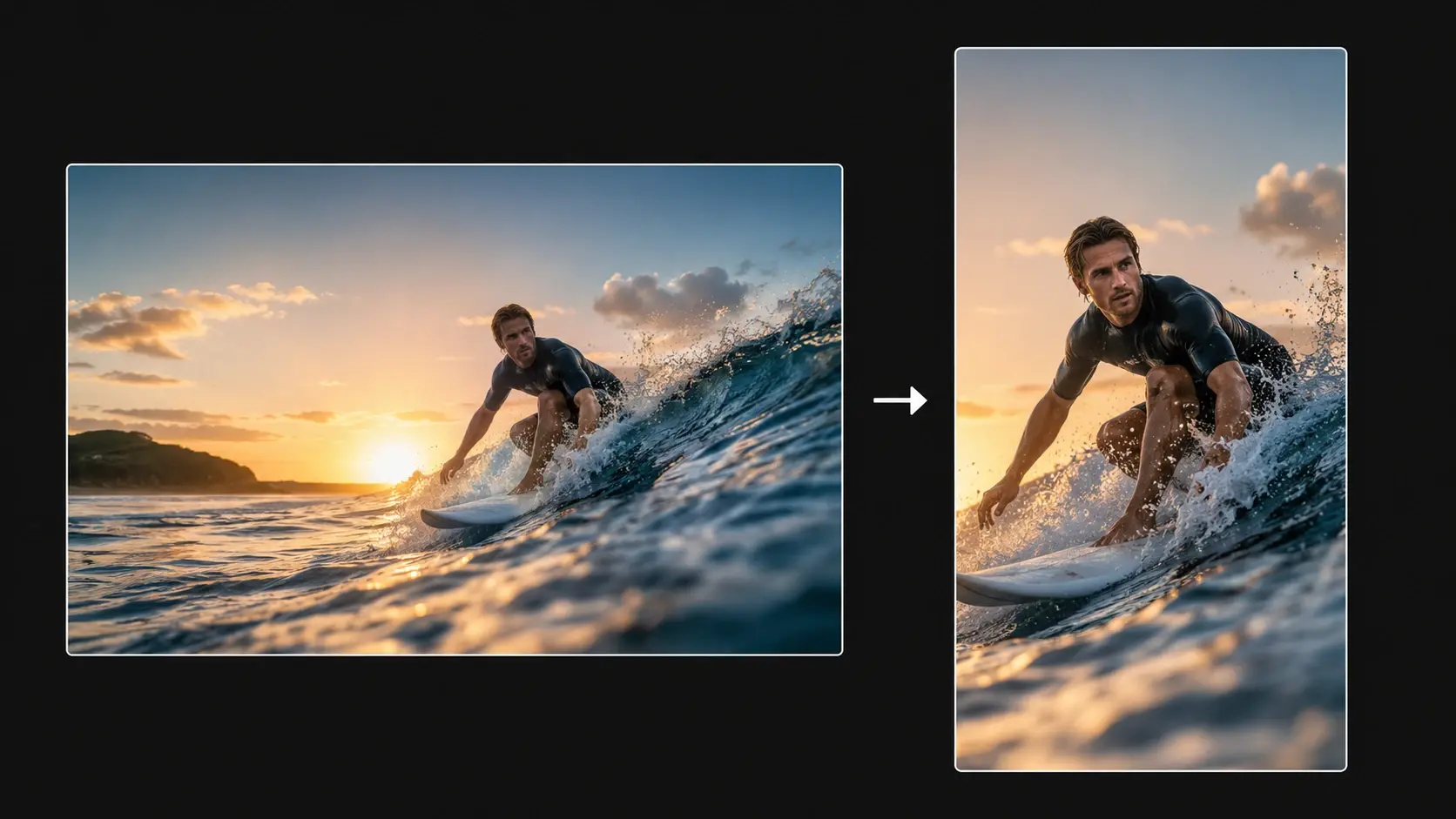
Adjust the frame, style, timing, or vertical layout, then save a video that feels ready for your screen.
Use Fluxx when a video needs a quick bit of magic. Each tool changes one visible thing, so edits stay easy to understand.
Tell the ai powered video editor what should change, then preview the result before you keep it. It works well for mood shifts, style changes, and small scene fixes.
Tap the object that steals attention and let Fluxx clean the frame. It is handy for signs, cups, stray props, and background clutter.
Swap a messy room for a beach, anime city, sticker wall, or soft wallpaper look. The subject stays in the clip while the scene gets a new style.
Fluxx can spot lively moments and shape them for a phone screen. Use it when a long clip has one cool bit hiding inside.
Real casual uses, from meme edits to OC scenes and quick phone videos.
"I typed that I wanted my cat clip to look like a tiny cartoon chase, and the result was ridiculous in the best way."
Maya Ortiz
Pet Video Hobbyist
"My anime OC video needed a better background. Fluxx let me describe the vibe instead of hunting through layers."
Eli Morgan
Anime Fan
"I use it for tiny meme clips when I do not want to open heavy ai video editing software."
Priya Shah
Meme Maker
"The vertical crop helped my skate clip feel ready for my phone without me nudging every frame."
Jon Bell
Skate Clip Maker
"I mixed one generated scene with my own footage and it felt like making a mini cartoon intro."
Nina Park
Doodle Artist
"The background swap saved a messy dorm video and made it look like a cute sticker loop."
Sam Rivera
Student Creator
Not at all. Fluxx is built for plain text prompts, simple picks, and quick previews, so you can make a clip without learning layer tricks.
Sure. The ai video editor can help crop a subject, remove clutter, and give the clip a cute sticker feel for chats, posts, or wallpapers that move.
Absolutely. Upload the clip, describe the style or scene change, and use Fluxx like an ai video maker for playful pet moments, OC intros, or tiny cartoon scenes.
You can use Fluxx in a mobile browser after login. The ai video editor app search usually means quick phone friendly edits, and this page focuses on that casual flow.
Here is how: describe the change you want, preview the edited clip, then tweak the timing or frame. It is video editing ai made for small creative changes.
In practice, it is best for fun clips, anime style ideas, memes, background swaps, and quick vertical edits. If you need studio grading, a pro suite may fit better.
Yes. This ai video editor can mix your footage with generated scenes, so a prompt made shot and a phone clip can become one short finished video.
Next action
Open the ai video editor, type the change, pick a style, and turn a rough moment into a quick video worth keeping.
Make a PicturePrompt
Start from the tool intent.
Preview
Show the strongest output.
Publish
Send users to create.