
Text Prompt Edits
Type a direct request and Fluxx changes the image around it. Swap clothes, change hair, fix lighting, or add a small prop without learning a tool panel.

Make art with an ai photo editor.
Fluxx helps you tweak a photo with plain words, so your idea can become fun art fast.
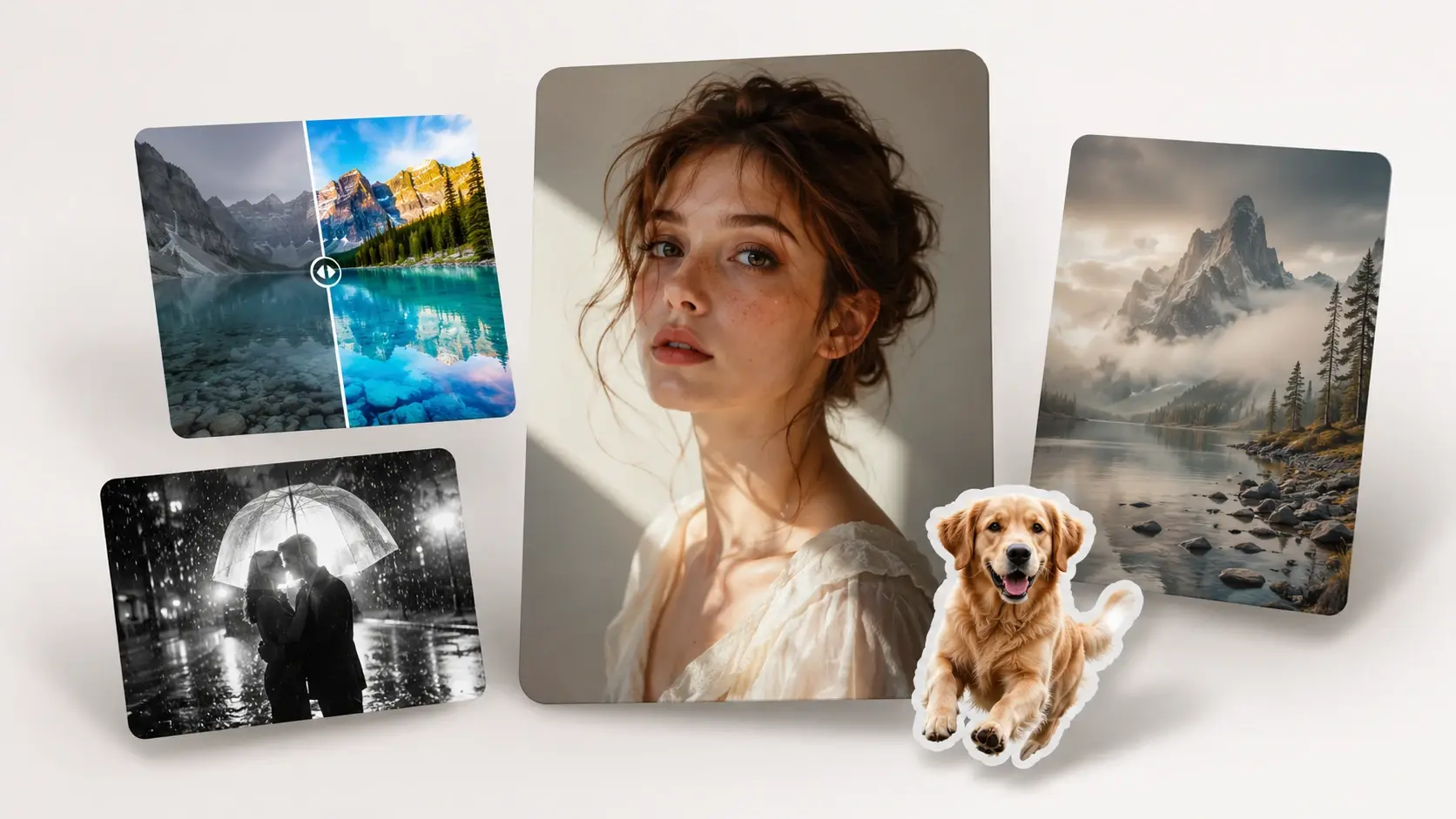
Three quick moves take you from photo to playful edit inside the ai image editor.
Tell Fluxx what to fix, replace, or restyle. You can edit image with text like change the jacket to pink or remove the chair.
Choose a cute sticker look, anime sparkle, cartoon pop, or a cleaner photo feel. The ai picture editor follows that vibe while keeping the main scene readable.
Preview the result, then ask for one more change if it needs extra magic. It is a quick way to edit photo with ai without hunting through menus.
Tell Fluxx what to fix, replace, or restyle. You can edit image with text like change the jacket to pink or remove the chair.
Choose a cute sticker look, anime sparkle, cartoon pop, or a cleaner photo feel. The ai picture editor follows that vibe while keeping the main scene readable.
Preview the result, then ask for one more change if it needs extra magic. It is a quick way to edit photo with ai without hunting through menus.
Fluxx keeps ai photo editing light, visual, and easy to steer from one prompt to the next.
Type a direct request and Fluxx changes the image around it. Swap clothes, change hair, fix lighting, or add a small prop without learning a tool panel.
Use the ai object remover to clear a photobomb, toy, cup, or stray cable. The space around it blends back into the picture so the edit feels tidy.
The ai background changer can move a selfie into a cozy room, dreamy sky, or simple color scene. Fluxx tries to match light and shadows so the subject still belongs.
Turn a pet, selfie, or snack photo into anime art, a cartoon card, or a sticker style picture. It is built for quick fun more than fussy specs.
Use Fluxx when a picture is almost right and one playful change would make it worth sharing.
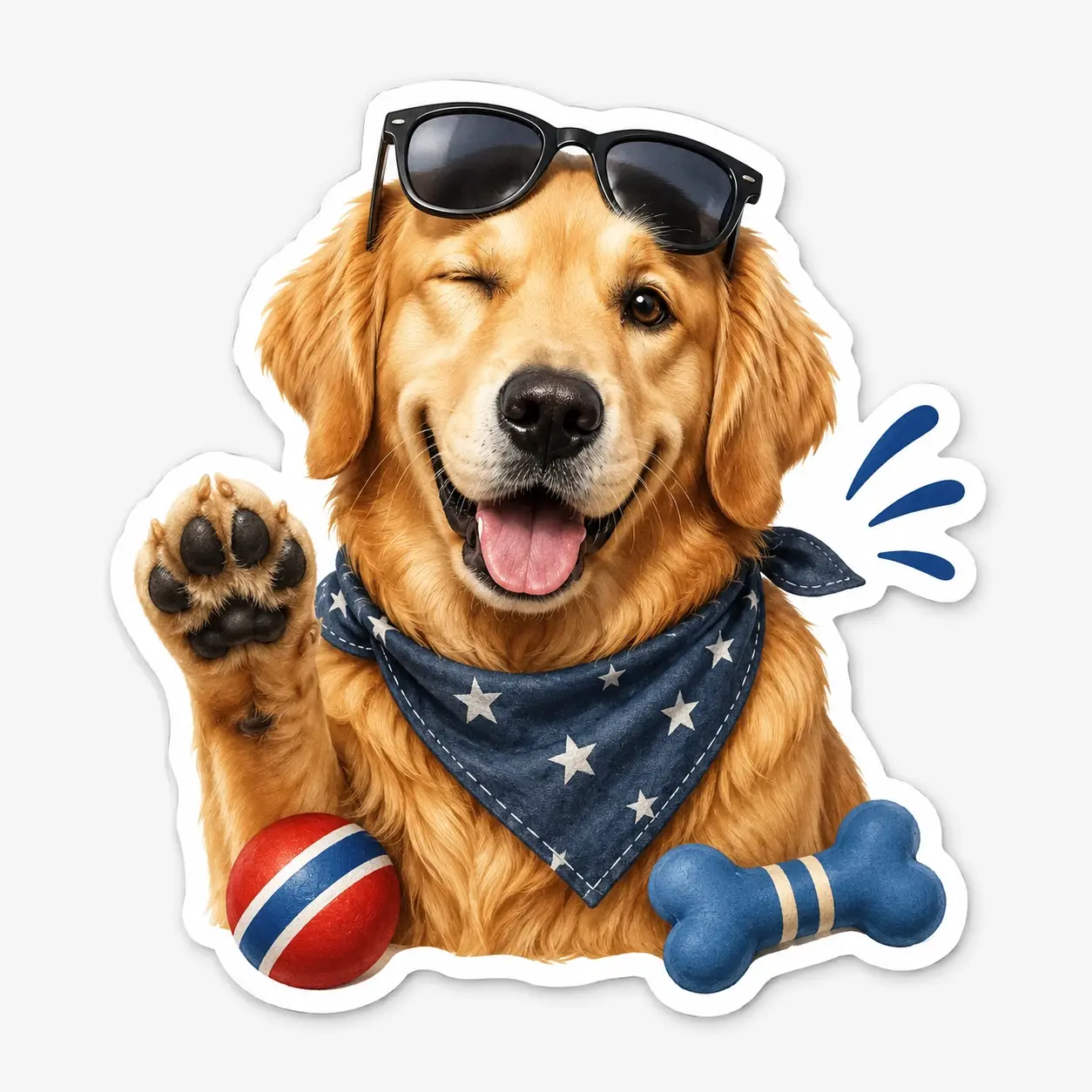
Make a tiny set of reactions from your own face, pet, or favorite object. Change the expression, add cute outlines, and keep the style consistent enough for chat fun.
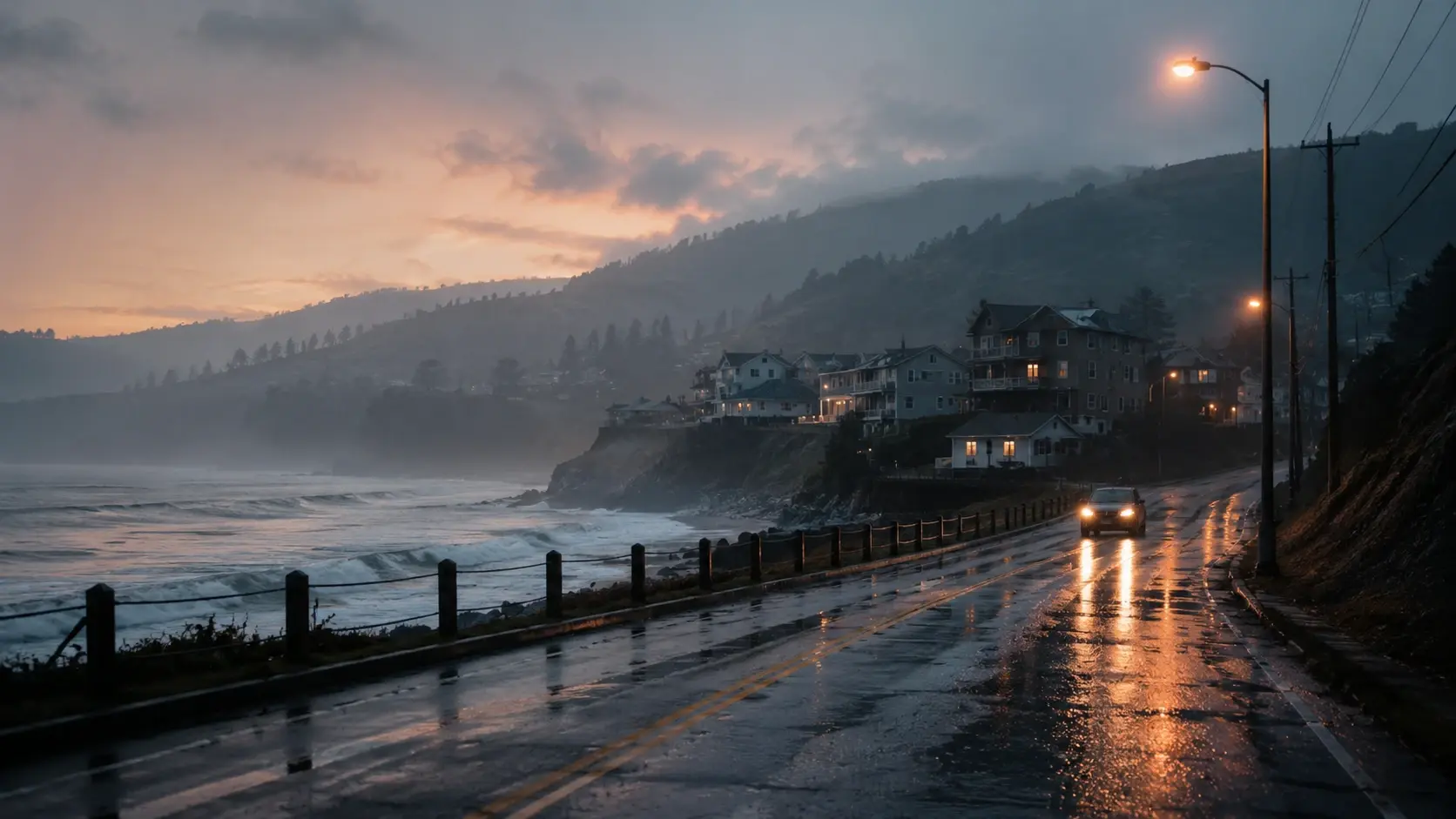
Take a plain photo and turn it into a lock screen mood. Add neon clouds, soft anime light, or a calmer color palette without starting from nothing.
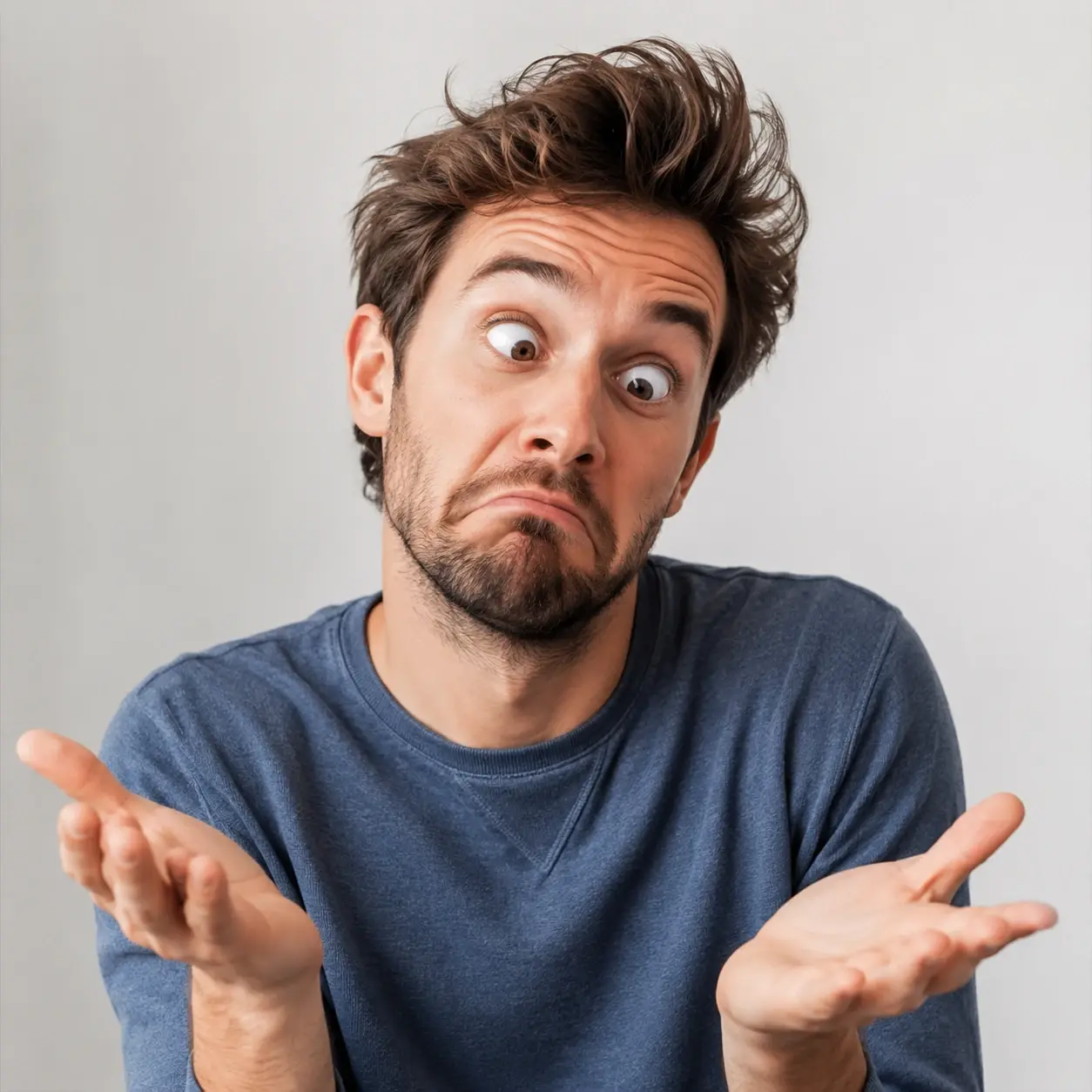
Clean up a messy caption area or replace one visual gag with a better one. Fluxx helps the joke land while the picture still feels like the same meme.

Tweak an original character portrait with softer eyes, a new jacket, or a cooler background. Keep the face and general pose close while testing a new style.
Fluxx is for casual picture changes, not long layer stacks or a full creator library.
Point 1
Traditional editors ask you to find the right brush, mask, and slider. With ai image editing, you describe the change first and tune the result after you see it.
Point 2
Some creator tools are built for character collections and repeat brand sets. Fluxx is better when you want one cool image, one sticker idea, or one edited selfie today.
Point 3
Photo production tools focus on measured shot details and product accuracy. Fluxx is more relaxed, so you can edit image with ai for cartoons, wallpapers, and odd little ideas.
Q1
Sure, you can skip the giant tool maze. The ai photo editor works from plain requests, so type the change you want and use the preview to guide your next tweak.
Q2
You can make a sticker style face, pet, or object from a photo. Fluxx is handy when you want to edit pictures with ai into cute reactions for chats.
Q3
For wallpapers, start with a favorite image and ask the ai photo editor for a mood shift, wider background, softer colors, or a cartoon look that fits your screen.
Q4
Here is how it usually goes: ask Fluxx to replace the text area or clean up the background. If you searched image editor ai for meme fixes, this is the playful lane.
Q5
Pet edits are a great fit for the ai photo editor. Try a sticker outline, costume change, magic background, or cleaner couch scene while keeping your pet recognizable.
Q6
For an anime OC, use the ai photo editor to adjust hair, eyes, outfit, pose mood, or background details. Keep prompts specific so the character stays close to your idea.
Q7
On a phone, you can upload a picture, type what to change, and review the result after signing in. It is a simple way to edit image with ai from the couch.
Q8
In practice, the ai photo editor tries to preserve the main facial features while changing hair, clothes, or background. Small, clear tweaks usually keep identity steadier than huge makeovers.
Q9
After signing in, Fluxx lets you test prompts, keep versions, and push a picture through more tweaks. Use the ai photo editor for quick fixes or a full style makeover.
Next action
Turn a plain picture into quick art with Fluxx. Type the change, pick the mood, and let the ai photo editor make a version worth keeping.
Make a PicturePrompt
Start from the tool intent.
Preview
Show the strongest output.
Publish
Send users to create.