
01
Add Your Photo
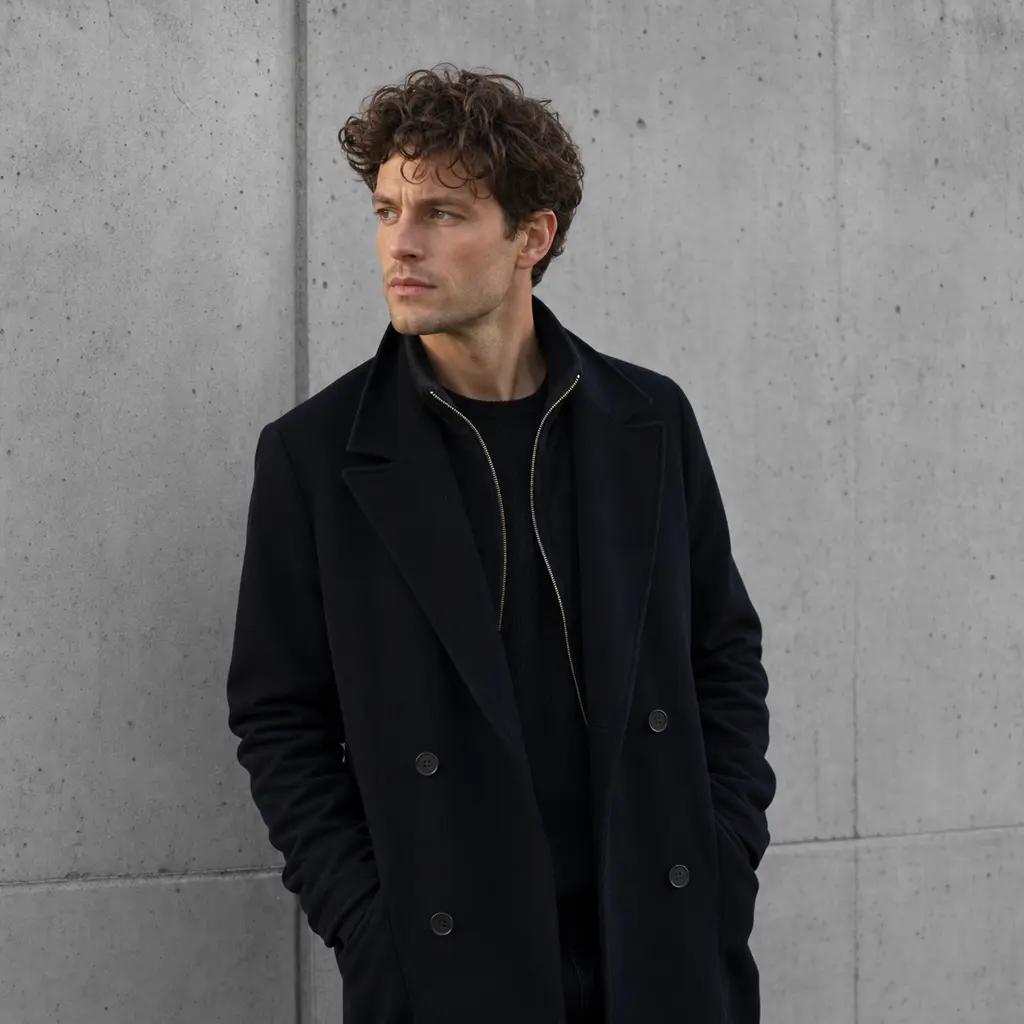
Start with a selfie, pet, room, product, or OC sketch. Fluxx keeps the main subject while it changes the look.

Make photos pop in ai art style.
Upload a selfie, pet snap, or doodle, then let Fluxx repaint it as anime, watercolor, pixel art, or a chunky sticker look.
Three quick taps take you from camera roll to keepable picture.
01
Start with a selfie, pet, room, product, or OC sketch. Fluxx keeps the main subject while it changes the look.
02
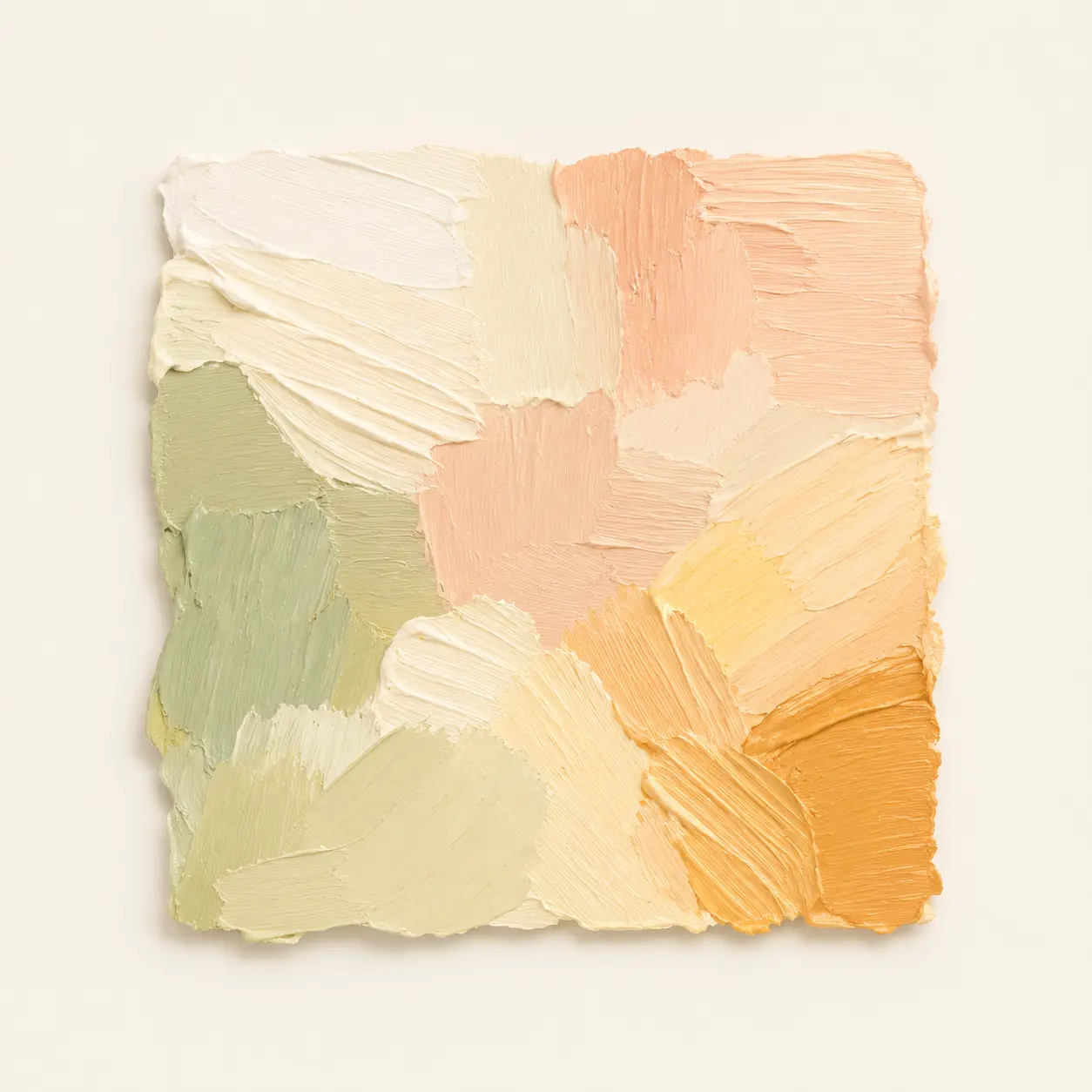
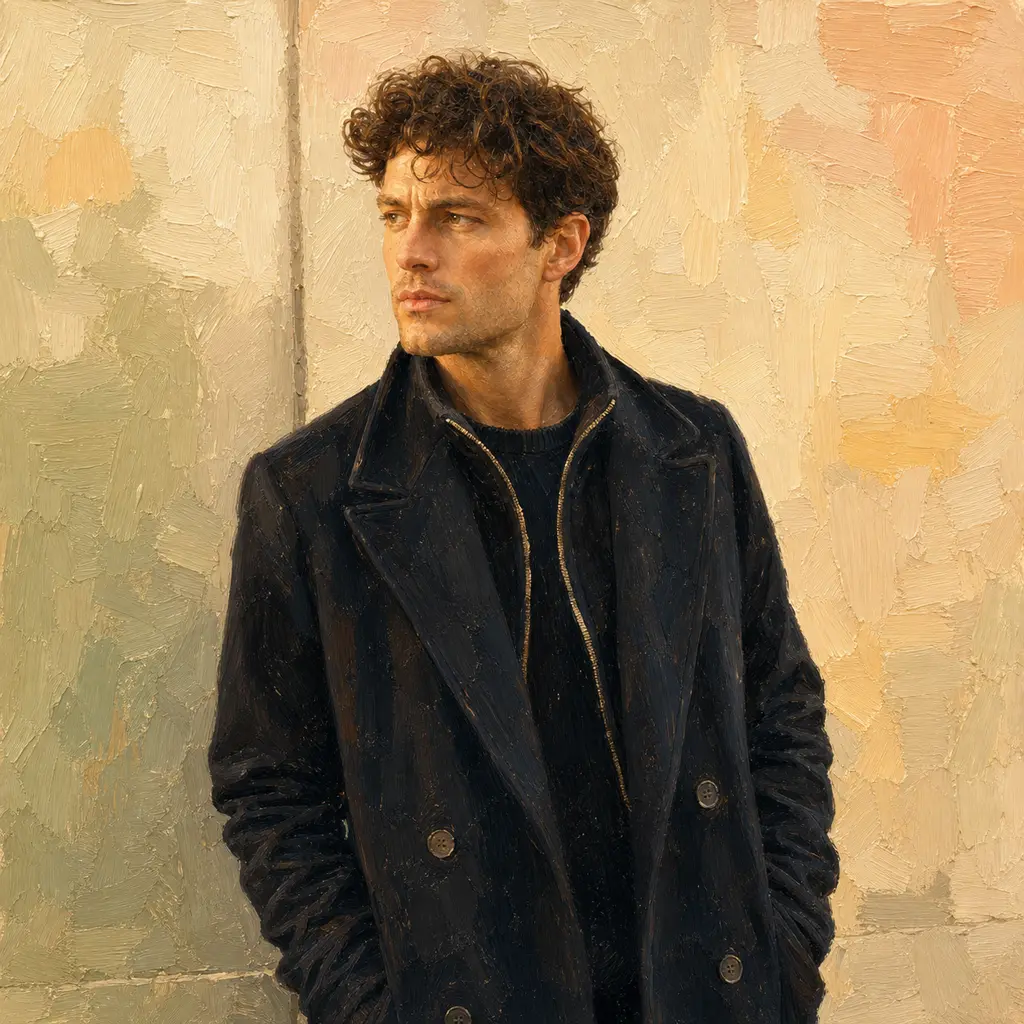
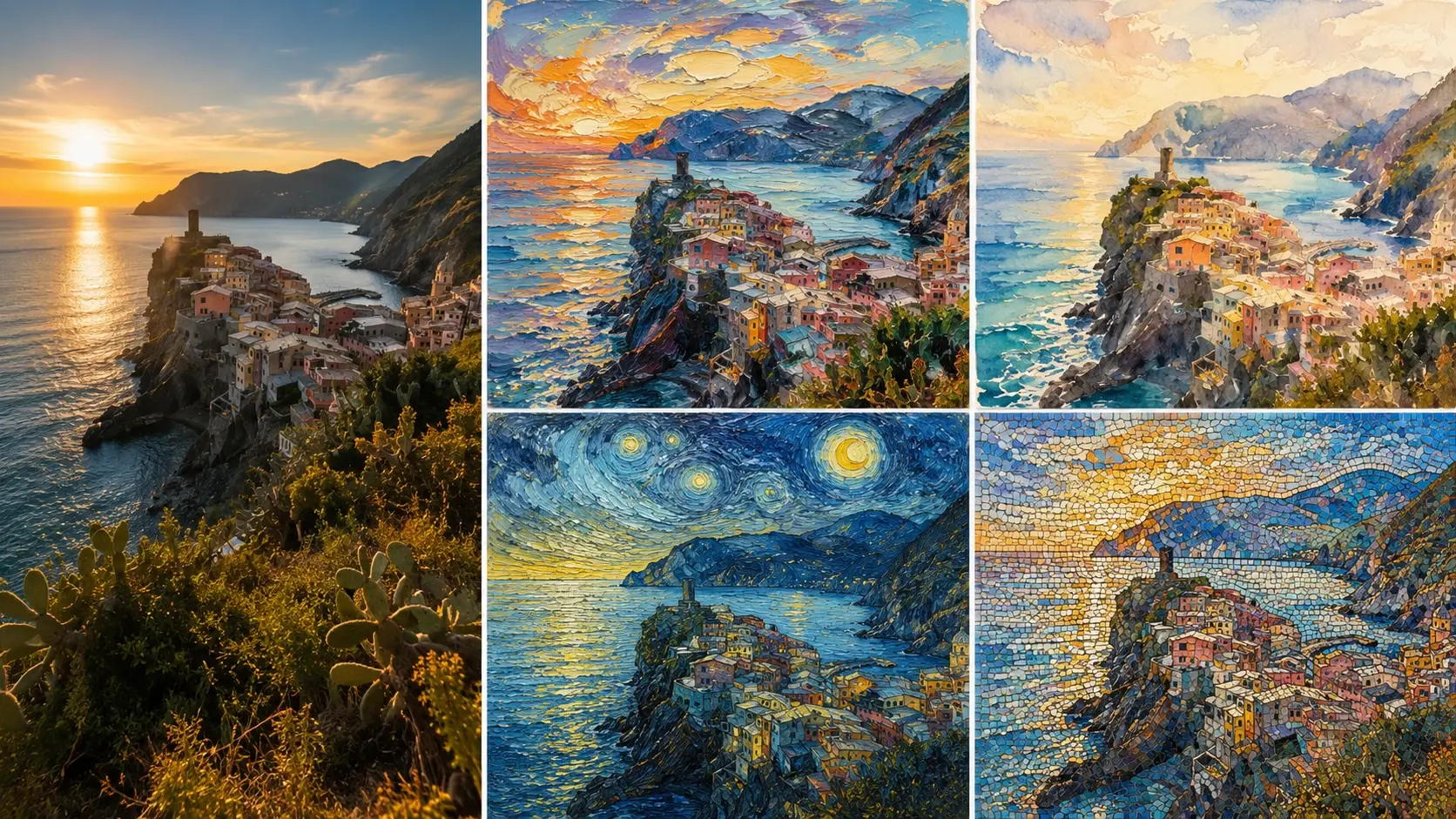
Choose watercolor, pencil, oil paint, pop art, pixel art, comic, cyberpunk, or anime mood. Add a reference image when you want the colors and texture to match.
03
Go gentle for a soft ai art filter feel, or go bold for a total repaint. Save the image when it feels cool.
Make one picture for your wall, your chat, your avatar, or just because the idea made you smile.
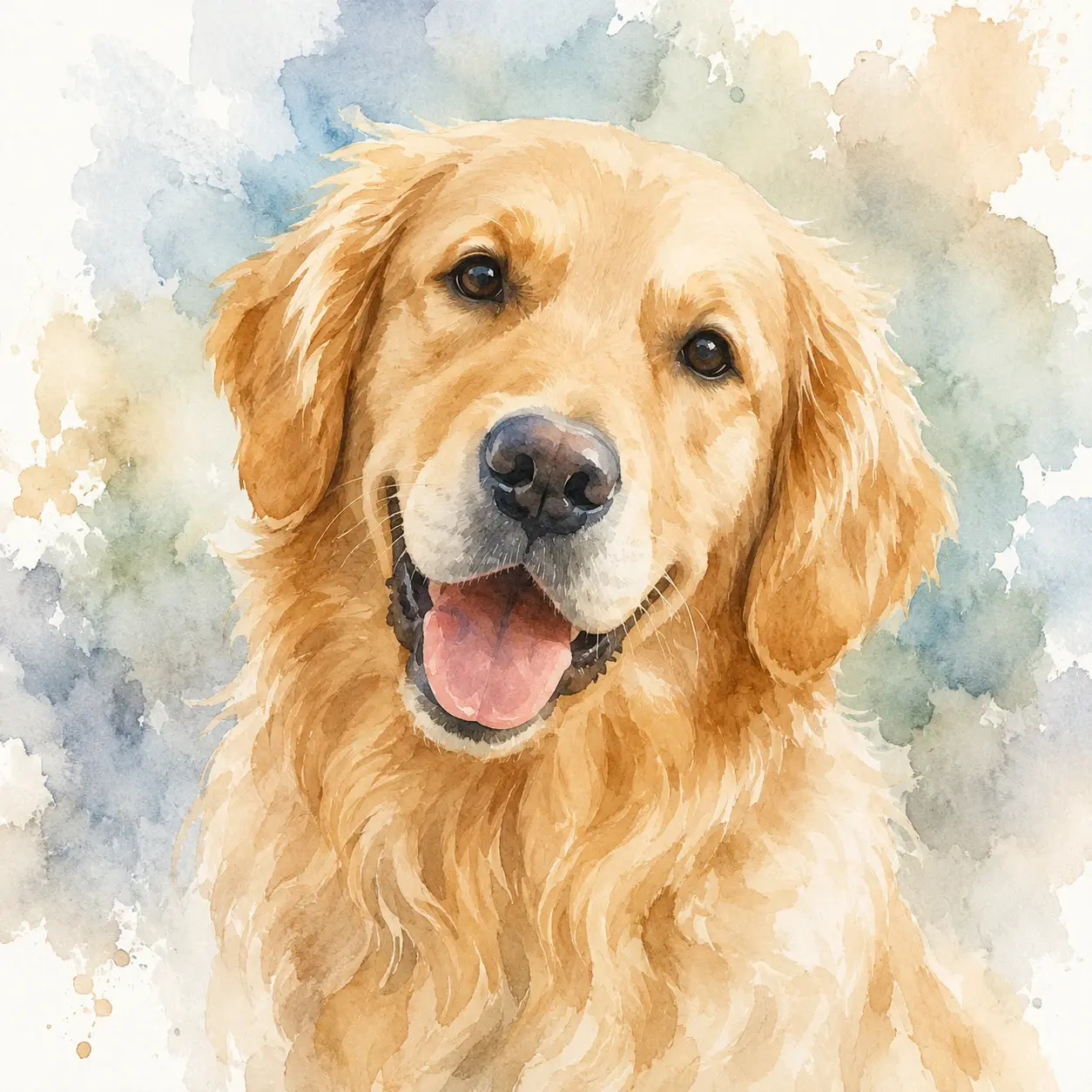
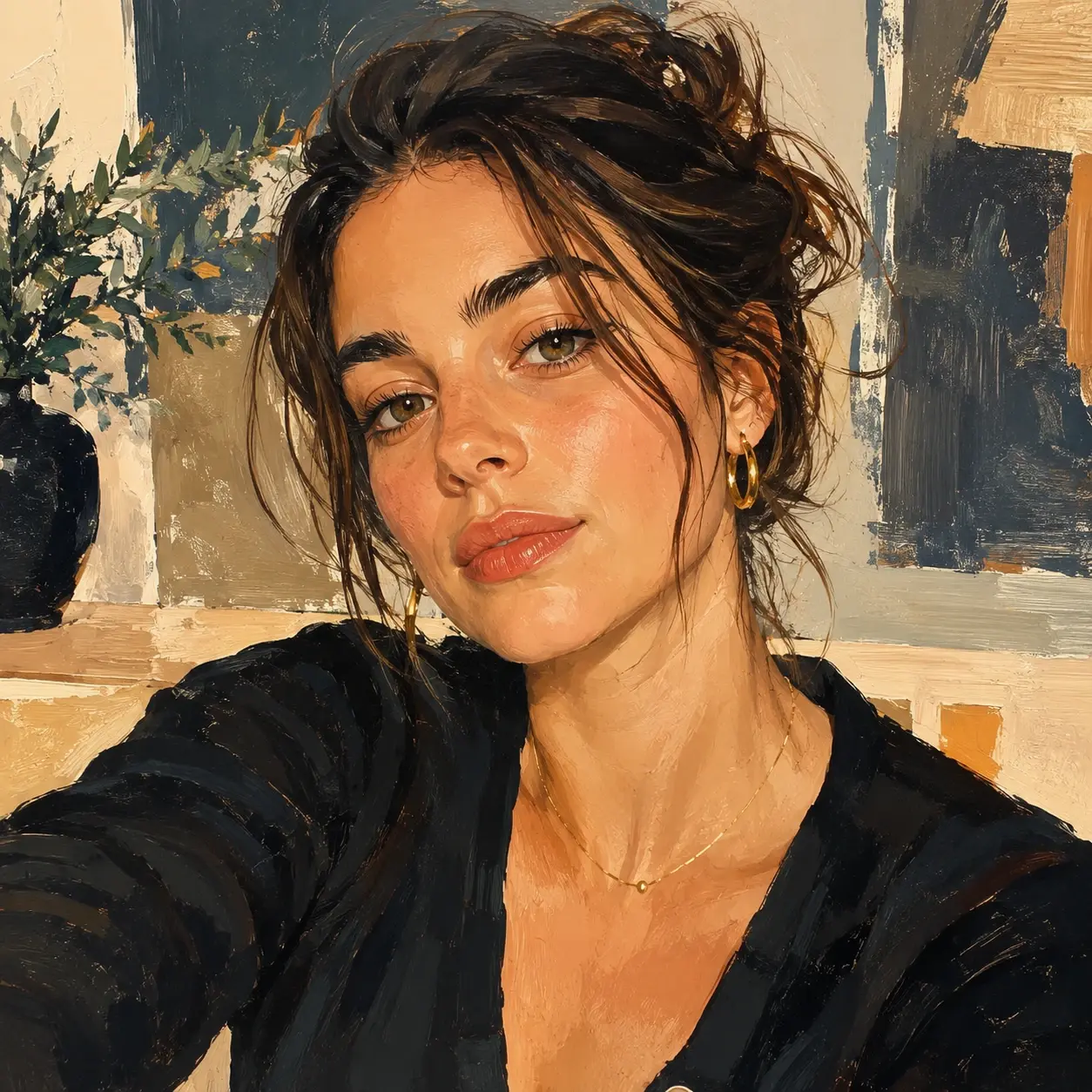
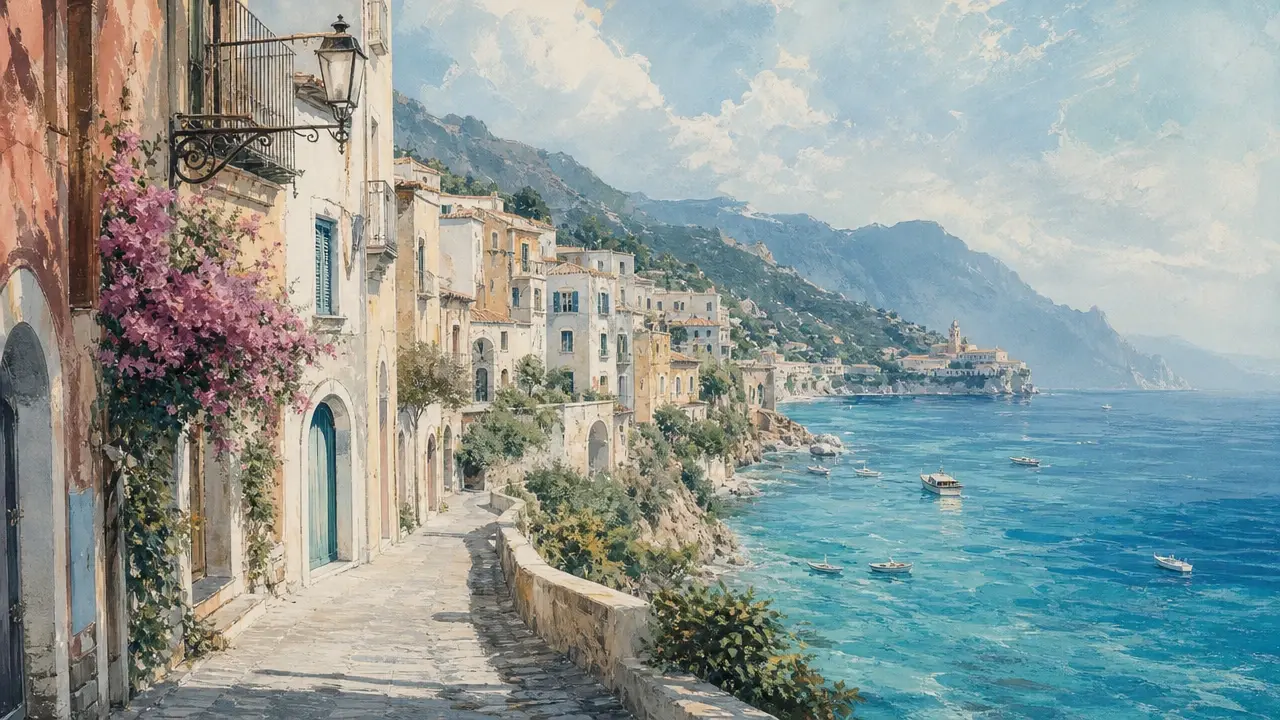
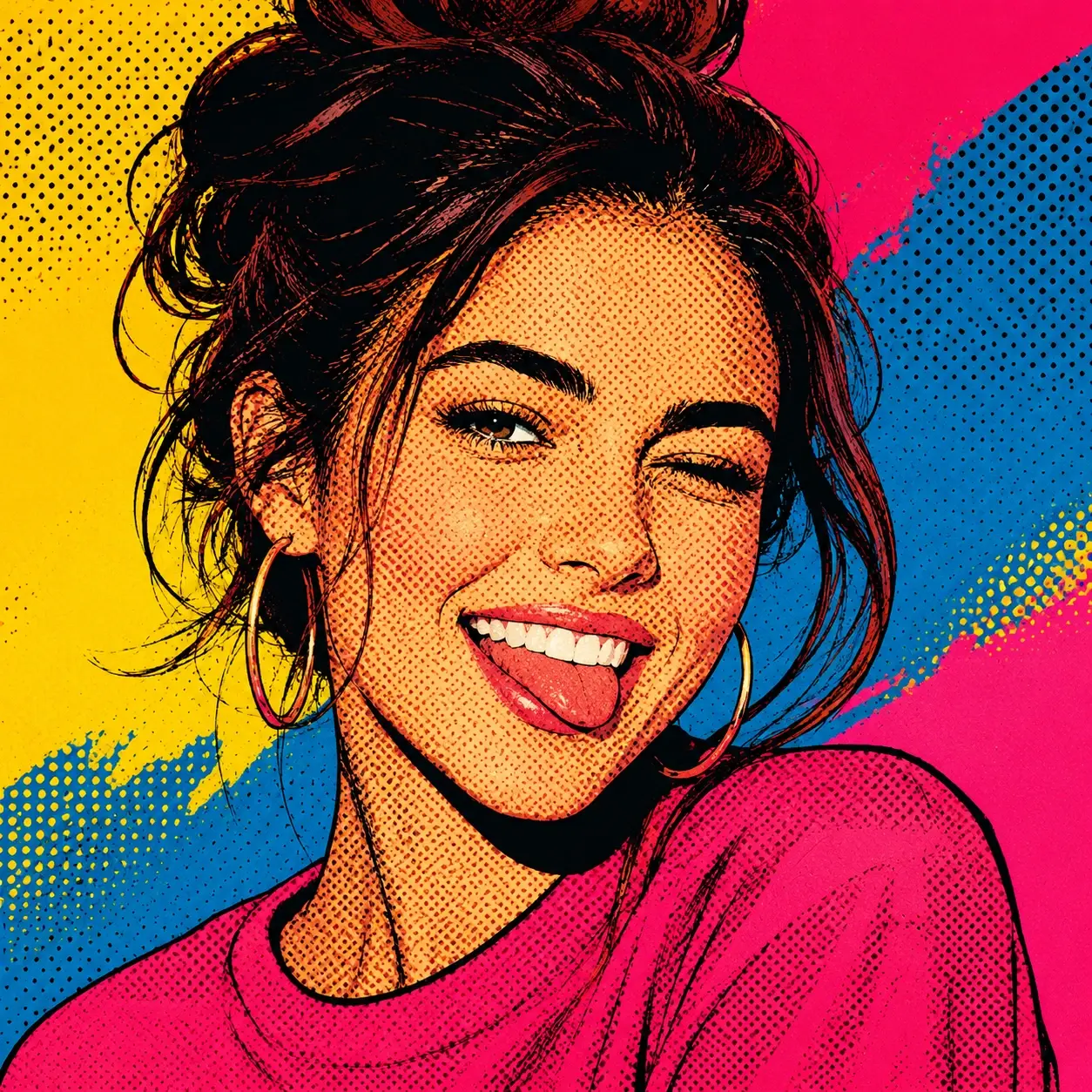
Some apps slap color on top. Fluxx is built for style transfer that keeps the subject while changing the art language.
Point 1
Drawing from scratch is fun, but it takes time. Fluxx helps convert photo to art when you want the vibe now and the pose still matters.
Point 2
A basic preset often tints the whole picture the same way. Fluxx reads edges, texture, color, and mood so the result feels more like ai style transfer.
Point 3
Paste in a sample image when you want one visual language across several pictures. The style transfer ai can follow a shared palette for portraits, pets, and wallpapers.
People use Fluxx for quick keepsakes, silly stickers, avatars, and visual experiments that do not need a serious art setup.
"My dorm wall needed one fun print. I turned a rainy campus photo into a watercolor poster in minutes."
Maya Chen
Student
"I make silly sticker packs for my group chat. The pet faces stay clear, even when I push the comic look hard."
Leo Grant
Sticker Maker
"The reference image option is my favorite. I can make four vacation shots feel like the same sketchbook page."
Priya Nair
Hobby Artist
"I used it on a costume selfie and got a cyberpunk avatar that still looked like me."
Owen Brooks
Cosplayer
"I did the whole thing on my phone while waiting for coffee. Pick, tweak, save, done."
Sofia Alvarez
Phone Editor
"My art club used it to compare Monet style color with pixel art. It made the lesson feel like play."
Jamal Reed
Teacher
Q1
Not at all. Type a prompt if you want, upload a photo if you have one, then pick a style and tweak the strength.
Q2
Sure. Add a portrait, pet, room, or object photo, then choose a look like pencil sketch, oil paint, anime, or pop art.
Q3
Absolutely. Upload a style reference and Fluxx can borrow its palette, brush feel, texture, and mood for your target picture.
Q4
Your subject stays the star. The ai art style changes the surface look while the face, pose, scene, and basic layout stay readable.
Q5
You can. Try bold outlines for a sticker, soft color for a phone wallpaper, or pop art dots for a meme face.
Q6
In practice, it is made for quick phone play. Upload from your camera roll, pick a style, adjust strength, and save the image.
Q7
Think of it as friendlier neural style transfer. A simple ai art filter may only tint colors, while ai art style can reshape texture and brush feel.
Q8
For a series, reuse one reference image or style setting. Your portraits, pets, and wallpapers can share the same visual language.
Next action
Bring a photo, pick a fun style, and make a picture that feels ready for your avatar, wall, sticker sheet, or chat.
Try ItPrompt
Start from the tool intent.
Preview
Show the strongest output.
Publish
Send users to create.