
Video Hobbyist
Make a short intro, recap, or character line without setting up a microphone again. The cloned voice can read new text while keeping a familiar pace.

Make voice cloning feel quick and fun.
Upload a short clip, type the line you want, and let Fluxx make a voice clone that keeps the tone, pauses, rhythm, and little quirks. It is playful audio magic for videos, stories, podcasts, and silly ideas.

Fluxx fits casual makers who want a quick voice moment, not a studio session. Bring a clean sample, type a line, and tweak the mood until it sounds right.
Make a short intro, recap, or character line without setting up a microphone again. The cloned voice can read new text while keeping a familiar pace.
Test a cold open, sponsor style line, or funny segment idea before recording for real. It helps you hear the bit quickly and keep the episode moving.
Give a character a steady speaking style across short scenes. Type the next line, pick a mood, and make the voice carry the moment.
The flow is short on purpose. You bring the sound, Fluxx helps shape the new audio.
Upload a clean clip with one speaker. A few clear seconds help the voice clone catch tone, pronunciation, and timing.
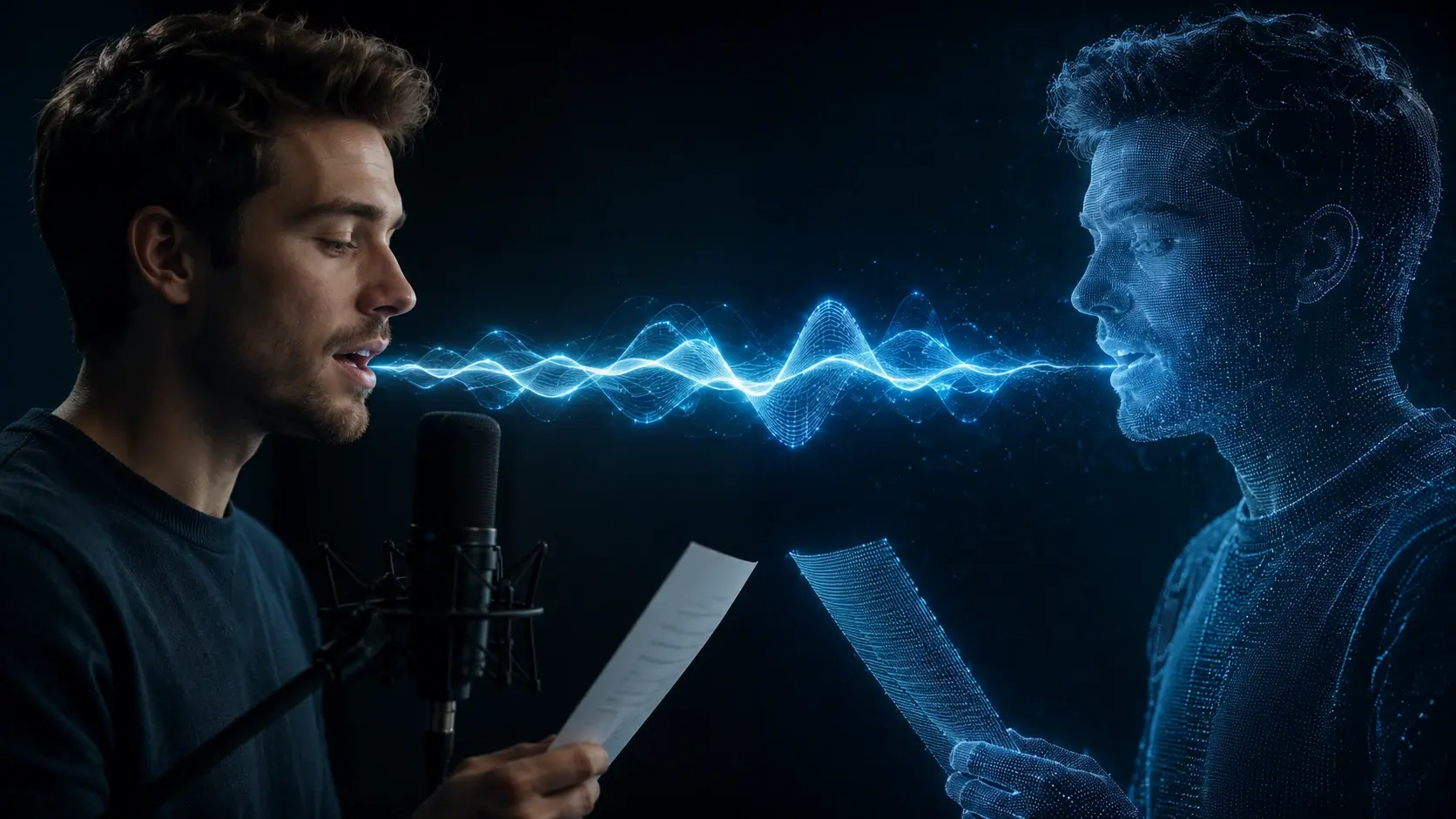
Write the line you want the cloned voice to say. Use the ai voice clone controls to pick mood, speed, and language.

Listen, adjust the pace, and make another version when the delivery needs more calm, punch, or cartoon energy.
Use it when a voice idea matters more than perfect studio polish. These are quick audio moments you can make, test, and keep.
Create a voiceover for a vlog, game clip, or explainer when the original speaker cannot record. The result keeps the sound familiar across new lines.
Fix a missing sentence or try a new intro line with the same vocal feel. It is useful when the episode is almost done and one line needs a clean read.

Preview how a narrator might read a chapter before committing to a full take. Adjust emotion and speed to hear the scene in different ways.

Make a short greeting, meme line, or roleplay quote in a consistent character voice. It is a quick way to try a fun idea and hear it out loud.
Casual makers use Fluxx when they want a voice idea to exist fast enough to judge it.
"I used it to test a goofy intro for my gaming recap, and the timing felt close enough that I kept the whole bit."
Maya Lin
Gaming Clip Maker
"My podcast needed one missing sentence. I typed it, slowed it slightly, and the pickup no longer jumped out."
Jon Bell
"For my story draft, I made three moods for the same line. Hearing them helped me pick the warmer version."
Priya Shah
"I tried a birthday message in my own voice after a quick sample. It sounded personal without needing a perfect take."
Alex Carter
"The speed control was the useful part for me. My first line rushed, then the slower take sounded much more natural."
Nora Kim
"I made a tiny narrator voice for a comic panel reel. It gave the scene a clear rhythm in a few tries."
Sam Rivera
Not really. Fluxx keeps voice cloning simple: add a clear sample, type the line, and adjust the mood or speed if the first take feels off.
Sure, you can clone your voice when you have permission to use the sample. The tool is best for personal narration, pickups, character lines, and quick video ideas.
A few clean seconds can work, though a clearer sample gives voice cloning more tone, rhythm, and pronunciation to learn from. Quiet background audio helps a lot.
You can type new text and let the voice clone read it aloud. Keep lines natural, add punctuation for pauses, and test another take if the emotion needs a tweak.
In practice, ai voice cloning works best when the sample and typed text are clear. Multilingual lines can be useful for greetings, simple narration, and short story clips.
Yes, Fluxx works like a voice cloning app for quick audio generation after login. It is made for fast experiments rather than heavy studio editing.
Standard text to speech starts from a preset speaker. Voice cloning uses a sample so the new line can follow a specific voice, with familiar tone, pauses, and pace.
Next action
Bring a short sample, type a fresh line, and let Fluxx turn it into playful audio you can tweak in seconds.
Make Something FunPrompt
Start from the tool intent.
Preview
Show the strongest output.
Publish
Send users to create.