
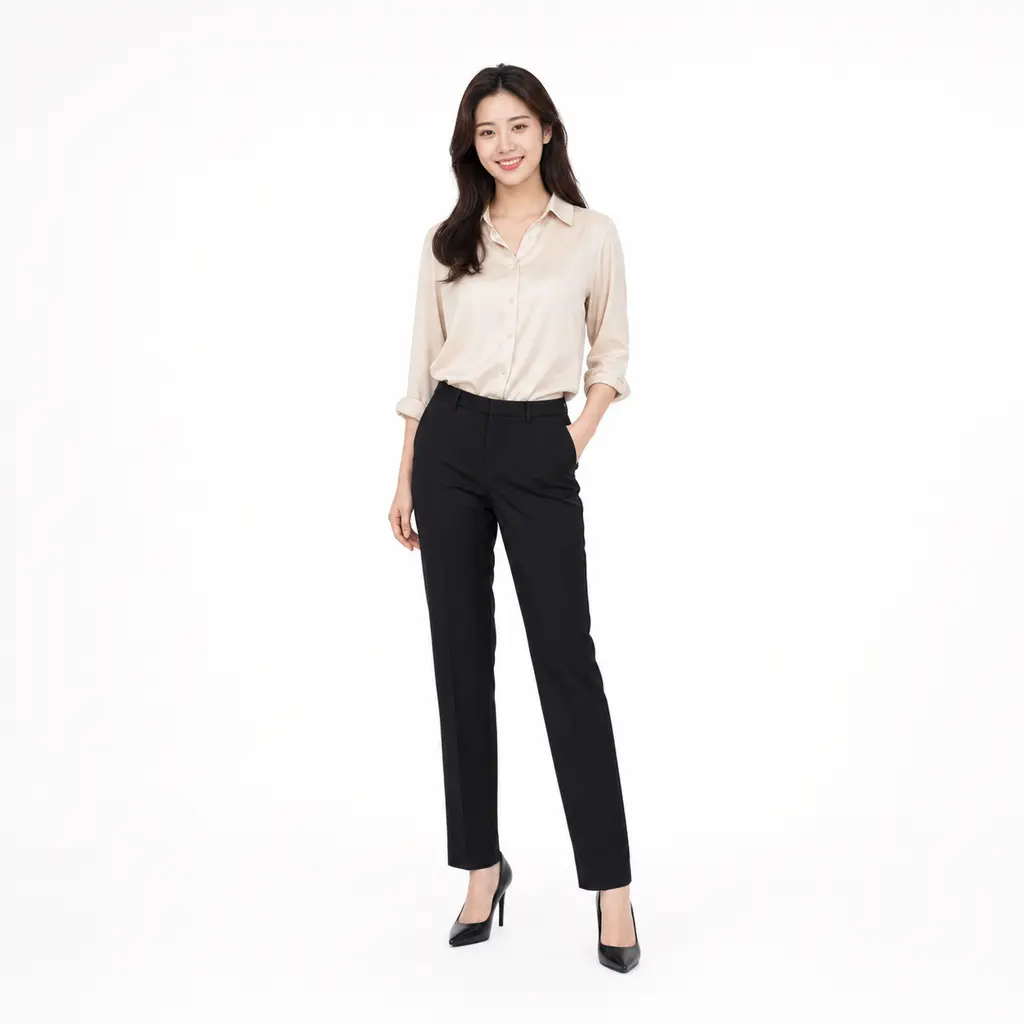
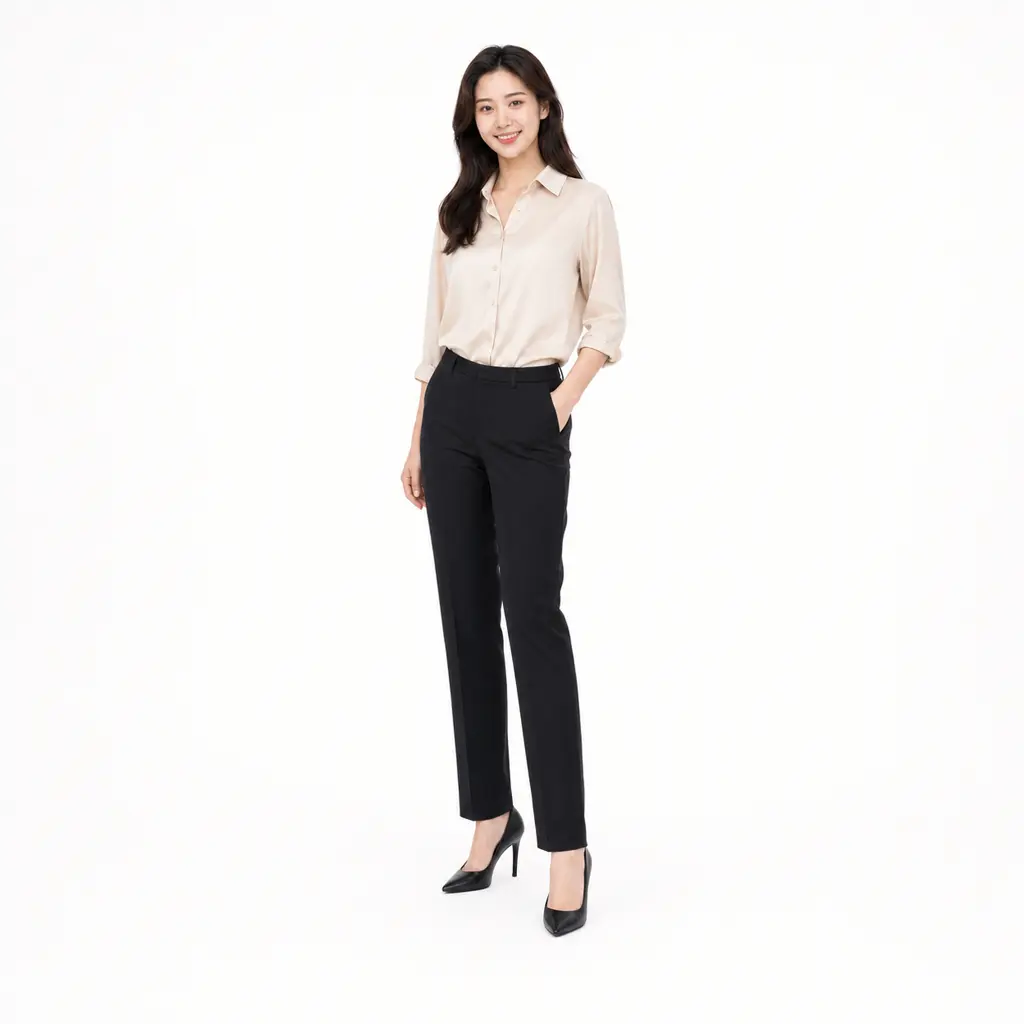
Camera angle picker
Choose a front, side, back, overhead, or close camera view. The output keeps the main subject readable while giving the picture a fresh angle.

Sign in, upload a selfie, product, outfit, room, or game character reference, then type the angle you want. Fluxx makes a quick new view without a reshoot or a heavy editing session.
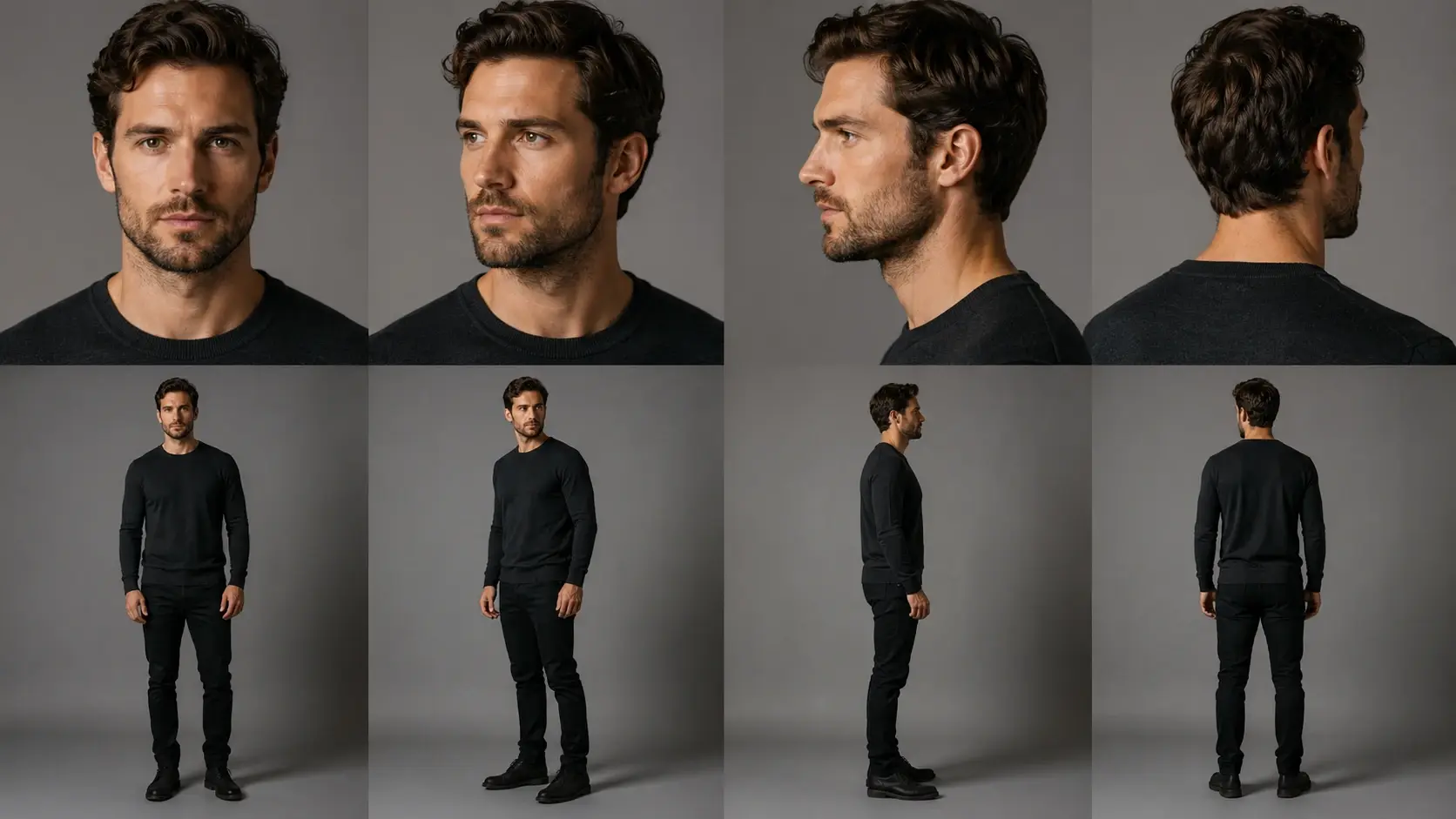
Three quick moves take you from one flat photo to a fresh camera view. Keep it simple, then tweak the angle until the picture feels right.
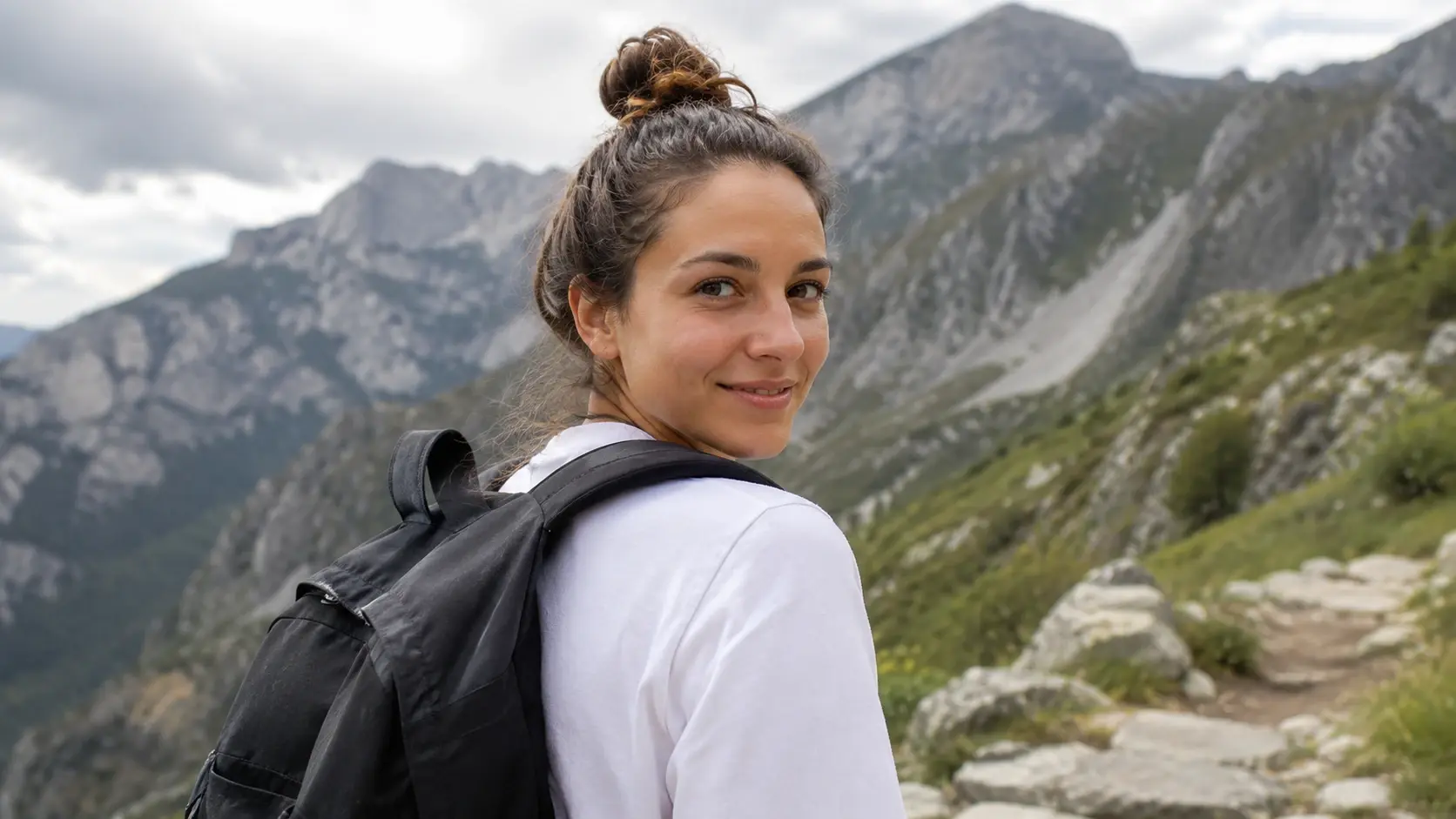
Start with a selfie, product shot, outfit photo, pet picture, room corner, or character reference. Pick something with clear lighting and visible details.
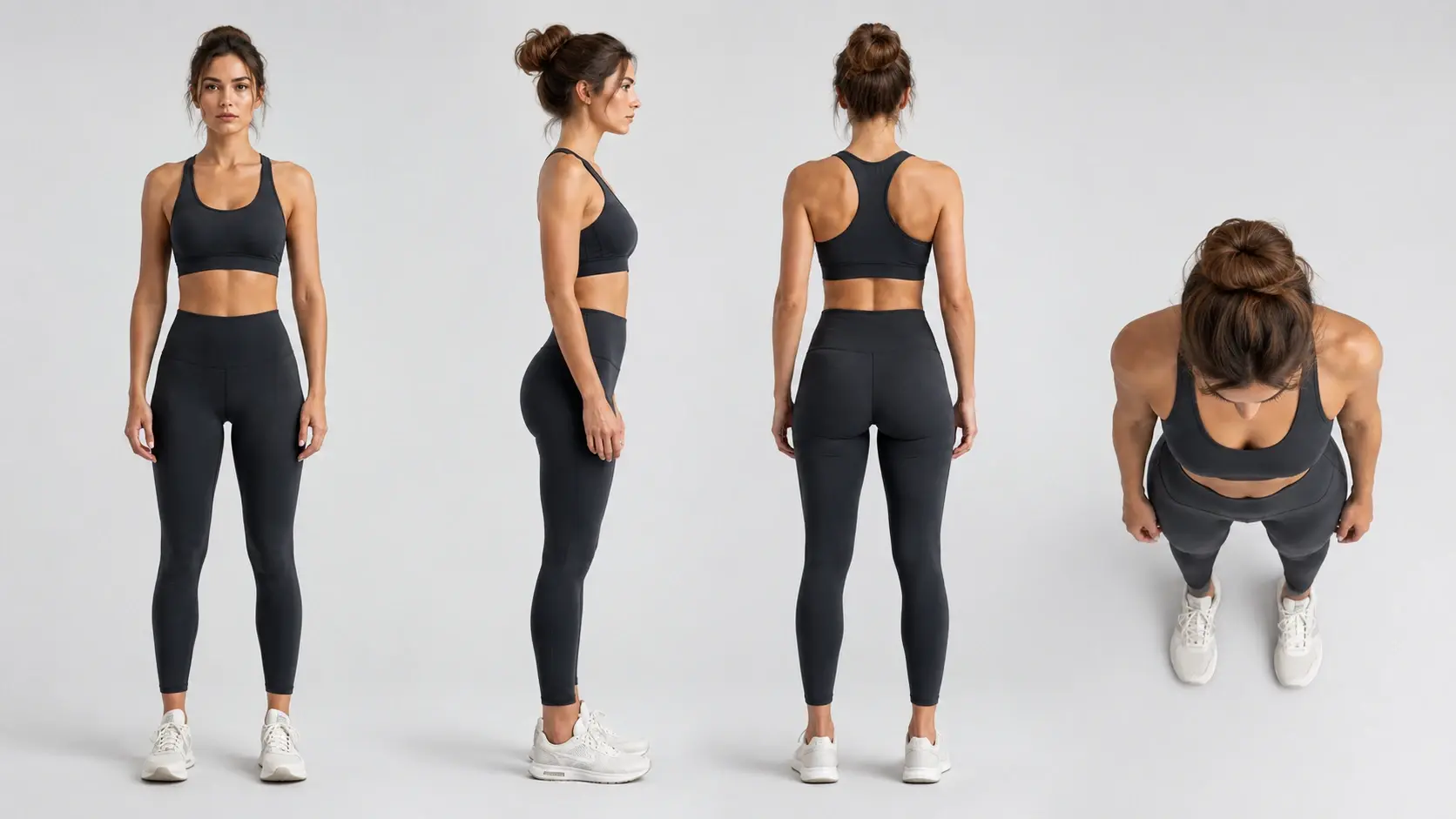
Ask for a bird eye view, side view, back view, close view, or front to side turn. Use change photo angle prompts when you want a very specific camera move.
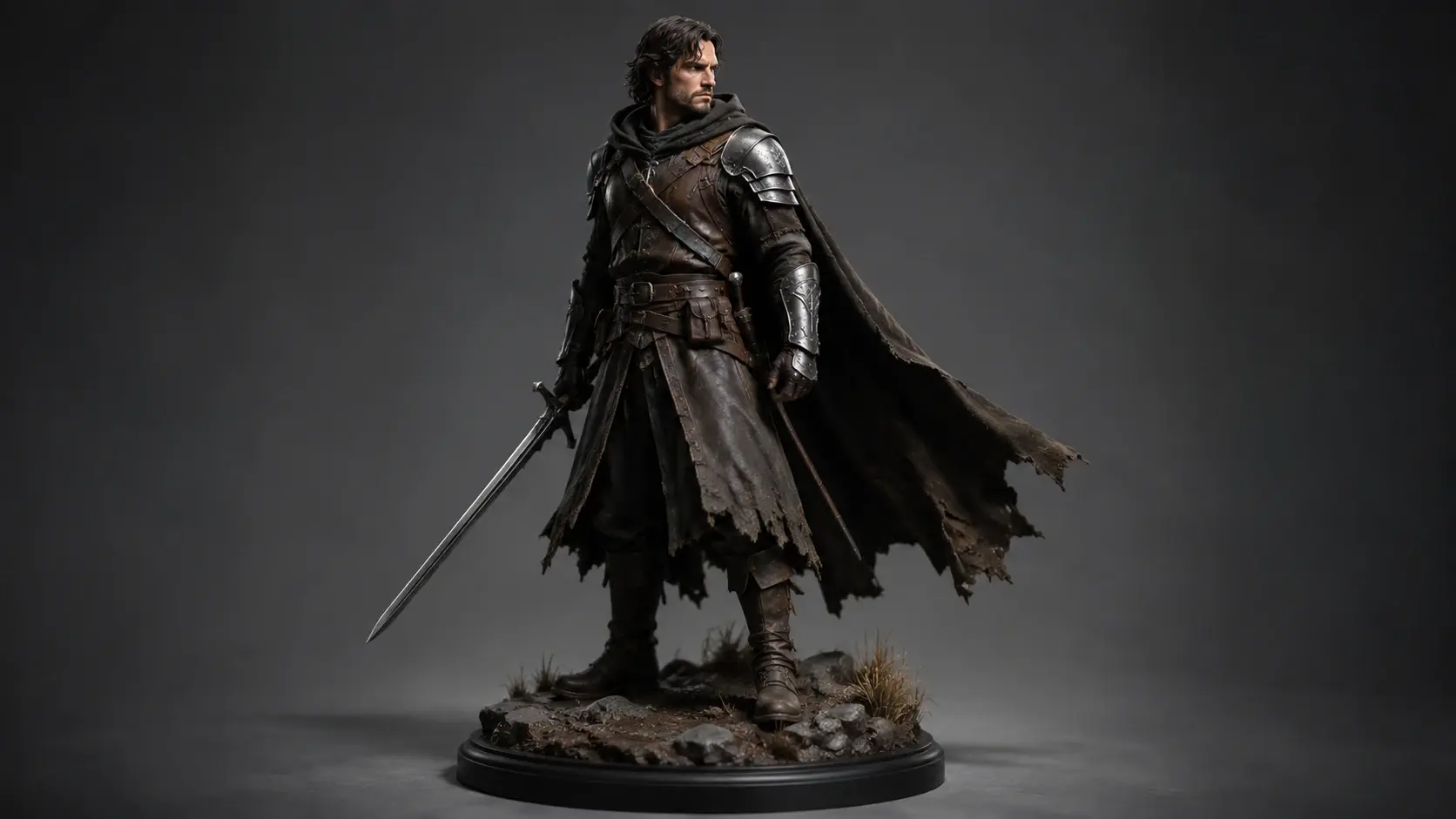
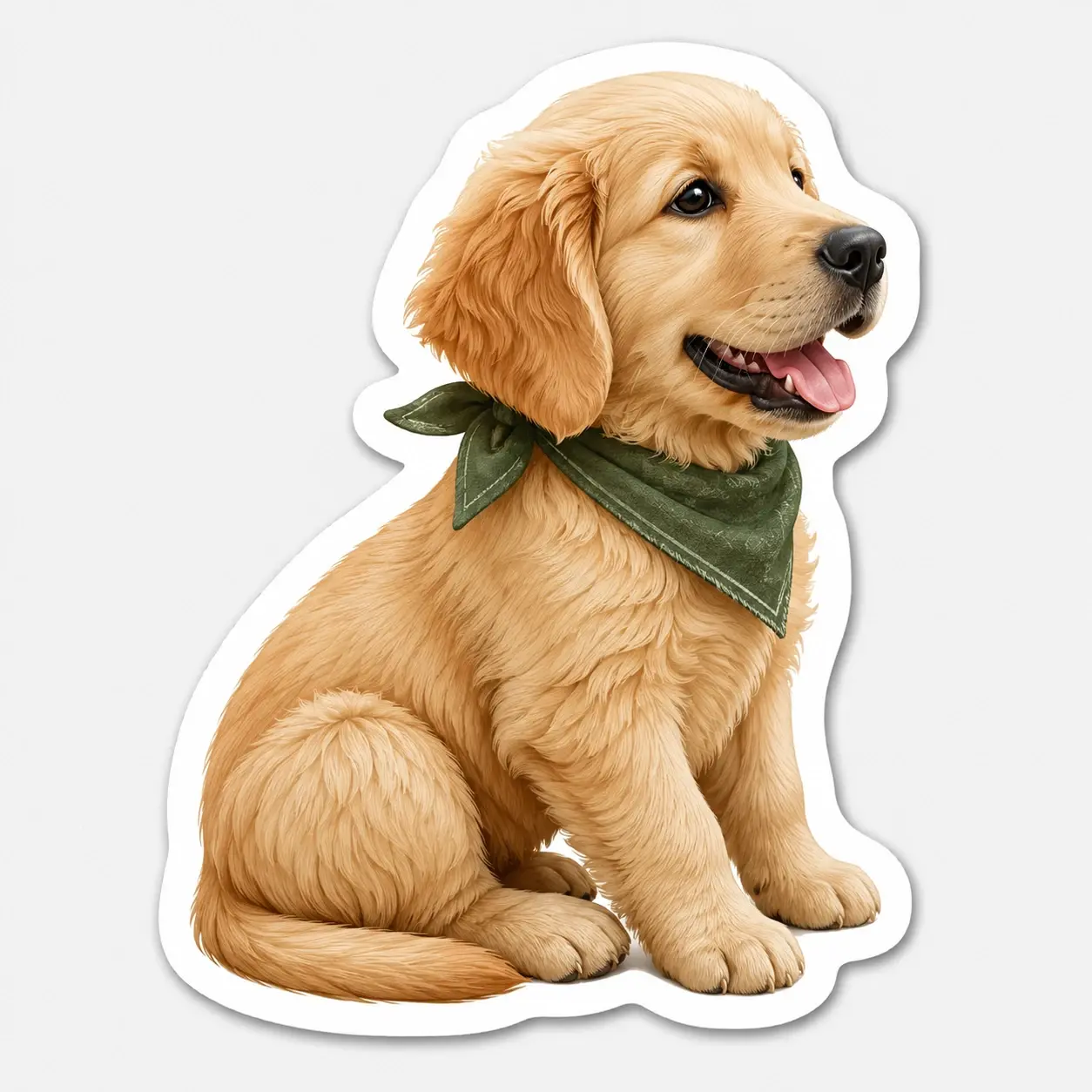
Keep it natural, make it anime, turn it into a sticker, or give it a cartoon look. Save the version that feels fun and tweak again if the magic needs a nudge.
Fluxx is a playful photo angle changer for one picture experiments. Use change perspective ai control when you want a new view without building a scene from scratch.
Choose a front, side, back, overhead, or close camera view. The output keeps the main subject readable while giving the picture a fresh angle.
Turn a simple product photo into an angled display for a shop mockup or idea board. It is handy when you want to adjust photo perspective before planning a new shoot.
Try a new angle for an anime OC, game character, mascot, or toy figure. Fluxx aims to preserve key outfit shapes, colors, and signature details.
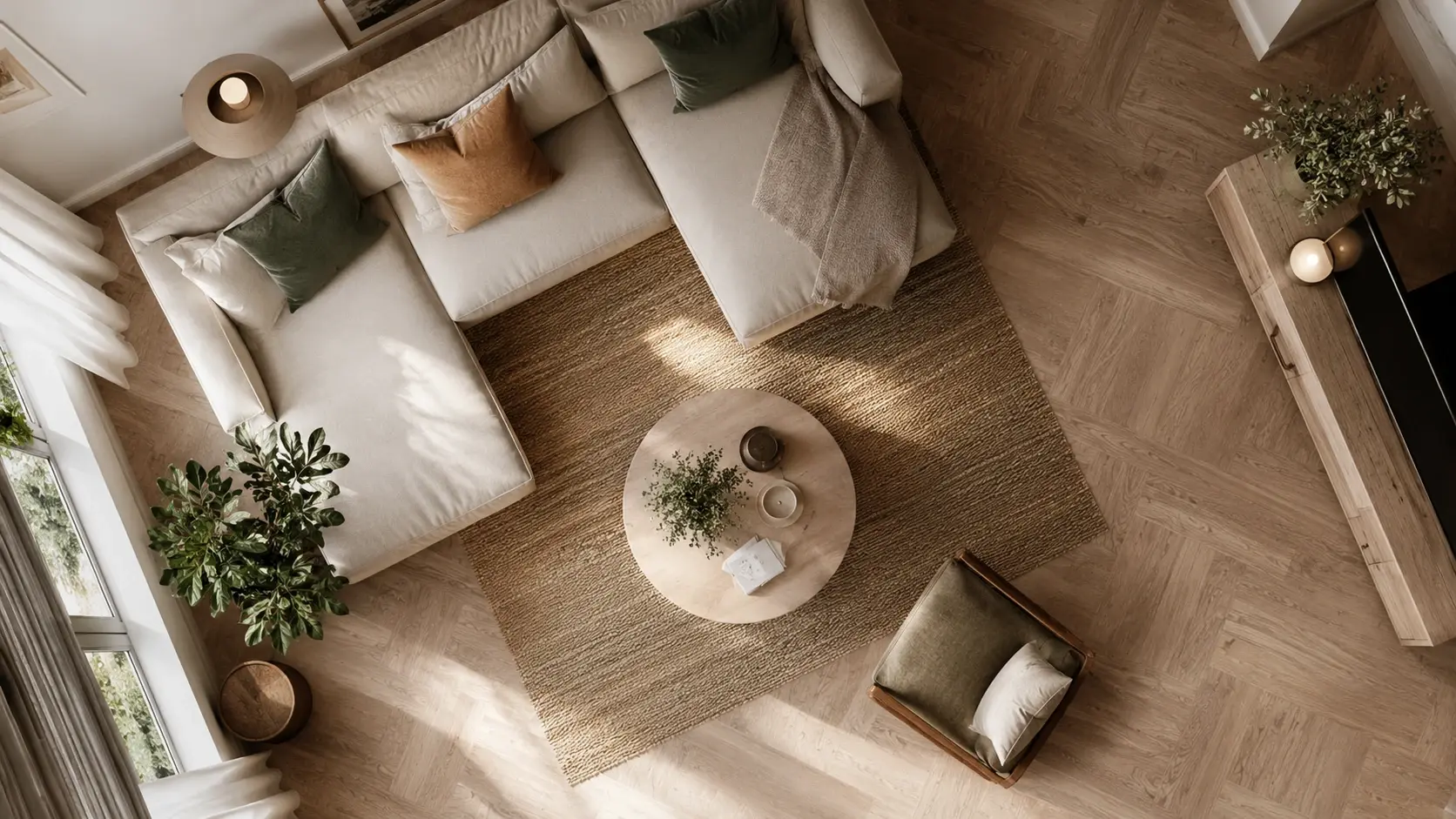
Make a new view that still respects the original scene mood. Shadows, proportions, and texture stay part of the result instead of feeling pasted on.
Use it when one photo has the right subject but the wrong camera angle. It is made for casual idea making, quick mockups, and fun art variations.
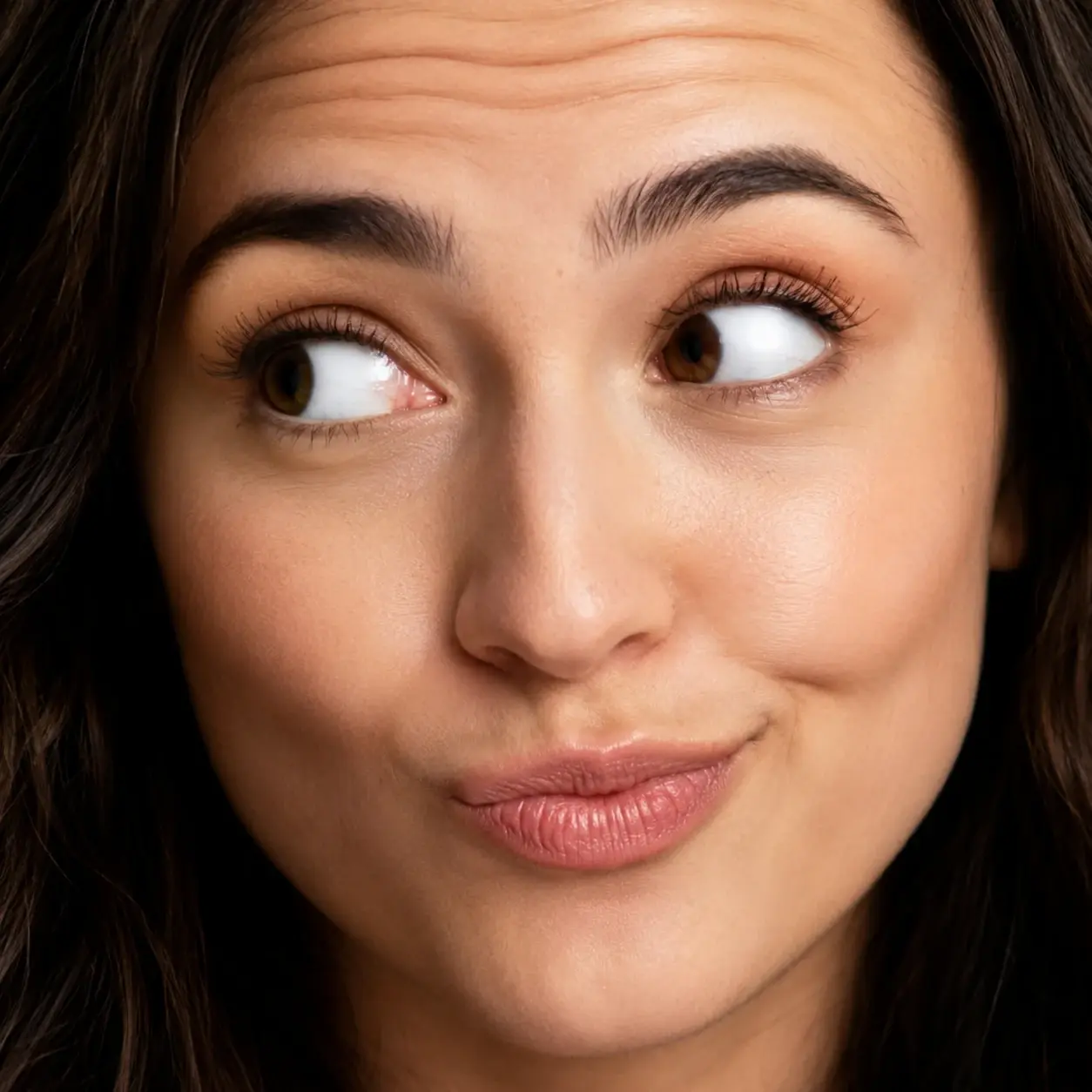
Try a soft side angle, a closer crop, or a new profile view from a selfie. It helps you make a fresh avatar, sticker, or cartoon portrait without another pose.
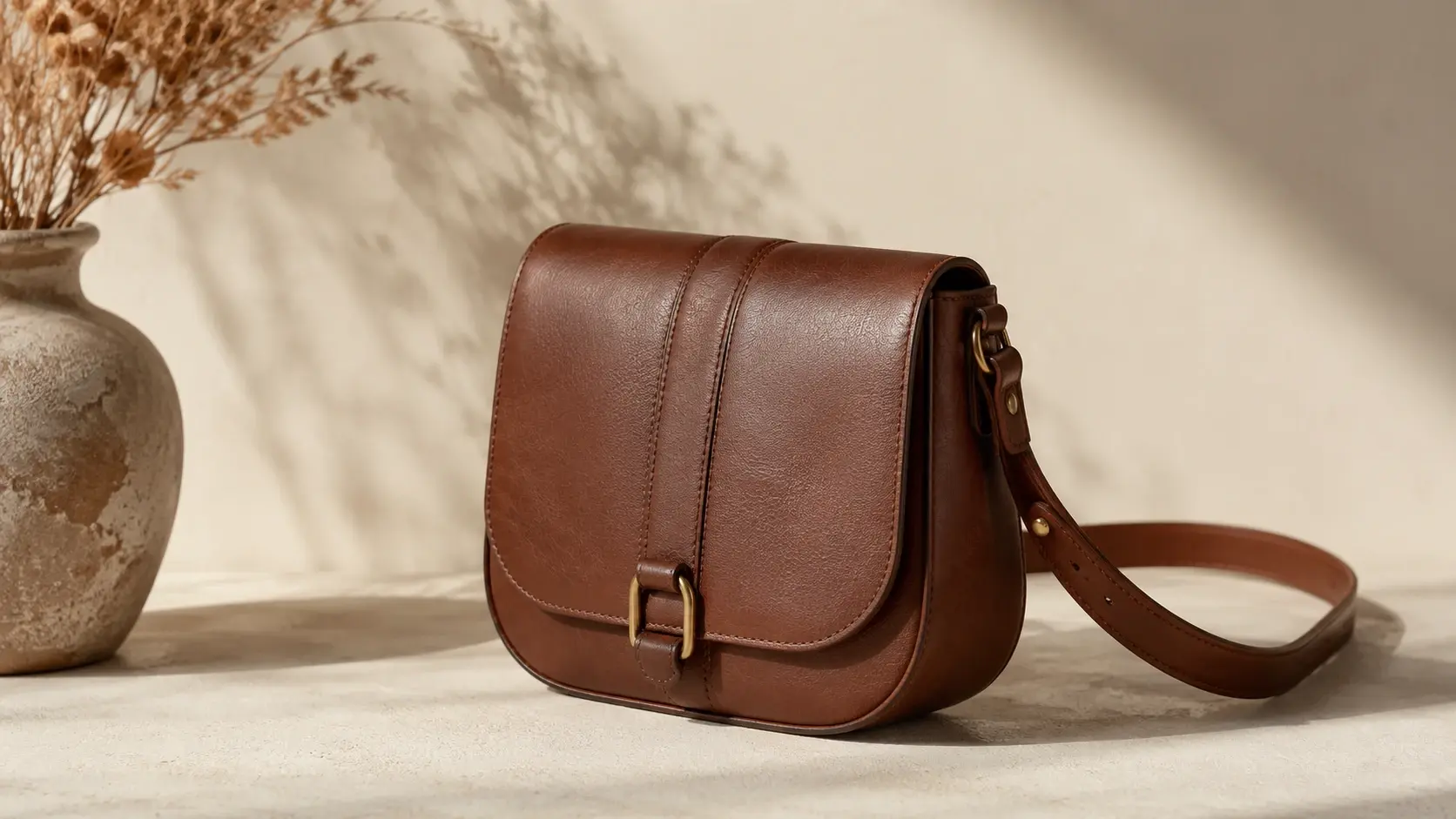
Change a mug, sneaker, bag, or gadget into another display angle for a draft listing or mood board. It gives you a quick way to compare product views.
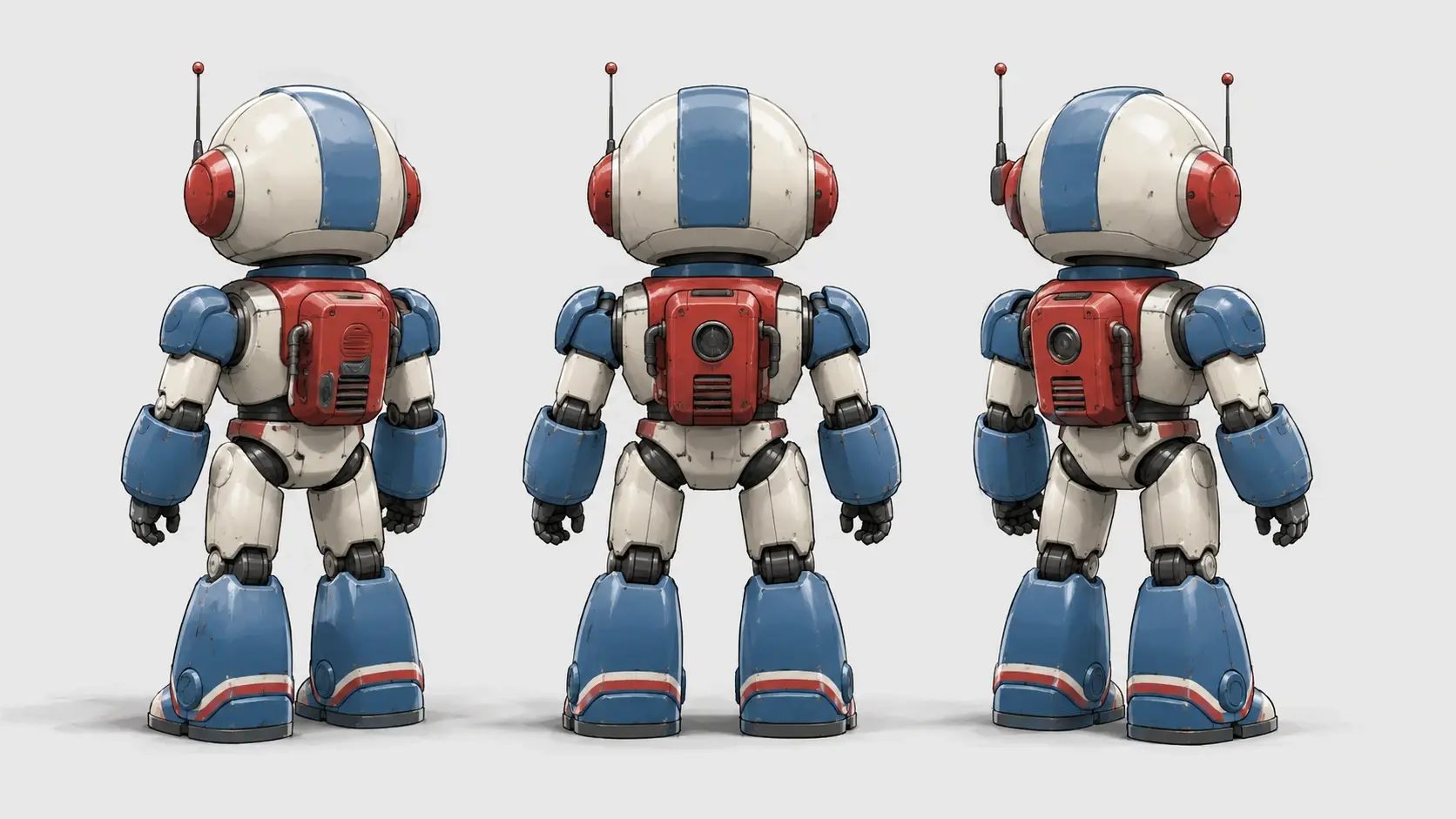
Turn a fashion photo into a side or back view idea. Use it to see how a jacket shape, skirt line, or full look might read from another camera position.
Make a side view or rear view reference from a character picture. It gives 3D game artists and hobby modelers a quick visual starting point.
One photo can become a tiny set of new art directions. Pick a camera move, then let the style turn it into something worth keeping.
Next action
Upload one picture, type a new angle, and make a playful view for your next avatar, sticker, wallpaper, shop mockup, or character idea.
Try ItPrompt
Start from the tool intent.
Preview
Show the strongest output.
Publish
Send users to create.