


AI Subject Cutout
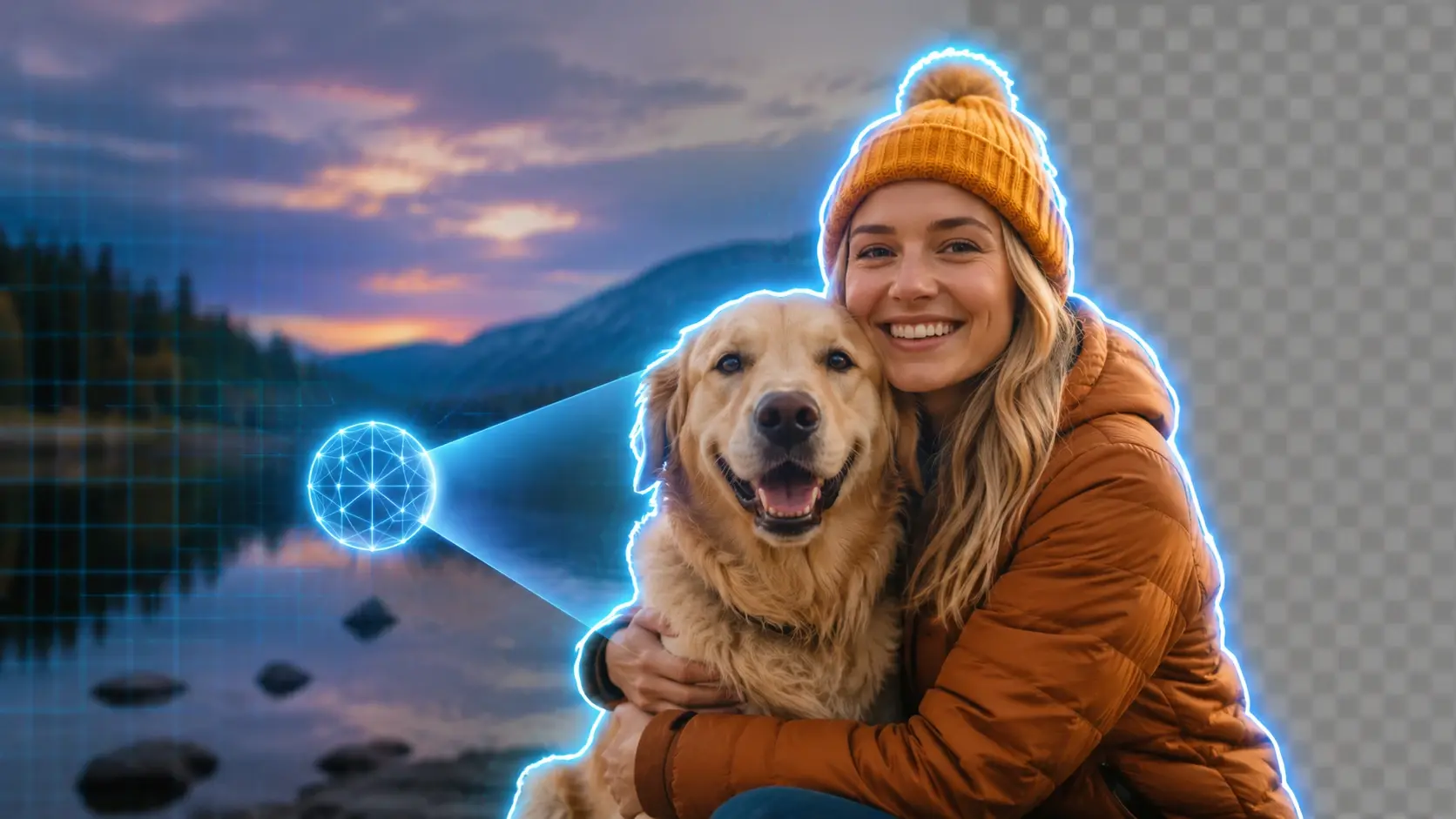
The ai background remover flow looks for the main person, product, pet, or graphic and separates it from the scene. It is a quick first pass for people who do not want to draw around every edge.

Fluxx is a background remover for fast PNG cutouts with a light, playful feel. Use it to remove background clutter from a product, selfie, pet, icon, or doodle, then keep the subject ready for stickers, profiles, shop cards, slides, and fun little designs.
Three quick moves: add your picture, let the cutout happen, then keep the result for your next layout.
Step 1
Upload the photo you want to clean up after you sign in. Product shot, selfie, pet pic, doodle, or anime OC all fit the same simple start.
Step 2
Fluxx finds the subject and removes the busy backdrop. You get a clear preview without tracing masks or learning design software.
Step 3
Download the transparent PNG and drop it into a shop card, profile frame, sticker sheet, wallpaper, or slide.
The tool keeps the subject useful, not trapped inside a messy photo. It is built for quick cutouts you can actually place somewhere next.
The ai background remover flow looks for the main person, product, pet, or graphic and separates it from the scene. It is a quick first pass for people who do not want to draw around every edge.

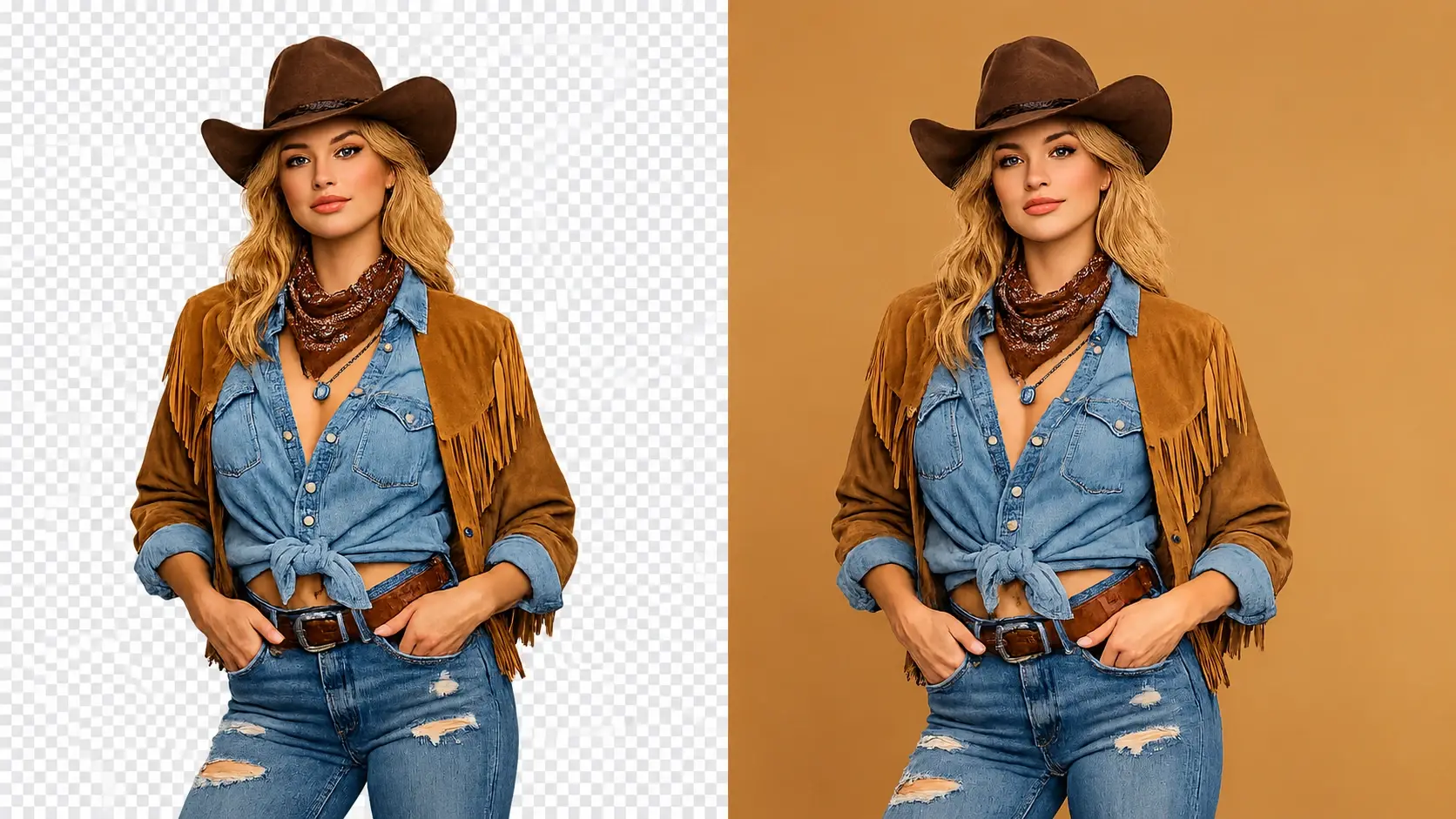
Your result exports as a transparent background PNG. That means the cutout can sit on a slide, listing card, sticker design, profile frame, or collage without a leftover box around it.
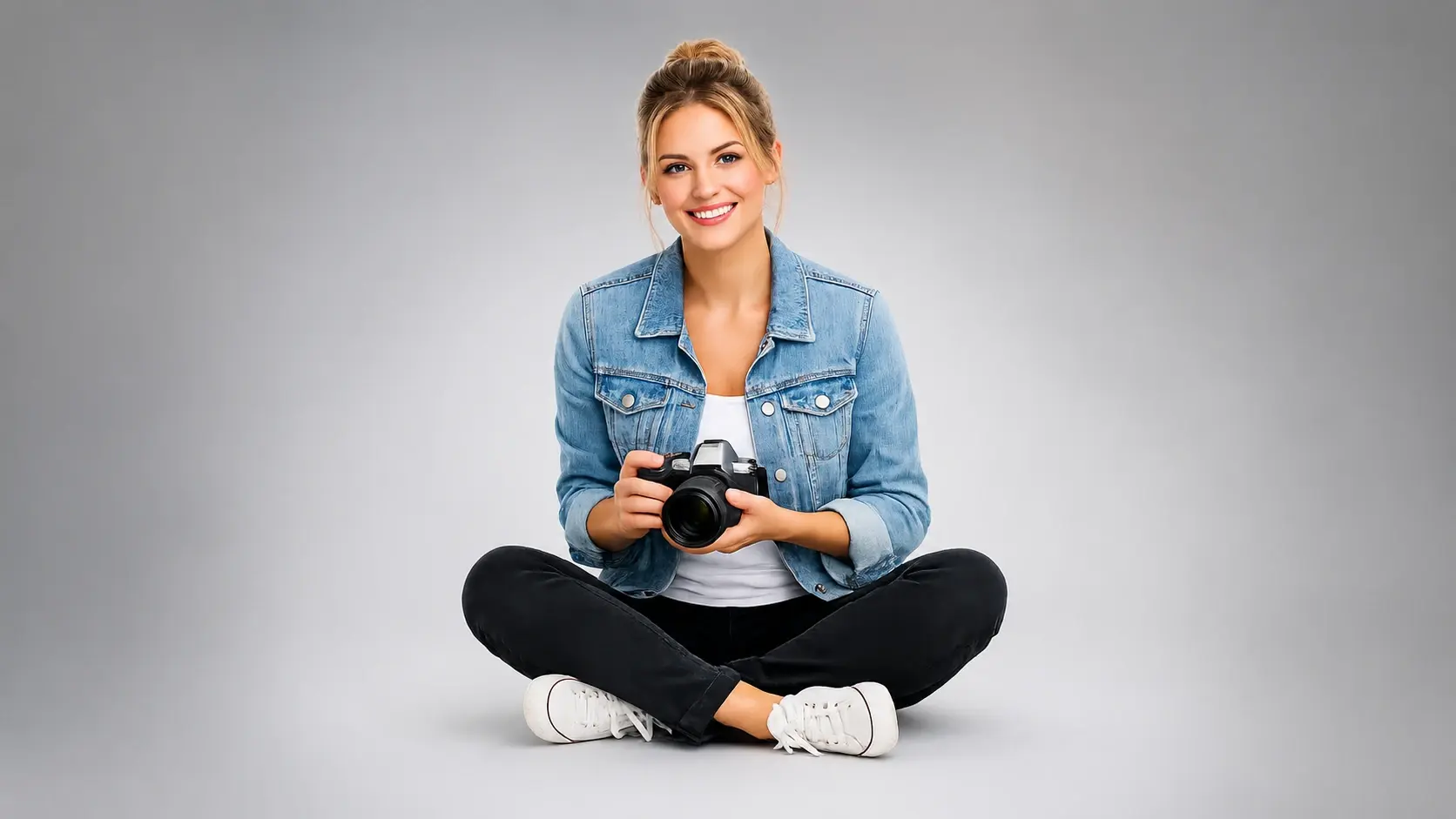
Use Fluxx as an image background remover when a photo has a desk, room, wall, or shadowy corner stealing attention. The preview lets you see the cutout before you keep it.

The finished subject behaves like a loose art piece. Place it over a clean color, a cartoon panel, a resume header, or a product layout and keep tweaking the look around it.
These are practical little wins: one picture in, one cleaner subject out, ready for the place you already had in mind.
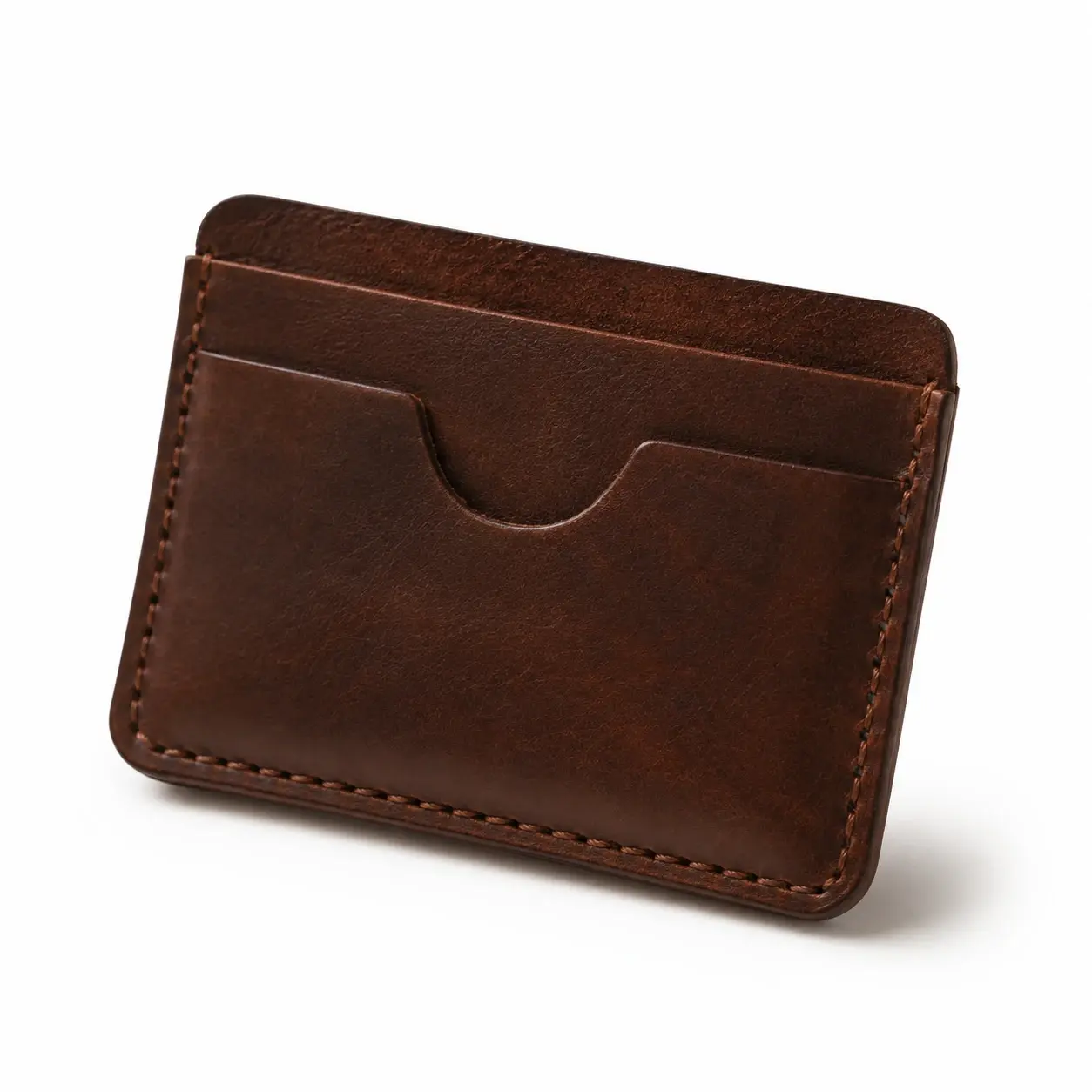
An independent seller can remove background clutter from a product photo and keep the item consistent across a storefront or catalog. Clean cards make browsing feel calmer and easier to compare.

A student or job seeker can cut a selfie away from a busy room and place it on a simple backdrop. It works for LinkedIn, a resume headshot, or a personal profile page.
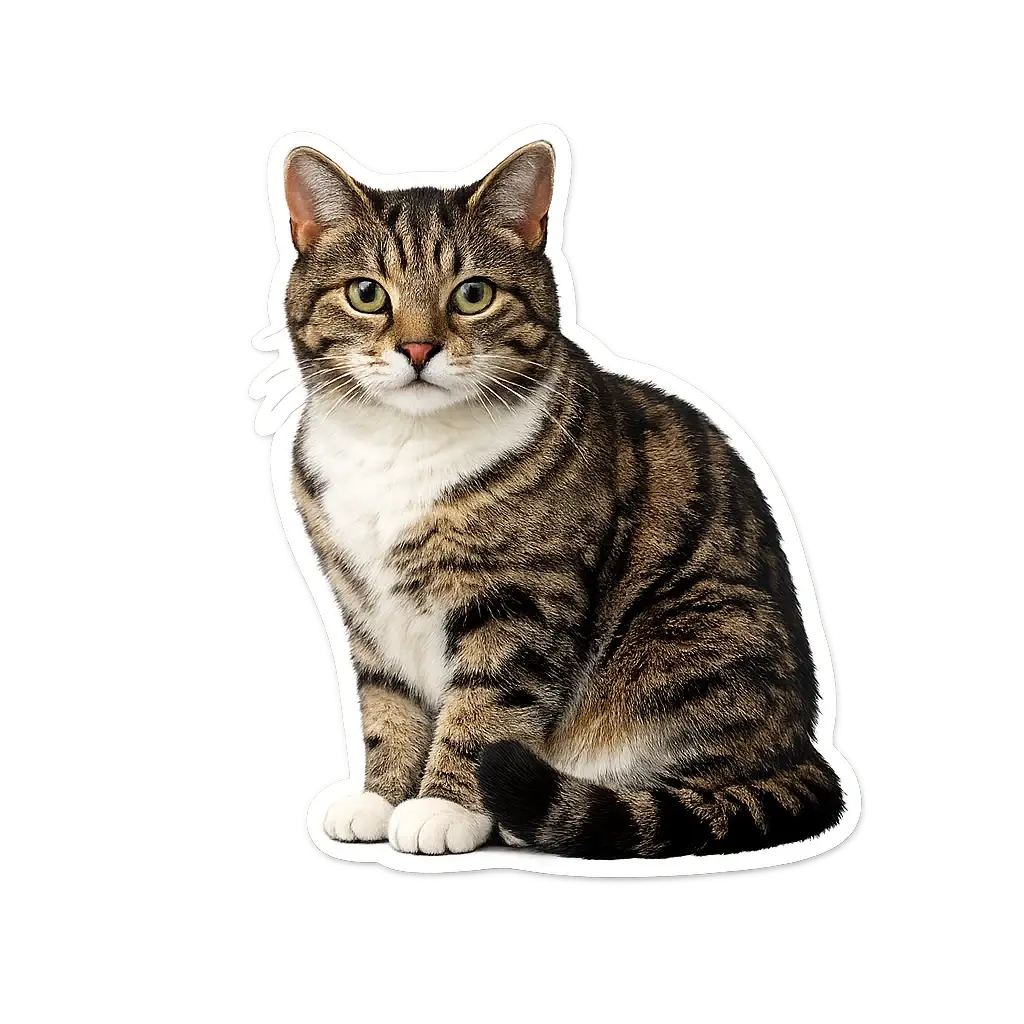
A hobby creator can turn a pet, snack, toy, or anime OC into a neat cutout before making a sticker sheet. It keeps the fun subject and drops the noisy kitchen table behind it.
A freelancer can isolate a logo, icon, or object before adding it to a presentation or flyer. The cutout feels like a flexible layer instead of a pasted rectangle.
Q1
Not at all. Upload a picture after signing in, let Fluxx trace the subject, then tweak the result if you want a cleaner sticker or profile pic.
Q2
Absolutely. The export is a PNG with the backdrop removed, so your sticker art can sit on chat graphics, labels, or a meme panel.
Q3
You can. Open Fluxx in your mobile browser, add a photo you just took, and save the cutout when the result looks right.
Q4
Sure, the ai background remover handles the first pass automatically. You bring the picture, and Fluxx works out the main subject for a cleaner cutout.
Q5
In practice, furry edges can vary by photo, but a clear pet picture gives the tool a much better subject to find. Try a bright shot where the pet is not blending into the backdrop.
Q6
It works nicely for many clean drawings. Upload the OC art, cut away the plain or messy backdrop, then use the character in a wallpaper, sticker sheet, or profile image.
Q7
Here is the use: isolate the product, export a transparent PNG, and place it on the plain backdrop your shop or catalog needs.
Q8
You get a subject cutout with the old backdrop gone. That makes it easy to make background transparent for a flyer, page mockup, or wallpaper.
Q9
For many portraits, yes. It can remove background from photo uploads, then you can use the cutout for a resume headshot, LinkedIn image, or personal profile.
Next action
Upload a picture in Fluxx and get a transparent PNG cutout ready for stickers, profiles, product cards, and quick art.
Make Something FunPrompt
Start from the tool intent.
Preview
Show the strongest output.
Publish
Send users to create.