



Manual Masking
Traditional editors need brush work around hair, cheeks, and jaw lines. Fluxx detects the face area, follows the head angle, and makes the first pass fast.

Drop in a selfie, choose the target face, and make a fresh image for memes, avatars, cartoons, stickers, or an anime inspired joke. The result keeps the pose, expression, and mood so the new face feels part of the picture.
Start Creating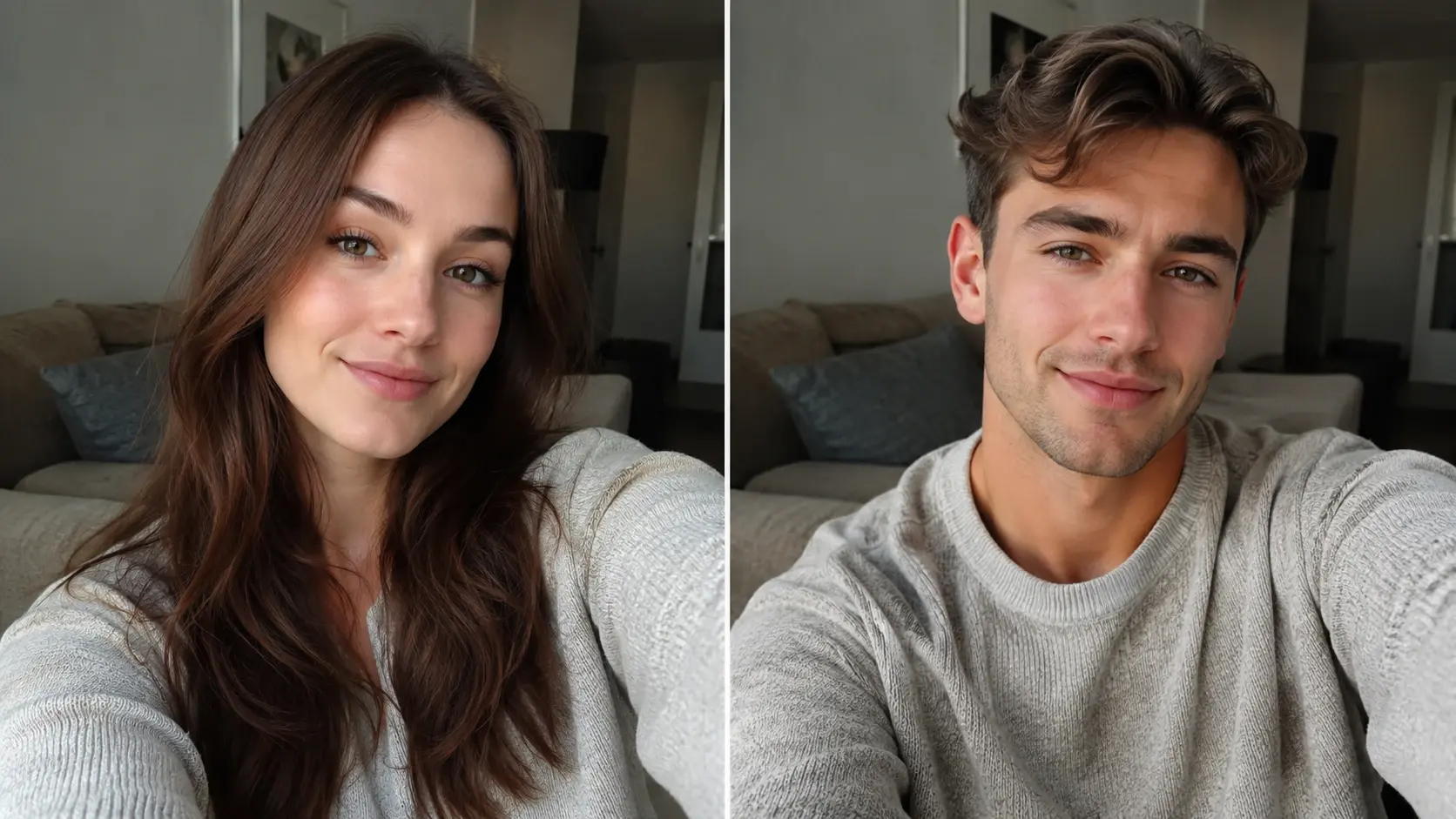
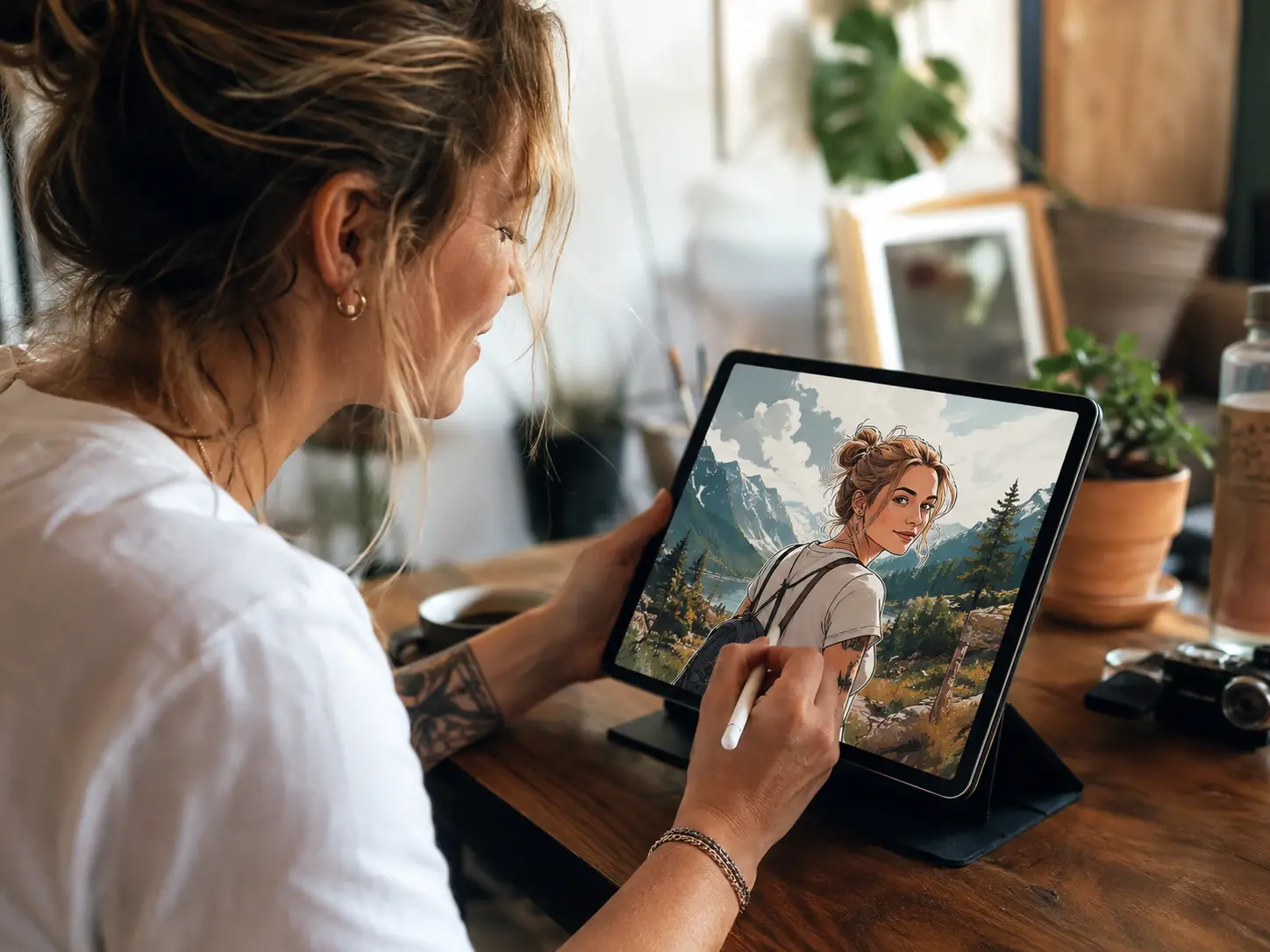
Turn a selfie into an anime inspired scene with your favorite character energy. Keep the same glance and pose while the new look carries the joke.
Use Fluxx when a photo needs a playful twist, not a long editing session. Each idea starts with a source photo and ends as a share ready image.

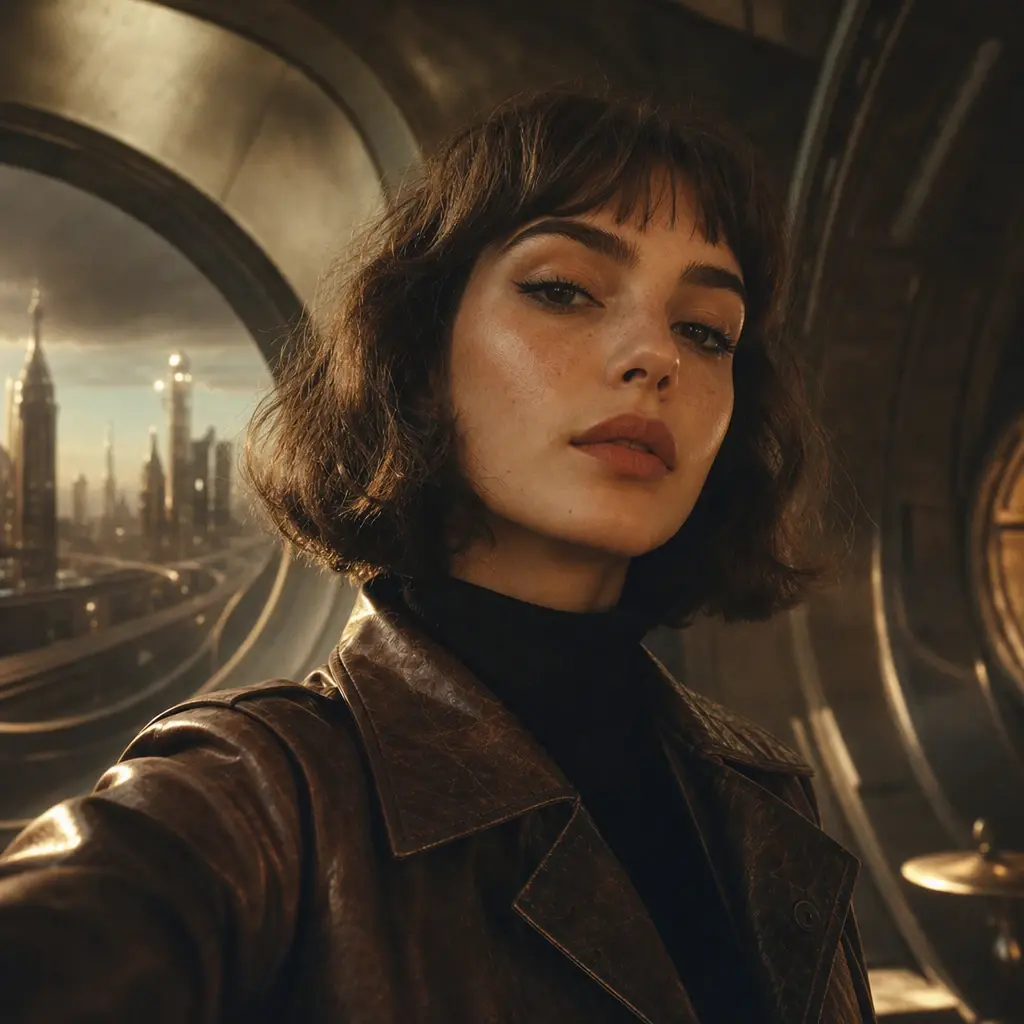
Put a friend into a movie poster pose for a birthday message. The lighting match helps the edit feel like a finished gag instead of a pasted layer.
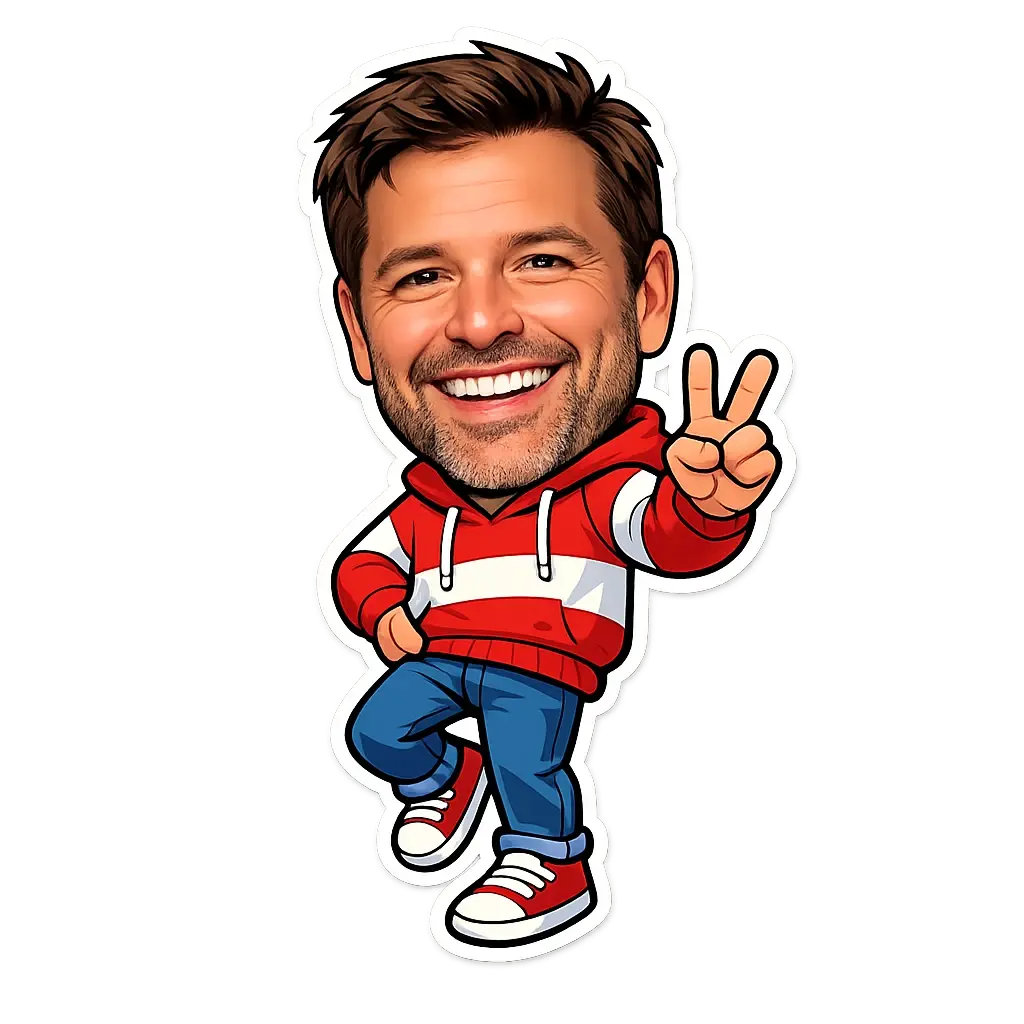
Turn a pet photo into a tiny fantasy sidekick or cartoon hero. Keep the original attitude and make the final image feel cute, weird, and personal.

Try a new profile look before changing every app. Make a softer, funnier, or bolder version of your portrait and choose the one that fits your mood.
Make a quick reaction image for a short post or story. The changed face can carry the joke while the original pose keeps the energy clear.
Older workflows can work, but they ask for careful masking, color matching, and layer cleanup. Fluxx keeps the fun part in front and handles the fiddly parts in the background.
Traditional editors need brush work around hair, cheeks, and jaw lines. Fluxx detects the face area, follows the head angle, and makes the first pass fast.
Basic cut and paste edits often ignore shadows and skin tone. Fluxx adjusts light direction, face shape, and contrast so the new face sits better in the original photo.
Some generators ask for long prompts and exact settings. Fluxx keeps it casual: type the idea, pick a style, and tweak the image until it feels cool.
Nope. Fluxx handles the face swap setup for you after login, so you can focus on the idea, the style, and the funny result instead of layers and brushes.
Sure. Start with a clear portrait, pick a playful style, then save the result as a sticker idea, phone wallpaper, chat reaction, or cartoon profile image.
You can use the face swap app style flow in your browser on mobile. It is built for quick taps, previewing, and sharing without a desktop editing setup.
In practice, the face swap ai reads the pose, gaze, head angle, and mood from the source image. That helps a grin, side eye, or dramatic stare survive the change.
Absolutely. Upload your OC art or portrait reference, then guide Fluxx toward an anime, sticker, or cartoon look that still feels like your character.
Usually, faceswap means the same playful idea: replacing one face with another in a still image. Here, the focus is a finished picture, not a long clip.
Not for this page. Fluxx makes still images to keep, post, or turn into memes. For moving clips, look for a video focused tool instead.
Next action
Bring a selfie, pick a style, and make a funny Fluxx image you can tweak, save, and share.
Start CreatingPrompt
Start from the tool intent.
Preview
Show the strongest output.
Publish
Send users to create.