
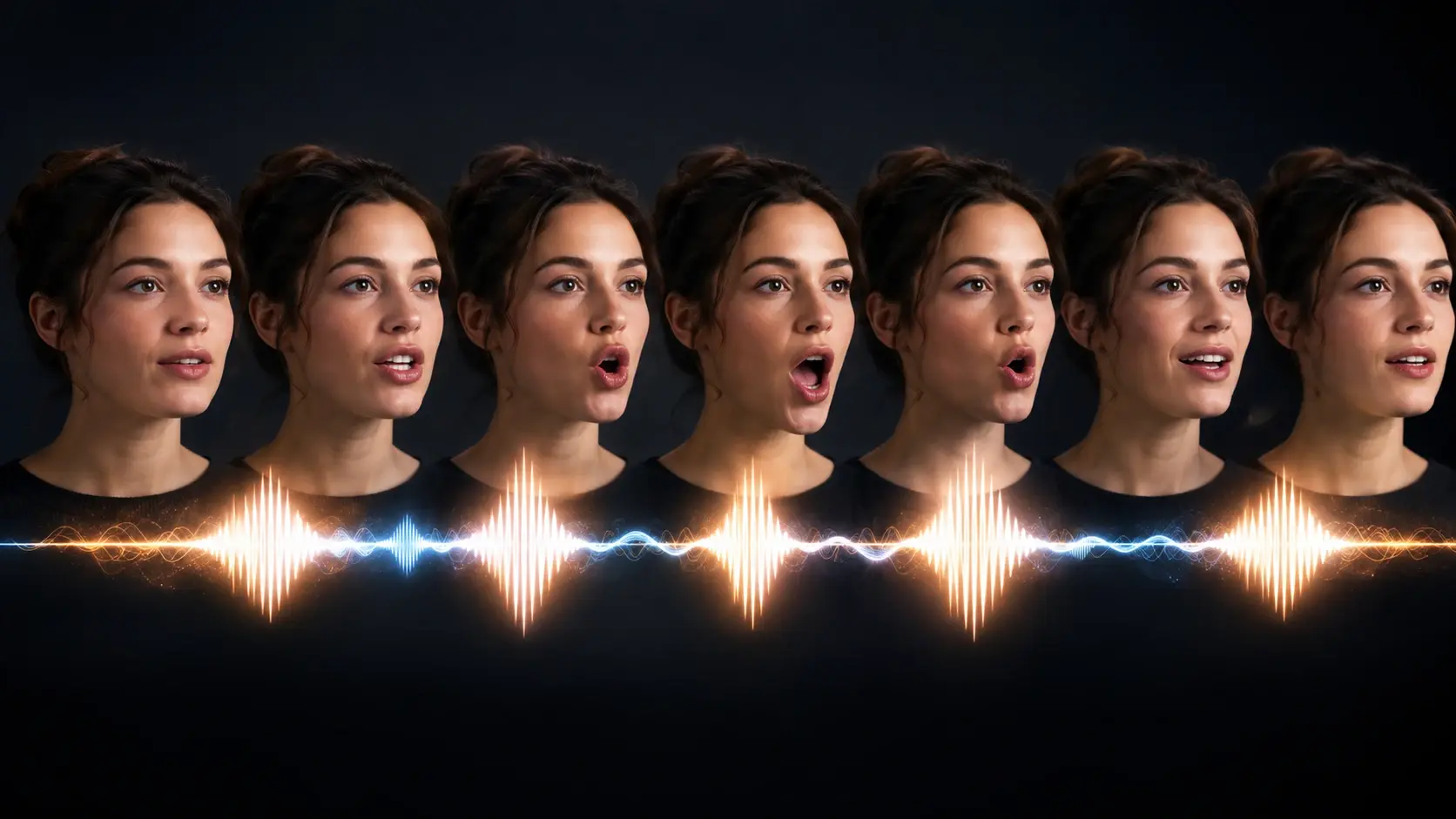
Natural mouth timing
Fluxx lines up vowels, pauses, and quick sounds so the face does not feel stiff. It is made for friendly lip sync animation, not frame by frame chores.

Type a tiny idea, pick a cartoon or anime vibe, and let Fluxx add mouth motion that feels quick, fun, and a little magic.
The flow stays light: choose a face, add sound, then tweak the mood.
Upload a selfie, pet pic, avatar, or cartoon character. Fluxx keeps the setup light so you can start with a fun idea, not a spec sheet.
Drop in a voice note, script read, or song clip. The audio guides the mouth shapes, pauses, and tiny talking beats.
Pick a style, preview the motion, and adjust the feel until the clip looks cool enough to keep, share, or remix.
Upload a selfie, pet pic, avatar, or cartoon character. Fluxx keeps the setup light so you can start with a fun idea, not a spec sheet.
Drop in a voice note, script read, or song clip. The audio guides the mouth shapes, pauses, and tiny talking beats.
Pick a style, preview the motion, and adjust the feel until the clip looks cool enough to keep, share, or remix.
Make a face feel lively without drawing every mouth shape yourself.
Fluxx lines up vowels, pauses, and quick sounds so the face does not feel stiff. It is made for friendly lip sync animation, not frame by frame chores.
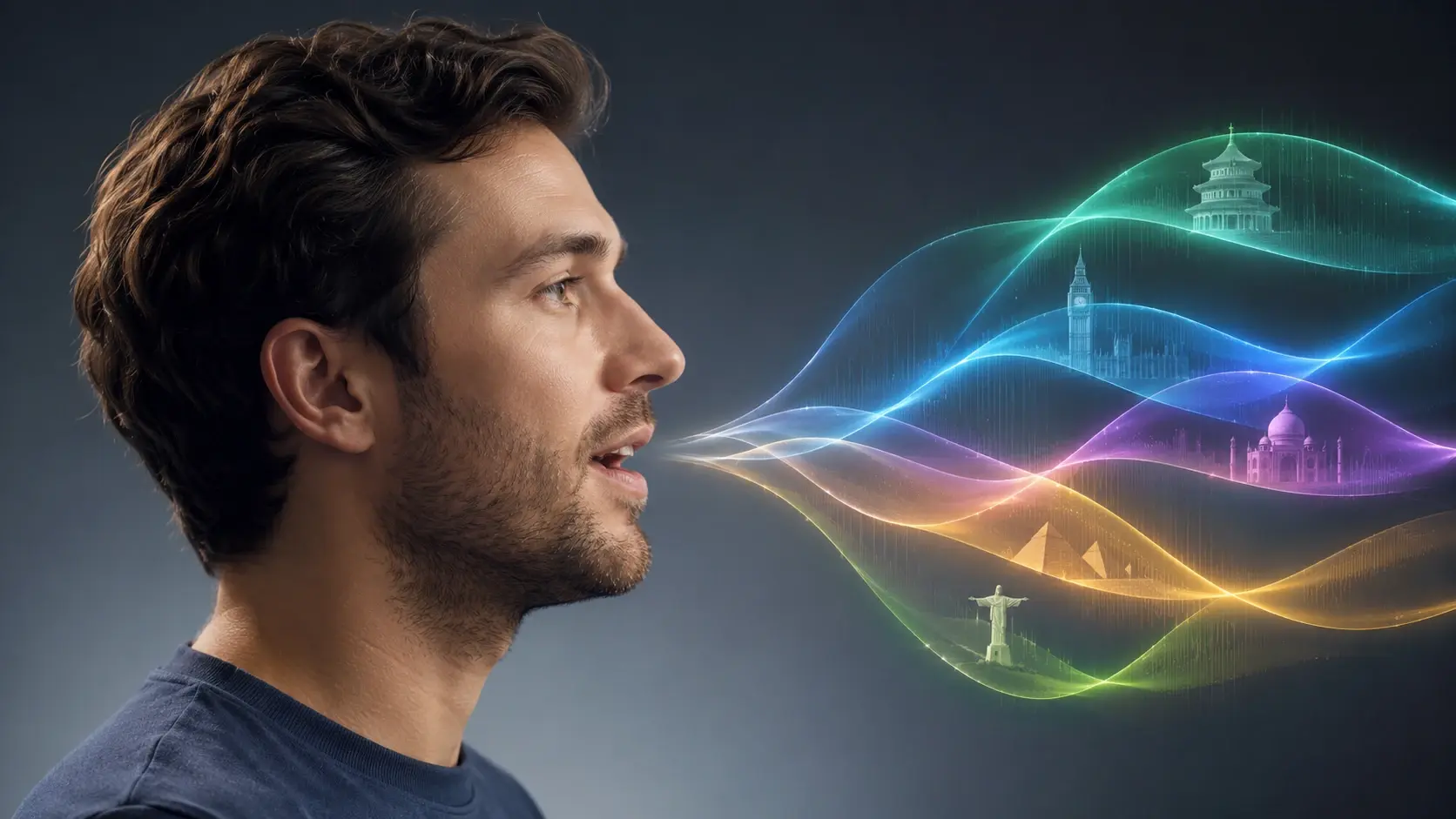
Use English, Spanish, Hindi, Japanese, or mixed audio. The mouth motion follows the voice so dubbing feels playful across languages.

Start with one still portrait and make photo talk for a class intro, greeting, or tiny skit. It works for people, animals, and drawn characters.

Use a short song hook and let the mouth follow longer notes, playful pauses, and chorus energy. Great for anime edits and sticker style clips.
Try one small scene first, then swap the voice, face, or style.



Fluxx focuses on the talking face, not a full editing suite or a pro animation desk.
Old mouth animation means nudging shapes across a timeline. Fluxx is faster for casual clips because the audio drives the mouth first, then you tweak the vibe.
A normal editor can cut scenes, add captions, and mix sound, but it usually will not read the voice into mouth motion. This page is about the talking face part of a lip sync video.
Voice tools change how audio sounds. Fluxx changes what the face does with that sound, so the final clip feels like a talking photo ai moment.
Not at all. Upload a face, add audio, and use simple controls for the fun parts. The mouth timing is handled inside Fluxx.
Sure. Make a tiny speaking sticker, a meme reply, or a wallpaper clip with one line of audio. For still sticker cutouts, use a picture focused tool, but this page is for lip sync motion.
Absolutely. A clear pet photo, anime OC, mascot, or cartoon face can become a quick talking clip. Big side views may need a little tweak.
You can start in a browser on your phone, sign in, choose a face, and add audio. The lip sync app style flow keeps the controls small and quick.
In practice, voiceover, dubbing, and short song clips fit best. The lip sync ai follows speech sounds and singing beats so a face can talk or sing.
Here is the idea: add the language track you want, then preview the mouth motion. It is useful for lessons, character lines, and ai lip sync dubbing tests.
Both can work. Use talking avatar ai for a digital host, or use a real portrait when you want a make photo talk clip with a familiar face.
Next action
Pick a photo, add a voice or song, and let Fluxx turn it into a quick talking clip you can tweak for fun.
Start CreatingPrompt
Start from the tool intent.
Preview
Show the strongest output.
Publish
Send users to create.