


Natural Subject Motion
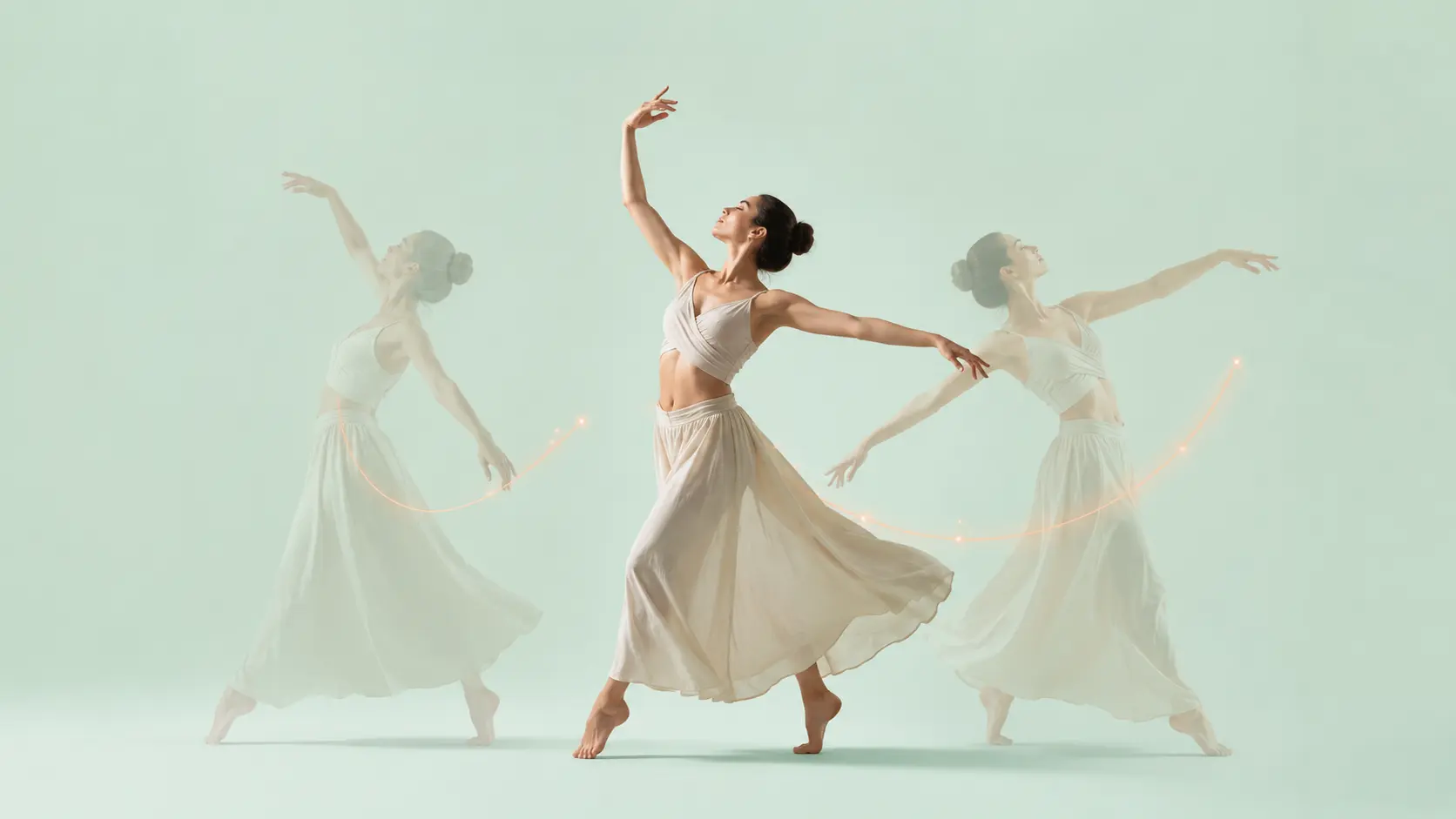
Ask hair to flutter, clouds to drift, water to sparkle, or a pet to blink. The tool reads the picture and adds motion that fits the scene instead of shaking everything at once.

Upload a photo, pet pic, product shot, landscape, or anime idea, then type what should move. Fluxx adds the magic, so your image to video experiment feels quick, cute, and easy to tweak.
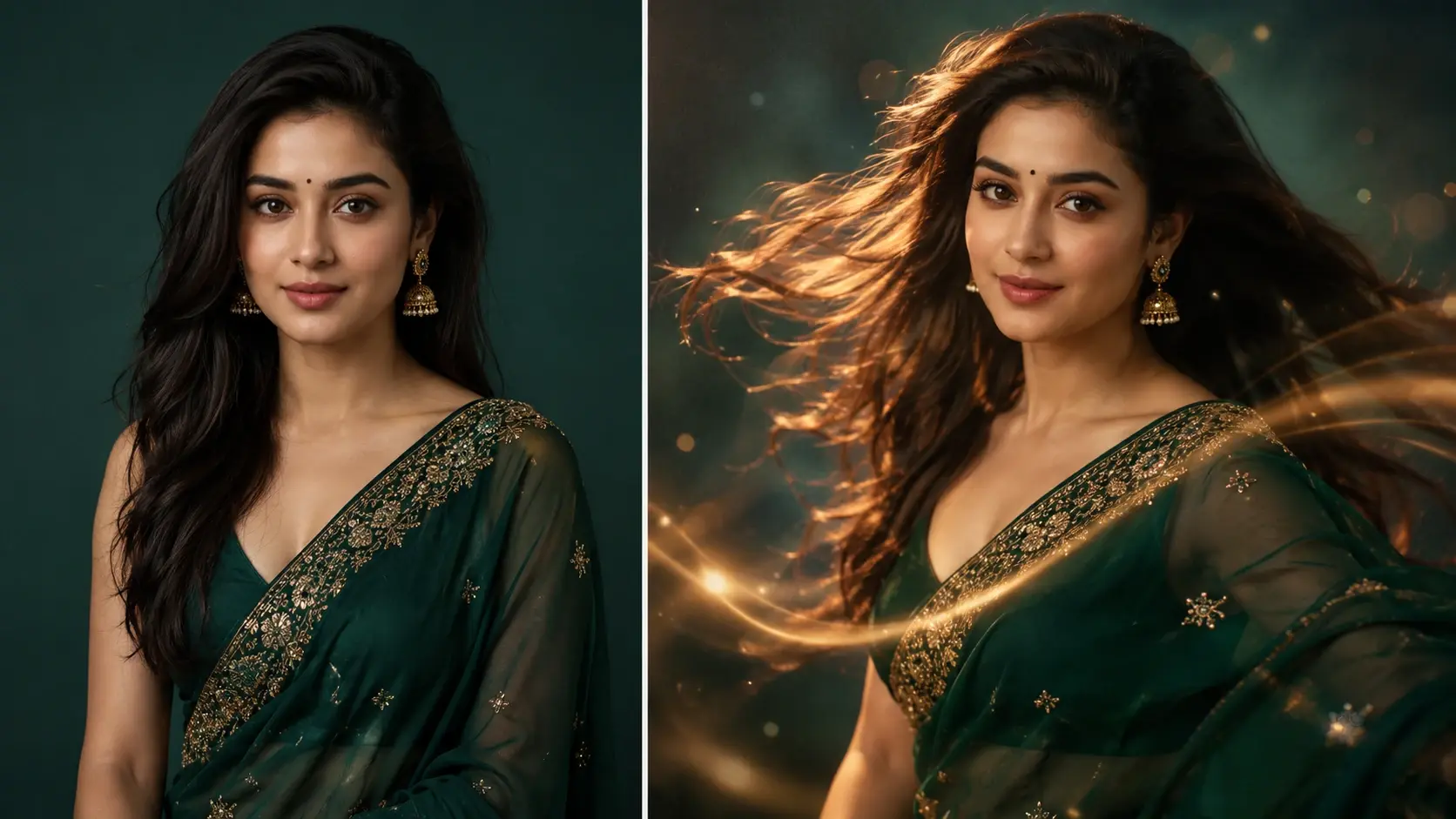
Fluxx keeps the process light while giving your still image enough direction to feel alive. Type a tiny prompt, pick a look, and nudge the scene until it has the right mood.
Ask hair to flutter, clouds to drift, water to sparkle, or a pet to blink. The tool reads the picture and adds motion that fits the scene instead of shaking everything at once.
Choose a soft push in, a slow pan, or a tiny zoom to make the frame feel filmed. It is a handy ai video maker move when the image already looks cool but needs energy.
Type a short cue like cozy, excited, dreamy, rainy, or dramatic. Fluxx uses that idea to guide movement, lighting feel, and the small details that sell the moment.
Turn the same source into anime, clay style, sticker motion, or a cartoon loop. The output can stay close to the image or lean into a more magical art style.
Use it when a still image has the right look but needs a little movement for sharing, saving, or just making yourself smile.

Give a favorite pet photo a wink, head tilt, or tiny bounce. It turns a simple camera roll moment into a sweet photo to video ai clip.
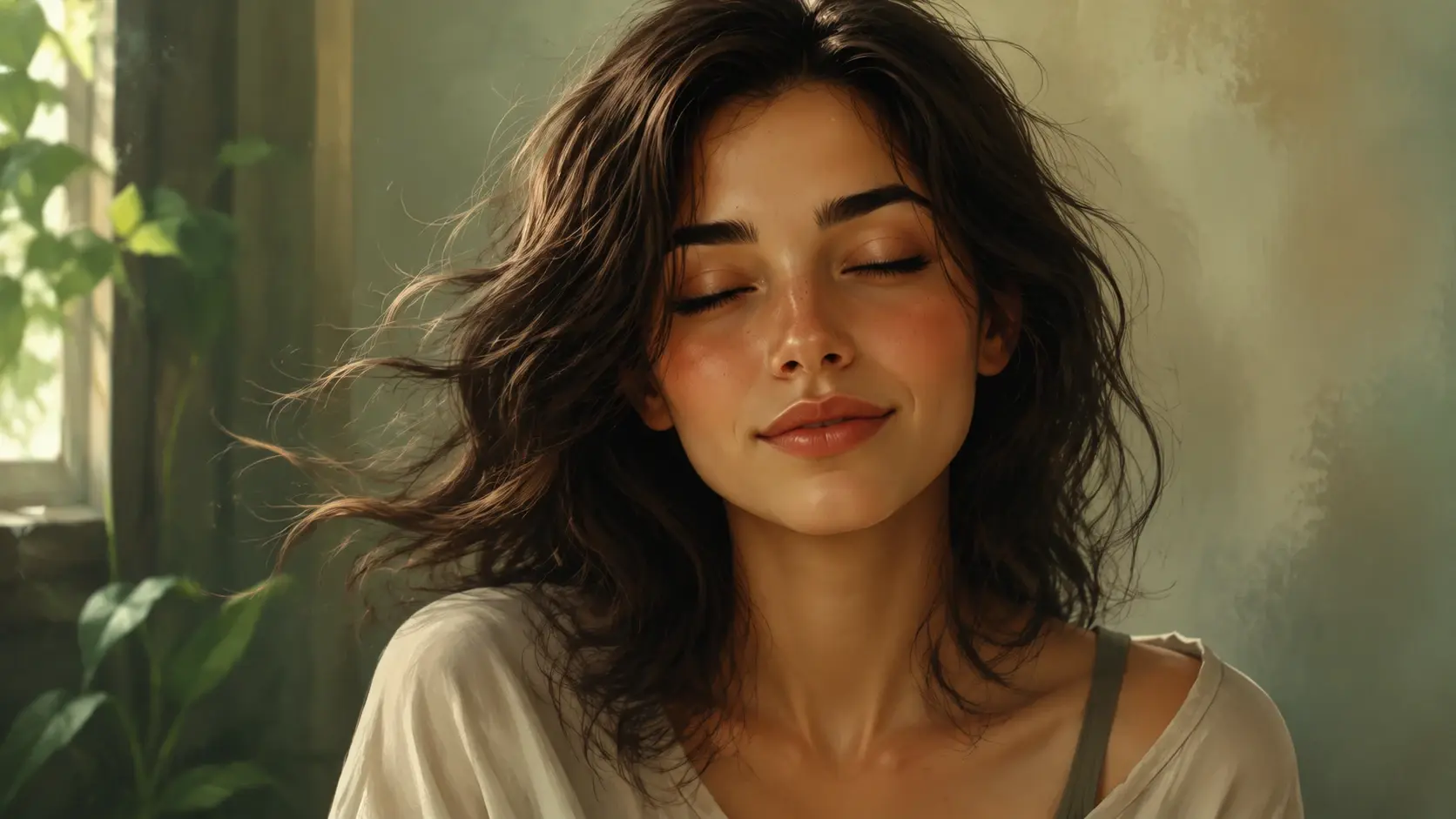
Animate an original character with wind, glowing eyes, or a gentle pose shift. It is a quick way to make an ai video from character art without learning timelines.
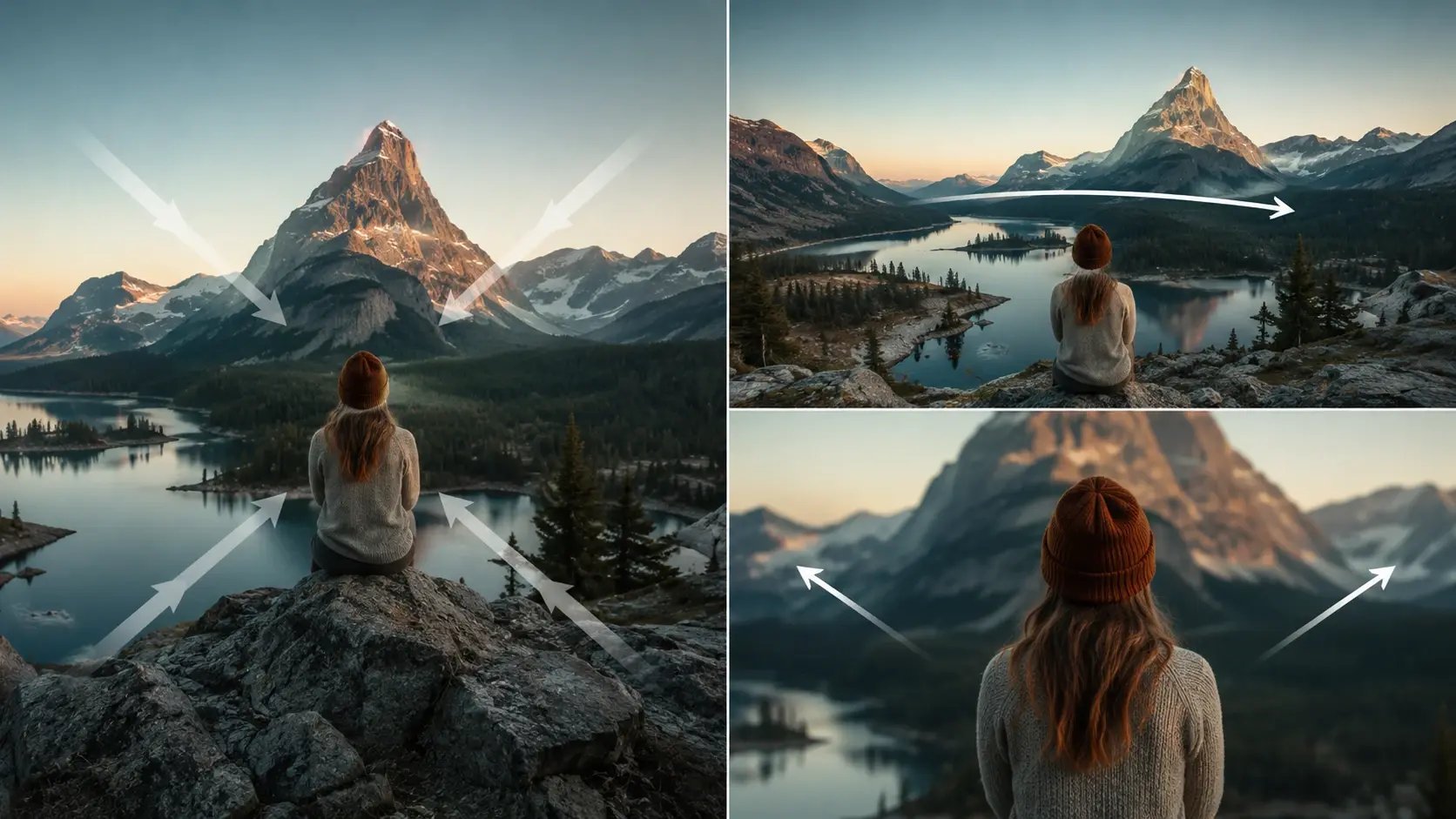
Add a clean turn, sparkle, or camera glide to a product image. The result can feel more alive while keeping the subject recognizable and consistent.
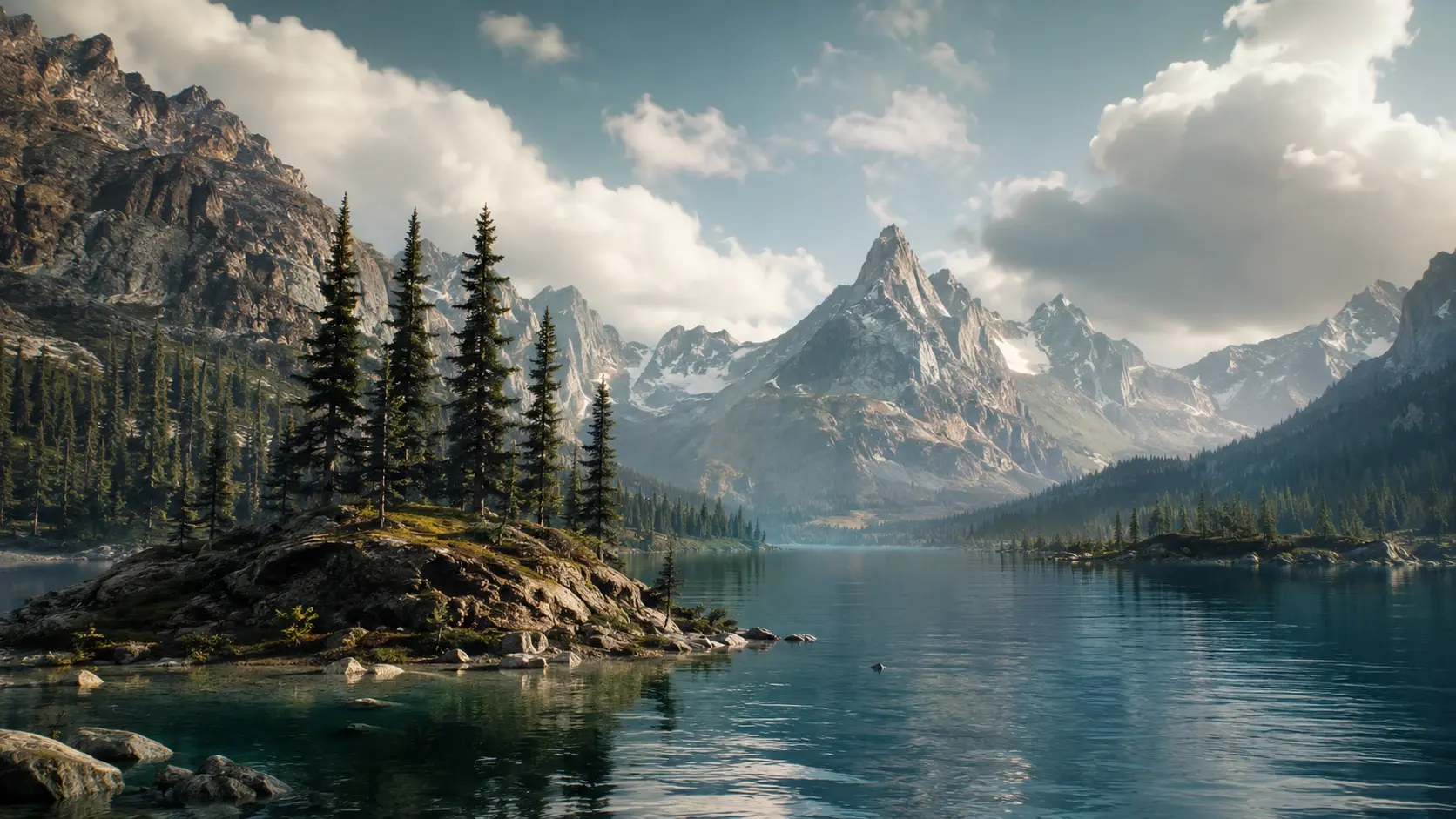
Bring a landscape, room setup, or fantasy scene into motion before using it as a live wallpaper idea. Small clouds, lights, and water can make the whole scene feel cool.
This page is for motion from a still picture, not a full editing suite or a pro film timeline. It keeps the fun parts close to the surface.
A normal editor changes color, crops, and layers. Fluxx turns a picture into motion, so the result feels like a tiny scene instead of a finished still.
Traditional video tools ask you to set keyframes and cuts. Here, a short instruction can guide the action, camera, and emotion in one go.
Some tools ignore the image and invent too much. Fluxx is tuned for picture to video ai work, so the clip starts from the subject you actually uploaded.
Next action
Bring a photo, drawing, sticker idea, or anime scene into Fluxx and turn it into a quick ai video generation moment with style, motion, and a little magic.
Make a PicturePrompt
Start from the tool intent.
Preview
Show the strongest output.
Publish
Send users to create.