
Best Image Blender

Upload two reference images and the Image Blender fuses them into a clean composite. Results stay reliable when sources have clear edges and balanced lighting.

Banner preview

Image Blender for Fast Creative Composites

Blend two images into one clean composite. Matched light, clean edges, no manual masking. Ship the variant and reroll if it misses.

Who Gets the Most from Image Blender

Built for creators running on deadlines, not perfectionists with unlimited revision cycles. Fast composites for real production pressure, tight campaign windows, and daily publishing workloads.

Marketer using Image Blender to blend images

Growth Marketers

Running 20 ad variants this week and the creative bottleneck is background swaps, not ideas. The Image Blender batches product into-lifestyle composites fast. Generate a set, kill the losers, scale what converts. No Photoshop queue needed.
Designer using Image Blender to combine images

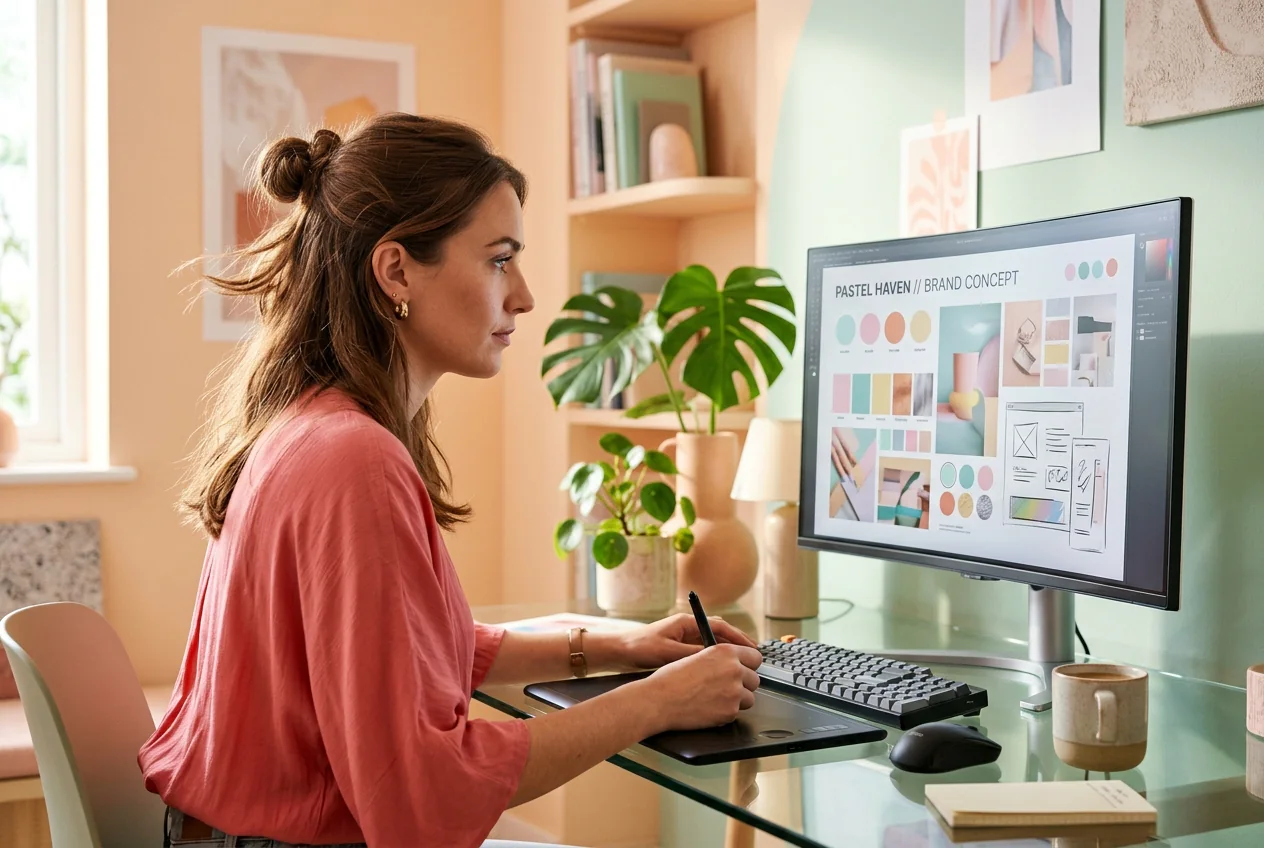
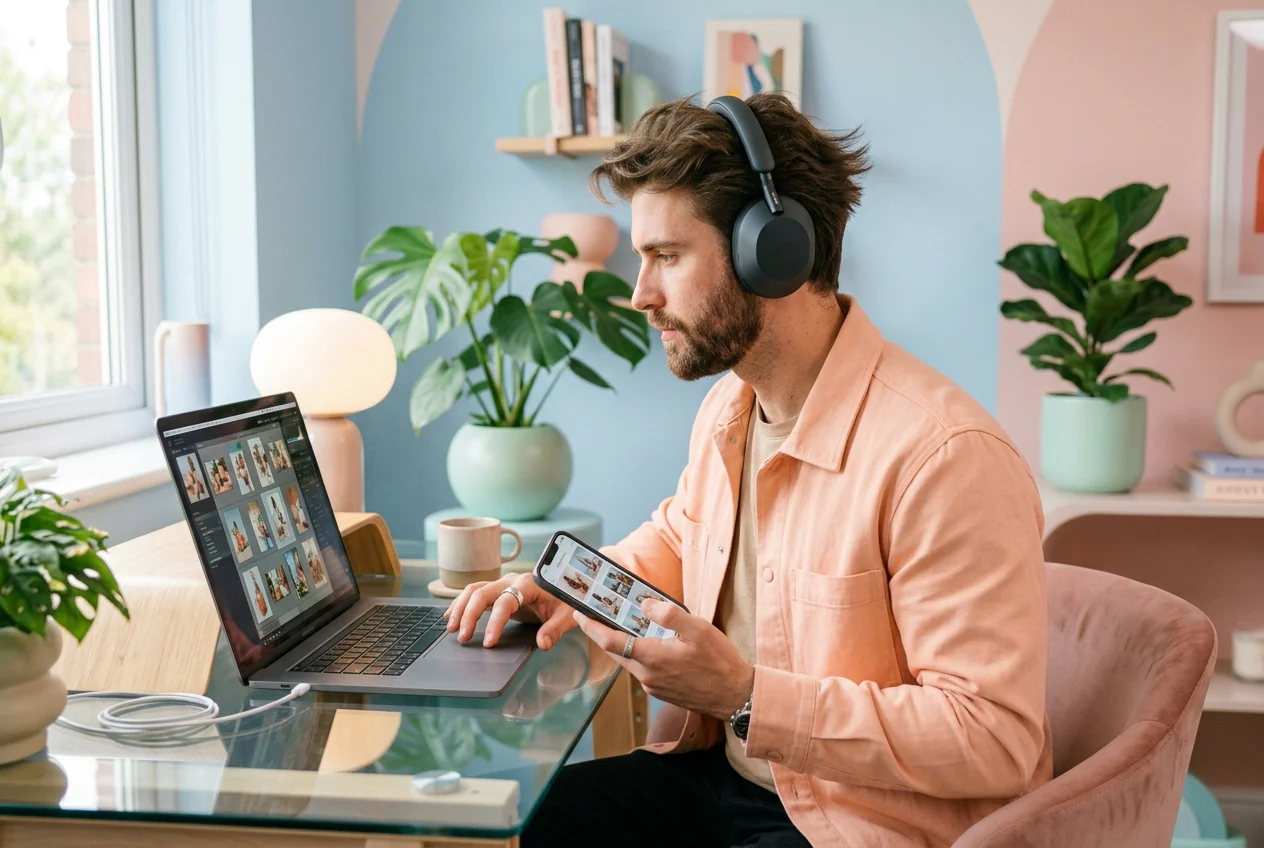
Freelance Designers

Client wants a mood board composite by tomorrow, no reference, flat rate. Drop both source images into the Image Blender, get a rough cut with natural light matching, send three variants, let them pick. Done before the revision email arrives.

Content creator using Image Blender tool

Content Creators

Posting daily means the hook changes every three days. Mix Photos of products and lifestyle scenes fast, reroll if the blend looks off, and ship before the trend cycle moves on. It looks like an hour of work, but usually takes about twenty minutes.

How the Image Blender Works

Image Blender runs in three steps with no masking tutorials or layer panels. Upload references, set blend strength, and generate a composite you can iterate on quickly. Teams use this flow when they need fast variants for ads, socials, and launch pages without opening heavy desktop editors.

Step 1

Upload Two Images

Pick your subject image and your background or second visual. The Image Blender reads both, analyzing color temperature, shadow direction, and edge contrast before generating anything. Clean inputs get cleaner outputs.

Step 2

Set Blend Options

Choose your blend style: realistic composite, double exposure, or style mix. Dial in the intensity and let the AI match light and shadow automatically. No manual masking, no layer gymnastics.

Step 3

Generate and Reroll

Generate the composite and review it fast. If the edge or color match is off, reroll immediately without re uploading. Batch multiple variants from the same source pair and cut what does not convert.

Image Blender Features Worth Knowing

Every feature maps to one job: faster composites with less manual cleanup. Combine images, kill the weak variants, ship the ones that work.

Blend Two Images Fast

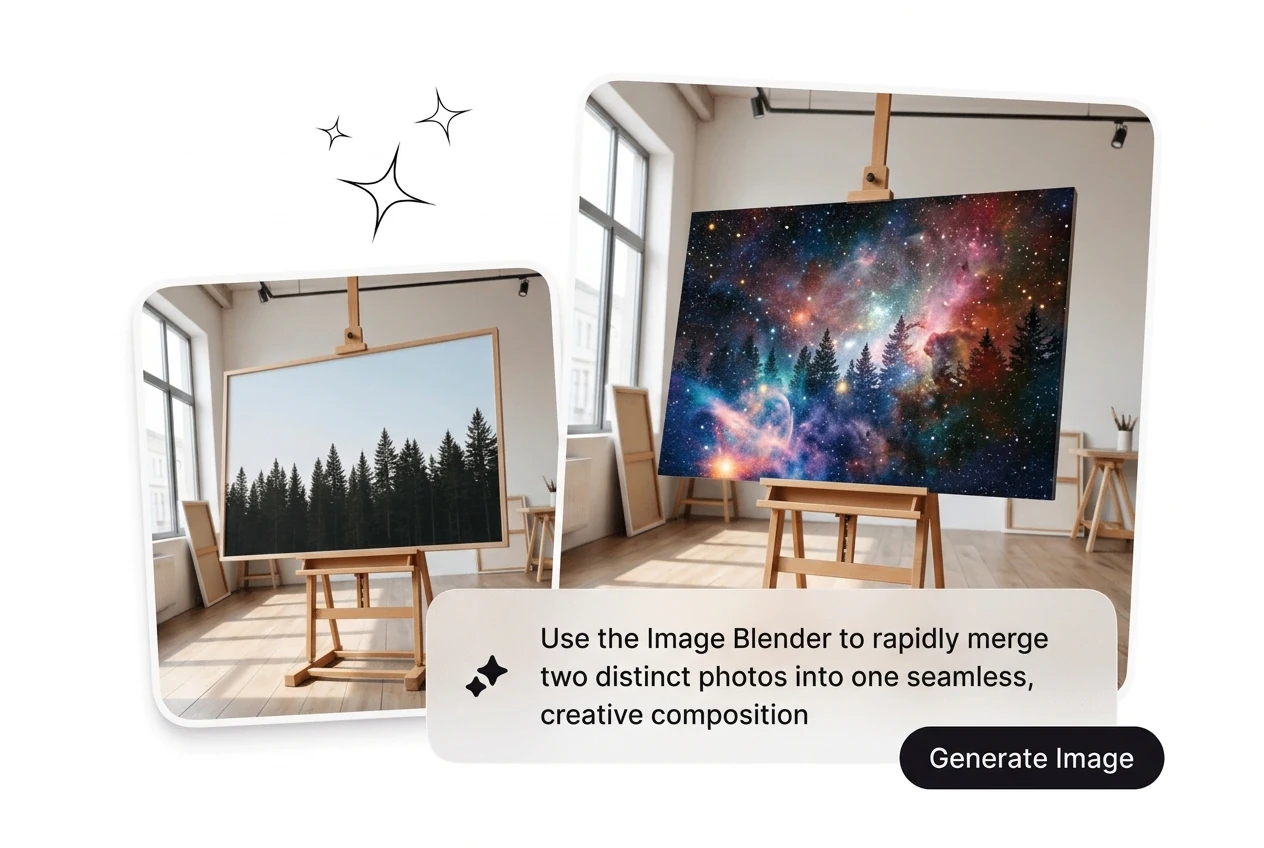
The Image Blender fuses two photos or visual elements into one natural composite in a single generation. Use it when a client needs a lifestyle product shot and you have the product image but no budget for a shoot. Get a clean result to iterate from, not a starting mess to fix.

Image Blender blending two photos into composite

Smart Subject Into Background

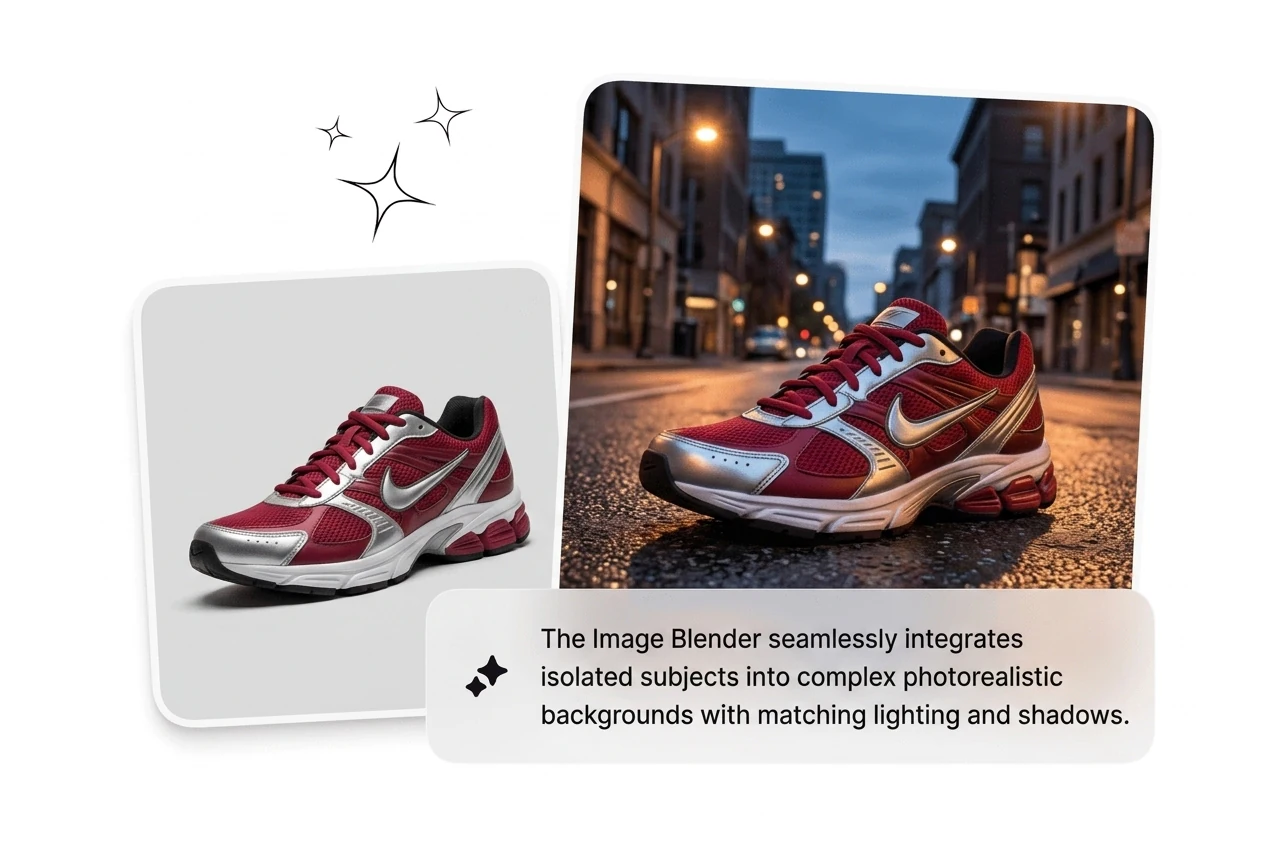
Place a person, product, or object into a new background so it reads as actually there, not pasted on top. This is where most ai image merge online free tools fall apart with hard edges. The subject blend here accounts for spatial depth, not just pixel overlap. Fuse images faster without the cutout headache.

Image Blender placing subject into new background

Auto Light and Color

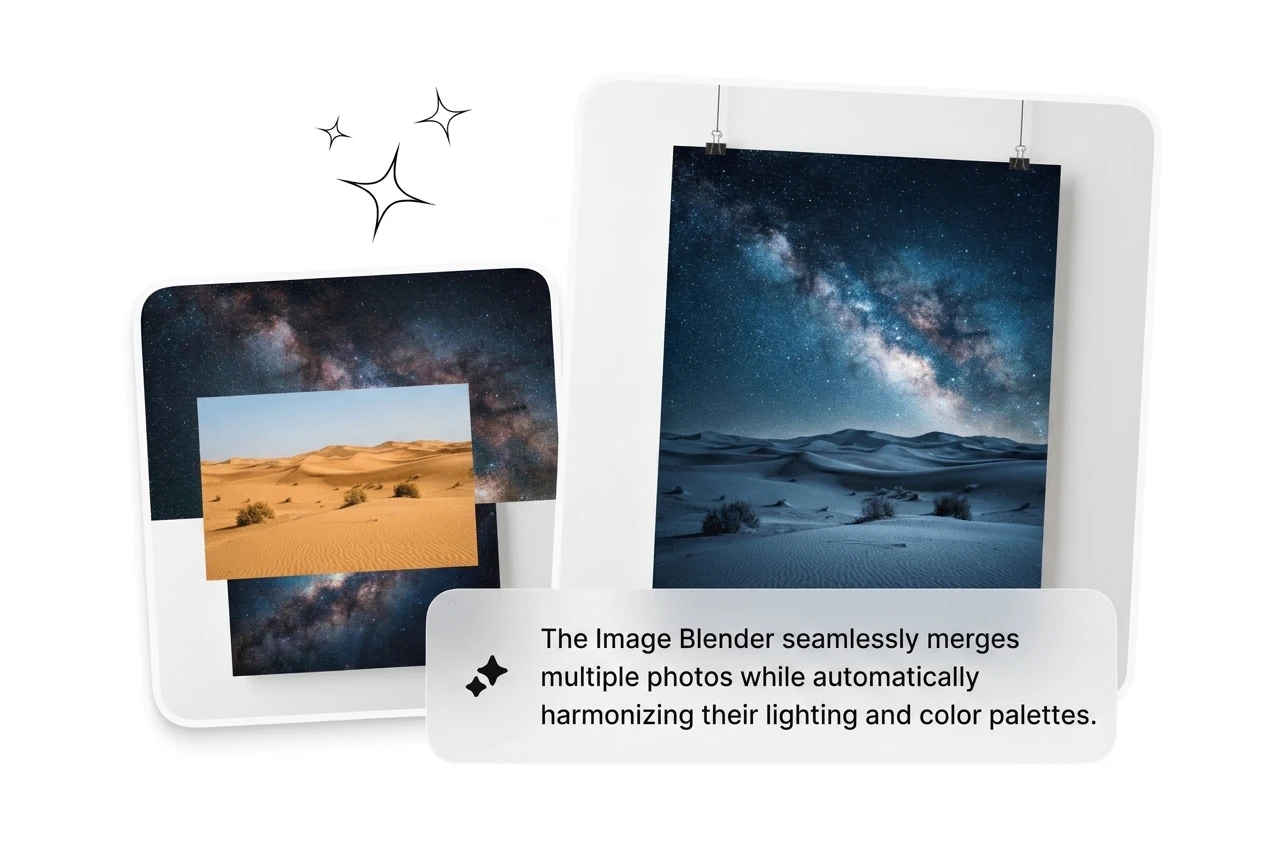
AI analyzes both source images for light direction, color temperature, shadow softness, and reflection tone before the blend. Useful when your subject was shot under studio light and the background is an outdoor scene, which is a pairing that usually breaks. The composite Image Blender output reads as one consistent image, not two files forced together.

Image Blender auto matching light and color tones

Double Exposure and Style

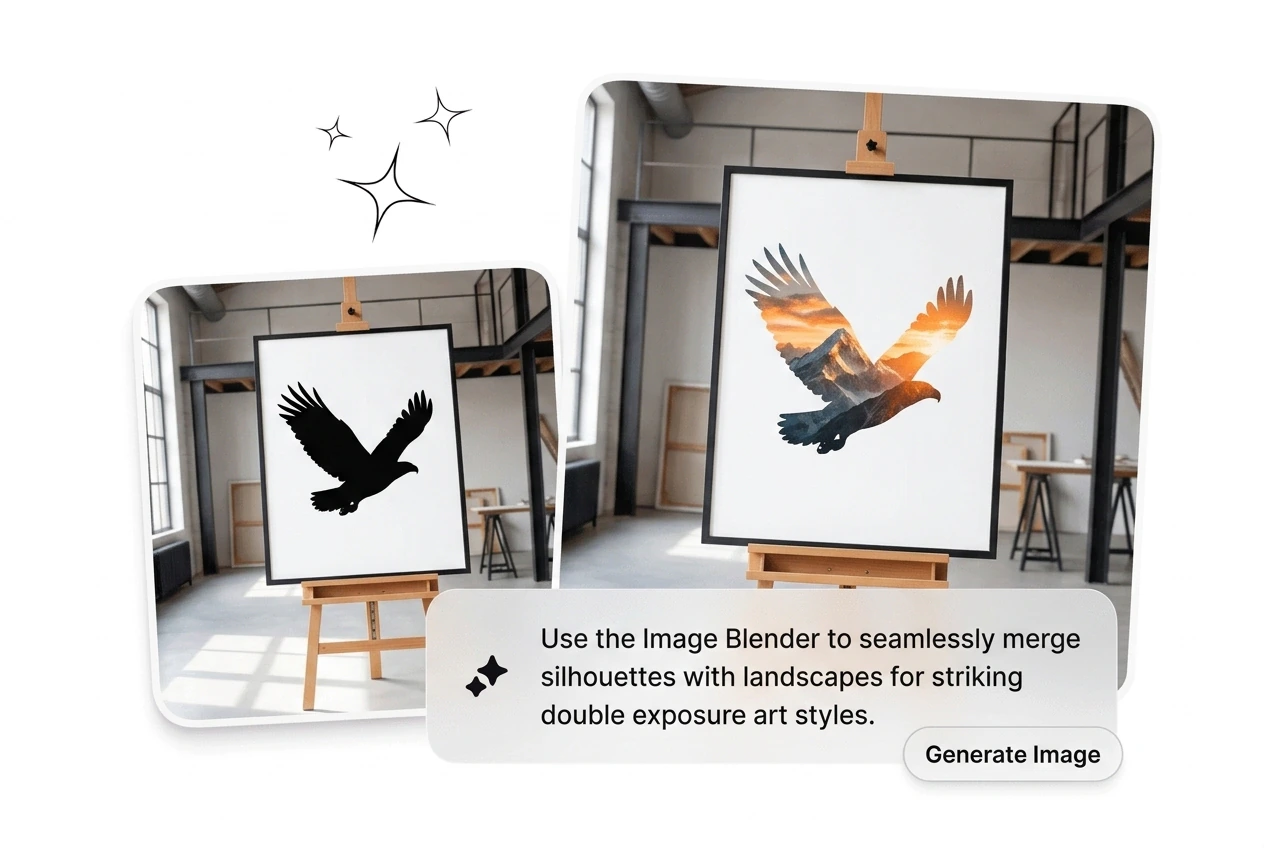
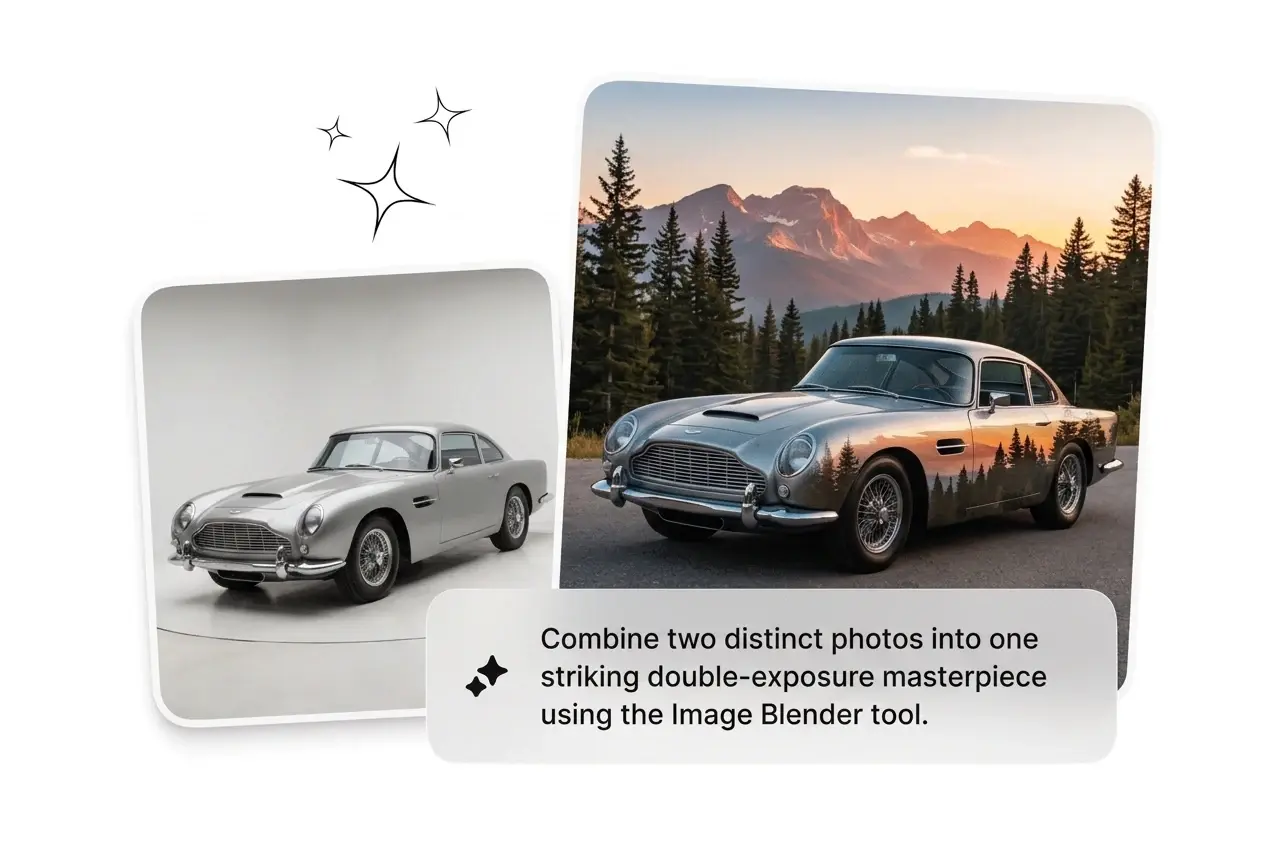
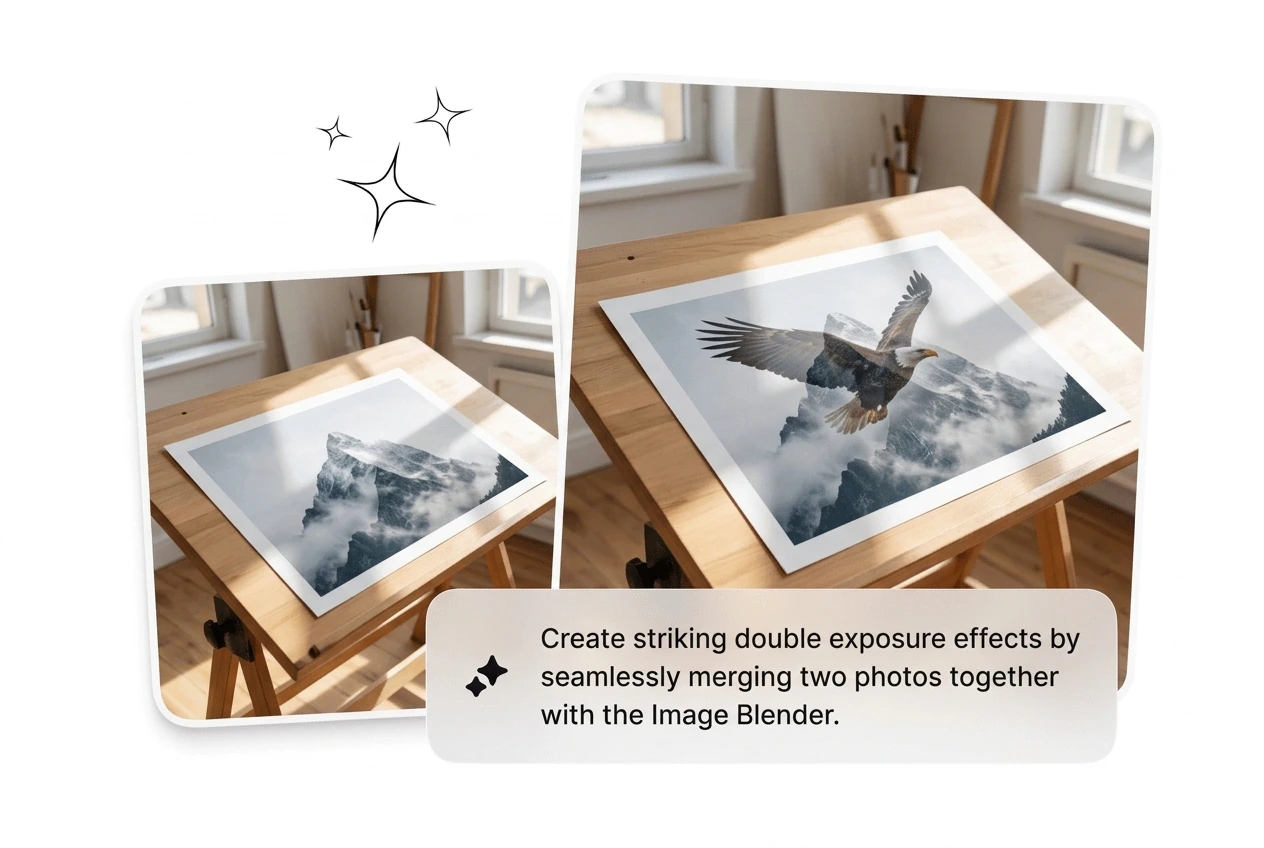
Beyond realistic composites, generate double exposure effects, gradient blend two images online, and creative style overlays from the same upload pair. Useful for editorial content, campaign hero images, and digital art where the ai image editor effect matters more than photorealism. Reroll until the artistic blend lands where you want it.

Image Blender creating double exposure artistic effect

Image Blender Questions Answered Bluntly

Yes, Image Blender can run preview blends before signup in most cases. Free mode may cap batch size and export resolution, so check limits first. Image Mixer and blend images workflows are supported, which helps you validate ideas quickly before full production.

Image Blender to Ship the Winner

Drop in two images, run Image Blender, and reroll what misses. Fluxx AI cuts composite time down to minutes instead of hours, even when teams need extra variant rounds before launch.

Create Free