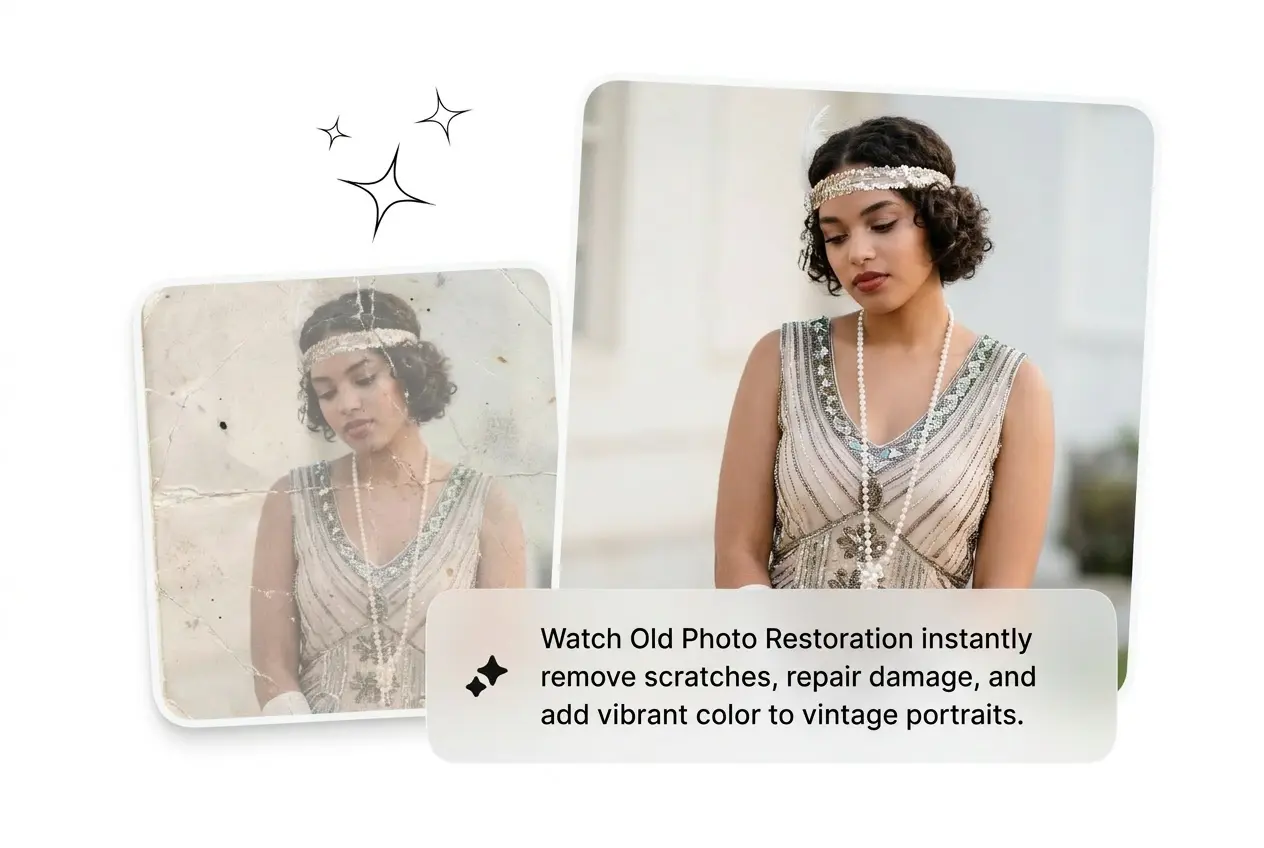
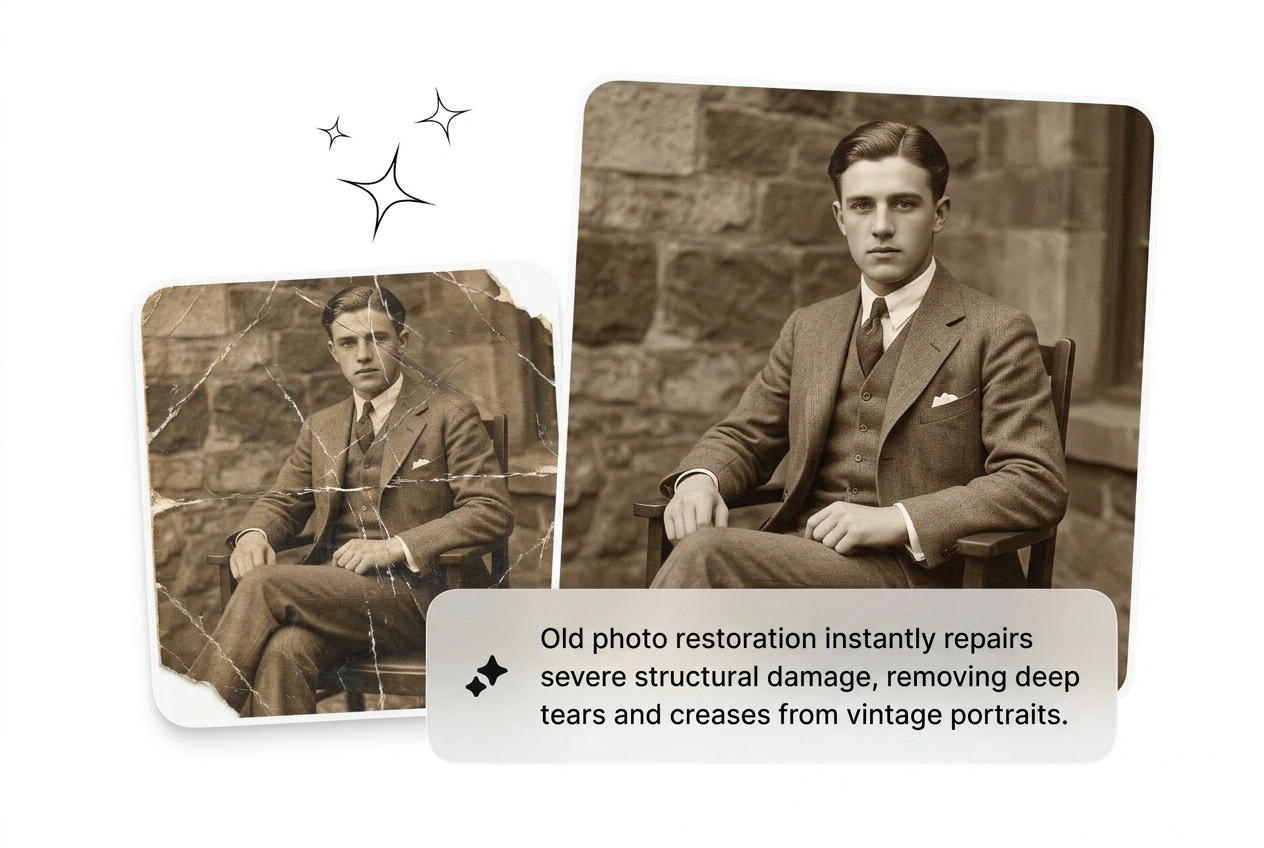

Best Old Photo Restoration

Run Old Photo Restoration on damaged archives to fix scratches fast. Heavy damage needs clear reference files, but clean exports ship in minutes.

Banner preview

Fast Old Photo Restoration

Drop faded scans into the timeline. Photo restoration ai fixes tears instantly, while old photo restoration keeps the original film grain completely intact.

Who Needs Old Photo Restoration

Archival teams need volume. Batch process vintage files with old photo restoration, kill the plastic look, and ship clean assets before deadlines hit.

Museum tech using Old Photo Restoration tools

Museum Archive Techs

Digitize hundreds of historical assets daily. Online photo restoration batches the workflow so you skip manual clone stamping. Keep the authentic texture, fix old photos fast, and export the entire collection before your lunch break ends.
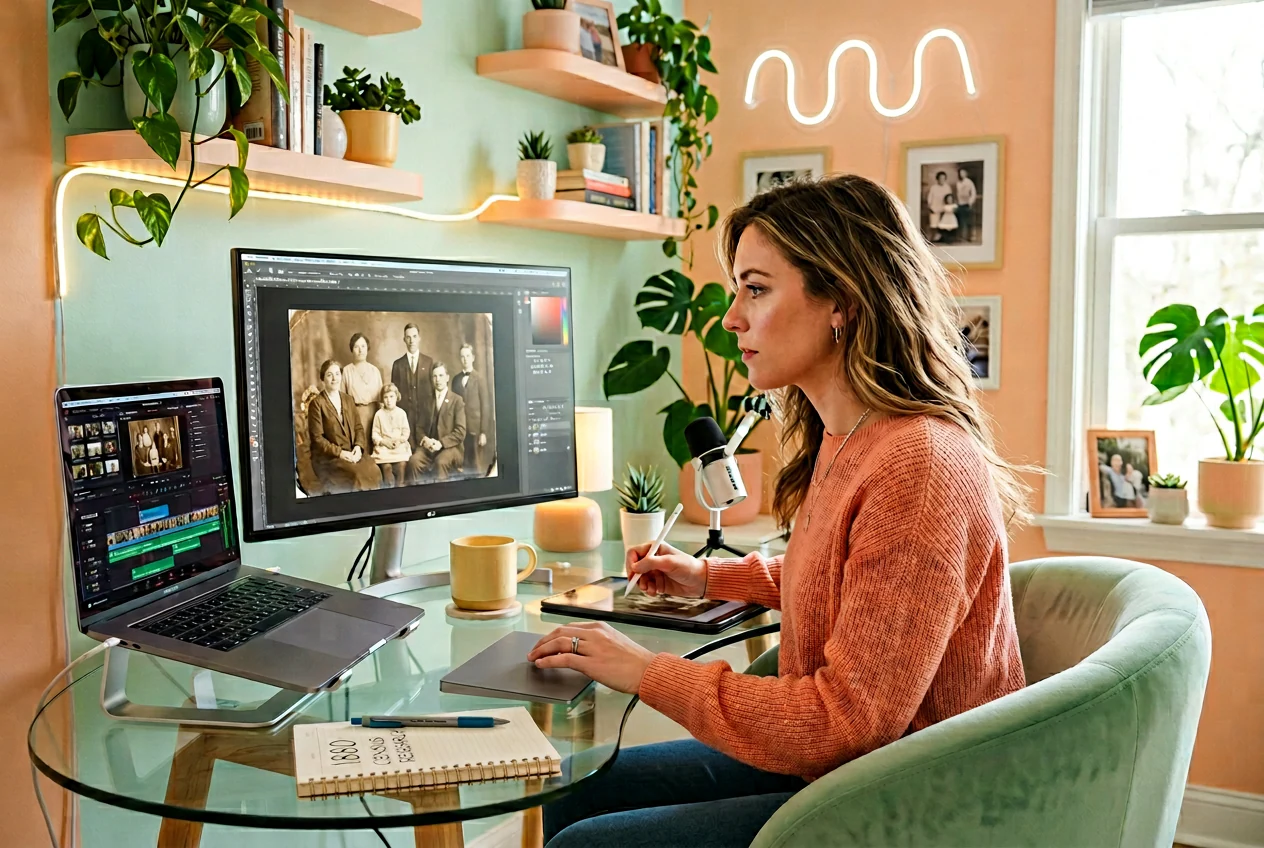

Creator running Old Photo Restoration for genealogy

Genealogy Content Creators

Build family history videos using damaged source files. Damaged photo restoration cleans up torn edges and heavy mold spots instantly. Reroll the variant if the face looks too smooth, then drop it into your timeline.

Designer applying Old Photo Restoration to merch

Vintage Merch Designers

Client wants a retro graphic but only has a faded print. Restore faded photos quickly to pull clean subjects for apparel designs. Cut the background, keep the sharp details, and send three different options out today.

How Old Photo Restoration Works

Skip the manual brush work. Upload reference images, adjust the noise settings, and let old photo restoration render clean variants fast.

Step 1

Drop The File

Import your scanned image directly into the workspace. The system reads the damage level immediately, prepping the file for antique photo restoration without requiring complex masking or tedious manual layer setups.

Step 2

Set The Details

Type your specific requirements to control grain retention and scratch removal photo intensity. Dial back the smoothing if the faces start looking like plastic mannequins during the initial rough cut phase.

Step 3

Ship The Variant

Generate the batch and kill the weak ones. Pick the most accurate old picture restoration, export the high-resolution file, and move straight on to your next demanding client project today.

Fast Old Photo Restoration Tools

Stop wasting hours on manual clone stamps. Batch the variants, keep the authentic film grain, and ship clean assets before the deadline.

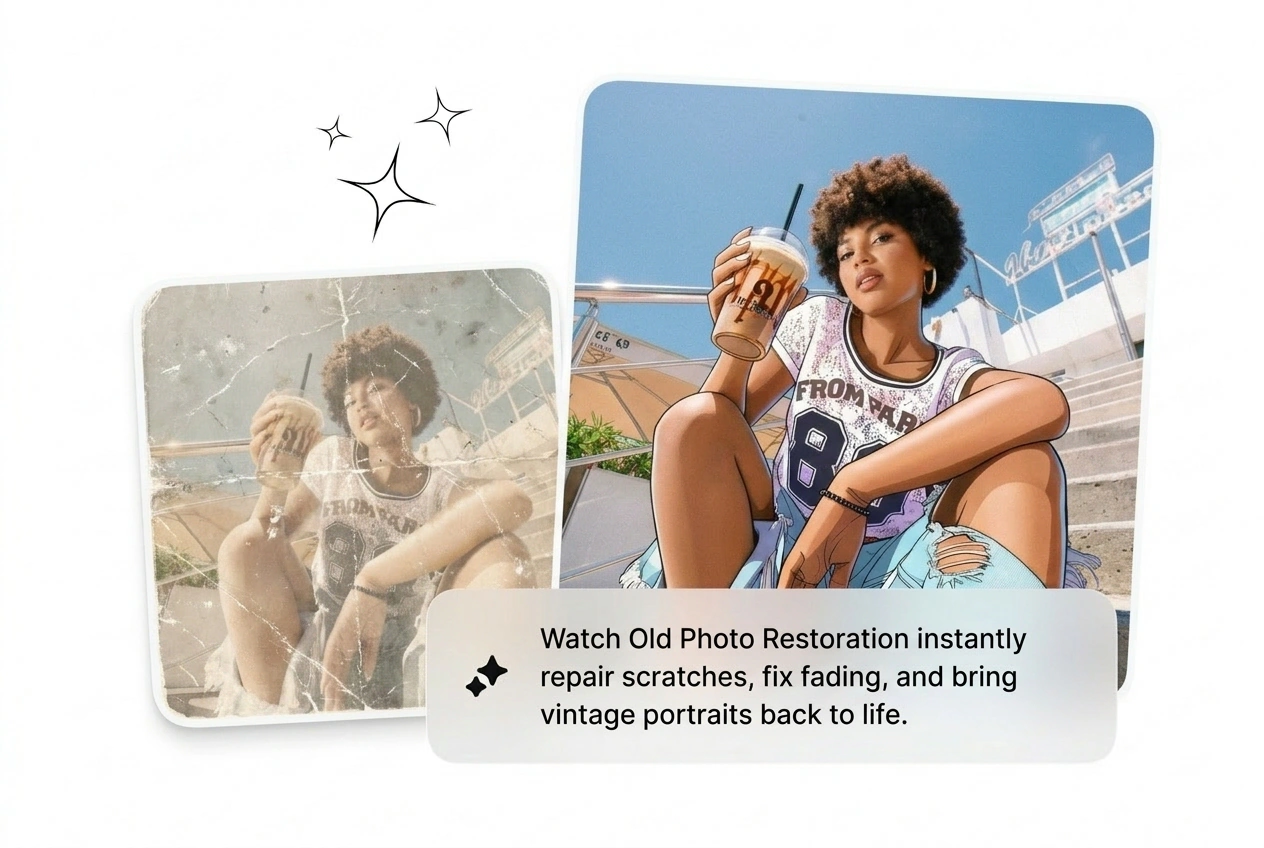
Fix Structural Damage Fast

Upload heavily creased files and let old photo restoration handle the damage automatically. It rebuilds missing edges and executes torn photo repair in seconds. Reroll the variant if the initial output misses a crucial background detail.

Old Photo Restoration fixing torn edges and scratches

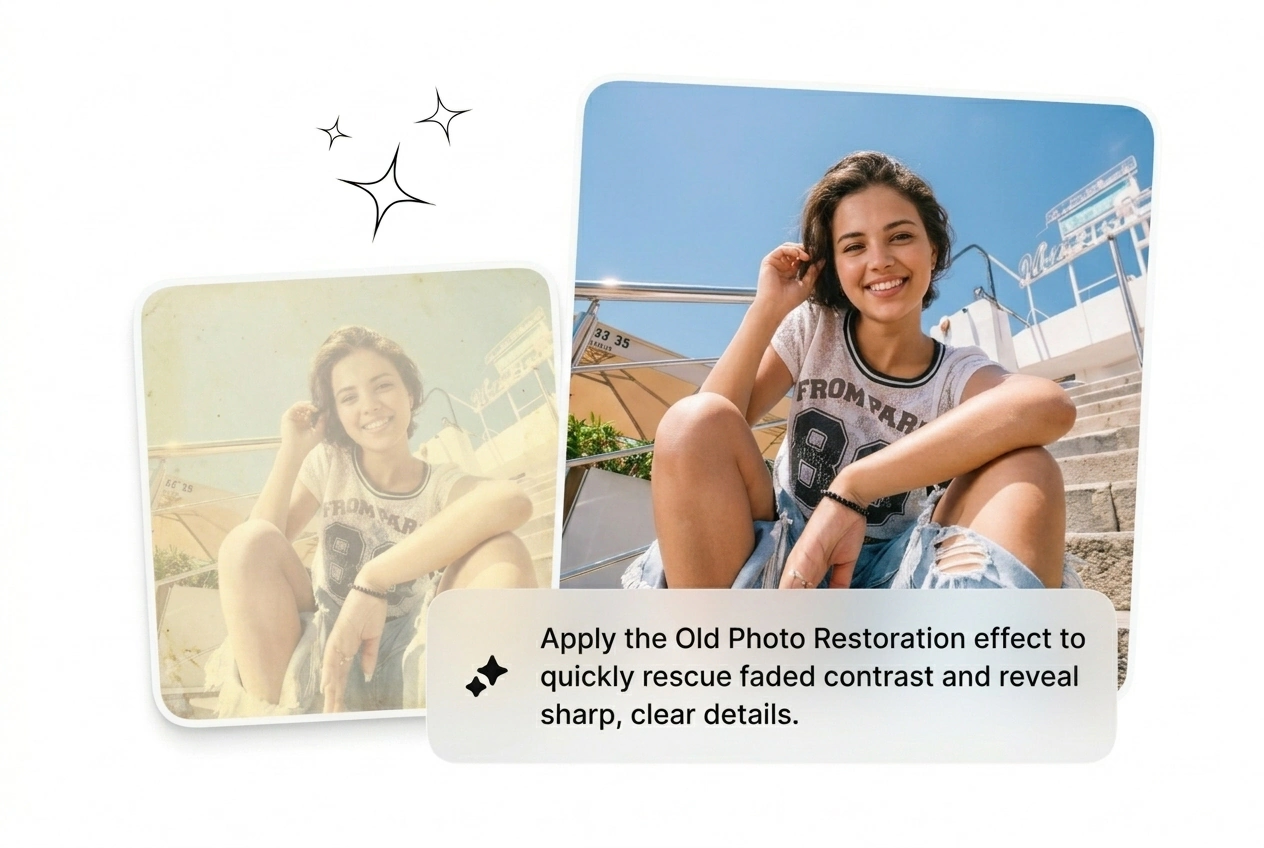
Rescue Faded Contrast Quickly

Bring washed-out prints back to life without tedious curve adjustments. Vintage photo restoration targets flat contrast and restores natural depth instantly. Get a usable base layer fast, then tweak the final color grade yourself later.

Old Photo Restoration rescuing faded contrast and depth

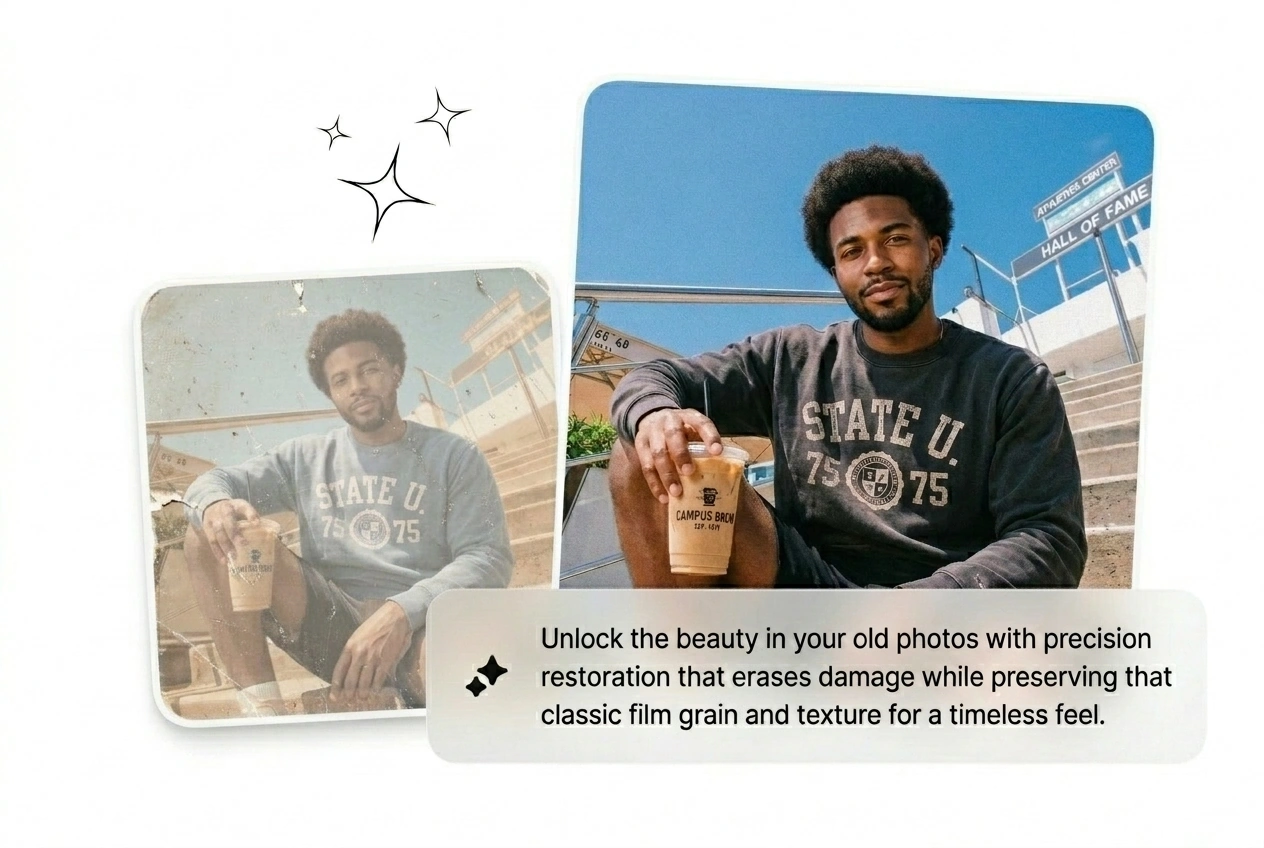
Keep Authentic Film Grain

Nobody wants a historical portrait that looks like a modern plastic filter. Old photo repair algorithms clean the damage while preserving original paper textures. Specify your exact noise requirements to maintain that gritty studio feel.

Old Photo Restoration maintaining authentic film grain texture

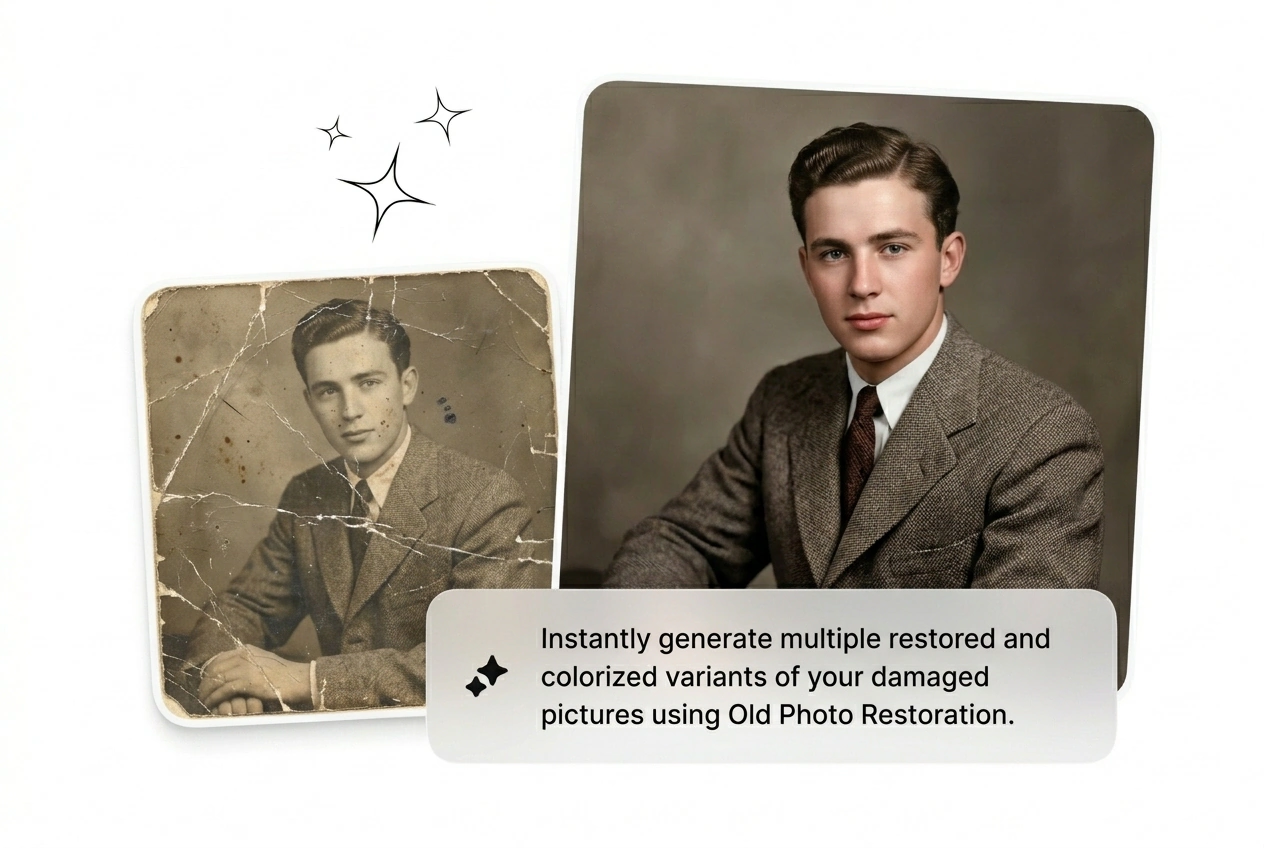
Batch Multiple Variants Instantly

Stop waiting for single renders to finish. Run old photo restoration online across multiple settings simultaneously to see what works best. Compare the rough cuts, kill the over-smoothed versions, and download the winning file immediately.

Batching multiple Old Photo Restoration variants at once

Old Photo Restoration Questions

Sure, you can upload scans of severely damaged prints. Old photo restoration rebuilds missing sections and handles deep scratches automatically. It works best on high-resolution scans, giving archivists a clean base layer to finalize their historical projects.

Run Old Photo Restoration Now

Stop tweaking layers. Batch the variants, kill the weak ones, and ship clean assets today. See what ships right now.

Try Free