
Best Blemish Remover

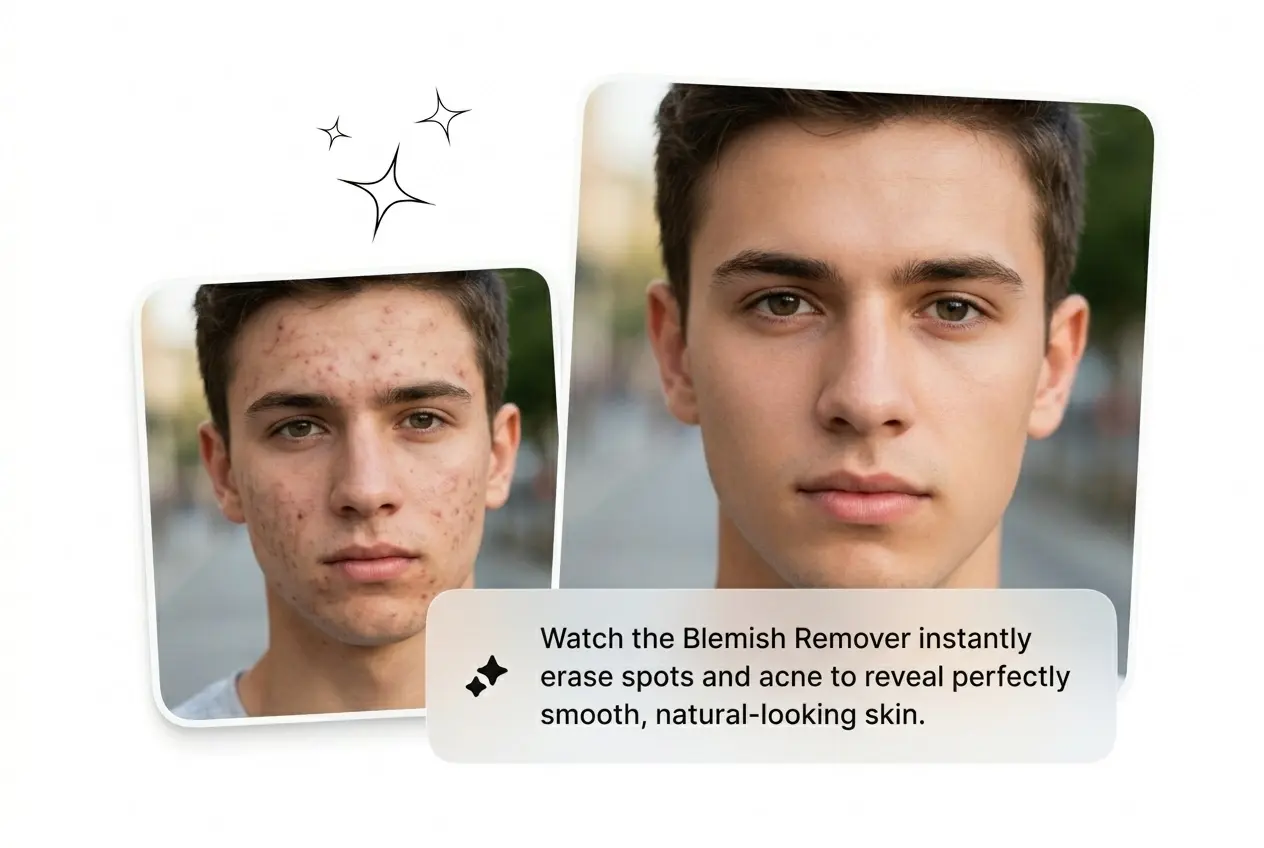
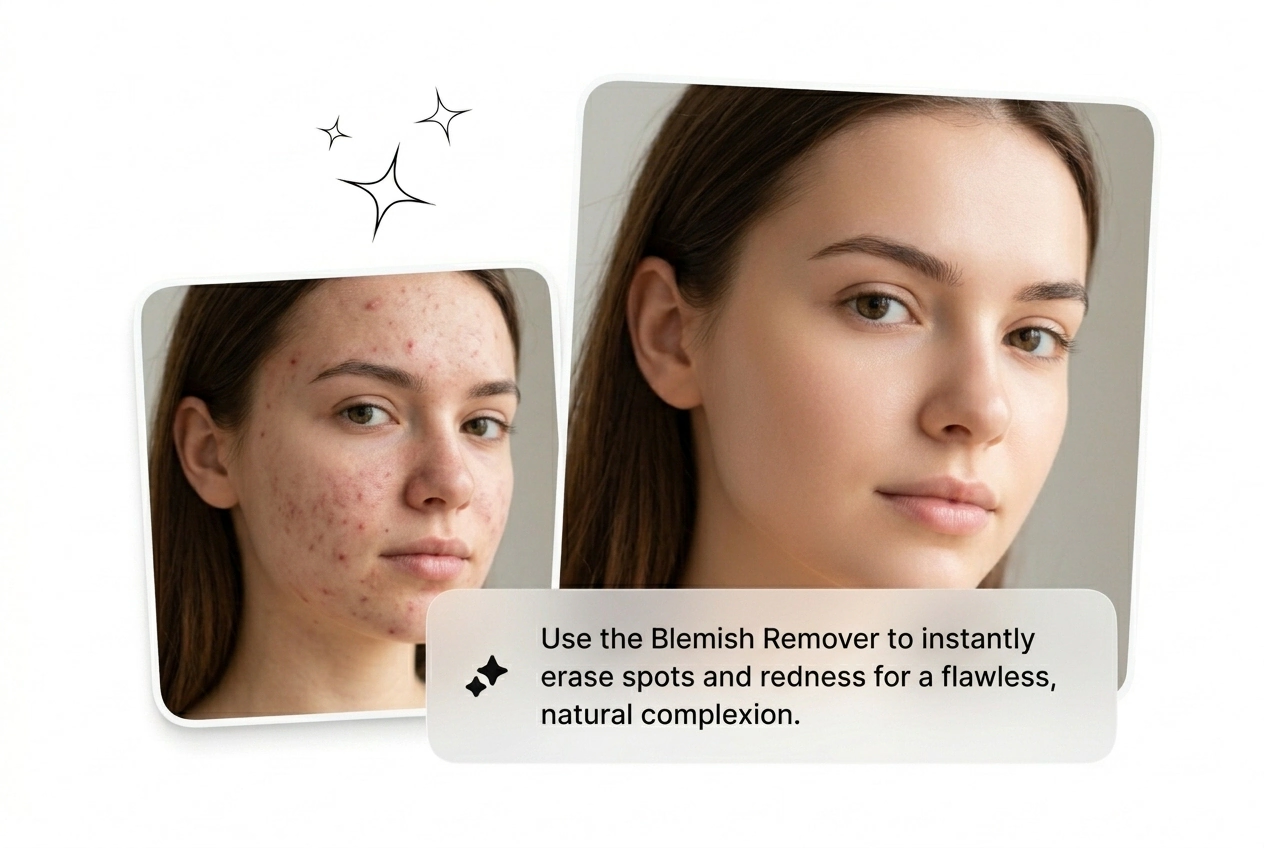
Upload a portrait and the Blemish Remover blends away spots, acne, and stray hairs while keeping real skin texture intact. Works best on well-lit, high-resolution reference images.

Banner preview

Best Free Blemish Remover Online

Kill the spots, keep the skin. Blemish Remover clears acne, dark patches, and stray hairs in seconds, no manual healing brush required.

Who Needs Blemish Remover

Running a shoot, posting daily, or closing a product listing fast. Blemish Remover cuts the retouch step without cutting skin texture.

E-commerce creator using Blemish Remover portrait batch

E-commerce Shooters

A hundred SKU shots came back with shine, stray hairs, and a visible pimple on the model's chin. Face blemish remover runs the whole batch online, free, before the client's Monday review. Ship clean images without rebooking the studio.


Selfie creator applying Blemish Remover skin retouch

Selfie Creators

Posting before the breakout clears is just the job. Drop the reference image, retouch photo in one click, and export HD with no watermark. Looks considered, took under a minute, trend window still open.

Freelance retoucher using Blemish Remover portrait cleanup

Freelance Retouchers

Client sends a headshot, needs remove blemishes, pimples, acne scars, and dark spots handled by end of day, flat rate. Run portrait blemish removal online, deliver three clean variants, move to the next brief. Done before the invoice is drafted.

How to Use Blemish Remover

Upload. Auto-detect. Export clean. Three steps, no healing brush, no layer masks. Fast enough to retouch photo between briefs.

Step 1

Upload Reference Image

Drop the portrait or reference image into the editor. Supported inputs are photos and reference frames. No video uploads, no clip required.

Step 2

Detect and Remove

The ai blemish remover scans for pimples, dark spots, acne marks, and stray hairs automatically. One-click removal blends pixels to surrounding skin tone, no manual brush strokes.

Step 3

Export HD Clean

Download the retouched image in high resolution with no watermark. The free photo blemish remover online delivers output ready for social, e-commerce, or print.

Blemish Remover Features That Ship

Spot clearing that keeps real skin. Batch-ready, HD output, no watermark. Built to remove skin imperfections fast, not to fake a face.

Auto-Detect Multiple Blemishes

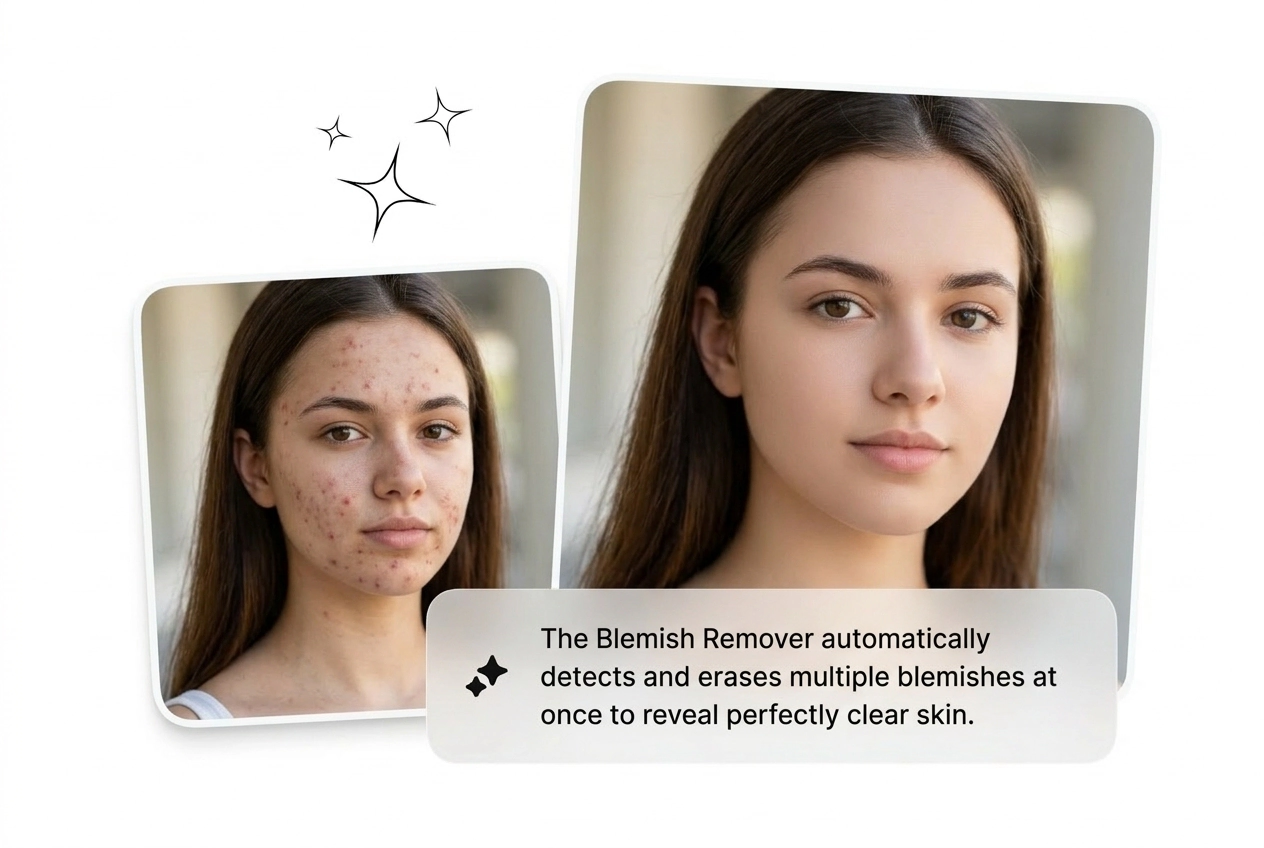
Reads the image and flags acne, dark spots, stray hairs, and small distractions in one pass. Useful when a raw shoot delivers thirty portraits with recurring skin problems across every frame. Get a clean image without clicking each spot manually.

Blemish Remover auto-detecting acne and dark spots portrait

Natural Skin Texture Kept

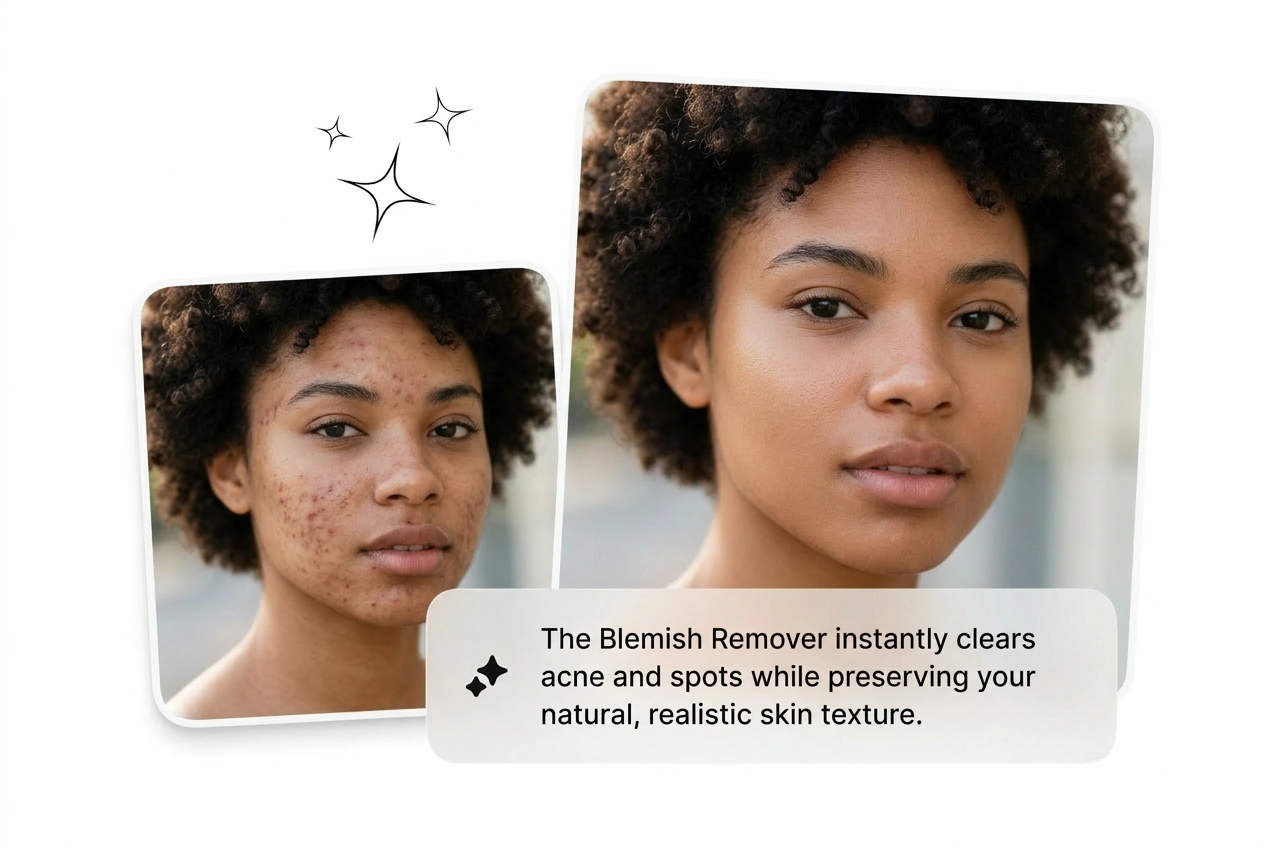
Pixel blending pulls from surrounding skin tone and pore detail, so the retouch image does not look airbrushed flat. Matters most on close-crop headshots where heavy edits read fake immediately. Skin blemish remover that fixes spots without erasing the face.

Blemish Remover preserving natural skin texture close-up

One-Click, Seconds Not Hours

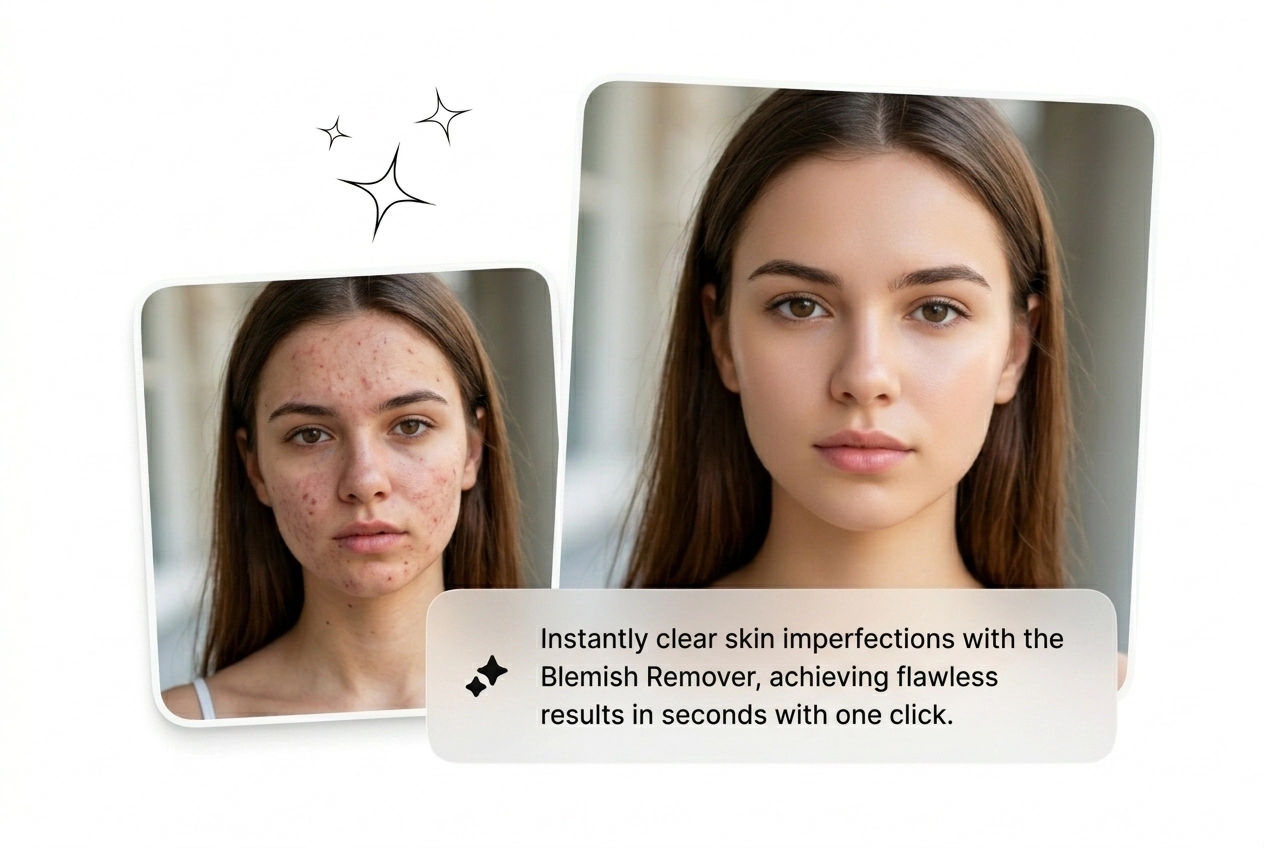
No layer stack, no frequency separation, no manual clone-stamping. Drop in the image, hit remove blemishes, export. When the client needs the retouch back in an hour, this is the shortcut that actually holds up.

Blemish Remover one-click fast skin retouch result

HD Export, No Watermark

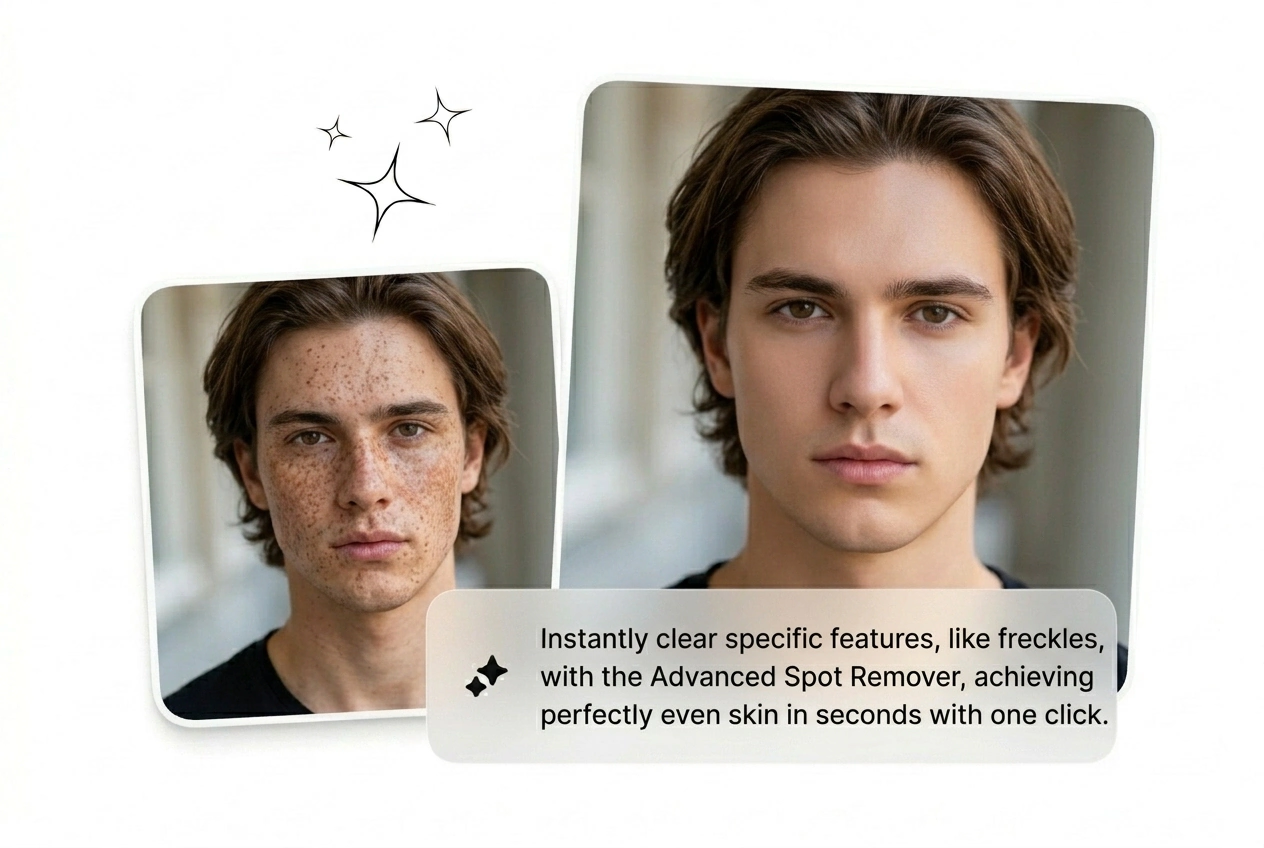
Output stays high-resolution and watermark-free on the free tier. Run it as a blemish remover online free option for social posts, or push it to print-ready resolution for e-commerce and beauty brand assets.

Blemish Remover HD watermark-free export portrait output

Blemish Remover Questions Answered

It handles light to moderate acne remover photo tasks well, including raised texture and discoloration. Deep, heavily textured scarring may need a manual retouch pass afterward. Best results come from well-lit, high-resolution portrait uploads where skin detail is visible.

Clean Shot. Ship It Now.

Upload the portrait. Erase blemishes from photos in seconds. No watermark, no manual healing, no excuses for holding the brief.

Try Free