
Best AI Logo Generator

Drop your brand details and the AI Logo Generator outputs multiple distinct variants fast. Batch results are editable; export quality depends on chosen file format.

Banner preview

AI Logo Generator That Actually Ships

Generate logo variants in seconds, not sessions. Reroll what misses, keep what lands, export before the client meeting starts.

Who Uses This AI Logo Generator

Built for people launching fast, not committees approving slow. Three workflows where this AI Logo Generator cuts the most time.

Solo founder using AI Logo Generator for branding

Solo Founders

Launching next week with no design budget and a logo that still looks like a template. The AI Logo Generator batches six distinct directions from one brand description. Pick the closest, edit the font and color, ship it. Done before the pitch deck is finished.


Freelancer iterating AI Logo Generator design concepts

Freelance Designers

Client wants three logo concepts by Thursday, flat rate, vague brief. Use the AI Logo Generator to create a logo AI exploration round first, kill the weak directions early, then refine the survivor. Spend your hours on the concept that actually has legs, not on the ones you already know will get rejected.

Content creator building AI Logo Generator brand mark

Content Creators

Rebranding a channel or dropping merch and need something that reads on a thumbnail and a hoodie at the same time. This online AI logo generator gets you a working mark in twenty minutes. Tweak the icon, lock the palette, move on to the content that actually pays.

How the AI Logo Generator Works

Three steps. No onboarding webinar. Pick up the shortcut and generate logo results before the coffee cools.

Step 1

Describe Your Brand

Enter your brand name, industry, and a few style notes. The AI Logo Generator reads those details and generates multiple distinct logo directions. No reference upload required, though adding one tightens the output fast.

Step 2

Reroll and Edit

Generate six variants at once. Kill the ones that miss. Adjust font, color, icon, and layout on whichever batch survivor earns it. Design custom logos without keyframing a single layer.

Step 3

Export and Deploy

Download in formats that work for print, web, and social in one shot. Color codes and font names come with the export so the brand kit is already half built when you hand it off.

AI Logo Generator Features Worth Knowing

Four capabilities that change how fast a logo goes from rough idea to usable mark. No filler, no padding, just the levers that matter.

Batch Variants Instantly

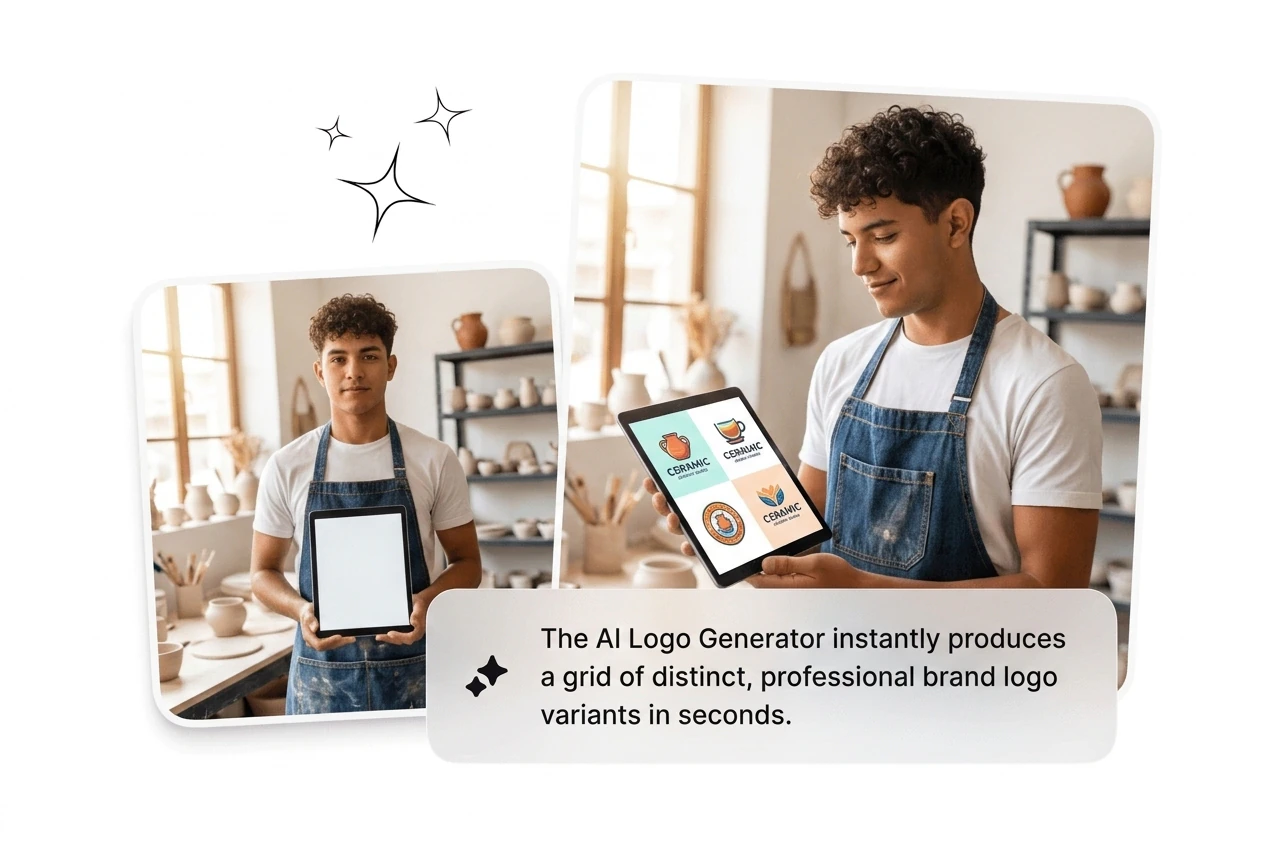
The AI Logo Generator produces multiple directions from a single set of brand details in one run. Useful when a client brief is loose and you need options before you have opinions. Pick the strongest variant, cut the rest, iterate from there without starting from scratch. Gets you to a working candidate in under two minutes.

AI Logo Generator batch variants speed comparison grid

Original Marks Only

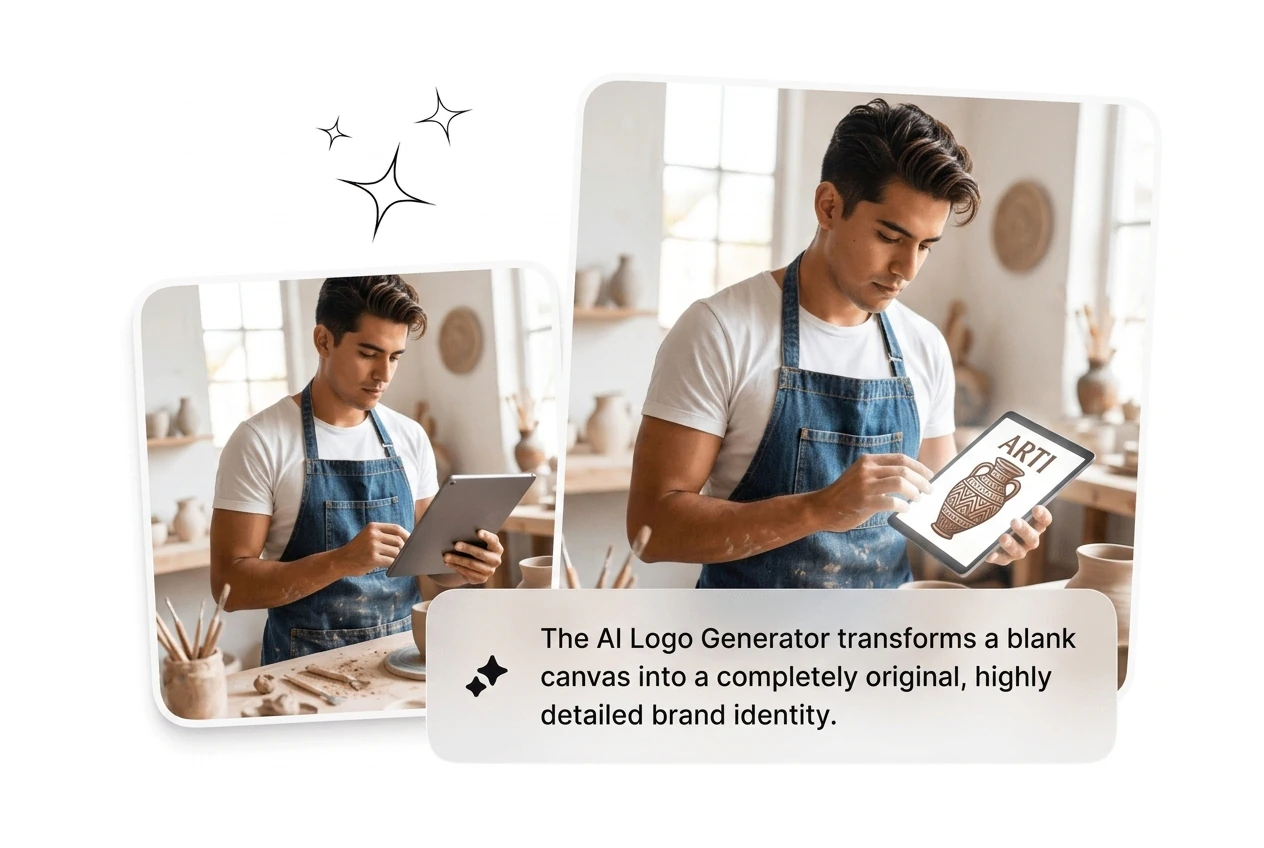
Results here are generated, not assembled from a stock icon library. When you create a logo with AI on this tool, the output does not just recombine clipart you have seen on every competitor's brand board. Useful when the brief says differentiate. The mark reads as designed, not as default.

AI Logo Generator original unique brand mark output

Deep Custom Edits

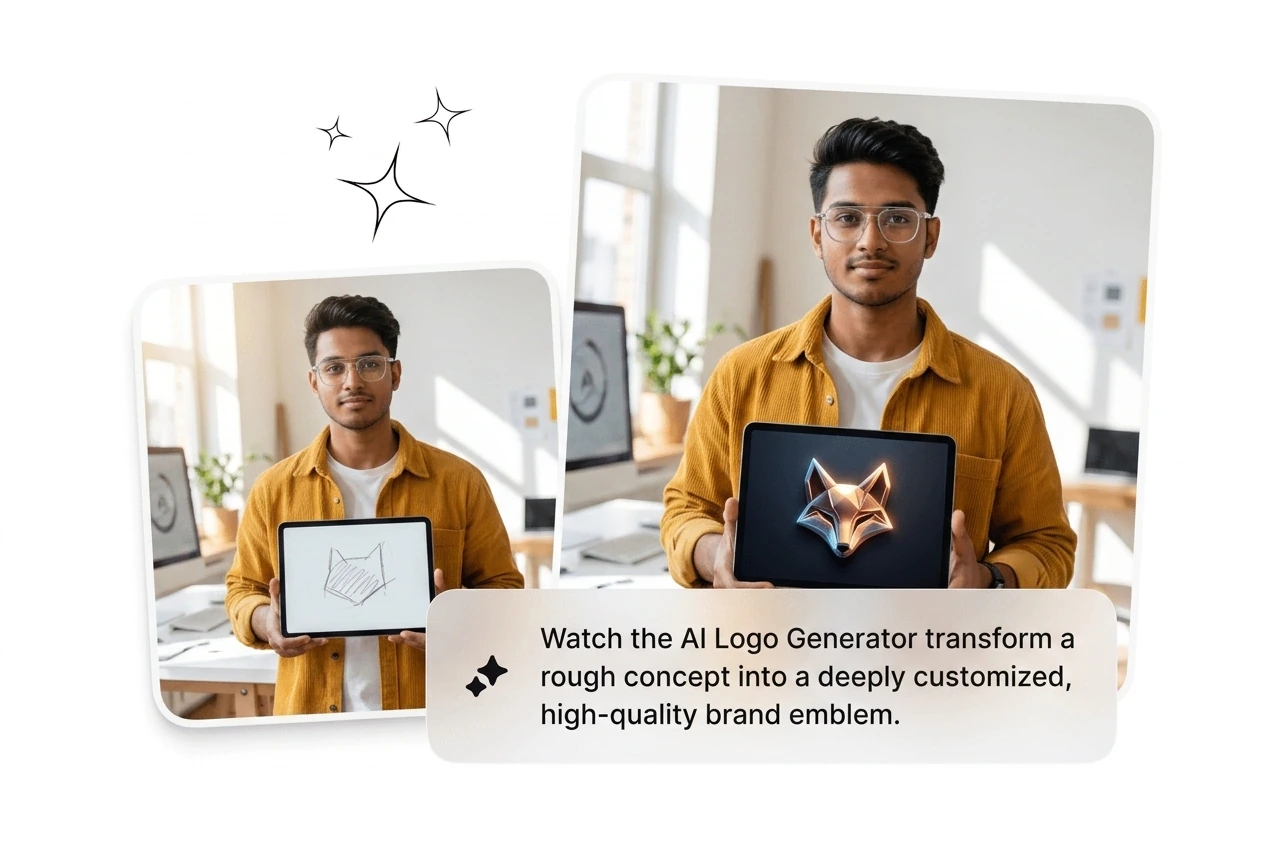
Adjust font pairing, color palette, icon shape, and layout after generation. When the first batch lands close but not exact, edit rather than reroll from zero. The AI logo generator from text gives you the starting point; the editor gives you the finish line. Most iterations close in three to five rounds.

AI Logo Generator custom font color icon editing panel

Full Brand Kit Export

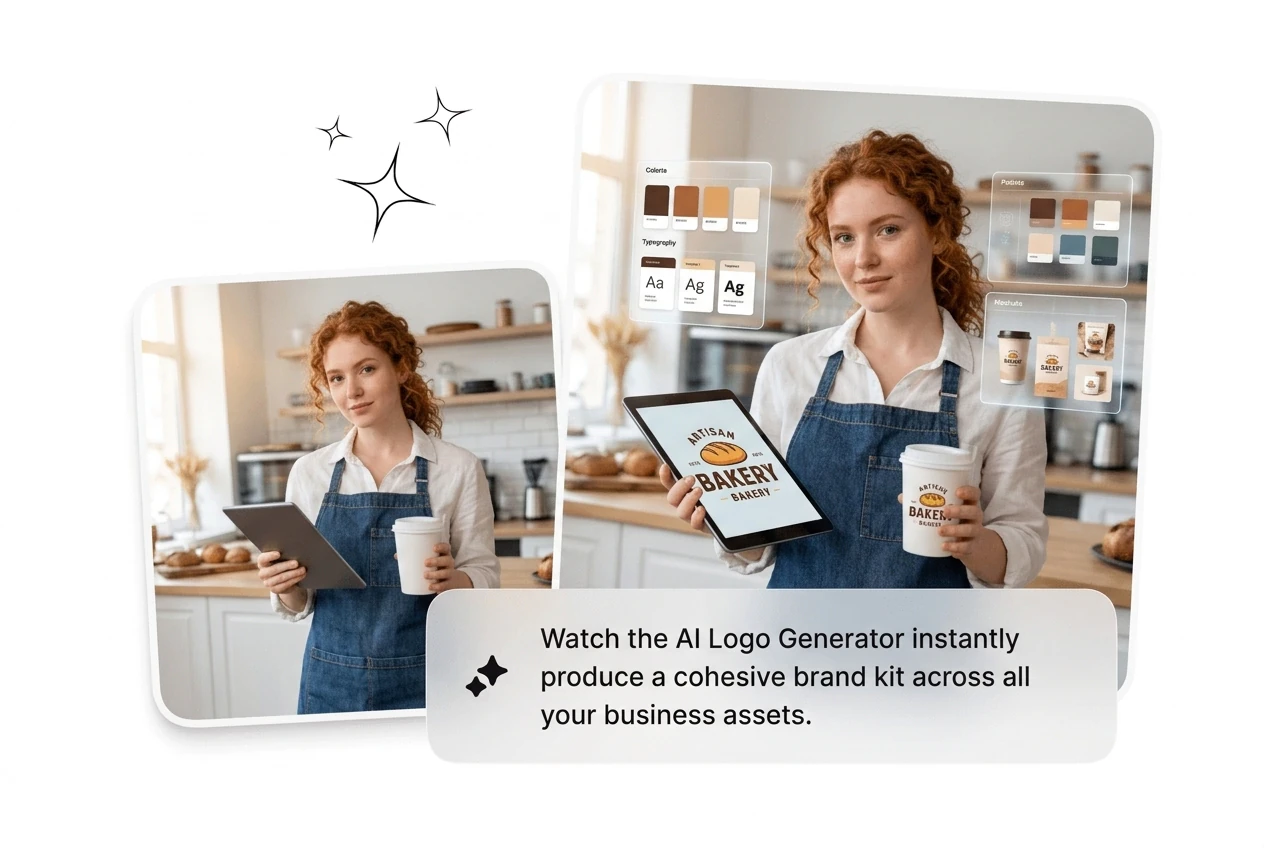
Export the finished logo in multiple file formats sized for screens, print, and merch in one download. Hex codes, font names, and spacing guidelines ship with the file so the AI Brand Logo Generator hands off a usable brand system, not just an image. Saves the follow-up email asking for the exact blue.

AI Logo Generator brand kit export file format output

AI Logo Generator Questions Answered

Absolutely, no design background is needed to use this AI Logo Maker. Enter your brand name and a few descriptive details, and the tool handles layout, font pairing, and icon generation. Most first-time users have a usable logo candidate inside fifteen minutes. The editor handles the rest without requiring you to know what kerning means.

Generate Your AI Logo Now

Drop the brand details, batch the variants, kill what misses. First usable AI Logo Generator result lands in under two minutes.

Try Now