
Product Sellers
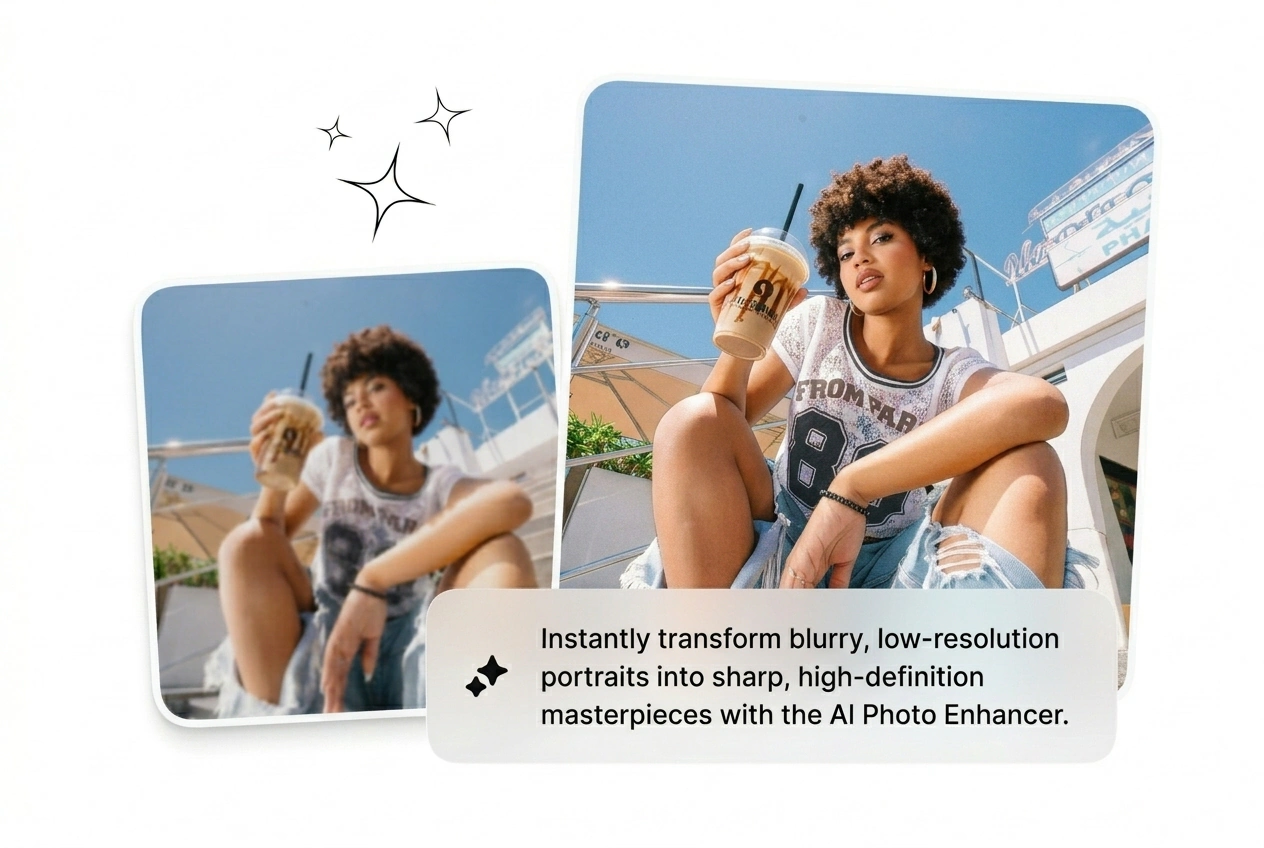
The product shot came back soft and the listing goes live in four hours. Run the ai photo enhancer, recover the edge detail, boost image quality, and push it straight to the storefront. No reshoot, no excuses, no delay.
Upload any low-res or blurry shot and the Photo Enhancer sharpens, denoises, and upscales it in seconds. Best results come from clear source images; heavily compressed files may retain some artifacts.
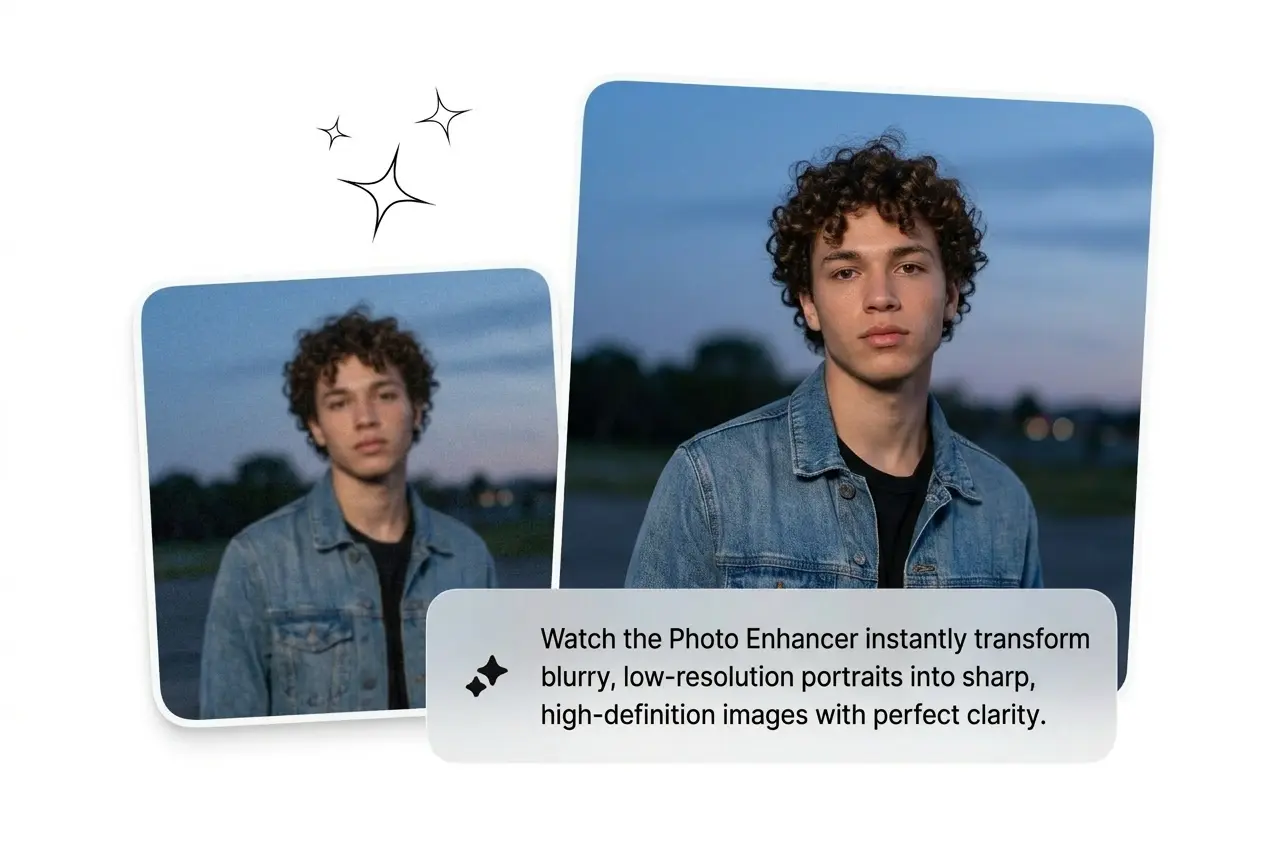
Blurry shot, blown-out colors, noisy low-light frame. Run the Photo Enhancer and get a clean, sharp image before the next brief lands.
Three workflows, one shared problem: images that are not good enough to ship. The Photo Enhancer cuts the gap between raw and ready.
The product shot came back soft and the listing goes live in four hours. Run the ai photo enhancer, recover the edge detail, boost image quality, and push it straight to the storefront. No reshoot, no excuses, no delay.

Running paid social means testing variants fast, and low-res creatives tank click-through before the algorithm even decides. Auto enhance photo output in a batch, kill the weak ones, and scale the version that converts. Speed is the edge here.
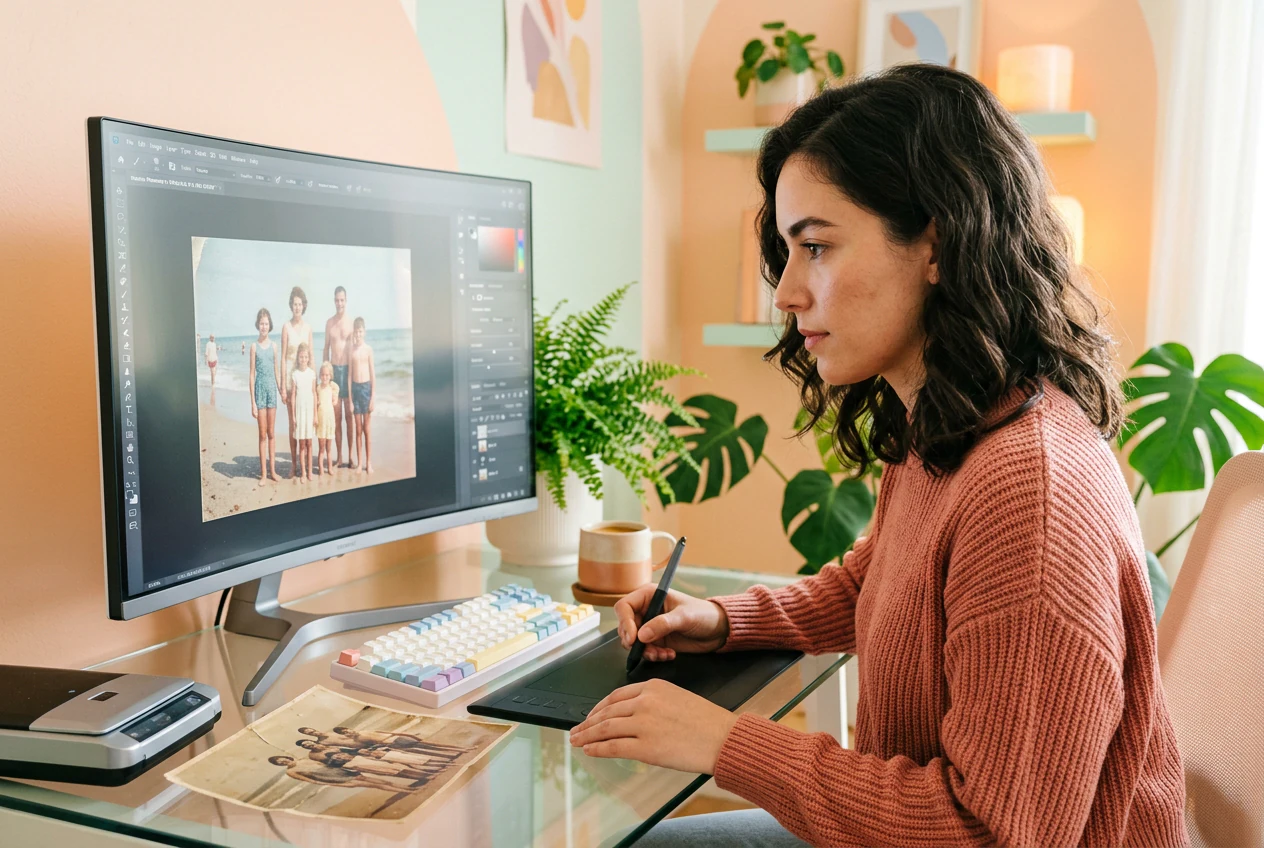
Old family prints, scanned film, archives with grain and fade. Photo restoration is slow when done manually and rarely consistent. Upload the scan, let the AI denoise and sharpen, and ship a clean version the client can actually print.
Three steps, no tutorial required. Upload, set your target quality, and get a sharper image back. The Photo Enhancer handles the rest.
Drop in a blurry, noisy, or low-resolution image as your source file. JPEG, PNG, scanned print, or an AI-generated output that needs a quality pass all work fine here. No special format required.
Choose your output goal: upscale image resolution, fix blurry photos, reduce noise, or auto enhance color and portrait detail. Stack options if the source needs more than one fix applied before export.
The enhanced image renders and downloads in seconds. Check sharpness, reroll the enhancement settings if the result is not quite right, and export the final version clean and ready to ship.
Each feature targets a different reason your image is not shippable yet. Fix the actual problem, not everything at once.
The Photo Enhancer recovers edge definition on soft, out-of-focus, or motion-blurred images in one pass. Useful when the only shot from a shoot came back slightly missed and a reshoot is not happening. Output is noticeably crisper and ready to enhance photo quality online free.
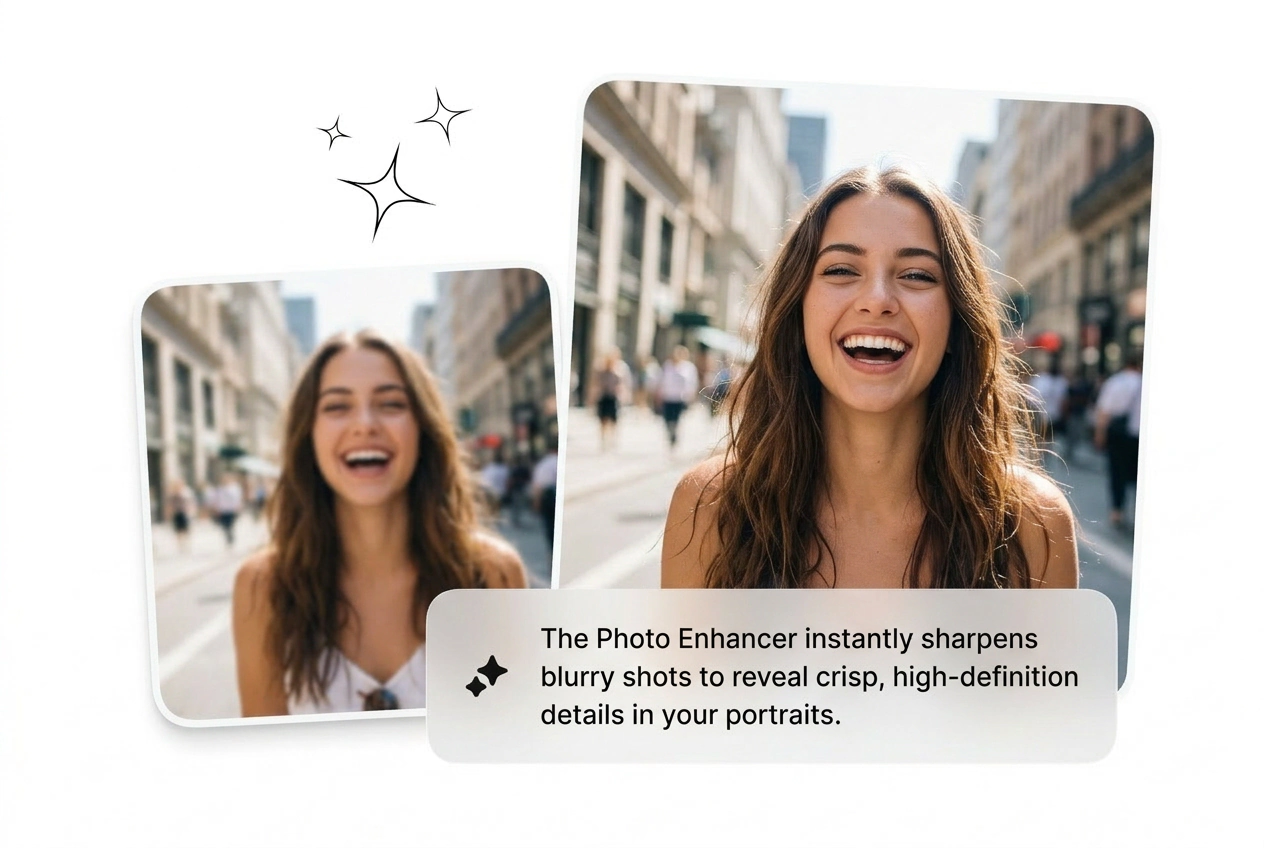
Increase image resolution without the blocky pixel edges that ruin print or large-format use. The AI image enhancer fills in detail naturally so the upscaled version holds at 2x or 4x. Use this to convert image to 4k resolution for campaigns, prints, or high-DPI displays.
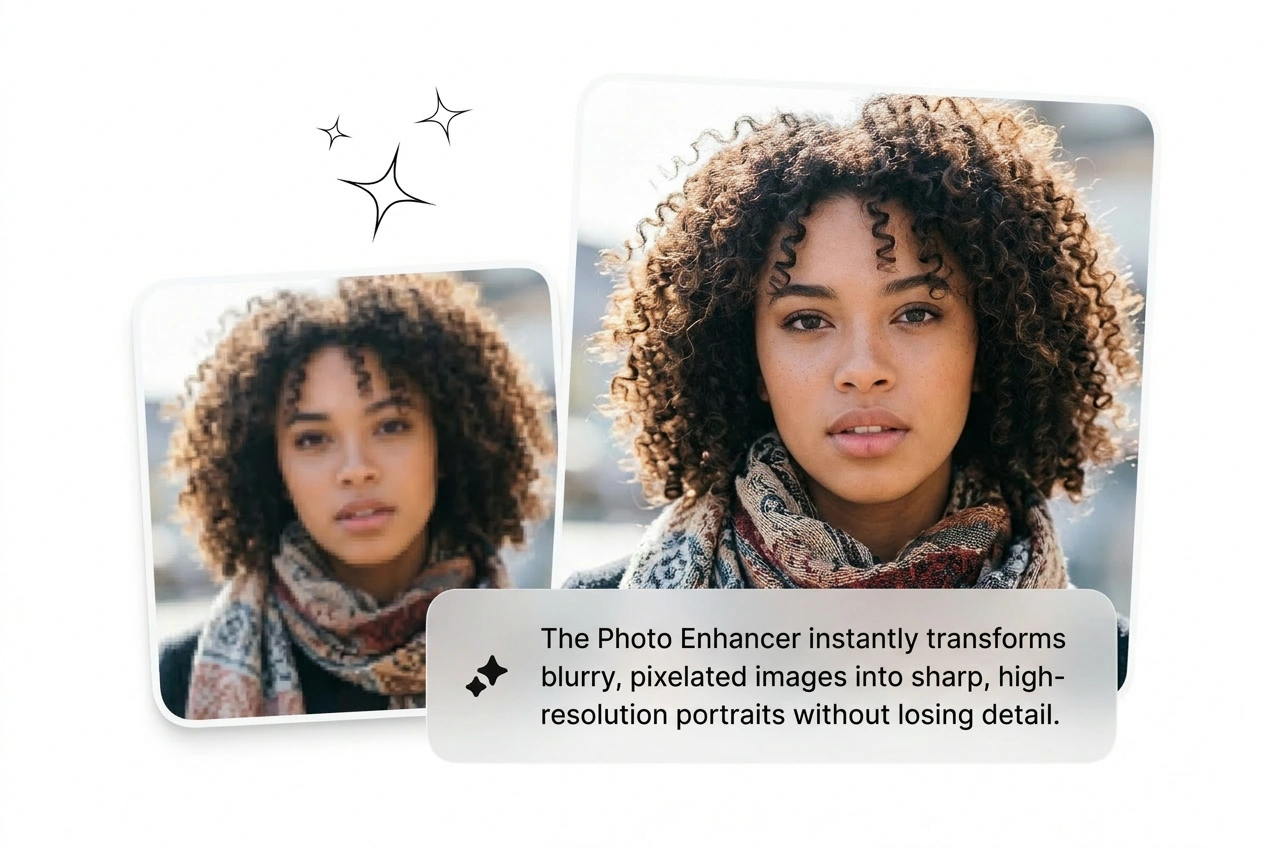
Reduce grain, sensor noise, and low-light smear without flattening the texture underneath. The ai picture enhancer separates noise from real detail and removes only what should not be there. Portraits, product shots, and scanned prints all come back cleaner with natural-looking surface texture intact.
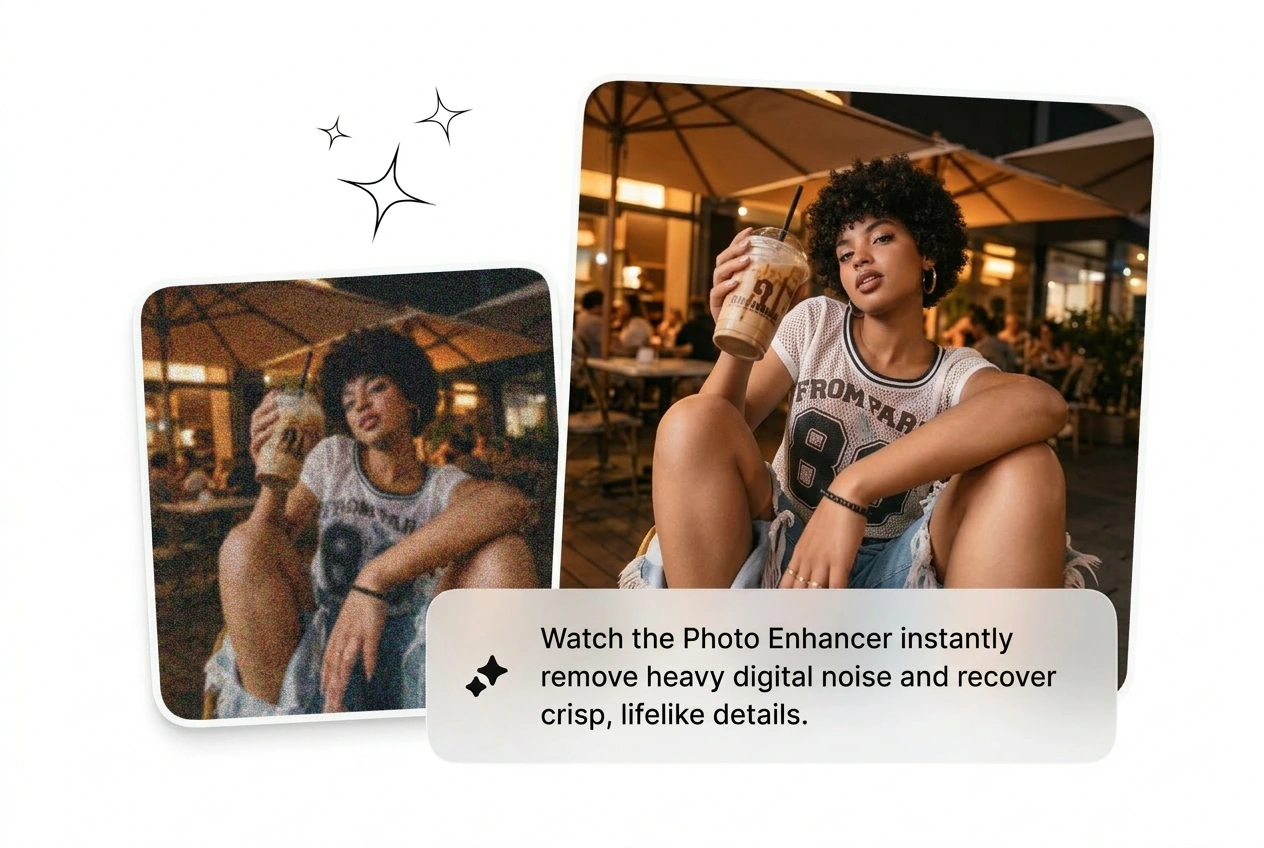
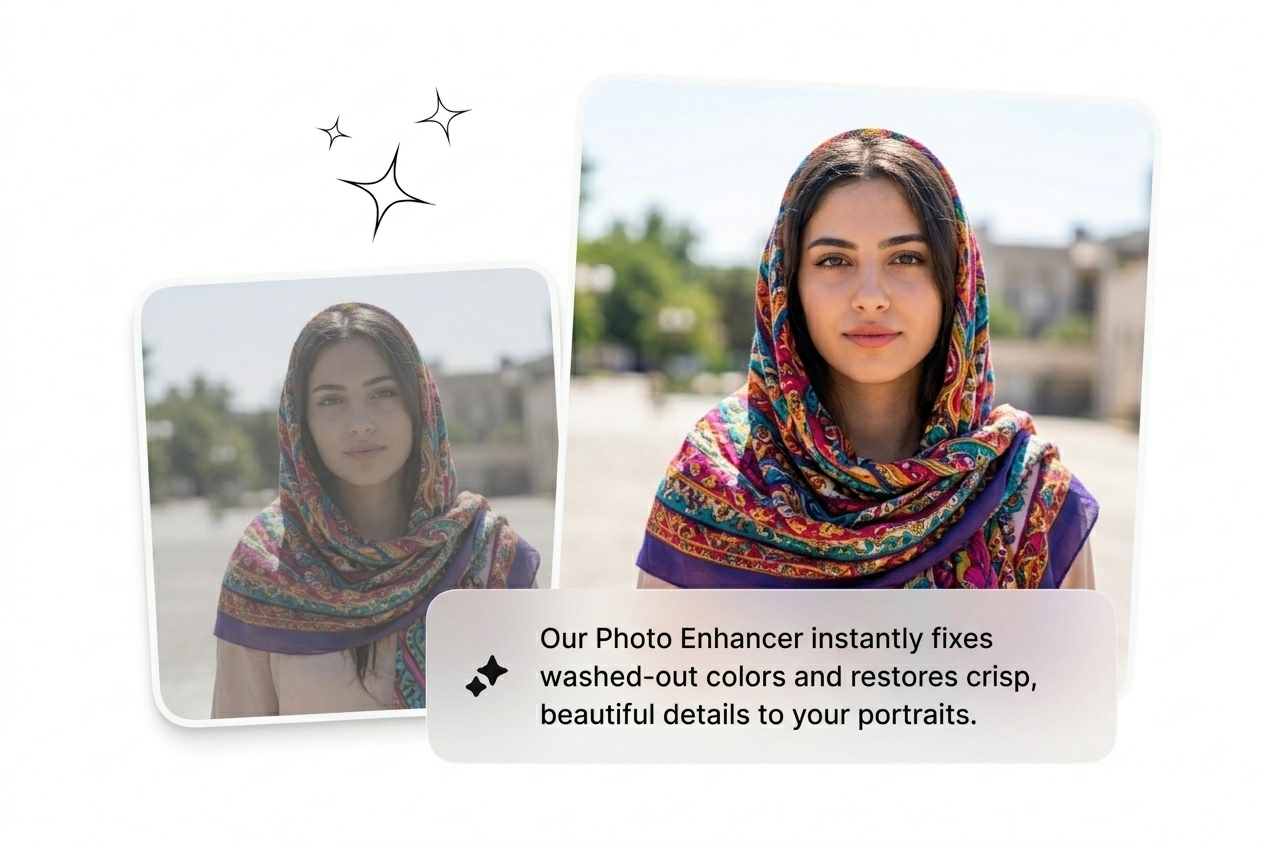
Fix oversaturated photos, fix dark photos, and lift flat color in one pass. Portrait mode also cleans minor skin imperfections while keeping real texture intact. Use it when the lighting on set was wrong and the client needs the image to look correct, not over-edited.
Sure, the free tier lets you run enhancements and download output with no watermark on standard resolution exports. Higher resolution outputs and batch processing sit behind the paid plan. Good starting point if you want to test quality before committing to a subscription.
Blurry, dark, low-res, or just not good enough. Upload it, run the Photo Enhancer, and see what ships in under two minutes.
Try Free