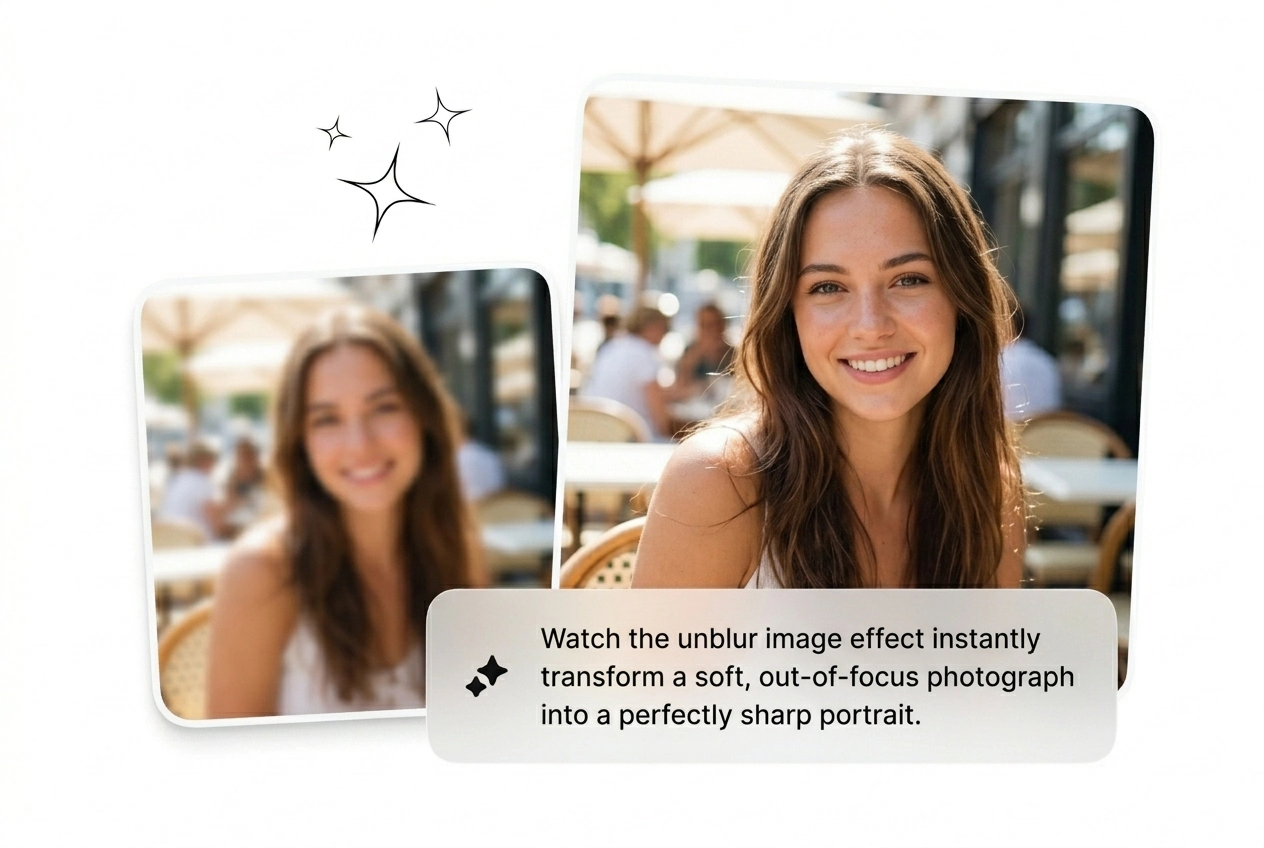


Growth Marketers
Running 20 ad variants this week and three source images came back soft from the photographer. Fix blurry pictures fast, keep the batch moving, and scale the variants that actually convert without reshooting.
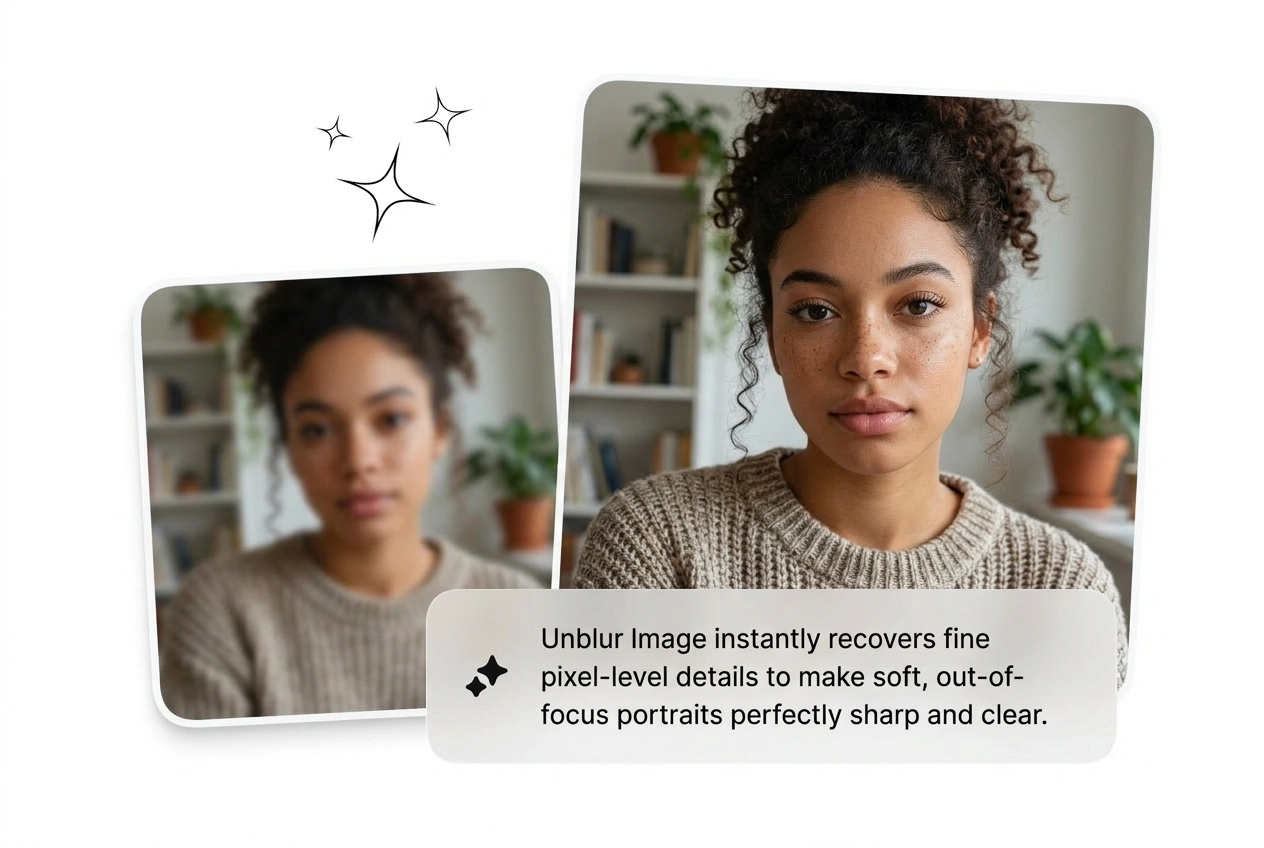
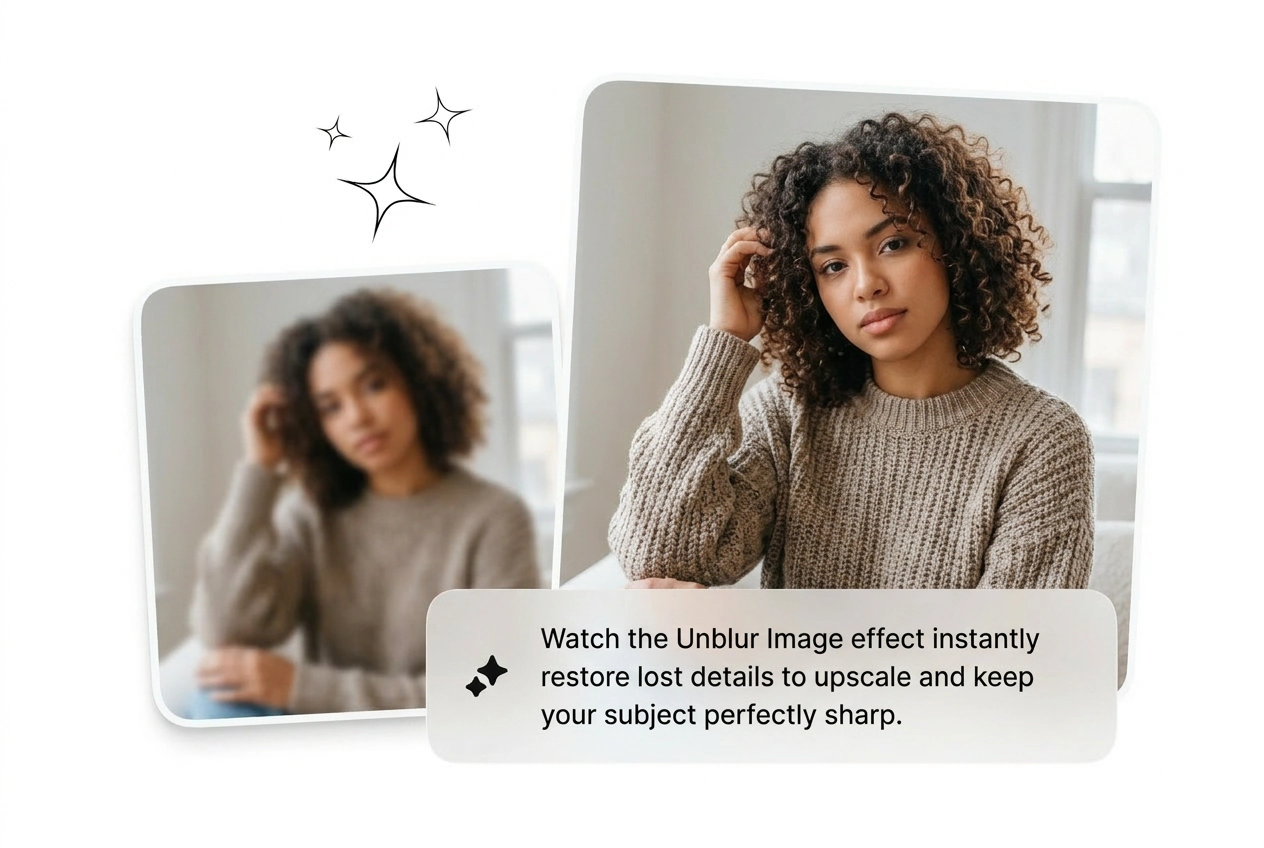
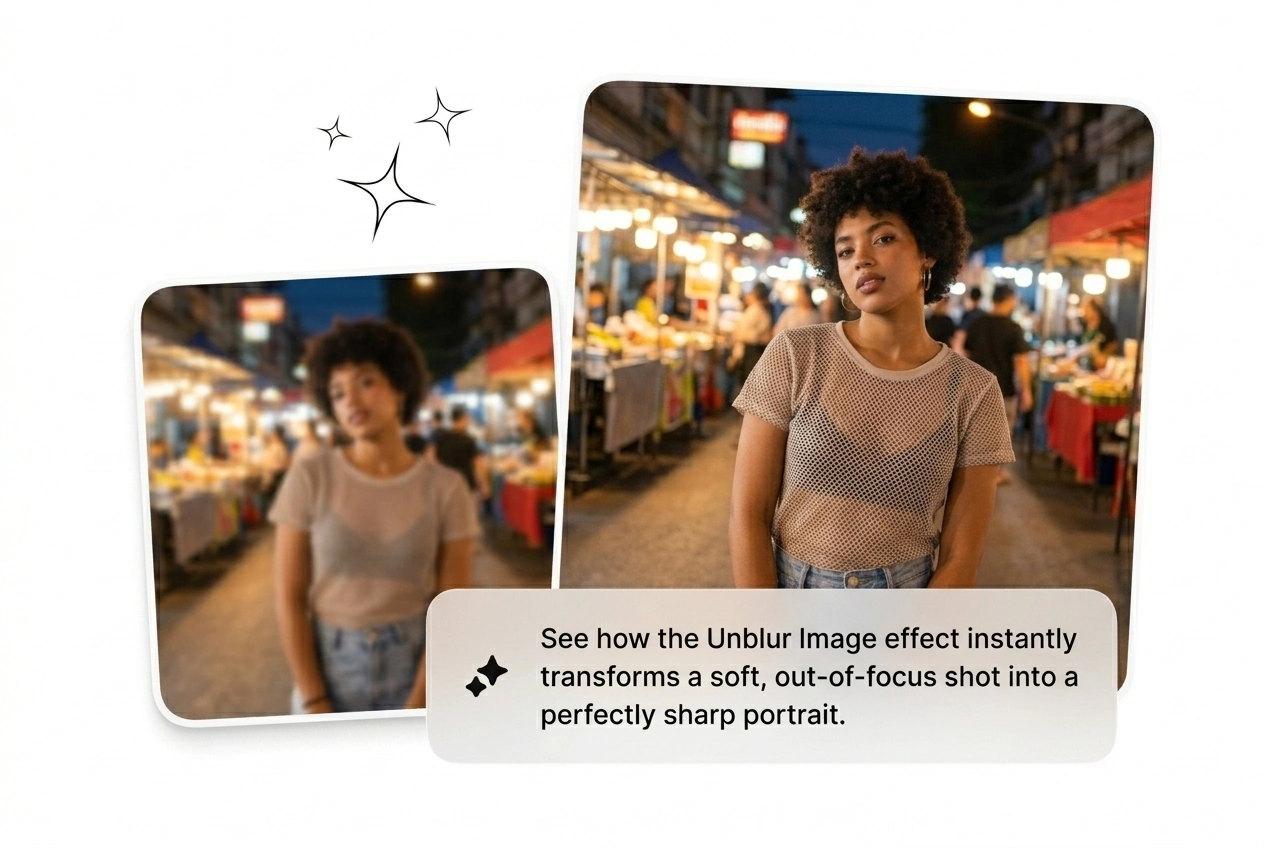
Upload any blurry shot and the AI unblur image engine reconstructs detail at the pixel level. Works best on clear subjects; heavy compression may limit recovery.
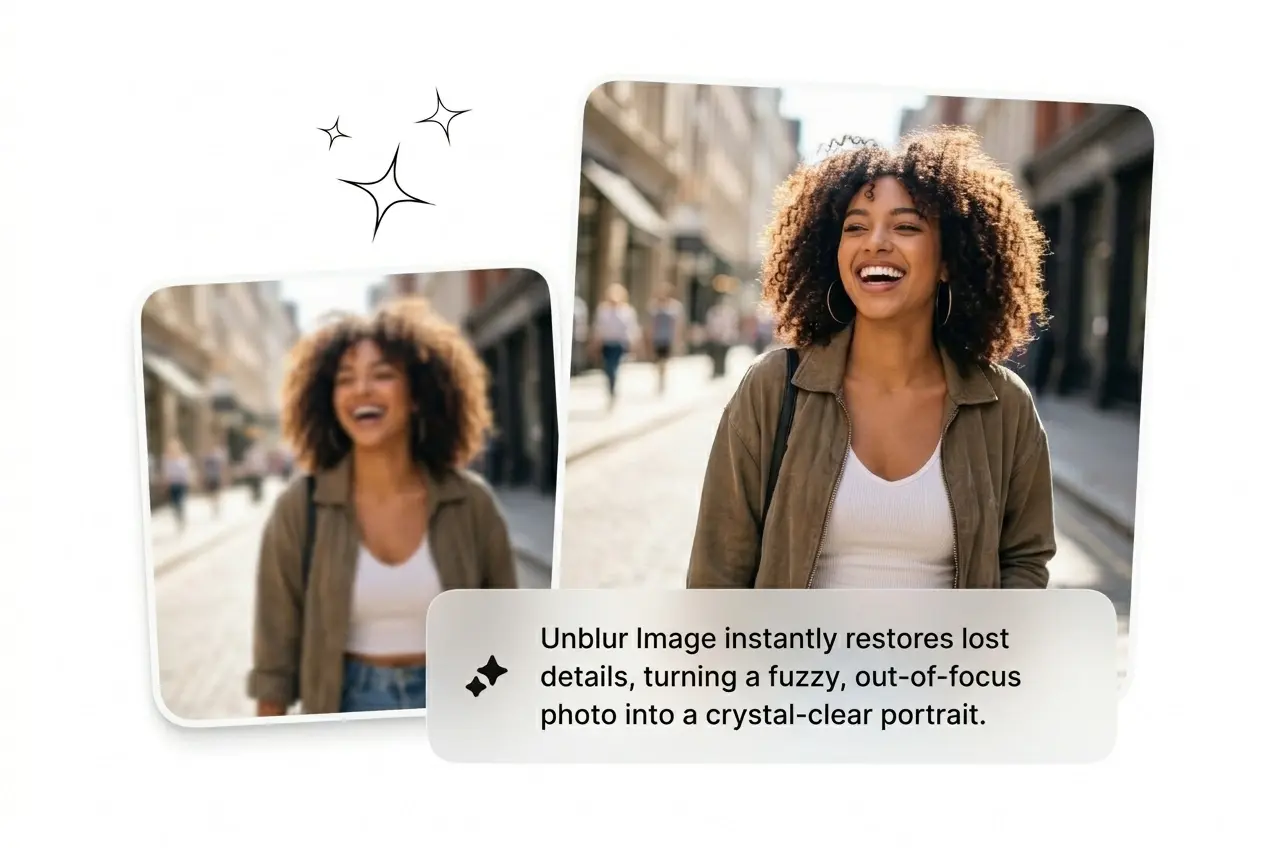
Drop a blurry shot. Get a sharp one back. AI unblur image recovery runs in seconds, no sliders, no guesswork, no Photoshop subscription.
Blurry assets kill conversions, tank engagement, and waste production time. Unblur Image is built for people who ship fast and cannot afford soft visuals.
Running 20 ad variants this week and three source images came back soft from the photographer. Fix blurry pictures fast, keep the batch moving, and scale the variants that actually convert without reshooting.

Client approved a slightly out-of-focus hero shot after the deadline passed. Use AI unblur image recovery to fix photo blur before delivery, salvage the file, and skip the expensive reshoot conversation entirely.

Product listings with soft images get scrolled past. Upload low-resolution or compressed product shots, run image unblurring, and get output sharp enough for storefront display, social posts, and print without a retouching budget.
Three steps. No manual parameters. No degree in signal processing required. Upload, let the AI unblur image engine work, and pull down something sharp.
Drop your blurry file directly into the tool. Supports common formats from phone shots to scanned documents. The AI reads blur type automatically, whether motion, focus, or compression.
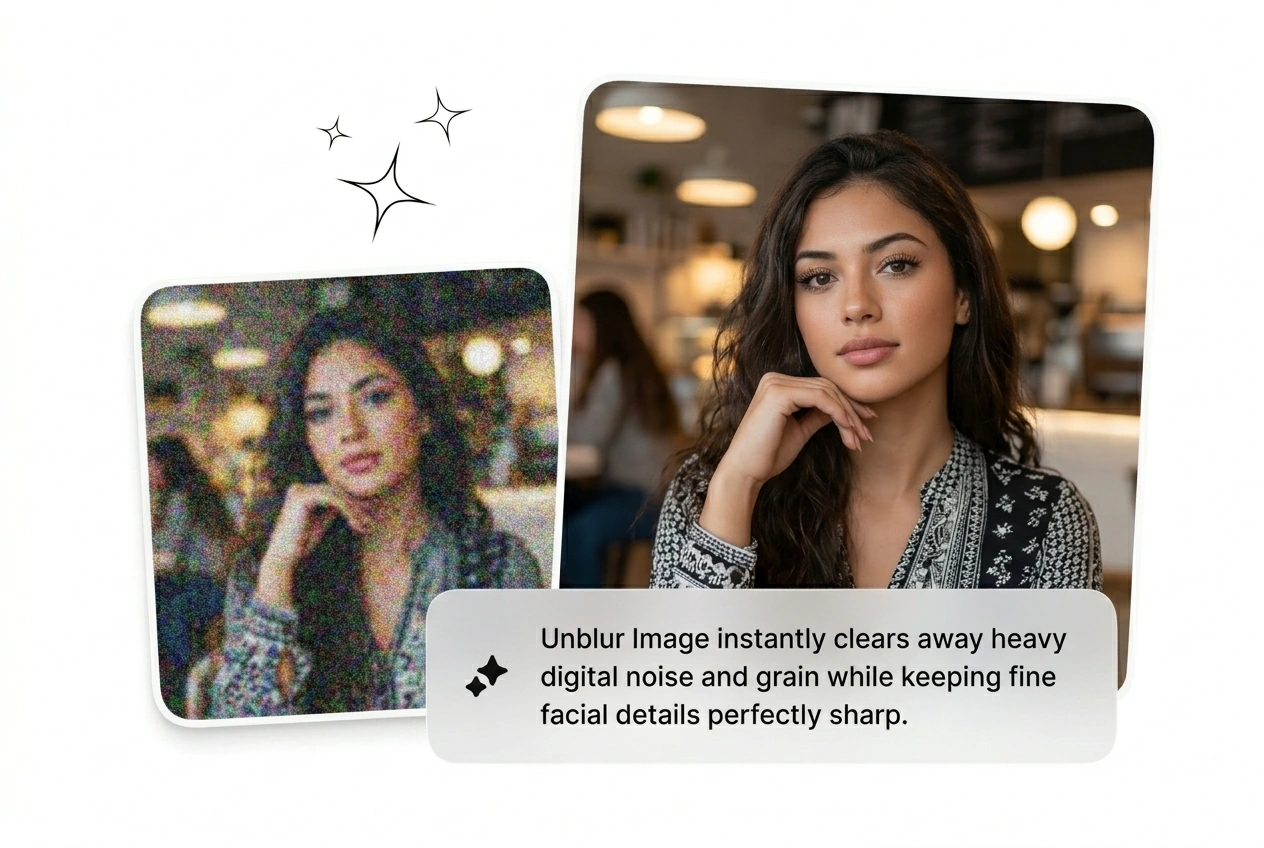
Pixel-level content reconstruction fills in what the blur destroyed. Edges sharpen, texture returns, noise gets filtered without turning the image into a painting.
Download the fixed file in full resolution. Ready for storefront, social feed, or print. Clear blurry image results land in seconds, not a rendering queue.
Every feature targets a real failure mode: soft focus, motion blur, crushed compression. Fix photo blur across all of them without touching a single slider.
Upload it and let the AI unblur image engine attempt reconstruction first. Results depend on how much detail survived the compression. Severely degraded files may come back improved but not perfect, which is still faster than a reshoot.
Blurry assets do not fix themselves. Drop the file, run the AI, and pull down something sharp. Unblur image free and ship it today.
Try Free