Best Image Merger

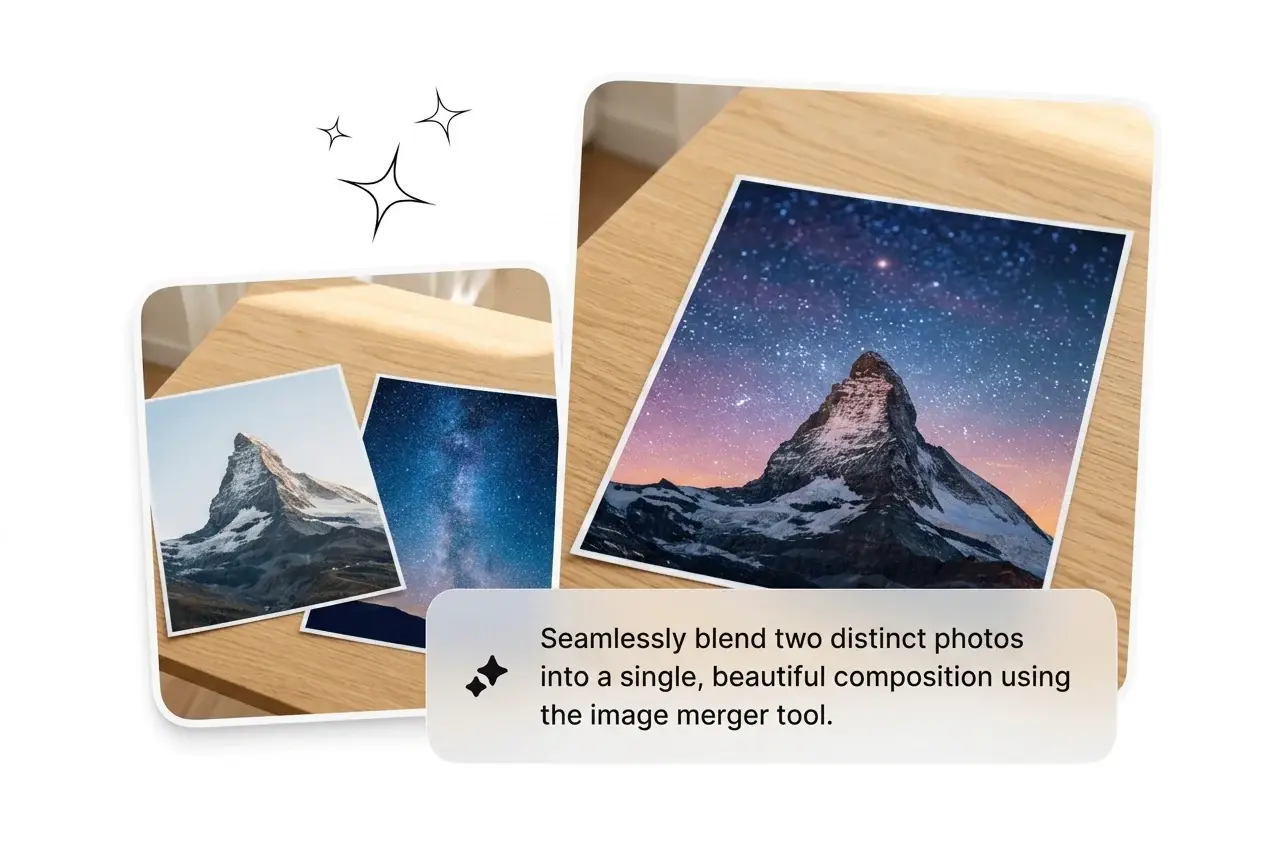
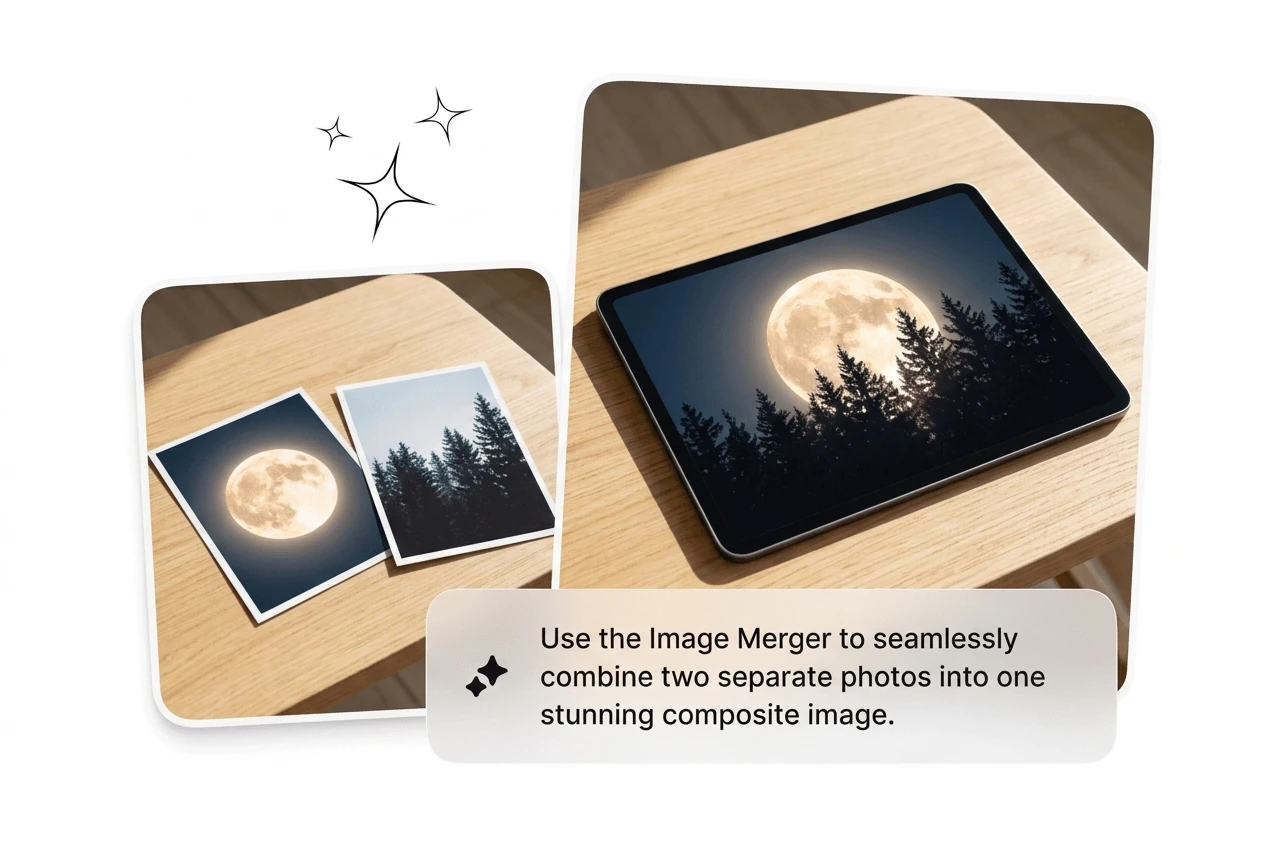
Upload multiple photos into Image Merger and combine images online in seconds. Choose horizontal or vertical layout automatically, then export clean drafts for fast review.

Banner preview

Image Merger That Ships Fast

Merge images with Image Merger, fix the layout, and ship the asset. No keyframing, no cropping grids, no wasted afternoon. Batch your variants in Image Merger and cut the ones that miss.

Who Needs an Image Merger

Running product shots, tutorial decks, or ad creatives under deadline. The Image Merger kills the manual layout work so output keeps moving.

Marketer using Image Merger for ad variants

Performance Marketers

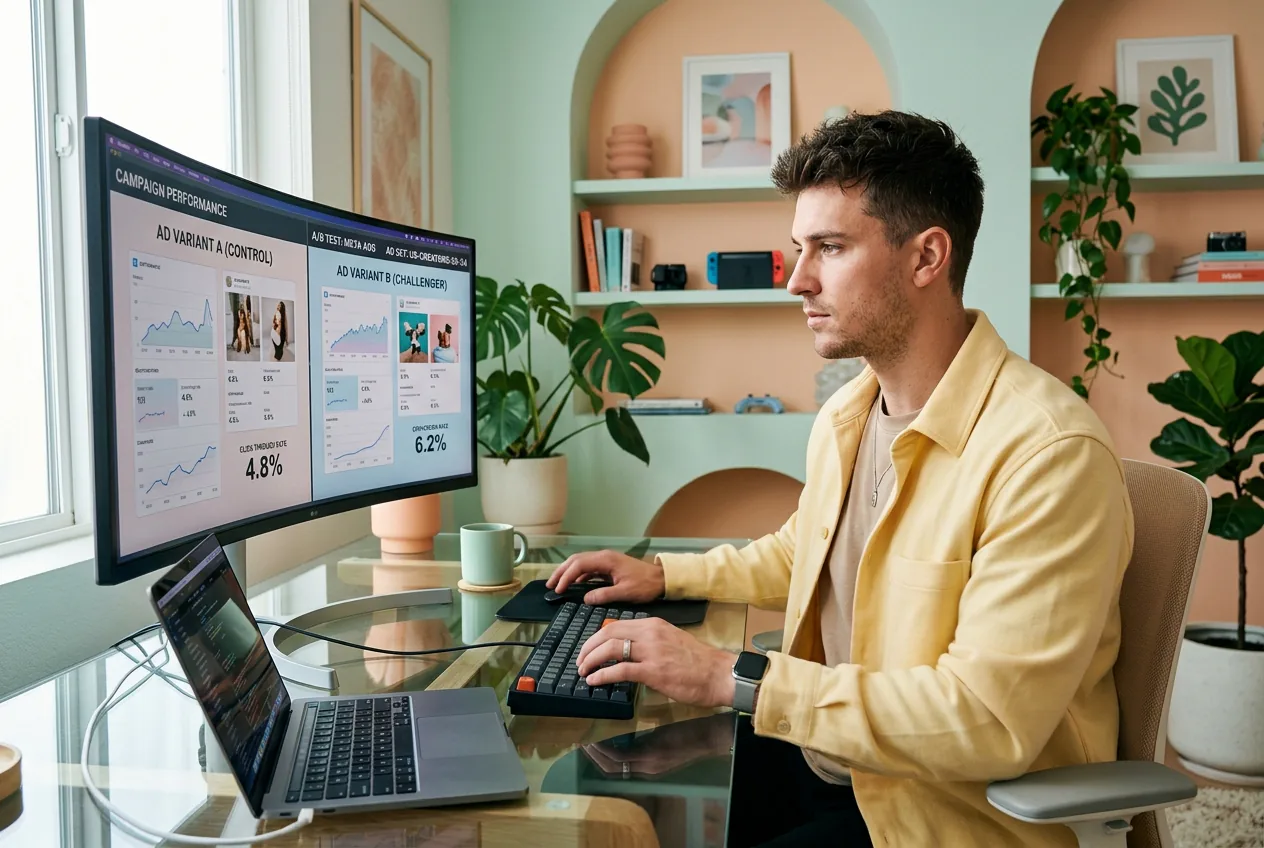
Testing 20 ad variants this week and the creative bottleneck is layout, not ideas. Combine 2 images into a comparison frame, batch the variants, kill the ones that underperform. The photo joiner does the sizing grunt work. Ship more creatives before the campaign window closes.
Freelancer combining reference images with Image Merger

Freelance Designers

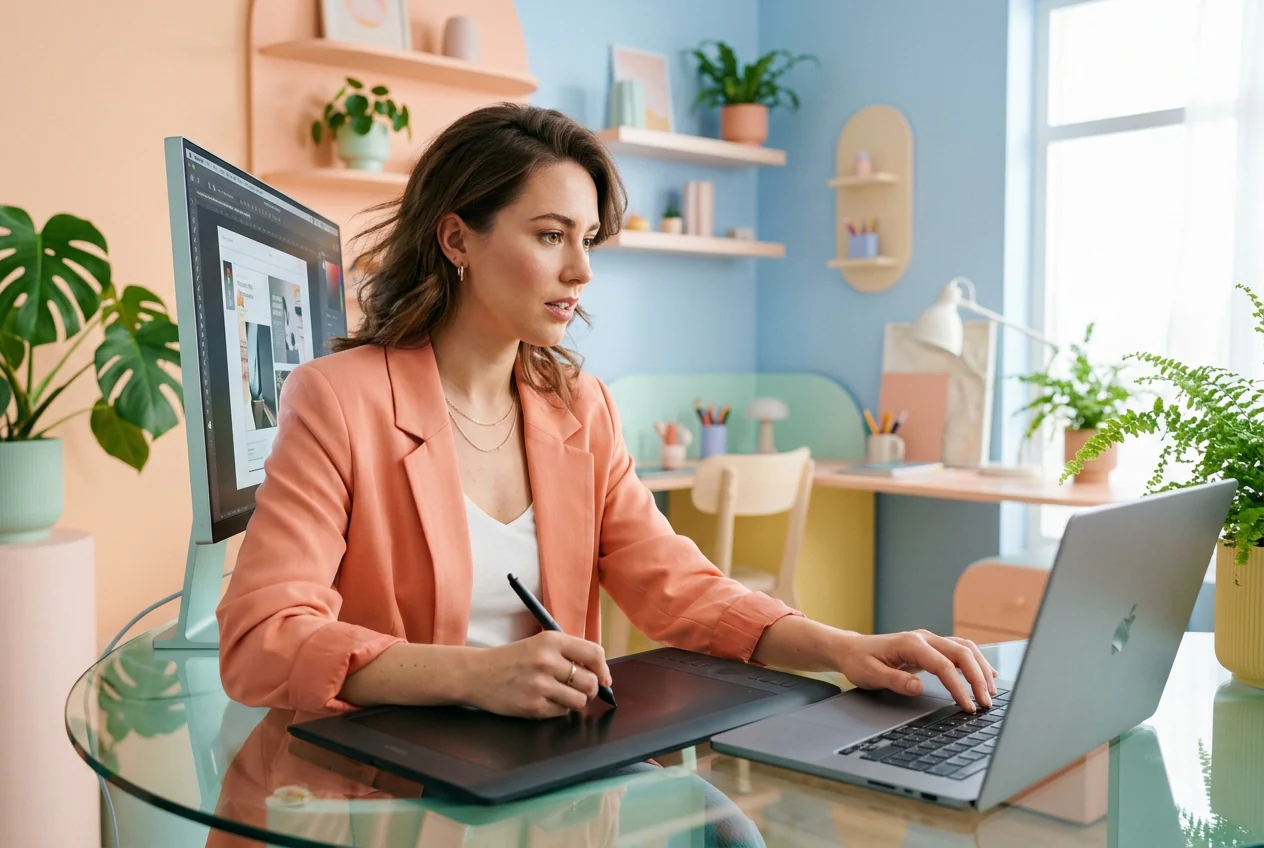
Client wants a banner, a catalog page, and a before after shot with no reference and a 48-hour window. Use the Image Merger to rough cut all three layouts fast, send options, and let them pick. Done before you would have finished resizing the first file manually.

Creator building content layouts using Image Merger

Content Creators

Posting daily means covers, carousels, and step by step tutorial images need to turn around fast. Stitch pictures into a clean layout, match the visual style with AI blending, and post. Looks like three hours of Photoshop. Was twenty minutes in the browser.

How Image Merger Works

This workflow takes three steps with no software installs or complex settings. Combine multiple images online, review the merged draft, and export a clean result quickly.

Step 1

Upload Your Images

Drop in your source files. The Image Merger accepts multiple images in one go. Pick horizontal or vertical layout depending on whether you are building a comparison shot, a step grid, or a wide banner.

Step 2

Set Layout Direction

Choose how to combine images, side by side or top to bottom. Auto sizing handles the resolution differences so you are not manually cropping each photo to match before the merge runs.

Step 3

Merge and Export

Merge two images into one or combine multiple photos into a single output. AI smooths the seams, balances the lighting, and ships a clean file. Reroll if the first pass needs adjusting.

Image Merger Features Built for Speed

Every feature targets iteration speed and output volume. Combine images online free, support merge images into pdf workflows, and keep the pipeline moving without slowdowns.

Merge Multiple Images Fast

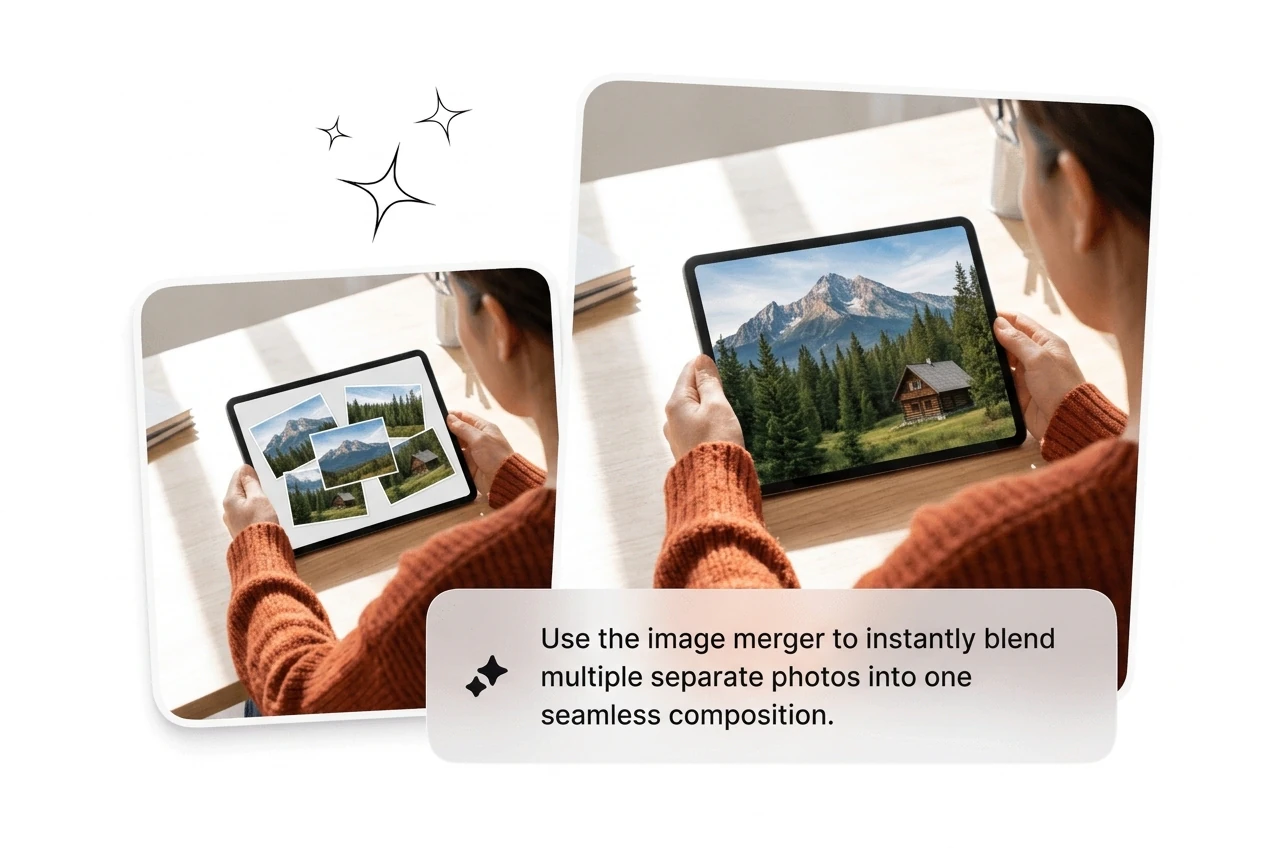
Combine images in one shot, not one by one. The ai image merger stacks uploads into a single output, whether you need a clean stitch or natural blend. Useful when five product shots must become one merged asset fast. Pick the output that works, move on.

Image Merger combining multiple photos into one

Horizontal and Vertical Layout

Switch between side by side and top to bottom layouts without re uploading. Join two images left right for comparison shots, or stack them vertically for step by step tutorial frames. Works for before after creatives, long form infographics, and catalog layouts. Pick the direction, merge, done.

Image Merger horizontal vertical layout toggle

Auto Sizing and Layout

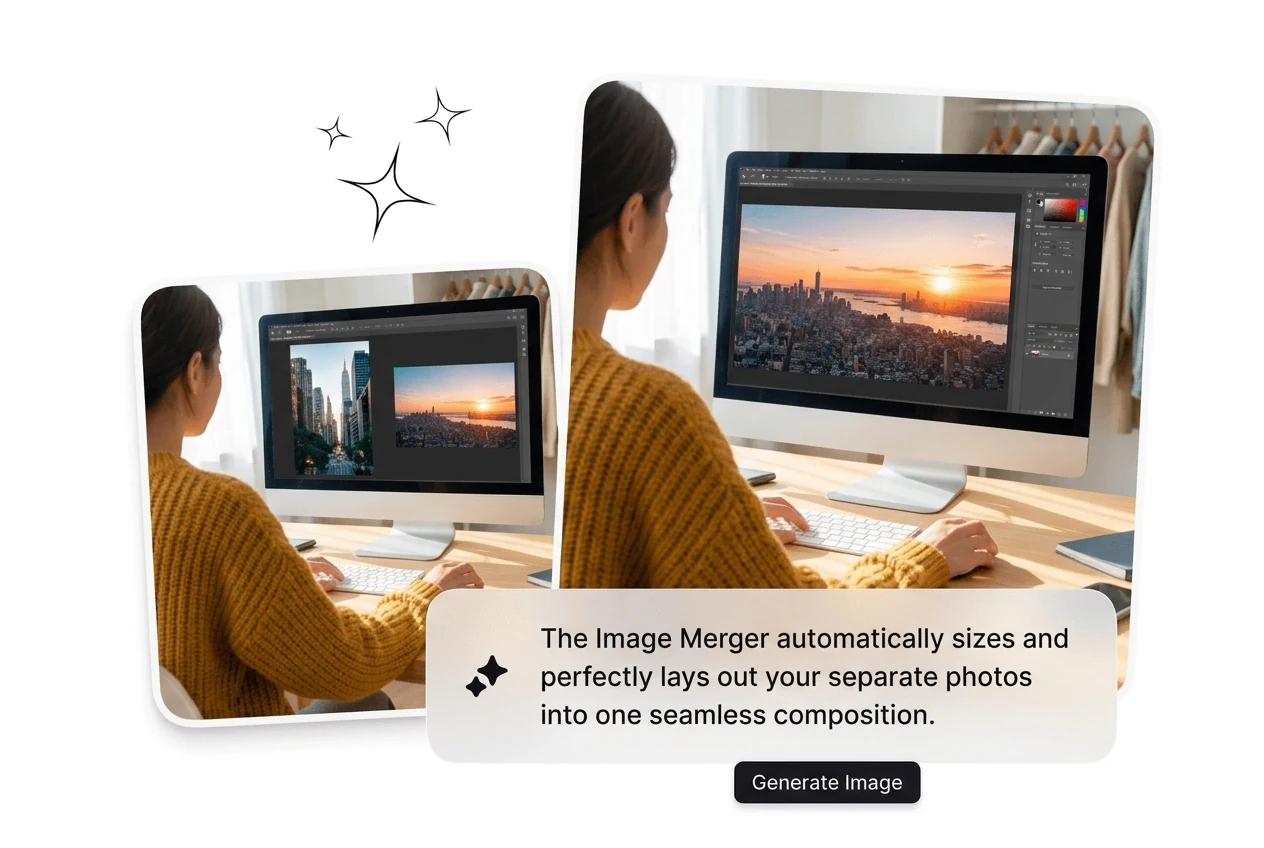
Upload images at different resolutions and the tool auto adjusts dimensions so the output looks intentional, not cobbled together. Skip the manual crop and resize loop that kills time before every merge. Good for batching a sequence of product frames that need consistent sizing across the whole set.

Image Merger auto sizing mismatched resolution photos

AI Blending for Natural

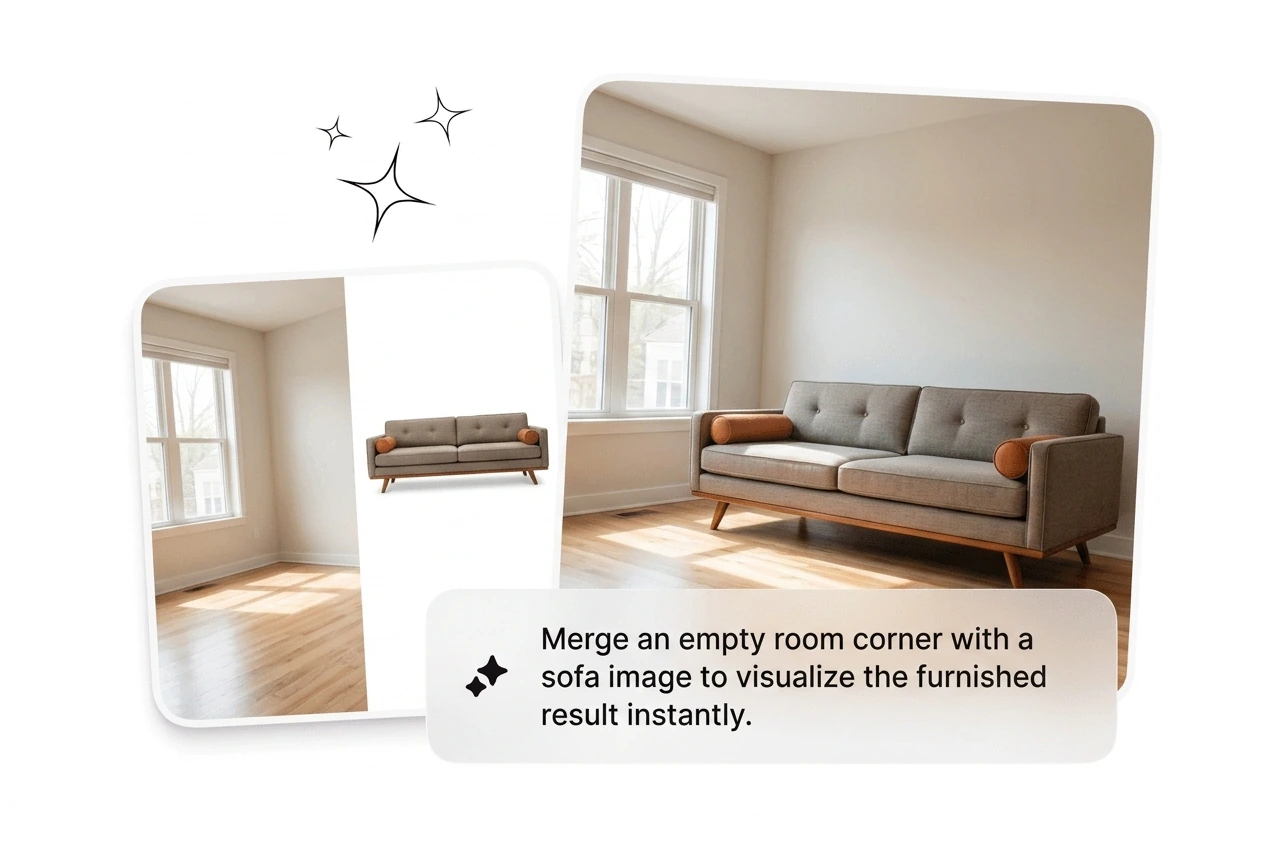
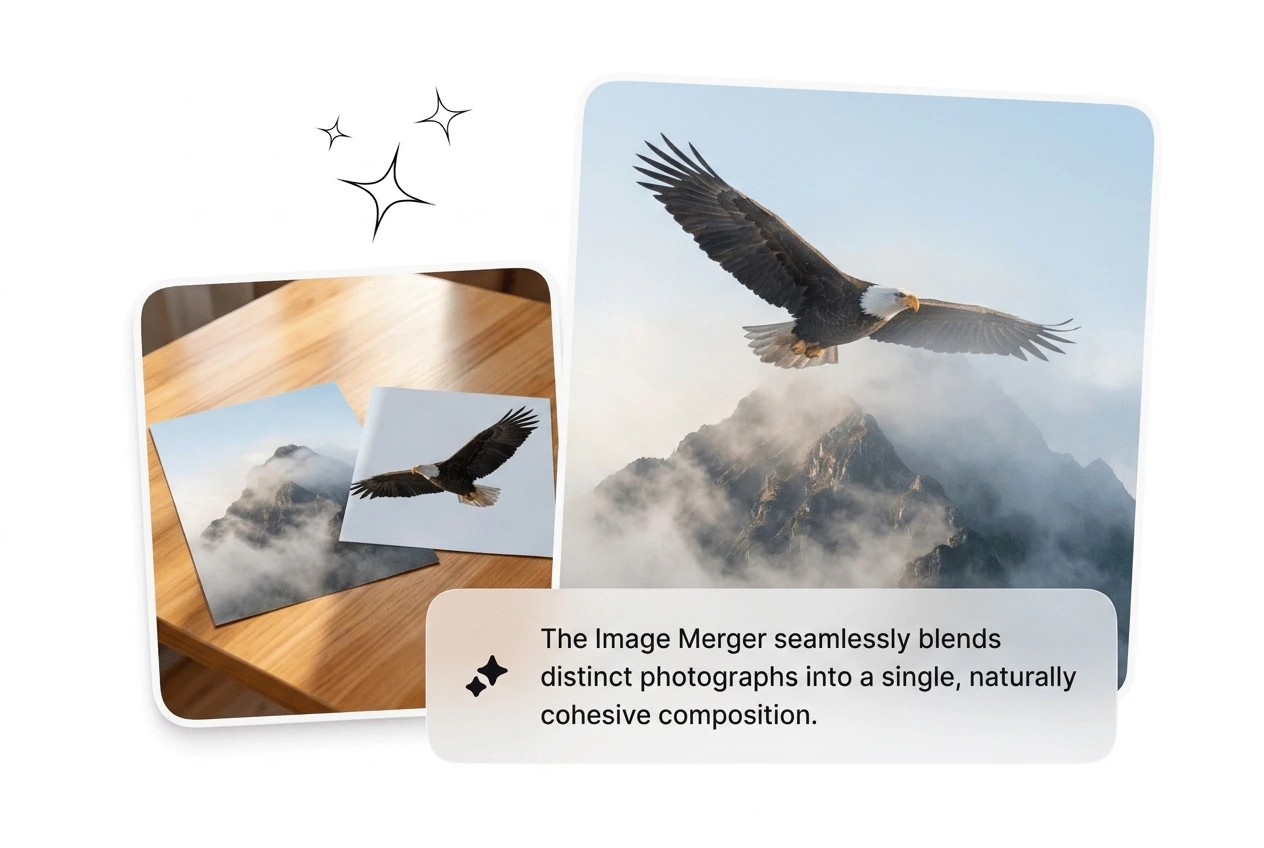
The ai image combiner reads lighting, perspective, and tone across uploads and adjusts seams so the merge stays cohesive. Combine two people in one photo or merge two photos in one background without a hard edge. If complex lighting looks rough, reroll once and it tightens up.

AI Image Merger blending two photos naturally

Image Merger Questions Answered

Yes, Image Merger combines two images into one clean frame in seconds, and supports Merge Photos style layouts. If source dimensions differ heavily, choose layout direction first to reduce awkward crops. This helps you produce consistent outputs faster without manual resizing.

Image Merger Online Right Now

Stop sizing images by hand. Drop your files into Image Merger, pick the layout, and ship a clean combined asset in under two minutes.

Create Free