
Best AI Wrinkle Remove

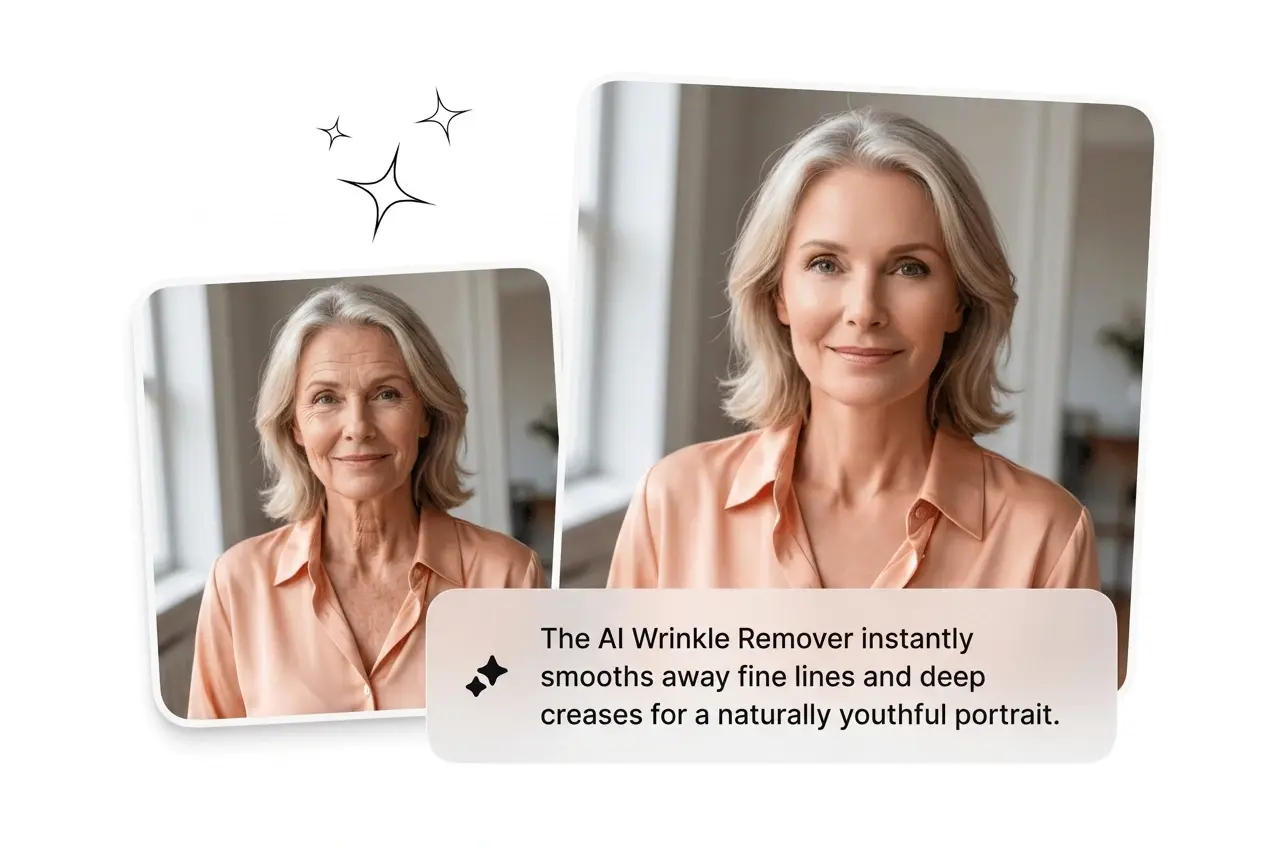
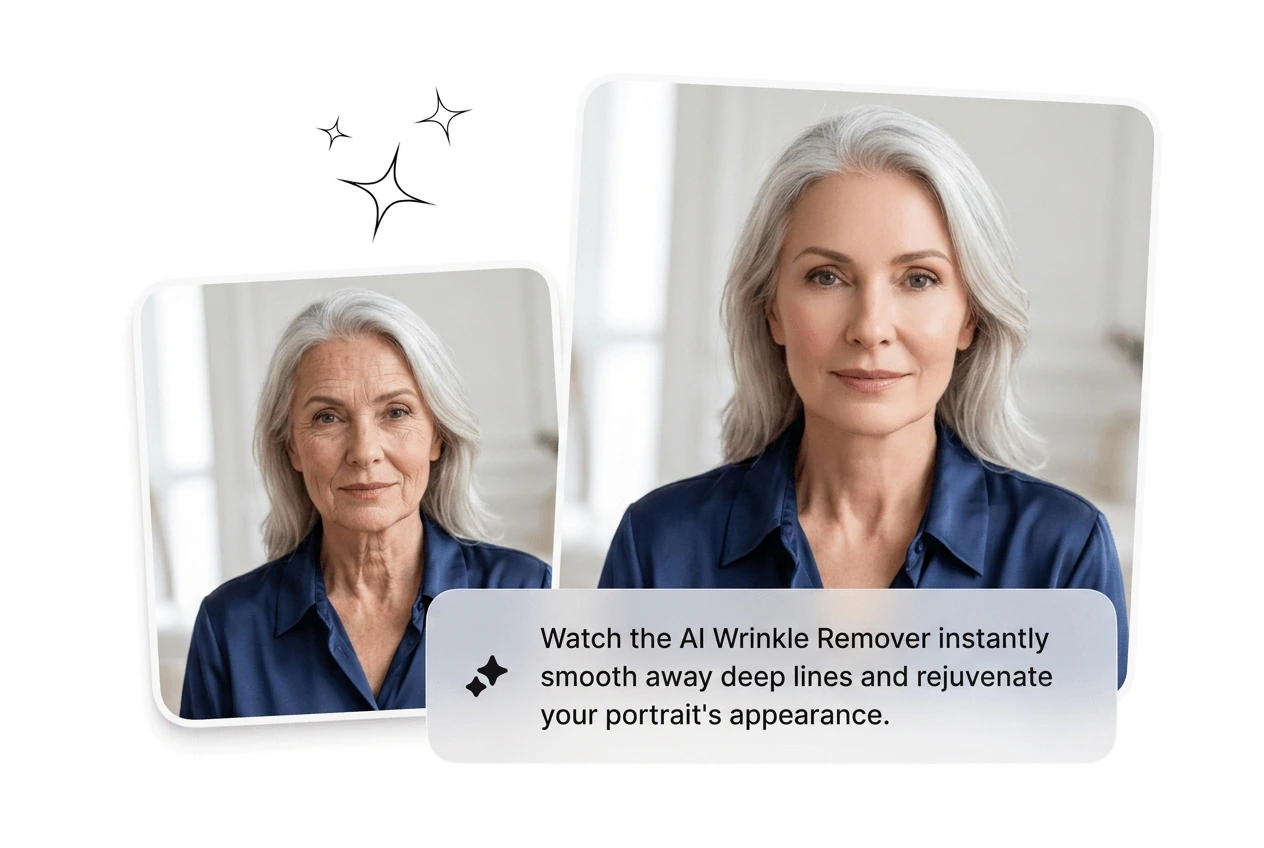
Upload a portrait and the AI Wrinkle Remover targets fine lines by zone with adjustable intensity. Best results come from well-lit, high-resolution reference images.

Banner preview

Best AI Wrinkle Remover Online

Upload a portrait, get smooth skin in seconds. No manual masking, no over-blurred fake face. Just fast, natural-looking output ready to export.

Who Needs AI Wrinkle Remover

Running portraits through retouching manually is slow, expensive, and inconsistent. AI Wrinkle Remover is built for people who batch edits before the brief even lands.

E-commerce photographer using AI Wrinkle Remover batch tool

E-commerce Shooters

Shooting 40 product portraits in a day means retouching stacks up fast. The wrinkle filter auto processes faces so the batch ships clean without a separate Photoshop pass. More images out, same deadline, no bottleneck on the back end.

Creator using AI Wrinkle Remover on selfie

Content Creators

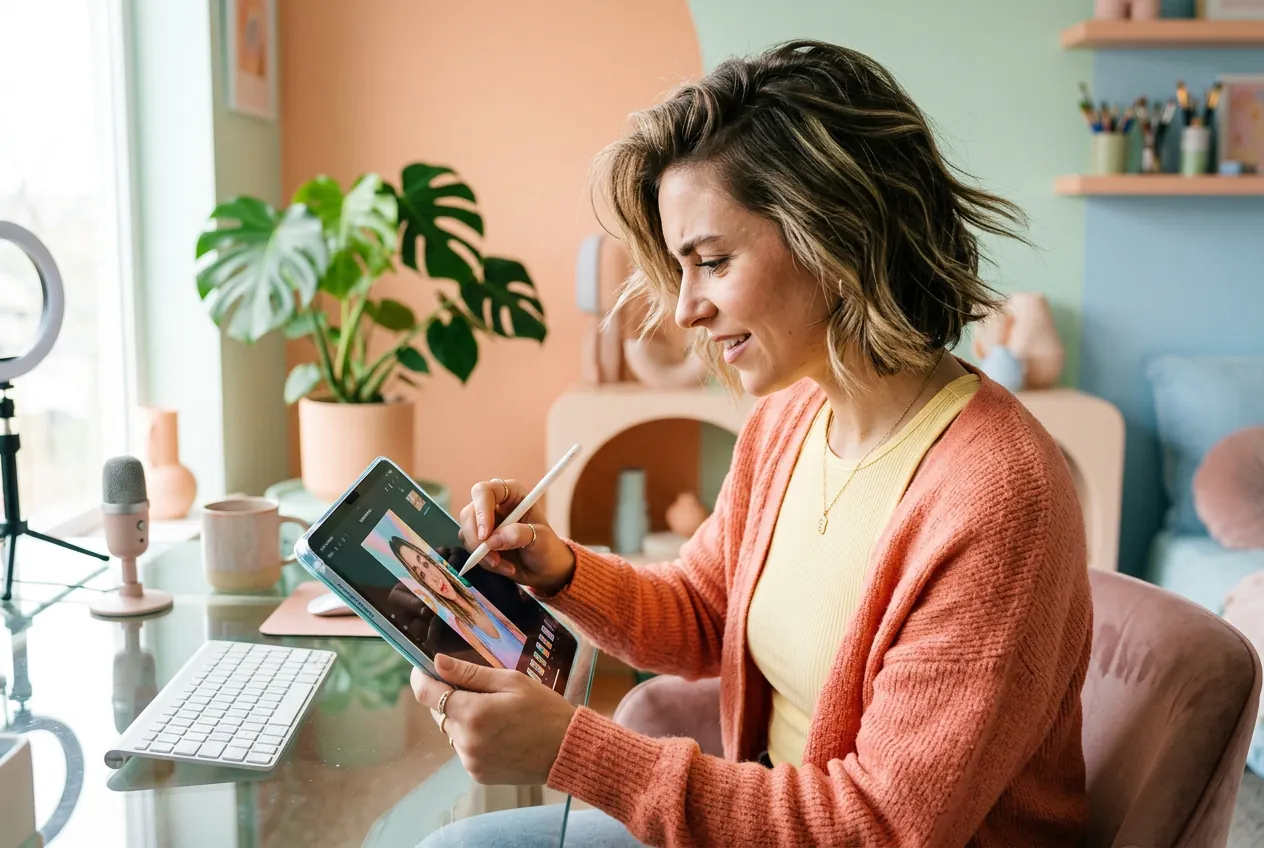
Posting daily means no time for frame-by-frame touch-ups on selfies. Drop the image into AI Wrinkle Remover, run the editing pass, and the thumbnail looks polished in under a minute. Keep the hook sharp, skip the retouching spiral.

Portrait photographer reviewing AI Wrinkle Remover skin results

Portrait Photographers

Clients expect delivery in 48 hours, but heavy retouching eats that window fast. Wrinkle AI handles the base pass so manual work is reserved for creative decisions. Ship the gallery on time, iterate on what matters.

How AI Wrinkle Remover Works

Three steps, no tutorial required. Upload, set your intensity, export clean output. The AI does detection and blending while you move on.

Step 1

Upload Reference Image

Drop in a portrait or headshot as your reference image. AI Wrinkle Remover gets the best detection across zones like brow lines, crow's feet, and nasolabial folds with clear lighting.

Step 2

Set Zone Intensity

Choose full face processing or target specific zones. Dial the intensity up or down per region. The wrinkle remover photo pass auto-matches skin tone and light so edits blend without a visible seam.

Step 3

Export High-Res Output

Download a high-resolution file ready for social posts, e-commerce listings, or print use. AI Wrinkle Remover output preserves pores and natural texture so results never read as over-processed or fake.

AI Wrinkle Remover Features

Built for speed and real output quality. Each feature targets a specific retouching problem. Batch it, adjust it, export it, move on.

Auto Zone Detection

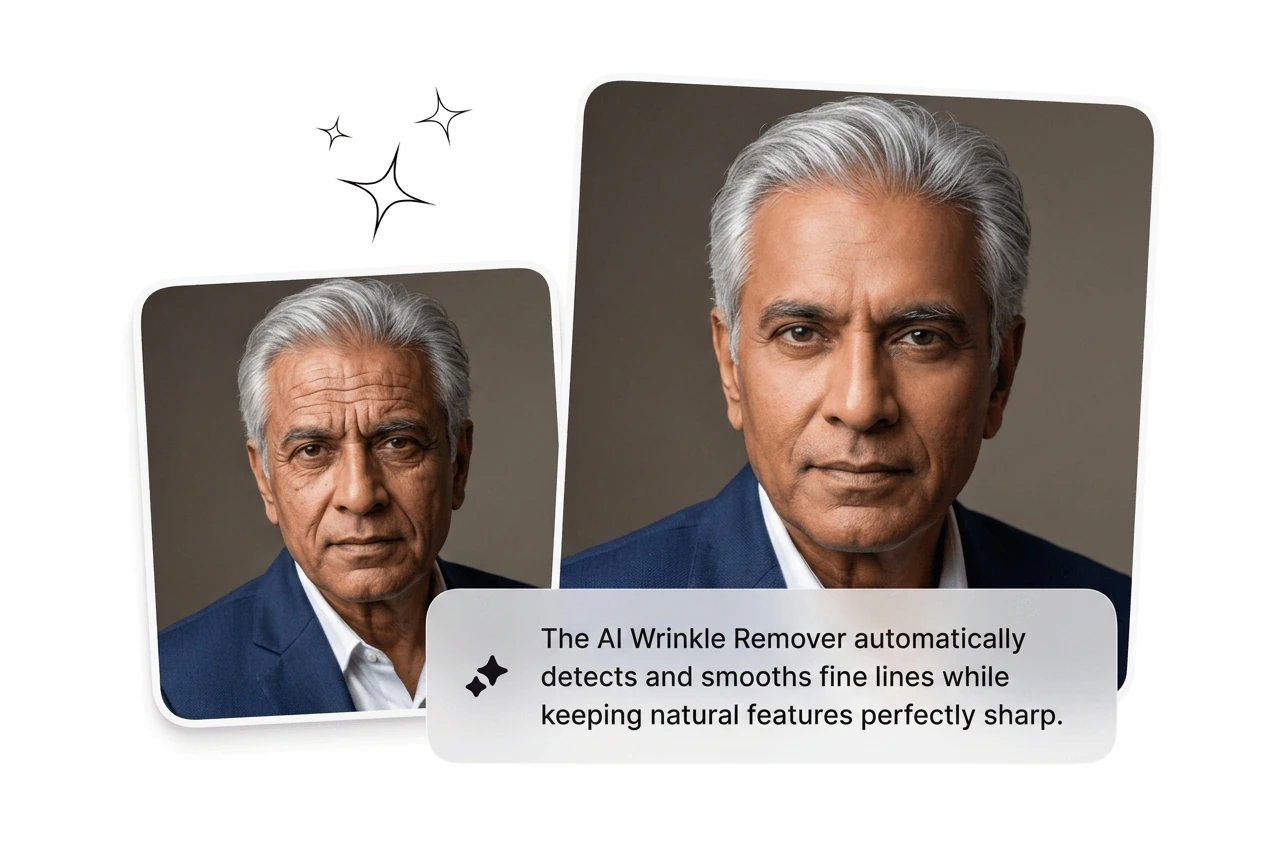
AI Wrinkle Remover locates forehead lines, crow's feet, and nasolabial folds automatically. No manual selection, no lasso tool, no guesswork needed at all. Detection runs in seconds so output is ready to review immediately without waiting.

AI Wrinkle Remover auto zone face detection close-up

Texture Stays Intact

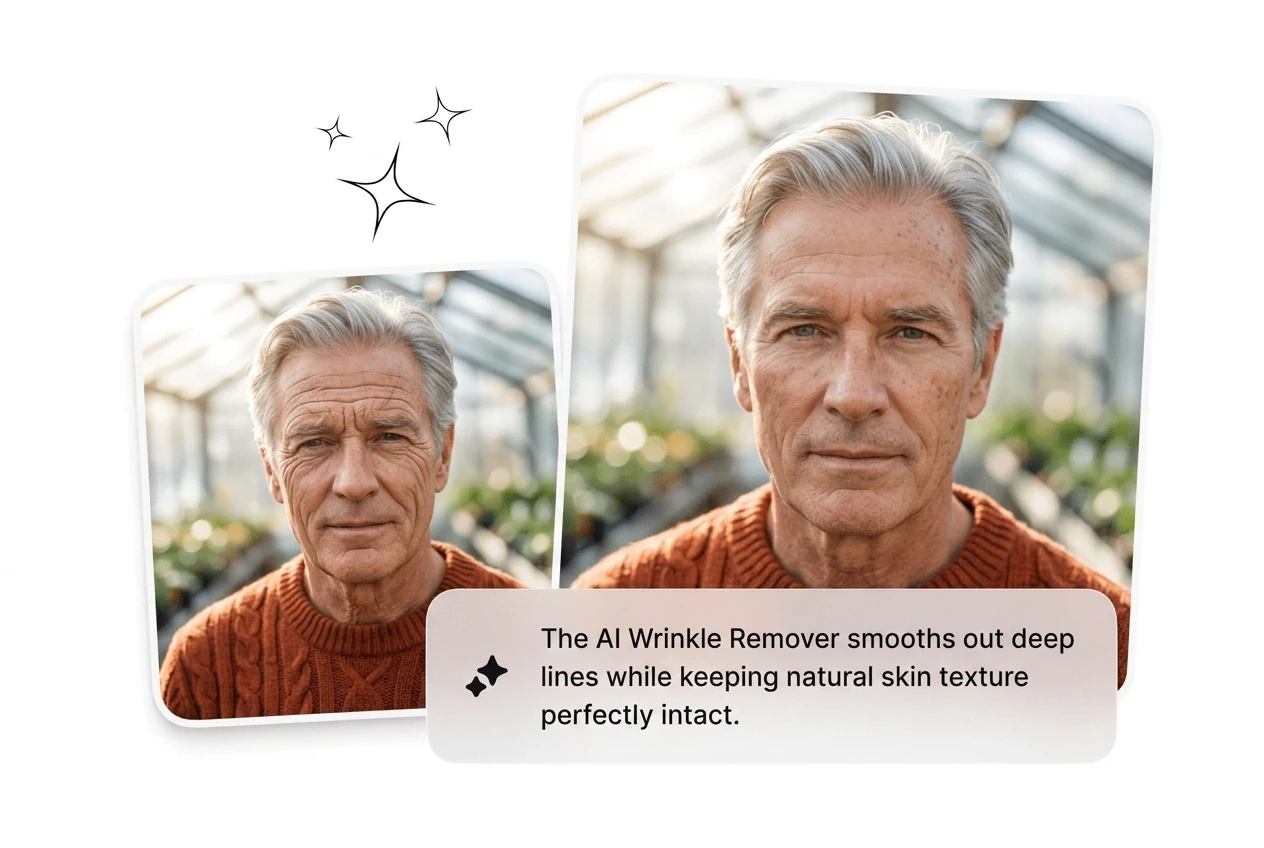
Smooth skin without the plastic doll look. The wrinkle filter keeps pores, natural depth, and light falloff intact while reducing wrinkle visibility. Results read as genuine skin, not a heavy beauty filter applied at full blast.

AI Wrinkle Remover natural skin texture preserved result

Adjustable Strength Per Area

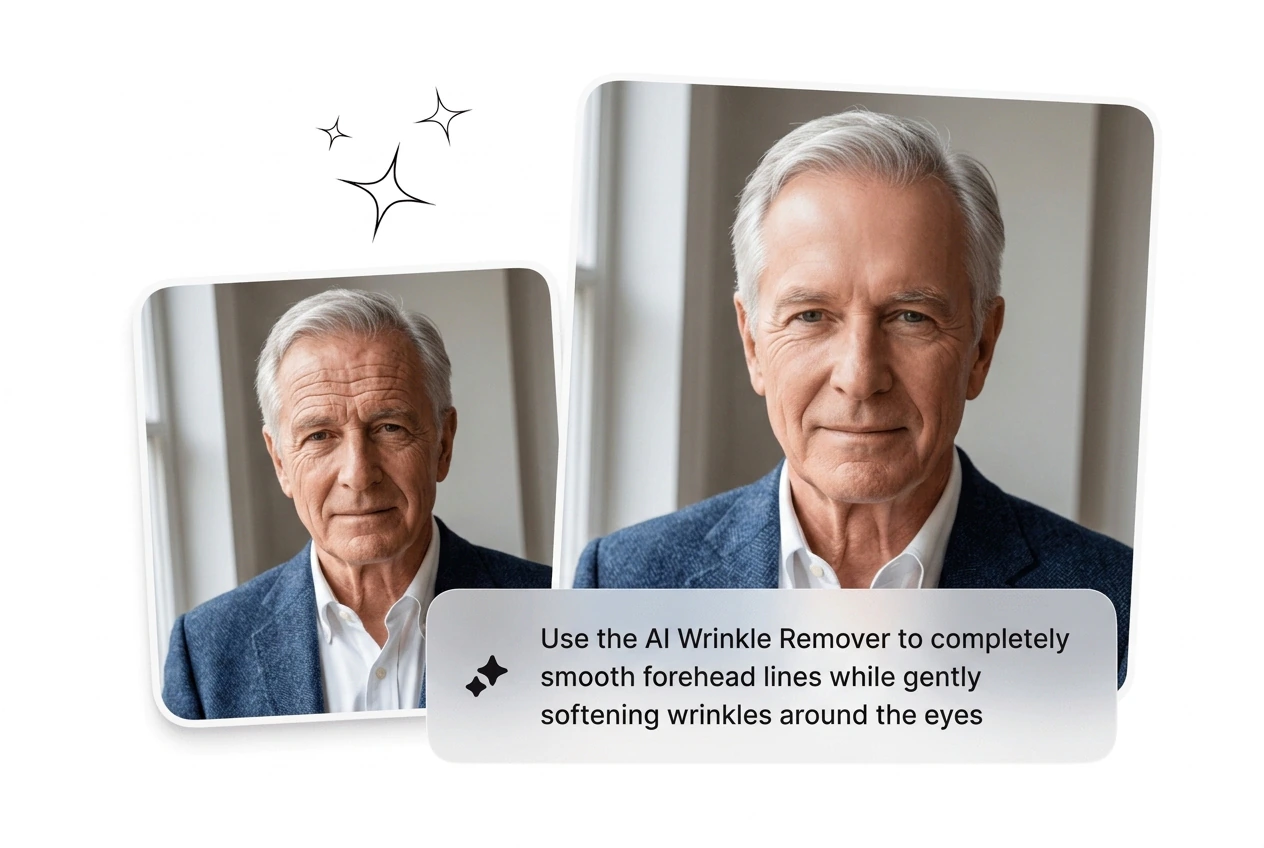
Dial intensity separately for each facial zone instead of running one global setting across the whole face. Useful when under-eye areas need a lighter touch than forehead lines. More precision means fewer rerolls and faster client approval.

AI Wrinkle Remover adjustable strength per facial zone

High-Res Clean Export

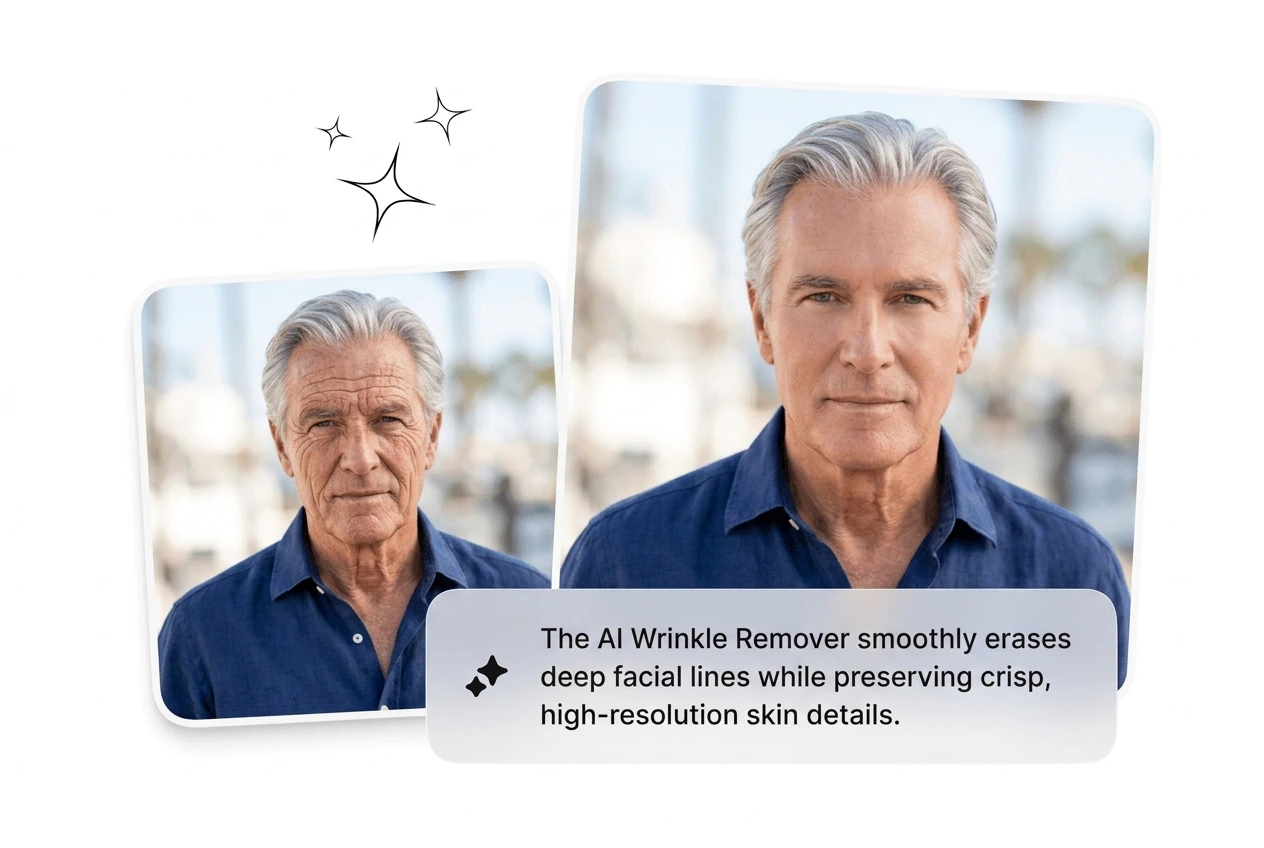
Export full-resolution files suitable for print, e-commerce listings, and social media. Works as a free wrinkle remover without compression artifacts killing the final output. Useful when the destination is a product page or paid ad.

AI Wrinkle Remover high resolution export sample

AI Wrinkle Remover FAQ

Upload your reference image and the AI Wrinkle Remover detects facial lines automatically. No manual selection needed. Works as a photo wrinkle remover online with zone-level targeting, so forehead lines and crow's feet get processed in one pass without you marking anything up.

Run the AI Wrinkle Remover Now

Upload a portrait, set your zones, get clean output in seconds. No retouching spiral, no Photoshop queue. Fast, honest results on the first pass.

Try Free