AI Image Editor

Upload an image, mark what you want to change, and generate polished edits with AI in one focused workspace.

FROM INPUT TO FINAL IMAGE IN SECONDS

Step 1

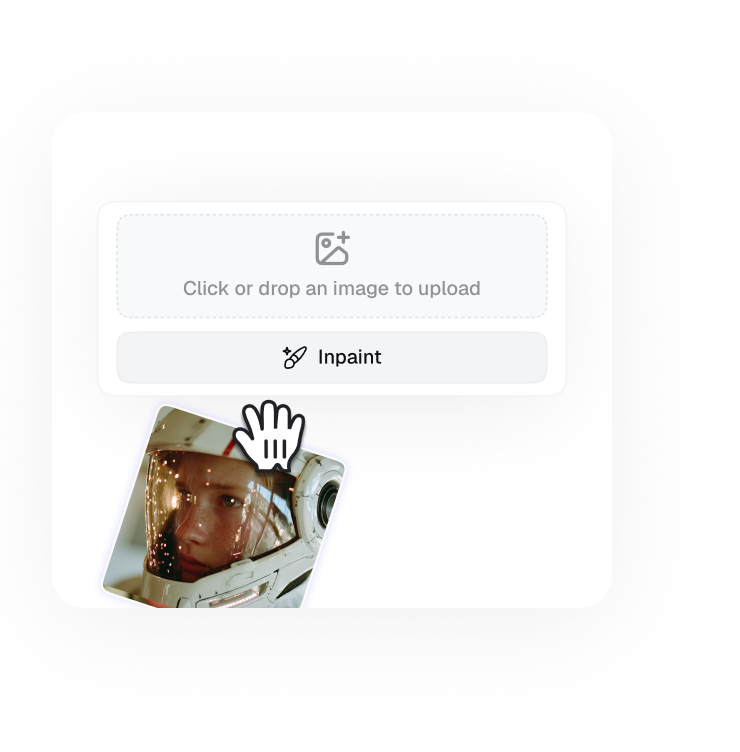
Upload Design References

Upload up to 15 images to establish your intended aesthetic direction and visual consistency.

Step 2

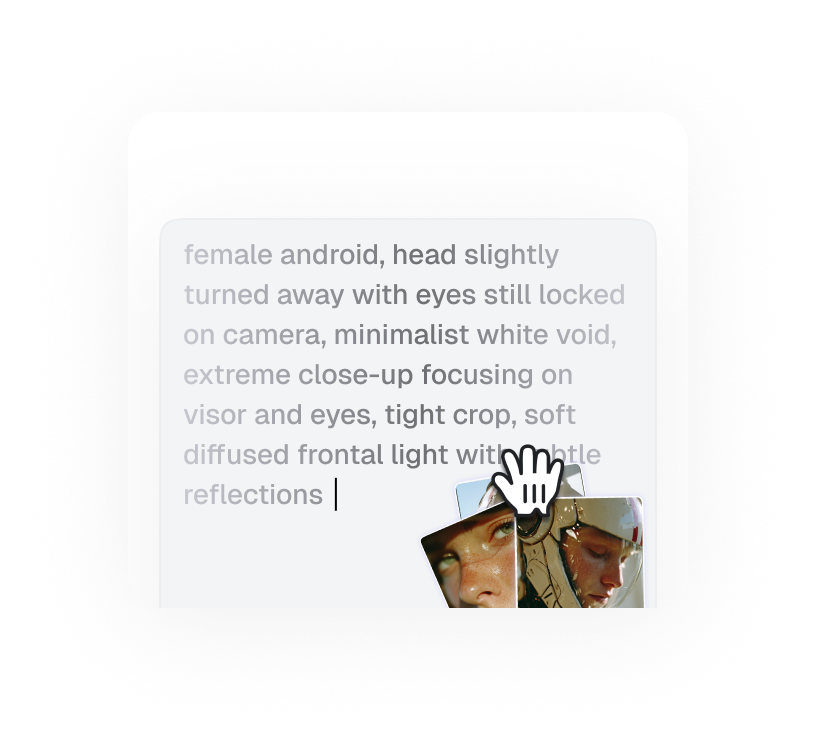
Guide the Creative Process

Use prompts to guide style, composition, lighting, and artistic direction with detailed control.

Step 3

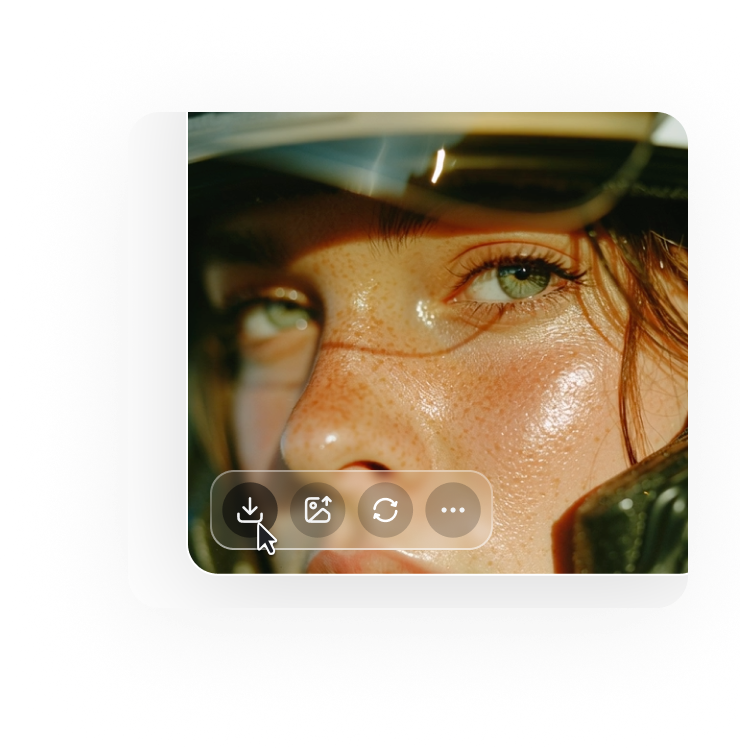
Generate Final Visual Assets

Instantly generate professional grade images ready for branding, marketing, or production use.

AI Image Editor That Ships Fast

Edit images, batch variants, and kill weak outputs quickly. This workflow is built for creators who iterate fast before lunch, not after.

Who Uses This AI Image Editor

These workflows solve one common problem: too many edits and not enough time. This page is built for teams that ship output instead of debating every micro adjustment.

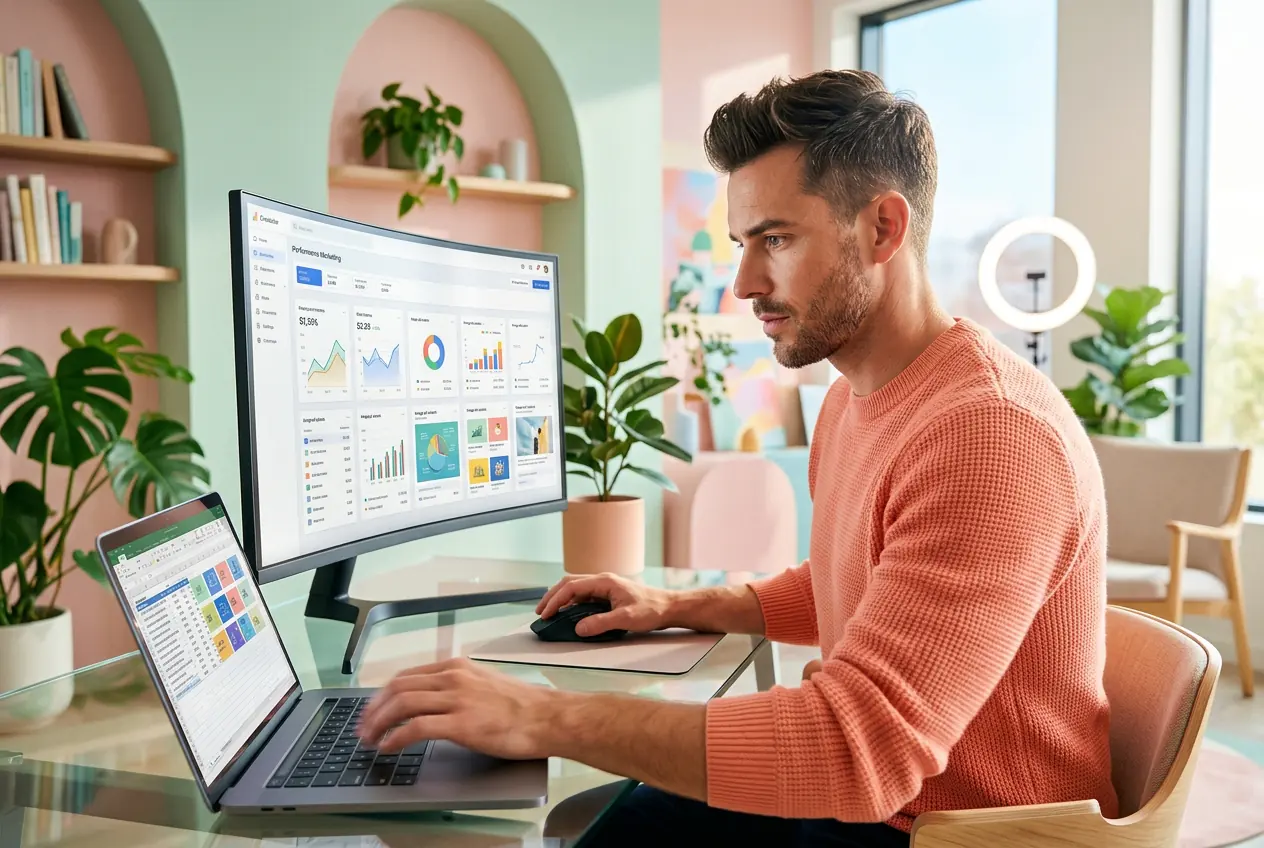
Performance marketer using AI Image Editor for ad

Performance Marketers

Running 20 ad variants this week and ad fatigue is already hitting Friday. The AI Image Editor batches background swaps, colour shifts, and product reframes fast. Generate image variants from a single reference, cut the losers, scale what converts before the next brief lands.
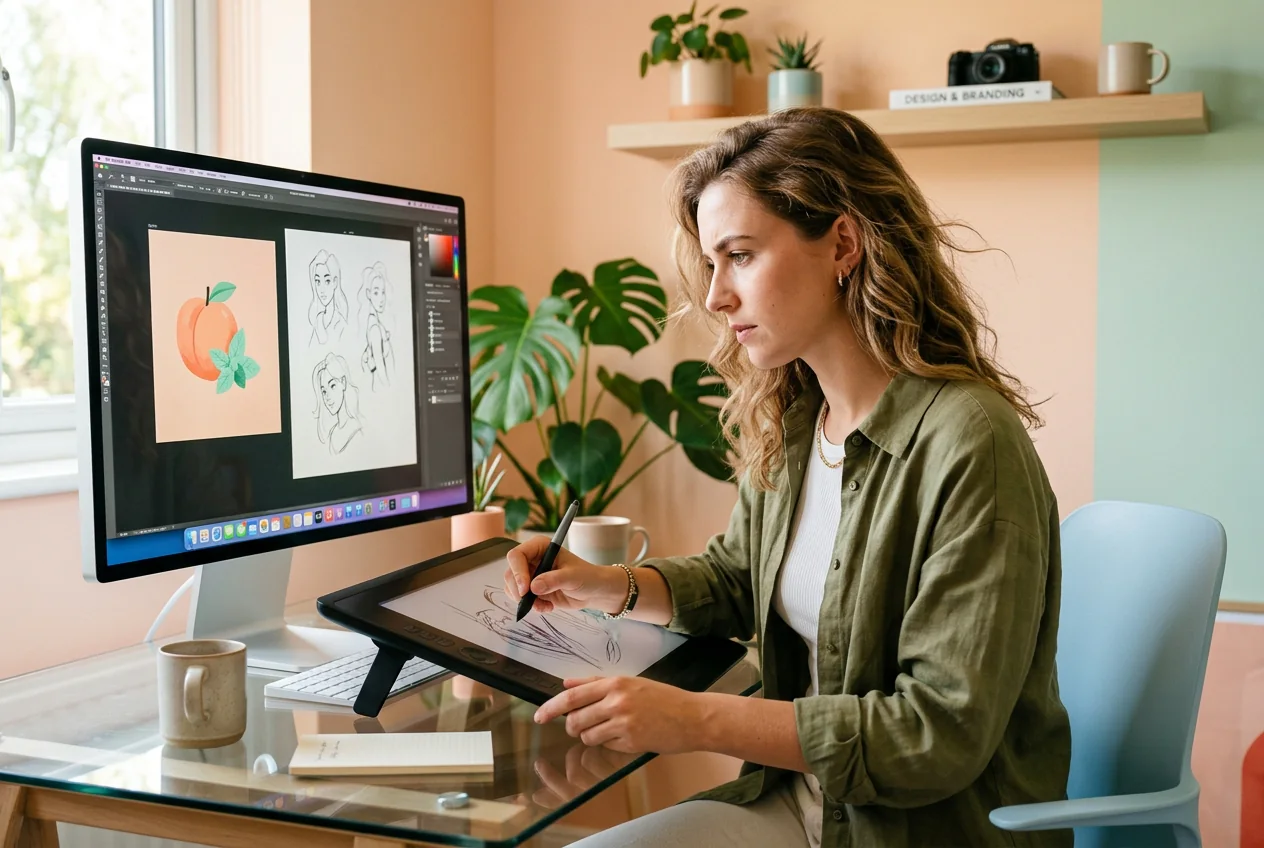
Freelancer running AI Image Editor photo editing tool

Solo Freelancers

Client wants a fresh look with no reference and a 48 hour turnaround. Use the AI Image Editor to rough cut three style directions fast, then do Photo to Photo Editing on the one they pick. Done before you would have opened a second app.

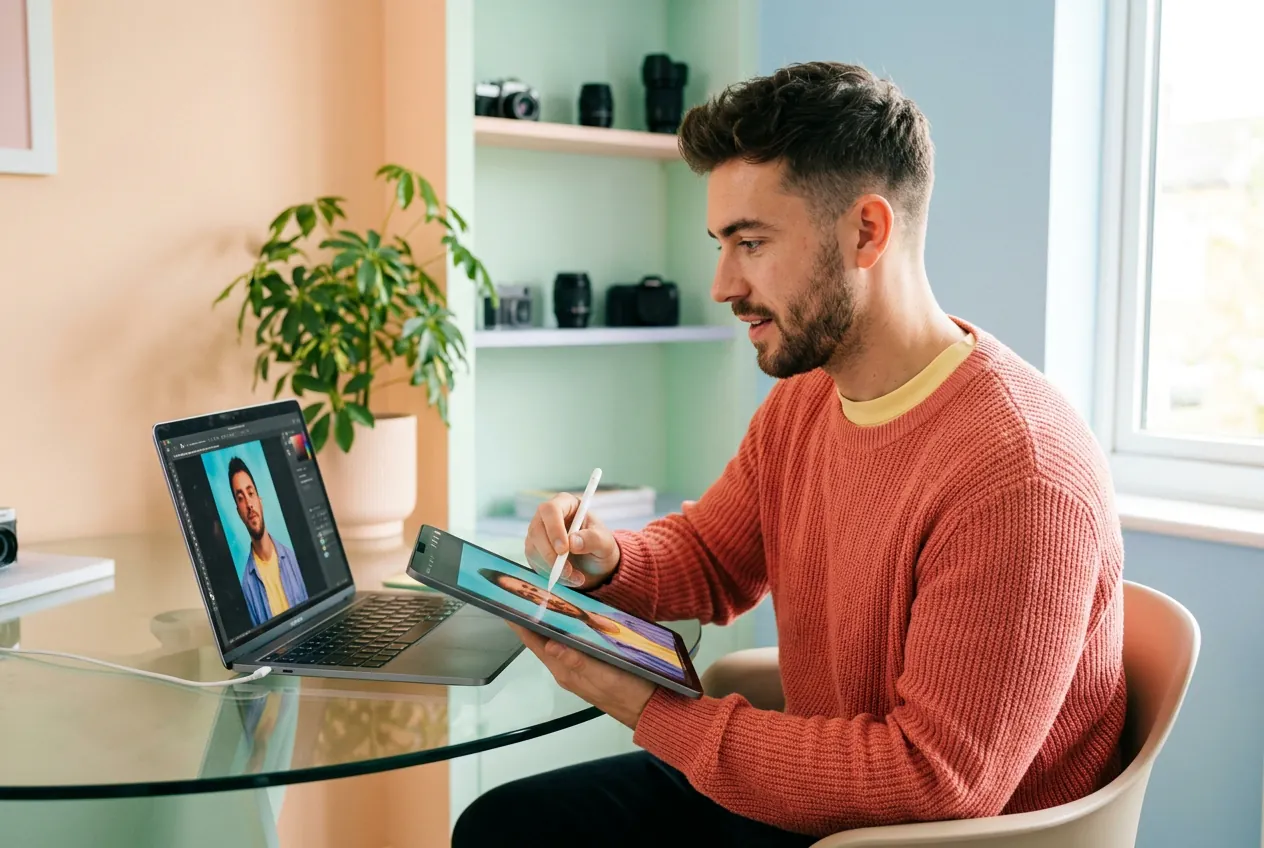
Content creator editing portraits with AI Image Editor

Content Creators

Posting daily means trend windows close fast. Edit images with AI to swap backgrounds, retouch portraits, or fix image quality on a selfie in under ten minutes. Looks like a production budget. Took twenty minutes and one upload.

How the AI Image Editor Works

This workflow uses three steps from reference image to finished output, with no keyframing or long tutorials. If the first pass looks rough, reroll once and sharpen details before export.

Step 1

Upload Reference Image

Drop in your source image or use text to image ai to generate a starting frame. The AI Image Editor reads lighting, subject, and composition from whatever you give it. Cleaner input, cleaner output.

Step 2

Select Edit Type

Choose what changes: remove background, retouch photo, sharpen image, swap outfit, or shift style. The Online Image Editor keeps unselected regions intact while processing your target area. Precise enough to fix one eyebrow.

Step 3

Iterate and Export

Reroll the variant if the first result is close but not there. Batch edits across multiple images or upscale image output to higher resolution before export. Ship the version that works, archive the rest.

AI Image Editor Features That Ship

These are practical levers for iteration speed, not mood board fluff. Use AI Photo Editor workflows for image editing, edit photo online free, and apply precise local fixes when quality gates are tight.

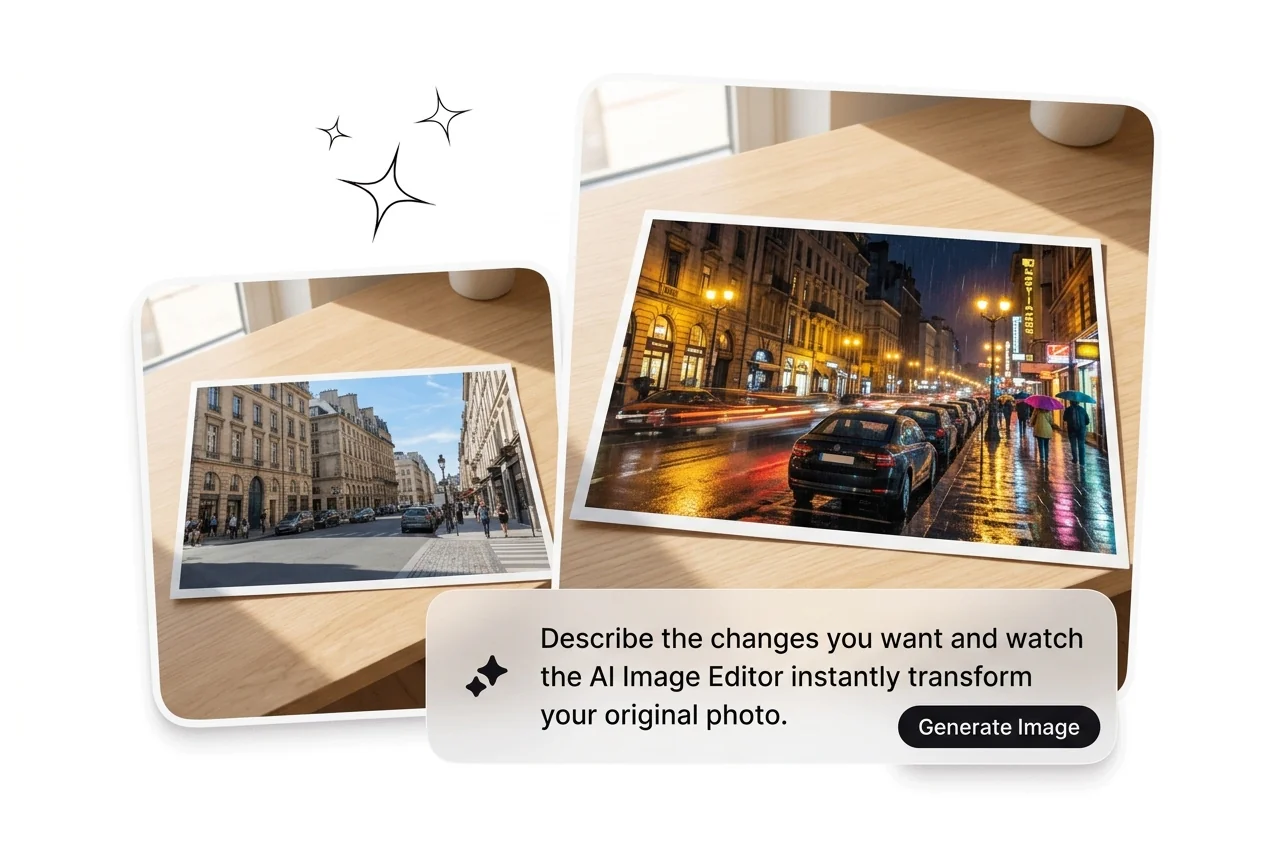
Describe Changes, Get Edits

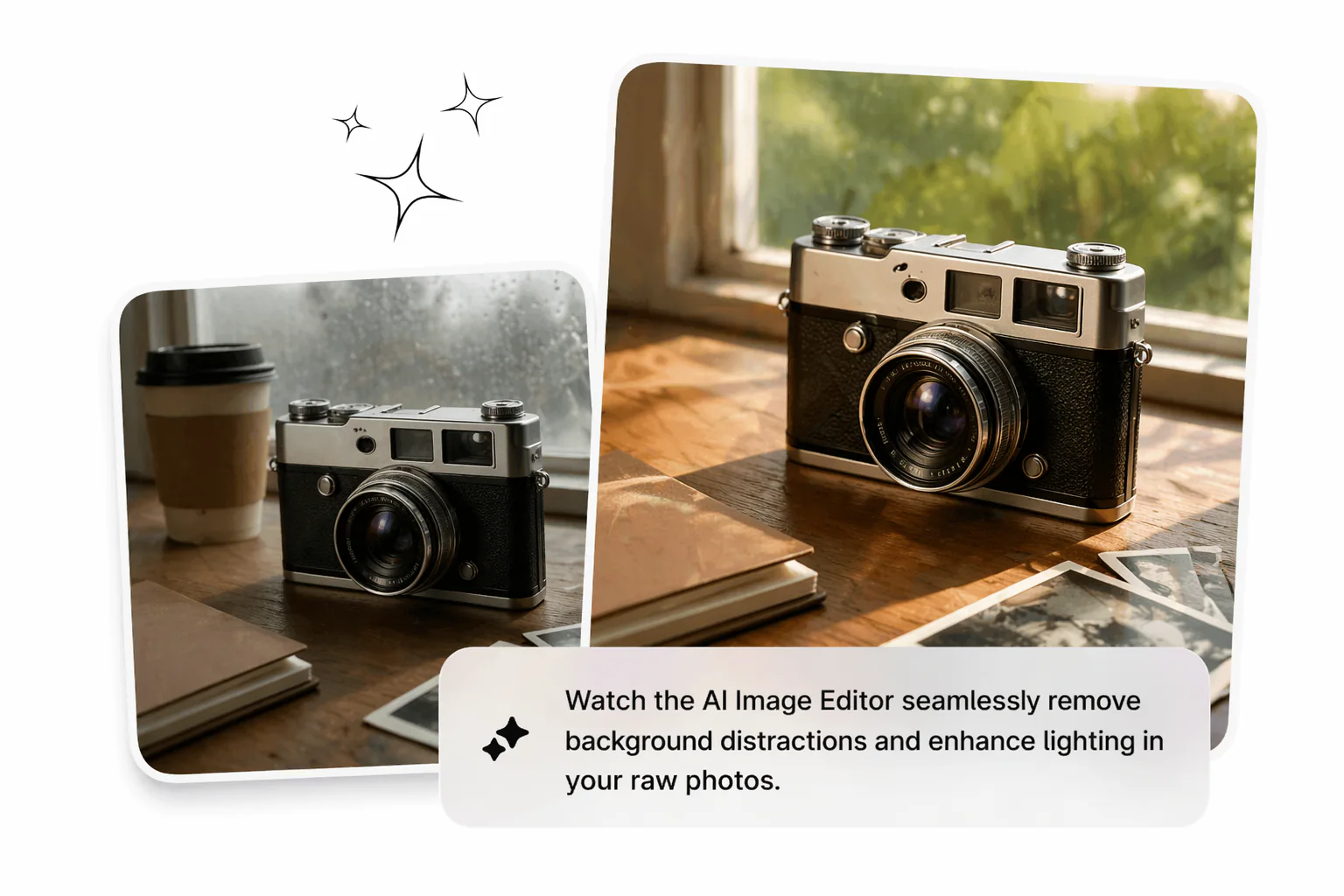
Describe what needs to change and the AI Image Editor rewrites that element directly. Swap a background, fix image exposure, change a hairstyle, or edit colour of image without touching a mask or layer. This image editing flow works best when source detail is sharp and the change scope is specific for clip style mockups.

Describe edits and swap background with AI

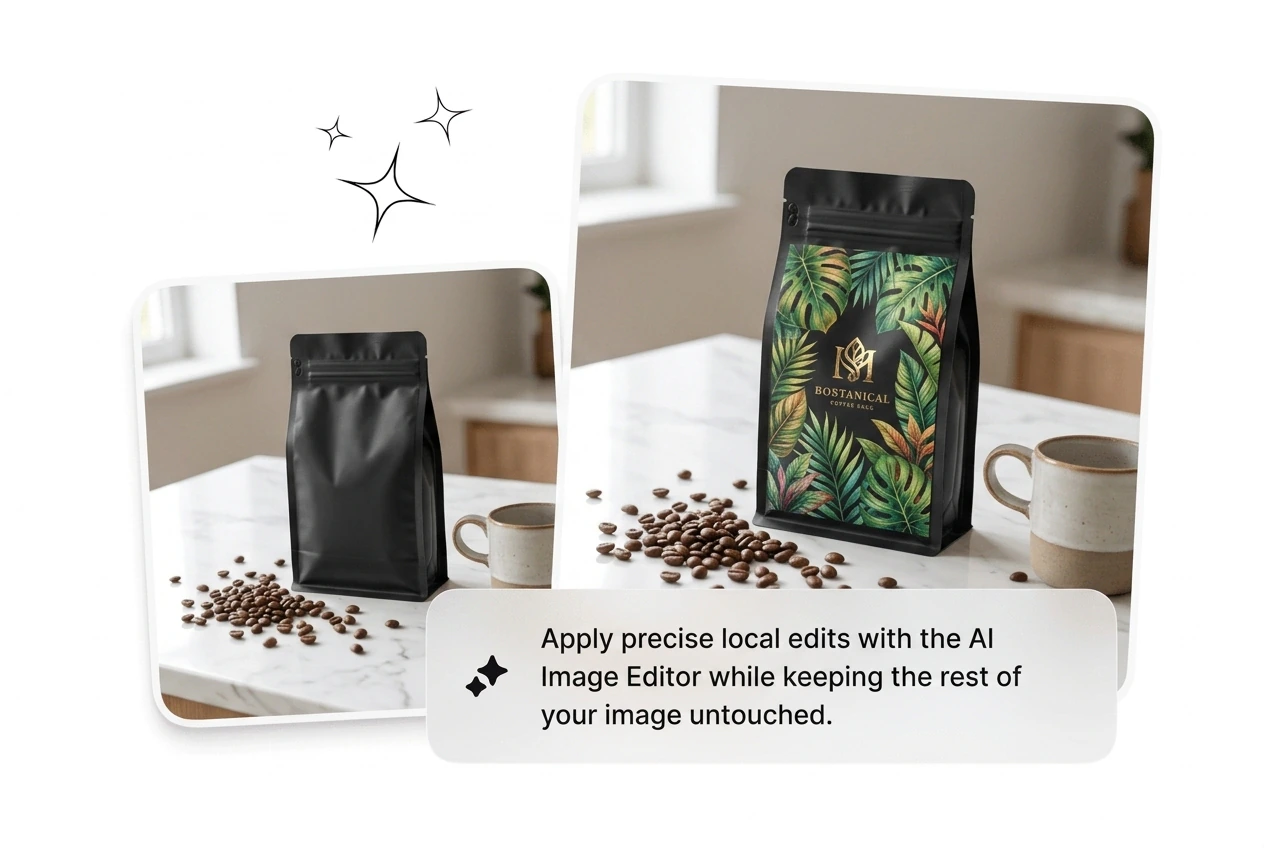
Local Edits, Untouched Rest

The AI Image Editor targets only the region you indicate. Adjust an expression, replace an object, or fix a small flaw without regenerating the whole frame. This feature is useful when client feedback hits at 11pm. The rest of the image stays where it was while the fix renders in seconds.

AI Image Editor local region inpainting edit precision

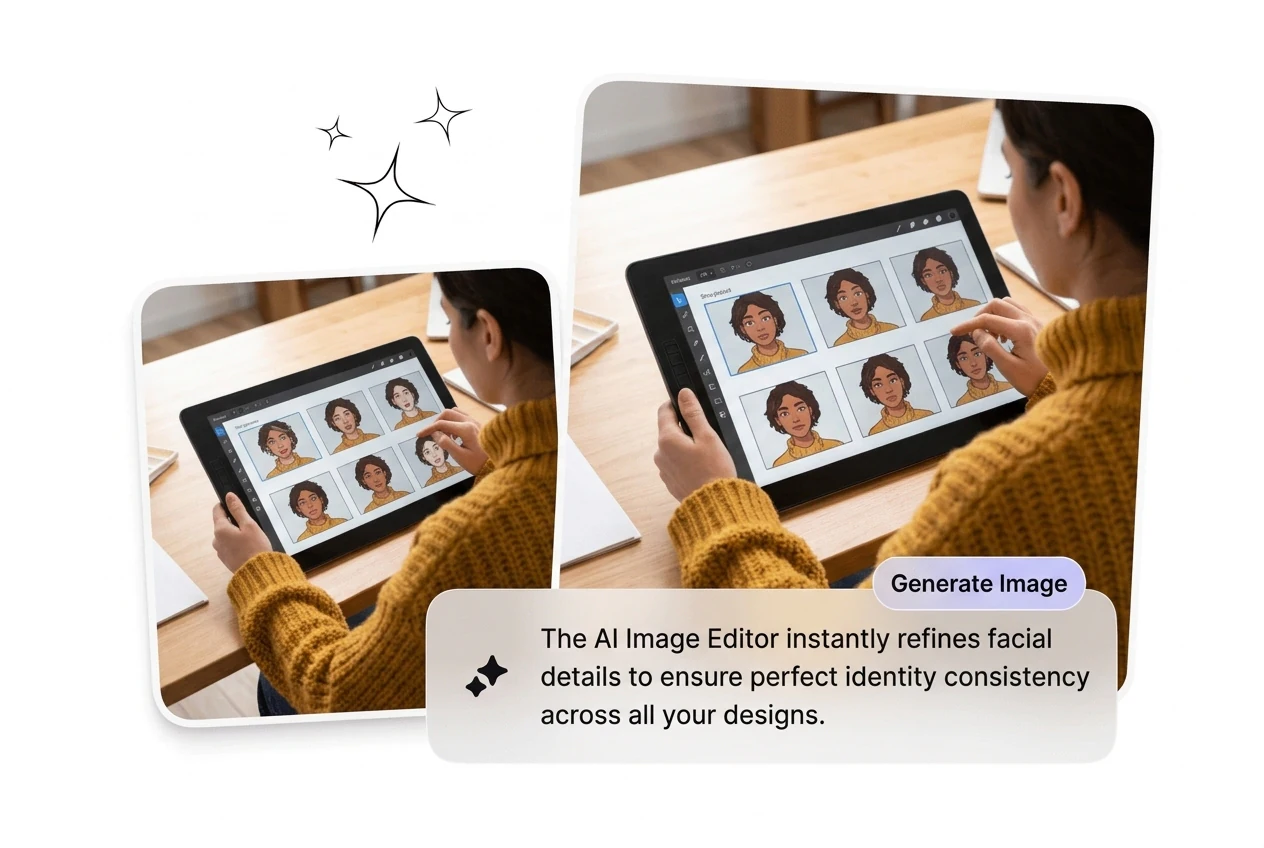
Face and Identity Consistency

Swap the outfit, change the background, retouch photo details, and the subject still looks like the same person. The AI Image Editor holds facial structure and identity across edits, which matters for brand characters, portrait series, and any continuous visual output. Upload a reference image once and iterate across scenes without drifting.

AI Image Editor face consistency portrait series output

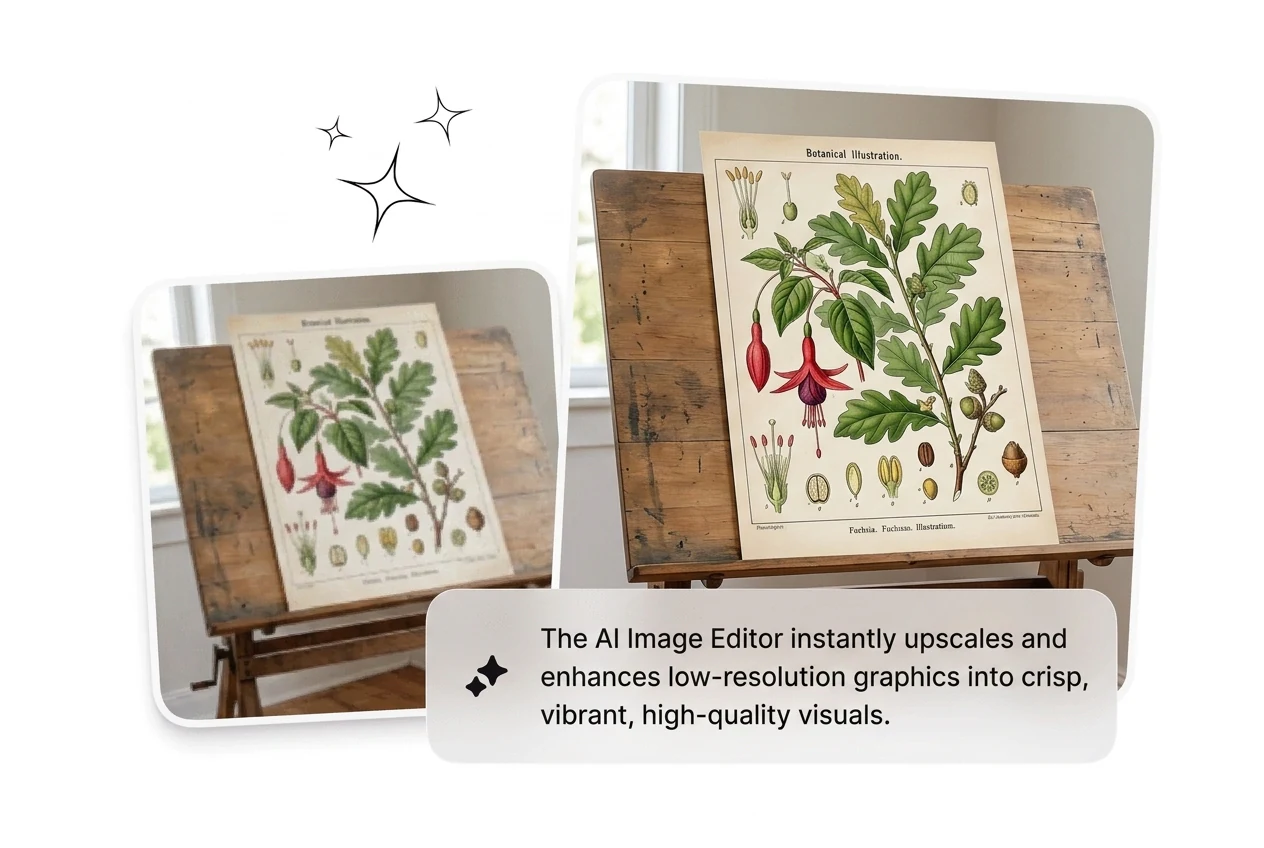
Upscale and Enhance Image

Enhance image quality after editing: the free ai image editor pipeline can upscale image files to high resolution and sharpen image edges before export. Use it on product shots, poster crops, or portrait finals that need clean delivery. Run the upscaler last so you avoid re rendering with the Photo Editing Tool.

AI Image Editor upscale enhance image high resolution

AI Image Editor FAQ

Yes, you can test this workflow without full signup in most cases. If you need larger batch output or high resolution export, a free account may be required. This helps teams validate photo editor online free quality before committing production volume.

Run the AI Image Editor Now

Upload a reference image, pick your edit, and see what ships with AI Image Editor. No keyframing, no layers, no waiting. Just iterate until something lands.

Try Now