Best AI Pixel Art Generator

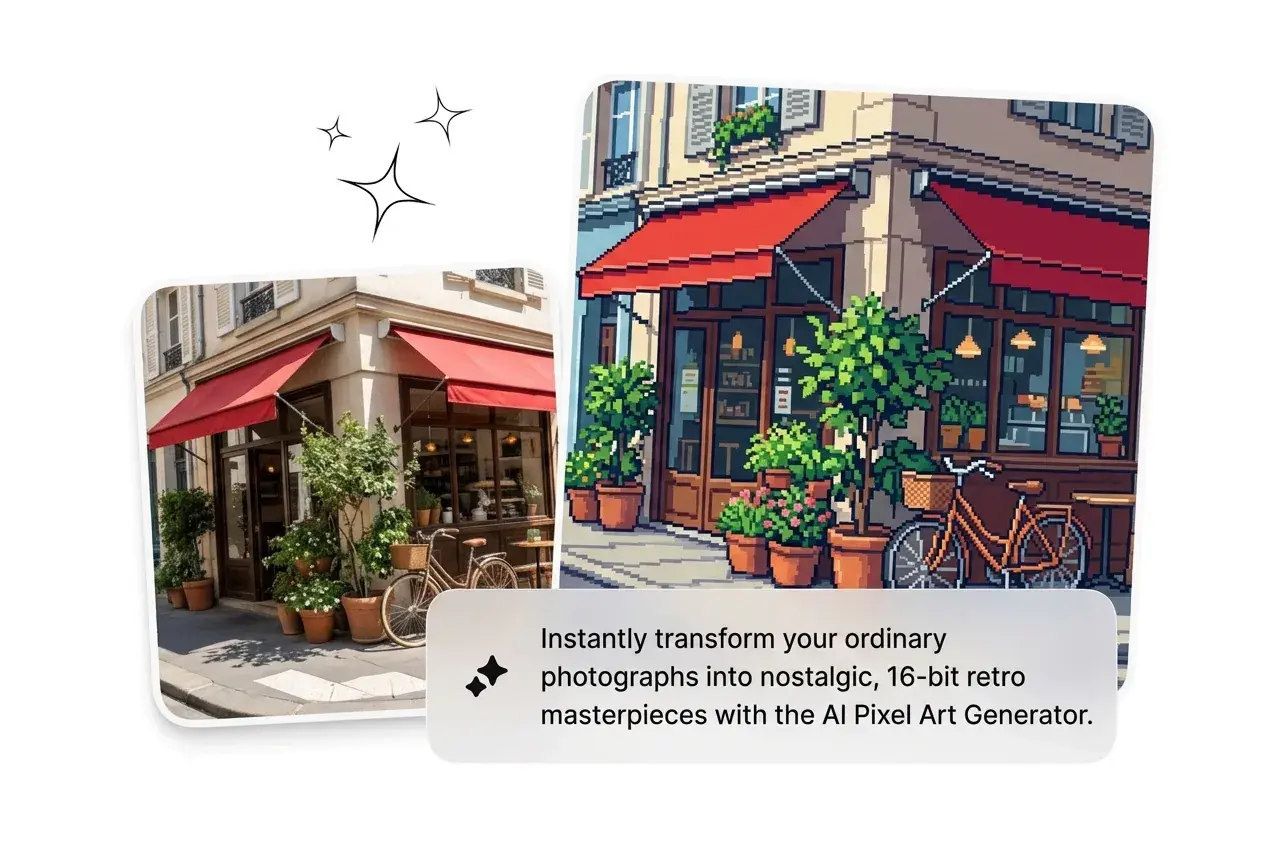
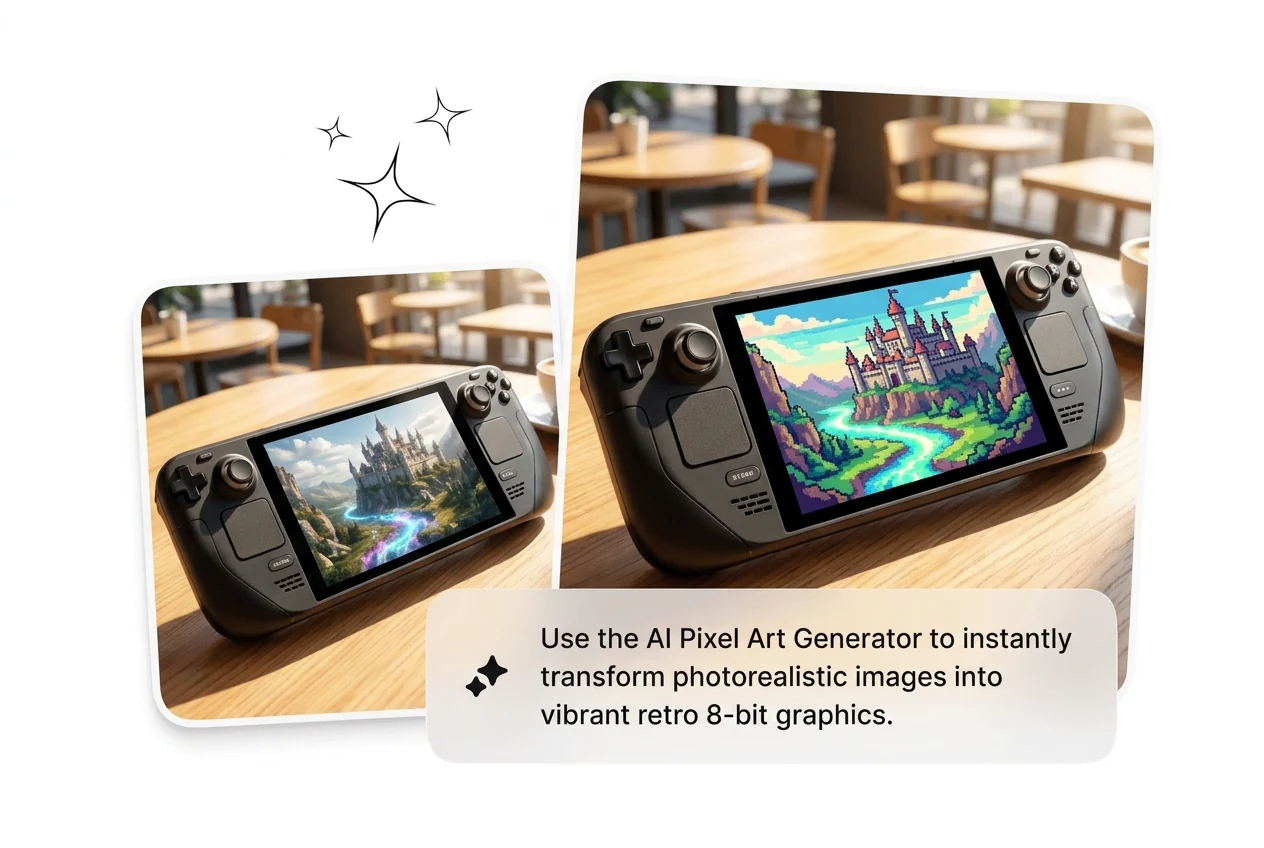
Upload a reference image or describe your subject to generate pixel art across multiple styles and grid resolutions. This keeps quality steady for daily publishing.

Banner preview

AI Pixel Art Generator That Ships Fast

Generate pixel art from images or descriptions in seconds. Pick a style, get structured pixel blocks, export clean PNG. No manual grid work required.

Who Uses This AI Pixel Art Generator

Built for creators who need pixel output fast, not a three hour drawing session. Batch variants, kill the weak ones, ship what lands.

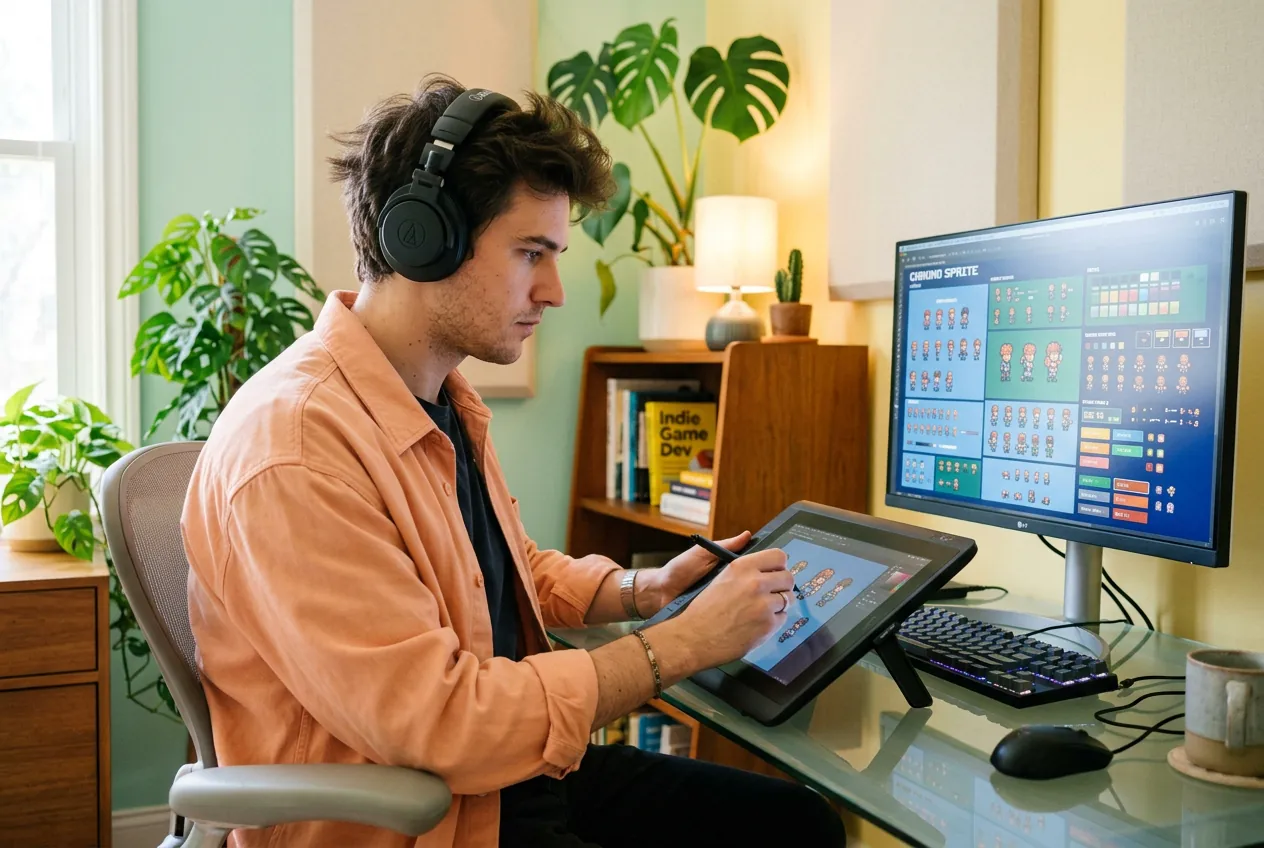
Indie game dev using AI Pixel Art Generator

Indie Game Dev

Running sprite requests solo while also writing code and designing levels. The AI Pixel Art Generator turns a rough character sketch or description into a usable sprite sheet variant in one shot. Pick the 8-bit or 16-bit style, reroll until the silhouette reads, export PNG and drop it into your engine. No waiting on an artist.
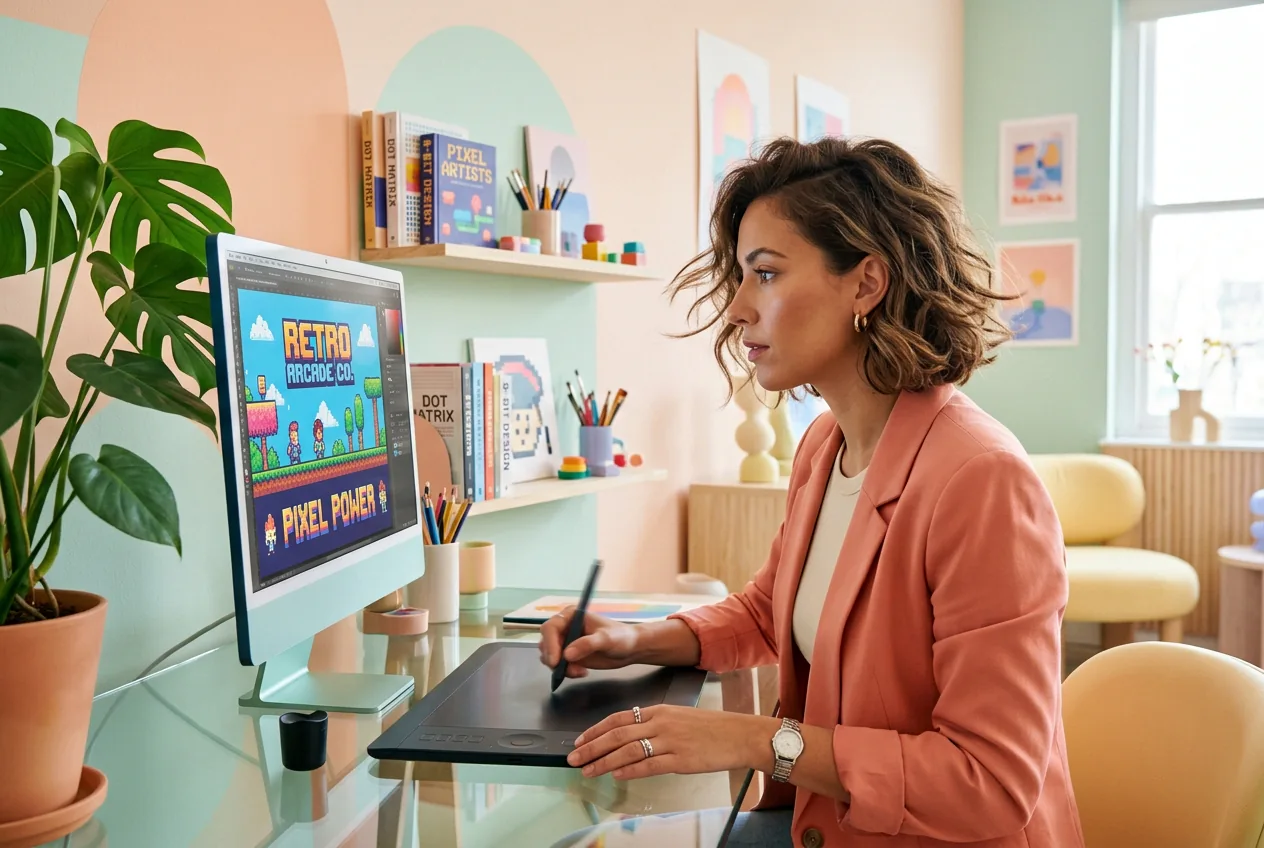
Growth marketer generating AI Pixel Art Generator ad

Growth Marketer

Testing retro themed ad creatives across five ad sets before noon. The AI Pixel Art Generator batches pixel art variants from the same reference image so each ad set gets a distinct look without a separate design brief. Convert image to pixel art, swap the palette, reroll the character pose, and scale the winner. Fast enough to beat ad fatigue.

Community creator using AI Pixel Art Generator for

Avatar Creator

Posting to a Discord community or gaming profile where a pixel avatar is the currency of identity. Upload a photo and use the AI Pixel Art Generator to turn photos into pixel art characters in under two minutes. Coarse grid for a chunky 8-bit look, fine grid for detail, export, done. No Photoshop skills needed.

How the AI Pixel Art Generator Works

Three steps. No timeline, no keyframes, no filter stacking. Upload or describe, pick your style, export the result. That is the whole workflow.

Step 1

Upload or Describe

Drop a reference image or describe the subject you need rendered as pixel art. The AI Pixel Art Generator reads visual weight, shape, and color from your input. Clear subjects and high contrast references produce tighter pixel grid output.

Step 2

Pick Your Style

Choose from coarse pixel, fine pixel, 8-bit, 16-bit, game retro, or 3D pixel perspective. Each style controls grid density and palette behavior. Reroll within the same style if the first variant misses the target aesthetic.

Step 3

Export and Ship

Download a clean PNG with no watermark. Resolution is high enough for game assets, social avatars, poster prints, or merch files. Use it immediately or batch more variants before committing.

AI Pixel Art Generator Key Features

Every feature here maps to one thing: getting structured pixel output faster, with fewer rerolls to reach something usable. No filler, no filter gimmicks.

One Click Pixel Generation

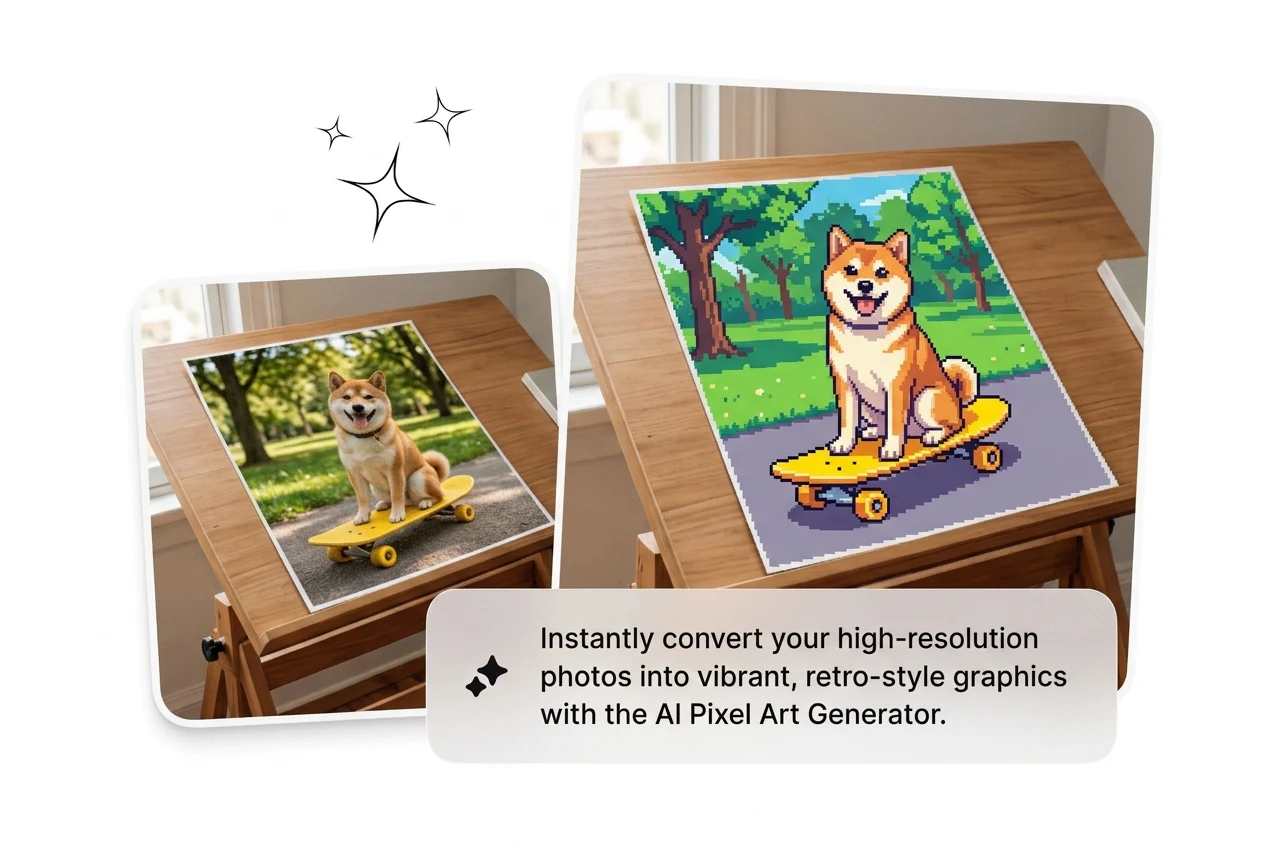
The AI Pixel Art Generator converts a reference image or a plain description into a structured pixel image in one action. No layer by-layer drawing, no grid setup. Useful when a client needs a retro asset and the deadline is same day. Result is a clean pixel block image ready for export, generated in seconds, not hours.

AI Pixel Art Generator one click pixel image

Image or Text Input

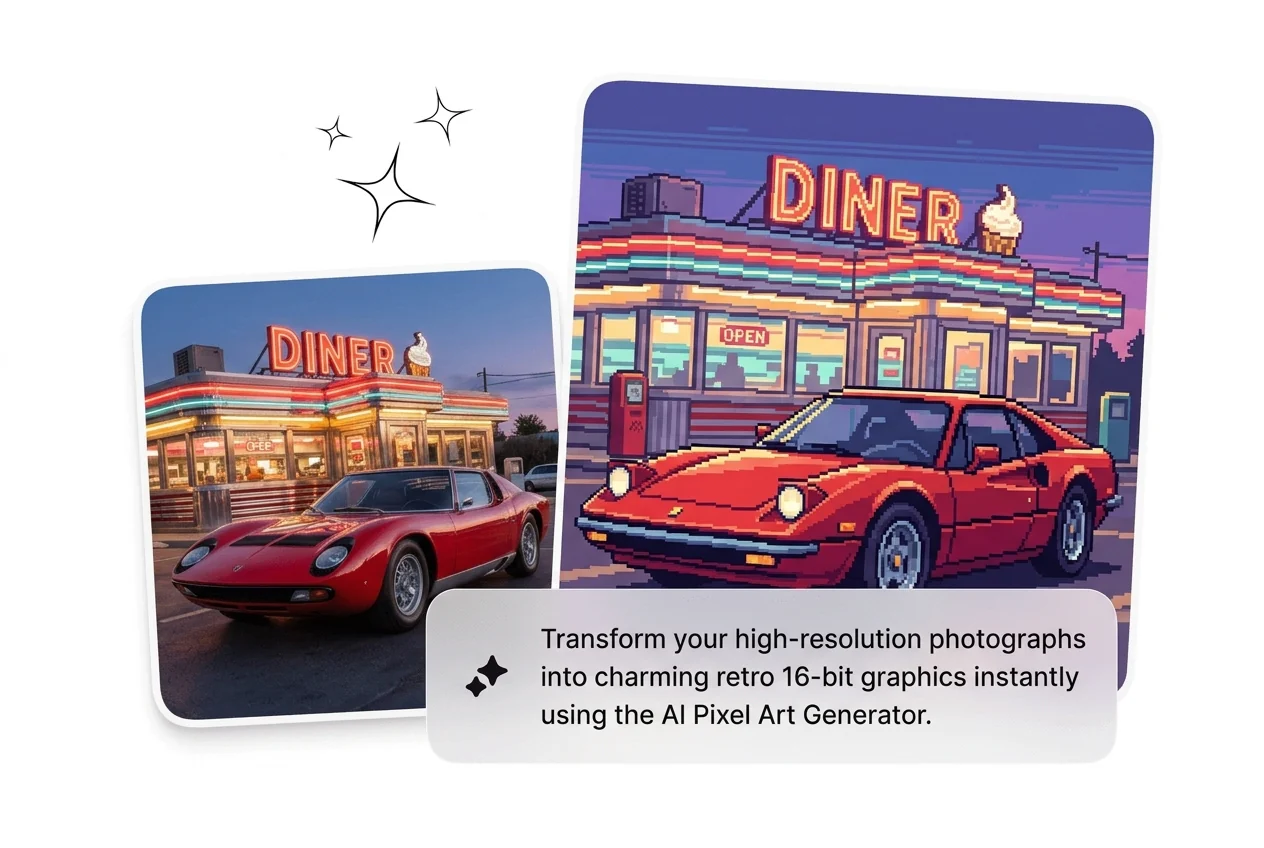
Use the pixelart converter two ways: upload a photo or reference image to create pixel art from image directly, or describe the subject and generate pixel art from scratch. This lets you convert pic to pixel art from existing assets or create pixel art from image concepts that do not yet exist visually. Both paths hit the same structured pixel output.

AI Pixel Art Generator image and text input

Real Pixel Block Output

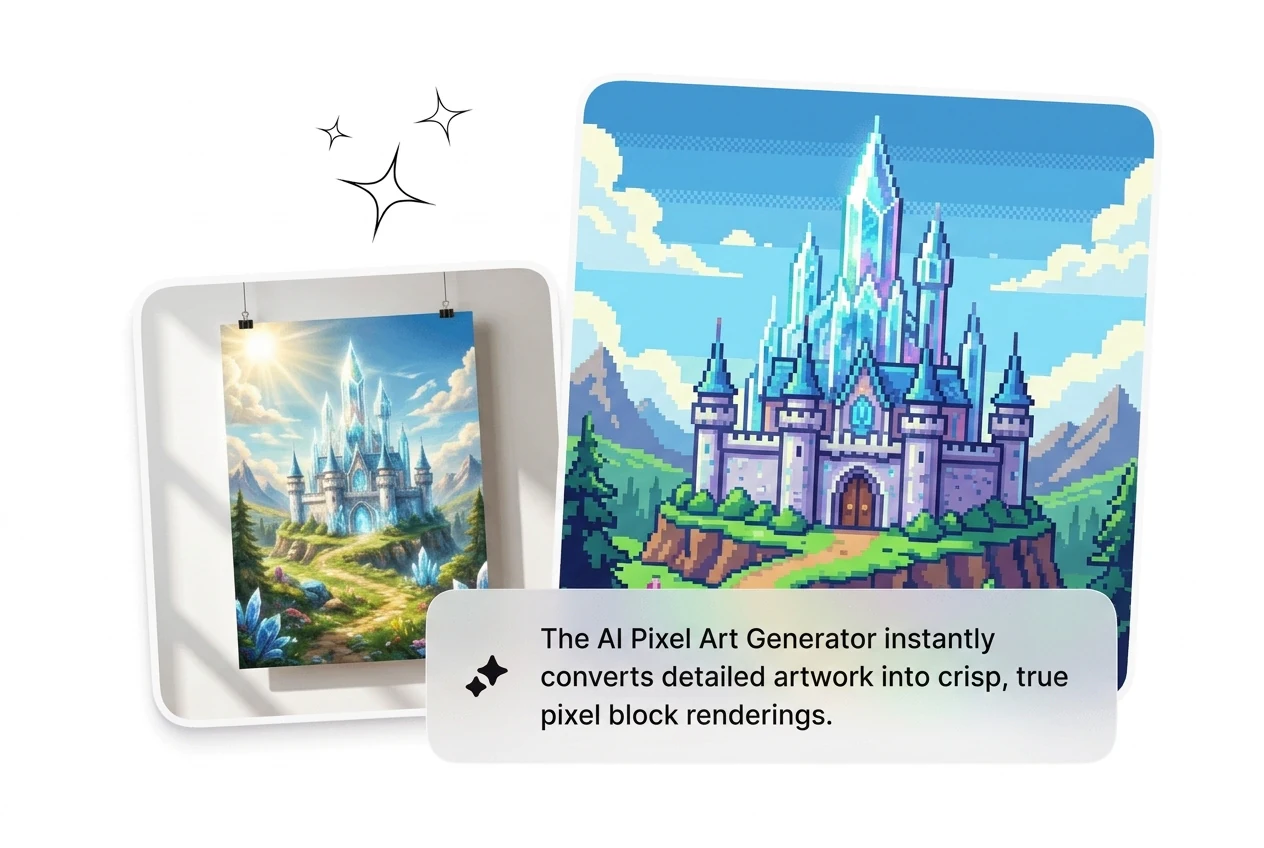
This is not a blur filter or a mosaic effect. The AI Pixel Art Generator outputs genuine pixel art with visible, structured grid blocks that match the aesthetic of classic game sprites. Works for 8-bit art and 16-bit scenes where grid fidelity matters. Useful when the output needs to pass as real retro artwork rather than a photo effect.

AI Pixel Art Generator real pixel block grid

Multiple Retro Art Styles

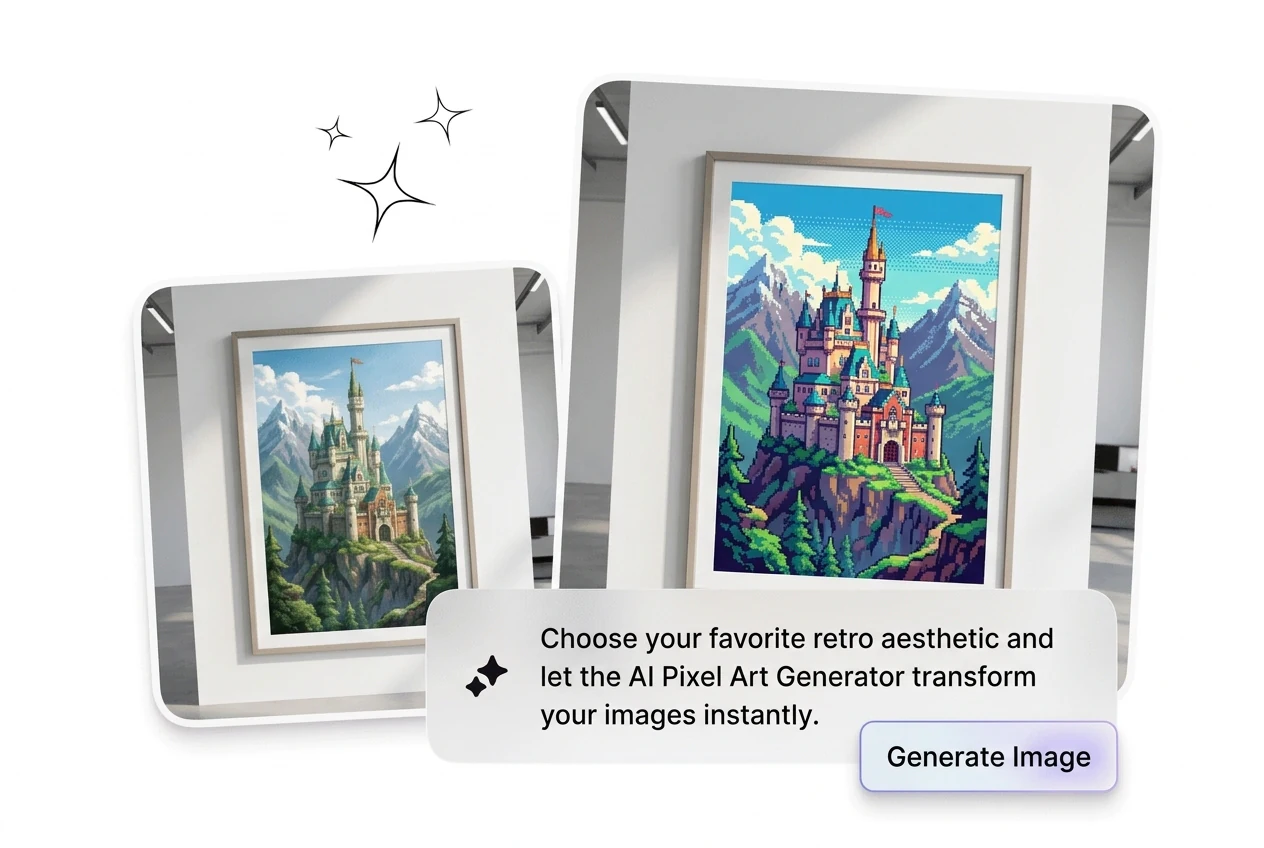
Switch between coarse pixel, fine pixel, 8-bit art, 16-bit art, game retro, and 3D pixel perspective. Each style produces a distinct grid density and color palette behavior. Pick the style that matches your project, reroll if the first pass is off, and iterate fast. Works for game pixel art backgrounds, character design, and AI retro art generator use cases alike.

AI Pixel Art Generator multiple retro art style

AI Pixel Art Generator FAQ

Sure. photo to pixel art is supported in this workflow. This keeps output quality stable for typical web sharing and quick review. This helps you compare outcomes quickly.

Generate Pixel Art in Seconds

Upload a reference image, pick your grid style, and ship clean pixel output in under two minutes. Reroll until it lands. No drawing skills needed.

Try Now